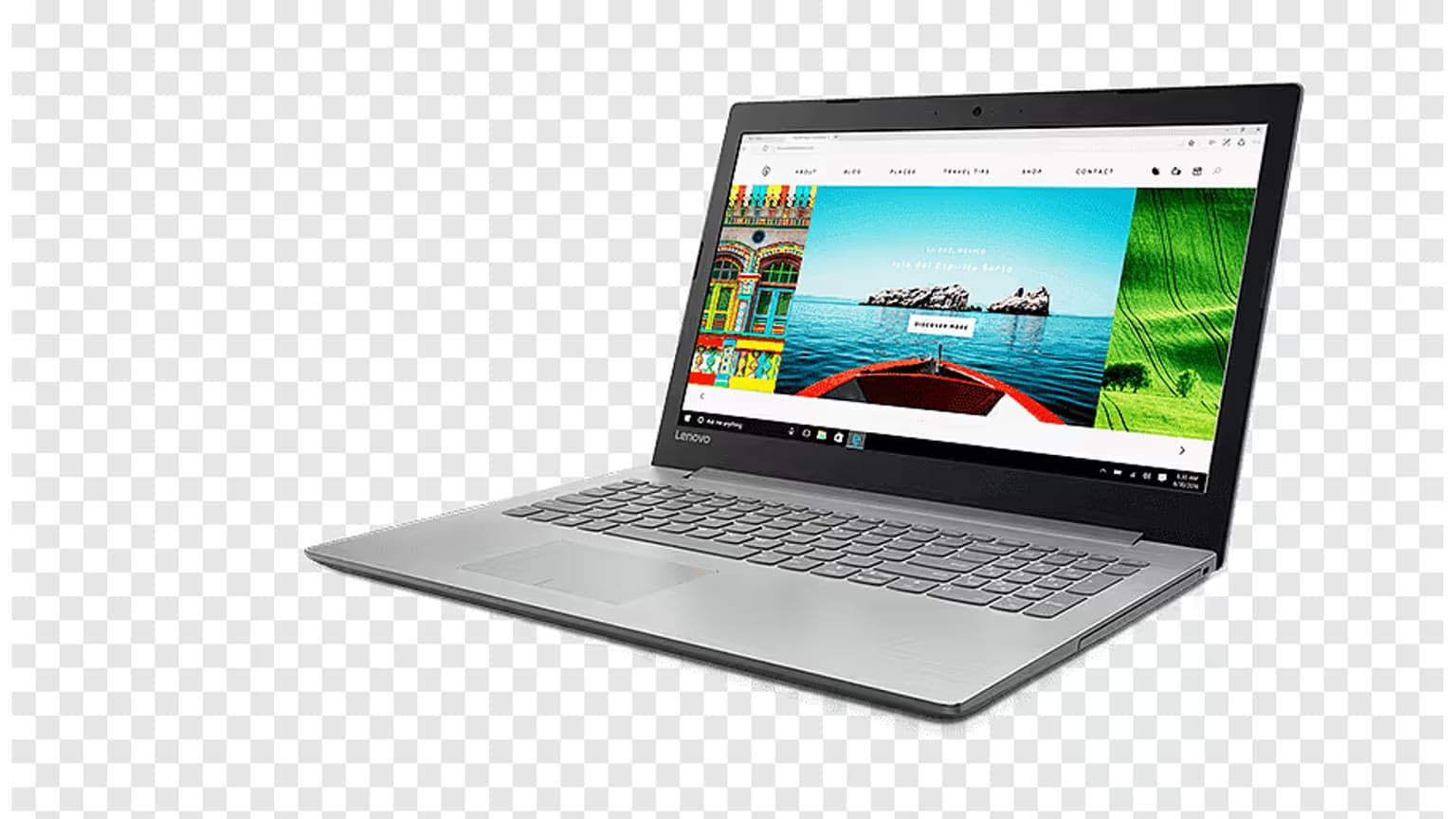
Buying a laptop in 2026 is not just about choosing the newest chip or the prettiest screen. The smarter question is: will this machine still feel fast, supported, repairable enough, and worth its price two or three years from now?
This guide keeps the original Ogabassey warning simple: do not get dazzled by marketing. Check the battery, memory, storage, processor generation, display, ports, warranty, and software support before you pay.
Who this is for
This is for everyday buyers who need a dependable laptop for school, work, business admin, browsing, meetings, streaming, light editing, or general productivity. If your main goal is high-FPS gaming, start with our dedicated gaming laptop buying guide, then come back here for the battery, warranty, display, and port checks that still apply.
If you are comparing processor names and model years, also read our processor buying guide. A newer laptop with a weak chip can still feel worse than an older business-class laptop with a stronger CPU, better cooling, and more RAM.
Quick 2026 buying verdict
For most people in 2026, the safest laptop spec is a modern Intel Core Ultra/Core 5/Core 7, AMD Ryzen 5/Ryzen 7/Ryzen AI, Apple M-series, or Snapdragon X-series laptop with 16GB RAM, a 512GB SSD, a 1080p or sharper display, USB-C charging, Wi-Fi 6E or Wi-Fi 7, and a clear warranty or return path. If the budget is tight, drop to 8GB RAM only for basic browsing and documents, but avoid 4GB RAM, 128GB storage, eMMC storage, 720p screens, damaged batteries, and unsupported operating systems.
1. Check MacBook battery cycle count, but do not trust it alone
Cycle count still matters on used MacBooks. Apple lists maximum cycle counts for Mac notebook batteries, and many modern MacBooks are rated around 1000 cycles before battery replacement becomes the expected path. A used MacBook near that number can still work, but you should price it like a laptop that may soon need battery service.
Do not let a suspiciously low cycle count distract you from the rest of the machine. Check battery health, charging behavior, keyboard condition, screen stains, hinge firmness, charger authenticity, liquid-damage signs, and whether the seller will allow a return. A low cycle count on a rough-looking old laptop should raise questions, not confidence.
2. Avoid Intel MacBooks unless the price is very compelling
Apple Silicon changed the used MacBook market. M1, M2, M3, and M4 MacBooks generally offer stronger battery life and longer software relevance than Intel MacBooks. Apple’s current macOS compatibility direction also makes Intel Macs a much riskier long-term buy than they were a few years ago.
An Intel MacBook can still make sense for a very specific buyer: someone who needs an older macOS workflow, wants the lowest possible Mac entry price, understands the support trade-off, and can verify battery and keyboard condition. For most people, though, an M1 MacBook Air or newer is the cleaner starting point. If you are still considering an Intel unit, read our Intel MacBook buying warning before paying.
3. RAM: 16GB is the new comfort zone
In 2026, 8GB RAM is the bare minimum for light use, not the sweet spot. It can handle email, documents, browsing, and streaming if you keep expectations reasonable. But if you multitask heavily, use Chrome with many tabs, edit photos or videos, run accounting software, code, use virtual machines, or want the laptop to age well, choose 16GB or more.
This matters even more because many thin laptops now have soldered memory. If the RAM cannot be upgraded later, buy the amount you expect to need for the life of the laptop. For MacBooks, unified memory is also not upgradeable after purchase. For Windows ultrabooks, check whether the RAM is soldered, slotted, or partly upgradeable before assuming you can fix a bad configuration later.
4. Storage: SSD only, and 512GB is the safer baseline
Do not buy a laptop with a mechanical hard drive as its main drive in 2026. Also be careful with very cheap laptops using small eMMC storage, because they can feel slow and fill up quickly. A real SSD is the minimum.
For basic use, 256GB SSD storage can work if most of your files live in cloud storage. For a main laptop, 512GB is the better target. Choose 1TB if you keep videos, design files, games, large photo libraries, or offline work folders. If you are buying used, ask whether the SSD is original, replaced, or near full, and check whether the model allows storage upgrades.
5. Processor: buy for your workload, not the sticker
Processor names are messy now. Intel has Core Ultra and newer Core naming, AMD has Ryzen and Ryzen AI branding, Apple has M-series chips, and Qualcomm Snapdragon X laptops run Windows on Arm. The label alone does not tell you the whole story.
- For everyday Windows use: a recent Intel Core i5/Core 5/Core Ultra 5 or AMD Ryzen 5 is usually enough when paired with 16GB RAM and an SSD.
- For heavier work: look at Intel Core Ultra 7/9, AMD Ryzen 7/9 or Ryzen AI 7/9, Apple M-series Pro/Max options, or a gaming/workstation laptop with stronger cooling.
- For Mac buyers: choose Apple M1 or newer unless there is a special reason to buy Intel.
- For Snapdragon X Windows laptops: battery life can be excellent, but check your exact apps, printer drivers, VPN, games, and business tools before buying.
Windows 11 support is also a practical filter for used Windows laptops. Microsoft’s Windows 10 support ended on October 14, 2025, so a used laptop that cannot officially run Windows 11 should be treated as a short-term or specialist purchase, not a future-proof main machine.
6. AI PC features are useful, but do not overpay for them
Copilot+ PCs and other AI-branded laptops are now common. The useful part is that many of these machines come with newer chips, better efficiency, NPUs, 16GB memory targets, and modern connectivity. The risky part is paying extra for AI features you may barely use.
Buy an AI PC if the underlying laptop is already good: strong keyboard, good screen, enough RAM, good battery, fair warranty, and the right ports. Do not choose a weaker laptop just because the box says AI.
7. Screen quality: 1080p is the floor
A laptop screen is not a small detail. You stare at it every day. Avoid 1366 x 768 and low-quality 720p-class panels unless the price is extremely low and the laptop is for temporary use.
- 1080p or 1200p: the practical minimum for most 13-inch to 16-inch laptops.
- OLED: excellent contrast and color, great for movies and creative work, but check brightness, warranty, and burn-in guidance.
- 120Hz or higher: useful for smoother scrolling and gaming, but not mandatory for office work.
- 4K: useful for some creative workflows, but often unnecessary on smaller laptops and can reduce battery life.
Also check brightness, coating, color accuracy, and aspect ratio. A 16:10 screen often feels more useful for documents and web pages than a short 16:9 panel.
8. Ports and wireless: check your real setup
Ports matter the first time you need to connect a monitor, projector, printer, memory card, Ethernet adapter, or old USB drive. Do not assume every USB-C port supports charging, display output, or Thunderbolt/USB4 speeds. Read the spec sheet carefully.
A practical 2026 laptop should ideally have USB-C charging, at least one fast USB-C port, Wi-Fi 6E or Wi-Fi 7, Bluetooth 5.3 or newer, and enough physical ports for your actual devices. HDMI is useful for offices, churches, classrooms, and presentations. An SD card slot is valuable for photographers and creators. If ports are limited, budget for a good USB-C hub, but do not ignore the inconvenience.
For less obvious checks like webcam quality, speakers, keyboard feel, fingerprint readers, repair access, and charger type, see our guide to uncommon laptop features worth checking.
9. Battery life: use claims as a ceiling, not a promise
Manufacturer battery numbers are often measured under controlled conditions. Your real result depends on brightness, browser tabs, video calls, Wi-Fi signal, background apps, screen type, chip efficiency, and battery health.
Apple Silicon MacBooks and many Snapdragon X laptops are strong battery-life choices for light productivity. Some Intel Core Ultra and AMD Ryzen AI laptops are also very competitive, especially when paired with efficient screens. Gaming laptops remain the exception: even when they advertise long runtimes, heavy gaming on battery will drain them quickly and reduce performance.
For used laptops, assume the original battery claim no longer applies. Ask for battery health screenshots, cycle count where available, and a short unplugged test if you are buying in person.
10. Warranty, returns, and trust checks
A cheap laptop is not cheap if it fails after two weeks. Before buying, confirm whether it has manufacturer warranty, store warranty, seller warranty, or no warranty at all. Check the serial number where possible, inspect the charger, test all ports, confirm the keyboard and trackpad work, and make sure the device is not locked to a previous owner or organization.
For online purchases, prefer sellers with clear return policies, real photos, accurate model numbers, and transparent condition notes. For used laptops, ask about repairs, replaced screens, battery swaps, and whether the device has ever had liquid damage. If a deal depends on vague promises, walk away.
Better alternatives by buyer type
- Best all-round choice: a 13-inch or 14-inch laptop with 16GB RAM, 512GB SSD, strong battery life, and a modern Intel, AMD, Apple, or Snapdragon chip.
- Best budget choice: a used business laptop with Windows 11 support, 16GB RAM, a replaceable SSD, and a clean battery report.
- Best Mac value: M1 or newer MacBook Air if the battery and price are right; M3 or M4 if you want longer runway and better resale value.
- Best creative choice: a color-accurate OLED or high-quality IPS display, 16GB to 32GB RAM, 1TB storage, and a stronger CPU/GPU.
- Best gaming choice: a dedicated gaming laptop with an RTX-class GPU, strong cooling, and a display that matches the graphics power.
- Best travel choice: lightweight 13-inch to 14-inch laptop with USB-C charging, excellent battery life, and a charger you can replace easily.
Final checklist before you pay
- Is the operating system still supported?
- Does it have at least 8GB RAM, or preferably 16GB?
- Is the main drive a real SSD?
- Is the battery healthy enough for your use?
- Are the ports enough for your monitor, charger, drives, and accessories?
- Can you return it if the condition is not as described?
- Are you paying for features you will actually use?
Verdict
Buying a laptop in 2026 means balancing performance, battery life, software support, repair risk, and price. The best deal is not always the newest laptop, and it is definitely not the one with the loudest marketing. For most people, 16GB RAM, a 512GB SSD, a supported operating system, a good screen, honest battery condition, and a reliable warranty matter more than chasing the most expensive chip.
If you already have a laptop in mind, use this guide as a rejection checklist. If it fails on battery, support, RAM, storage, ports, or warranty, negotiate hard or keep looking.
Sources