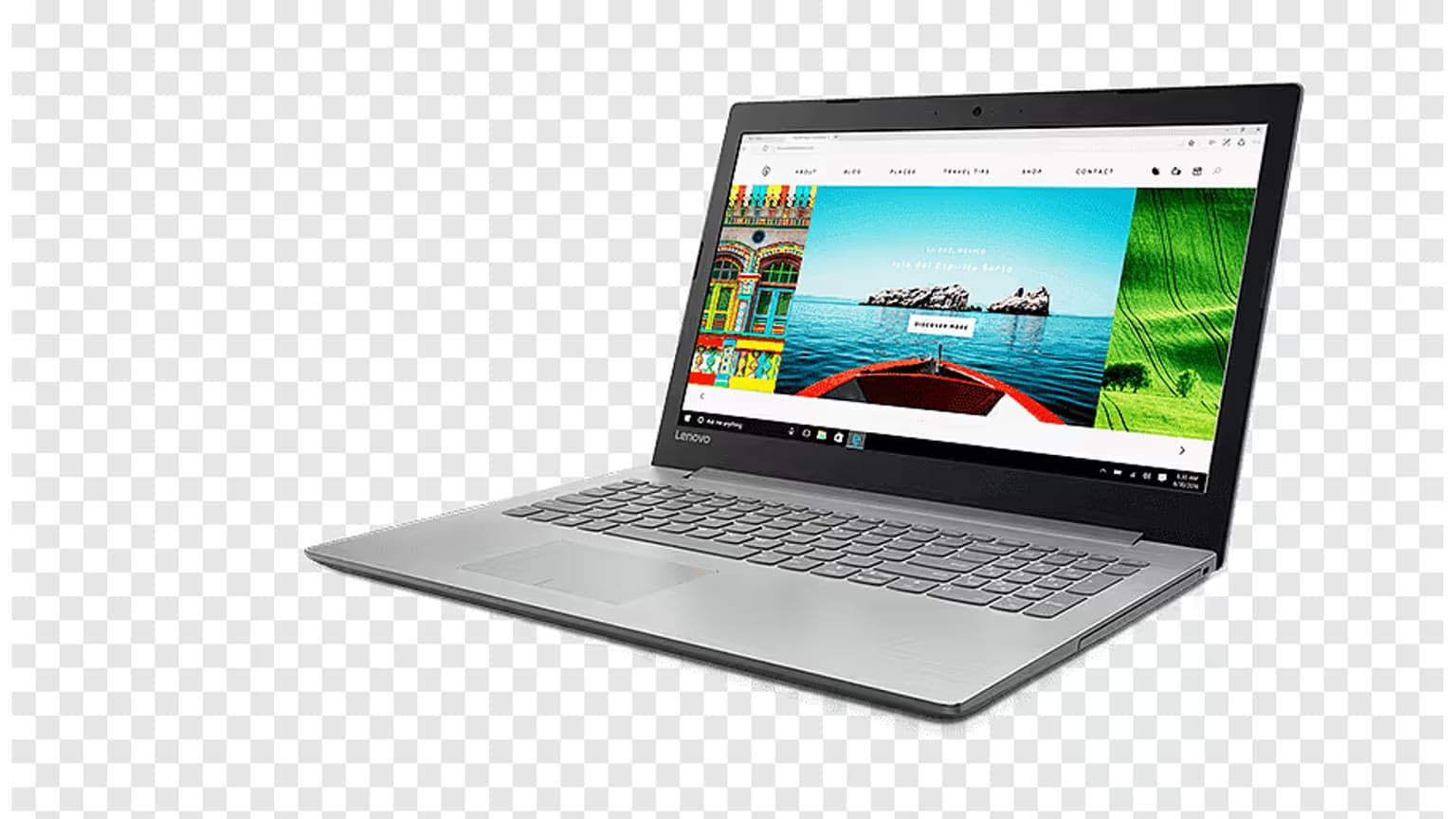
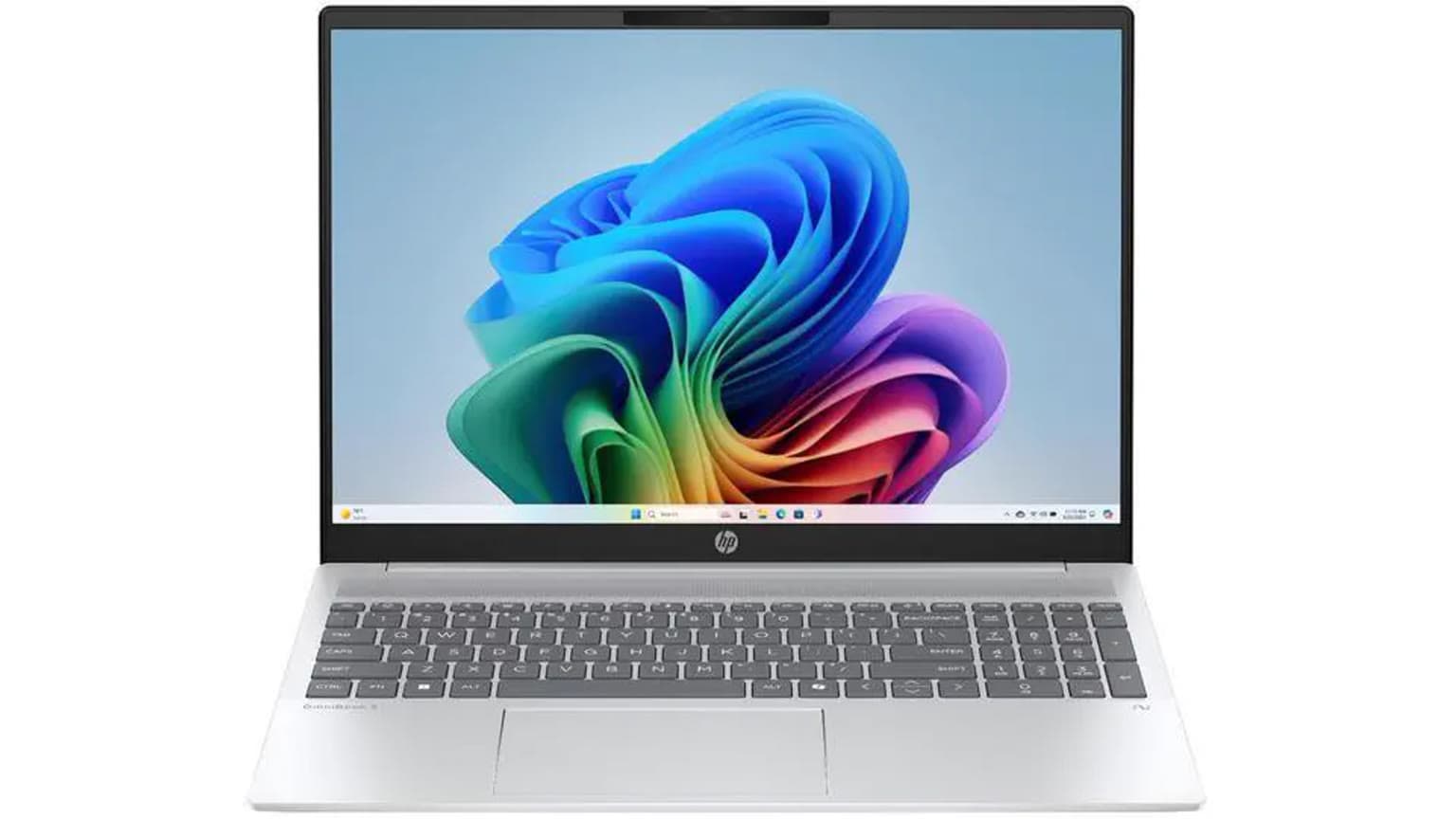
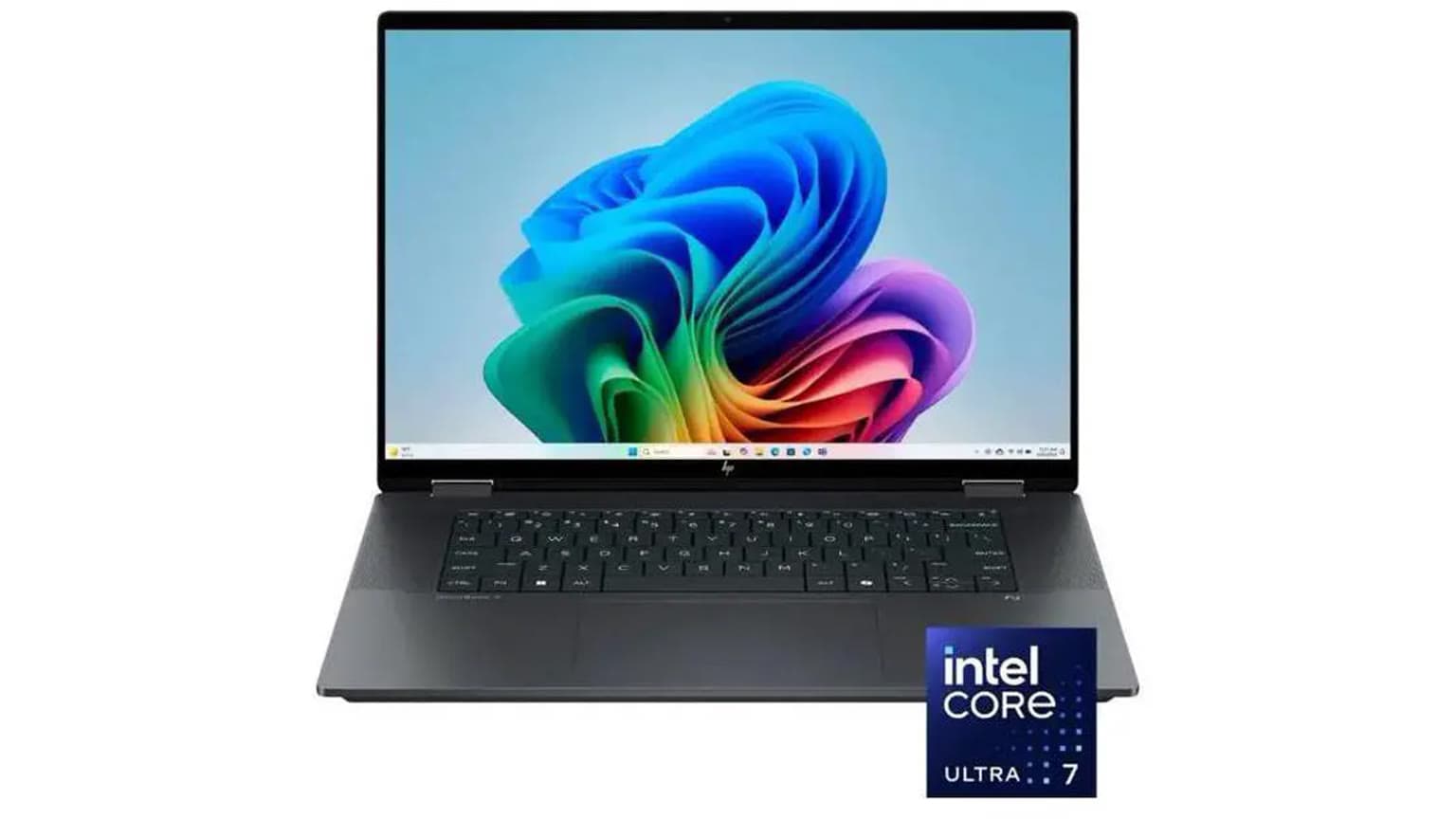
Well, you are about to get a new laptop. Maybe it is for school, remote work, design, coding, gaming, or finally taking content creation seriously. CPU, RAM, and storage still matter, but in 2026 the small details around screen quality, Windows 11 support, ports, battery health, warranty, and upgradeability can decide whether that laptop feels sharp for four years or starts annoying you after six months.
This guide keeps the original point: we are not listing the obvious specs only. We are looking at the less common checks that can save you money and stress before you pay. For a more general productivity-first checklist, also read Ogabassey’s work laptop buying guide. If you are comparing phones too, our Samsung Galaxy buying guide uses the same buyer-first approach.
Who this is for
This is for buyers who already know they need a Windows laptop or PC-style laptop and want to avoid being carried away by one shiny spec. It is especially useful if you are buying for online classes, office work, programming, Adobe apps, video editing, light gaming, livestreaming, or a mix of work and entertainment.
If you only browse, type documents, join video calls, and stream movies, you do not need to chase the most powerful chip. If you edit video, run engineering software, play modern games, or keep many heavy apps open, then display quality, GPU class, RAM ceiling, cooling, and ports become more important than the name printed on the sticker.
1. Screen type and resolution
Your screen type matters o. Many budget laptops still ship with basic LCD panels that look washed out, especially when viewed from the side. IPS displays are usually the safer minimum because they offer better viewing angles and more consistent colours. OLED and AMOLED screens are the premium option: deeper blacks, stronger contrast, and richer colour, which makes them excellent for photo editing, movies, and design work.
But OLED is not automatically the best choice for everybody. OLED laptops can cost more, may use more battery depending on brightness and content, and buyers who keep static windows on screen all day should still pay attention to manufacturer burn-in protections. For office work and school, a good IPS screen can be the better value. For creators, designers, and people who care about movie quality, OLED is worth paying for if the rest of the laptop is also strong.
In 2026, avoid 1366-by-768 displays unless the price is extremely low and your needs are very basic. Full HD, also called 1920-by-1080, should be the floor for a 14-inch or 15.6-inch laptop. On premium 14-inch to 16-inch models, 2.5K, 2.8K, 3K, and 4K panels can look beautiful, but higher resolution can reduce battery life and increase price. Gamers should also check refresh rate: 120Hz, 144Hz, 165Hz, or higher can feel smoother than a standard 60Hz panel, but only if the GPU can keep up.
2. Processor generation, not just Core i5 or Ryzen 7
All Core i5s are not equal. All Ryzen 7s are not equal either. A modern Core Ultra 5 or Ryzen AI chip can beat an older Core i7 in daily work, battery efficiency, and AI features. That is why the exact processor model matters more than the badge family.
For new Windows laptops in 2026, look for recent Intel Core Ultra, AMD Ryzen 7000/8000/Ryzen AI, or Qualcomm Snapdragon X models depending on your software needs. Intel’s Core Ultra Series 2 and AMD Ryzen AI 300-class laptops brought stronger NPUs for local AI tasks, while many older Intel Core chips still work well for regular use but may not qualify for newer Copilot+ PC features. Do not pay premium money for an old processor because a seller shouted “Core i7.” Ask for the exact model number and search that model before paying.
Also check Windows 11 support. Microsoft ended standard Windows 10 support on October 14, 2025, so a cheap used laptop that cannot properly run Windows 11 is no longer a smart long-term buy for most people. It may still power on, but security updates, app support, and resale value are part of the real cost.
3. SSD type, capacity, and upgradeability
Please avoid a hard disk drive as the main drive in 2026. You deserve better. An SSD makes the laptop boot faster, launch apps faster, copy files faster, and generally feel less frustrating. NVMe SSDs are the best everyday target, while SATA SSDs are still acceptable in older or budget machines if the price is right.
Capacity matters too. For students and office users, 512GB is a comfortable minimum. For gaming, video editing, large photo libraries, or virtual machines, 1TB is safer. Modern games can be very large, and creator files grow quickly. If you buy 256GB because it is cheaper, you may spend the savings later on external storage.
Before buying, ask whether the SSD can be upgraded. Some thin laptops have soldered storage or only one slot. Some business and gaming laptops let you replace or add an M.2 SSD later. That upgrade path can be better value than paying too much upfront for a high-storage configuration.
4. Beware of false gaming laptops
Windows laptops still shine for gaming, but not every laptop with “gaming” in the name is ready for serious gaming. A low-power GPU, poor cooling, or weak display can ruin the experience even when the laptop has RGB lights and aggressive branding.
For casual titles, esports games, and older games, integrated graphics on newer chips can be enough. For demanding games, look for a real dedicated GPU. As a practical 2026 rule, an RTX 4050 or RTX 4060-class laptop can make sense for entry to midrange gaming if the price is good. RTX 4070, RTX 5070, or higher-class laptops are better for high refresh rates, ray tracing, heavier creative work, and longer useful life. Also check GPU wattage, because two laptops with the same GPU name can perform differently if one is heavily power-limited.
Use demanding titles as a reality check. If you want to play heavy games such as Cyberpunk 2077 on PC, do not judge by VRAM alone. Check the game’s official requirements, the laptop GPU, cooling reviews, RAM, SSD space, and whether you are targeting 1080p, 1440p, ray tracing, or ultra settings. If the game is available again in the Ogabassey catalog, use it as a benchmark for the kind of laptop you should be considering rather than as proof that any “gaming” laptop will cope.
5. I/O, ports, and connectivity
This is one of the most important but overlooked areas. USB-C is now expected, but not every USB-C port does the same thing. Some ports only transfer data. Some support charging. Some support display output. Thunderbolt 4, Thunderbolt 5, and USB4 can be especially useful for creators, developers, and people who connect docks, fast external drives, monitors, capture cards, or audio interfaces.
Check your real setup before buying. If you use a mouse, flash drive, external monitor, SD card, LAN adapter, HDMI projector, or wired headset, count the ports. A very thin laptop with two USB-C ports may look clean but force you to buy dongles. A slightly thicker laptop with HDMI, USB-A, USB-C, and a card reader may be better for school, office presentations, church media teams, photography, and small business work.
Wireless connectivity also matters. Wi-Fi 6 is a good minimum. Wi-Fi 6E or Wi-Fi 7 can be better for busy homes, offices, and future routers. Bluetooth version matters if you use wireless earbuds, game controllers, keyboards, or mice every day.
6. Battery, charger, keyboard, and webcam
Battery life is not just the number on the box. Real battery life depends on brightness, screen type, CPU power limits, battery size, app workload, and whether the laptop has a dedicated GPU. A powerful gaming laptop may be excellent on a desk and poor away from a socket. A thin productivity laptop may last longer but run slower during heavy editing.
Also inspect the charger. USB-C charging is convenient because one charger can serve your phone, tablet, and laptop, but powerful gaming laptops may still need a larger barrel or proprietary charger for full performance. For students and frequent travellers, charger size and weight matter more than many people realise.
Do not ignore the keyboard, trackpad, webcam, microphone, and speakers. If you type all day or attend online meetings, these are not small details. A fast laptop with a poor keyboard can still feel like a bad purchase.
7. Warranty, returns, and availability
Price is not only the amount on the checkout page. A cheaper laptop with no warranty clarity, weak battery, old processor, or unsupported Windows version may cost more over time. Before paying, confirm the model number, condition, warranty period, charger type, battery health where possible, and return terms. For used or open-box laptops, ask whether the keyboard, ports, webcam, Wi-Fi, speakers, and battery have been tested.
Availability can also change quickly. If a model is out of stock, do not wait forever because of one spec. Compare a similar processor class, screen type, RAM capacity, SSD size, warranty, and port layout. The best value laptop is usually the one that fits your work today, has enough headroom for the next few years, and is actually available at a fair price.
Alternatives to consider
If your priority is battery life, quiet performance, and a polished ecosystem, a MacBook may be better than a Windows laptop, especially if you already use an iPhone or iPad. If your priority is touchscreen flexibility, handwriting, and tablet-style use, compare a 2-in-1 Windows laptop or iPad before choosing a normal clamshell. If your budget is tight and your tasks are browser-based, a Chromebook can work, but make sure your school, job, or software does not require Windows apps.
For gaming and PC-only software, Windows remains the safest choice. For content creation, compare the exact apps you use: Adobe Premiere Pro, DaVinci Resolve, Blender, AutoCAD, SolidWorks, FL Studio, and coding tools do not all stress the same parts of a laptop.
Verdict
Before you buy your next laptop, check more than RAM and processor name. Look at the screen, exact CPU generation, SSD type and capacity, real GPU class, ports, wireless standard, battery expectations, Windows 11 support, warranty, and upgrade options. In 2026, those details separate a smart buy from a laptop that looks good in the advert but frustrates you every day.
When you are ready to compare devices, visit Ogabassey for phones, laptops, gaming, and gadgets. If you have questions, drop them in the comment section and include your budget, main apps, preferred screen size, and whether you need gaming performance.
Sources