Bassey John is a Performance Marketing Specialist at Ogabassey with cross-industry experience spanning e-commerce, gaming, and real estate. He focuses on paid acquisition, conversion-rate optimisation, and data-driven growth strategy, turning campaign performance into measurable revenue. At Ogabassey he writes about consumer technology, product buying guides, and the Nigerian gadget market to help shoppers make confident, informed decisions.
The used 13" MacBook Air (2019) can make sense at Ogabassey’s ₦420,000 catalog snapshot price if you want a portable macOS laptop for school, office, writing, browsing, and light creative work. It is marked in stock, but confirm the live variant, battery health, charger, warranty, and checkout availability before paying.
Who this is for
This guide is for buyers considering the 13" MacBook Air (2019) as a used or open-box laptop for school, office work, writing, online classes, browsing, spreadsheet work, light photo edits, presentations, and general macOS use. It is not the right first choice if your priority is modern gaming, heavy video editing, 3D work, software builds that run for long periods, or a machine you expect to upgrade internally later.
The main attraction is balance. You get Apple’s thin 1.25 kg body, a high-resolution 2560 x 1600 Retina display, USB-C charging, and macOS software fit in a package that is easier to carry than most older 15-inch laptops. The trade-off is that this is an Intel-era MacBook Air with a 2-core Intel Core i5-8210Y and Intel UHD Graphics 617, so the best buyer is someone who values portability, screen quality, and battery discipline more than raw speed.
For Nigerian buyers, the decision is less about the model name and more about the unit in front of you. A clean MacBook Air 2019 with good battery health, a genuine or high-quality USB-C charger, the RAM and SSD you actually need, and clear return or warranty terms can be a tidy everyday laptop. A poorly documented unit with weak battery health, unclear keyboard condition, missing charger, or mismatched configuration can become expensive quickly.
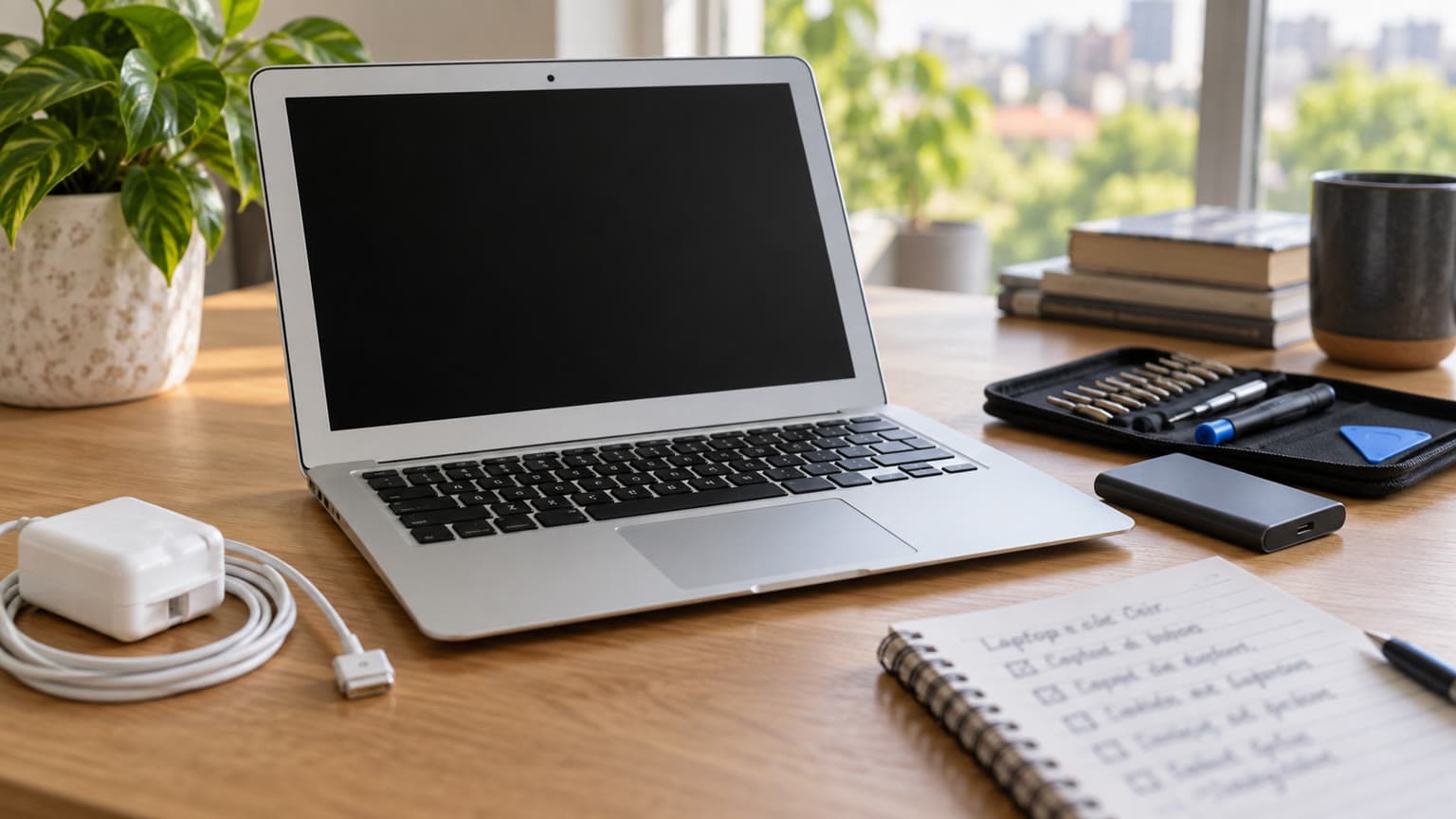
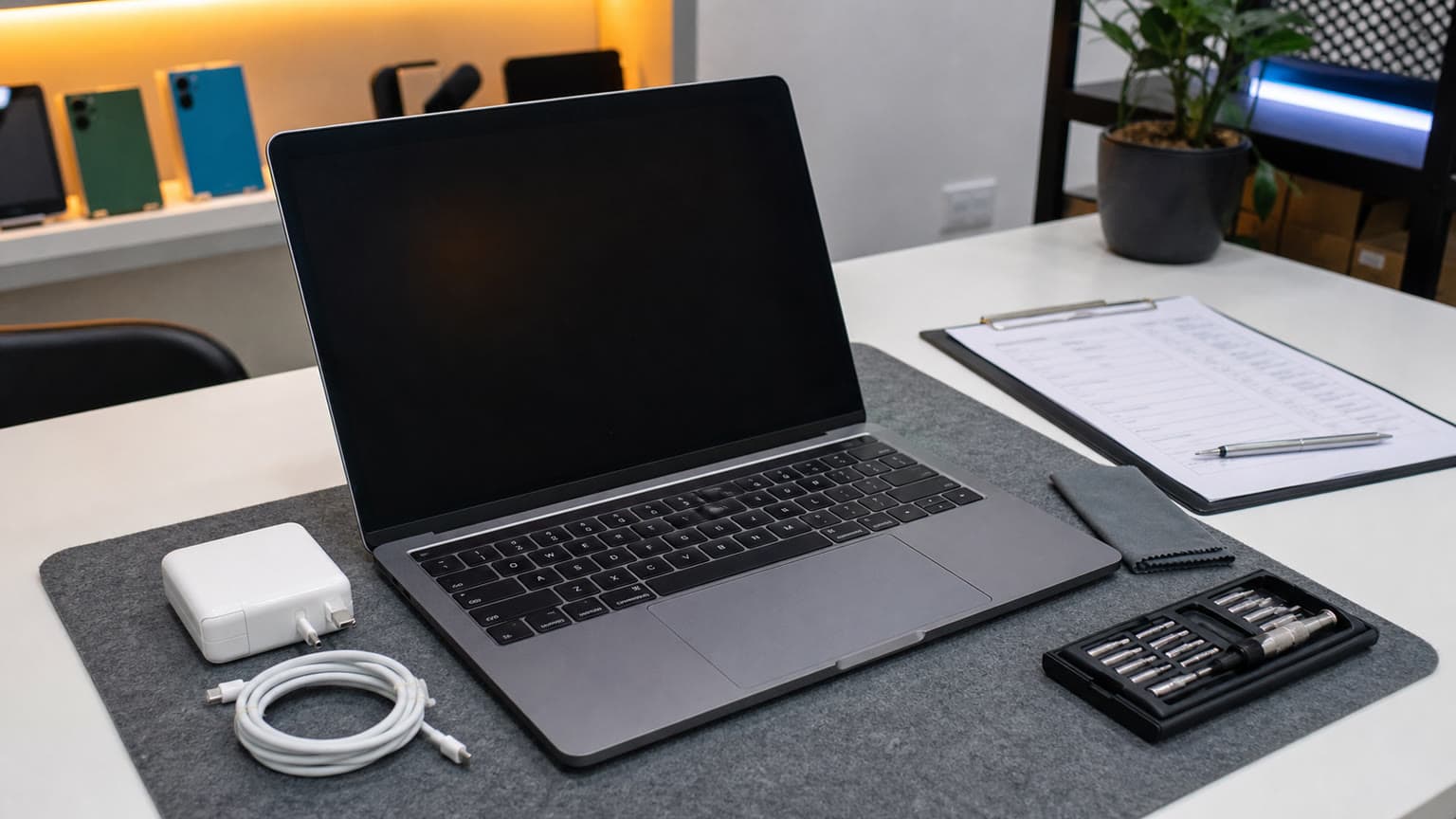
Check the physical unit, not just the model name: battery, charger, keyboard, display, and storage all matter.
Key specs and buying context
The Ogabassey catalog lists this Apple laptop under Laptops, with used condition options and selectable RAM/storage combinations. The publication-time catalog snapshot supplied for this draft shows a current price of ₦420,000, a minimum variant price of ₦420,000, a maximum variant price of ₦660,000, and stock status as in stock. Because this product uses unmanaged catalog stock, the live product card should be treated as the current checkout authority rather than the body copy in this article.
Entity
Attribute
Value to verify before payment
13" MacBook Air (2019)
Ogabassey price snapshot
₦420,000, checked from the supplied catalog signal dated 2026-09-21 05:46 UTC
13" MacBook Air (2019)
Availability
Marked InStock in the catalog snapshot; live availability may change
13" MacBook Air (2019)
Inventory policy
Unmanaged catalog stock, so confirm the live product card and checkout status
13" MacBook Air (2019)
Condition
Used
Apple
Category
Laptops / MacBooks
Display
Size and type
13.3-inch Retina display
Display
Resolution and refresh rate
2560 x 1600 pixels, 60Hz
Performance
Processor
Intel Core i5-8210Y, 2-core
Graphics
GPU
Intel UHD Graphics 617
Memory and storage
Selectable options
RAM options include 8GB and 16GB; storage options include 128GB, 256GB, 512GB, and 1TB
Body
Weight
1250g
Connectivity
5G support
No
Camera-related catalog field
Optical image stabilization
No; this is not a meaningful laptop buying feature
Warranty/trust
Buyer check
Confirm return window, warranty or service support, charger, keyboard, battery cycle count, and Apple ID lock status
Alternatives
When to compare
Compare with newer MacBook Air M-series models or used MacBook Pro models if you need more performance
Apple’s official technical specifications for the MacBook Air Retina 13-inch 2019 support the core hardware context: a 13.3-inch Retina display, a dual-core Intel Core i5 class processor, Intel UHD Graphics 617, USB-C/Thunderbolt 3 expansion, and configurable SSD and memory options. Ogabassey’s product page adds the commerce layer: local catalog price, condition, selectable variants, and availability context for Nigerian buyers.
What to check on the actual unit
Battery health and charger
Battery health is the first practical check. Ask for the cycle count and condition in macOS System Information or Battery settings, and do not treat Apple’s original battery-life rating as a promise for a used unit. A six-to-seven-year-old laptop can still be useful, but battery wear changes the experience: weak battery health means shorter lecture days, more charging during work, and possible replacement cost.
Also confirm the charger in the box. Apple’s official spec lists USB-C charging with a 30W USB-C power adapter for this generation. In local resale, missing or weak chargers are common friction points because low-quality adapters can charge slowly, heat up, or fail early. If the unit is open-box, inspect the cable and adapter as carefully as the laptop.
RAM and storage
Pick the configuration around your next two years, not only today’s cheapest price. The catalog lists 8GB and 16GB RAM options, and SSD options from 128GB to 1TB. For basic school work, email, document editing, and browsing, 8GB can work if you keep expectations measured. If you multitask heavily, keep many browser tabs open, run creative apps, or want more breathing room, 16GB is the safer choice.
Storage is less forgiving. A 128GB SSD can feel cramped once macOS, WhatsApp downloads, browser caches, class files, photos, and offline videos pile up. A 256GB unit is the sensible floor for most buyers. Choose 512GB or 1TB only if the price gap is fair and you know you need local storage, because external drives and cloud storage can sometimes solve the problem more cheaply.
Keyboard, display, ports, and account lock
Test every key, including brightness, volume, power/Touch ID, arrow keys, and modifier keys. Check the trackpad for even clicking and gestures. Look at the Retina display on a white background, black background, and mid-gray page to catch bright spots, pressure marks, dead pixels, stain marks, or uneven backlight patches. On ports, test both USB-C sides for charging and data because repair can be inconvenient if one side is failing.
Before money changes hands, the Mac should be erased, boot cleanly, and not be tied to another Apple ID. Activation Lock, firmware password issues, or remote management screens are serious stop signs. For a support-focused buying decision, a cheaper MacBook with unclear ownership is not a bargain.
Performance, thermals, and software fit
The Intel Core i5-8210Y and Intel UHD Graphics 617 combination is best understood as quiet everyday performance, not workstation power. It should handle Safari or Chrome browsing, Google Docs, Microsoft Office, Zoom-style calls, email, light Canva or Photoshop work, and streaming. It is not a smart buy for gaming-laptop expectations, heavy Premiere Pro projects, Blender work, or long coding tasks that keep the CPU busy.
Thermals matter because thin Intel MacBook Air models can slow down when pushed. If your work involves many browser tabs plus calls plus screen sharing, test that exact workflow if possible. Listen for fan noise, feel for unusual heat, and watch whether the machine becomes sluggish after 20 to 30 minutes. This is buyer judgement, not a lab result: the supplied evidence does not include Ogabassey hands-on benchmarks.
Software fit is the other major split. Choose this if you specifically need or prefer macOS: iMessage/FaceTime continuity, Safari, Keynote, Final Cut familiarity at a light level, Apple Notes, AirDrop with an iPhone, or a Mac-first workflow. If your school, office, or engineering software requires Windows, compare carefully before buying a Mac. Intel Macs can be more flexible than Apple Silicon for some older Windows workflows, but that does not make every app pleasant or officially supported.
The 2019 MacBook Air fits portable school and office work better than heavy gaming or creator workloads.
Trade-offs before you buy
The first trade-off is age. A 2019 MacBook Air can still be useful, but it is no longer a modern performance baseline. Newer Apple Silicon MacBook Air models are much faster and more power efficient, so buyers comparing across generations should not use only the Apple logo or body shape as the decision point.
The second trade-off is upgradeability. Treat the RAM and SSD configuration as the configuration you will live with. If you buy 8GB RAM and 128GB storage because it is cheaper, do not assume an easy internal upgrade later. This is why variant selection on the live Ogabassey product card matters.
The third trade-off is ports. USB-C is flexible, but you may need adapters for HDMI, USB-A flash drives, Ethernet, SD cards, or projectors. That is especially important for students and presenters who move between classrooms, offices, churches, training centers, and client sites where older display equipment is still common.
The fourth trade-off is trust. Warranty, return terms, battery condition, keyboard condition, charger quality, and delivery handling matter as much as the headline processor. For a used laptop in Nigeria, a transparent seller and a verifiable unit are part of the product value.
Alternatives to consider
If you like the thin MacBook Air format but want a much stronger long-term laptop, compare this used Intel model with newer MacBook Air options on the Macbooks category. Ogabassey’s related guide to the MacBook Air M3 in Nigeria is useful if you are deciding whether to spend more for Apple Silicon, better battery efficiency, and a more future-facing machine.
If your work is heavier but your budget is still in used-Mac territory, compare with Intel MacBook Pro options. The 13-inch MacBook Pro 2019 used-buy checks can help if you want a Pro chassis and are willing to accept different battery, thermal, and condition risks. The 15-inch MacBook Pro 2019 guide is a better comparison if you need a larger screen or more power and can live with a heavier laptop.
If gaming is the real priority, do not force this MacBook Air into that role. Browse Gaming Laptops instead, because dedicated graphics, cooling capacity, and Windows game compatibility will matter more than macOS portability.
Verdict
Buy the 13" MacBook Air (2019) at the ₦420,000 catalog snapshot price only if the specific unit passes the used-laptop checks: healthy battery, clean Retina display, working keyboard and trackpad, verified USB-C charging, no Apple ID lock, clear charger/package contents, and a RAM/SSD configuration that fits your workload. It is strongest as a portable Mac for school, office, writing, browsing, and light creative work.
Skip it if you need a laptop for modern gaming, heavy design, advanced video editing, high-refresh display work, or long-term performance headroom. In that case, compare newer Apple Silicon MacBooks or Windows gaming laptops before committing. The useful buyer question is not “Is a MacBook worth it in Nigeria?” It is “Is this exact MacBook, in this exact condition, with this exact warranty and variant, worth the live Ogabassey offer today?”
FAQ
Is the 13" MacBook Air 2019 good for school and work?
Yes, if your work is mostly writing, browsing, online classes, email, spreadsheets, presentations, and light creative tasks. Choose 16GB RAM if you multitask heavily. For engineering tools, gaming, or heavy design work, compare stronger laptops first.
What specs matter before buying a used MacBook Air?
Check battery health, RAM, SSD size, keyboard condition, display condition, charger quality, USB-C ports, Apple ID lock status, warranty or return terms, and the exact live variant. Storage and battery condition usually affect daily comfort more than small cosmetic marks.
Is a MacBook worth it in Nigeria at ₦420,000?
It can be worth it if you need macOS and the unit is clean, verified, and properly supported. The ₦420,000 figure is a catalog snapshot from 2026-09-21; use the live Ogabassey product card for the current offer before checkout.
Should I choose this or a gaming laptop?
Choose this MacBook Air for portability, macOS, display sharpness, and everyday productivity. Choose a gaming laptop if you need dedicated graphics, Windows game support, stronger cooling, or higher sustained performance.
Catalog-linked prices update automatically. Historical and other quoted prices remain as written. Open the product page to confirm the current price, selected variant and availability before buying.