Bassey John is a Performance Marketing Specialist at Ogabassey with cross-industry experience spanning e-commerce, gaming, and real estate. He focuses on paid acquisition, conversion-rate optimisation, and data-driven growth strategy, turning campaign performance into measurable revenue. At Ogabassey he writes about consumer technology, product buying guides, and the Nigerian gadget market to help shoppers make confident, informed decisions.
The MacBook Air M3 is still a sensible Apple laptop for many Nigerian buyers in 2026, but it is not a one-size-fits-all purchase. The important decision is not only whether the M3 chip is fast enough. You also need to choose the right screen size, RAM and storage configuration, understand the non-upgradeable design, budget for USB-C accessories, and confirm the exact variant available before paying.
This guide uses catalog-verified Ogabassey listing details and official-source verified Apple specification pages. It is not a hands-on benchmark review, so performance and battery advice here is buyer judgement based on the published configuration and the practical realities of school, business, remote work, travel, and after-sales support in Nigeria and nearby African markets.
If you are comparing current laptop options, start from the broader Ogabassey Laptops category, then check the specific MacBook Air M3 listing for live variant price, physical configuration, condition, and availability before checkout.
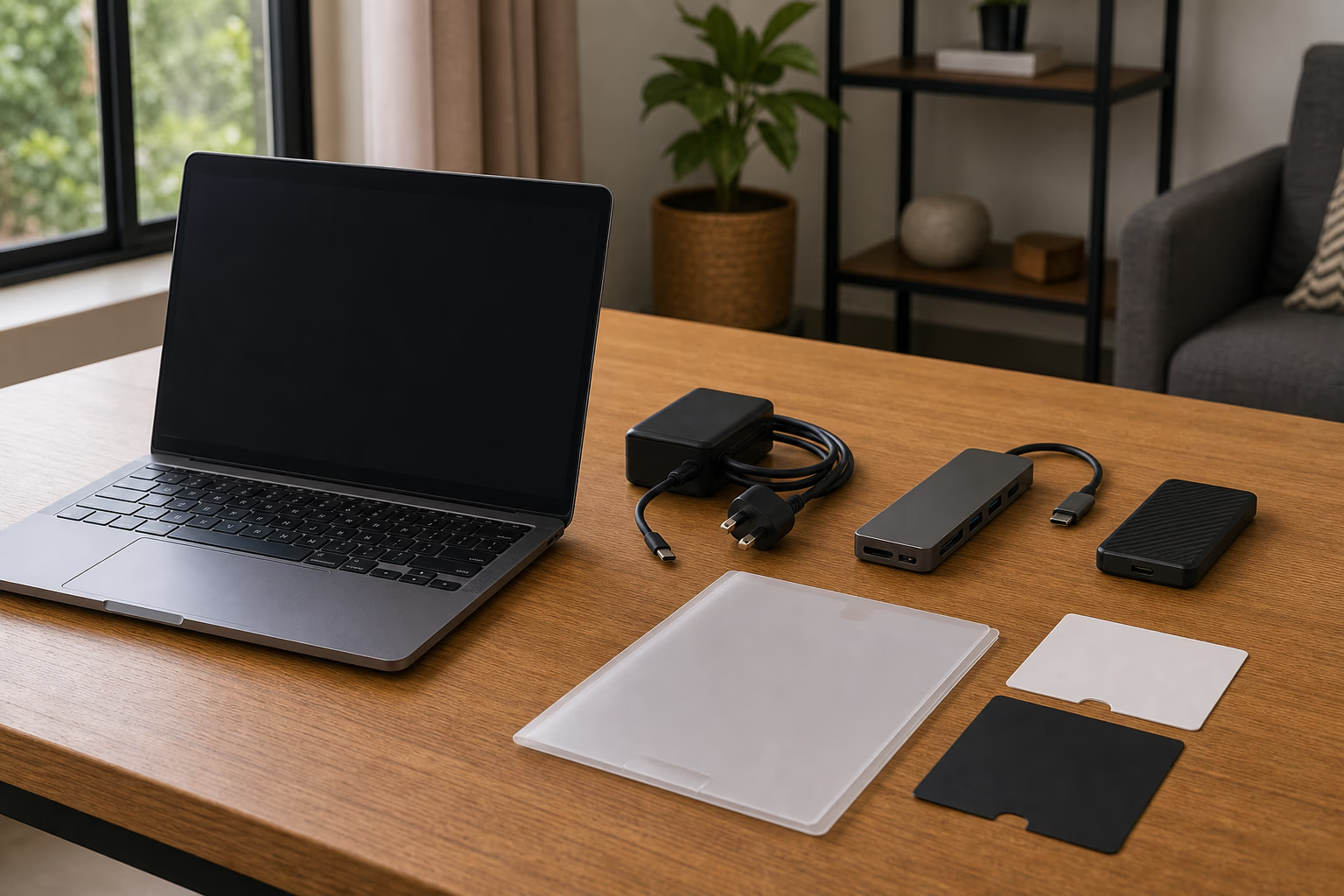
Confirm charger, hub needs, warranty documents, and exact configuration before checkout.
Quick Verdict: Who Should Buy the MacBook Air M3?
The MacBook Air M3 is best for buyers who want a light, quiet, premium laptop for documents, browser-heavy work, study, email, accounting tools, presentations, video calls, light photo editing, and general creative work. It is especially strong for students, consultants, founders, writers, product managers, marketers, and remote workers who value battery life, portability, display quality, and macOS stability more than gaming performance or heavy workstation upgradeability.
It is less ideal for buyers who need Windows-only engineering software, local business tools that do not run well on macOS, frequent AAA gaming, internal RAM or SSD upgrades after purchase, or lots of built-in ports. Those buyers should compare Windows machines in Ogabassey Laptops or, for gaming-first needs, check Gaming Laptops instead of forcing a MacBook Air into the wrong job.
The headline buying advice is simple: buy the MacBook Air M3 if your workflow is mostly portable productivity and you can choose enough RAM and storage on day one. Do not buy the cheapest variant blindly if you keep many browser tabs open, work with large media files, or plan to keep the laptop for four to six years.
Key Specs and Buying Context
The Ogabassey product snapshot lists the MacBook Air M3 as a new laptop with Apple M3, variant-dependent RAM, variant-dependent storage, and either a 13.6-inch 2560 x 1664 display or a 15.3-inch 2880 x 1864 display. GPU configuration is also variant-dependent, with 8-core or 10-core GPU options depending on the selected model. Available colors are Silver, Starlight, Space Gray, and Midnight.
Apple’s official specification pages separate the 13-inch and 15-inch M3 MacBook Air models, which matters because the larger model is not simply a stretched version for everyone. The 13-inch Air is easier to carry to class, client meetings, coworking spaces, NYSC posting locations, and daily office commutes. The 15-inch Air gives you more room for spreadsheets, design canvases, side-by-side browser windows, and long writing sessions, but it is physically larger and usually costs more at the same memory and storage level.
Ogabassey’s catalog snapshot lists a current base price of NGN 1,220,000 and a maximum variant price of NGN 1,650,000 for the MacBook Air M3 row. Treat that as catalog context, not a final checkout promise. Variant, color, exchange-rate movement, stock status, warranty channel, and physical configuration can change the actual decision. The listing also carries the clear caveat to confirm selected variant price, condition, and live availability before checkout.
Decision Table
Buyer question
What the MacBook Air M3 offers
Nigeria/Africa buying implication
Performance
Apple M3 chip with variant-dependent GPU options.
Good fit for office work, school, browsing, presentations, coding basics, and everyday creative tasks. Not a gaming workstation.
Display
13.6-inch 2560 x 1664 or 15.3-inch 2880 x 1864 display.
Choose 13-inch for carrying comfort; choose 15-inch if spreadsheet, design, or multitasking space matters more.
Battery
Official Apple specs publish battery details by model.
Useful for areas with unstable power, but real endurance depends on brightness, apps, browser tabs, video calls, and battery health over time.
Ports
Thin Air design means limited built-in connectivity.
Budget for a reliable USB-C hub if you use HDMI projectors, USB-A drives, SD cards, Ethernet, or many peripherals.
Upgradeability
RAM and storage are configuration choices at purchase.
Do not plan a later internal RAM or SSD upgrade. Buy the capacity you can live with from day one.
Warranty trust
New condition in Ogabassey catalog, but warranty channel must be confirmed.
Ask what warranty support applies locally, what documents come with the unit, and how returns or defects are handled.
Availability
Catalog row is active, with variant price range shown.
Confirm live stock and exact color/configuration before checkout because MacBook variants move quickly.
13-inch vs 15-inch: Which Size Makes More Sense?
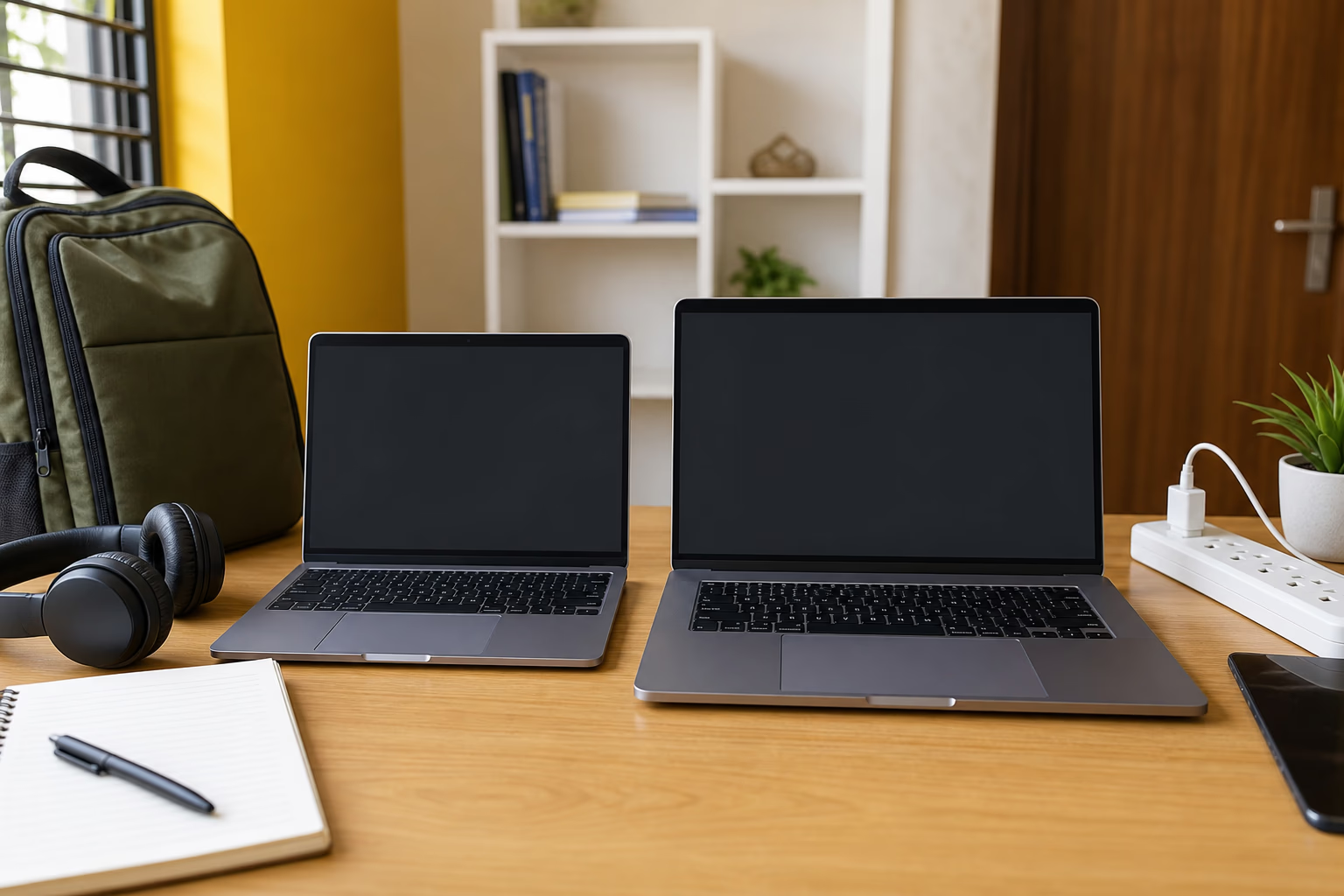
The 13-inch MacBook Air M3 is the safer default for most students and mobile workers. It fits better in smaller bags, is easier to use in lecture halls, on flights, in cafes, and during daily Lagos, Abuja, Port Harcourt, Accra, Nairobi, or Kigali commutes. If your work is mostly writing, research, email, documents, online classes, web apps, video calls, and light editing, the smaller model gives you the Air experience without making the laptop feel like luggage.
The 15-inch MacBook Air M3 is a better comfort purchase for buyers who often work from one desk, manage wide spreadsheets, edit presentations, compare documents, or keep Slack, browser, notes, and a document open together. It is also easier on the eyes for long work sessions. The trade-off is mobility and cost. If you already use an external monitor at home or office, the 13-inch model may still be enough. If the laptop screen itself is your main workspace, the 15-inch model earns its place.
For Nigerian buyers, the decision can also depend on transport and power habits. A student moving between hostels, lecture rooms, and public transport may appreciate the smaller Air. A business owner who works from a shop, office, or home desk may gain more from the larger display. The better model is the one that matches your daily carrying pattern, not the one with the biggest number on the spec sheet.
The 13-inch and 15-inch decision should follow how and where you work each day.
RAM and Storage: The Most Important Checkout Choice
RAM and storage are the areas where buyers make the most expensive mistakes. The MacBook Air is not the kind of laptop you buy cheaply today and upgrade internally later. Because RAM and internal storage are selected by variant, you should treat the checkout configuration as a long-term decision.
If your use is basic school work, email, Microsoft Office or Google Workspace, light browsing, and streaming, an entry configuration can work if the price difference is important. If you expect to keep the laptop for years, keep many tabs open, edit images, run development tools, manage large Excel files, or use creative apps, prioritize more RAM before choosing a more expensive color or accessory. More RAM usually helps the laptop feel comfortable for longer.
Storage needs depend on how you work. Cloud-first users who keep documents in iCloud, Google Drive, OneDrive, or company systems can live with less internal storage. Buyers who keep videos, design projects, offline courses, music libraries, and client files locally should buy more storage or budget for a good external SSD. In Nigeria, where internet speed and data cost can still affect cloud access, relying only on cloud storage may be frustrating if you frequently travel or work from areas with weak connectivity.
Trade-offs to Check Before You Pay
The first trade-off is software fit. macOS is polished, stable, and popular among creatives, writers, executives, and developers, but some Nigerian school departments, offices, accounting teams, engineering workflows, and legacy business tools still expect Windows. Before buying, list the apps you must use and confirm they run properly on macOS or have a browser-based alternative. If your exam software, biometric tool, engineering package, trading platform, or business application is Windows-only, a MacBook Air may create avoidable stress.
The second trade-off is gaming. The MacBook Air M3 can handle casual and Apple-optimized games better than older basic laptops, but it is not the right purchase for buyers whose main question is gaming. If your priority is e-sports titles, dedicated GPU performance, high-refresh displays, or game compatibility, start from Gaming Laptops and compare Windows options with dedicated graphics.
The third trade-off is ports. The Air is thin and clean, but many African buyers still deal with USB-A flash drives, HDMI projectors, wired networks, printer cables, SD cards, and external displays. A USB-C hub is not optional for many real-world setups. Buy a proper hub and charger setup rather than depending on the cheapest adapter you can find, because low-quality accessories can cause connection drops, heat, charging issues, or damaged ports.
The fourth trade-off is repair economics. MacBooks usually hold value well, but repairs can be more expensive than many Windows laptops, and internal parts are not as modular as older machines. That makes warranty clarity, receipt documentation, battery health over time, and careful accessory use more important. For a new unit, ask what support path applies if the device develops a fault during the warranty window.
Warranty, Availability, and Trust Checks
Before checkout, confirm the exact model size, RAM, storage, color, keyboard layout, charger included, physical condition, and warranty arrangement. The Ogabassey snapshot says the unit is listed as new, but a buyer should still verify the live unit because MacBook Air M3 variants can share one product row while differing in price and configuration.
Ask for clarity on what happens if the box is damaged, if the charger is missing, if the selected color is unavailable, or if the delivered variant does not match the order. Also confirm whether the price you are seeing applies to the 13-inch or 15-inch model and whether it is the base storage/RAM configuration or a higher variant. These questions are not signs of distrust; they are normal due diligence when buying a high-value laptop in a market where exchange rates, import batches, and variant stock can change quickly.
If you are considering older or open-box MacBooks as an alternative, check battery health, cycle count, activation lock status, keyboard condition, screen condition, charger authenticity, and warranty status. For the new MacBook Air M3 listing, the main support move is to confirm the exact configuration and keep purchase documentation safe.
Alternatives: When Another Laptop Makes More Sense
If you want an Apple laptop but are choosing between generations, compare this M3 model with Ogabassey’s coverage of the M4 MacBook Air. The M4 Air may appeal if you want the newer Apple generation and the price gap is reasonable, while the M3 Air can remain attractive when its variant price is better or when availability is stronger.
If battery life and Windows compatibility are both important, Ogabassey’s HP OmniBook X guide is a useful comparison point because it addresses a Windows alternative for buyers who like the idea of long battery life but do not want macOS. If your work is high-end video, 3D, music production, or heavy creative pipelines, the Air may not be enough; Ogabassey’s MacBook Pro M5 Pro and M5 Max guide points toward the kind of machine better suited to sustained creative power.
For buyers who simply want to browse all Apple laptop options, the Macbooks category is the better cluster page. Use it to compare Air and Pro positioning, then return to the specific MacBook Air M3 page only when you are ready to check the live variant.
Final Buying Advice
The MacBook Air M3 is worth considering in Nigeria in 2026 if you want a premium, portable, quiet laptop for school, professional work, business productivity, and everyday creative tasks. Its strongest value is not raw gaming power or upgradeability; it is the balance of Apple silicon efficiency, a sharp display, strong portability, and a mature macOS experience.
The safest purchase path is to choose the screen size based on how you actually move, choose RAM and storage based on the next several years rather than only today’s price, budget for a USB-C hub if your work needs one, and confirm warranty, condition, price, and live availability before paying. If those checks line up, the MacBook Air M3 is a strong laptop choice. If you need Windows-only software, gaming graphics, or internal upgrades, it is better to choose a different laptop than to fight the Air’s design limits.
Catalog-linked prices update automatically. Historical and other quoted prices remain as written. Open the product page to confirm the current price, selected variant and availability before buying.