Buying Guides
Apple • ₦110,000
Apple • ₦140,000
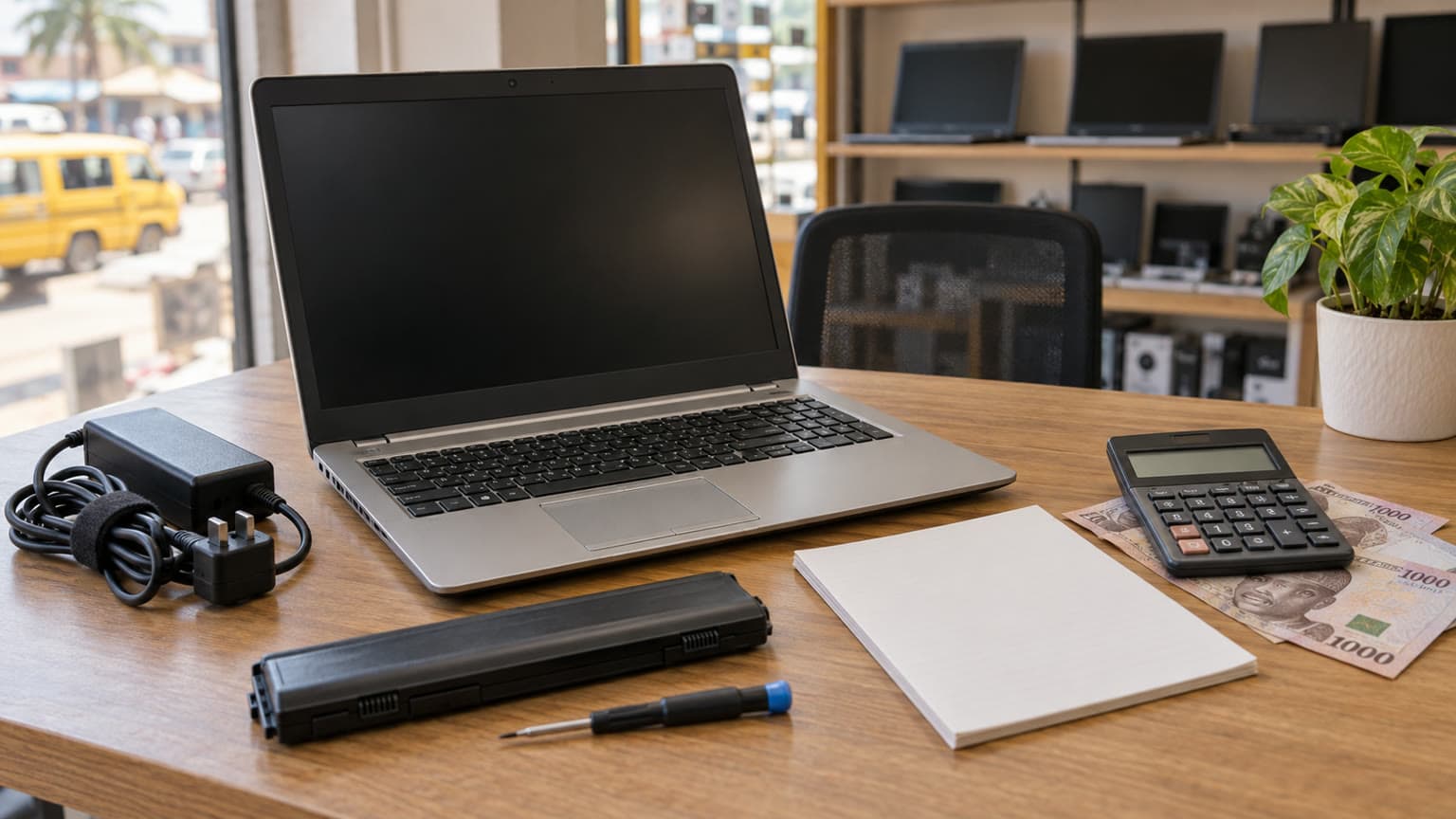
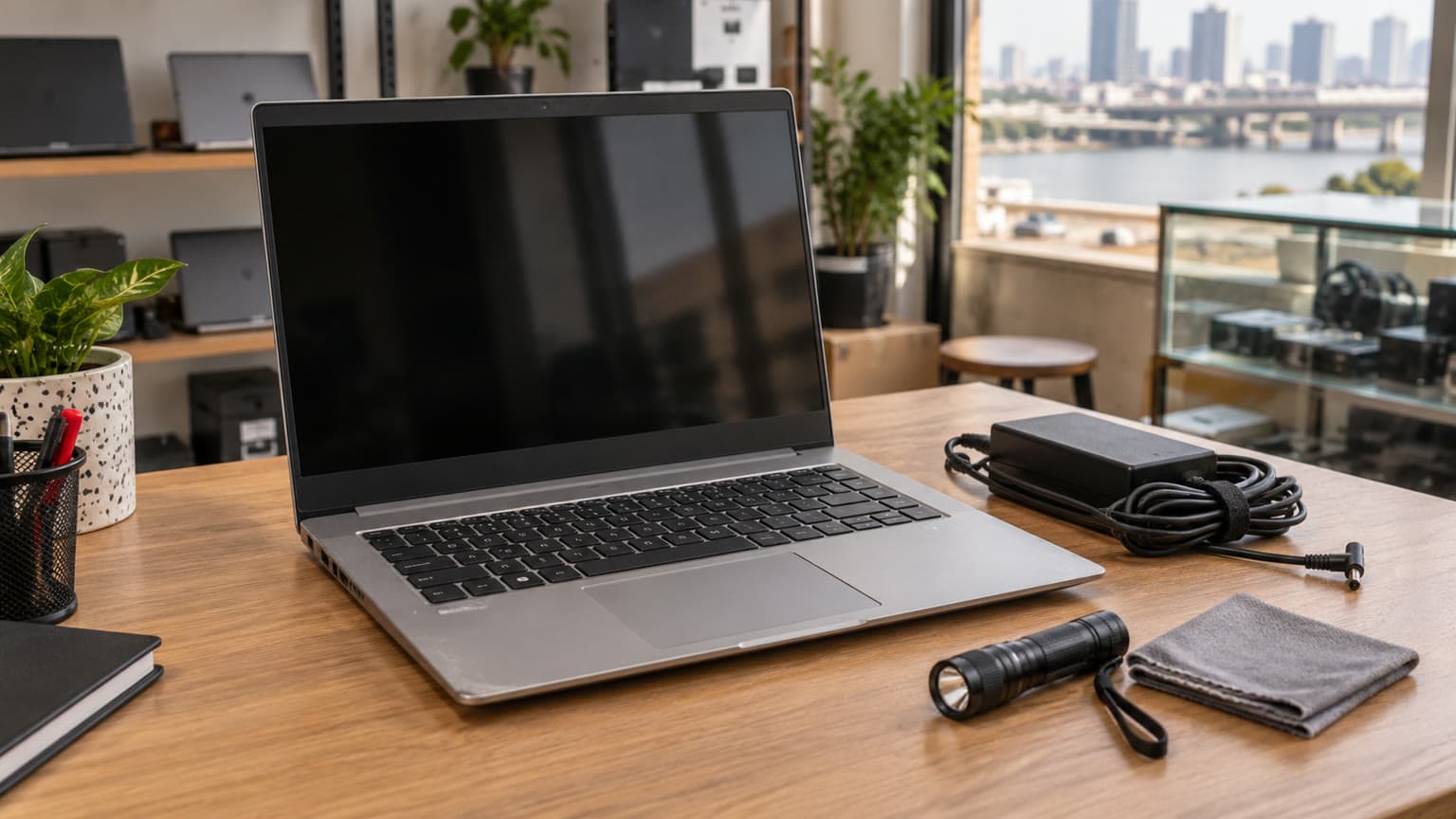
The used 15-inch MacBook Pro 2018 starts at ₦517,500 and is listed in stock in Ogabassey’s supplied 31 October 2026 snapshot. Buy only after confirming battery condition, keyboard operation, software fit and the exact configuration; its large Retina screen cannot compensate for expensive faults or incompatible work apps.
This Apple laptop deserves consideration if you want a large screen for documents, spreadsheets, coding or creative work and have checked that your required applications support its operating system. The buying decision is about the particular machine: a sound, correctly configured unit can be more useful than a higher-spec example with an unreliable keyboard or worn battery.
For school and remote work in Nigeria, start with your daily routine. Will you carry it between lectures, work away from sockets, connect a projector or run an employer’s Windows-only software? Those requirements can matter more than the Core i7 or Core i9 badge. This is a catalog-backed buying guide with official Apple specification checks, not a hands-on performance review.
Ogabassey’s scoped searches include “used laptop” and interest in larger MacBook Pro sizes. This guide answers that practical question: what must a used large-screen MacBook prove before you pay? The supplied listing describes this machine as used. It does not establish open-box condition, UK provenance or Apple-certified refurbishment.
The Ogabassey 15-inch MacBook Pro 2018 listing provides the starting offer and selectable configurations. The price below comes from the supplied first-party snapshot dated 31 October 2026 at 05:46 UTC; the underlying product record was last updated on 3 October. Check the linked live product card for the current offer and confirm the selected unit before payment.
| Entity attribute | Recorded value | Buying implication |
|---|---|---|
| Starting Nigeria price | ₦517,500; supplied variant range ₦517,500–₦820,000 | Obtain a quote for the exact configuration; the starting price does not identify its RAM, SSD or GPU. |
| Availability | In stock; unmanaged catalog stock | A numeric stock count of zero does not mean sold out under this policy. Confirm unit availability and delivery timing. |
| Condition and category | Used; Apple; Laptops | Request unit-specific condition evidence. |
| Display | 15.4-inch Retina display; 2880 × 1800 pixels; catalog refresh rate 60Hz | Inspect the panel, brightness uniformity and hinge movement. |
| Processor | Intel Core i7 / i9 Coffee Lake; 6-core | Confirm the actual processor rather than assuming all options are included. |
| Graphics | Radeon Pro 555X / 560X / Vega options | Ask which GPU is installed and check your application requirements. |
| Memory and storage | Catalog options: 16GB or 32GB RAM; 256GB, 512GB or 1TB storage | Available combinations require confirmation; this is not proof that every combination is offered. |
| Weight | 1,830g | Allow for the charger and accessories when judging portability. |
| Connectivity and camera fields | 5G support: No; optical image stabilization: No, as cataloged | Plan internet access separately. OIS is not a useful laptop selection criterion. |
| Battery health and runtime | Not listed for the individual unit | Request condition, cycle count and an unplugged demonstration. |
| Warranty, returns and included charger | Not listed | Get the terms and package contents in writing. |
| Comparable alternative | 13-inch MacBook Pro M2; current quote and condition not provided here | Compare software compatibility and total purchase cost before choosing the larger Intel model. |
Apple’s technical specifications confirm the screen dimensions, six-core processor options and graphics choices. They also correct two generic catalog fields: this model has stereo speakers and a 3.5mm headphone jack. The snapshot’s mono-speaker and missing-headphone-jack entries should not guide your purchase.

Ask for a screenshot of About This Mac plus the relevant System Information pages showing memory, storage and graphics. Match those details to the invoice and the machine being delivered. A model-family description containing several processors and GPUs is not a specification for one physical laptop.
For documents, browser-based work and study, prioritize a healthy machine and sufficient storage before paying extra for Core i9. For design or editing, list your project sizes, application versions and plug-ins first. Then ask the seller to demonstrate a representative file. A successful demonstration is useful purchase evidence; it is not a benchmark or a guarantee for every workload.
Choose 256GB only after budgeting space for applications, updates and working files. If your work depends on external storage, include that drive and any adapter in the total cost. The supplied catalog also lists 512GB and 1TB options, but their exact processor and memory combinations need confirmation.
Apple describes the RAM as onboard memory. Treat the installed amount as a purchase-time choice rather than budgeting for a routine RAM upgrade later. For storage, request a written explanation before accepting any promise of a simple internal upgrade. An external SSD can add file capacity; it does not add RAM or improve the condition of the computer.
Ask for a recent screenshot of battery condition and cycle count from the actual unit. Apple lists a maximum cycle count of 1,000 for this model. That is a battery service reference, not a promise that every battery below it is healthy or that a battery stops working exactly at that number.
A low cycle count alone cannot establish runtime. Ask whether the battery has been replaced, who supplied the replacement and whether documentation exists. Request maximum-capacity or health information where available, along with the system’s condition message. The supplied listing contains no individual battery-health percentage, so this guide cannot promise one.
During an inspection, run an ordinary task unplugged and watch for sudden percentage drops, shutdowns or charging interruptions. For delivery, agree on the inspection and return procedure beforehand. If you need several hours away from mains power, require evidence for your workload rather than relying on a historical new-device battery claim.
A raised trackpad, distorted base or visible separation around the enclosure warrants professional inspection. Do not accept a proposed discount as a substitute for investigating possible battery swelling.
Open a plain text document and press every key repeatedly, including space, return, backspace, arrows and modifier keys. Look for missed presses, repeated characters and inconsistent response. Check the keyboard layout against the symbols you regularly type. Test the Touch Bar, trackpad and Touch ID setup with the seller’s permission.
View plain light and dark backgrounds at different brightness settings. Look for lines, flickering, patches, coating wear and signs that the image changes as the lid moves normally. Ask about keyboard, display and liquid-damage repair history. Cosmetic grading should describe appearance; it should not replace functional checks.

Apple’s model-identification page lists macOS Sequoia as the newest compatible operating system for the 15-inch 2018 model. Do not interpret “runs macOS” as compatibility with every current Mac application. Check the minimum macOS version and Intel support for your essential apps, employer security tools, browser and creative plug-ins before committing.
For a Windows-dependent course or job, obtain confirmation for the exact software and supported installation arrangement. Do not assume an Intel processor alone resolves licensing, driver or operating-system support requirements. If a required application cannot be demonstrated in an acceptable supported setup, choose another laptop.
Apple specifies four Thunderbolt 3 USB-C ports and an original 87W USB-C power adapter. Confirm what charger and cable the used package actually includes. A plug fitting the port does not establish adequate charging performance. Test charging and data connections, and ask for a demonstration with any external display you depend on.
Include HDMI, USB-A, Ethernet or memory-card adapters in your budget where your equipment requires them. No compatible accessory products were supplied with this assignment, so none is presented as a verified bundle. For mobile internet, plan a suitable Wi-Fi connection or hotspot; this is not a 5G cellular laptop.
| Decision | Evidence available | Practical judgement |
|---|---|---|
| Large-screen work | 15.4-inch, 2880 × 1800 Retina panel | Consider it if workspace matters and the actual panel passes inspection. |
| Performance and thermals | Six-core Intel options; no unit-specific testing supplied | Request a normal workload demonstration. Investigate crashes or persistent instability before buying. |
| Battery-dependent study | No unit runtime or health figure supplied | Keep the decision open until unplugged performance is demonstrated. |
| Ports and accessories | Four Thunderbolt 3 USB-C ports | Price the adapters needed for your existing equipment. |
| Software longevity | Apple lists Sequoia as this model’s newest compatible macOS | Buy around verified app compatibility; no future support end date is promised here. |
| Warranty and value | Used condition; warranty terms not listed | Compare the complete supported purchase, including charger, delivery and return arrangements. |
For gaming, a Radeon model name alone is insufficient. Check whether your specific games support macOS and the installed GPU. If gaming is the main purpose, compare suitable Windows options in Ogabassey’s Laptops range before choosing this machine.
Ask for the serial number to be recorded on the invoice, with the exact RAM, storage, processor, GPU and condition. A matching serial helps identify the item; it does not prove an untouched repair history. Ask directly about previous repairs and request photographs of any disclosed damage.
Have the seller complete the ownership handover and demonstrate that setup can proceed without a previous owner’s credentials or an unexpected organisation-management requirement. If either appears, require resolution before accepting the laptop. An “open-box” description, if offered later, should come with a clear explanation of its history and grading.
Get written answers about warranty duration, covered faults, battery exclusions, return deadlines and responsibility for return shipping. Confirm delivery charges, your destination’s delivery estimate and the process for reporting transit damage. The supplied data does not establish any included warranty, nationwide delivery promise or guaranteed delivery date.
For a Nigerian buyer comparing offers, total cost is the useful number: selected configuration, dependable charger, necessary adapters, delivery and any already identified service work. Do not spend your whole budget on a higher processor tier while leaving an unresolved battery or keyboard problem.
A 13-inch MacBook Pro M2 is a useful alternative to investigate if you can accept a smaller screen and want to compare a later Apple-silicon platform. Apple lists a newer compatible operating-system generation for that model than for this 2018 machine. Check current app requirements and the individual unit’s condition in either case.
Read Ogabassey’s 13-inch MacBook Pro M2 open-box buying guide for additional inspection questions. Its headline price is historical article context, not a current offer or a verified price gap.
Use the Apple laptop collection to compare available configurations, then narrow the search through the MacBook Pro family. This avoids assuming that every newer model is affordable or that every older model is better value.
Consider the 15-inch MacBook Pro 2018 at the supplied ₦517,500 starting price only when the actual configuration, battery, keyboard, display and application compatibility are documented. Its large Retina display is a concrete benefit; unknown condition and a Sequoia compatibility ceiling are concrete reasons to be selective. Prefer the healthier verified unit over the more impressive processor label, and compare a later MacBook before paying a substantial configuration premium.
Confirm the exact processor, RAM, SSD and GPU, then verify battery condition, keyboard operation, display quality and charger contents. Match your required applications to the supported operating system. Written warranty and return terms matter alongside the specifications.
It may suit document work, browser-based tasks and compatible applications if the individual machine is healthy. Check portability, unplugged runtime, video-call equipment and any course or employer software requirements before choosing it.
No. A condition label does not establish battery health or warranty coverage. This supplied Ogabassey listing is marked used. Request unit-specific battery evidence, repair history, package contents and written coverage terms.
The supplied snapshot lists it in stock under unmanaged inventory. Under that policy, the numeric zero does not establish that it is sold out. Confirm the selected configuration, current price and delivery timing on the live listing before payment.
Catalog-linked prices update automatically. Historical and other quoted prices remain as written. Open the product page to confirm the current price, selected variant and availability before buying.