Buying Guides
Apple • ₦110,000
Apple • ₦140,000
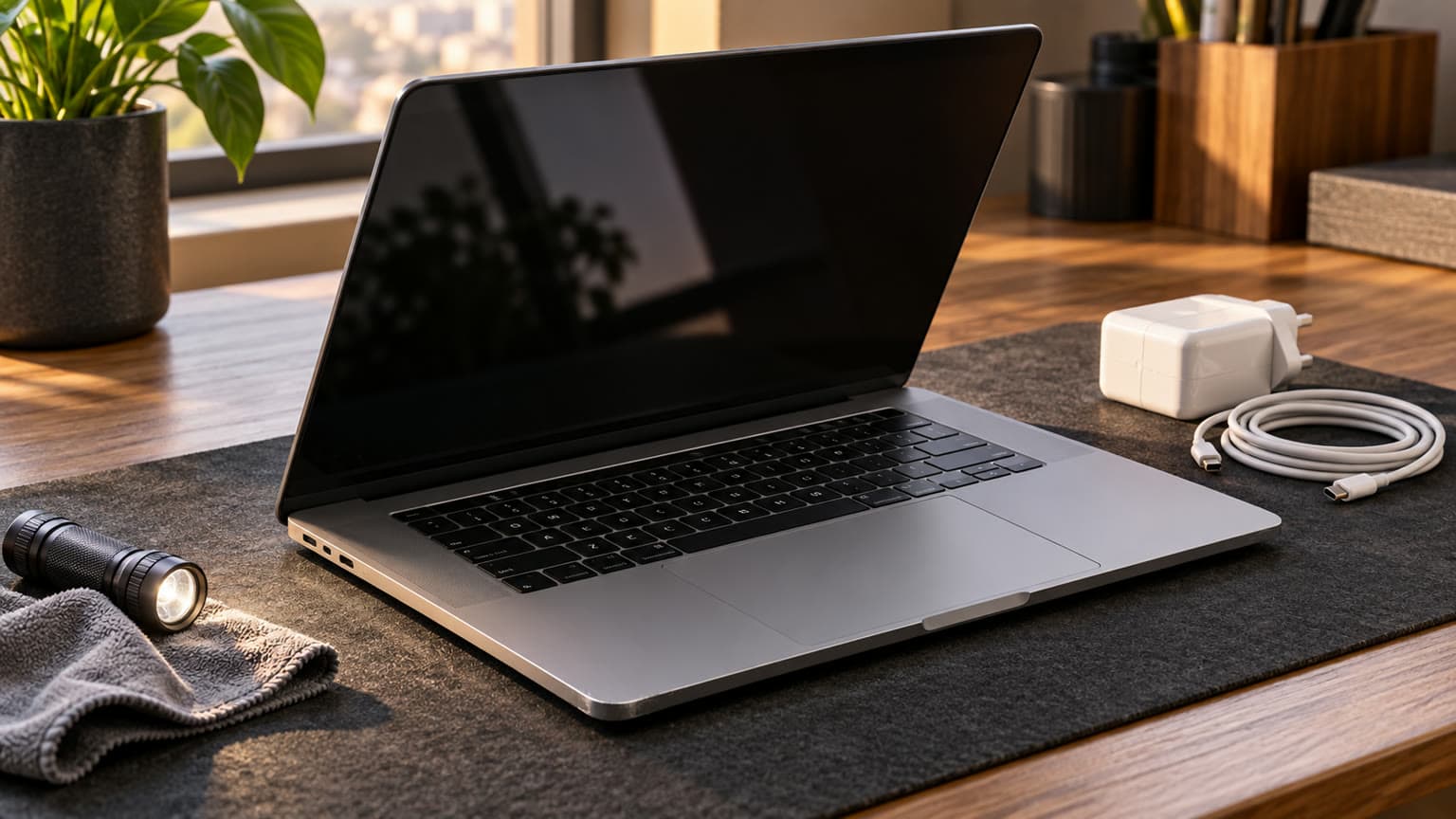
Buy a used 15-inch MacBook Air M4 only after checking its configuration, battery and ownership status. Ogabassey’s supplied snapshot, checked as of 31 October 2026, lists ₦1,540,000 and in-stock availability. Treat that as a dated offer: confirm the actual unit, warranty and live price before paying.
The 15-inch Air deserves consideration if you want room for spreadsheets, research documents and video meetings without depending on an external monitor. Our editorial recommendation is to shortlist it for school, business and everyday creative work when your essential applications run on macOS. A larger display helps only if you are comfortable carrying the laptop and have enough desk space.
Before spending this much, list the exact applications, plug-ins and peripherals your course or employer requires. Ask whether any examination software, accounting package, engineering tool or game requires Windows. Do not assume a familiar application name guarantees that every feature, extension or licence works identically on a Mac. Verify those requirements with the software provider.
This guide combines catalog-verified listing details, Apple’s official specifications and editorial buying advice. It is not a hands-on review of the available unit. No supplied evidence establishes its battery capacity, repair history or sustained performance.
The 15-inch MacBook Air M4 (2025) listing is the starting point for the current offer. Its parent record is marked used, while its description mentions new and used condition options, 16GB and 24GB memory, and 256GB and 512GB storage. Those options do not establish which combination the advertised starting price buys.
| Entity | Attribute | Value and buying implication |
|---|---|---|
| Ogabassey listing | Nigeria price | ₦1,540,000 in the supplied snapshot as of 31 October 2026; product record updated 3 October 2026. Confirm the selected variant’s live offer. |
| Ogabassey listing | Availability | In stock under unmanaged catalog stock. The numeric zero does not mean sold out; confirm the actual unit before payment. |
| Ogabassey listing | Condition | Parent record: used. Description also mentions new options. Open-box status is not established. |
| Apple laptop | Category | Laptops; MacBook Air family. |
| MacBook Air M4 | Processor | Apple M4. |
| MacBook Air M4 | Memory and storage | Catalog summary: 16GB RAM. Description lists 16GB/24GB and 256GB/512GB options; confirm the purchased combination. |
| 15-inch M4 model | Display | Apple specifies a 15.3-inch Liquid Retina display, 2880 × 1864 resolution and 500-nit brightness. |
| Catalog record | Mixed-size resolution | 13.6-inch 2560 × 1664 or 15.3-inch 2880 × 1864. The first entry describes the smaller model. |
| 15-inch M4 model | GPU | Apple specifies a 10-core GPU. The catalog’s generic 8-core or 10-core wording needs size-specific confirmation. |
| MacBook Air M4 | Connections | MagSafe 3; Thunderbolt 4. Apple specifies two Thunderbolt 4 USB-C ports and a 3.5mm headphone jack. |
| Catalog record | Wireless | Wi-Fi 6E; Bluetooth 5.3; 5G support: No. |
| Catalog record | Camera stabilization | Optical image stabilization: No. This does not establish webcam condition; test a call. |
| Offered unit | Battery health, repair history and warranty | Not listed. Obtain unit-specific evidence and written terms. |
| Alternative purchase | Comparable choices | MacBook Air M2/M3, a smaller Air, or a suitable Windows laptop; alternative prices and availability are not listed in this snapshot. |
Apple’s model-identification page identifies the 15-inch M4 Air as Mac16,13. Ask to see About This Mac and System Information, then reconcile the model, serial number, memory and storage with the invoice. A box or listing title alone cannot resolve a mismatch. This matters especially here because the catalog retains specifications from more than one screen size.

For a buyer who needs to work through interruptions to mains power, battery condition can matter more than a cosmetic grade. Ask for current screenshots from the actual unit, ideally followed by an inspection. A photograph of a battery percentage in the menu bar shows charge level, not remaining capacity relative to new.
Do not turn a low cycle count into an automatic pass. Evaluate it alongside capacity, condition, charging behaviour and the seller’s explanation of any battery replacement. Likewise, Apple’s “Service Recommended” condition should prompt a service assessment and a clear discussion of who pays before purchase.
Apple’s published battery figures describe testing under specified conditions; they are not a promise for a used machine. For your decision, ask whether the observed runtime meets your needs and whether the return terms cover a materially inaccurate battery description. No unit-specific runtime or battery percentage is supplied here.
“UK-used,” “open-box” and “clean” should trigger questions about the actual machine. They do not establish a common inspection standard, fresh warranty or repair history. The supplied record supports a used listing; it does not verify an open-box unit or a particular country of previous use.
Apple’s Activation Lock guidance explains that an Apple Account password or device passcode can be required to erase or reactivate a protected Mac. Have the seller remove their ownership association and prepare the laptop for transfer. With permission, verify that setup can proceed online without requesting a previous owner’s credentials. A working desktop session before erasure is insufficient evidence of a clean transfer.
If setup displays an organisation’s enrolment or management requirement, pause the transaction and ask the seller to resolve it through the owning organisation. Do not accept a promise that you can bypass it later. Keep the receipt and unit serial number together, and ask for any available original purchase or repair documentation.
Inspect the display against plain light and dark backgrounds, type across the keyboard, check the trackpad, play audio, record a short microphone sample and test the webcam. Try charging and a known-working accessory in each relevant port. Look for damage around hinges, corners and connectors. These are proposed inspection steps, not tests Ogabassey has already performed.
Apple Diagnostics adds another check. Apple instructs Apple-silicon owners to shut down, hold the power button until startup options appear, then hold Command-D. Record any reference codes and seek an explanation before accepting the machine. A clean diagnostic result should accompany the physical inspection rather than replace it.
No compatible accessory products are supplied in this assignment, so no particular hub, charger or dock is endorsed here. Bring the devices you actually use, or request a demonstration with equivalent equipment. For an external monitor, establish its connector, resolution and refresh-rate requirements before buying a dock.
The catalog lists no built-in 5G support. Plan to use Wi-Fi or a separate internet connection such as your phone’s hotspot. SIM or eSIM compatibility is therefore a question for that separate device, not this laptop.
Ask which power adapter and cable are included, inspect their labels and condition, and demonstrate charging. The accessories originally specified by Apple do not prove what accompanies a used sale. For a Nigerian purchase, include any necessary plug arrangement, hub and backup storage in the total budget rather than comparing laptop prices alone.
For memory and storage, make the purchase decision around the installed configuration. Do not budget on an assumed later internal upgrade. Ask for written confirmation if a seller claims an upgrade path. External storage can help with files, but it does not add system memory. A buyer juggling large creative projects should evaluate the 24GB option against actual software requirements; ordinary document work may not justify that extra spend.
Apple describes the M4 Air as fanless. Our judgement is to consider a cooled alternative for frequent, lengthy rendering or other sustained demanding work, and to request a demonstration with representative files. This draft makes no measured claim about throttling or comparative speed. For gaming, verify each required title and peripheral before treating processor specifications as a buying verdict.

The ₦1,540,000 figure is a dated catalog snapshot, not a quote for every listed configuration. There is no paid-order price history establishing a discount or downward trend. Check the linked live product card and obtain a total for the exact memory, storage, condition and accessories you are buying.
The listing uses unmanaged stock, so its numerical stock count does not cap catalog availability. Still, ask whether the photographed unit is ready for inspection or dispatch. The snapshot does not supply a delivery fee, delivery date, return window or warranty duration.
Before paying, request an invoice identifying the serial number and configuration, the included charger, disclosed defects and repairs, and the written warranty provider. Ask whether battery wear, charging faults and display issues are covered, how a claim is handled, and who bears transport costs. Confirm delivery arrangements and the process for reporting transit damage. OgaBassey-specific terms must come from the actual offer; this guide cannot supply missing promises.
Ogabassey’s scoped searches include MacBook Air M2 and M1, making an older Air a useful comparison for buyers trying to control cost. Compare complete offers with the same ownership, battery and warranty checks. A cheaper machine with the configuration you need may serve ordinary work better than a newer chip paired with insufficient storage.
| Your decision | What to compare | Editorial buying rule |
|---|---|---|
| Mostly documents, browsing and meetings | M2 or M3 Air with suitable memory and storage | Consider it if the total saving is meaningful and condition and software compatibility meet your needs. |
| Frequent travel or small desks | A smaller Air | Try the physical size before paying for extra screen space. |
| Large projects and multitasking | More memory and storage, plus a cooled alternative | Price the configuration needed for your workload before prioritising chip generation. |
| Windows-only tools or specific games | A compatible Windows laptop | Resolve software support before comparing hardware specifications. |
The MacBook Air M3 size-choice guide provides another starting point for comparing screen sizes; verify any commerce details against current offers. Browse the MacBook Air family and wider Apple MacBook range for alternatives, or compare software fit across Ogabassey Laptops.
Shortlist the used 15-inch M4 Air if you need its larger workspace, your applications suit macOS, and the exact unit passes ownership, configuration and battery checks. At the supplied ₦1,540,000 snapshot price, missing warranty terms or an unresolved configuration mismatch are reasons to delay payment. Prioritise a documented, suitable machine over an attractive condition label.
Confirm the exact model, installed memory and storage, then inspect battery condition, maximum capacity, cycle count and ports. Verify ownership transfer, disclosed repairs, included accessories and written warranty terms. This listing contains mixed-size details, so confirm the actual unit rather than relying on its title.
It can be if macOS supports your work, the configuration fits your needs and the inspected unit has acceptable battery condition and clear ownership. The supplied snapshot lists ₦1,540,000 and in-stock availability; confirm the live offer, warranty and delivery costs before deciding.
Compare exact configurations and complete purchase costs. For document work, browsing and meetings, consider an M2 if it meets your software requirements and offers a meaningful saving with acceptable battery condition and warranty terms. No current M2 price or availability is supplied here.
No. Ask what the seller means by open-box, inspect battery information and obtain the applicable warranty in writing. The supplied product record is marked used and does not establish an open-box unit, unused battery or fresh Apple warranty.
Catalog-linked prices update automatically. Historical and other quoted prices remain as written. Open the product page to confirm the current price, selected variant and availability before buying.