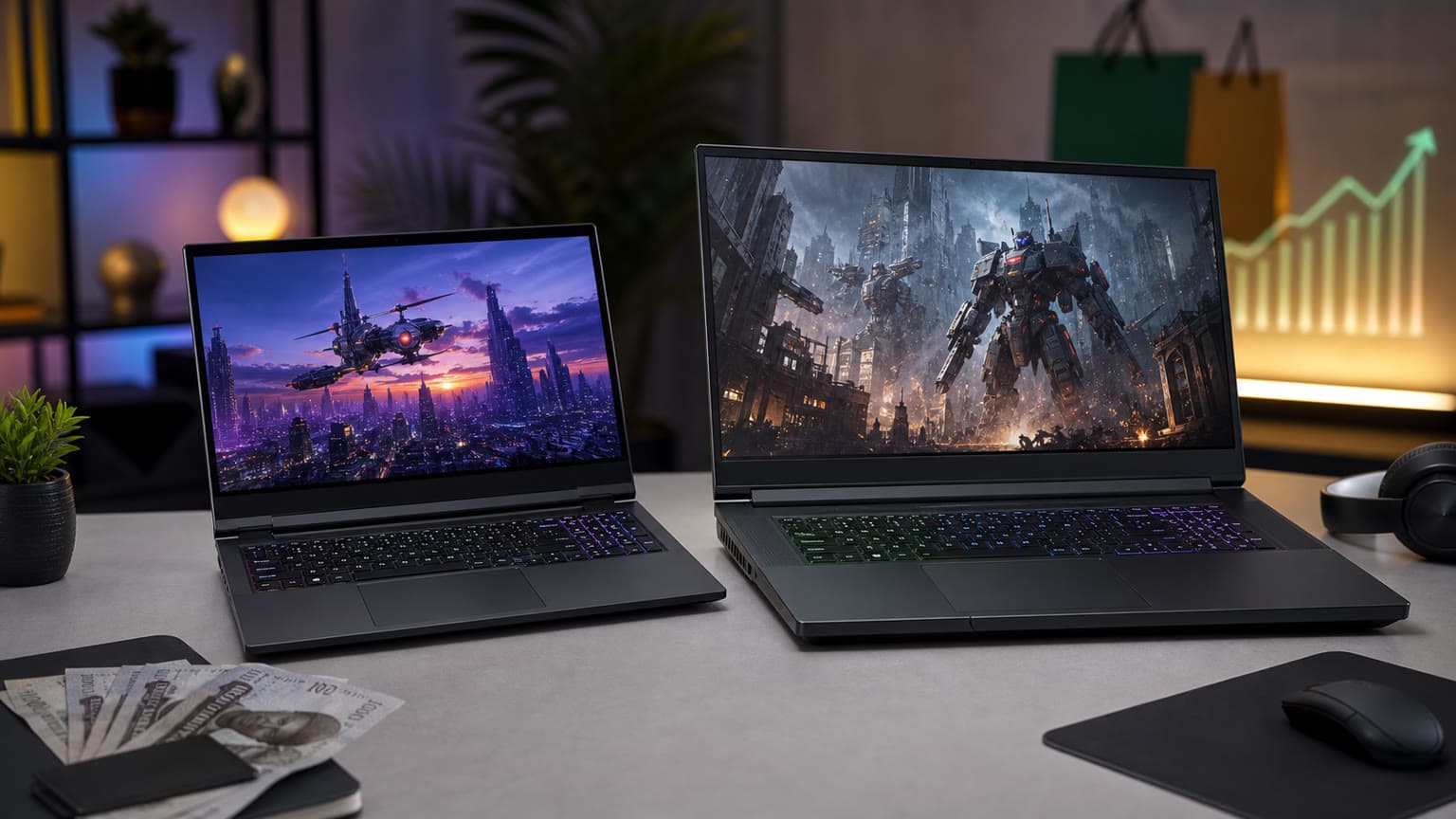
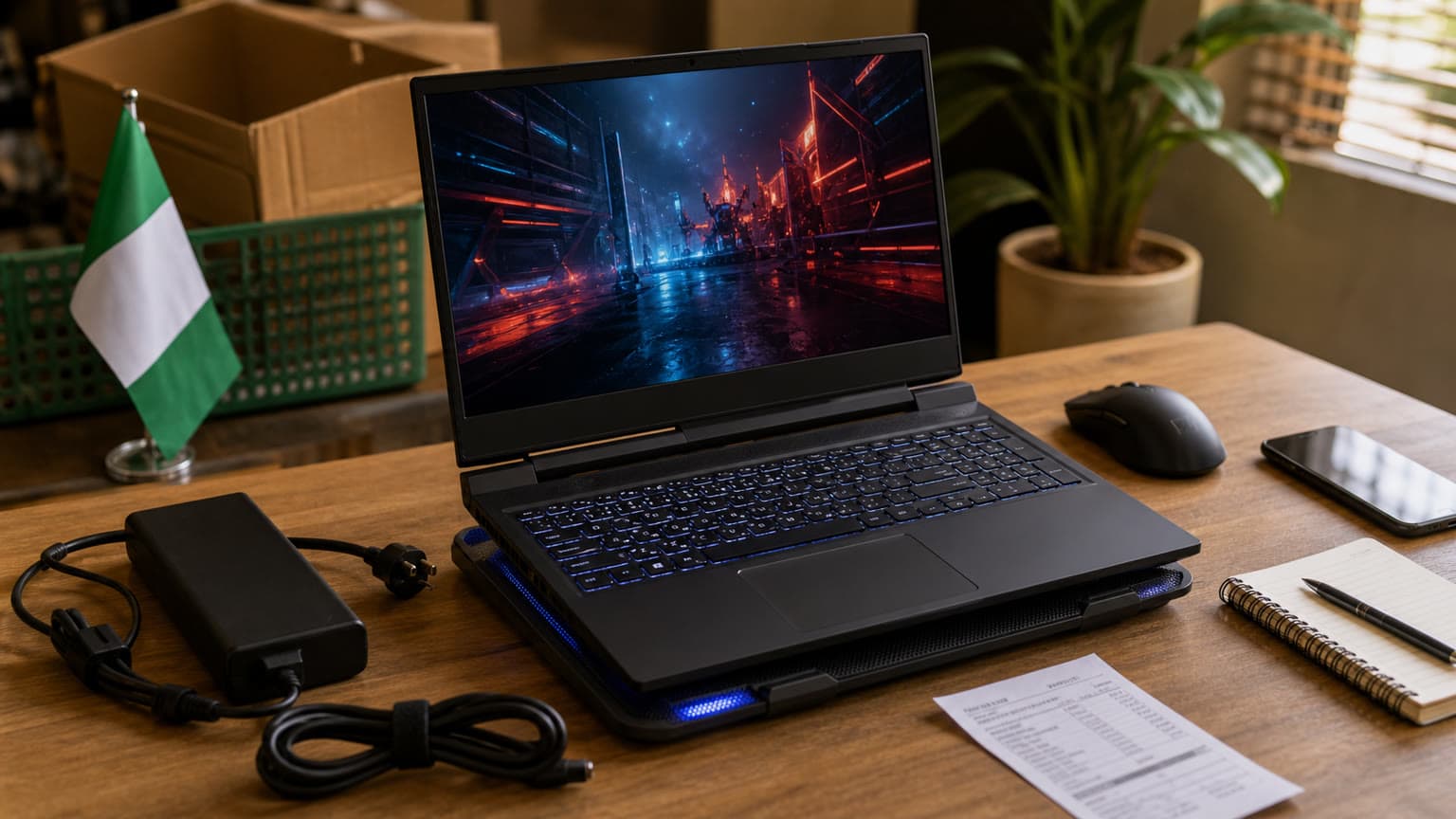
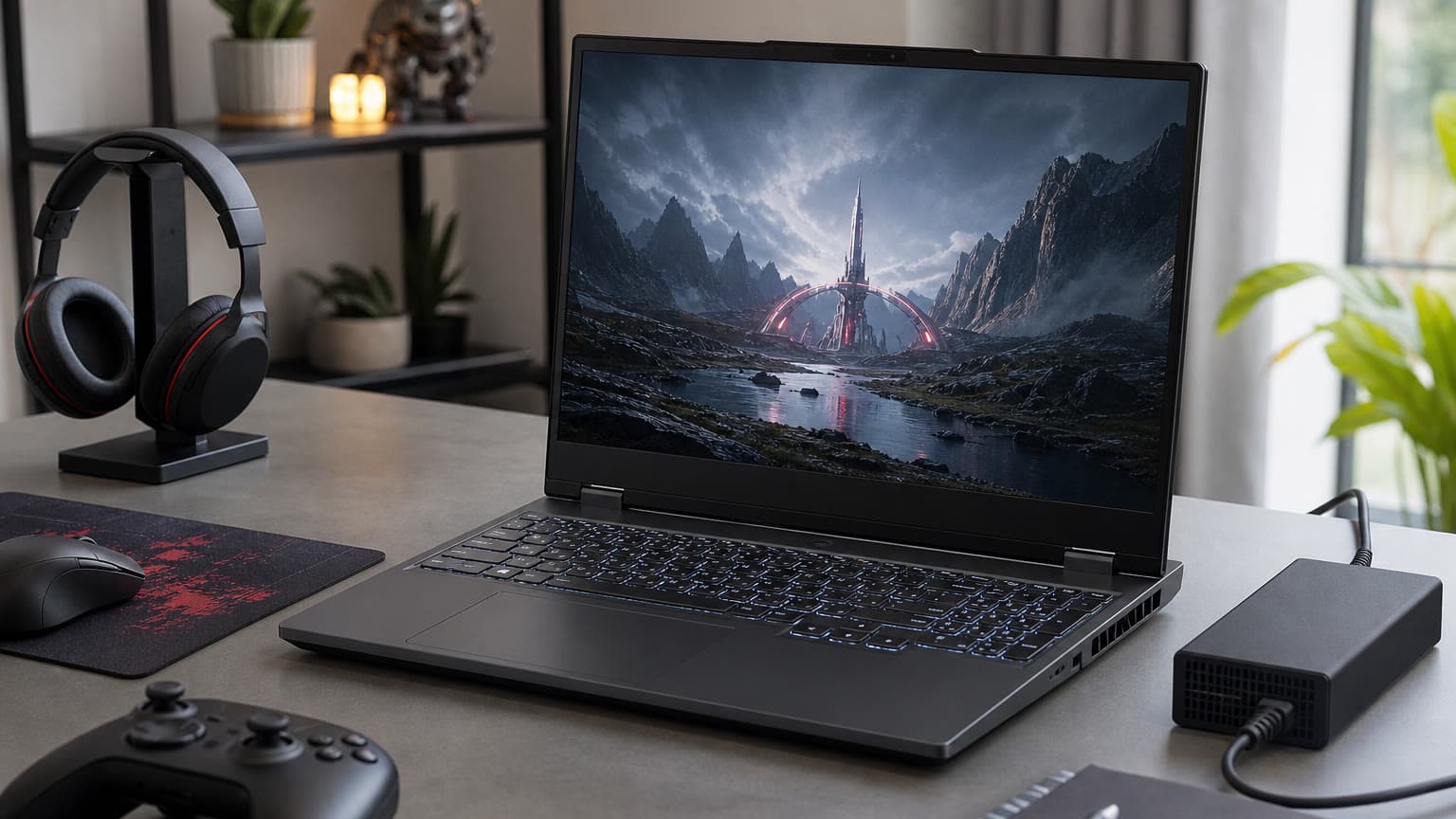
The MSI Vector 16 HX AI 400 Gaming is best for buyers who want a serious 16-inch RTX 5080 gaming laptop and can verify the exact configuration before payment. At ₦4,684,000 in the provided Ogabassey catalog snapshot, the main decision is not raw power; it is whether the RAM, stock status, warranty terms, heat expectations, and upgrade path fit your Nigeria use case.
Who this MSI Vector 16 HX AI is for
The MSI VECTOR 16 HX AI 400 GAMING is a performance-first gaming laptop for players, engineering students, 3D artists, video editors, AI hobbyists, and creators who need more GPU headroom than a mainstream RTX 4060 or RTX 4070 laptop. The Ogabassey product snapshot lists an Intel Core Ultra 9 275HX processor, NVIDIA GeForce RTX 5080 16GB GDDR7 graphics, a 16-inch 2560 x 1600 WQXGA display at 240Hz, 16GB DDR5 RAM, and a 1TB PCIe NVMe SSD.
That combination makes the laptop more sensible for demanding users than for casual buyers. If your main workload is Microsoft Office, browser research, online classes, accounting software, or light design, this is more machine than you need. You would be paying for GPU power, cooling hardware, and a heavy performance chassis that may not improve everyday school or office tasks. For lighter options, browsing Ogabassey Laptops first can make the budget decision clearer.
For gaming, the RTX 5080 16GB listing is the big draw. The 16GB graphics memory matters for modern AAA games, high-resolution texture packs, GPU rendering, and some local AI workloads. The 240Hz display also suits esports titles where frame pacing and responsiveness matter. But buyers should separate catalog-verified facts from assumptions: the provided catalog snapshot does not include measured frame rates, fan noise, charger wattage, panel brightness, or thermal test results, so this guide treats performance as specification-backed buying context rather than hands-on benchmarking.
Key specs and buying context
This Vector 16 HX AI sits in a different class from thin-and-light creator laptops. The 2.7kg listed weight means it is transportable, not especially commuter-friendly. It can move between home, hostel, studio, office, and gaming desk, but it is not the most comfortable choice for someone carrying a laptop all day with books, power bank, documents, and accessories.
The Intel Core Ultra 9 275HX is a high-performance HX-class processor, so the CPU side should be suitable for compilation, multitasking, high-refresh gaming, simulation tools, and creator workloads. The NVIDIA RTX 5080 16GB GDDR7 GPU is the reason to consider this exact listing over cheaper gaming laptops. Buyers looking at the search query “msi vector 16 hx” are usually comparing it with other Vector, Pulse, Raider, or Legion-class laptops, and the core question is whether the higher GPU tier justifies the price.
The 16-inch WQXGA panel is also important. A 2560 x 1600 resolution gives more workspace than a standard 1920 x 1080 panel, while the 16:10 aspect ratio is useful for timelines, code, spreadsheets, and documents. The 240Hz refresh rate is gaming-friendly, but it is only valuable when the game and graphics settings can deliver high enough frame rates. In heavy AAA games, many buyers will still choose balanced settings, DLSS where supported, or an external monitor strategy depending on the title.
The most important caveat is memory. The catalog lists 16GB RAM. That is usable for gaming today, but it is not generous for a laptop in this price and GPU class. If you edit large video projects, run virtual machines, use Unreal Engine, work with heavy CAD files, or keep many browser tabs and creative apps open, 32GB or more is a more balanced match for an RTX 5080 machine. MSI’s official Vector 16 HX AI A2XW family specification indicates DDR5 support up to 96GB depending on configuration, but the Ogabassey listing should be treated as 16GB until the selected unit, RAM slots, included modules, and upgrade terms are confirmed.
Decision scorecard
| Decision area | Catalog or source-backed context | Buyer judgement |
|---|
| Performance | Core Ultra 9 275HX and RTX 5080 16GB GDDR7 listed in the Ogabassey snapshot. | Strong fit for demanding gaming and creator work, but no hands-on benchmarks are provided here. |
| Display | 16-inch WQXGA, 2560 x 1600, 240Hz listed. | Good balance for gaming, editing, coding, and multitasking; verify brightness and color coverage if design accuracy matters. |
| Battery | Official MSI family source notes a 90Whr battery for the Vector 16 HX AI A2XW family. | Large for a gaming laptop, but HX CPU and RTX graphics mean buyers should not expect MacBook-style unplugged endurance. |
| Thermals | Performance-class CPU/GPU and 2.7kg chassis imply a cooling-focused design, but no measured temperatures are supplied. | Plan for desk use, ventilation space, and fan noise under load. Avoid judging it like an ultrabook. |
| Ports | Official MSI family source lists modern connectivity including Thunderbolt 5, Wi-Fi 7, SD Express card reader, and audio jack depending on configuration. | Promising for creators and external monitor setups, but confirm the ports on the exact A2XW unit before checkout. |
| Upgradeability | Ogabassey snapshot lists 16GB RAM and 1TB SSD; official family source references DDR5 up to 96GB and Gen4/Gen5 M.2 storage support. | Upgrade potential is a major reason to consider it, but confirm RAM slots, warranty impact, and SSD bay details first. |
| Warranty trust | Catalog says new condition, but specific local warranty and support terms are not included in the snapshot. | Ask for written warranty coverage, charger details, serial confirmation, and return terms before paying. |
| Nigeria value | Snapshot price is ₦4,684,000 and stock quantity is 0. | High-value only if you truly need RTX 5080-class GPU power and can confirm availability or order timing. |
| Availability | Product status is active, but stock_quantity is 0 in the snapshot. | Do not assume immediate pickup or delivery. Confirm live availability with Ogabassey before checkout. |
Trade-offs before you buy
The first trade-off is portability. At 2.7kg, this laptop is easier to justify for a desk-first gamer or creator than for a student who moves around campus all day. Add the power adapter, a mouse, headset, and possibly an external drive, and the total carry weight becomes noticeable. If portability matters more than GPU performance, a lighter creator laptop or a MacBook may be a better match; buyers comparing Apple options can also scan Ogabassey MacBooks for battery-focused alternatives.
The second trade-off is heat and power. Gaming laptops in this class are designed to use substantial power when the CPU and GPU are loaded. That usually means better performance when plugged in, more fan noise during heavy sessions, and a real need for good airflow. In Nigeria, where rooms may be warm and power stability can vary, buyers should think beyond the spec sheet. A surge-protected setup, clean desk ventilation, and realistic expectations for battery gaming are part of the ownership cost.
The third trade-off is the 16GB RAM starting point. The graphics card is high-end, but the listed memory is closer to the lower boundary for serious 2026 multitasking. For pure gaming, 16GB can still be acceptable in many titles. For design, rendering, software development, engineering apps, and streaming while gaming, it may become the first upgrade. This does not make the laptop a bad buy; it means the full budget should include possible RAM expansion, and the buyer should confirm whether upgrades can be done without creating warranty issues.
The fourth trade-off is availability. The snapshot lists stock_quantity as 0 while the product status remains active. That means the page can still be useful for product research, but a buyer should not treat the price or delivery timing as final without live confirmation. For expensive gaming laptops, variant mismatch is also a real risk: one market may receive a different screen, webcam, storage configuration, keyboard layout, or charger. The safest approach is to ask Ogabassey to confirm the exact CPU, GPU, RAM, SSD, display panel, charger, condition, and warranty terms for the unit being supplied.
Alternatives to compare before paying
If you are deciding between this Vector and a cheaper MSI gaming laptop, the useful comparison is not just “which one has the bigger GPU?” It is whether your actual games or work software can use the extra GPU power. A student playing Valorant, FC, GTA V, Fortnite, and eFootball may get better value from a lower-tier gaming laptop with enough RAM and a good screen. A creator working in Blender, DaVinci Resolve, 3D rendering, AI tools, or modern AAA games at higher settings has a stronger reason to stretch toward the Vector.
Ogabassey already has a focused MSI comparison that may help if you are weighing a less expensive RTX 4070-class route against this RTX 5080 listing: MSI Pulse 16 vs Vector 16 HX AI. Use that comparison if your budget is flexible but not unlimited. It frames the same practical question many Nigeria buyers face: pay for maximum GPU headroom now, or buy a more affordable gaming laptop and reserve money for RAM, accessories, warranty comfort, and backup power.
For buyers who mainly want battery life, quiet operation, and school/work reliability, this Vector should also be compared against non-gaming laptops. The MacBook Air M3 buyer support guide is relevant if your software stack is browser, Office, coding, design basics, media work, and long unplugged use rather than Windows-only games or NVIDIA GPU workloads. A MacBook is not a substitute for RTX gaming, but it may be the smarter ownership experience for students and remote workers who need battery life more than graphics power.
Verdict: buy it for GPU headroom, not for casual use
The MSI Vector 16 HX AI 400 Gaming makes sense if you specifically need an RTX 5080-class Windows laptop with a fast 16-inch display, strong CPU, and potential upgrade path. It is a serious gaming and creator machine, and the 16GB GDDR7 GPU memory is the clearest reason to consider it over mainstream gaming laptops.
It is not the most balanced choice for everyone. The listed 16GB system RAM is the weak point for a laptop at this level, the 2.7kg body makes it a desk-first machine, and the provided stock snapshot shows 0 units available. Before checkout, confirm live availability, exact A2XW configuration, charger, warranty, upgrade policy, and whether a RAM upgrade can be bundled or supported. If those details check out and your work genuinely benefits from high GPU power, this Vector is a strong shortlist option. If your priority is battery life, portability, or lower total cost, compare broader Gaming Laptops before committing.
FAQ
Is the MSI Vector 16 HX AI good for school, work, gaming, or design?
It is best for gaming, design, rendering, engineering, and creator workloads that can use a strong CPU and RTX 5080 GPU. For ordinary school notes, browsing, office work, and long battery life, it is more expensive and heavier than necessary.
Should I upgrade the 16GB RAM?
For casual gaming, 16GB may be enough. For video editing, CAD, 3D work, streaming, virtual machines, and heavy multitasking, plan for 32GB or more if the exact unit supports it and the upgrade does not affect warranty terms.
Is the listed ₦4,684,000 price enough to decide?
No. Treat the price as catalog context from the provided snapshot. Because stock_quantity is listed as 0, confirm live availability, final price, warranty, charger, and exact configuration with Ogabassey before paying.
Is a MacBook a better buy in Nigeria?
A MacBook may be better for battery life, portability, quiet operation, and general productivity. The MSI Vector is better when you need Windows gaming, NVIDIA GPU acceleration, high-refresh play, or upgrade flexibility.
Sources