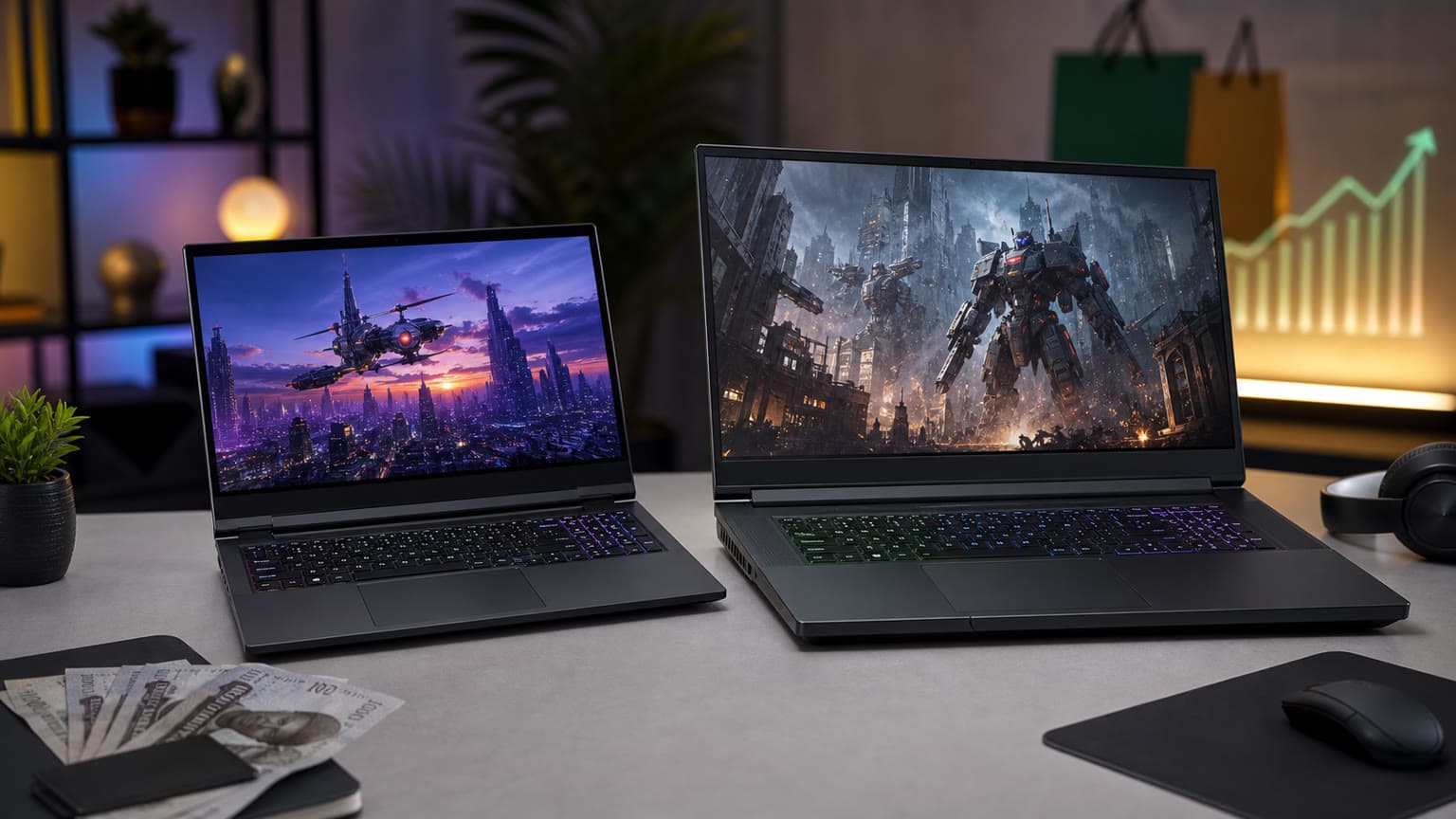
If you want the better-value MSI gaming laptop for school, work, and serious 1440p-class gaming in Nigeria, choose the MSI Pulse 16. Choose the MSI Vector 16 HX AI 400 only if your budget can absorb the higher price and you specifically need RTX 5080-class GPU power, newer connectivity, and stronger creator/gaming headroom.
Decision summary
This is a catalog-verified and official-source-supported comparison, not a hands-on benchmark review. Ogabassey currently lists the MSI PULSE 16 GAMING with an Intel Core Ultra 9 185H, NVIDIA GeForce RTX 4070 8GB, 32GB DDR5 RAM, 1TB NVMe Gen4x4 SSD, and a 16-inch 2560x1600 240Hz display at ₦2,820,000. The MSI VECTOR 16 HX AI 400 GAMING is listed with an Intel Core Ultra 9 275HX, NVIDIA GeForce RTX 5080 16GB GDDR7, 16GB DDR5 RAM, 1TB PCIe NVMe SSD, and a 16-inch 2560x1600 240Hz display at ₦4,684,000.
The practical question is not simply which one is faster. It is whether the Vector’s stronger CPU/GPU platform is worth roughly ₦1,864,000 more when the Pulse already gives you 32GB RAM, a high-refresh 16-inch QHD+ panel, and RTX 4070 graphics. For many Nigerian buyers searching for gaming laptop price in Nigeria, the Pulse is the more balanced pick because it leaves budget for a cooling stand, external keyboard, mouse, backpack, power protection, or extended support. The Vector is the more specialist machine for buyers who know they need higher GPU memory and newer platform features.
Both product rows show stock_quantity as 0, so treat the prices as catalog context and confirm live availability, final configuration, warranty terms, charger rating, keyboard layout, and return conditions before checkout. You can also browse the broader Gaming Laptops category if either MSI model is unavailable when you are ready to buy.
Comparison table: what differs most
| Decision point | MSI Pulse 16 Gaming | MSI Vector 16 HX AI 400 Gaming | Buyer meaning |
|---|
| Ogabassey listed price | ₦2,820,000 | ₦4,684,000 | The Vector costs about ₦1.864m more, so the upgrade must be justified by workload, not only desire. |
| CPU | Intel Core Ultra 9 185H | Intel Core Ultra 9 275HX | The Vector’s HX-class chip is the performance-first choice for heavier rendering, compiling, streaming, and high-end gaming loads. |
| GPU | NVIDIA GeForce RTX 4070 8GB | NVIDIA GeForce RTX 5080 16GB GDDR7 | The Vector has the much stronger graphics spec and twice the listed VRAM. |
| RAM | 32GB DDR5 | 16GB DDR5 | The Pulse has the better catalog-listed memory capacity out of the box. |
| Storage | 1TB NVMe Gen4x4 SSD | 1TB PCIe NVMe SSD | Both are listed with 1TB, enough for Windows, apps, and a starter game library. |
| Display | 16-inch QHD+ wide-view, 2560x1600, 240Hz | 16-inch WQXGA, 2560x1600, 240Hz | Both target sharp, fast 16:10 gaming and productivity use. |
| Weight | About 2.5kg | About 2.7kg | The Pulse is slightly easier to carry for class, office movement, or travel. |
| Card reader | Not listed | SD Express card reader | The Vector is friendlier for camera and creator workflows. |
| Wireless platform from official source note | Wi-Fi 6E family support noted for Pulse 16 AI C1VX | Wi-Fi 7 family support noted for Vector 16 HX AI A2XW | The Vector is better positioned for newer routers and longer-term connectivity. |
| Official battery family note | 90Whr battery noted by MSI source context | 90Whr battery noted by MSI source context | Do not buy either expecting ultrabook endurance; gaming laptops still need power access for best performance. |
| Best fit | Gaming plus school, work, coding, design, and general creator use | High-end gaming, heavier creative work, AI/GPU workloads, and future-facing performance | Buy based on your real workload and power access, not only the model name. |
Price and value in Nigeria
The MSI Pulse 16 is the value winner because the lower price does not come with an entry-level spec sheet. A Core Ultra 9 185H and RTX 4070 8GB are already strong enough for many competitive games, modern single-player titles with sensible settings, engineering coursework, Adobe-style creative work, and multitasking. More importantly, the Ogabassey listing gives the Pulse 32GB RAM, which matters in everyday Nigerian laptop use where buyers often keep many browser tabs, design tools, office apps, and messaging apps open at the same time.
The Vector 16 HX AI 400 is not poor value if you need what it offers. The RTX 5080 16GB GDDR7 listing changes the conversation for buyers who work with GPU-heavy creative tools, 3D rendering, local AI experiments, high-refresh external monitors, or games that benefit from more VRAM. It is also the stronger pick if you want a laptop that feels less constrained several years from now. But at ₦4,684,000, it belongs in a different budget class. Many buyers would be better served by putting the price difference into accessories, power backup, storage, or a warranty-friendly purchase plan.
Because both rows currently show zero stock quantity, avoid making a decision from price alone. Availability can change, and exact MSI configurations vary by market. Before payment, confirm the exact CPU, GPU, RAM stick arrangement, SSD slot availability, charger wattage, warranty provider, and whether the laptop is sealed-new as listed. For shoppers comparing outside this pair, the wider Ogabassey Laptops category is useful when you are deciding whether a gaming laptop is even the right form factor for your work and travel pattern.
Performance and daily use
The Pulse 16 is the sensible performance baseline. Its RTX 4070 8GB is the kind of GPU that can handle a lot of 1080p and 1600p gaming expectations when settings are managed properly. It is also a credible choice for students in architecture, engineering, computer science, media production, or business analytics who need Windows software compatibility and more graphics power than a normal thin-and-light laptop. The 32GB RAM listing gives it a real daily-use advantage over many gaming laptops that ship with 16GB.
The Vector 16 HX AI 400 is for people who will notice the bigger engine. The Intel Core Ultra 9 275HX and RTX 5080 16GB GDDR7 listing make more sense if you run demanding games, render video often, work with 3D assets, stream while gaming, use local AI tools, or expect to keep the laptop for a long cycle. The 16GB RAM listing is the awkward part. For a machine in this price class, some buyers will want 32GB or more, so confirm upgrade options before checkout. MSI’s official Vector family note mentions DDR5 support up to 96GB, but the exact retail configuration and upgrade access should be verified for the unit Ogabassey is supplying.
For daily school and office use, both laptops are more powerful than a typical productivity laptop, but that does not mean they are equally convenient. The Pulse is lighter, cheaper, and already has more listed memory. The Vector is heavier and more expensive, but has the GPU platform that better fits demanding buyers. If your work is mostly Microsoft Office, browser research, coding, Canva, light Photoshop, football titles, esports, and occasional AAA games, the Pulse is easier to justify. If your work includes Blender, Unreal Engine, DaVinci Resolve, CAD, large game projects, or AI experiments, the Vector becomes more defensible.
Battery, display, build, and ports
Both laptops use a 16-inch 2560x1600 240Hz class display, which is a strong match for gaming and productivity. The 16:10 resolution gives more vertical space than older 16:9 gaming panels, so spreadsheets, timelines, documents, and code editors feel less cramped. The high refresh rate is useful for competitive games and makes everyday motion feel smoother, but it also means you should check display mode and power settings when you need longer battery life.
Do not treat either option like a MacBook-style endurance laptop. MSI’s official family context points to 90Whr batteries, which is large for a laptop, but gaming performance still depends heavily on wall power. In Nigeria, that makes power planning part of the purchase. If you live or work where power cuts are common, budget for a good surge protector, stable inverter/UPS setup, and safe charging habits. A gaming laptop that is repeatedly exposed to unstable power or heat can become expensive to maintain.
The Vector has the stronger port and connectivity story from the provided official-source notes: Thunderbolt 5, Wi-Fi 7, and SD Express card reader are highlighted for the Vector 16 HX AI A2XW family. That matters for creators using fast external drives, newer docks, high-speed networks, or camera media. The Pulse official context highlights Wi-Fi 6E, HDMI 2.1, 90Whr battery, and the core RTX 4060/4070 configuration family. That is still a practical port baseline for most students and gamers, especially if you mainly connect a monitor, mouse, controller, headset, or external SSD.
Who should buy each option?
Buy the MSI Pulse 16 Gaming if value and balance matter most
Buy the Pulse if you want a powerful MSI gaming laptop but still care about total ownership cost. It is the better fit for students, hybrid workers, gamers, beginner-to-intermediate creators, software learners, and buyers who want 32GB RAM without jumping to a much higher price. It is also the easier recommendation if the laptop will move between home, school, work, and travel, because the listed 2.5kg weight is lower than the Vector’s 2.7kg.
The Pulse is not the best choice if you already know you need RTX 5080-class performance or 16GB VRAM. It is also important to confirm the exact C1VX part number because MSI Pulse configurations differ by market. But as a Nigeria-focused buying decision, it gives the strongest mix of price, memory, display, and gaming capability in this two-model comparison.
Buy the MSI Vector 16 HX AI 400 if you need the bigger GPU platform
Buy the Vector if your work or gaming habits can justify the extra spend. Its listed RTX 5080 16GB GDDR7 is the main reason to choose it. That extra graphics headroom is meaningful for heavy creative work, future games, 3D workflows, and local GPU workloads. The newer connectivity story also makes it more attractive if you use high-speed docks, creator storage, modern routers, or external displays.
The caution is memory and price. The Ogabassey row lists 16GB RAM, which is usable but not ideal for the level of GPU and CPU being offered. Before buying, confirm whether the unit can be upgraded easily and whether doing so affects warranty. If you cannot confirm upgrade path or local support terms, the Pulse may be the less risky purchase for a broader set of buyers.
Alternatives to consider
If neither laptop is in stock, stay within the Gaming Laptops section and compare RTX 4060, RTX 4070, RTX 4080, and RTX 50-series options by price, RAM, display, warranty, and weight. A cheaper RTX 4060 laptop can be enough for casual gaming and school, while an RTX 4080 or RTX 5080 model makes more sense for buyers who already know their software benefits from higher GPU performance.
If your priority is battery life, quiet operation, portability, and office work rather than gaming, a normal laptop or MacBook may be the smarter category. Ogabassey’s Macbooks category can be relevant for buyers who use macOS-friendly software and do not need NVIDIA graphics. For Windows buyers, the broader laptop category may reveal thinner productivity models that are easier to carry than either MSI machine.
For related laptop buying context, Ogabassey’s guide to 2026 MSI Prestige 14 Flip AI+ and Prestige 16 AI+ is useful if you are comparing gaming laptops against creator/productivity MSI models. The Windows 11 driver rules and battery life guide is also worth reading because driver quality, firmware, and power management can affect laptop ownership long after the spec sheet looks settled.
Verdict
For most Nigerian buyers, the MSI Pulse 16 Gaming is the better buy because it costs much less, includes 32GB RAM versus the Vector’s listed 16GB, weighs slightly less, and still offers a 16-inch 2560x1600 240Hz display with RTX 4070 graphics. The MSI Vector 16 HX AI 400 Gaming wins if your priority is maximum performance: its Core Ultra 9 275HX and RTX 5080 16GB GDDR7 listing is far stronger for demanding games and creator workloads, and its official family context points to newer connectivity such as Thunderbolt 5 and Wi-Fi 7. The decision is therefore simple: buy Pulse for balanced value, buy Vector for GPU headroom, and confirm live stock plus exact configuration before paying.
FAQ
Which MSI laptop should I buy for school, work, gaming, or design?
Choose the MSI Pulse 16 for the best balance of school, work, gaming, and design value. Choose the MSI Vector 16 HX AI 400 if your design or gaming workload needs RTX 5080-class graphics, 16GB VRAM, and newer connectivity. For most students, the Pulse is easier to justify.
Is the MSI Vector 16 HX AI worth the higher price in Nigeria?
It is worth it only if you will use the stronger GPU and CPU. The Vector costs about ₦1.864m more in the current catalog snapshot, so casual gamers and students may get better value from the Pulse. Creators, 3D users, and high-end gamers are the stronger fit.
What specs matter before buying an MSI gaming laptop?
Confirm the exact CPU, GPU, RAM, SSD, display, charger, keyboard layout, warranty terms, and upgrade path. MSI model families vary by market, so do not rely on the name alone. Also confirm live Ogabassey availability because both rows in this snapshot show zero stock quantity.
Should I buy a gaming laptop or a MacBook in Nigeria?
Buy a gaming laptop if you need NVIDIA graphics, Windows games, engineering apps, or GPU-heavy creative tools. Consider a MacBook if battery life, portability, quiet operation, and macOS software fit matter more than gaming. Your software requirements should decide the category first.
Sources