Bassey John is a Performance Marketing Specialist at Ogabassey with cross-industry experience spanning e-commerce, gaming, and real estate. He focuses on paid acquisition, conversion-rate optimisation, and data-driven growth strategy, turning campaign performance into measurable revenue. At Ogabassey he writes about consumer technology, product buying guides, and the Nigerian gadget market to help shoppers make confident, informed decisions.
If you want the stronger desk-bound gaming laptop, choose the Dell Alienware m18 R3 RTX 5080. If you want a high-end Alienware that is easier to move around and costs far less, the Dell Alienware M16 R3 RTX 5070 Ti is the more practical Nigerian buyer pick.
Decision Summary
This is not a simple smaller-versus-bigger laptop comparison. Both Ogabassey catalog listings use Intel Core Ultra 9 275HX-class processing, 2TB SSD storage, high-refresh 2560x1600 displays, Windows 11 Home, and dedicated NVIDIA RTX 50-series graphics. The real question is whether the m18 R3's RTX 5080 16GB graphics, 64GB RAM, 18-inch 300Hz display, larger chassis, and richer connectivity are worth the jump from NGN 4,700,400 to NGN 7,098,000 in the June 18, 2026 Ogabassey catalog snapshot.
For most buyers shopping gaming laptops in Nigeria, the M16 R3 is easier to justify. It already carries a Core Ultra 9 275HX, RTX 5070 Ti 12GB GDDR7 graphics, 32GB DDR5 RAM, 2TB NVMe SSD, and a 16-inch QHD+ 240Hz display. That is enough for premium gaming, GPU-assisted creation, streaming, and heavy multitasking without crossing into the weight and price bracket of the 18-inch model.
The m18 R3 is the better choice when the laptop will mostly live on a desk, when the buyer wants the larger screen for immersive play or timeline work, or when the extra GPU memory and 64GB RAM matter more than portability. It is also the stronger fit if ports and connectivity are part of the buying decision, because the catalog lists USB-A, Thunderbolt 5, HDMI 2.1, headset jack, SD card support, Wi-Fi 7, stereo speakers, and an FHD IR camera for the m18 R3.
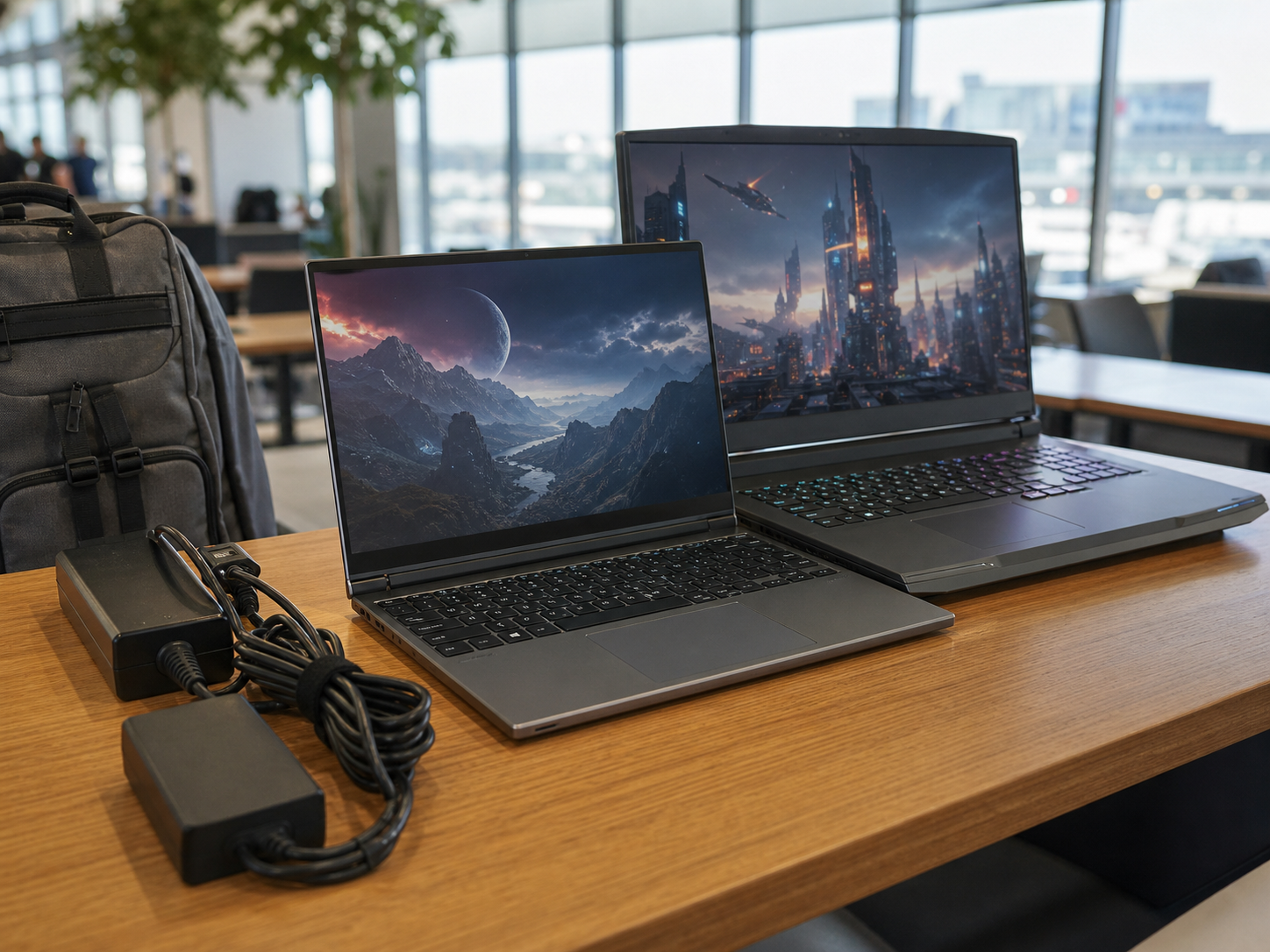
Portability matters: the 16-inch Alienware is easier to move, while the 18-inch model is built more like a desktop replacement.
Side-by-Side Specs and Buyer Fit
Decision point
Dell Alienware M16 R3 RTX 5070 Ti
Dell Alienware m18 R3 RTX 5080
What it means
Ogabassey listed price
NGN 4,700,400
NGN 7,098,000
The m18 R3 costs NGN 2,397,600 more in the provided catalog snapshot.
Condition
Used
Used
Confirm physical condition, selected variant, battery health, charger, and live availability before checkout.
Processor
Intel Core Ultra 9 275HX
Intel Core Ultra 9 275HX
CPU class is broadly matched, so the decision is mostly GPU, display, memory, ports, size, and price.
Graphics
NVIDIA GeForce RTX 5070 Ti 12GB GDDR7
NVIDIA GeForce RTX 5080 16GB GDDR7
The m18 R3 has the stronger listed GPU and more VRAM for heavier gaming and creation workloads.
RAM
32GB DDR5
64GB DDR5
32GB is already strong; 64GB helps heavier creative, virtual-machine, data, and multitasking workflows.
Storage
2TB NVMe SSD
2TB M.2 PCIe NVMe SSD
Both start with roomy local storage for large games and project files.
Display size
16 inches
18 inches
The M16 is easier to move; the m18 gives a more desktop-like screen.
Resolution and refresh
2560x1600 QHD+ IPS, 240Hz
2560x1600 WQXGA IPS, 300Hz
Both are high-refresh panels; the m18 R3 has the faster listed refresh rate.
Weight
About 3.3kg
About 4.34kg
The m18 R3 is meaningfully heavier before you add the power adapter and bag.
Battery score in catalog
53
57
The m18 has the higher catalog battery score, but both are performance gaming laptops that should be bought with charger use in mind.
Ports and extras
Headphone jack listed; other port details not listed in provided key specs
USB-A, Thunderbolt 5, HDMI 2.1, headset jack, SD card, Wi-Fi 7, IR camera
The m18 R3 has clearer catalog evidence for creator and desk connectivity.
Best fit
Premium gaming with stronger portability and better naira value
Maximum Alienware performance, larger screen, heavier creation or desk setup
Pick based on where the laptop will be used most often.
Price and Value in Nigeria
The strongest argument for the M16 R3 is value. At NGN 4,700,400, it is still a premium purchase, but it avoids the extra NGN 2,397,600 required by the m18 R3 in the provided Ogabassey catalog data. That difference can matter in Nigeria because buyers may still need a quality backpack, surge protection, external monitor, controller, headset, UPS, replacement charger planning, or professional setup support after buying the laptop itself.
The M16 R3 is not a budget gaming laptop. Its RTX 5070 Ti 12GB, 32GB RAM, 2TB SSD, and 240Hz 1600p display put it comfortably in high-end territory. The value case is that it reaches the point where many gamers and creators are no longer waiting on core specs. The m18 R3 improves the ceiling, not the baseline. If you are buying for esports, AAA gaming, school plus design work, livestreaming, or general high-performance Windows use, the M16 R3 already clears a high practical bar.
The m18 R3 makes more sense when the buyer can actually use the extra resources. A person who keeps multiple creator apps open, works with large media files, uses external storage and cameras, or wants a large high-refresh screen without always attaching a monitor can justify paying more. It is less compelling if the buyer mostly wants prestige specs but will carry the laptop between home, office, campus, church media work, or client locations every week.
Both product signals show unmanaged stock semantics in the provided snapshot. That means the catalog availability is not capped only by the numeric stock count, but it should not be read as a guarantee that a specific physical unit, charger, cosmetic grade, or exact configuration is ready without confirmation. Use the product pages for the latest checkout context: Alienware M16 R3 RTX 5070 Ti and Alienware m18 R3 RTX 5080.
Performance and Daily Use
Because both listings share the Core Ultra 9 275HX class, the day-to-day feel should not be judged by CPU branding alone. Web work, office tasks, coding, school projects, content management, and normal multitasking should be well within either machine's intended range. The split appears when GPU load, memory load, and screen preference become important.
The M16 R3's RTX 5070 Ti 12GB graphics are a strong fit for gamers who want high settings on a 2560x1600 panel, streamers who need GPU acceleration, and creators who edit photos, short-form video, and design files. Its 32GB RAM is also a sensible floor for a premium gaming laptop in 2026. Unless your apps regularly punish 32GB systems, the M16's memory should not be the reason to skip it.
The m18 R3's RTX 5080 16GB and 64GB RAM shift the laptop toward heavier users. Extra VRAM can matter in demanding games, GPU render workflows, large creative projects, AI-assisted local tools, and multi-monitor setups. Extra RAM can also reduce friction when gaming while streaming, editing while browsing heavy reference tabs, or using virtual machines. Those are real benefits, but they are only worth paying for if they match your workload.
Thermals are another practical point. The Candidate data does not provide measured temperatures, fan noise, wattage behavior, or benchmark results, so this draft should not pretend to rank cooling performance from testing. The buyer-safe inference is simpler: the m18 R3 has a larger chassis built around a higher-tier GPU, while the M16 R3 has the more portable frame. Before buying either used unit, ask about fan noise, sustained performance behavior, keyboard heat, battery health, and whether the charger is the correct high-wattage adapter for that exact configuration.
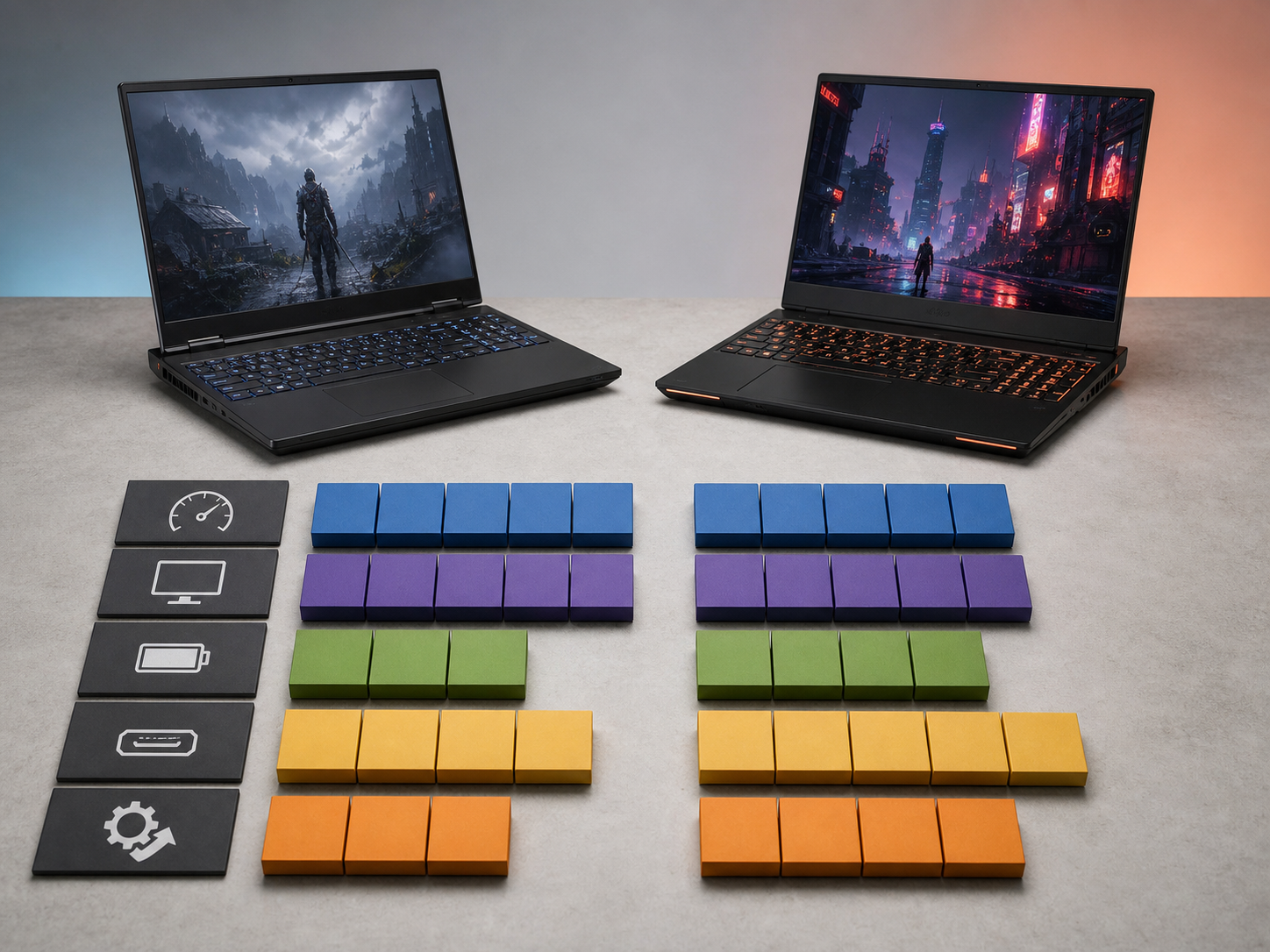
The buying decision comes down to price, GPU headroom, display size, memory, ports, and how often the laptop will move.
Display, Battery, Build, and Carry Weight
The M16 R3 is the better fit if you need one laptop for gaming, work, and movement. At about 3.3kg before the charger, it is still heavy compared with ordinary laptops, but it is more realistic for buyers who move between locations. Its 16-inch 2560x1600 QHD+ 240Hz display gives a sharp, fast canvas without the 18-inch footprint.
The m18 R3 is closer to a desktop replacement. Its 18-inch 2560x1600 WQXGA 300Hz display is the obvious advantage for immersive gaming and timeline work. The tradeoff is physical size. At about 4.34kg before the charger, it becomes a laptop you can move, not a laptop most people will enjoy carrying daily. Nigerian buyers should think about actual transport: ride-hailing, public transport, campus walking distance, office security checks, and whether the bag can safely carry both the machine and its power adapter.
Battery expectations should stay grounded. The m18 R3 has a slightly higher catalog battery score than the M16 R3, and the product description references a 96Wh battery for the m18 R3, but both are high-performance gaming laptops. They should be treated as plug-in-first machines, especially under gaming, rendering, export, or heavy GPU loads. If power stability is a concern, budget for surge protection and a power plan rather than expecting either laptop to behave like an ultrabook.
Ports, Upgrade Path, and After-Sales Practicality
The m18 R3 has a clearer ports advantage in the provided key specs. USB-A, Thunderbolt 5, HDMI 2.1, SD card support, Wi-Fi 7, headset jack, stereo speakers, and Windows Hello IR camera all help if the laptop will become the centre of a gaming, streaming, or creator desk. HDMI helps with TVs and external monitors; Thunderbolt 5 is useful for high-speed docks and storage; SD card support is relevant for camera users.
The M16 R3 listing gives fewer port details in the structured key specs, so the careful approach is to verify the exact physical ports on the unit before buying. That matters for buyers who own older USB-A accessories, external displays, capture cards, Ethernet docks, audio interfaces, or SD cards. Do not assume a port simply because another configuration of the model has it.
Upgradeability should also be confirmed per unit. Both listings already show 2TB SSD storage, which is generous. The m18 R3 already has 64GB RAM, so memory upgrades may be less urgent. The M16 R3 has 32GB RAM, which is strong but may be a future upgrade consideration for heavier creators. Before checkout, ask what is user-serviceable, whether any slots are already occupied, and whether opening the unit affects any store-specific support terms.
Used Alienware purchases deserve extra inspection discipline. Check battery health, display uniformity, dead pixels, keyboard condition, hinge stability, fan behavior, charger authenticity, GPU detection, SSD health, and whether Windows activation is clean. This is especially important at this price class because the repair bill for a premium gaming laptop can be materially higher than for a normal business laptop.
Who Should Buy Each Alienware?
Buy the Alienware M16 R3 RTX 5070 Ti if:
You want a high-end Alienware for gaming, school, work, and content creation without paying for the largest chassis. It is the better match for buyers who need performance but still expect to move the laptop. It is also the more balanced choice if your budget ceiling is closer to NGN 5 million than NGN 7 million and you would rather spend the difference on accessories, power protection, or an external monitor.
Buy the Alienware m18 R3 RTX 5080 if:
You want the stronger GPU tier, 16GB VRAM, 64GB RAM, 18-inch 300Hz display, and better-documented port set. It is the better choice for desk-first gamers, creators, streamers, and buyers who want a laptop that can replace a desktop setup. The m18 R3 is less about convenience and more about maximum headroom in a portable form factor.
Alternatives Worth Checking
If the M16 R3 versus m18 R3 decision still feels too expensive, browse the wider Ogabassey Gaming Laptops category before committing. Some buyers may get a better fit from a less expensive RTX 4070, RTX 5070, or RTX 5070 Ti system if they do not need an 18-inch panel or 64GB RAM. Buyers who are comparing Alienware sizes can also read Ogabassey's related guide, Alienware 16 Area-51 or m18 R3 RTX 5080, for another portability-versus-power angle.
If you are specifically trying to decide whether a larger Alienware makes sense around the upper price bracket, Ogabassey's Alienware 18 Area-51 vs m18 R3 RTX 5080 comparison is also relevant. For buyers who are not locked into Dell, the safest next step is to compare GPU tier, display quality, RAM, storage, condition, charger, and warranty/support confidence instead of buying only by model name.
Verdict
The Dell Alienware M16 R3 RTX 5070 Ti is the better recommendation for most Ogabassey buyers because it keeps the Core Ultra 9 275HX, 2TB SSD, high-refresh 2560x1600 display, and serious RTX 5070 Ti graphics while saving NGN 2,397,600 against the m18 R3. The Dell Alienware m18 R3 RTX 5080 wins if your priorities are the RTX 5080 16GB GPU, 64GB RAM, 18-inch 300Hz display, richer listed ports, and a desk-first setup. In plain terms: buy the M16 for high-end balance; buy the m18 for maximum Alienware headroom.
FAQ
Which laptop should I buy for school, work, gaming, or design?
Choose the Alienware M16 R3 if you need one powerful laptop for mixed school, work, gaming, and design use. Choose the m18 R3 if the laptop will mostly stay on a desk and you need the larger display, RTX 5080 graphics, 64GB RAM, and stronger port list.
Is the Alienware m18 R3 worth the extra money over the M16 R3?
It is worth it only if you will use the extra GPU tier, 16GB VRAM, 64GB RAM, 18-inch 300Hz display, and ports. If your main need is premium gaming and general creation, the M16 R3 offers better value from the provided Ogabassey prices.
What should I check before buying a used Alienware in Nigeria?
Confirm the exact variant, physical condition, battery health, charger wattage, display condition, keyboard, hinges, fans, SSD health, ports, Windows activation, and live availability. For high-end gaming laptops, charger and thermal condition are especially important.
Are these Alienware listings guaranteed to be available?
The provided product signals show catalog stock status as in stock with unmanaged inventory semantics, but that is not a guarantee of a specific unit. Confirm current price, condition, configuration, and availability on the product page or during checkout before paying.
Catalog-linked prices update automatically. Historical and other quoted prices remain as written. Open the product page to confirm the current price, selected variant and availability before buying.