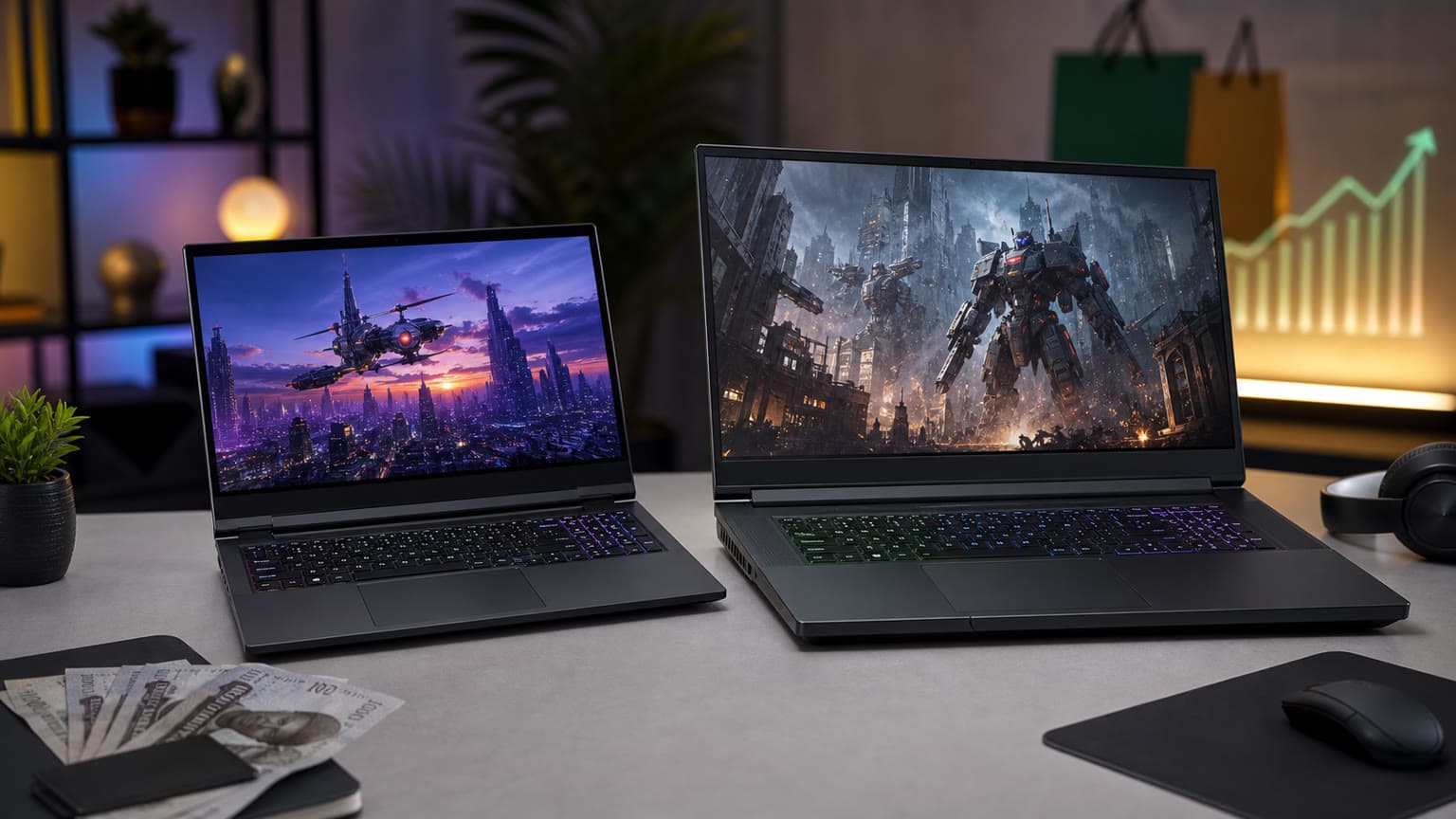
If you want the stronger desktop-replacement gaming laptop, choose the Dell Alienware m18 R3 (RTX 5080). If you want an Alienware that is still very powerful but easier to move between school, work, home and studio sessions, the Dell Alienware 16 Area-51 is the more practical pick for most Nigerian buyers.
Decision Summary
This is not a simple “newer is better” comparison. Both laptops are listed around the same high-performance Alienware platform idea: Intel Core Ultra 9 275HX processing, dedicated NVIDIA graphics, WQXGA-class displays, Wi-Fi 7 and gaming-focused ports. The real decision is about how much machine you want to carry, how much GPU headroom you need, and how comfortable you are buying a used high-end laptop at this price level.
The Dell Alienware 16 Area-51 is listed as new at NGN 4,234,000, with 32GB DDR5 RAM, 2TB PCIe NVMe SSD storage, an RTX 5070 Ti 12GB GPU and a 16-inch 2560 x 1600 240Hz display. The Dell Alienware m18 R3 (RTX 5080) is listed as used at NGN 7,098,000, with 64GB DDR5 RAM, 2TB NVMe SSD storage, an RTX 5080 16GB GDDR7 GPU and an 18-inch 2560 x 1600 300Hz display.
For buyers searching “gaming laptop price in Nigeria,” the 16-inch model is the easier recommendation because it costs much less in the current Ogabassey snapshot and is listed as new. For buyers who already know they need the bigger 18-inch panel, 64GB RAM and RTX 5080-class graphics, the m18 R3 is the more specialist choice.
Side-by-Side Specs and Buyer Scorecard
| Decision point | Dell Alienware 16 Area-51 | Dell Alienware m18 R3 (RTX 5080) | Buyer meaning |
|---|
| Ogabassey listed condition | New | Used | The 16-inch model has the cleaner condition story; the m18 needs closer physical and battery checks. |
| Listed price | NGN 4,234,000 | NGN 7,098,000 | The m18 costs about NGN 2,864,000 more in the provided snapshot. |
| Processor | Intel Core Ultra 9 275HX, 24-core, up to 5.4GHz | Intel Core Ultra 9 275HX, 24 cores | CPU class is similar, so the biggest performance gap comes from GPU, RAM and cooling headroom. |
| Graphics | NVIDIA GeForce RTX 5070 Ti 12GB | NVIDIA GeForce RTX 5080 16GB GDDR7 | The m18 is the better fit for heavier gaming, 3D, AI-assisted creative tools and longer GPU relevance. |
| RAM | 32GB DDR5, upgradeable | 64GB DDR5 | 32GB is already strong; 64GB is better for creators, virtual machines and large design workflows. |
| Storage | 2TB PCIe NVMe SSD, upgradeable | 2TB M.2 PCIe NVMe SSD | Both start with serious storage for games and project files. |
| Display size | 16 inches | 18 inches | The 16-inch model is easier to move; the 18-inch model feels closer to a desktop setup. |
| Display resolution | 2560 x 1600 WQXGA | 2560 x 1600 WQXGA | Both use a sharp 16:10 resolution for gaming and productivity. |
| Refresh rate | 240Hz | 300Hz | The m18 has the faster panel, useful for competitive players who can drive high frame rates. |
| Peak brightness | 500 nits listed | 500 nits listed | Both should be more usable in bright indoor spaces than basic gaming laptop panels. |
| Weight | 3.4kg | 4.34kg | The m18 is nearly a kilogram heavier before counting the charger. |
| Charging adapter | 360W listed | Not listed | The 16-inch listing provides clearer adapter context; confirm the m18 adapter before checkout. |
| Wireless | Intel Killer Wi-Fi 7 BE1750, Bluetooth 5.4 | Intel Killer Wi-Fi 7 BE1750, Bluetooth 5.4 | Both are current enough for modern routers and low-latency accessories. |
| Ports | Thunderbolt 5, USB-A, HDMI 2.1, SD card, headset jack | USB-A, Thunderbolt 5, HDMI 2.1, 3.5mm headset jack, SD card listed elsewhere | Both cover monitors, storage, capture cards and wired accessories well. |
| Camera and sign-in | FHD IR camera with Windows Hello | 2MP FHD IR camera with dual-array microphones | Both are suitable for remote work and class calls, not just gaming. |
| Best buyer fit | Gamers, creators and students who need power without going fully desktop replacement | Gamers and creators who prioritize maximum screen, GPU and RAM headroom | Choose based on mobility, not only raw specification appeal. |
This table uses catalog-verified data from the provided Ogabassey product snapshot and official-source context referenced in the product metadata. It is not a hands-on benchmark test, and it should not be read as measured frame-rate or battery-life data.
Price and Value in Nigeria
The clearest value difference is price versus condition. The Alienware 16 Area-51 is listed at NGN 4,234,000 as a new laptop. The Alienware m18 R3 (RTX 5080) is listed at NGN 7,098,000 as used. That price gap is large enough to cover serious accessories: a quality gaming monitor, UPS or inverter support, external SSD, gaming mouse, headset, backpack and possibly RAM or storage upgrades for another machine.
That does not make the m18 bad value. It means the buyer must actually use what it adds. The RTX 5080 16GB GPU, 64GB RAM and 18-inch 300Hz display are meaningful if you play demanding AAA titles, run GPU-heavy creative software, edit large video projects, work with 3D scenes, or want one machine that mostly stays on a desk. If your use is school, office work, coding, design coursework, esports and general gaming, the 16-inch Area-51 is already far above a typical laptop and leaves more budget flexibility.
Nigerian buyers should also think about power and transport. A 3.4kg 16-inch laptop is already heavy. A 4.34kg 18-inch laptop is a desktop-replacement class machine, and the charger adds more bulk. If you move between hostel, office, studio, client site and home, the m18’s extra performance may become less valuable than the 16-inch model’s easier handling.
Before checkout, confirm live availability, final selected price, keyboard layout, plug type, included charger wattage, exact model or service tag where available, and the warranty or return terms from the seller. That matters more on the used m18 because high-performance gaming laptops can have battery wear, thermal paste age, cosmetic wear, missing accessories or previous heavy gaming use.
Performance and Daily Use
Both machines use Intel Core Ultra 9 275HX-class processing in the Ogabassey snapshot, so everyday speed should be excellent for browsing, Microsoft Office, coding, school platforms, video calls, content management, design tools and multitasking. The difference is not whether either laptop is fast; both are premium gaming systems. The difference is where the performance ceiling sits.
The Alienware 16 Area-51 pairs the Core Ultra 9 processor with an RTX 5070 Ti 12GB GPU and 32GB DDR5 RAM. That is already strong for modern gaming, streaming, game development learning, architecture school projects, Adobe workflows and general creator work. Its 2TB SSD also means a buyer can install several large games without immediately needing external storage.
The Alienware m18 R3 (RTX 5080) is the machine for buyers who keep hitting limits. Its RTX 5080 16GB GDDR7 and 64GB RAM are better suited to heavier GPU workloads and larger project files. It also makes more sense if you want to connect external monitors and treat the laptop as the heart of a semi-permanent gaming or creator desk.
The practical warning is thermal and power reality. High-end GPUs need strong cooling and stable power. In Nigeria, that means you should budget for proper surge protection and, if your area has unstable electricity, a realistic power-backup plan. Running these laptops on weak extension boxes, poor adapters or unstable supply can make an expensive purchase feel frustrating. For general laptop browsing across categories, Ogabassey’s Laptops page is a better place to compare lighter work and school machines, while the Gaming Laptops page keeps the focus on GPU-first systems.
Battery, Display, Build and Portability
Neither laptop should be bought primarily for all-day unplugged battery life. Gaming laptops with HX processors, high-refresh WQXGA displays and dedicated RTX graphics are made to perform best when plugged in. The m18 listing includes a 96Wh battery reference and a battery score field, while the 16-inch listing does not provide a battery capacity. Without hands-on testing, the fair advice is simple: expect these as powerful plugged-in machines first, portable computers second.
Display is a stronger reason to choose between them. The 16-inch Area-51 has a 2560 x 1600 WQXGA IPS display at 240Hz, listed at 500 nits with 189ppi. That is a balanced size for gaming, writing, editing, class work and travel. The m18 R3 moves to an 18-inch WQXGA IPS display with a 300Hz refresh rate. That extra space helps timelines, spreadsheets, game maps, multi-window work and immersive gaming, but it also makes the laptop harder to carry and place on small desks.
Ports are strong on both. Thunderbolt 5, USB-A, HDMI 2.1, headset support and SD card support make them practical for external monitors, docks, cameras, capture workflows and wired gaming accessories. This is important for creators in Nigeria who may move between laptop-only work and a desk setup with a monitor, keyboard, mouse and backup drive.
Build practicality favors the 16-inch model for anyone who travels often. The m18 is not just bigger; at 4.34kg, it is a serious load. If you are buying for school and your day includes lectures, commute, lab, hostel and gaming at night, the 16-inch Area-51 is the smarter balance. If the laptop will sit mostly at home or in a studio, the m18’s weight matters less.
Condition, Warranty Trust and Used-Laptop Checks
The most important non-spec difference is condition. The Area-51 listing is new. The m18 R3 listing is used. A used Alienware can be a strong buy, but it deserves a stricter inspection than a normal office laptop because high-end gaming machines generate heat and are often pushed hard.
For the m18, ask for the exact unit condition, battery health where available, charger authenticity and wattage, keyboard condition, display condition, hinge feel, port condition, fan noise and service history. Confirm that the RTX 5080 configuration, 64GB RAM and 2TB SSD are the actual selected item, not just family-level specifications. Also confirm whether Windows 11 Home is activated and whether any BIOS, thermal, fan or driver issues are present.
For the 16-inch Area-51, the checks are still important but less risky because the listing condition is new. Confirm the model number, RAM and storage configuration, GPU, operating system, keyboard layout, plug type, final price and live availability. The product row itself advises buyers to verify those details before checkout, and that is the correct posture for a premium laptop purchase.
Buyers comparing older Dell options can also read Ogabassey’s Dell Inspiron 15 7567 Gaming Nigeria guide for a lower-cost used-gaming-laptop context. It is a different performance class, but it helps frame why condition, thermals and upgrade path matter so much in Nigerian used laptop buying.
Who Should Buy Each Option?
Buy the Dell Alienware 16 Area-51 if you want the safer all-rounder
Choose the 16-inch Area-51 if you want high-end gaming performance but still care about mobility, new condition and price discipline. It is the better fit for students, remote workers, creators and gamers who need one serious laptop that can move around without becoming a full desktop-replacement burden. Its 32GB RAM, 2TB SSD, RTX 5070 Ti 12GB graphics and 240Hz display are enough for a wide range of demanding users.
Buy the Dell Alienware m18 R3 (RTX 5080) if maximum headroom matters
Choose the m18 R3 if you want the bigger screen, faster 300Hz panel, 64GB RAM and RTX 5080 16GB graphics more than you want portability or a lower price. It is the better option for high-end gamers, 3D creators, video editors and desk-first users who are comfortable with a used unit after proper checks.
Avoid both if you mainly need battery life or a light work laptop
If your main needs are lectures, documents, browser tabs, long battery life, quiet fans and low weight, these Alienware models are more machine than you need. Look through broader Ogabassey laptop options instead, and only return to premium gaming laptops if your software or gaming workload genuinely needs dedicated RTX graphics.
Alternatives Worth Considering
If the Alienware 16 Area-51 feels expensive, consider whether an older or lower-tier gaming laptop would meet your real game library and school or work needs. The Dell Inspiron 15 7567 guide linked above is useful for understanding the used-gaming-laptop trade-off, although it is far below these Alienware machines in performance ambition.
If the m18 R3 feels too large, the Area-51 16-inch model is already the internal alternative. It keeps the premium Alienware direction while reducing price, weight and used-condition risk. Buyers who are not committed to Dell should compare other models in Gaming Laptops, especially if they want a lighter 15-inch or 16-inch RTX laptop, a lower price, or a machine with a different warranty and support story.
MacBook shoppers should be careful not to compare these laptops only by price. A MacBook may be better for battery life, macOS workflows and portability, but these Alienware models are aimed at Windows gaming, RTX acceleration, upgradeable storage and high-refresh displays. If your software depends on Windows games, NVIDIA GPU support, Steam, game launchers or engineering tools that prefer Windows, the Alienware route makes more sense than a MacBook comparison based only on build quality.
Verdict
The Dell Alienware 16 Area-51 is the better buy for most Nigerian gamers and creators because it is listed as new, costs far less in the provided snapshot, weighs less at 3.4kg, and still brings a Core Ultra 9 275HX, RTX 5070 Ti 12GB graphics, 32GB RAM, 2TB SSD and a 16-inch 240Hz WQXGA display. The Dell Alienware m18 R3 (RTX 5080) wins for maximum performance headroom because it has the stronger RTX 5080 16GB GPU, 64GB RAM, larger 18-inch display and faster 300Hz panel, but it is heavier at 4.34kg, more expensive and listed as used. Buy the m18 only if those upgrades are central to your workload.
FAQ
Which laptop should I buy for school, work, gaming or design?
For mixed school, work, gaming and design use, the Dell Alienware 16 Area-51 is the better balance. It is still very powerful, has a sharp 240Hz display and is easier to carry than the m18. Choose the m18 if your design or gaming workload needs the RTX 5080 and 64GB RAM.
Is the Alienware m18 R3 worth buying used?
It can be worth buying used if the unit is clean, the battery and charger check out, the specs match the listing, and the seller confirms return or warranty terms. Because it is a high-end gaming laptop, inspect thermals, fans, ports, display, keyboard and battery health before paying.
What specs matter most before buying a gaming laptop in Nigeria?
Prioritize GPU, CPU, RAM, SSD size, display quality, charger wattage, ports, condition, warranty or return terms, and power-supply practicality. For used gaming laptops, also check battery health, fan noise, heat, service history and whether the exact configuration matches the advertised specs.
Should I choose a MacBook instead of these Alienware laptops?
Choose a MacBook if battery life, macOS apps and portability matter more than gaming. Choose these Alienware laptops if you need Windows gaming, NVIDIA RTX graphics, high-refresh displays, upgrade flexibility and better compatibility with PC game launchers or GPU-heavy Windows software.
Sources