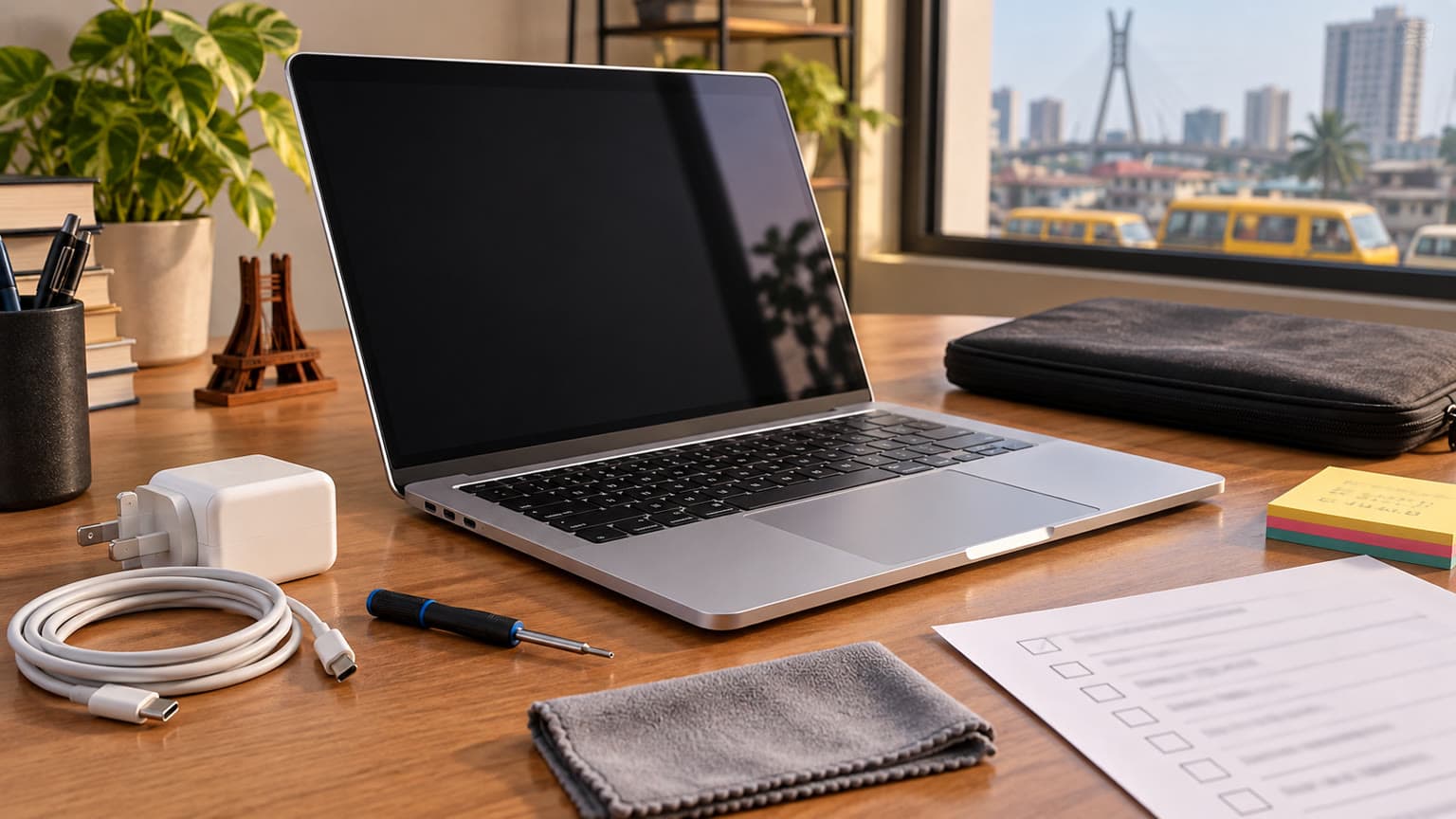
If you are choosing between Ogabassey’s used 13-inch Retina MacBook Pro 2014 and 2015 listings, the Early 2015 model is the better default pick if the price gap stays around NGN 20,000. The 2014 model still makes sense only when budget is tight, condition is stronger, or the selected 2015 variant is unavailable.
Decision summary
This is a close used-Mac comparison because both machines sit in the same practical lane: compact 13.3-inch Retina MacBook Pro models for school, documents, web work, media, admin tasks, and light productivity. Neither should be bought as a gaming laptop, heavy video-editing machine, or long-term macOS investment without checking the installed operating system and battery condition first.
The key difference for most Nigerian buyers is not the display size, RAM options, or storage options. Those are broadly similar in the Ogabassey catalog. The Early 2015 model adds Intel Iris Graphics 6100 instead of Intel Iris Graphics, is one year newer, and currently starts at NGN 180,000 compared with NGN 160,000 for the Mid 2014 model. That makes the 2015 unit the cleaner pick if both are in similar physical condition.
Start with the live product pages before deciding: compare the MacBook Pro 13-inch Retina (Mid 2014) and the MacBook Pro 13-inch Retina (Early 2015), then confirm the exact RAM, SSD, processor, battery health, charger, and stock status before checkout. Ogabassey lists both as used products with selectable variant options, so the final buyer decision depends on the actual unit and configuration.
Catalog-verified comparison table
| Decision point | MacBook Pro Retina 13-inch Mid 2014 | MacBook Pro Retina 13-inch Early 2015 | Buyer impact |
|---|
| Ogabassey starting price | NGN 160,000 | NGN 180,000 | The 2014 model is the lower entry price; the 2015 model asks for about NGN 20,000 more at listed starting price. |
| Condition | Used | Used | Condition, battery cycle count, keyboard feel, display marks, and charger quality matter more than the model year alone. |
| Processor options | Intel Core i5 / Core i7 options | Intel Core i5 / Core i7 options | Both are dual-core Intel MacBook Pros; avoid expecting modern Apple Silicon performance. |
| CPU cores | 2 cores / 4 threads | 2 cores / 4 threads | Good for documents, browsing, classes, admin tools, and media; limited for heavy creative workloads. |
| RAM options | Selectable: 8GB or 16GB RAM | Selectable: 8GB or 16GB RAM | Choose 16GB if available and affordable because RAM is the bigger comfort factor for multitasking. |
| Storage options | Selectable: 128GB, 256GB, or 512GB SSD | Selectable: 128GB, 256GB, or 512GB SSD | 256GB should be the practical floor for school and work; 128GB fills quickly with apps and downloads. |
| Display | 13.3-inch Retina IPS | 13.3-inch Retina IPS | Both offer a sharper screen than many budget used laptops in this price band. |
| Resolution | 2560x1600 | 2560x1600 | No major display-resolution advantage either way. |
| Refresh rate | 60Hz | 60Hz | Fine for productivity and media; not a high-refresh gaming panel. |
| Graphics | Intel Iris Graphics | Intel Iris Graphics 6100 | The 2015 model has the stronger catalog-listed graphics line, but both remain integrated-GPU laptops. |
| Weight | About 1570g | About 1580g | Portability is effectively tied; both are easy to carry for school or office use. |
| Headphone jack | Listed as present | Listed as present | Useful for classes, calls, editing audio notes, and shared workspaces. |
| Recommended use | Documents, study, office work, media, premium used Mac productivity | Study, documents, office work, media, premium used Mac productivity | The recommended use case is almost identical. |
| OS note | macOS support varies by installed version | macOS support varies by installed version | Ask which macOS version is installed and whether your required apps still support it. |
| Availability shown in snapshot | Stock quantity 0 | Stock quantity 0 | Confirm live availability because used MacBook stock can change quickly. |
Price and value
At the listed starting prices, the Mid 2014 model wins on upfront cost. NGN 160,000 is easier to justify for a student, home-office buyer, or small-business user who mainly needs a clean MacBook for typing, spreadsheets, PDFs, email, web apps, Zoom-style calls, and streaming. If the 2014 unit has a better battery, cleaner body, complete charger, and a 256GB or 512GB SSD, it can be the smarter local buy even though it is older.
The Early 2015 model becomes the better value when its condition and configuration match the 2014 option. A NGN 20,000 difference is small in used laptop buying if it buys you a newer model year and Intel Iris Graphics 6100. That does not turn it into a creator workstation, but it does make the 2015 model the one we would check first for a buyer who wants the safer long-term choice from this pair.
Do not compare only the cheapest variant price. The Ogabassey snapshot shows both models can be configured with 8GB or 16GB RAM and 128GB, 256GB, or 512GB SSD choices. A 2014 Core i7, 16GB RAM, 512GB SSD unit may be more useful than a cheaper 2015 8GB RAM, 128GB SSD unit for a buyer who keeps many browser tabs, stores lecture videos, or works with local files. Variant details are not cosmetic here; they change the laptop’s everyday usefulness.
Performance and daily use
Both MacBooks are Intel-era 13-inch Retina MacBook Pros with dual-core, four-thread processor options. That is enough for light-to-medium daily work, but it is not a modern performance baseline. If your daily work is Chrome tabs, Google Docs, Microsoft Office, Canva in the browser, WhatsApp Web, PDFs, light photo edits, and online classes, either can still be useful if the battery and SSD are healthy.
The 2015 model has the clearer performance-side advantage because its catalog-listed graphics is Intel Iris Graphics 6100, while the 2014 model lists Intel Iris Graphics. This matters for interface smoothness, light graphics tasks, external display use, and older creative apps. It does not make either laptop suitable for current AAA gaming, heavy Premiere Pro work, 3D rendering, or demanding engineering software. Buyers who need those use cases should look beyond this pair, including the broader Ogabassey laptops category or, for gaming-first work, the gaming laptops section.
RAM is the bigger practical divider. If you can choose 16GB, pick 16GB before worrying too much about the i5 versus i7 label. On older Intel MacBooks, 8GB can still handle simple work, but it gives less room for modern browsers, cloud storage apps, and multiple communication tools running together. For students and office buyers in Nigeria who may keep a laptop for several years, 16GB is the more comfortable option when the price is reasonable.
Battery, display, ports, and build
The display story is simple: both are 13.3-inch Retina IPS laptops with 2560x1600 resolution and a 60Hz refresh rate. That is one of the strongest reasons to buy either model instead of a very cheap used Windows laptop with a weaker panel. Text looks sharp, documents are comfortable, and the 13-inch size is easy to carry between home, school, and work.
Battery is where used-Mac buying gets serious. The candidate catalog snapshot includes a battery score, but it does not provide cycle count, runtime testing, or measured battery health. That means buyers should not assume a full-day battery from either model. Before payment, ask for the actual battery health or cycle count where available, confirm whether the machine charges properly, and check whether the included adapter is original or a quality replacement.
Official Apple technical specifications for these models support the important shared hardware context: both belong to the Retina 13-inch MacBook Pro generation with Thunderbolt 2, HDMI, SDXC card support, configurable processor/RAM/storage options, and the same 13.3-inch Retina resolution class. For a Nigerian buyer, those ports can still be practical. HDMI helps for projectors and TVs. SDXC can help photographers or students with camera cards. Thunderbolt 2 is less convenient today than USB-C, so budget for adapters if your accessories are modern.
Build quality is also a reason these models remain attractive on the used market. They are compact aluminium MacBooks with premium keyboards, trackpads, and displays for their age. But age cuts both ways: check screen coating, hinge stiffness, keyboard shine, trackpad click, speaker output, charger heat, and bottom-case screws. A neat-looking 2014 unit can beat a rough 2015 unit in real ownership.
Who should buy each option?
Buy the MacBook Pro Retina 13-inch Mid 2014 if budget and condition lead the decision
Pick the MacBook Pro 13-inch Retina 2014 if you want the lowest entry price, your work is light, and the available unit has strong condition. It is especially sensible for students, writers, admin staff, online learners, and home users who want macOS for documents, browsing, and media without stretching the budget.
The best 2014 configuration to chase is not necessarily the cheapest one. A 16GB RAM and 512GB SSD variant is much more attractive than an 8GB and 128GB entry unit if you plan to keep the laptop beyond one school year. If the 2014 listing is the only one available in clean condition, it is a valid choice as long as you accept the older Intel platform and app-support limitations.
Buy the MacBook Pro Retina 13-inch Early 2015 if you want the safer pick
Choose the MacBook Pro 13-inch Retina 2015 if both machines are similarly configured and physically clean. The newer model year and Intel Iris Graphics 6100 give it the better argument for most buyers. It is the one to prioritize for a student or remote worker who wants a used MacBook that feels less compromised while staying far below modern MacBook prices.
The 2015 model is still not a blank-cheque recommendation. If its battery is weak, storage is only 128GB, or the charger is poor, the price premium may not be justified. Used laptops should be judged by the actual unit, not only the model name.
Alternatives to consider
If this comparison feels too close, widen the search inside the Ogabassey catalog. The Macbooks category is the natural next stop for buyers who specifically want Apple laptops, while the wider laptops page can surface Windows options with newer processors, easier repair paths, or better value for software that does not require macOS.
For a lower-cost Apple comparison, Ogabassey’s guide to MacBook Air 2015 vs MacBook Pro Retina 2014 is useful because it frames the trade-off between portability, Retina display quality, and used-market pricing. If you are asking whether an Apple laptop is still worth buying at all, the MacBook Pro 13-inch M1 2020 guide shows why Apple Silicon is a different class if your budget can stretch much higher.
Gaming buyers should not force either of these MacBook Pros into the wrong job. For FIFA-style casual play, old indie games, or cloud gaming, they may manage depending on setup. For gaming as a primary use case, start from Ogabassey Gaming Laptops instead. For design students, confirm the exact apps required by your department or workplace before buying an older Intel Mac.
Verdict
The MacBook Pro Retina 13-inch Early 2015 is the winner if both options are similarly configured and similarly clean. It differs from the 2014 model in two buyer-relevant rows: it starts at NGN 180,000 instead of NGN 160,000, and it lists Intel Iris Graphics 6100 instead of Intel Iris Graphics. That extra NGN 20,000 is reasonable for the newer model if battery health, SSD size, and physical condition check out.
The Mid 2014 model is still worth buying when the price saving is meaningful or when the actual unit is better. A clean 2014 unit with 16GB RAM and larger SSD can be a more useful purchase than a weaker 2015 configuration. For Nigeria/Africa buyers, the final decision should be made in this order: condition first, RAM and SSD second, battery and charger third, then model year.
FAQ
Which laptop should I buy for school or office work?
Buy the 2015 MacBook Pro Retina if both units are in similar condition and the NGN 20,000 price difference is acceptable. Buy the 2014 model if it is cleaner, has better battery health, or offers a stronger RAM/SSD variant for less money.
Is a used MacBook worth it in Nigeria?
It can be worth it for documents, classes, office work, and media if the price, battery health, charger, and installed macOS version are acceptable. Do not buy only by model name; inspect the exact used unit and confirm app compatibility first.
What specs matter most before buying either MacBook?
Prioritize 16GB RAM if available, then 256GB or 512GB SSD storage, then battery health and charger quality. The processor option matters, but on these older dual-core Intel models, RAM and SSD capacity are more noticeable in daily use.
Should gamers buy either of these MacBook Pros?
No, not as a gaming-first laptop. Both use integrated Intel graphics and are better suited to productivity, study, browsing, and media. Buyers who need gaming performance should compare dedicated gaming laptops instead.
Sources