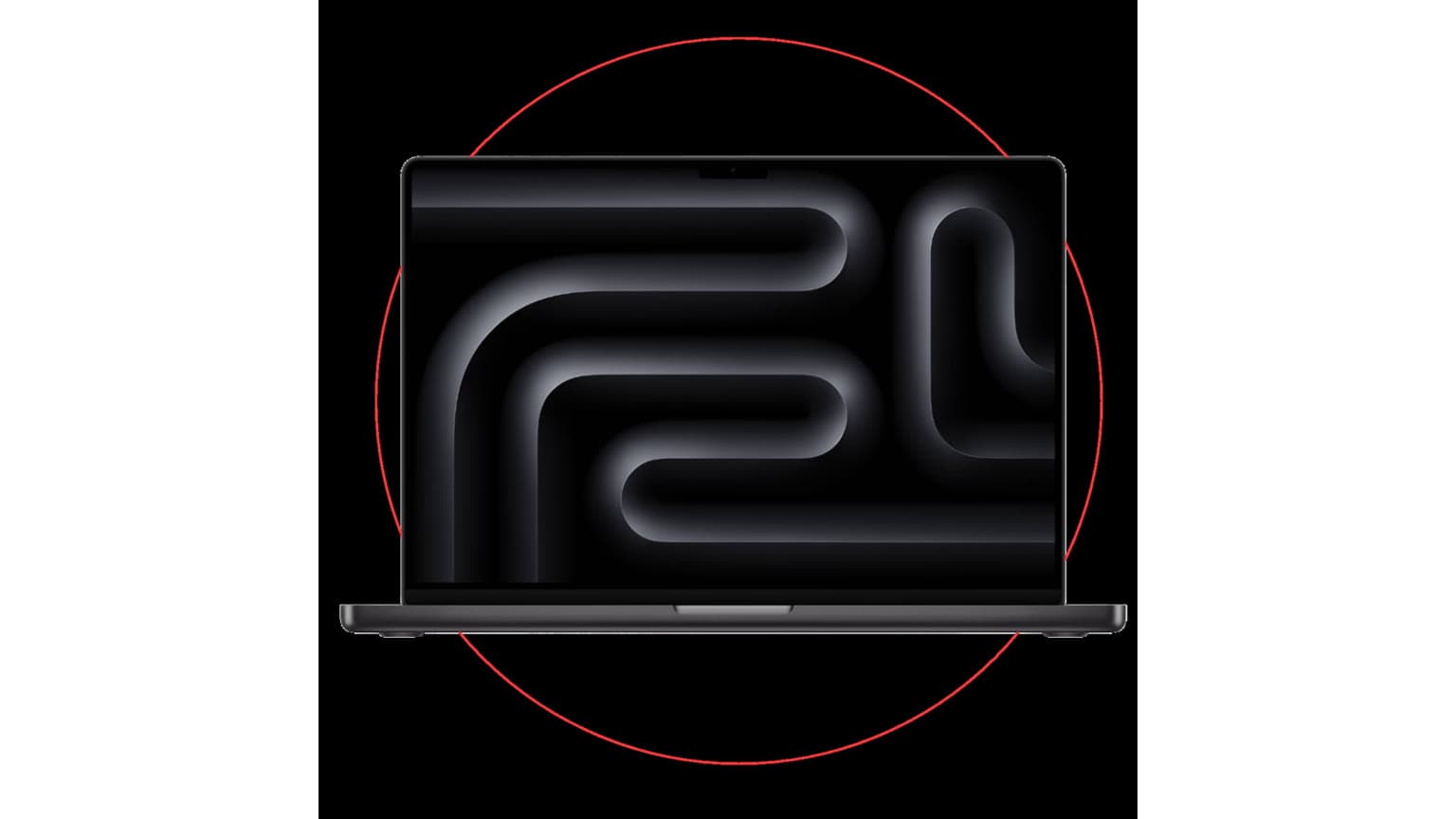
If you are choosing between these two older used Apple laptops, the MacBook Air 13-inch (2015) is the lighter, cheaper everyday option, while the MacBook Pro 13-inch Retina (Mid 2014) is the better pick when screen sharpness, ports and higher RAM/storage variants matter more than weight.
Decision summary
This is a practical used-laptop comparison, not a lab review. The facts below are catalog-verified from Ogabassey product data and official-source verified from Apple technical specification pages. Because both machines are older Intel MacBooks, the best choice in Nigeria depends less on headline processor names and more on condition, battery health, charger quality, keyboard layout, storage size, RAM option, display preference and whether the seller can clearly confirm the exact variant before payment.
The MacBook Air 13-inch (2015) starts lower in the current Ogabassey catalog snapshot, with used variants listed from ₦140,000 to ₦240,000. It has a 13.3-inch 1440 x 900 LED-backlit display, Intel Core i5 or i7 Broadwell options, Intel HD Graphics 6000 and a listed weight of 1.35kg. That makes it the more portable and usually more budget-friendly route for school notes, documents, browsing, basic office work and buyers who want a familiar MacBook shape without paying for Retina.
The MacBook Pro 13-inch Retina (Mid 2014) starts higher in the same snapshot, from ₦160,000 to ₦260,000. Its main advantage is the 13.3-inch 2560 x 1600 Retina IPS display, plus catalog-listed 8GB or 16GB RAM options and 128GB, 256GB or 512GB SSD options. It is heavier at 1.57kg, but it is the more convincing choice for buyers who read a lot of text, edit documents side by side, manage spreadsheets, watch media or want the sharper display for long work sessions.
The verdict is simple: buy the Air if your priority is lower entry price, light carry weight and basic Mac use. Buy the Pro if you can confirm a good-condition 8GB/256GB or 16GB/512GB variant and you value the Retina screen enough to accept the extra weight and price.
Comparison table: catalog and official-source facts
| Decision point | MacBook Air 13-inch (2015) | MacBook Pro 13-inch Retina (Mid 2014) | Buyer meaning |
|---|
| Ogabassey condition | Used | Used | Inspect exact unit condition before checkout. |
| Current catalog price range | ₦140,000 to ₦240,000 | ₦160,000 to ₦260,000 | The Air has the lower entry point; the Pro may justify more money if the variant is stronger. |
| Screen size | 13.3 inches | 13.3 inches | Same compact size class for school bags and office desks. |
| Display resolution | 1440 x 900 pixels | 2560 x 1600 pixels | The Pro is much sharper for text and media. |
| Display type | LED-backlit widescreen | Retina IPS | The Pro has the stronger display quality on paper. |
| Refresh rate | 60Hz | 60Hz | Neither is a high-refresh gaming laptop. |
| Processor family | Intel Core i5 / i7 Broadwell | Intel Core i5 / Core i7 options | Both are older Intel dual-core MacBooks for light productivity, not heavy modern creator workloads. |
| CPU cores | 2-core | 2 cores / 4 threads | Expect everyday productivity, not workstation performance. |
| Graphics | Intel HD Graphics 6000 | Intel Iris Graphics | Both use integrated graphics; neither should be bought for serious gaming. |
| RAM information | Variant-specific; confirm selected unit | Selectable 8GB or 16GB RAM | The Pro has clearer higher-RAM catalog options. |
| Storage information | Variant-specific; confirm selected unit | Selectable 128GB, 256GB or 512GB SSD | The Pro catalog lists a broader clear SSD range. |
| Weight | 1.35kg | 1.57kg | The Air is easier to carry daily. |
| Headphone jack | Not listed in product key specs | Listed as available | Confirm ports physically on the exact unit, especially if audio output matters. |
| Recommended catalog use | General used MacBook productivity based on listed specs | Documents, study, office work, media and premium used Mac productivity | The Pro listing more explicitly fits school and office work. |
| Stock quantity in snapshot | 0 | 0 | Live availability must be confirmed before checkout. |
Price and value in Nigeria
For Nigerian buyers, the MacBook Air 13-inch (2015) wins the value argument when the goal is to spend as little as possible on a usable Apple laptop. A ₦140,000 starting point leaves more room for a replacement charger, battery servicing later, a sleeve, external storage or other accessories. That matters because a used laptop purchase is rarely just the sticker price. Buyers should budget for the practical extras that make an older machine dependable: genuine or good-quality power adapter, battery condition check, clean keyboard, working trackpad, healthy hinge, stable Wi-Fi and a clean macOS installation.
The MacBook Pro 13-inch Retina (Mid 2014) makes value sense when the actual listed variant is strong enough. If the selected Pro is only a low-storage base option, the extra money may not feel worthwhile versus the lighter Air. But if the Pro is confirmed with 8GB RAM and 256GB SSD, or especially a 16GB RAM and 512GB SSD configuration, it becomes the better long-term productivity buy for people who keep many browser tabs open, store local files or want a sharper screen for long reading and document work.
Do not treat the broad price ranges as a guarantee for every configuration. The Ogabassey catalog snapshot says both products have variant-specific combinations, and both show zero stock quantity in the provided data. That means the sensible buying step is to use the product page as a decision anchor, then confirm the exact variant price and live availability before checkout. Start from the broader Ogabassey Laptops category if you want to compare these MacBooks against Windows options around the same budget.
Performance and daily use
Both laptops are older Intel MacBooks, so expectations should be realistic. They are not the right purchases for modern AAA gaming, 4K video editing, heavy motion graphics, large software builds or demanding engineering applications. Their better role is basic study and office work: typing assignments, managing email, using spreadsheets, browsing, watching classes, handling PDFs, light photo edits and working inside web apps.
The MacBook Air 13-inch (2015) uses Intel Core i5 or i7 Broadwell options with Intel HD Graphics 6000. In everyday terms, choose it for a simple, light Mac experience. It should feel most sensible for students, writers, admin workers and buyers moving from a very old or low-end laptop. The key is not to overload it with expectations. If you know you live inside dozens of browser tabs, large Excel files and background apps, the Air’s lower-cost appeal may fade quickly unless the selected variant has enough RAM and SSD storage for your workload.
The MacBook Pro 13-inch Retina (Mid 2014) has Intel Core i5 or i7 options with Intel Iris Graphics and a catalog variant matrix that includes 8GB and 16GB RAM choices. That higher-RAM option is the most important performance difference in this comparison. Processor generation still matters, but on these older Macs, memory and storage capacity can shape the experience more visibly for normal buyers. A 16GB/512GB Pro is a very different practical purchase from a lower-storage base configuration.
For buyers searching “which laptop should I buy for school, work, gaming, or design?”, the answer here is narrow. For school and office work, either can work if the unit is healthy and the RAM/storage option fits. For gaming, neither is a good target; browse Gaming Laptops instead. For design, the Pro is the better of these two because of the Retina screen, but it is still an older machine and should be limited to light design tasks, not heavy professional production.
Battery, display, and build
The display is the strongest reason to choose the MacBook Pro Retina. Its 2560 x 1600 Retina IPS panel gives it a clear advantage for reading text, editing documents, looking at photos and watching video. If you work long hours on-screen, display comfort can be worth more than a small difference in price. The MacBook Air’s 1440 x 900 LED-backlit display is usable, but it is not in the same sharpness class. Buyers coming from newer phones, iPads or modern laptops may notice the difference immediately.
The MacBook Air fights back with portability. At 1.35kg, it is lighter than the 1.57kg Pro and easier to carry between lecture halls, office desks, cafés and home. That difference may look small on paper, but it matters when the laptop shares a bag with books, chargers and power banks. If the laptop will travel every day, the Air’s lighter body is a real advantage.
Battery life cannot be promised from the catalog alone because used batteries age differently. Even two units of the same model can behave very differently depending on cycle count, past charging habits, heat exposure and whether the battery has already been replaced. Before paying for either machine, ask for battery health details where available, confirm that it charges properly, and test sleep/wake behavior. In Nigeria, also inspect the power adapter carefully. A weak or unsafe charger can create daily frustration and may affect long-term battery reliability.
Build condition is equally important. Check the hinge, keyboard, trackpad click, screen coating, speaker output, ports, webcam and Wi-Fi. The Pro’s sharper display is valuable only if the screen is clean and free from distracting defects. The Air’s portability is useful only if the battery and hinge are still dependable. For more Apple laptop context around newer models, the Ogabassey guide to MacBook Air M3 choices in Nigeria helps show what you gain by moving to a much newer generation.
Ports, upgrades, warranty trust, and availability
Used MacBooks require a different buying mindset from many Windows laptops. The most important upgrade question is not “Can I cheaply upgrade everything later?” but “Is the exact unit already configured well enough for the next few years?” The provided Ogabassey snapshot leaves MacBook Air RAM and storage as variant-specific and gives the Pro a clearer variant matrix. That makes variant confirmation central. Ask for the RAM, SSD size and processor on the exact selected unit, not only the product family name.
Ports and accessories should also be physically confirmed. Apple’s official specification pages support the broad model-level details, but a used device can still have damaged ports, missing accessories or worn cables. For a buyer in Lagos, Abuja, Port Harcourt, Accra or elsewhere in the region, after-sales practicality matters more than a perfect spec sheet. Choose the unit that gives you clearer seller confirmation, a cleaner charger situation and less uncertainty around condition.
Warranty trust is a decision factor, even when no specific warranty promise is provided in the snapshot. Do not assume warranty length, return rights, battery replacement or charger inclusion unless the checkout page or seller confirmation says so. If two units look close on price, the better buy is often the one with clearer condition notes and easier support path, not the one with a slightly better processor label.
Availability is another caution. Both products show active status in the snapshot, but both also show stock quantity as 0. Treat the pages as catalog comparison references and confirm live availability before checkout. You can also browse the Macbooks category to see whether a newer Air, Pro or alternative Mac model is available at the time you are ready to buy.
Who should buy each option
Buy the MacBook Air 13-inch (2015) if portability and price come first
Choose the Air if you need a light used MacBook for lectures, writing, browsing, email, basic office tasks and light media. It is the cleaner choice for a student or everyday office user who wants Apple build quality at the lowest possible entry price in this comparison. It also makes sense for someone who already uses cloud storage and does not need a large local SSD.
The Air is less convincing if you care deeply about display sharpness, need more RAM, expect to keep many apps open, or plan to do design work. It is also not the right route if the selected unit has weak battery health or a small storage configuration that will frustrate you within months.
Buy the MacBook Pro 13-inch Retina (Mid 2014) if screen quality and stronger variants matter
Choose the Pro if you read and write for long hours, work with spreadsheets, watch media often or want a sharper screen for light creative tasks. The Retina IPS display is the biggest visible upgrade, and the catalog-listed 16GB RAM plus 512GB SSD option gives the Pro a more attractive ceiling than the Air in this snapshot.
The Pro is less suitable if your bag weight matters every day or if the available unit is a low-storage configuration priced too close to better alternatives. It is also a weaker choice if screen condition is poor, because the Retina advantage depends on getting a clean display.
Alternatives to check before paying
If you are not locked into an older Intel MacBook, compare both models with newer Apple laptops and practical Windows alternatives. A newer Apple Silicon MacBook Air will usually offer a major jump in battery efficiency, software longevity and performance, but it will also cost more. Ogabassey’s Apple 2025 drop buying guide gives useful context for buyers deciding whether to stretch toward newer Apple hardware instead of older used Intel models.
For students on a strict budget, a clean Windows ultrabook may sometimes offer newer internals at a similar used price. For buyers who need games, GPU acceleration or engineering software, these MacBooks should not be forced into the role. Check gaming and performance-focused categories instead of buying an older MacBook and hoping it will behave like a modern creator or gaming machine.
The strongest alternative inside this exact Apple decision is simply a better variant. A clean Pro with 16GB RAM and 512GB SSD can be a better buy than a cheaper Air with limited storage. But a clean Air at the low end of the price range can beat an overpriced or tired Pro. Condition and configuration decide the winner.
Verdict
The MacBook Air 13-inch (2015) is the better used Apple laptop for buyers who want the lowest entry price and the lighter 1.35kg body. The MacBook Pro 13-inch Retina (Mid 2014) is the better productivity choice when its Retina 2560 x 1600 display and selectable 8GB/16GB RAM or 128GB/256GB/512GB SSD variants are confirmed on the exact unit. Those two rows, display resolution and RAM/storage options, are the main reasons the Pro can justify the higher catalog range, while the Air’s price and weight rows explain why it remains the simpler budget pick.
For most Nigerian buyers choosing between only these two, the safest recommendation is: buy the Air for light school and office work on a tight budget; buy the Pro if the screen is clean, battery health is acceptable, the charger is confirmed and the variant has enough RAM and SSD storage for your workload. If those checks are unclear, pause and compare other laptops on Ogabassey before paying.
FAQ
Which laptop should I buy for school or work?
For basic school and office tasks, the MacBook Air 13-inch (2015) is the lighter and cheaper pick. Choose the MacBook Pro 13-inch Retina (Mid 2014) if you value a sharper screen or can confirm a higher RAM and SSD variant.
Is an older MacBook worth it in Nigeria?
It can be worth it if the price, battery health, charger, keyboard, storage and RAM are clearly confirmed. Do not buy only because it is an Apple laptop; older Intel MacBooks need careful condition checks before payment.
Are these MacBooks good for gaming or design?
Neither model is a good gaming laptop. For light design, the MacBook Pro Retina is the better of the two because of its sharper display, but demanding creative work needs a newer or more powerful laptop.
What specs matter most before buying a used MacBook?
Check RAM, SSD size, battery health, display condition, charger quality, keyboard layout, trackpad, ports and live availability. For these two models, the exact variant matters more than the product name alone.
Sources