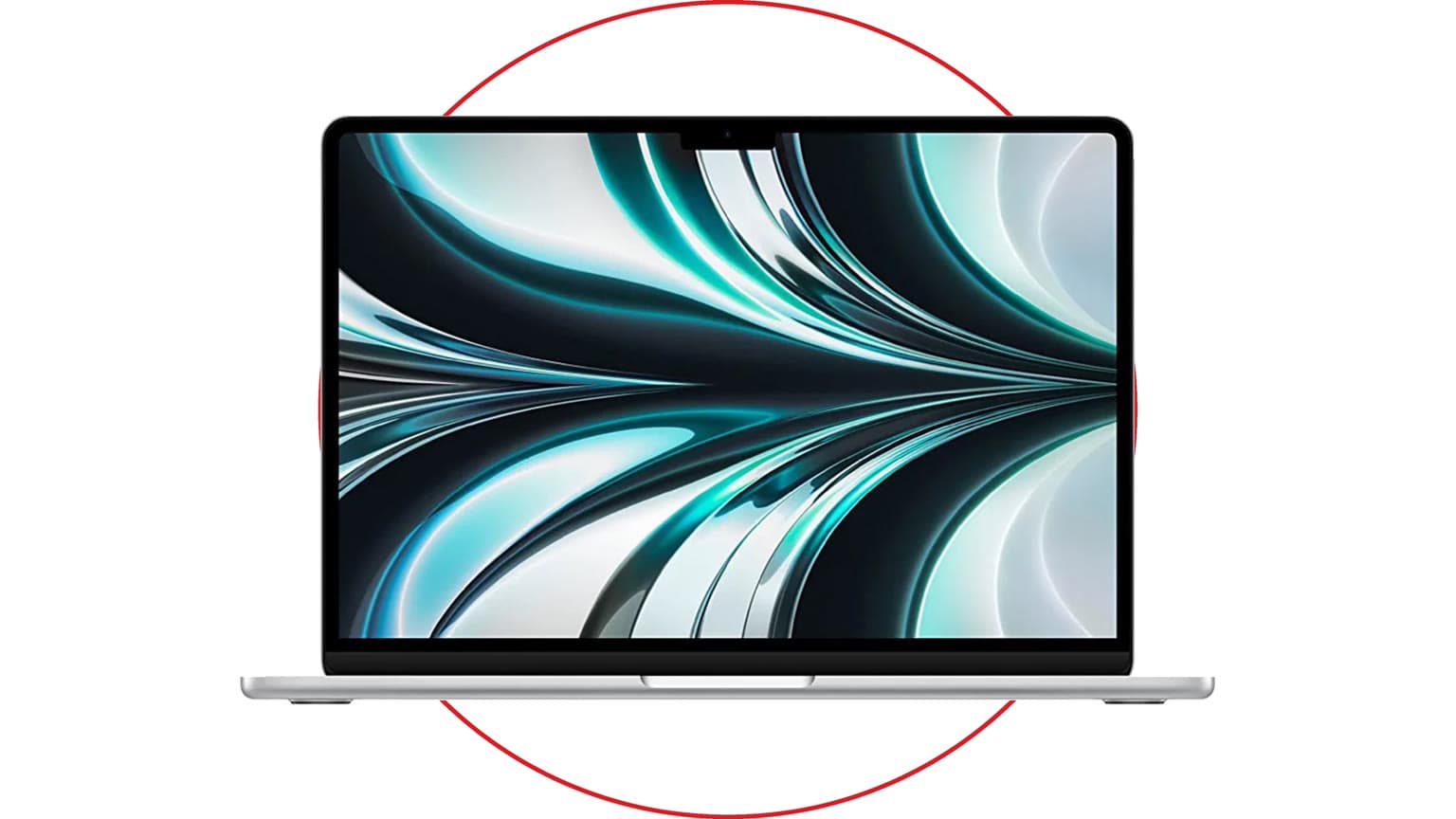
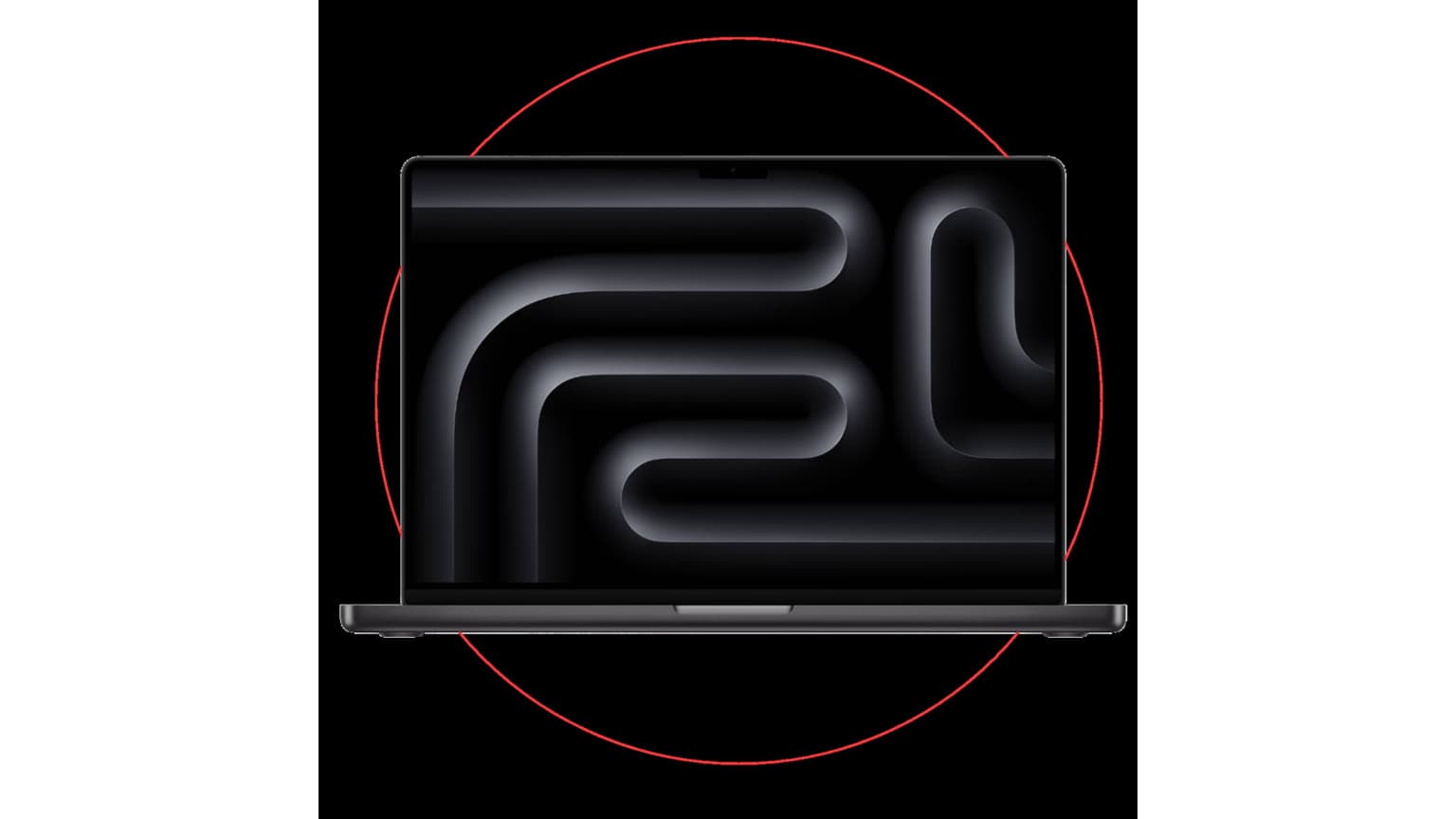
Apple’s 2025 hardware drop still matters in 2026, but the buying context has changed. The MacBook Air M4, Mac Studio with M4 Max or M3 Ultra, and iPad Air M3 are not one simple upgrade story. They serve three different buyers: the everyday laptop user, the professional desktop user, and the tablet-first student or creative.
The biggest update for 2026 shoppers is that the M4 MacBook Air should now be treated as a previous-generation or deal-dependent buy, not automatically the newest Air. That does not make it weak. It means you should judge it by price, configuration, warranty, battery health, condition, and whether it is meaningfully cheaper than newer stock. If you are checking local availability, start with the MacBook Air M4 on Ogabassey, then compare current alternatives before paying a premium.
Who this is for
The MacBook Air M4 is for students, remote workers, office users, writers, business owners, light developers, and frequent travellers who want a thin, quiet laptop with strong battery life. It is the easiest device here to recommend to most people, provided the price is right and the memory/storage configuration is sensible.
The Mac Studio is for buyers who already know they need workstation power. Video editors, music producers, 3D artists, photographers, app developers, and studios running multiple displays or fast external storage are the audience. If your daily work is browsing, email, documents, Zoom calls, and light photo edits, Mac Studio is more machine than you need.
The iPad Air M3 is best for note-taking, drawing, media, travel, schoolwork, light design, and touch-first workflows. It can replace a laptop for some people when paired with a keyboard, but iPadOS is still not macOS or Windows. Before buying it as your only computer, confirm that your school, office, design, finance, or coding apps work the way you expect.
Key specs and buying context
The M4 MacBook Air came in 13-inch and 15-inch sizes with a Liquid Retina display, 16GB unified memory as the practical baseline, SSD storage options, MagSafe charging, two Thunderbolt 4 / USB-C ports, a headphone jack, Wi-Fi 6E, Bluetooth 5.3, and a 12MP Center Stage camera. Apple rated it for up to 18 hours of video playback and up to 15 hours of wireless web use, though real battery life depends on brightness, browser load, video calls, apps, and battery age.
The most useful M4 Air upgrade was external display support. Unlike earlier Air models that forced compromises, the M4 Air can support up to two external displays while still using the built-in screen. For students with a dorm desk, remote workers with dual monitors, and small-business owners who use a laptop as a desktop replacement, that can matter more than a raw benchmark improvement.
Memory and storage are where buyers should slow down. In 2026, 16GB unified memory is the minimum Ogabassey would treat as comfortable for a long-term MacBook Air purchase. Choose 24GB or 32GB if you keep many tabs open, edit photos, run creative apps, code, or want the machine to age better. A 256GB SSD can work for cloud-first users, but 512GB is the safer floor if you store media, apps, offline documents, or project files locally.
Mac Studio is a very different machine. The 2025 model brought M4 Max and M3 Ultra options, Thunderbolt 5, 10Gb Ethernet, HDMI 2.1, USB-A, front-facing expansion, and much higher memory and storage ceilings than a MacBook Air. The M3 Ultra version can scale to extreme unified memory and SSD configurations, which is why it makes sense for AI workflows, 8K video, large music sessions, professional photography, and heavy development workloads.
The iPad Air M3 sits between casual tablet and flexible work device. It comes in 11-inch and 13-inch sizes, supports Apple Pencil Pro and keyboard accessories, and has enough performance for note-taking, drawing, media, multitasking, and many creative apps. The hidden cost is accessories: once you add a keyboard, Pencil, case, and storage upgrade, the iPad Air can move close to MacBook pricing.
Price and value in Nigeria
For Nigerian buyers, Apple’s official price is only part of the story. Local value depends on exchange rate, import route, warranty support, charger type, keyboard layout, condition, battery health, and whether the unit is sealed, open-box, used, or refurbished. A cheaper listing can become expensive if it has no reliable return window or warranty.
If the exact M4 Air configuration is out of stock, use the product page as a reference and compare other laptops available on Ogabassey. Apple is not always the best answer. A Windows laptop may be better if you need upgradeable storage, more built-in ports, local repair flexibility, engineering software, accounting software, or stronger gaming support.
Trade-offs
MacBook Air M4 trade-offs: excellent portability, quiet operation, long battery life, and strong everyday performance, but limited ports, no user-upgradeable RAM or storage, no fan for long heavy workloads, and weak value for serious gaming compared with dedicated gaming laptops.
Mac Studio trade-offs: huge sustained performance and proper desktop connectivity, but the real cost includes a monitor, keyboard, mouse or trackpad, external storage, UPS protection, and sometimes a dock. If you are building a full Apple desk setup, Ogabassey’s Apple Studio Display buying guide is worth reading before you commit.
iPad Air M3 trade-offs: portable, powerful, and excellent for touch-first work, but iPadOS can still be awkward for file-heavy office work, coding, advanced spreadsheets, browser extensions, and desktop-class app workflows. Buy it because your workflow fits a tablet, not because the chip sounds close to a Mac.
Alternatives worth comparing
If you want a MacBook, compare the M4 Air with newer Air models, older M2/M3 Air deals, and MacBook Pro options. The M4 Air is still a strong buy when discounted, but it should not cost close to a newer model unless the configuration, warranty, or bundle clearly justifies it. For deeper laptop-specific context, read Ogabassey’s M4 MacBook Air review.
If you want macOS power but Mac Studio is too expensive, compare Mac mini and MacBook Pro configurations. A Mac mini with enough memory and storage may be better value for a home office. A MacBook Pro may be better if you need power and portability in one machine.
If you are open to Windows, premium ultrabooks and Snapdragon X Elite laptops can compete strongly on battery life, while Intel and AMD laptops often win on ports, repair options, software compatibility, and gaming. Ogabassey’s HP OmniBook X buying guide is a useful comparison if battery life is your main reason for considering a MacBook Air.
Warranty and condition checks
Before buying any Apple device, confirm the exact model year, chip, memory, storage, screen size, keyboard layout, charger, warranty status, and return window. For used or open-box MacBooks, check battery cycle count, display uniformity, keyboard feel, speakers, webcam, Wi-Fi, ports, dents, liquid exposure signs, and whether the serial number matches the invoice or warranty record.
For iPads, check activation lock, Apple Pencil support, touch response, display marks, charging port, speakers, cellular status if applicable, and accessory compatibility. For Mac Studio, confirm the chip variant, memory, SSD size, ports, power cable, and whether the seller can prove the machine is not locked to an organization or previous owner.
For more Apple laptop listings, compare the broader Ogabassey MacBook category so you are not judging one listing in isolation.
Verdict
Buy the MacBook Air M4 if it is priced clearly below newer alternatives and has at least 16GB memory, enough storage for your work, clean warranty or return cover, and good battery condition. It remains the best broad-use device from this launch.
Buy the Mac Studio only if your work earns back the cost through faster renders, exports, builds, audio sessions, AI workflows, or multi-display production. It is a professional desktop, not a casual upgrade.
Buy the iPad Air M3 if your work is notes, drawing, media, travel, school, and touch-first productivity. If you need a traditional computer, buy a MacBook or Windows laptop first.
The honest 2026 verdict is that Apple’s 2025 drop is still good, but no longer all “latest” in the same way. The MacBook Air M4 is now a value-dependent previous-generation buy, Mac Studio remains a serious pro desktop, and iPad Air M3 is a strong tablet when the workflow fits.
Sources