Bassey John is a Performance Marketing Specialist at Ogabassey with cross-industry experience spanning e-commerce, gaming, and real estate. He focuses on paid acquisition, conversion-rate optimisation, and data-driven growth strategy, turning campaign performance into measurable revenue. At Ogabassey he writes about consumer technology, product buying guides, and the Nigerian gadget market to help shoppers make confident, informed decisions.
Last reviewed: 13 June 2026. The MacBook Pro 13-inch M1 (2020) is no longer a current Apple laptop, but it remains a serious used-market option for buyers who want macOS, long battery life, a sharp display, quiet performance, and a compact premium build without paying for a recent MacBook Pro. The buying question in 2026 is not simply whether the M1 chip is still fast. For school, office work, writing, coding, browser-heavy workflows, light design, and remote work, it still is. The better question is whether the exact used unit, RAM, storage, battery health, condition, charger, warranty, and price make sense beside newer Apple Silicon and Windows alternatives.
On Ogabassey, this model is listed as a used Apple laptop with selectable 8GB or 16GB unified memory and 256GB, 512GB, or 1TB SSD options. The supplied catalog snapshot shows a starting price of NGN 814,000 and variant pricing up to NGN 1,250,000 depending on configuration. Treat those figures as buying context, not a final checkout promise, because used laptop stock and condition can change quickly. Before paying, confirm the selected variant price, live stock, battery cycle count or battery service warning, keyboard layout, charger inclusion, warranty or return terms, and whether the machine has been properly reset with Activation Lock removed.
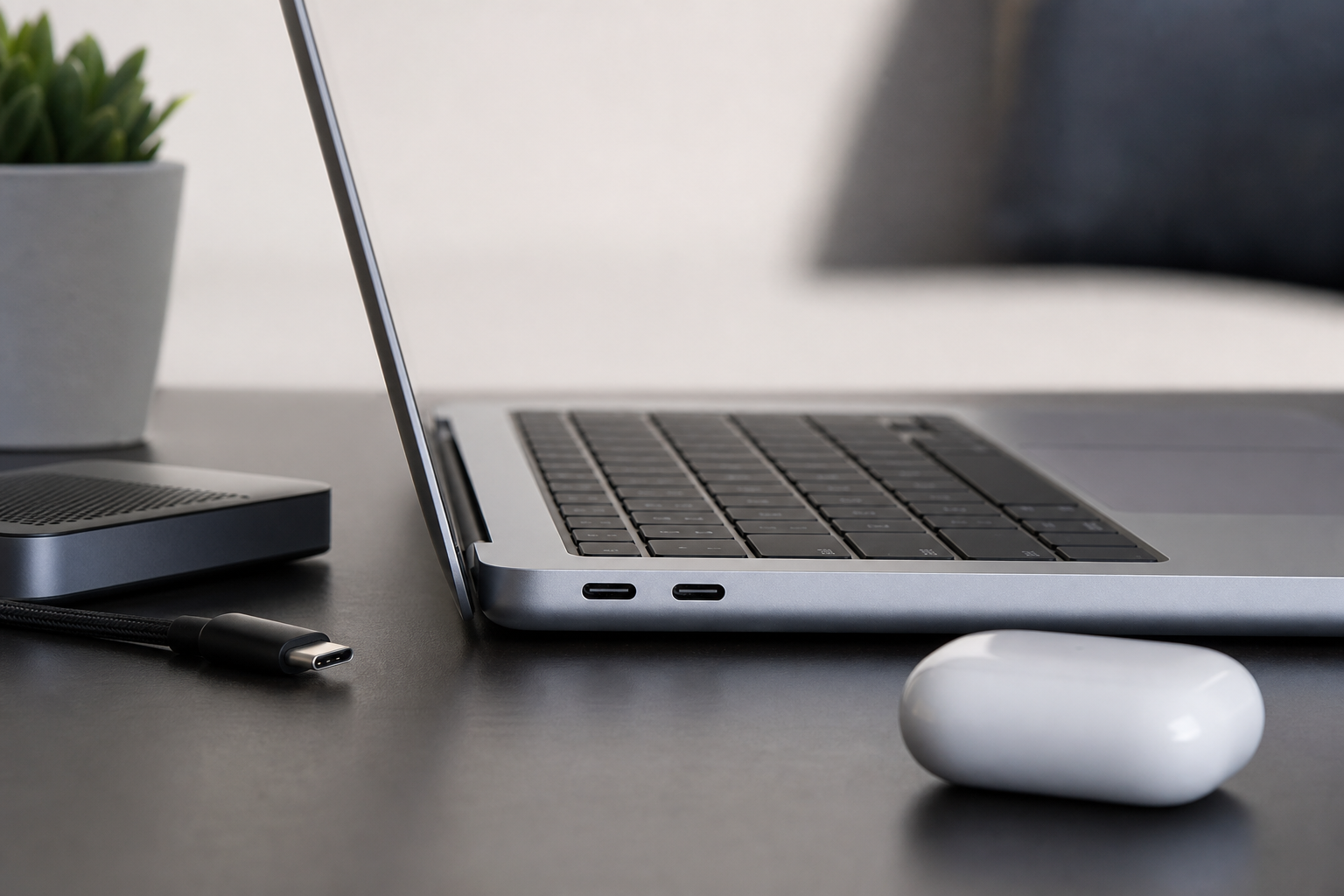
Check ports, adapters, charger condition, and accessory needs before buying a used 13-inch M1 laptop.
Quick Verdict
The MacBook Pro 13-inch M1 is still worth buying in 2026 if it is priced well below newer MacBooks, has healthy battery condition, and comes in the right configuration for your workload. For most serious buyers, the sweet spot is 16GB RAM with 512GB storage or higher. Buy the 8GB/256GB version only for light student, writing, browsing, and office use. Avoid it as your main laptop if you need heavy 4K editing, large design files, modern 3D work, Windows-only software, multiple external monitors, or gaming as a priority.
Who this is for
This MacBook fits university students who write assignments, manage PDFs, attend online classes, browse research pages, build presentations, and want strong unplugged use during power cuts or long days on campus. It also suits office workers living in Google Workspace, Microsoft Office, Slack, Zoom, Notion, dashboards, email, spreadsheets, and browser tabs. The M1 chip still feels responsive in these jobs because it was designed around efficient everyday performance, not just peak benchmark numbers.
It can also work well for beginner and intermediate developers who need macOS for terminal tools, package managers, web development, Git, code editors, local servers, and iOS-adjacent workflows. For creative users, it is good for light to moderate photo editing, content planning, Canva-style design, audio work, and short social video projects. The key is configuration. A light student may survive with 8GB RAM and 256GB storage. A developer, designer, multitasker, or creator should strongly prefer 16GB RAM and at least 512GB storage because neither RAM nor internal storage can be upgraded later.
This is not the right first choice for buyers whose main work is modern 3D rendering, heavy motion graphics, large 4K or 8K timelines, advanced machine-learning workloads, high-refresh gaming, or Windows-only engineering and accounting software. Those users should compare broader laptop options on Ogabassey, including newer MacBooks and performance Windows machines, before choosing a compact used Mac.
Key Specs and Buying Context
Apple's official technical specification for the 13-inch MacBook Pro M1 lists an Apple M1 chip with an 8-core CPU, 8-core GPU, and 16-core Neural Engine. It also lists a 13.3-inch Retina display with 2560 by 1600 resolution, 500 nits brightness, P3 wide color, True Tone, Wi-Fi 6, Bluetooth 5.0, two Thunderbolt / USB 4 ports, a headphone jack, Touch ID, a 720p FaceTime HD camera, and a 58.2-watt-hour battery. In practical terms, this laptop prioritizes speed-per-watt, display sharpness, trackpad quality, quiet operation, and portability over port variety, gaming hardware, and upgrade flexibility.
The display is still one of the reasons this used MacBook can feel premium. Text is sharp, colors are strong, and the 16:10 screen shape gives more vertical workspace than many cheaper laptops. For students and office users in Nigeria who spend long hours switching between PDFs, browser tabs, documents, and spreadsheets, screen quality matters more than a small processor upgrade. The limitation is size: 13.3 inches is portable, but it can feel tight for side-by-side research, large spreadsheets, design timelines, and coding panes unless you use an external monitor.
Battery life is the headline advantage, but condition controls the real result. Apple rated the model for up to 17 hours of wireless web use and up to 20 hours of Apple TV movie playback when new, but a 2020 unit in 2026 is only as good as its battery health and charging history. A tired battery can turn a strong M1 MacBook into a desk-bound laptop. If you need reliability through power cuts, travel, classes, or field work, do not skip the battery-health check.
RAM, Storage and Software Support
Memory is the most important spec decision. Unified memory on Apple Silicon is efficient, but it is fixed. An 8GB unit can still handle writing, browsing, video calls, school portals, email, light coding, and basic office work. It becomes less comfortable when you keep many browser tabs open, run design apps, edit large photos, use Docker, work with local databases, or multitask across heavy apps. In 2026, 16GB is the safer choice if the laptop is your main work machine.
Storage needs the same honesty. A 256GB SSD can work if you keep most files in cloud storage and use an external drive for media, but it fills quickly with app caches, WhatsApp exports, videos, Xcode files, design assets, local backups, and offline course materials. A 512GB or 1TB unit is easier to live with and may hold resale value better. If the price gap is reasonable, storage is worth paying for because you cannot upgrade it internally after purchase.
For software support, the M1 MacBook Pro remains healthier than older Intel MacBooks. Apple lists the 13-inch MacBook Pro M1 as compatible with macOS Sequoia, and Apple Intelligence support is tied to Mac models with M1 and later where language and region requirements are met. That gives the M1 a stronger 2026 software story than many older used Macs. Still, support runway is not endless. A buyer planning to keep one laptop for five more years should compare the M1's age against newer MacBook Air and MacBook Pro options before deciding.
Ports, Accessories and Daily Setup
The 13-inch M1 MacBook Pro has two Thunderbolt / USB 4 ports and a headphone jack. That is enough for a simple USB-C setup, but it is not enough for every Nigerian classroom, office, church media desk, studio, or business environment. If you connect HDMI projectors, USB-A flash drives, Ethernet, SD cards, external keyboards, or older monitors, budget for a reliable USB-C hub. Cheap hubs can create charging, heat, or display problems, so the accessory plan should be part of the total cost.
External display support is another practical limit. Apple lists support for one external display up to 6K at 60Hz. That is fine for a single monitor desk, but not ideal if your work depends on two external screens. Newer MacBooks and Windows laptops may be better for multi-monitor setups. If your desk setup matters as much as portability, compare carefully before buying.
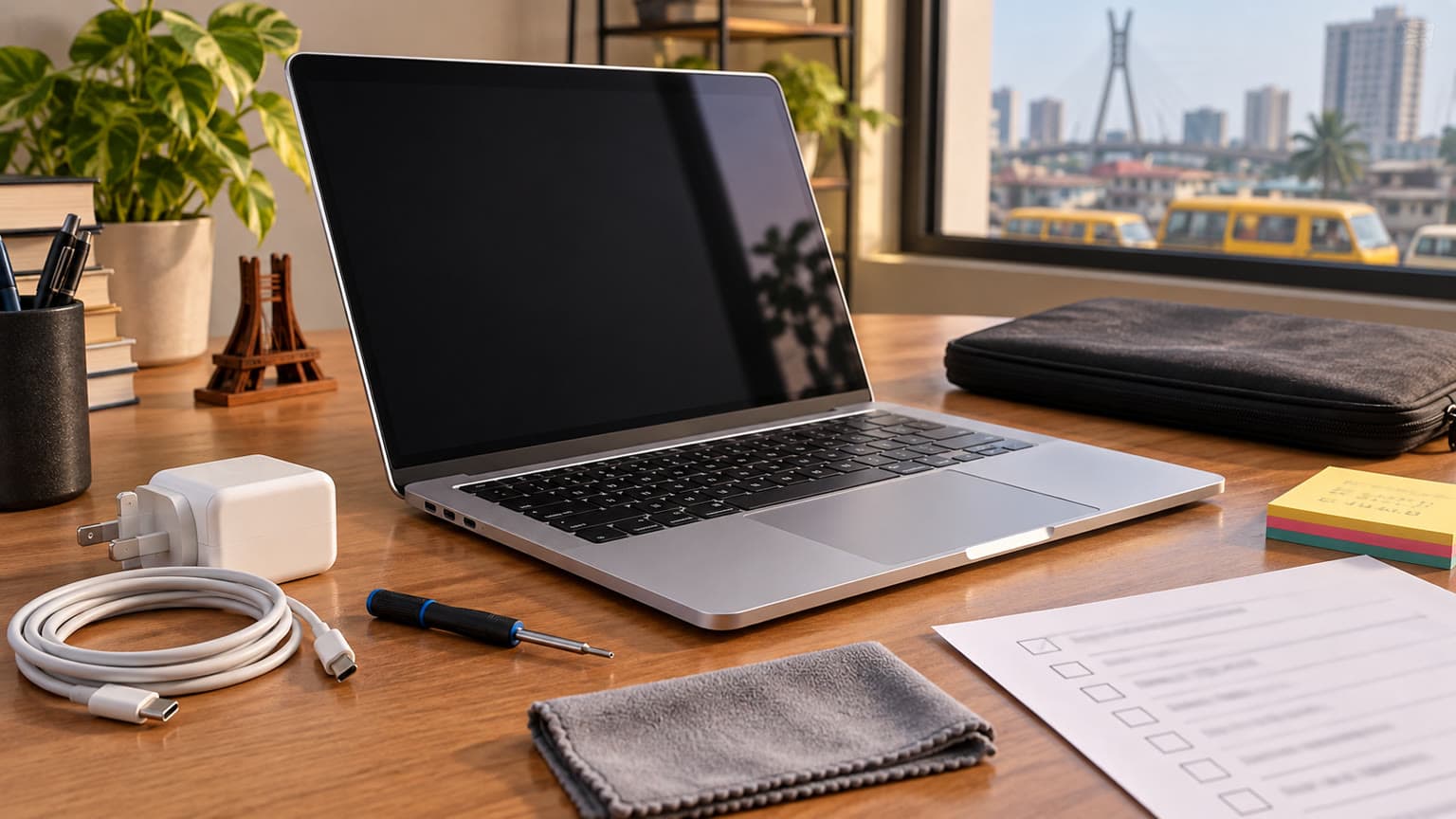
For students and remote workers, battery health and the right RAM or storage option matter as much as the processor.
Used-Condition Checklist Before Buying
Start with the exact variant. Do not assume every listing has the same memory and storage. Confirm whether the unit is 8GB/256GB, 8GB/512GB, 16GB/512GB, or 16GB/1TB. Then check battery health, cycle count, and whether macOS reports service recommended. Ask whether the charger and cable are original or replacement accessories, and inspect charging behavior on both ports.
Inspect the keyboard, Touch Bar, Touch ID, trackpad, screen, hinge, speakers, webcam, microphones, USB-C ports, Wi-Fi, Bluetooth, and headphone jack. Look for dents, liquid damage signs, display stains, pressure marks, dead pixels, swollen chassis, loose hinges, flicker, unreliable charging, and unusual heat. Confirm that the laptop is signed out of iCloud, Activation Lock is removed, Find My is disabled, and the machine can be erased and activated cleanly.
Also check software fit before you buy. If your course, employer, or business depends on Windows-only accounting packages, engineering tools, exam software, firmware utilities, or custom portals, confirm there is a Mac version, browser version, cloud alternative, or acceptable workaround. A good MacBook is still the wrong purchase if it cannot run the software that pays for itself.
Trade-offs
The biggest trade-off is age. The M1 MacBook Pro is capable, but it is still a 2020 design. Newer MacBooks can offer better webcams, MagSafe, more modern displays, stronger chips, longer support runway, and better external display behavior. If you plan to keep a laptop for a long time, the M1's used price must be low enough to justify choosing it over newer Apple Silicon.
The second trade-off is port selection. Two USB-C ports make the laptop clean and portable, but they also make hubs almost unavoidable for many buyers. If you often present with HDMI, read SD cards, connect USB-A devices, or use wired Ethernet, include adapter cost in your budget.
The third trade-off is gaming. The M1 GPU is good for integrated graphics of its generation, but this is not a gaming laptop in the Windows sense. Game availability, anti-cheat support, controller support, and graphics settings vary. If gaming is a major reason for the purchase, start with gaming laptops on Ogabassey instead of forcing a MacBook into that role.
The final trade-off is repair and upgrade flexibility. RAM and internal storage are not user-upgradeable, and Apple laptop repairs can be more specialized than repairs on many common Windows laptops. That makes condition, warranty, and the right configuration from day one more important.
Alternatives to Compare
If you are shopping mainly by budget, compare this model with used Windows ultrabooks and newer midrange laptops. A Windows laptop may give you a larger display, more ports, easier SSD or RAM upgrades, and better compatibility with local business or engineering software. The MacBook may still win on battery life, display sharpness, trackpad feel, build quality, and macOS preference, but it should not win automatically.
If you are committed to macOS, compare available MacBook listings on Ogabassey. A MacBook Air M1 can be lighter and may offer similar everyday performance for many users, while newer MacBook Air models bring a more modern design and better webcam. For more current Apple buying context, read Ogabassey's MacBook Air M3 buyer support guide and the Apple 2025 drop buying guide.
If you are a creator, editor, developer with heavier local workloads, or buyer who wants a new pro machine instead of a used compact Mac, compare the MacBook Pro M5 Pro on Ogabassey and Ogabassey's MacBook Pro M5 Pro and M5 Max guide. That is not the same buyer category as a used M1 13-inch Pro, but it is the clean comparison when the question is long-term creative performance, newer ports, and buying new with clearer warranty expectations.
Verdict
The MacBook Pro 13-inch M1 (2020) is still a practical 2026 buy when the unit is clean, the battery is healthy, the price is meaningfully below newer MacBooks, and the selected RAM and storage match your workload. It is strongest for students, writers, office workers, remote workers, light creators, and developers who value macOS, portability, screen quality, and battery efficiency.
The best version for most serious buyers is 16GB RAM with 512GB storage or higher. The 8GB/256GB version is acceptable only for light use and disciplined storage management. Before checkout, confirm live availability, exact configuration, battery health, charger status, warranty or return coverage, physical condition, macOS readiness, and software compatibility. If those checks are positive, this used M1 MacBook Pro remains a sensible premium laptop buy rather than just an old Apple logo.
Catalog-linked prices update automatically. Historical and other quoted prices remain as written. Open the product page to confirm the current price, selected variant and availability before buying.