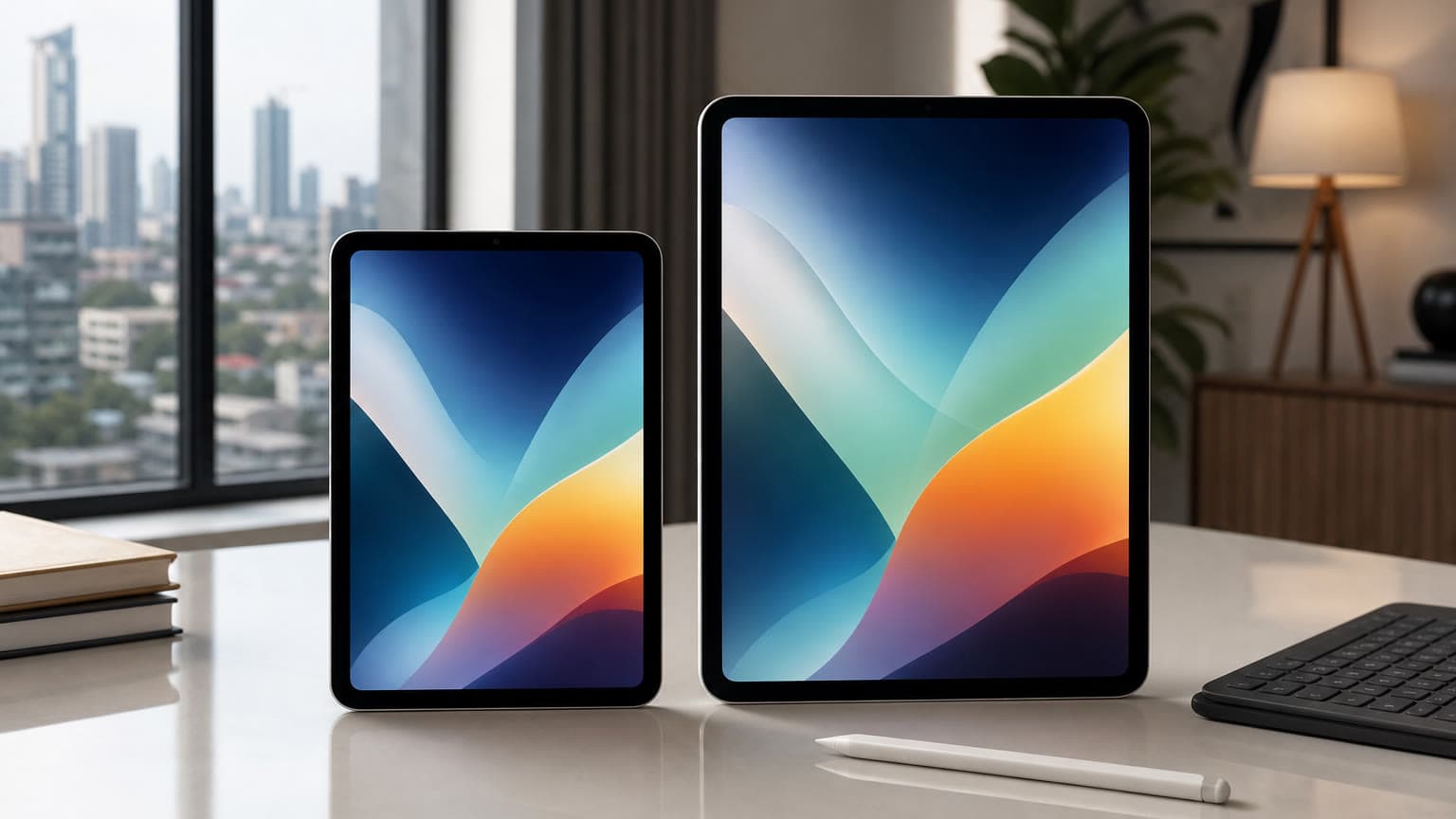
When Apple introduced the M4 iPad Pro in 2024, the headline was easy: the iPad got Apple’s newest chip before the MacBook did. That made the 13-inch iPad Pro feel like a serious MacBook challenger, especially once you added the redesigned Magic Keyboard. In 2026, the question is different. The M5 iPad Pro is now Apple’s current Pro tablet, the iPad Air has moved to M4, and iPadOS 26 has made the iPad more laptop-like than older versions did.
So, is the M4 iPad Pro still a “MacBook killer”? For some buyers, yes. For many students, office users, developers, and heavy multitaskers, no. The better answer is that the M4 iPad Pro is one of the best tablet-first computers Apple has made, but it only replaces a laptop if your work fits iPadOS and you are willing to pay for the keyboard, Pencil, storage, and accessories that make it productive.
What changed since the 2024 launch?
The original article treated the M4 iPad Pro as Apple’s newest and most advanced iPad. That was true at launch, but it needs 2026 context. Apple’s current iPad Pro now uses the M5 chip, with faster AI, graphics, storage, and wireless connectivity. The M4 iPad Pro remains powerful, supports iPadOS 26, and still has the premium tandem OLED Ultra Retina XDR display, but it is no longer the latest model.
That shift matters for value. A brand-new M5 iPad Pro is the natural pick for buyers who want the latest Apple silicon, Wi-Fi 7, faster cellular models, and the longest runway. A discounted M4 iPad Pro can still be the smarter buy if the price is meaningfully lower, especially for artists, note-takers, media editors, and business users who care more about display quality and portability than benchmark leadership.
Key specs and buying context
The 13-inch M4 iPad Pro brought several genuine upgrades. Its Ultra Retina XDR display uses tandem OLED technology, supports ProMotion up to 120Hz, reaches up to 1000 nits full-screen brightness for SDR and HDR, and peaks at 1600 nits for HDR content. It also supports Apple Pencil Pro and Apple Pencil USB-C, which is important because older Apple Pencil 2 buyers cannot simply carry every accessory forward.
The chip configuration is also easy to misunderstand. The 256GB and 512GB M4 iPad Pro models use a 9-core CPU, 10-core GPU, 16-core Neural Engine, 120GB/s memory bandwidth, and 8GB RAM. The 1TB and 2TB models step up to a 10-core CPU and 16GB RAM. That means storage is not just storage; on the M4 iPad Pro, buying 1TB or more also buys the higher-memory version. If you expect to edit large video projects, run large creative files, or keep many apps active, that extra RAM matters more than it does for basic browsing and note-taking.
The 13-inch model is thin, light for its screen size, and more comfortable to carry than many laptop-and-tablet combinations. Battery expectations are still tablet-like rather than workstation-like: Apple rates iPad Pro for up to 10 hours of web browsing or video over Wi-Fi, while real-world creative workloads, cellular use, gaming, and high-brightness HDR viewing will drain it faster.
Who this is for
The M4 iPad Pro makes the most sense for creators who sketch, annotate, edit photos, review video, present work, or need a premium screen in a lightweight device. It is also a strong choice for executives, consultants, lecturers, students in visual courses, and remote workers whose daily routine is email, documents, video calls, browser apps, PDFs, notes, and presentations.
It is less convincing for users who need desktop-class macOS or Windows software, local development environments, specialist engineering tools, advanced spreadsheet workflows, full external monitor flexibility, or easy file-system control. If those are part of your daily work, compare it carefully with MacBooks on Ogabassey before treating an iPad as your only computer. For buyers still deciding between broader options, Ogabassey’s laptop category is the more practical place to compare traditional computer choices.
The Magic Keyboard changes the experience, but also the price
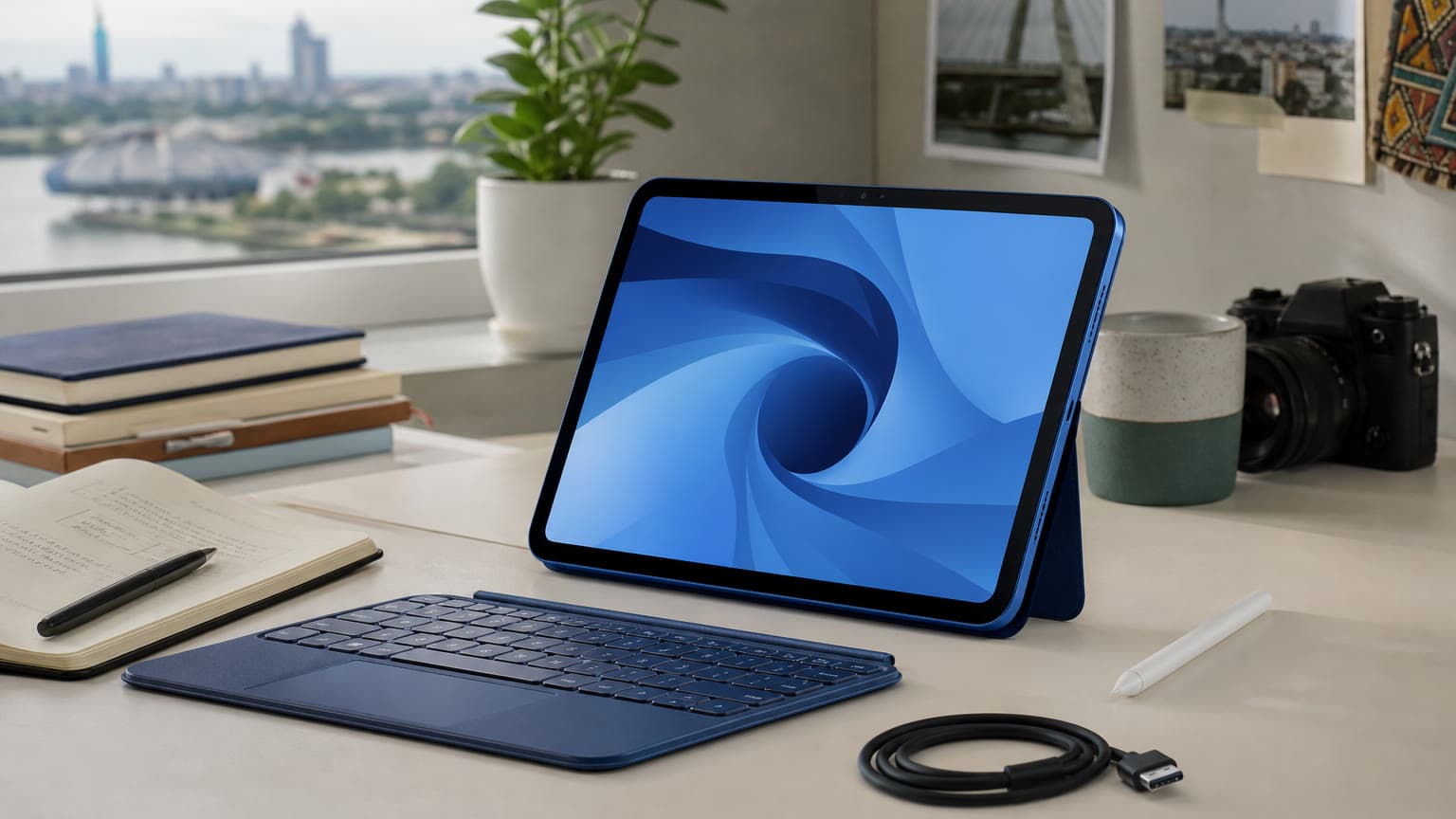
The redesigned Magic Keyboard is a major reason the M4 iPad Pro feels closer to a laptop. The function row, larger trackpad, and sturdier typing experience make it better for long writing sessions than older iPad keyboard setups. But it also changes the value equation. Once you add a Magic Keyboard and Apple Pencil Pro, the total cost moves into MacBook territory.
That is the central buying tension. The iPad Pro is more flexible as a tablet, better for Pencil work, excellent for media, and easier to hand around in meetings or classes. A MacBook is still better for lap stability, ports, desktop apps, multitasking depth, coding, and most long-form productivity. The M4 iPad Pro can replace a MacBook for the right person, but it does not replace the MacBook for everyone.
Trade-offs to check before buying
First, check software fit. iPadOS 26 improves windowing and makes the iPad feel more computer-like, but it is still not macOS. If your workflow depends on full desktop Chrome extensions, Xcode, certain accounting tools, advanced Microsoft Excel features, desktop Adobe workflows, external drive handling, or Windows-only business software, test those apps before buying.
Second, check accessory compatibility. The M4 and M5 iPad Pro models support Apple Pencil Pro and Apple Pencil USB-C. The new Magic Keyboard for iPad Pro is model-specific, so do not assume an older 12.9-inch iPad Pro keyboard will fit or work correctly. This matters in Nigeria and other import-heavy markets where used accessories may be sold separately from the tablet.
Third, check condition and warranty. Apple’s standard limited warranty covers eligible manufacturing issues for one year from purchase, but accidental damage and normal battery wear are not included. If buying open-box, UK-used, US-used, or refurbished stock, confirm battery health where possible, Face ID, display uniformity, USB-C charging, speaker output, camera function, Pencil pairing, keyboard connector behavior, and whether the seller provides a real return window.
Alternatives worth considering in 2026
The first alternative is the M5 iPad Pro. Choose it if you want the current Pro tablet, faster AI and graphics performance, better wireless technology, improved storage speeds, and the longest premium support runway. It is the cleaner choice for buyers paying full flagship pricing.
The second alternative is the 2026 M4 iPad Air. It gives many buyers enough performance for less money, with Apple Pencil Pro support and strong everyday speed. The trade-off is the display: the iPad Air does not give you the Pro’s OLED contrast, 120Hz ProMotion, Face ID, or the same top-end creative display experience. For most students and casual productivity buyers, the Air is now the value threat to a discounted M4 iPad Pro.
The third alternative is a MacBook Air or MacBook Pro. If your main goal is school work, office work, coding, spreadsheets, research, or long typing sessions, a MacBook often remains the better computer. Ogabassey’s guide to choosing between M1, M2, and M3 MacBooks is useful if you are comparing used or discounted Apple laptops, while the broader MacBook vs Windows laptop guide helps if you are not locked into Apple.
For gaming-first buyers, the iPad Pro is not the direct replacement for a dedicated laptop with a discrete GPU, keyboard-friendly game library, and upgradeable storage options. If gaming is a priority, compare it with gaming laptops on Ogabassey instead of buying the iPad Pro mainly because the chip is powerful.
Verdict: is the M4 iPad Pro a MacBook killer?
The M4 iPad Pro was never just a spec bump. Its OLED display, thin design, strong speakers, landscape camera, M4 performance, Apple Pencil Pro support, and improved Magic Keyboard made it Apple’s most convincing laptop-style iPad at launch. In 2026, it is still excellent hardware, especially if you find it at a serious discount against the M5 iPad Pro.
But the “MacBook killer” label is still too broad. Buy the M4 iPad Pro if you want a premium tablet that can become a laptop-like workstation when needed. Buy a MacBook if your main need is a dependable everyday computer. And if you want iPad flexibility without Pro pricing, compare the M4 iPad Air before committing. The M4 iPad Pro is a brilliant tablet-first machine; it is only a laptop replacement when your apps, accessories, and budget all line up.
Sources