Bolakale is a Content Writer at Ogabassey with over five years of experience creating clear, practical content for online shoppers. He specialises in product reviews, buying guides, and how-to explainers across consumer electronics and gadgets, translating technical specifications into plain-language advice. His writing helps Nigerian buyers compare options and choose the right products with confidence.
The iPad lineup is easier to understand when you stop treating every model as one long numbered list. Apple has four active iPad families, and each family has its own generation path: the regular iPad, iPad mini, iPad Air, and iPad Pro. A newer generation usually means a newer chip, longer software runway, better accessory support, or a new display size, but it does not always mean the best value for every buyer.
Updated for 2026, this guide explains the major iPad generations, what changed in each family, and which type of buyer should choose each one. The biggest 2026 context is that Apple now sells newer names such as iPad (A16), iPad mini (A17 Pro), iPad Air with M4, and iPad Pro with M5. Older models can still be good used or clearance buys, but you need to check software support, Apple Pencil compatibility, storage, battery condition, and warranty before paying.
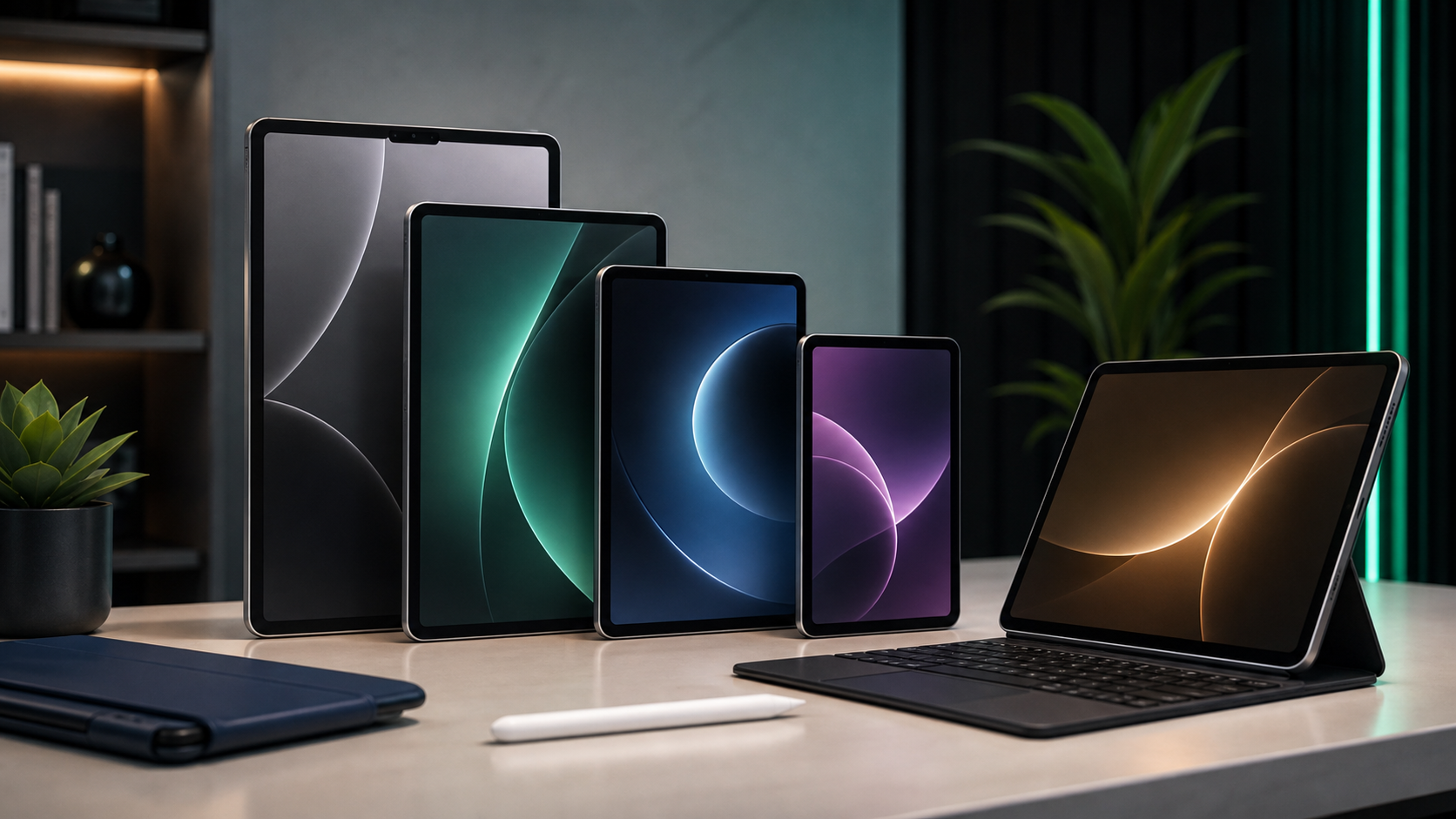
Current iPad families in 2026: regular iPad, mini, Air, and Pro compared by use case.
The Current iPad Lineup In 2026
As of June 2026, the main current choices are the iPad (A16), iPad mini (A17 Pro), iPad Air 11-inch and 13-inch with M4, and iPad Pro 11-inch and 13-inch with M5. That is the simple buyer map: regular iPad for everyday use, mini for portability, Air for students and power users who want laptop-like performance without Pro pricing, and Pro for artists, video editors, designers, and professionals who can justify the OLED display and top-tier chip.
Price and value matter because iPad purchases often expand beyond the tablet. A keyboard case, Apple Pencil, charger, case, screen protector, and extra storage can change the real cost quickly. Before you buy accessories, check Ogabassey accessories for compatible add-ons, and if you are comparing an iPad against a laptop for work or school, read our work laptop buying guide first.
Who This Guide Is For
This guide is for anyone trying to identify which iPad generation makes sense now: parents buying for school, students choosing between iPad and laptop, creators comparing Air and Pro, and buyers considering a used older iPad. If you only browse, stream, read, take notes, and use messaging apps, the newest Pro is usually overkill. If you edit large video files, draw professionally, use external displays, or keep dozens of apps open, the Air or Pro models are easier to justify.
The most important 2026 buyer warning is software support. iPadOS 26 supports many recent iPads, but Apple Intelligence features are limited to newer hardware such as M-series iPad Air and iPad Pro models and the A17 Pro iPad mini. The iPad (A16) is fast for normal tasks, but it is not the best pick if Apple Intelligence is a must-have feature for your next tablet.
The Regular iPad: The Everyday All-Rounder
The regular iPad is Apple’s most accessible tablet line. It is best for web browsing, video streaming, school portals, note-taking, light games, ebooks, video calls, and family sharing. Its generations tell the story of iPad becoming more useful without becoming too expensive.
1st generation (2010): Introduced the iPad idea with a 9.7-inch display and a simple tablet-first interface.
2nd generation (2011): Added cameras and a slimmer body, making FaceTime and casual photography possible.
3rd generation (2012): Brought Retina display sharpness, a major upgrade for reading and media.
4th generation (2012): Moved to the Lightning connector and improved performance with the A6X chip.
5th generation (2017): Returned as a budget-friendly iPad after Apple had focused heavily on iPad Air.
6th generation (2018): Added Apple Pencil support, making the base iPad a realistic school and note-taking tablet.
7th generation (2019): Increased the screen to 10.2 inches and added Smart Connector keyboard support.
8th generation (2020): Upgraded to A12 Bionic, a useful jump for multitasking and games.
9th generation (2021): Added A13 Bionic and a better front camera, and it remains a common used-market option.
10th generation (2022): Redesigned the body, moved to USB-C, enlarged the display to 10.9 inches, and placed the front camera on the landscape edge.
iPad (A16, 2025): The current regular iPad uses an A16 chip and an 11-inch class display. It is the practical choice for most casual users, but it does not offer the same Apple Intelligence path as the A17 Pro, M-series Air, or M-series Pro models.
Choose the regular iPad if value matters more than the thinnest body, fastest chip, or best display. Avoid older 6th, 7th, and 8th generation units unless the price is very low and the battery is healthy. For a child, classroom, kitchen tablet, or streaming device, a recent regular iPad is usually the smartest spend.
The iPad Mini: Power In A Small Bag
The iPad mini is not just a small iPad. It is best for readers, pilots, commuters, field workers, note-takers, and anyone who wants a tablet that can be held in one hand. The trade-off is screen space: it is excellent for reading and quick notes, less ideal for spreadsheet work or long typing sessions.
1st generation (2012): Introduced the compact 7.9-inch iPad format.
2nd generation (2013): Added Retina display and A7 performance.
3rd generation (2014): Added Touch ID.
4th generation (2015): Improved thinness, cameras, and performance.
5th generation (2019): Added A12 Bionic and Apple Pencil support, making it a capable small notebook.
6th generation (2021): Redesigned the mini with USB-C, an 8.3-inch display, A15 Bionic, and second-generation Apple Pencil support.
iPad mini (A17 Pro, 2024): The current mini adds A17 Pro performance, Apple Intelligence support, Apple Pencil Pro support, and strong portability. It is the best mini to buy in 2026 if you care about long-term usefulness.
The iPad mini is worth paying for when size is the feature. If you want to replace a laptop or watch a lot of split-screen content, the mini’s compact display can feel limiting. If you want a travel tablet, a digital notebook, or a reading-first device, it is one of the strongest options in Apple’s lineup.
The iPad Air: The Best Balance For Many Buyers
The iPad Air sits between the regular iPad and iPad Pro. It gives you a modern design, stronger chips, better accessory support, and larger display options without the Pro price. In 2026, the iPad Air with M4 is the model many buyers should compare first because it has more than enough power for school, creative apps, multitasking, and light laptop replacement.
1st generation (2013): Made the iPad thinner and lighter than the classic model.
2nd generation (2014): Added a laminated display and A8X chip.
3rd generation (2019): Returned with a 10.5-inch display and A12 Bionic.
4th generation (2020): Brought the modern flat-edge design, USB-C, and A14 Bionic.
5th generation (2022): Added the M1 chip, making the Air feel much closer to a laptop-class device.
iPad Air M2 (2024): Added 11-inch and 13-inch sizes, giving buyers a large-screen Air without jumping to Pro.
iPad Air M3 (2025): Improved performance and remained a strong value when discounted.
iPad Air M4 (2026): The current Air line offers 11-inch and 13-inch sizes, M4 performance, 12GB unified memory, Apple Intelligence support, Apple Pencil Pro support, and Magic Keyboard compatibility.
The Air is the best fit for students, office users, casual creators, and anyone who wants a premium iPad but does not need OLED or ProMotion. The 11-inch Air is easier to carry; the 13-inch Air is better for split view, drawing, sheet music, and keyboard work. If you are buying used, the M1 Air is still meaningful because it supports Apple Intelligence, while older A-series Air models are better treated as budget tablets.
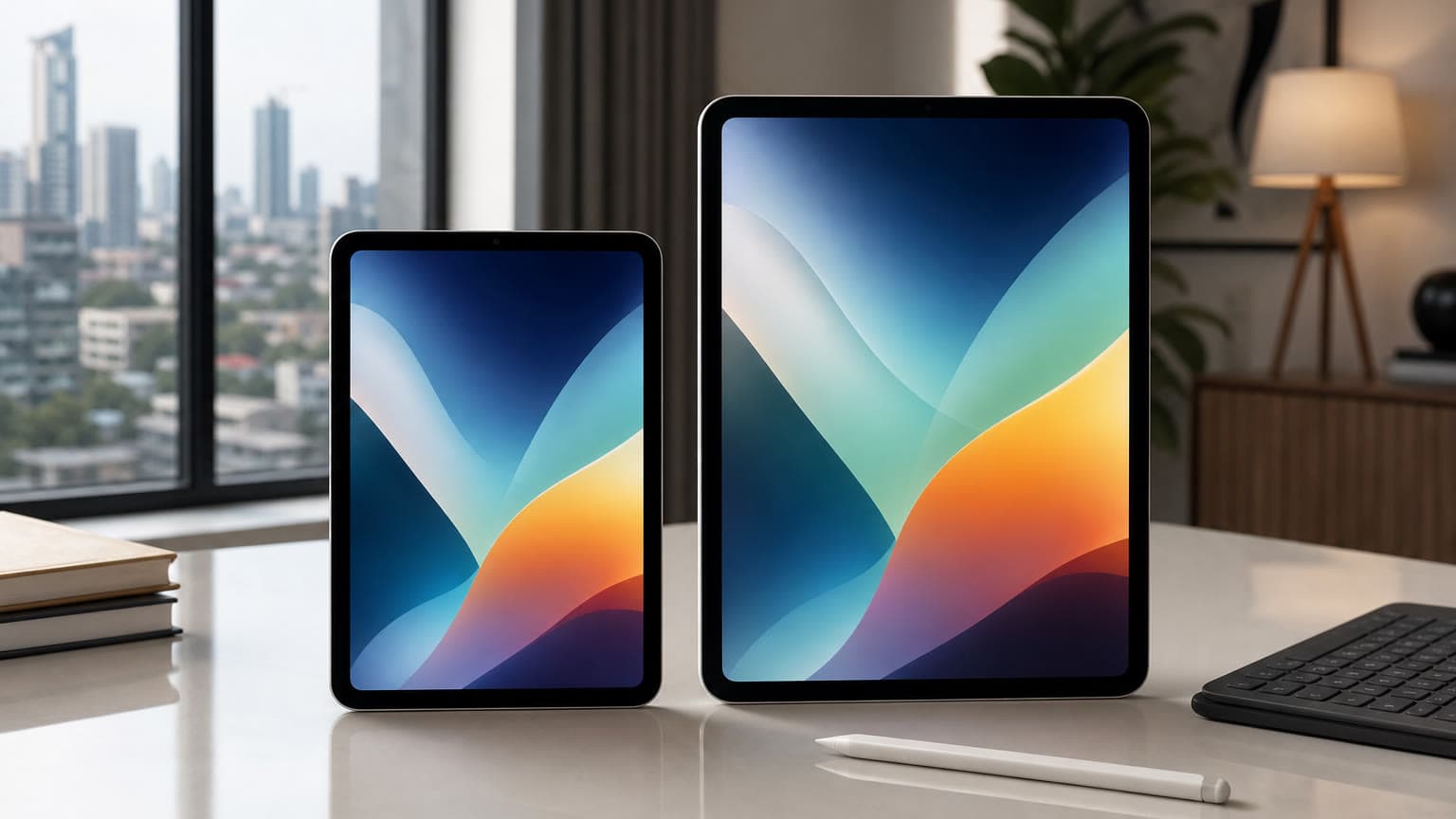
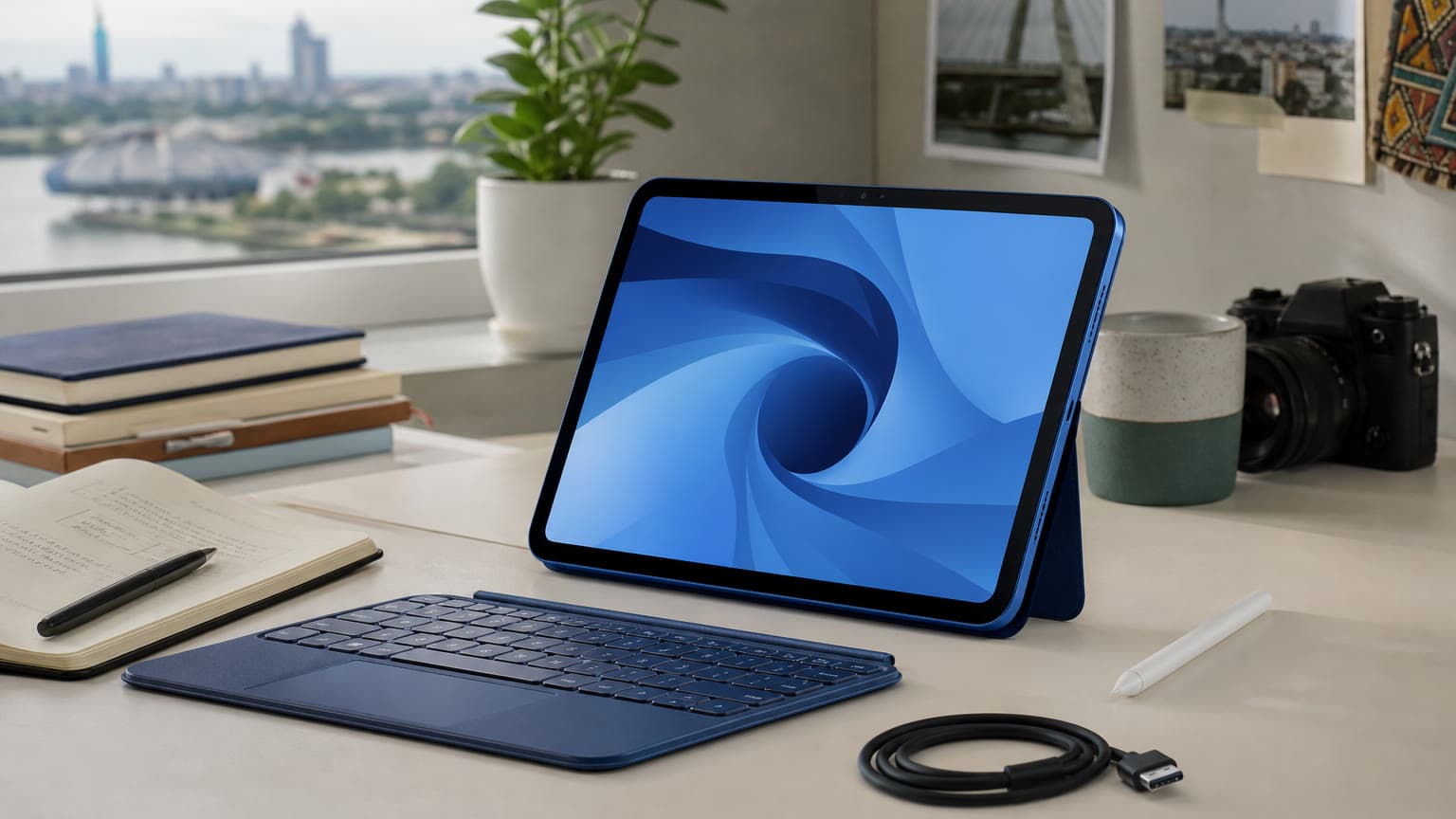
Apple Pencil compatibility is one of the most important checks before buying an iPad or accessory.
The iPad Pro: For Creative And Professional Work
The iPad Pro is Apple’s highest-end tablet line. It is not necessary for everyone, but it can be the right tool for artists, photographers, video editors, music producers, designers, and users who want the best display and fastest iPad performance. The Pro line is also where Apple usually introduces the most advanced display and accessory features first.
11-Inch iPad Pro Generations
1st generation (2018): Introduced the modern all-screen Pro design, Face ID, USB-C, and A12X performance.
2nd generation (2020): Added A12Z and LiDAR for augmented reality and depth workflows.
3rd generation (2021): Moved to M1 and added 5G on cellular models.
4th generation (2022): Added M2 and Apple Pencil hover.
iPad Pro 11-inch M4 (2024): Introduced OLED-era Pro design and Apple Pencil Pro support.
iPad Pro 11-inch M5 (2025): The current 11-inch Pro focuses on M5 performance, fast memory bandwidth, OLED display quality, ProMotion, and the best iPad accessory ecosystem.
12.9-Inch And 13-Inch iPad Pro Generations
12.9-inch 1st generation (2015): Created the large-canvas iPad Pro category.
12.9-inch 2nd generation (2017): Improved display refresh and performance with A10X.
12.9-inch 3rd generation (2018): Added Face ID, USB-C, and the modern Pro design.
12.9-inch 4th generation (2020): Added A12Z, extra camera hardware, and LiDAR.
12.9-inch 6th generation (2022): Added M2 and Apple Pencil hover.
13-inch iPad Pro M4 (2024): Moved the large Pro to the thinner 13-inch OLED generation.
13-inch iPad Pro M5 (2025): The current large Pro is the high-end choice for creative work, professional editing, external display workflows, and buyers who want Apple’s best tablet display.
Choose Pro only if the display, performance, or workflow benefit is real. For everyday apps, the regular iPad and Air already feel fast. For professional illustration, high-refresh drawing, color-sensitive review, ProRes work, and demanding multitasking, the Pro makes more sense.
Key Specs And Buying Context
Do not buy by generation name alone. Check the chip, storage, display, accessory compatibility, battery health, and warranty status. A newer 128GB iPad may serve most people better than an older 64GB Pro if storage is tight. If you save many offline videos, edit photos, or install large games, 256GB is a safer baseline. Cellular models cost more and need a data plan, but they are useful for field work, travel, and students who do not always have reliable Wi-Fi.
Apple Pencil support is a major compatibility trap. Apple Pencil Pro works with iPad Pro M4 and M5, iPad Air M2, M3 and M4, and iPad mini A17 Pro. Apple Pencil USB-C works with many USB-C iPads, including iPad (A16) and iPad 10th generation. Apple Pencil 1st generation still works with older base iPads and requires an adapter with USB-C base iPad models. If drawing or note-taking is central to your purchase, confirm the exact Pencil model before buying.
Battery life is another practical check. Apple generally rates current iPads for up to 10 hours of web browsing or video on Wi-Fi, but real use changes with brightness, gaming, cellular, and battery age. For used iPads, inspect charging behavior, screen condition, speaker output, bent frames, and whether the device is activation locked. For chargers and charging habits, our fast charging guide explains what to know before pairing a tablet with a high-wattage adapter.
Trade-Offs: New, Used, Air, Pro, Or Laptop?
A new current iPad gives you the longest support runway, clean warranty status, and fewer battery worries. A used or previous-generation iPad can be excellent value if the price reflects its age. The risk is paying too much for an older chip, low storage, or an accessory ecosystem that does not match what you need.
The iPad Air is usually the safest premium recommendation because it gives you M-series performance without Pro pricing. The iPad Pro is better only when you need OLED, ProMotion, higher-end storage options, or professional media features. The regular iPad is the value pick for home and school. The mini is the portability pick. A laptop is still better if your daily work depends on desktop browser extensions, coding tools, heavy spreadsheet workflows, or full file-system flexibility.
Alternatives To Consider
If you are not locked into Apple, Samsung Galaxy Tab models offer strong multitasking and often include an S Pen in the box. Android tablets can be compelling for media, notes, and split-screen work, while iPads usually win on long-term app support, tablet-optimized creative apps, and resale value. If you are comparing ecosystems, our Samsung Galaxy buying guide is a useful companion for understanding the Android side.
If your reason for buying an iPad is mostly phone-like convenience on a bigger screen, also think about whether a phone upgrade would solve the problem. For Apple users, these iPhone tips may help you decide whether you need a tablet or just better use of your current device.
FAQ
What Is The Latest iPad Generation In 2026?
The latest regular iPad is the iPad (A16). The latest iPad mini is the iPad mini (A17 Pro). The latest iPad Air is the M4 iPad Air in 11-inch and 13-inch sizes. The latest iPad Pro is the M5 iPad Pro in 11-inch and 13-inch sizes.
Which iPad Generation Is Best For Students?
Most students should compare the iPad (A16) and iPad Air M4 first. The regular iPad is better for budget, notes, streaming, and school apps. The Air is better for heavier multitasking, Apple Intelligence support, keyboard work, and keeping the device longer.
Which iPad Works With Apple Pencil Pro?
Apple Pencil Pro works with iPad Pro M4 and M5, iPad Air M2, M3 and M4, and iPad mini A17 Pro. It does not work with the iPad (A16) or iPad 10th generation, so base-iPad buyers should look at Apple Pencil USB-C or the first-generation Apple Pencil with the required adapter.
Is An Older iPad Still Worth Buying?
Yes, if the price is right and the model still supports the apps and iPadOS version you need. Avoid very old iPads with low storage, weak batteries, or no clear warranty history. For most buyers in 2026, an M1 or newer Air, an A17 Pro mini, or a recent regular iPad is a safer long-term choice.
Verdict: Which iPad Should You Choose?
For most people, the best value is either the iPad (A16) or the 11-inch iPad Air M4. Pick the iPad (A16) for browsing, school basics, video, family use, and budget. Pick the iPad Air M4 if you want Apple Intelligence support, stronger performance, better accessories, and a device that feels closer to a laptop. Pick the iPad mini A17 Pro if portability is the entire point. Pick the iPad Pro M5 only when the OLED display, ProMotion, M5 performance, and professional workflow features are worth the extra money.
The best iPad generation is the one that matches your work, your storage needs, your accessory plan, and your budget. Ogabassey Never Disappoints.
Catalog-linked prices update automatically. Historical and other quoted prices remain as written. Open the product page to confirm the current price, selected variant and availability before buying.