Bassey John is a Performance Marketing Specialist at Ogabassey with cross-industry experience spanning e-commerce, gaming, and real estate. He focuses on paid acquisition, conversion-rate optimisation, and data-driven growth strategy, turning campaign performance into measurable revenue. At Ogabassey he writes about consumer technology, product buying guides, and the Nigerian gadget market to help shoppers make confident, informed decisions.
Continue shopping laptops
Compare Dell verified prices, condition grading, and key specs in laptops.
The used Dell Precision 5530 starts at ₦650,000 and is listed as available in the supplied Ogabassey catalog snapshot. Buy only after confirming the exact processor, graphics, screen, battery condition and charger. For design or engineering work, a documented, healthy configuration is a better starting point than an unexplained Core i9 premium.
Who this is for
This guide is for buyers choosing a used workstation for coursework, office work, design or engineering applications. The important question is whether the particular machine being offered meets your software requirements and survives a practical inspection. The Precision name alone cannot answer either question.
For a student writing assignments and attending classes online, workstation graphics may add little value. For a designer, the exact GPU, available memory and display condition deserve more attention. For remote work, a dependable battery, working microphone and reliable connectivity may matter more than processor branding. These are buying judgements, not results from hands-on testing.
The catalog lists this unit as used. It does not establish an open-box offer. If a seller describes a machine as open-box, ask what that means: packaging condition does not establish battery health, previous use or warranty coverage.
Key specs and buying context
The Ogabassey Dell Precision 5530 product page is the place to confirm the selected configuration and current offer. The supplied first-party record, dated 6 November 2026, reports a starting price of ₦650,000 and variant prices up to ₦740,000; the product record was last updated on 3 October 2026. These are dated catalog snapshots, not a newly obtained checkout quote.
Availability is recorded as in stock under unmanaged catalog inventory. The numeric stock count of zero does not mean this listing is sold out. Ask Ogabassey to confirm the exact variant is available before payment, particularly when RAM, storage and display options differ.
Dell Precision 5530: catalog facts and purchase checks
Entity
Attribute
Value or action
Dell Precision 5530
Nigeria price
₦650,000 starting price; supplied variant range ₦650,000–₦740,000. Check the live offer.
SD card reader and 3.5mm audio jack; 5G support: No.
Dell Precision 5530
Camera stabilization
Optical image stabilization: No, according to the catalog.
Dell Precision 5530
Battery health and measured runtime
Not listed; request unit-specific evidence.
Dell Precision 5530
Warranty, returns and delivery
Not listed; obtain written terms and a delivery quote.
Dell Precision 5530
Alternative
Compare a quoted Precision 5550 or another laptop against the same inspection criteria; current alternative price Not listed here.
Dell's official documentation identifies eighth-generation Core processor options for this model. That generation detail matters: a Core i7 or Core i9 badge without the complete processor name is insufficient evidence for a purchase. Catalog options describe possible configurations, not a promise that every listed feature is installed together.
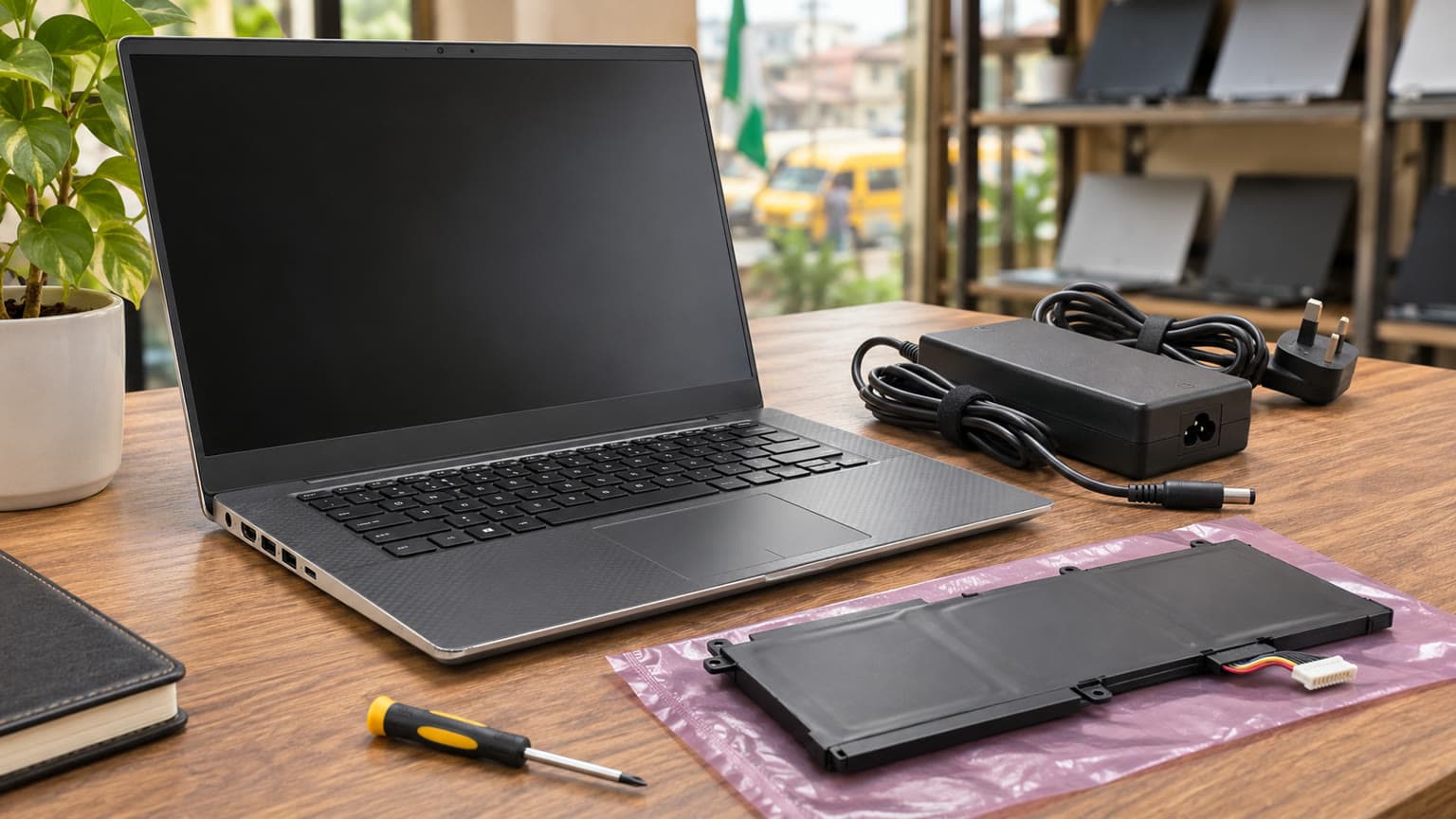
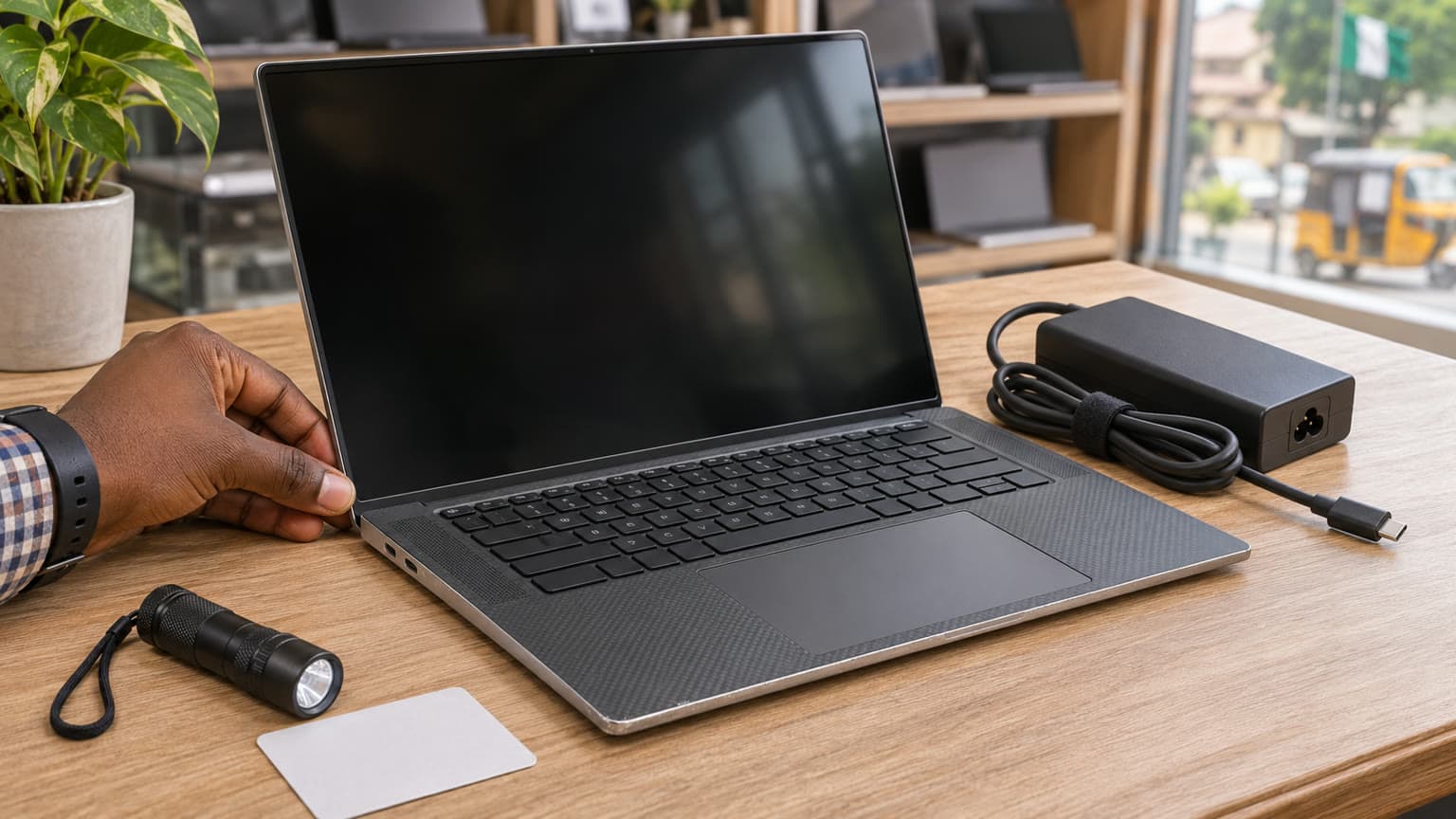
Illustration: the selected RAM, SSD and display combination matters more than the model name alone.
Which configuration should you pay for?
Choose RAM and SSD capacity around your actual projects
As an editorial starting point, 16GB RAM and a 512GB SSD are worth considering for office work, study and smaller creative projects. Consider 32GB and 1TB if your working files, multitasking or virtual machines justify them. Check your application's current requirements before choosing; these recommendations do not guarantee performance in a particular workload.
Ask how the memory is installed. Dell documents two replaceable memory slots, so an upgrade plan should account for occupied slots and modules that may need replacing. Have the seller confirm compatible memory for the actual unit before buying parts. For storage, ask for the installed drive model, capacity and a health report, and keep room in the budget for backups.
Do not pay for an unverified GPU or screen upgrade
The catalog lists Quadro P1000 and P2000 graphics options. Request a screenshot identifying the installed GPU, then check your software's requirements for that GPU and driver combination. An old professional graphics label does not establish suitability for a current renderer, complex project or game.
The same caution applies to FHD and 4K displays. Ask for the actual resolution and inspect the screen for pressure marks, dead pixels, uneven lighting and hinge movement. For colour-sensitive work, request panel identification and plan appropriate calibration. Original model specifications cannot prove that a used machine still has its original panel.
Our buying judgement is to prioritise a healthy, correctly documented unit over a higher specification with missing evidence. A Core i9 premium is difficult to justify if the seller cannot demonstrate stable operation in the application you intend to use.
Battery, charger and thermals: checks before payment
Get battery evidence beyond a charging percentage
Dell explains that battery health can be checked in BIOS by pressing F2 during startup and locating the battery information. Ask for a current photo or video of that screen. A battery showing a high charge percentage can still have poor health; charge level and remaining capacity answer different questions.
Request an unplugged demonstration using a task similar to yours, with brightness and duration recorded. Treat this as a limited observation rather than a guaranteed runtime. If you need several hours away from a socket, make that requirement explicit before paying. The supplied catalog provides no measured battery life or replacement cost.
Check for a raised touchpad, distorted base or other signs requiring inspection. Dell advises discontinuing use of a swollen battery and replacing it. Do not accept a visibly deformed unit on the assumption that the issue is merely cosmetic.
Verify charger recognition and sustained operation
Dell's Precision 5530 visual guide identifies a 130W adapter. Confirm that the supplied charger is suitable for the machine, its cable and connector are intact, and BIOS recognises it correctly. Dell's adapter guidance says an “Unknown” status needs attention; a charger that physically fits is insufficient proof.
Ask the seller to run your intended application long enough to move beyond a quick launch. Watch for shutdowns, display corruption, persistent errors or severe instability. Fan noise alone is not a diagnosis, and this guide has no temperature measurements. Ask whether cleaning or cooling-system work has been performed, and obtain any available service record.
For buyers planning inverter or backup-power use in Nigeria, confirm the charger's input label and the power system's suitability. Keep cooling vents clear during inspection and normal use. Battery condition and correct charging deserve a place in the purchase budget alongside RAM and storage.
Compatibility: software, ports and accessories
No compatible accessory products were supplied with this assignment, so this guide does not endorse a particular dock, replacement battery or memory kit. Confirm accessories against the unit's Service Tag and Dell documentation before ordering.
Dell lists two USB-A ports, Thunderbolt 3 through USB-C, HDMI, an SD reader and a headset connection. Test the connections you need with your own peripherals where possible. For wired networking, confirm an appropriate Ethernet adapter is included or budget separately. Do not assume a used package contains accessories described in original launch materials.
For online classes or remote work, test Wi-Fi, Bluetooth, speakers, microphone and webcam in a call. The catalog's broad webcam wording is not enough to promise 1080p: Dell's setup guide specifies 720p video for the original camera. Inspect the actual unit rather than buying around the higher catalog description.
Ask for the installed operating-system version, activation status and evidence that it meets your institution's or employer's requirements. Check current application and operating-system support for the exact hardware. An old specification sheet lists original software offerings; it does not establish today's support entitlement.
Illustration: request battery-health evidence and confirm correct charger recognition before payment.
Trade-offs: match the machine to the job
Decision guide: editorial recommendations, not benchmark scores
Your priority
Evidence to request
Purchase decision
School and office work
Battery demonstration, keyboard test, working video call
Compare simpler laptops before paying for workstation graphics.
Design or engineering
Exact GPU, RAM, software requirements and representative project demonstration
Consider the 5530 only when the configuration meets the workload.
Gaming
Game requirements and observed performance on the offered unit
Compare purpose-built gaming options; Quadro branding is not a gaming guarantee.
Frequent travel or unreliable access to sockets
Battery health and task-specific unplugged runtime
Reject an unsuitable battery even if processor specifications look attractive.
Low ownership cost
Written coverage, charger condition and upgrade quotations
Compare total cost rather than the starting price alone.
Alternatives: compare the workload, then the offer
If the Precision 5530 meets your requirements but you want another workstation reference, read Ogabassey's Precision 5550 buying guide. Treat any price in that older article as historical editorial context. Obtain a current configuration and quote before comparing it with this offer.
Buyers searching for a Dell Precision 5520 should also verify the exact model rather than accepting a similar-looking Precision as equivalent. Ask for the Service Tag and system-information screen. Likewise, if you arrived while researching Dell XPS 15 prices in Nigeria, the ₦650,000 figure here belongs to this Precision listing; it is not an XPS quote.
Browse the wider Ogabassey Laptops selection when coursework or office tasks do not require workstation graphics. For games, compare the available gaming laptops against your actual titles. A MacBook is worth considering only after checking software fit, condition and total cost; paying more for a different platform does not resolve application incompatibility.
Warranty, delivery and the final handover
Request a written order summary covering the complete processor name, GPU, display resolution, memory, SSD, condition grade and included charger. Ask about BIOS passwords, previous repairs and any remaining organisation management. A machine should be ready for your authorised setup without unexplained restrictions.
Confirm warranty duration, exclusions, battery coverage, return eligibility and who pays transport if a fault appears. Ask whether opening the laptop for an upgrade affects merchant coverage. None of those terms is established by the supplied catalog, and the Dell brand does not itself establish remaining manufacturer warranty.
For delivery within Nigeria, obtain the charge, expected timing and procedure for reporting transit damage before payment. Keep the invoice and written configuration confirmation. If inspection reveals a mismatch, resolve it before accepting the machine rather than assuming an upgrade will fix the deal.
Verdict
Consider the Precision 5530 at the supplied ₦650,000 starting price if you need its verified configuration and can obtain convincing battery, charger and workload evidence. Prioritise condition before a Core i9 or 4K premium. If the seller cannot document the unit or explain after-sales terms, compare another offer through OgaBassey's laptop category before committing.
FAQ
What should I check before buying a used Dell Precision 5530?
Confirm the exact CPU, GPU, RAM, SSD and screen, then check battery health, charger recognition, ports, keyboard and sustained operation. Obtain written condition, warranty, return and delivery terms. The supplied listing is used; it does not establish an open-box offer.
What is the Dell Precision 5530 price in Nigeria?
The supplied Ogabassey record dated 6 November 2026 lists a ₦650,000 starting price and variants up to ₦740,000. Its product record was last updated on 3 October 2026. Check the linked live product page for the current offer and confirm the selected configuration's availability.
Is the Dell Precision 5530 the same as the Precision 5520?
No. They are different model numbers. Verify the Service Tag and system-information screen rather than relying on chassis appearance or a photograph. This guide's price and catalog specifications apply to the Precision 5530 listing.
Which laptop should I buy for school, work, gaming or design?
Choose around your software and daily use. School and remote work prioritise battery, keyboard and calls; design needs verified application, GPU and memory compatibility. Gaming requires game-specific evidence. Compare alternatives if you would pay for workstation features your tasks do not use.
Catalog-linked prices update automatically. Historical and other quoted prices remain as written. Open the product page to confirm the current price, selected variant and availability before buying.