Bassey John is a Performance Marketing Specialist at Ogabassey with cross-industry experience spanning e-commerce, gaming, and real estate. He focuses on paid acquisition, conversion-rate optimisation, and data-driven growth strategy, turning campaign performance into measurable revenue. At Ogabassey he writes about consumer technology, product buying guides, and the Nigerian gadget market to help shoppers make confident, informed decisions.
The used Dell Precision 5560 is worth considering for design and engineering work if its battery, charger and actual configuration pass inspection. Ogabassey’s supplied catalog snapshot lists it from ₦1,035,000 and available. Before paying, confirm the selected variant, test your software and get written condition, warranty and return terms.
Who this is for
This Precision makes the most sense for someone who has a specific workstation workload: CAD coursework, engineering projects, design applications or video editing. The catalog lists an Intel Core i9-11950H, 32GB RAM and NVIDIA RTX A2000 graphics with 4GB of video memory. Those specifications justify investigating the machine; they do not prove how a particular used unit performs.
For school assignments, browser research, spreadsheets and video meetings, first compare simpler machines in the Ogabassey Laptops range. A workstation purchase needs a workload that benefits from its capabilities. Otherwise, battery condition, portability and a clearer warranty may matter more than the processor badge.
This is a catalog-backed buying guide with selected model-family facts checked against Dell documentation. It contains no hands-on measurements or benchmark results. The inspection steps below are editorial recommendations for assessing the unit offered to you.
Key specs and buying context
The supplied Dell Precision 5560 listing records a starting Nigeria price of ₦1,035,000, with variant prices reaching ₦1,320,000. These figures come from the catalog record updated on 3 October 2026 and supplied for this draft; they are not a fresh checkout quote. Consult the linked live product card for the current offer and selected configuration.
Dell Precision 5560: catalog facts and purchase checks
Entity
Attribute
Recorded value or check
Dell Precision 5560
Starting price
₦1,035,000; supplied catalog record updated 3 October 2026
Dell Precision 5560
Availability
Available in supplied snapshot; unmanaged catalog stock; reconfirm selected unit
Dell Precision 5560
Condition
Used/pre-owned; open-box condition is not established
Dell Precision 5560
Category
Laptops; mobile workstation
Dell Precision 5560
Processor
Intel Core i9-11950H, 11th generation
Dell Precision 5560
Graphics
NVIDIA RTX A2000, 4GB video memory
Dell Precision 5560
RAM
32GB
Dell Precision 5560
Storage
1024GB/1TB summary specification; a 512GB variant also appears in the description
Dell Precision 5560
Display
15.6 inches; catalog describes WUXGA, non-touch
Dell Precision 5560
Battery health and runtime
Not listed for the individual unit
Dell Precision 5560
Warranty, returns and delivery
Not listed in supplied snapshot; obtain written terms and destination-specific delivery quote
Dell Precision 5560
Camera optical image stabilization
No, according to catalog; not a useful workstation selection criterion
Dell Precision 5560
Comparable alternative
Dell Precision 5550; compare actual configuration and condition, with current price and availability not established here
The catalog marks this product available under an unmanaged inventory policy. Its numeric stock count of zero therefore does not establish that it is sold out. Equally, the listing does not guarantee that every configuration is ready for delivery. Ask which physical unit matches your order.
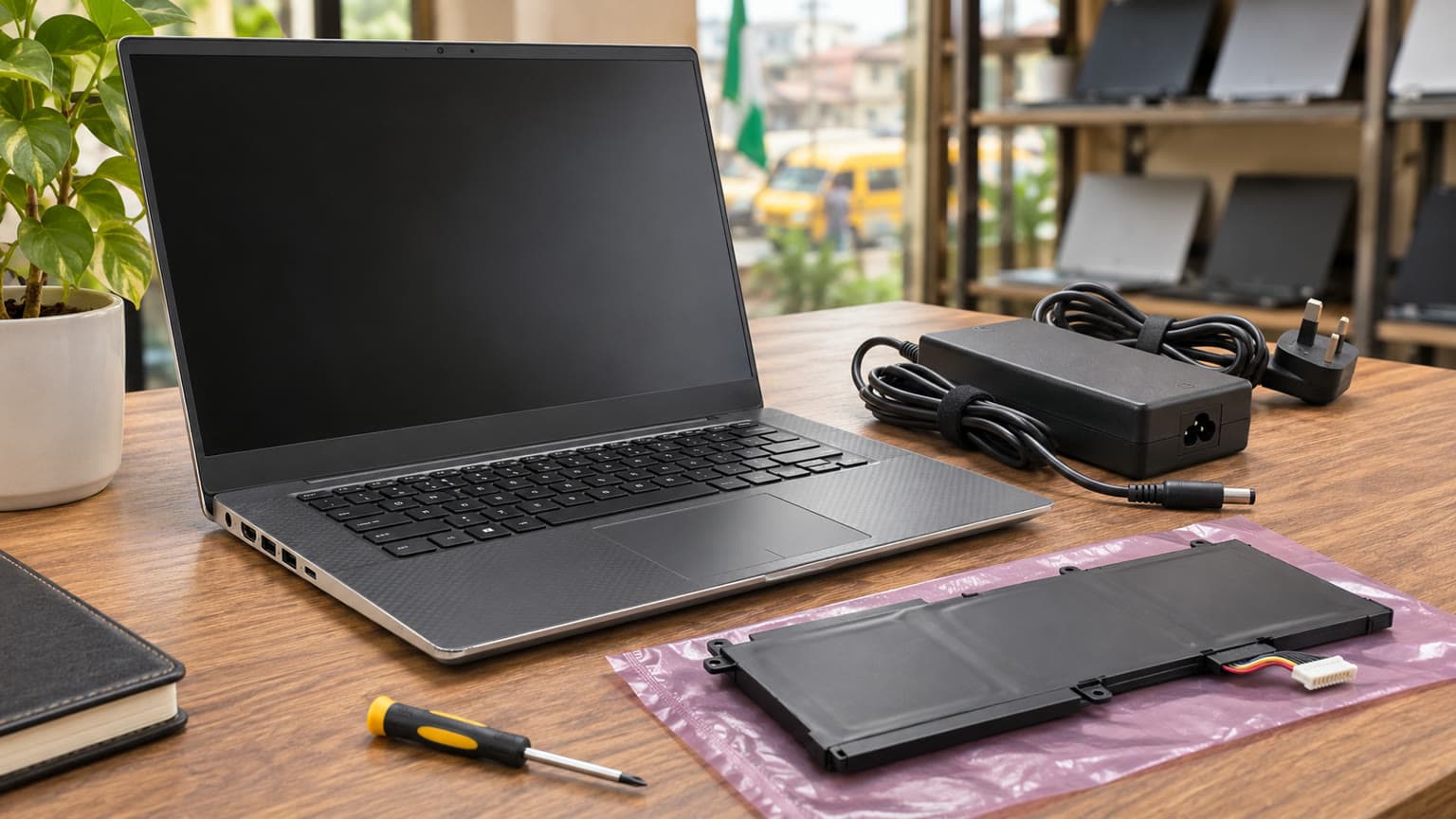
Illustration: compare the offered unit with its recorded specifications and inspect the display and casing. This does not depict an Ogabassey inspection or test.
What specs matter before buying a used or open-box laptop?
Match the invoice to the actual hardware
Ask for a configuration summary covering the processor, installed RAM, SSD capacity, GPU and display. Compare it with the machine’s BIOS and operating-system information. The storage discrepancy matters: a listing summary showing 1TB should not become an assumption that the lowest-priced variant includes that capacity.
Have the seller identify the Dell Service Tag and include it on the purchase record where practical. Request disclosure of known repairs and replaced components. A model name describes a family; the invoice should describe the machine you are receiving.
Check the display rather than buying a specification label
Dell documents a 1920 × 1200 non-touch display option for this model family. That helps interpret the catalog’s WUXGA wording, but does not establish the panel currently installed in a used machine. Confirm its native resolution and inspect solid light and dark backgrounds for faulty pixels, discoloration and pressure marks.
For colour-sensitive design, ask whether the display has been replaced and whether any calibration evidence is available. Do not assume the original factory panel’s specifications apply to a replacement. If your work depends on colour accuracy, budget for appropriate verification or an external display.
Treat battery evidence separately from cosmetic condition
Request a recent battery report showing design capacity and full-charge capacity. Compare the two to understand reported wear, then ask for an unplugged demonstration using work similar to yours. A report helps assess capacity; it does not guarantee a particular number of working hours.
Inspect for a raised touchpad, distorted base or casing gaps. Ask the seller to investigate any deformation before proceeding. For a buyer who needs to work away from mains power, a tired battery can outweigh the appeal of an i9 processor. Replacement cost and availability are not supplied here, so obtain a quote before treating replacement as an easy fix.
Charger, thermals and ports: checks that change the deal
Dell specifies a 130W USB-C adapter for Precision 5560 configurations with discrete graphics, while its 90W option is associated with integrated graphics. For the listed RTX A2000 configuration, request the appropriate 130W adapter and confirmation that the laptop recognises it correctly. A charger fitting the connector is insufficient evidence of suitability.
Dell lists 100–240V input for these adapters. For use in Nigeria, also check the actual adapter label, cable condition and mains plug arrangement. If you plan to use an inverter or other backup supply, assess that equipment against the laptop and adapter requirements rather than assuming any USB-C power source will suffice.
Ask for a demonstration under a representative workload while connected to the supplied charger. Watch for shutdowns, charging interruptions, display corruption or persistent warnings. Fan noise alone cannot diagnose a fault, and this guide establishes no temperature or noise benchmark. The useful question is whether the machine completes your task reliably.
Dell’s right-side documentation confirms a USB-C port, SD-card slot and headset socket. This conflicts with the catalog’s generic “no headphone jack” field, so inspect the actual unit rather than relying on that field. Test the connections you will use, including an external monitor or storage device where relevant, and establish which adapters are included.
Compatibility and upgrades: confirm the complete work setup
No compatible accessories or products were supplied with this assignment. Treat docks, monitors, chargers and replacement components as unverified until their requirements are checked. Bring the exact monitor connection, storage device or peripheral you depend on into the purchase discussion.
Dell documents two memory slots and support for up to 64GB RAM in the model family. It also lists two M.2 storage slots. These are useful upgrade options, but they do not reveal the installed memory arrangement, free storage slot, mounting hardware or condition of this particular unit. Ask for an inspection and upgrade quote before buying parts.
Software fit deserves equal attention. Confirm your application’s exact version, operating-system requirements, GPU requirements and licence arrangements. For CAD or specialist engineering software, verify any required hardware certification against the application vendor’s guidance. A workstation label does not certify every program or project size.
The RTX A2000’s listed 4GB video memory is a practical reason to test your own scenes, models or timelines before committing. Do not infer gaming performance from the RTX name. If gaming is the main purpose, compare current options in Ogabassey Gaming Laptops using game-specific requirements and evidence.
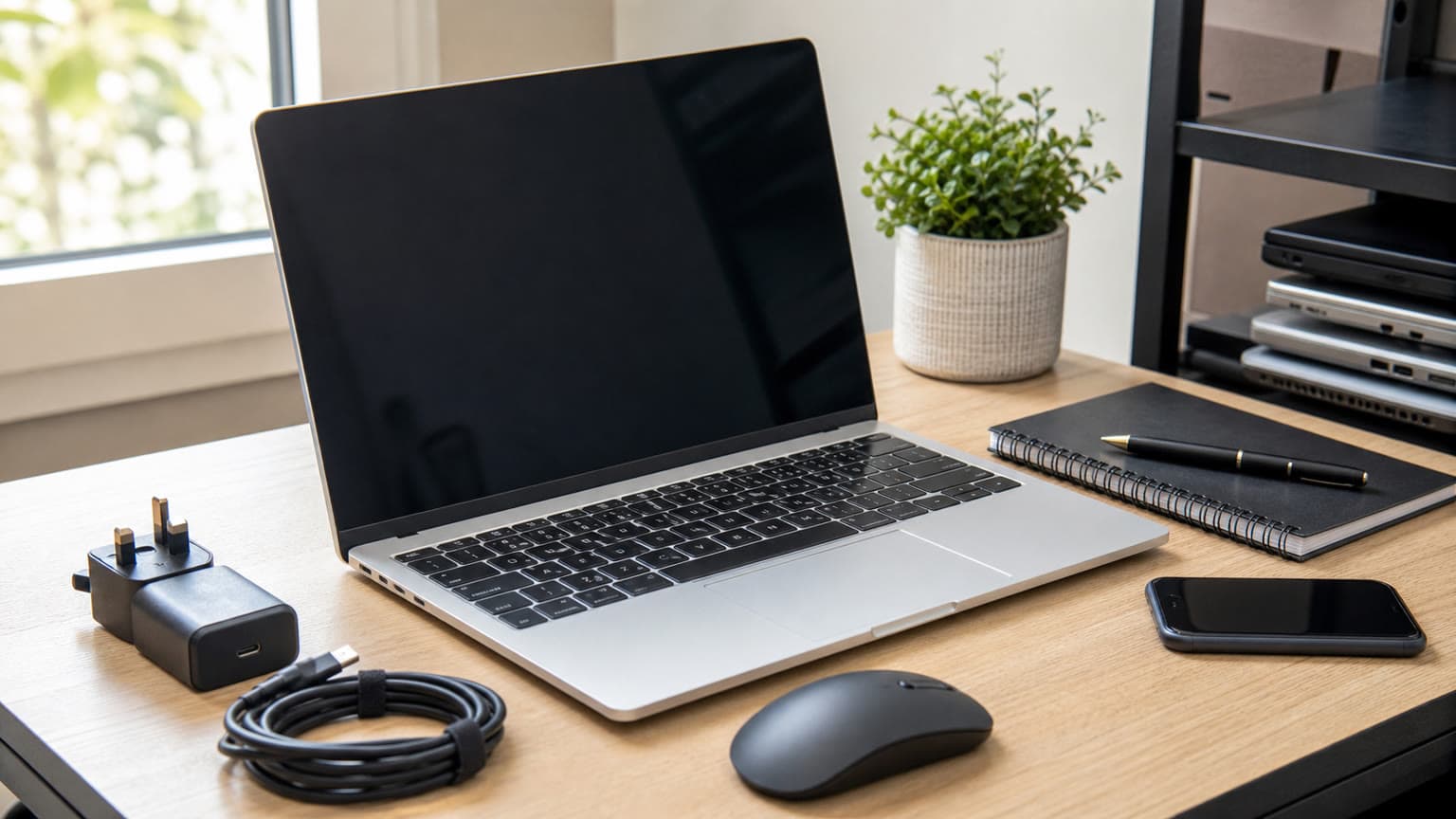
Illustration: confirm charger suitability and peripheral compatibility before payment. Use approved hardware references without invented ports, readable labels or branding.
Trade-offs: decide which compromises you can accept
Purchase decision table
Priority
Evidence available
Decision before payment
Performance
Catalog lists i9-11950H, 32GB RAM and RTX A2000 4GB
Demonstrate your actual workload; no measured performance supplied
Display
15.6-inch non-touch catalog specification
Confirm installed panel and inspect image quality
Battery
Individual health and runtime not listed
Request report and unplugged demonstration
Thermals
No unit-specific test evidence
Check reliable operation under representative load
Ports
Dell documentation identifies USB-C, SD and headset connections on the right
Test your peripheral setup and price missing adapters
Upgradeability
Dell documents replaceable memory and M.2 storage slots
Verify installed layout and obtain parts/labour quote
Warranty and trust
Terms not listed
Obtain written coverage, exclusions and return process
Nigeria value and availability
₦1,035,000 starting snapshot; catalog marked available
Compare total delivered cost for the confirmed configuration
Warranty and delivery: get the condition promise in writing
The supplied listing records used condition. If an offer describes a unit as open-box, ask what that means for that specific machine: prior use, repair history, original accessories and cosmetic grade. Packaging alone cannot establish battery health or justify a premium.
Before payment, request the warranty duration, covered components, battery exclusions, return window and procedure for a fault discovered after delivery. Clarify whether the remedy is repair, replacement or refund under the applicable terms. Do not assume manufacturer warranty remains active or that seller cover includes every component.
For delivery within Nigeria, obtain the charge and expected dispatch arrangement for your destination. Ask when any inspection or return window begins and who handles transport if the wrong specification arrives. Keep the invoice, configuration confirmation and condition photographs together so a later query can be resolved against the agreed order.
Alternatives: compare the work you need to finish
The Dell Precision 5550 is a relevant earlier-family alternative to investigate. Read Ogabassey’s Precision 5550 guide on workstation value and limitations for comparison context. Its historical article price is not a current quotation. Compare the offered CPU, GPU, display, battery and warranty directly before deciding whether either machine represents better value.
Buyers searching for a Dell Precision 5520 should apply the same principle: the Precision name alone does not make two used machines equivalent. Establish the exact configuration and condition first. No current 5520 offer or specification has been supplied for this draft, so a numerical comparison would be misleading.
Is a MacBook worth considering in Nigeria? Yes, if your required applications, licences and peripherals support the particular Mac you choose. If your course or employer requires a Windows-only workflow, resolve that constraint before switching platforms. Browse Ogabassey MacBooks for actual alternatives rather than assuming one operating system is universally better.
Verdict
Shortlist this Precision 5560 when you need its listed 32GB RAM and discrete workstation graphics, and the actual unit passes your workload, battery and charger checks. At the supplied ₦1,035,000 starting price, the purchase should include a clear configuration and written after-sales terms. If those remain uncertain, continue comparing: a processor upgrade cannot compensate for an unsuitable battery, incorrect charger or unresolved return policy.
FAQ
What is the Dell Precision 5560 price in Nigeria?
The supplied Ogabassey catalog record, updated 3 October 2026, lists a starting price of ₦1,035,000 and variant prices up to ₦1,320,000. It marks the product available under unmanaged inventory. Check the linked live product card and confirm the selected unit before payment.
What specs matter before buying a used or open-box laptop?
Confirm the exact processor, RAM, SSD, GPU and display, then check battery health, charger suitability, ports and reliable operation. Ask about repairs and obtain written warranty and return terms. This listing records used condition; open-box status is not established.
Which laptop should I buy for school, work, gaming or design?
Start with your required applications. This Precision is a candidate for design and engineering workloads, subject to software and unit checks. Basic schoolwork may need less expensive hardware. For gaming, compare game-specific evidence; for mobile work, prioritise demonstrated battery condition.
Can I upgrade the Dell Precision 5560 RAM and storage?
Dell documents two memory slots, a maximum 64GB memory configuration and two M.2 storage slots. Confirm the installed layout, component compatibility and required mounting hardware before purchasing an upgrade. The catalog’s 32GB RAM figure does not establish that a memory slot is free.
Catalog-linked prices update automatically. Historical and other quoted prices remain as written. Open the product page to confirm the current price, selected variant and availability before buying.