Bassey John is a Performance Marketing Specialist at Ogabassey with cross-industry experience spanning e-commerce, gaming, and real estate. He focuses on paid acquisition, conversion-rate optimisation, and data-driven growth strategy, turning campaign performance into measurable revenue. At Ogabassey he writes about consumer technology, product buying guides, and the Nigerian gadget market to help shoppers make confident, informed decisions.
The Dell Precision 5520 is worth considering for desk-based work only after battery, charger and software checks. Ogabassey’s supplied catalog lists this used configuration at ₦632,500 and available. Before paying, confirm the exact unit’s condition, Windows eligibility and warranty; its workstation badge alone cannot establish value.
Who this is for
This guide is for someone choosing a used laptop for school, remote work or design, especially when a Dell Precision appears alongside business laptops and XPS models. The practical question is whether this particular machine can run your applications reliably at an acceptable total cost.
The listed configuration combines an Intel Core i7-7820HQ, 16GB RAM, a 512GB SSD and dedicated Quadro graphics. Our editorial judgement is that it deserves consideration for productivity, design review and established professional workflows whose requirements it meets. That is a conditional recommendation, rather than a performance result: no hands-on testing or benchmarks for this unit were supplied.
Students primarily writing assignments, joining calls and browsing should compare simpler business laptops before paying for workstation graphics. Designers should bring a representative project and check their application’s current requirements. Buyers whose priority is gaming should compare newer graphics options rather than treating 4GB of video memory as a performance guarantee.
Key specs and buying context
The following table separates the supplied Ogabassey configuration from information that remains unconfirmed. The Nigeria price is ₦632,500 in the catalog record updated on 3 October 2026, carried into the first-party snapshot supplied for this 4 November 2026 draft. Check the linked Dell Precision 5520 product page and live product card for the current offer.
Entity
Attribute
Recorded value or purchase check
Dell Precision 5520
Price
₦632,500 in the supplied dated catalog snapshot
Dell Precision 5520
Availability
Listed available; unmanaged catalog stock. Confirm the exact unit and delivery timing.
Optical image stabilization: No, according to the catalog; test call quality separately.
Dell Precision 5520
Warranty, returns and delivery
Terms and delivery estimate: Not listed
Alternative
Dell Latitude 7430
Compare for office-work priorities; current configuration, price and availability require confirmation.
The catalog’s available status uses unmanaged inventory, so its numeric stock count is not a reliable indication that the item is unavailable. Availability still needs confirmation before payment, particularly when buying a specific used unit with its own battery and cosmetic condition.
Dell’s official specification sheet identifies the graphics option as Quadro M1200 with 4GB dedicated memory. The merchant uses M1200M wording. Verify the installed GPU in the actual machine; neither description establishes current application certification or gaming performance.
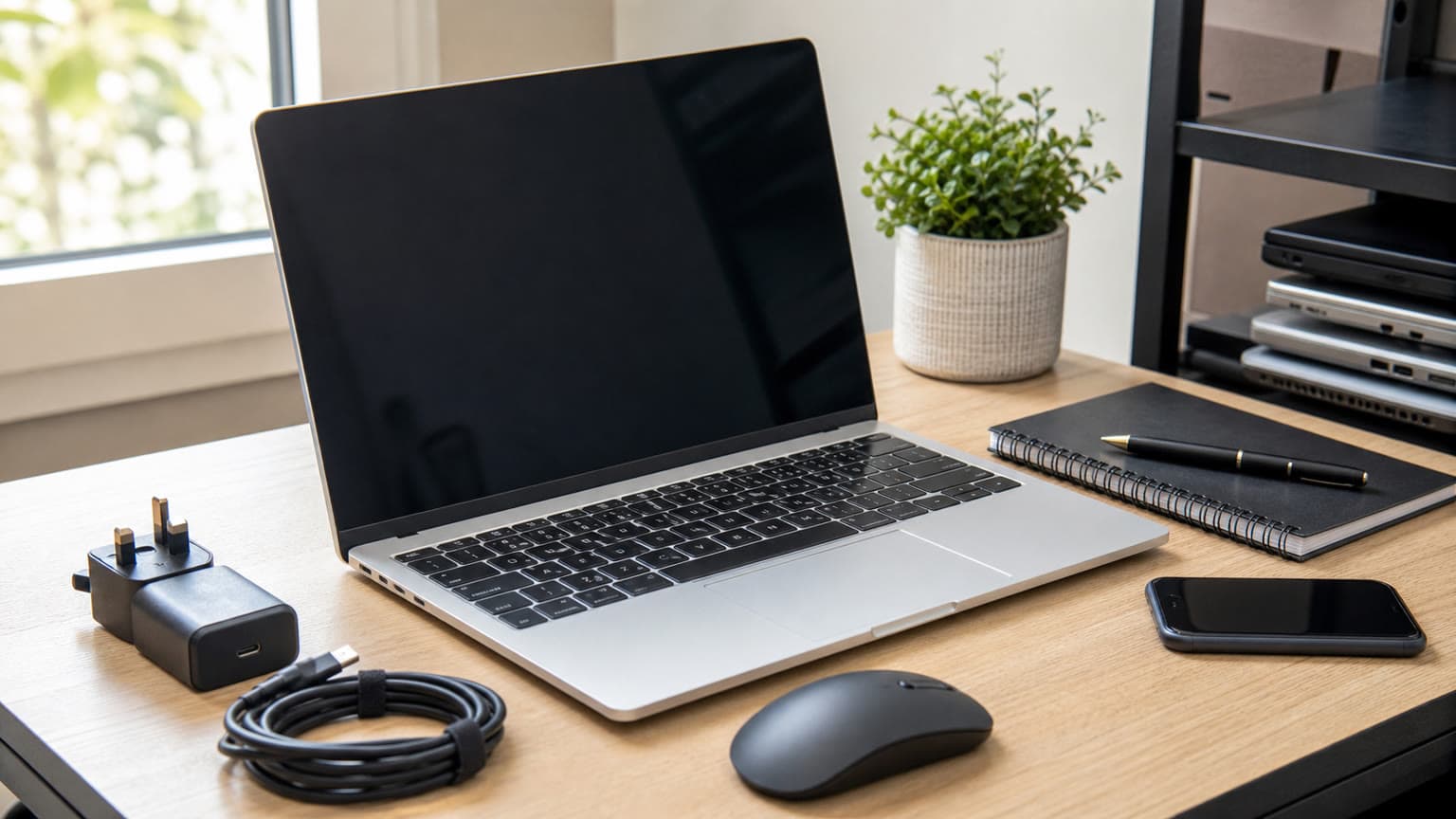
Illustration: request battery-health evidence and confirm the included adapter before payment.
What should you check before buying a used or open-box laptop?
Match the machine to the invoice
Ask for the service tag, photographs of the actual unit and a configuration screenshot. Match the processor, installed RAM, SSD capacity and graphics to the agreed order. A Precision 5520 model name covers multiple factory configurations, so a model sticker alone cannot confirm the listed specification.
This Ogabassey item is recorded as used. An open box, replacement packaging or clean exterior does not change that condition. Ask whether the display, battery, keyboard or storage has been replaced, and make sure any disclosed defects appear in writing. Check that the machine can enter BIOS settings and complete setup without a previous owner’s password or organisation sign-in requirement.
Prioritise battery evidence over a runtime promise
Request a recent battery report showing design capacity and full-charge capacity, together with the BIOS battery-health reading. These are useful screening tools, but neither proves how long your workload will run. Ask for a practical unplugged demonstration using the brightness and applications you expect to use.
For work during power interruptions, decide your minimum usable runtime before choosing the laptop. Include a possible battery replacement in your budget only after obtaining a quote and confirming the correct part. Raised palm-rest areas, a distorted base or a lifting trackpad require inspection before proceeding; do not accept cosmetic explanations without checking for battery swelling.
Check the charger and sustained operation
Dell specifies a 130W AC adapter for this platform. Confirm that a suitable adapter is included, that the laptop recognises it and that the cable and connector are sound. A charger that merely fits is insufficient evidence. Ask about charging warnings, intermittent connections and whether the battery charges while normal work is running.
Open your representative document, project or application and use it long enough to observe stability. Look for shutdowns, graphical corruption, recurring freezes or fan noise that makes calls impractical. Warmth alone does not establish a fault, and this guide supplies no temperature measurements. The useful evidence is whether the actual unit completes your task consistently.
Software compatibility: the i7-7820HQ needs a precise answer
Do not automatically dismiss this configuration as Windows 11-ineligible because it has a 7th-generation processor. Microsoft explicitly lists the Dell Precision 5520 on its Windows 11 supported-systems page for the Intel Core i7-7820HQ. That model-specific exception matters when comparing used Dell laptops.
However, Dell’s model-specific supported-operating-systems page does not list Windows 11. Microsoft eligibility and Dell’s published operating-system support list are different evidence. Ask the seller to demonstrate Microsoft PC Health Check results, activation, functioning drivers and successful updates on the exact unit. A Windows 11 desktop appearing on screen does not establish all of those points.
Microsoft states that ordinary Windows 10 support ended on 14 October 2025. If the machine is supplied with Windows 10, require a clear explanation of its current security-update arrangements and any applicable Extended Security Updates enrolment. Verify current eligibility and coverage rather than assuming an installed copy remains supported.
For design software, check the version you will actually use, including GPU requirements and supported drivers. For school or employer-managed work, ask the institution whether the machine meets its device policy. Software approval can be a more decisive limit than RAM capacity.
Compatibility and upgradeability
No compatible accessories or upgrade products were verified in the supplied assignment. Treat the following as platform guidance, with exact parts and existing hardware to be confirmed before purchase.
Requirement
Official platform evidence
Buyer action
More RAM
Two memory slots; up to 32GB DDR4
Confirm whether the installed 16GB uses one or both slots before pricing an upgrade.
More storage
Dell documents M.2 PCIe NVMe and 2.5-inch storage options.
Confirm the installed SSD interface, battery configuration, available space and required mounting parts.
External accessories
USB-A, Thunderbolt 3 over USB-C, HDMI and an SD reader are documented.
Test the ports you need with your own peripherals where practical.
Wired networking
No built-in RJ45 Ethernet port
Confirm a suitable adapter and its inclusion or additional cost.
The supplied catalog contains a generic “no card slot” entry, while Dell documents an SD reader. Use the official platform specification as the reference and inspect the actual unit. Similarly, the catalog’s 512GB SSD capacity does not establish its interface, remaining life or available upgrade space.
Trade-offs: where the purchase can lose value
The 15.6-inch FHD display offers a useful workspace, but the listed 1920x1080, 60Hz panel should not be confused with other factory display options. Inspect solid light and dark backgrounds for defects, check hinge movement and confirm acceptable brightness. Colour-critical work needs evidence about the installed panel and calibration; a workstation name cannot supply that evidence.
The main value risk is paying for dedicated graphics that your workload does not use while accepting uncertain battery health and additional support checks. A clean chassis, an i7 badge and 16GB RAM are individually useful details, but together they still do not establish the best purchase.
Before paying OgaBassey, obtain written warranty duration, covered faults, battery coverage, return eligibility and the procedure for reporting a problem after delivery. Confirm delivery cost and timing to your destination. Keep the agreed configuration and included charger on the invoice, and retain packaging until you finish the permitted inspection process.
Illustration: confirm installed components and upgrade compatibility before budgeting for more RAM or storage.
Alternatives: compare the job before the model name
Your priority
Decision
Evidence to request
Design review or an established workstation workflow
Keep the Precision 5520 under consideration.
Your project running reliably with the required application and driver
School, documents and remote work
Compare a Dell Latitude 7430.
Exact processor, battery condition, call quality and supported software
Gaming
Compare current gaming-laptop configurations.
Game-specific requirements, graphics capability and sustained operation
macOS applications
Compare a suitable MacBook.
Application compatibility, required peripherals and total purchase cost
The Dell Latitude 7430 buying guide provides another business-laptop decision path. Its historical headline price is not a current quote. Compare today’s offers through Ogabassey’s Laptops category using equivalent condition and warranty terms.
If “Dell XPS 15 price in Nigeria” brought you to workstation alternatives, obtain an exact XPS configuration before comparing. This Precision’s price cannot answer the XPS price question. Processor generation, graphics, panel, battery condition and support arrangements all need to be matched.
For gaming, browse Gaming Laptops with your actual games in mind. If you are asking whether a MacBook is worth it in Nigeria, begin with the applications your course or employer requires, then compare suitable models in Ogabassey’s Macbooks category. No supplied alternative has enough verified current commerce data here to claim a definitive price advantage.
Verdict
Consider the Dell Precision 5520 at the supplied ₦632,500 snapshot price when you need its particular workstation configuration and the actual unit passes battery, charger, application and software checks. For ordinary school or office use, compare a business laptop before committing. The strongest buying evidence is a suitable workload demonstrated successfully, a documented condition report and clear after-sales terms.
FAQ
What is the Dell Precision 5520 price in Nigeria?
Ogabassey’s supplied catalog lists ₦632,500 for the used 16GB RAM and 512GB SSD configuration. The product record was updated on 3 October 2026 and lists availability under unmanaged inventory. Check the live product card and confirm the exact unit before payment.
Can this Dell Precision 5520 run Windows 11?
Microsoft lists the Precision 5520 among supported systems for the i7-7820HQ. Dell’s operating-system page does not list Windows 11. Confirm PC Health Check eligibility, activation, drivers and updates on the actual unit before buying.
Which laptop should I buy for school, work, gaming or design?
For school and office work, compare battery condition, call quality and software support against a business laptop. For design, check your exact application and project. For gaming, compare suitable gaming configurations rather than relying on the Precision’s Quadro name or 4GB graphics memory.
What matters most before buying this used laptop?
Verify the actual configuration, battery report, suitable recognised charger, display, ports and sustained operation. Obtain written warranty, returns and delivery terms. This listing is used; packaging alone does not establish open-box condition.
Catalog-linked prices update automatically. Historical and other quoted prices remain as written. Open the product page to confirm the current price, selected variant and availability before buying.