Bassey John is a Performance Marketing Specialist at Ogabassey with cross-industry experience spanning e-commerce, gaming, and real estate. He focuses on paid acquisition, conversion-rate optimisation, and data-driven growth strategy, turning campaign performance into measurable revenue. At Ogabassey he writes about consumer technology, product buying guides, and the Nigerian gadget market to help shoppers make confident, informed decisions.
Continue shopping laptops
Compare Dell verified prices, condition grading, and key specs in laptops.
The used Dell Precision 3571 is listed at ₦620,000 and available in Ogabassey’s supplied catalog snapshot, with a Core i5-12600H, 16GB RAM and RTX A1000 graphics. Against a Dell Latitude 7400, consider it for workloads that need dedicated graphics—but verify battery health, charger recognition, storage capacity and written warranty terms before paying.
Who this is for: workstation projects or everyday work?
This configuration makes the most sense for someone whose engineering, creative or project software can use its processor and dedicated NVIDIA graphics. That includes students with demanding course applications and professionals who need a Windows workstation. It is an editorial recommendation based on the listed configuration, rather than a claim that we benchmarked this particular used unit.
For browser research, documents, video meetings and ordinary school assignments, start by comparing less expensive business laptops. Buying workstation hardware only helps when your applications benefit from it. A healthier battery, adequate storage and dependable after-sales support may matter more to your working day than the Precision badge.
For design, check your actual application requirements before choosing. The RTX A1000 has 4GB of graphics memory; that figure should be compared with your project sizes and software requirements. For gaming, do not interpret the workstation name as a frame-rate promise. Compare the exact games and screen requirements with the options in Ogabassey’s Gaming Laptops category.
Key specs and buying context
The ₦620,000 Nigeria price is the supplied catalog snapshot value, last updated on 3 October 2026 and carried in the first-party signals dated 15 November 2026. It is not a newly verified checkout quote. Use the live Dell Precision 3571 product page and rendered product card for the current offer, selected configuration and availability.
The supplied record marks the laptop available under unmanaged catalog stock. Its numeric quantity of zero does not mean it is sold out: that quantity does not cap availability under this policy. Confirm that the specific unit can be supplied, along with its condition and delivery timing, before payment.
Dell Precision 3571: catalog facts and purchase checks
Entity
Attribute
Value or action
Dell Precision 3571
Price snapshot
₦620,000; supplied catalog updated 3 October 2026
Dell Precision 3571
Availability
Available in supplied snapshot; unmanaged catalog stock; reconfirm the unit
Dell Precision 3571
Condition
Used; an open-box option is not listed
Dell Precision 3571
Category
Laptops; mobile workstation
Dell Precision 3571
Processor
Intel Core i5-12600H; 12 cores / 16 threads
Dell Precision 3571
Graphics
NVIDIA RTX A1000 4GB
Dell Precision 3571
Memory
16GB DDR5 RAM; installed module arrangement not listed
Dell Precision 3571
Storage
256GB SSD
Dell Precision 3571
Display
15.6 inches; FHD; 1920x1080; 60Hz
Dell Precision 3571
Battery health and runtime
Not listed; request unit-specific evidence
Dell Precision 3571
Connectivity details
5G support: No; exact installed wireless configuration not listed
Dell Precision 3571
Camera catalog field
Optical image stabilization: No; webcam quality not established
Dell Precision 3571
Warranty, returns and charger contents
Not listed; obtain written confirmation
Alternative purchase
Everyday work or convertible use
Compare Dell Latitude 5400 or Latitude 7400 2-in-1; confirm selected variants
The catalog establishes this unit’s advertised configuration. Dell’s official documentation establishes model-level capabilities, such as supported memory configurations. Neither establishes the condition of the battery, SSD, keyboard or cooling system in the individual machine you receive.
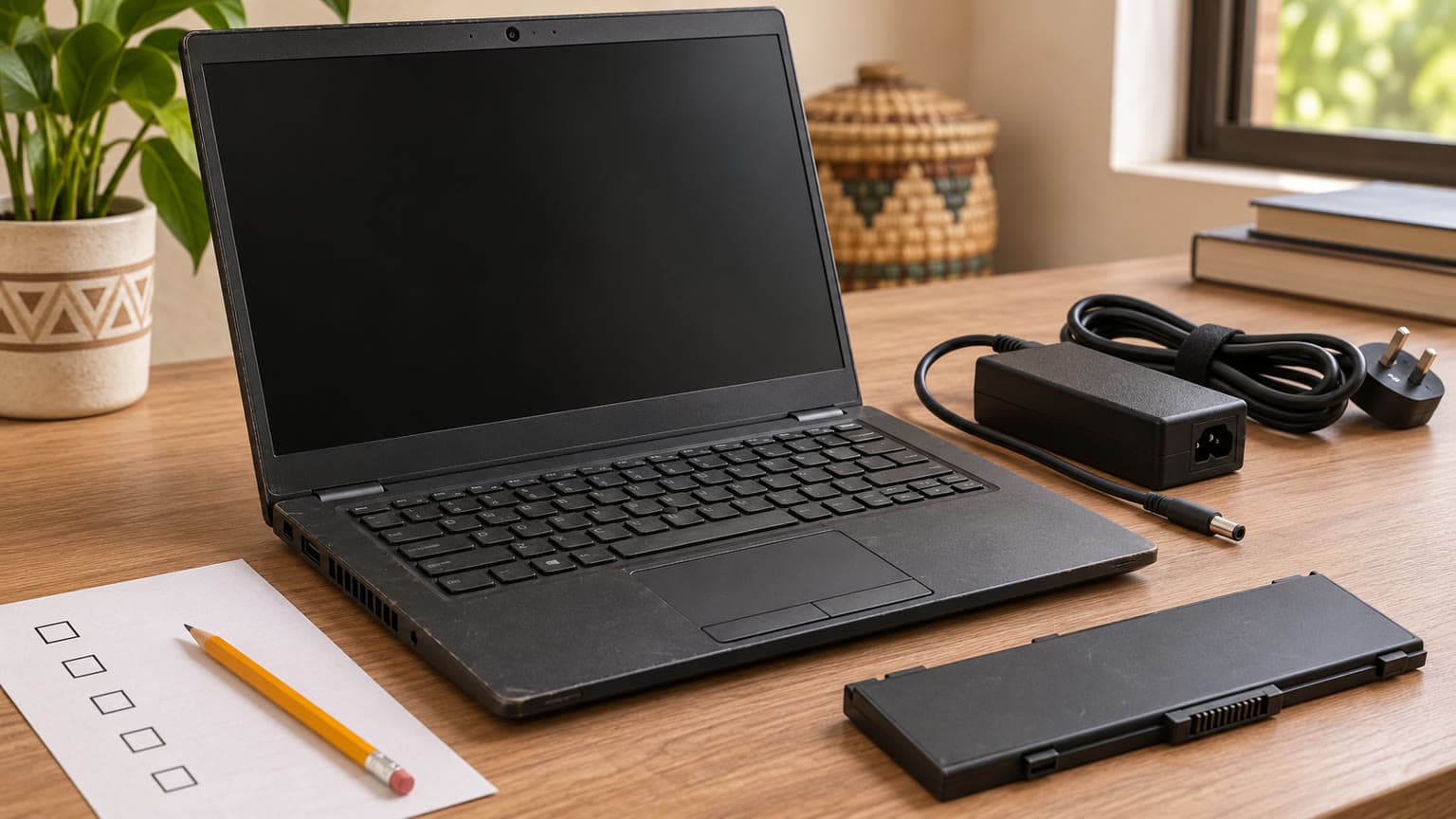
Illustration of the condition checks to request before accepting a used laptop.
What to check before buying a used or open-box laptop
Match the configuration to the invoice
Ask for photographs or a demonstration of the machine’s system information, installed memory, storage and graphics. Match those details to the invoice: Core i5-12600H, 16GB RAM, 256GB SSD and RTX A1000 4GB. A model-family page can describe several factory options, so a photograph of another Precision 3571 is insufficient proof.
Check that the Service Tag identifies the machine being sold and that BIOS settings are accessible without an unknown administrator password. Ask whether the laptop has been released from any previous organisation’s management. Ideally, complete initial setup before acceptance so an unexpected company sign-in requirement can be addressed immediately.
Separate battery condition from the charge percentage
A battery showing 100% charge can still have substantially reduced capacity. Dell’s battery guidance describes checking health in BIOS using F2 at startup and generating a Windows report with powercfg /batteryreport. Compare full-charge capacity with design capacity, and request the BIOS health status as well.
As an illustration, a report showing 40Wh full-charge capacity against 60Wh design capacity suggests roughly two-thirds of the original capacity remains. Those numbers are an example, not measurements of this laptop. Capacity alone does not predict runtime: brightness, workload and power settings also affect it.
For buyers who work through power interruptions, ask for a demonstration running your typical workload unplugged. Record the starting charge, elapsed time and ending charge. No battery-runtime measurement is supplied here, so a promise of a full working day would be unsupported.
Check the charger, cooling and physical condition together
Have the seller identify the included adapter and demonstrate that the laptop recognises it correctly and charges normally. A connector fitting into the socket does not establish that the adapter is appropriate. Test the unit while connected to the charger that will actually be delivered.
Inspect hinges, screws, keyboard, trackpad and charging socket. Display solid light and dark backgrounds to look for damaged pixels, uneven illumination and pressure marks. Run a representative application long enough to observe crashes, shutdowns or abnormal mechanical fan noise. These are suggested acceptance checks; we have not performed them on this unit.
Dell also documents starting onboard diagnostics through F12 and selecting Diagnostics. Request the result and any error codes. A successful diagnostic run is useful evidence, but it does not replace checking the screen, ports, battery runtime and your application.
Trade-offs: storage, display and the upgrade budget
The first practical constraint is the 256GB SSD. Windows, applications, project files and recovery data all share that space. Before committing, add up the storage your current work already uses and leave room for updates and temporary files. If a larger SSD is necessary, request an installed upgrade quote and include it in the purchase budget.
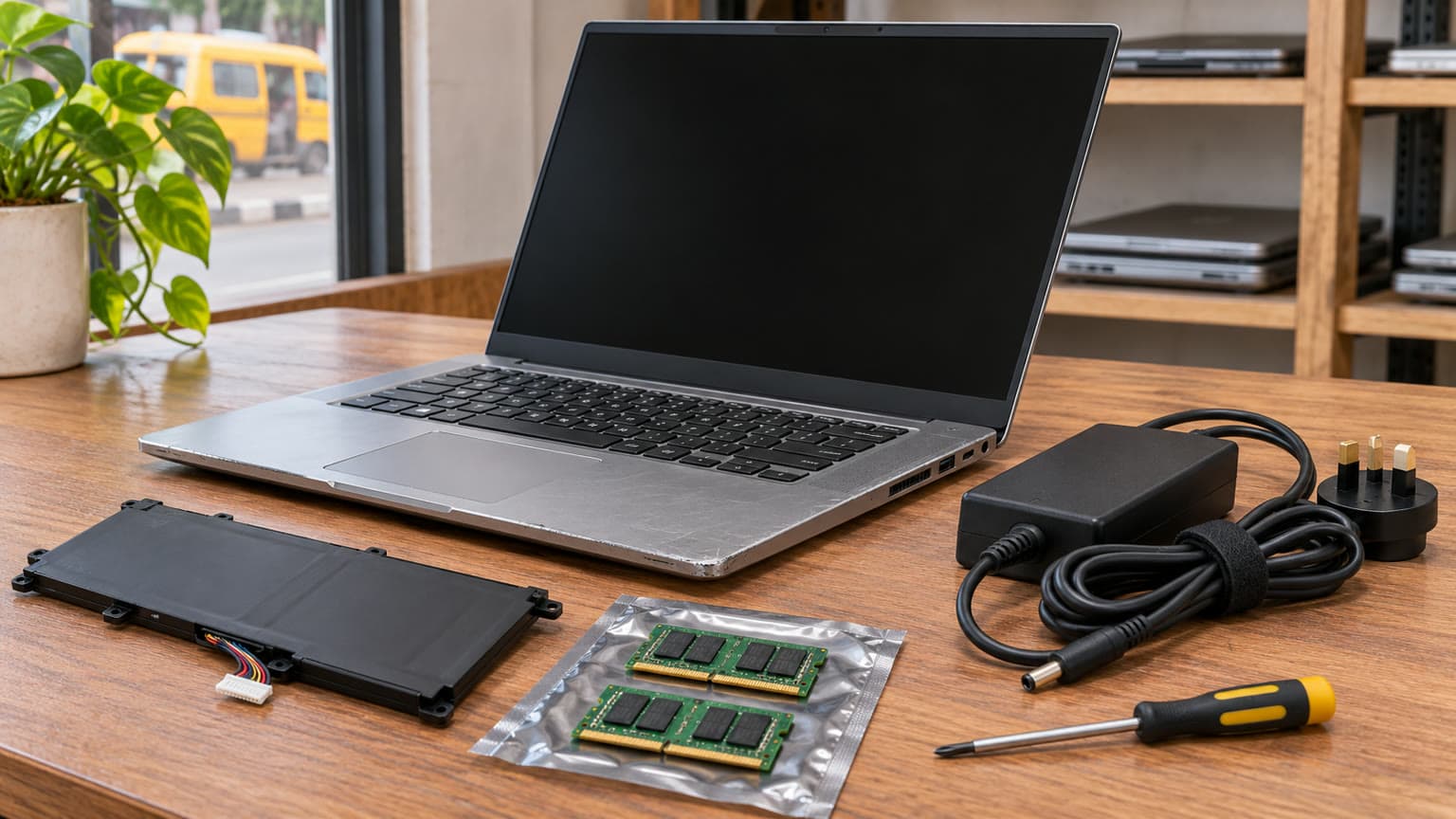
Dell’s official memory specification lists two SODIMM slots, DDR5 memory and support for up to 64GB. However, the advertised 16GB could be arranged as one 16GB module or two 8GB modules. Ask which is installed: an upgrade may require adding a module or replacing existing modules. No upgrade price or compatible accessory SKU is supplied.
The display is listed as 15.6-inch FHD, 1920x1080 at 60Hz. That establishes size, resolution and refresh rate. It does not establish colour accuracy, brightness or suitability for colour-critical delivery. If your work involves print matching or client colour approval, request the exact panel details or plan an appropriate external display.
Three spending priorities follow: verify the battery before paying for cosmetic improvements, price the storage you need before judging the ₦620,000 offer, and choose the GPU according to application requirements. None requires assuming that every used workstation offers the same value.
Compatibility: software, ports and accessories
No compatible accessory products are supplied with this assignment, so no dock, memory kit or charger is being endorsed. Tell the seller which monitor, projector, network connection and external drives you use, then request confirmation and a practical demonstration of the required connections. Check wireless networking, Bluetooth, camera, microphone and headphones as part of acceptance.
The catalog says Windows 10 or Windows 11 may be installed depending on device setup. Confirm the exact edition, activation and a supported operating-system arrangement before delivery. Your specialist software may impose its own operating-system, graphics-driver and licensing requirements; a workstation label does not guarantee compatibility with every release.
Is a MacBook worth considering in Nigeria? Include it in the comparison if your applications and peripherals support macOS and the total purchase cost suits your budget. If your course or employer requires Windows-specific tools, resolve that requirement first. Do not purchase either platform on the assumption that unfamiliar software will transfer without changes.
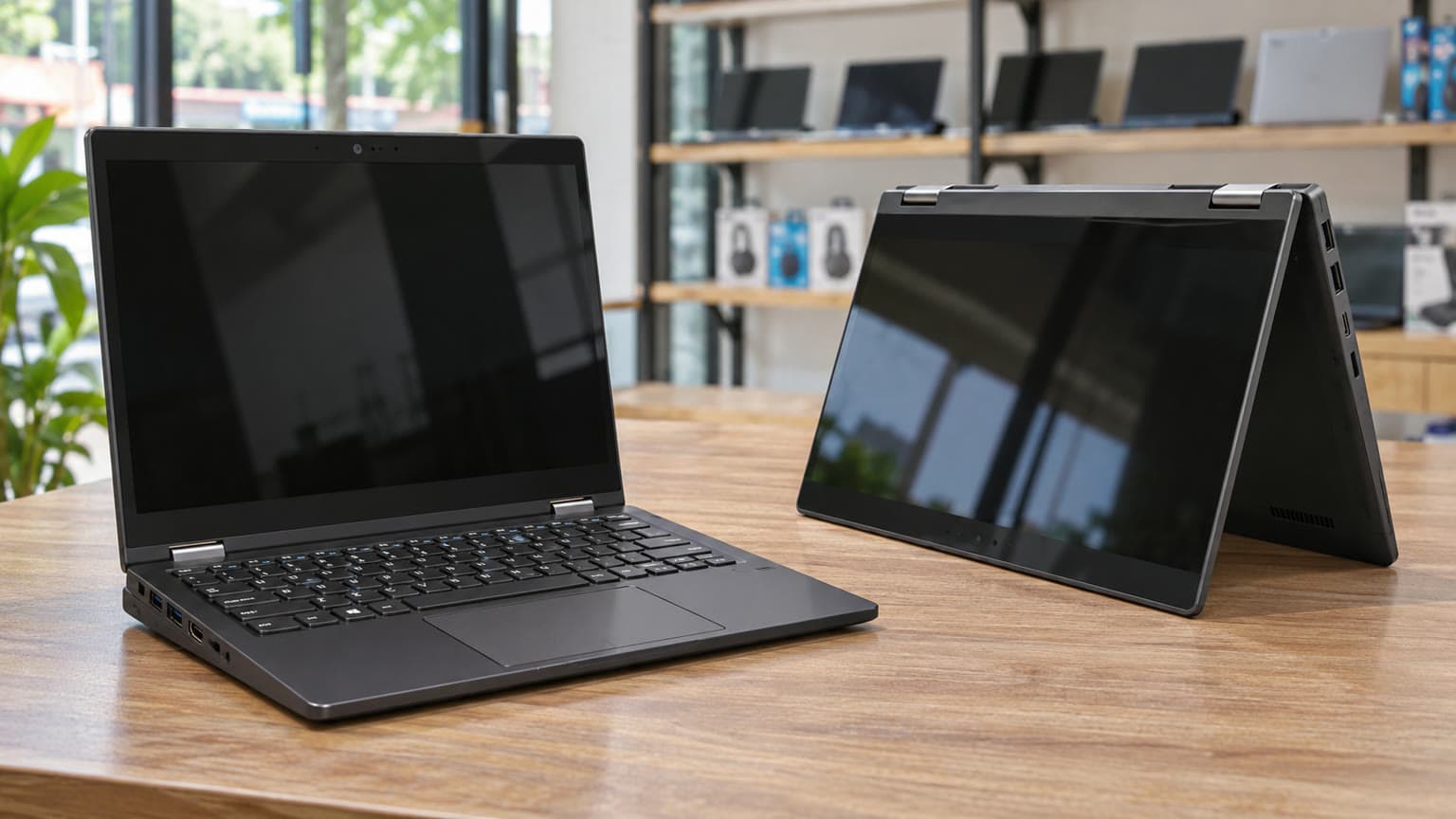
Illustration of two buying priorities: workstation applications and everyday portable work.
Alternatives: Dell Latitude 7400, 5400 and older Precision models
For buyers searching for Dell Latitude 7400 or Dell 7400, the important distinction is the exact version and selected configuration. Ogabassey has a Dell Latitude 7400 2-in-1 listing with an 8th-generation Core i5 configuration and a 14-inch convertible touchscreen. Its page presents multiple RAM and processor choices, so confirm the selected specification rather than relying on the model name.
Choose when your applications justify dedicated graphics and the inspected unit meets your requirements
Dell Latitude 7400 2-in-1
Ogabassey listing includes 8th-generation Core i5 and a 14-inch convertible touchscreen; configurations vary
Compare for touchscreen use, presentations and everyday work; verify battery and hinge condition
Dell Latitude 5400
Ogabassey listing includes used business configurations with varying processors and storage
Compare the selected unit for office and study needs before paying for workstation hardware
Dell Precision 5520, 5530 or 5550
Linked catalog destinations are supplied; matched configuration, price and condition evidence is not
Request complete quotations before ranking any against the 3571
The Dell Latitude 5400 is another useful comparison for ordinary business work. Its listing contains different configurations, so compare the processor, RAM, SSD and screen actually included in your quote. This guide does not claim equivalent performance or a battery-life advantage.
If your shortlist includes the Dell Precision 5520, Dell Precision 5530 or Dell Precision 5550, collect the same information for each unit. Processor labels such as Core i5 and Core i7 are incomplete comparisons without the full processor number. Compare graphics memory, battery evidence, storage and warranty alongside the asking price.
Warranty, delivery and the verdict
Ask OgaBassey to put the cosmetic grade, known faults, included charger, battery expectations and warranty coverage in writing. Establish the return procedure, notification deadline and responsibility for return delivery. The supplied record does not establish a warranty duration, delivery fee or guaranteed arrival date.
For delivery outside your immediate area, request the unit-specific checks before dispatch and retain the invoice and correspondence. Confirm whether an agreed SSD or RAM upgrade affects the warranty. If a seller describes a unit as open-box, ask what that means for prior use, accessories and battery condition; the commissioned Precision 3571 is catalogued as used.
Verdict: The ₦620,000 Precision 3571 is a sensible shortlist candidate when its i5-12600H and RTX A1000 match a real software need, provided the battery, charger and condition pass inspection. Its 256GB storage deserves an early budget check. For routine school or office work, compare a Latitude quotation first. Browse the wider Ogabassey Laptops category using total usable cost: laptop, necessary upgrades, power accessories and written after-sales terms.
FAQ
Should I buy a Dell Latitude 7400 or Precision 3571?
Compare the Latitude 7400 2-in-1 for touchscreen and everyday work needs. Consider the listed Precision 3571 when your applications benefit from its i5-12600H and RTX A1000 4GB. Confirm the exact configuration, battery condition and total price of each unit before deciding.
Is the Dell Latitude 5400 enough for school and remote work?
It is worth comparing for documents, research and meetings. Check the selected processor, RAM, SSD, webcam and battery against your actual workload. A Latitude 5400 model name alone does not establish its configuration or condition.
How should I compare Dell Precision 5520, 5530 and 5550 with the 3571?
Request the full CPU model, GPU, RAM, SSD, display, battery evidence and warranty for each quoted unit. This assignment provides a complete advertised configuration only for the Precision 3571, so it cannot establish a fair performance or value ranking across all four.
What matters most before buying a used or open-box laptop?
Match the hardware to the invoice, inspect battery health and charger recognition, check BIOS access, run diagnostics and test the screen, ports and required software. Obtain written condition, warranty, return and delivery terms. Open-box wording alone does not prove battery health or unused condition.
Catalog-linked prices update automatically. Historical and other quoted prices remain as written. Open the product page to confirm the current price, selected variant and availability before buying.