Bassey John is a Performance Marketing Specialist at Ogabassey with cross-industry experience spanning e-commerce, gaming, and real estate. He focuses on paid acquisition, conversion-rate optimisation, and data-driven growth strategy, turning campaign performance into measurable revenue. At Ogabassey he writes about consumer technology, product buying guides, and the Nigerian gadget market to help shoppers make confident, informed decisions.
Continue shopping laptops
Compare Dell verified prices, condition grading, and key specs in laptops.
The Dell Latitude 7490 is listed at ₦322,000 and in stock in Ogabassey’s supplied snapshot, with an eighth-generation Core i7, 8GB RAM and 256GB SSD configuration. For a used work laptop, prioritise battery condition, screen specification and written warranty terms. If you searched for Dell Latitude 7400, confirm the model before comparing prices.
Who this is for: school and office buyers who can verify the unit
This used Dell is a sensible shortlist candidate for document writing, spreadsheets, online classes, browser-based administration and remote meetings. That is an editorial assessment of the listed configuration, not a benchmark result or a promise about every application. The important question is whether the specific unit can handle your normal workload comfortably and reliably.
For a student, that means checking course software before paying. Essays and presentations present different demands from engineering simulations, large design projects or video production. For remote work, a working webcam, microphone, wireless connection and dependable charger may matter more than the Core i7 label. Ask for a demonstration using the applications you actually need.
The Ogabassey Dell Latitude 7490 listing describes two configurations: an eighth-generation Core i7 with a non-touch screen, and an eighth-generation Core i5 with a touchscreen. Both descriptions specify 8GB RAM and a 256GB SSD. Do not assume the displayed starting price buys every configuration or that all units have the same screen.
Key specs and buying context: what ₦322,000 establishes
The supplied first-party signals, dated 8 November 2026 at 05:47 UTC, report a ₦322,000 current price and in-stock status. The underlying product record was last updated on 3 October 2026; this is a supplied catalog snapshot, not a fresh checkout quote. Follow the live product card for the current offer, selected variant and availability before payment.
Dell Latitude 7490: catalog facts and purchase checks
Entity
Attribute
Value or buying implication
Dell Latitude 7490
Nigeria price
₦322,000 in the supplied snapshot; confirm the selected variant’s live price.
Dell Latitude 7490
Availability
In stock; inventory policy is unmanaged catalog stock. The numeric zero does not mean sold out.
Dell Latitude 7490
Condition
Used/pre-owned. An open-box grade is not established.
Dell Latitude 7490
Category and brand
Laptops; Dell.
Summary configuration
Processor
Intel Core i7, eighth generation; exact processor model not listed.
Summary configuration
RAM
8GB; installed module arrangement not listed.
Summary configuration
Storage
256GB SSD; installed drive model and health not listed.
Summary configuration
Display
14.0 inches, non-touch; resolution and brightness not listed.
Summary configuration
Graphics
Integrated Graphics; no dedicated GPU listed.
Alternative listed variant
Processor and display
Eighth-generation Core i5, 8GB RAM, 256GB SSD and 14-inch touchscreen; confirm its price separately.
Dell Latitude 7490
Battery health and runtime
Not listed; request unit-specific evidence.
Dell Latitude 7490
Warranty, returns and delivery
Not listed; obtain written terms and a delivery quote.
Dell Latitude 7490
Camera stabilisation
Optical image stabilization: No, as recorded in the catalog. This does not establish webcam quality.
Comparable alternative
Dell Latitude 7400 2-in-1
A separate Ogabassey product route is supplied; price and configuration are not supplied for comparison.
Evidence level: the offer and configuration above are catalog-verified. Dell’s owner’s manual supports the model-family hardware details discussed below. Purchase recommendations are editorial judgement; no hands-on testing, battery measurement or completed repair is claimed.
Confirm installed memory and storage before budgeting for upgrades.
What specs matter before buying a used or open-box laptop?
Match the processor, screen and invoice
Ask for a photograph of the system information screen showing the exact processor and installed memory, plus the screen settings showing resolution. Match those details to the selected variant and invoice. A processor generation alone does not identify the whole laptop, and a 14-inch panel description does not establish Full HD resolution, brightness or colour quality.
Dell’s Latitude 7490 manual lists multiple display options. Accordingly, request the actual resolution and inspect the unit for pressure marks, uneven lighting, flickering and hinge damage. If you choose the touchscreen configuration, test touch across the panel. A touchscreen description also does not establish a convertible hinge or pen compatibility.
Plan RAM and storage around your workload
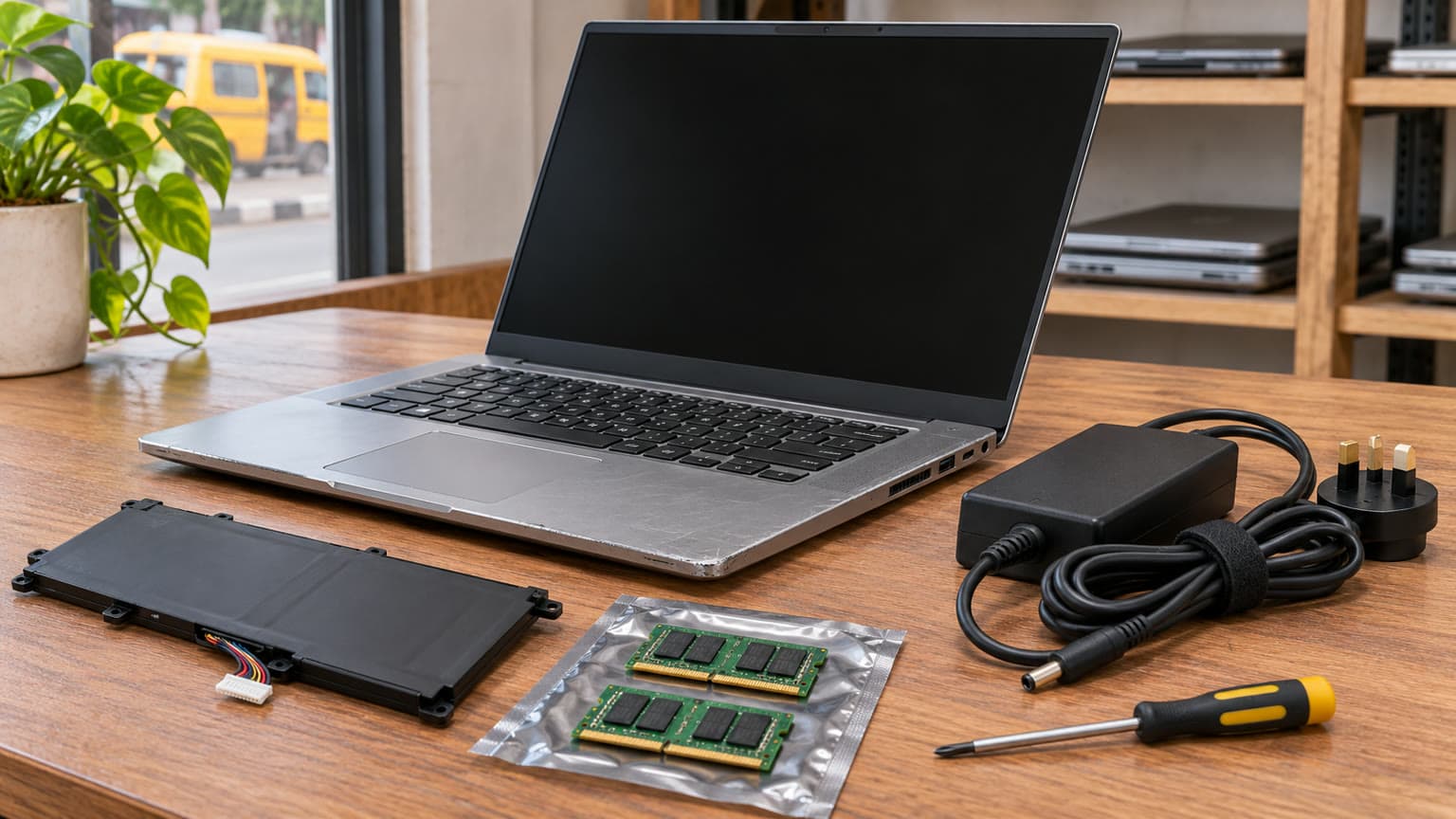
As an editorial starting point, 8GB RAM suits lighter office use better than heavy multitasking. If your normal day combines a meeting app, many browser tabs and large spreadsheets, ask for a separate 16GB upgrade quote. Dell documents two memory slots and support for up to 32GB for this model family. That does not reveal whether this unit’s 8GB uses one module or two.
The practical distinction is upgrade cost: adding a compatible module and replacing an existing pair are different purchases. Have the seller confirm the installed arrangement before ordering memory. For storage, list the applications and files you need locally. A 256GB SSD may require more housekeeping if you keep lecture recordings, large downloads or project assets. Request drive-health evidence and a compatible replacement quote if you need more space; neither replacement pricing nor parts availability is supplied here.
Battery, charger and thermals: inspect these before paying
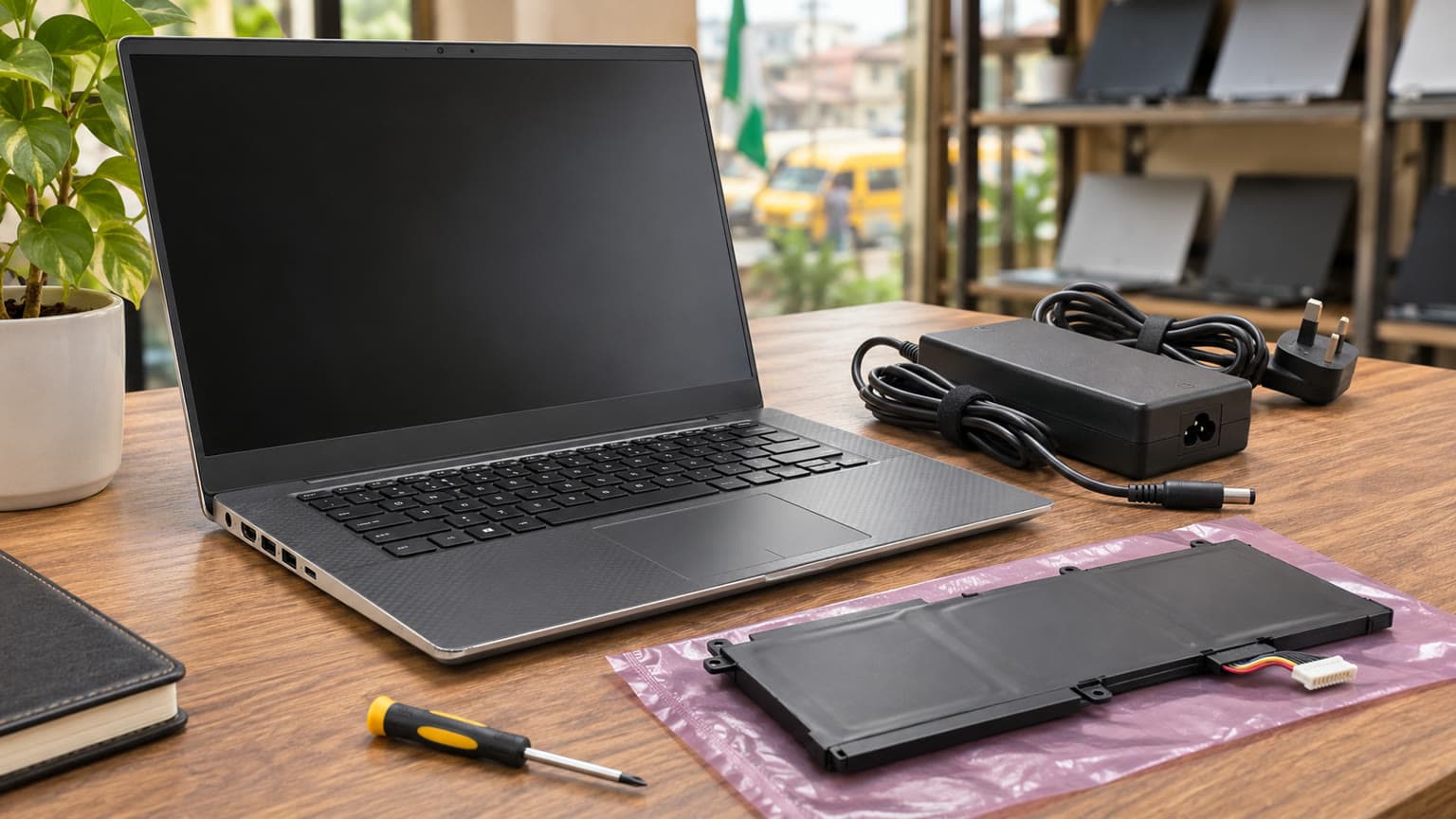
Where you expect to work away from mains power, battery condition can decide whether the laptop is useful. A charge indicator showing 100% describes charge level, not remaining battery capacity. The supplied record contains no battery-health percentage, installed capacity, replacement history or measured runtime, so there is no basis for promising a number of hours.
Dell’s battery guidance describes checks through BIOS, a Windows battery report and onboard diagnostics. Request the BIOS health status and battery report, then ask for an unplugged demonstration with your likely workload and screen brightness. Compare full-charge capacity with design capacity, while remembering that neither figure guarantees runtime during calls or other demanding tasks.
Confirm that the supplied charger is correctly recognised in BIOS and that the laptop charges consistently. Dell’s family specifications list 65W and 90W adapter options; the included adapter is not identified in this catalog. Ask the seller to establish the correct adapter for the actual configuration rather than buying solely because a connector fits.
For thermals, request a demonstration long enough to open applications, join a call and play a video. Listen for grinding fan noise and watch for shutdowns or repeated freezes. These are inspection prompts, not measured findings about this stock. If a fault appears, obtain a diagnosis and agreed remedy before accepting the unit rather than assuming cleaning will solve it.
Compatibility: Windows, meetings and accessories
Confirm your required software runs on Windows and that its licence is included or budgeted separately. Microsoft states that standard Windows 10 support ended on 14 October 2025. For a purchase now, request confirmation of Windows activation, the installed version’s support status and Windows 11 eligibility using Microsoft’s PC Health Check guidance. An installed operating system alone is insufficient evidence of eligibility.
Dell’s manual lists HDMI, USB-A, Ethernet and DisplayPort over USB-C for the family, with Thunderbolt 3 optional. Test the actual sockets you need with your monitor, mouse or network connection. Do not infer Thunderbolt support from the USB-C connector’s shape, and do not order a dock until its requirements match the unit.
The snapshot’s audio fields conflict with Dell’s manual: the catalog marks the headphone jack absent and speakers mono, while Dell documents a headset combo connector and two speakers. Treat this as a catalog correction point. Verify the actual unit’s audio connection and speaker operation, particularly if a wired headset is essential for work. No compatible accessory products were supplied for this assignment.
Battery-health evidence and a correctly recognised charger matter more than a full-charge icon.
Trade-offs: compare the complete cost of ownership
Shortlist for office work; check demanding application requirements separately.
Display
14-inch non-touch summary; touchscreen alternative
Confirm resolution and panel condition before selecting a variant.
Battery
No unit-specific health or runtime
Require health evidence and an unplugged demonstration.
Thermals
No measured temperatures or fan assessment
Observe normal workload operation before acceptance.
Upgradeability
Dell documents two memory slots, up to 32GB
Confirm installed modules and obtain a complete upgrade quote.
Warranty and trust
Used condition; terms not listed
Get coverage, exclusions and return procedure in writing.
Nigeria value
₦322,000 snapshot starting price
Compare laptop, upgrades, charger, delivery and any battery work together.
Availability
In stock under unmanaged inventory
Confirm the exact ready-to-dispatch unit and delivery arrangements.
Three useful priorities follow: choose verified battery condition over an unsupported runtime claim; choose enough RAM for your workload over the i7 badge alone; and compare the delivered, usable package rather than the headline price. A lower initial quote can lose its appeal if essential upgrades and accessories remain unresolved.
Alternatives: Dell Latitude 7400, another Latitude or a different laptop?
Dell Latitude 7400: which model are you comparing?
If your search was “dell latitude 7400”, note that the supplied Ogabassey destination is the Dell Latitude 7400 2-in-1 listing. It is a separate model from this Latitude 7490. The ₦322,000 price and 8GB/256GB configuration in this guide belong to the 7490 snapshot; they must not be transferred to the 7400.
Consider that alternative if convertible use matters, then request its current price, processor, memory, battery evidence and warranty. Those details are absent from this assignment, so a numerical value ranking would be unsupported. Compare both units on the same configuration and condition basis.
For another business-laptop reference, the Latitude 5400 office-laptop buying guide can help structure your questions. Its headline price is an earlier editorial snapshot, not a current competing quote. Browse Ogabassey Laptops for live alternatives.
For gaming or demanding design work, start with the application’s CPU, GPU, memory and display requirements. The 7490’s integrated graphics should not be treated as a dedicated gaming or creator configuration. A MacBook is worth considering when your required software supports macOS and the complete package fits your budget; there is no supplied MacBook offer here to justify a price comparison.
Warranty, delivery and acceptance: get the agreement in writing
Ask OgaBassey to identify the actual unit, cosmetic grade, charger and included accessories on the order record. Confirm warranty duration, battery exclusions, the return window, who pays return transport and the procedure for reporting a fault. None of these terms is established by an in-stock badge or a used-condition label.
For delivery, obtain the charge and expected timing for your address before payment. Clarify how transit damage should be documented and when the inspection period begins. On receipt, compare the serial or Service Tag and configuration against the invoice, test charging and essential functions, and report discrepancies promptly through the agreed channel. An open box alone does not establish an open-box sales grade or new battery condition.
Verdict
Shortlist the Latitude 7490 at the supplied ₦322,000 price for school and ordinary office work if the exact configuration, screen, battery and charger pass inspection and the written terms are acceptable. Budget for additional RAM if your workload warrants it. Choose an alternative when convertible use, demanding graphics work or verified longer unplugged operation is central to your needs. The purchase should turn on the demonstrated unit and complete cost, with the live listing confirming the offer.
FAQ
What is the Dell Latitude 7490 price in Nigeria?
The supplied first-party snapshot dated 8 November 2026 lists ₦322,000 and in-stock status. The underlying product record was updated on 3 October 2026. Confirm the selected variant’s current price and availability on the live Ogabassey listing before payment.
Is the Dell Latitude 7400 the same as the 7490?
No. The supplied Latitude 7400 link identifies a separate 2-in-1 listing. This guide’s ₦322,000 snapshot and 8GB/256GB summary describe the Latitude 7490. Obtain the 7400’s own configuration, condition and current price before comparing them.
What should I check before buying a used or open-box laptop?
Verify the processor, RAM, SSD, screen resolution, battery health, charger recognition, ports and operating-system eligibility. Test the keyboard, webcam, microphone and wireless connection. Get the condition grade, warranty, returns and delivery agreement in writing. This 7490 is recorded as used, without a confirmed open-box grade.
Is 8GB RAM enough for school and remote work?
It is a reasonable starting point for lighter document, browser and meeting use. Heavy multitasking may justify 16GB. Dell documents two memory slots and up to 32GB for the 7490 family, but the supplied unit’s module arrangement and upgrade cost need confirmation.
Catalog-linked prices update automatically. Historical and other quoted prices remain as written. Open the product page to confirm the current price, selected variant and availability before buying.