Bassey John is a Performance Marketing Specialist at Ogabassey with cross-industry experience spanning e-commerce, gaming, and real estate. He focuses on paid acquisition, conversion-rate optimisation, and data-driven growth strategy, turning campaign performance into measurable revenue. At Ogabassey he writes about consumer technology, product buying guides, and the Nigerian gadget market to help shoppers make confident, informed decisions.
Continue shopping laptops
Compare Dell verified prices, condition grading, and key specs in laptops.
The used Dell Latitude 5289 2-in1 is listed at ₦339,250 and available in the supplied Ogabassey snapshot, with 16GB RAM, a 256GB SSD and a 12.5-inch touchscreen. Consider it for portable schoolwork and documents only after checking battery condition, hinges and your software-support plan; its seventh-generation Core i7 deserves particular scrutiny.
Who this is for
This convertible suits a buyer who specifically wants a small screen that folds for reading, presentations and touch interaction. Our editorial judgement is that documents, browser-based coursework and light office tasks are more appropriate targets than demanding video editing, modern gaming or large engineering projects. This is a catalog-based buying guide supported by manufacturer documentation, without hands-on performance or battery measurements.
For students, start with the applications your course requires. A writing-heavy course presents a different workload from architecture, animation or engineering. For remote work, ask your employer whether this exact computer and operating system satisfy its security requirements before spending money. A laptop that opens your documents can still fail an organisation's device policy.
The 12.5-inch display is the clearest reason to choose this model and a reason to hesitate. It keeps the working area compact, but spreadsheets, side-by-side documents and detailed design work may feel cramped. If touch and folding modes will rarely be used, compare conventional business laptops before paying for a convertible's additional moving parts.
Key specs and buying context
The Ogabassey Dell Latitude 5289 2-in1 product page is the place to confirm the selected configuration and current offer. The supplied first-party record, dated 13 November 2026 at 05:21 UTC, carries a ₦339,250 price and an in-stock status; its underlying product update is dated 3 October 2026. These are supplied snapshot facts, rather than a fresh checkout quotation.
Dell Latitude 5289 2-in1: catalog facts and purchase checks
Entity or attribute
Recorded value
Buying implication
Product and category
Dell Latitude 5289 2-in1; Laptops
Compact convertible business laptop.
Nigeria price
₦339,250 in the supplied snapshot
Confirm the live offer for the selected unit.
Availability
In stock; unmanaged catalog stock
The numeric zero stock count does not establish that it is sold out. Confirm dispatch availability.
Condition
Used / pre-owned
Open-box condition is not established.
Processor
Intel i7-7th Gen
Exact CPU model: Not listed. Request confirmation in BIOS.
RAM
16GB
Dell documents onboard memory up to 16GB for this family.
Storage
256GB SSD
Check usable free space and drive health.
Graphics
Integrated Graphics
No dedicated graphics card is listed.
Screen size
12.5 inches
Assess document readability at your preferred scaling.
Display type
12.5-inch x360 Touchscreen Display
Test touch and hinge movement throughout the folding range.
Battery health and runtime
Not listed
Require unit-specific evidence.
Warranty, returns and delivery charge
Not listed
Get written terms and a destination-specific delivery quotation.
Camera optical image stabilization
No, according to the catalog
This field does not establish webcam quality; request a video-call demonstration.
Alternative
Dell Latitude 7400 2-in-1; price: Not listed in this assignment
Compare its exact configuration and total purchase cost.
The catalog also records a wider variant price range, without mapping each price to a complete configuration. Do not assume every selectable unit has the same specification or checkout total. Match the invoice to the processor, memory, SSD, condition and accessories you agreed to buy.
Check whether the 12.5-inch working area suits your documents and daily applications.
Trade-offs: memory capacity cannot solve processor age
Sixteen gigabytes of RAM is useful capacity, but the Core i7 label alone is insufficient for comparison. Processor generation and exact model matter. Dell's original 5289 specification sheet lists seventh-generation processors and onboard memory up to 16GB. Treat the advertised memory as the capacity you are buying; do not budget around adding removable RAM later.
The SSD needs a separate decision. A 256GB drive may suit documents and a modest application collection, while large media libraries or project files can consume it quickly. Ask for the installed drive model and health information. If you need more storage, request a compatible replacement quotation and installation terms before purchase; no specific replacement SSD is verified in this assignment.
Check Windows support before paying
Microsoft states that ordinary Windows 10 support ended on 14 October 2025. Its current supported Intel processor list does not establish a standard Windows 11 upgrade path for this seventh-generation mobile Core i7. An installed copy of Windows 11, an activation screen or a desktop photograph does not prove hardware eligibility.
Ask the seller to identify the exact CPU and demonstrate Microsoft's compatibility assessment. If the unit cannot meet your required supported Windows configuration, choose another laptop. A supported Linux installation could be considered only after checking your applications, touch functionality, peripherals and willingness to manage that environment. Do not assume Windows-only examination or employer software will work there.
What to inspect on a used or open-box laptop
This specific listing is used. If another offer describes a similar machine as open-box, request a written explanation of prior use, repairs, cosmetic grading and included accessories. Packaging does not establish battery condition or software eligibility. Prioritise evidence about the actual unit over the condition label.
Battery, charger and thermals
Dell's battery guidance describes checking health through BIOS and preboot diagnostics. Restart and press F2 at the Dell logo to inspect the available battery information; F12 opens the boot menu where Diagnostics can be selected. Record any error and validation codes. These checks help identify faults but do not establish how many hours your workload will last.
Request an unplugged demonstration using the applications you expect to run, with the starting charge, elapsed time and ending charge recorded. A photograph showing 100% charge is insufficient. If electricity interruptions affect your study or work location, a battery that only bridges a short interruption may be poor value despite an attractive purchase price.
Have the seller demonstrate charging with the included adapter and state its specification. Ask whether that charger is covered by the written return terms. During a normal workload demonstration, listen for persistent fan noise and watch for shutdowns or severe slowdowns. No temperature or sustained-performance measurements are available here, so the guide cannot certify this unit's cooling condition.
Touchscreen, hinges and everyday controls
Move the lid slowly through laptop, tent and tablet positions. Look for uneven resistance, separation around the hinges and display flicker during movement. Draw continuous lines across the touchscreen, including the corners, to check for missed areas. View plain light and dark backgrounds to inspect visible damage and distracting defects.
Test every keyboard key, the touchpad, webcam, microphone, speakers and wireless connection. Ask for these checks on the unit being allocated to your order. For a delivery purchase, agree how you will report a defect discovered during the permitted inspection period.
Compatibility: test your accessories and applications
Dell's family specification sheet documents USB-A, USB-C with DisplayPort functionality and HDMI 1.4 connections. Confirm that the delivered unit's physical connectors work with your monitor, flash drive and presentation equipment. A port's shape alone does not verify that an unfamiliar dock or charger provides every function you expect.
No compatible accessory products are verified in the supplied record. Bring your existing equipment for a demonstration where practical, or give the seller its exact model numbers. If handwritten notes are your main reason for choosing touch, confirm a working compatible pen and whether it is included; pen inclusion is not recorded.
For Windows versus macOS, follow your application requirements. A MacBook is worth considering in Nigeria when your essential software supports macOS and the complete purchase fits your budget. Compare actual configurations in the Ogabassey Macbooks category, including condition, accessories and support terms. There is no supplied MacBook quotation that supports a price advantage either way.
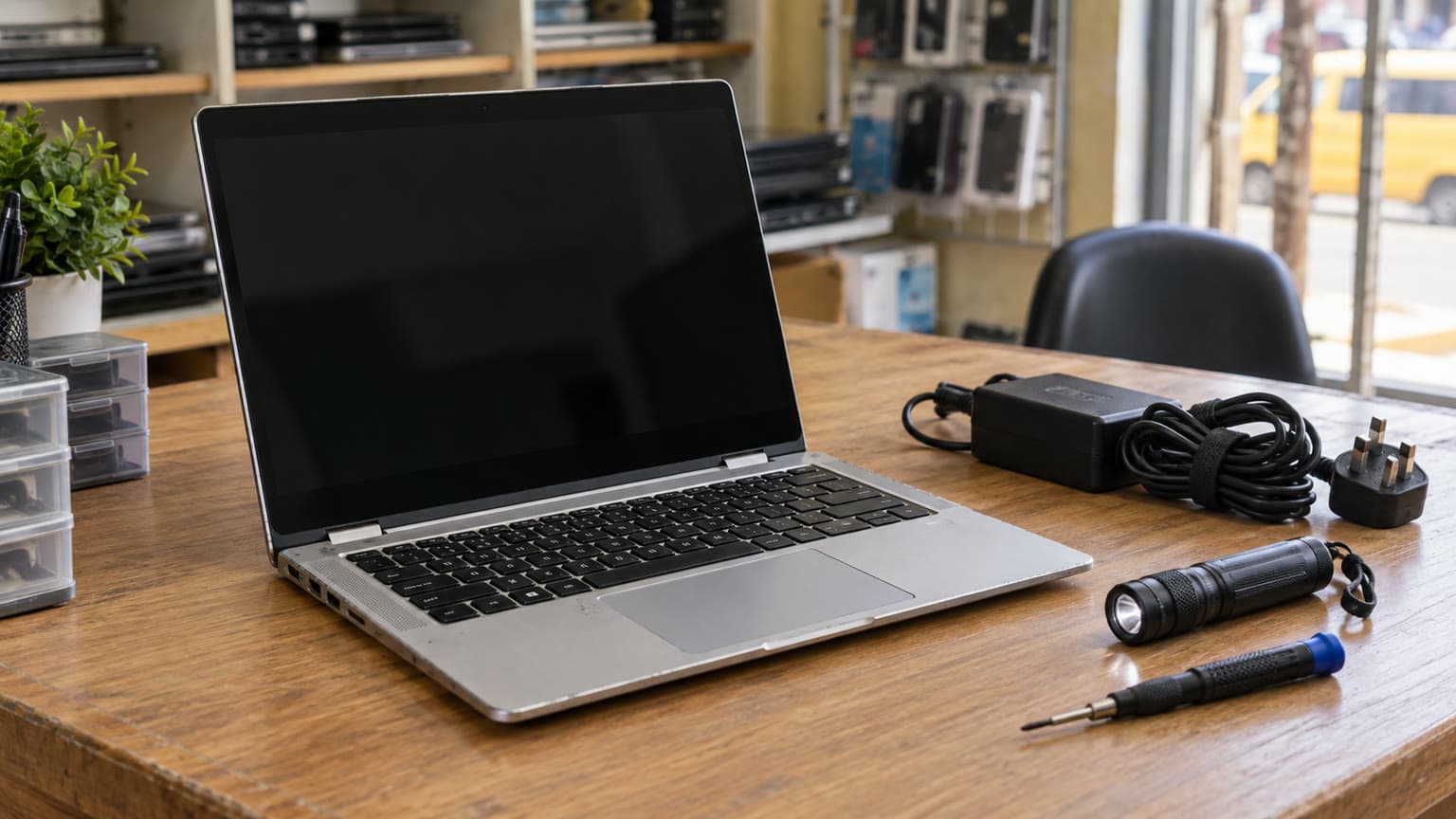
An illustration of the complete setup to consider: laptop, adapter and the equipment you already use.
Alternatives: Dell Latitude 7400, Dell 7400 and other work laptops
If you searched for “Dell Latitude 7400” or “Dell 7400”, confirm whether the offer is the conventional laptop or the 2-in-1. The linked Ogabassey route identifies the convertible. Dell documents eighth-generation Core options for that family, making it a useful alternative to investigate when processor generation matters. Its exact unit still needs compatibility and condition checks.
Dell lists tenth-generation Core and Xeon processor options.
Compare for heavier work using your application's requirements.
Prices and current unit configurations for these alternatives are not supplied here. Their family specifications establish comparison questions, not guaranteed inventory or performance. Request like-for-like quotations covering condition, charger, battery evidence, delivery and warranty. For another business-laptop inspection example, read the Dell Latitude 7430 used Core i7 buying guide; its headline price belongs to that separate article.
Warranty, delivery and the final purchase decision
Ask OgaBassey to put the allocated configuration, cosmetic grade, charger, battery expectations, warranty duration and exclusions on the order record. Clarify whether a reported fault leads to repair, replacement or refund, who pays return delivery, and when the inspection period starts. These terms are not provided in the snapshot.
Get a delivery quotation for your destination and confirm dispatch availability before paying. Unmanaged catalog stock explains why an available listing can carry a numeric stock count of zero; it does not promise a particular dispatch date. Keep the purchase record and any agreed unit-condition photographs together.
Verdict
Choose the Latitude 5289 only when its compact folding touchscreen has a clear role, the actual unit passes inspection, and you have a satisfactory supported-software plan. At the supplied ₦339,250 price, battery evidence and written terms matter more than the i7 badge. Compare the 7400 2-in-1 for a newer processor generation and the 5400 for expandable RAM before committing. Browse Ogabassey Laptops for current alternatives and use the linked live product card to confirm today's offer.
FAQ
What is the Dell Latitude 5289 price in Nigeria?
The supplied Ogabassey snapshot lists ₦339,250 and in-stock availability for the used Latitude 5289 2-in1. The first-party record is dated 13 November 2026, while the underlying product update is dated 3 October 2026. Confirm the selected configuration, current price and dispatch availability on the linked product page.
Should I choose the Dell Latitude 7400 or the 5289?
Investigate the Latitude 7400 2-in-1 if you want a convertible with a newer processor generation: Dell documents eighth-generation options, versus seventh-generation options for the 5289. Compare the exact CPU, Windows eligibility, battery condition and complete quotation. This guide has no supplied 7400 price.
Which laptop should I buy for school, work, gaming or design?
The 5289 is a candidate for documents and light productivity when its software-support plan is suitable. For gaming or demanding design, choose around your application's CPU and GPU requirements. Compare the listed Precision alternatives by their actual installed hardware rather than the workstation name alone.
What specs matter before buying a used or open-box laptop?
Confirm the exact processor and generation, RAM capacity and upgradeability, SSD capacity and health, display condition, working ports, battery evidence and operating-system eligibility. Then get the condition grade, included charger, warranty, return terms and delivery cost in writing. This 5289 listing is used; open-box condition is not established.
Catalog-linked prices update automatically. Historical and other quoted prices remain as written. Open the product page to confirm the current price, selected variant and availability before buying.