Bassey John is a Performance Marketing Specialist at Ogabassey with cross-industry experience spanning e-commerce, gaming, and real estate. He focuses on paid acquisition, conversion-rate optimisation, and data-driven growth strategy, turning campaign performance into measurable revenue. At Ogabassey he writes about consumer technology, product buying guides, and the Nigerian gadget market to help shoppers make confident, informed decisions.
Continue shopping laptops
Compare Dell verified prices, condition grading, and key specs in laptops.
The used Dell G15 5510 is listed as available at ₦1,210,000 in the supplied Ogabassey snapshot, with an Intel i7-10870H, 16GB RAM and RTX 3060 6GB graphics. Buy only after checking battery condition, charger suitability and performance under load; buyers considering a Dell Latitude 7400 should first establish whether they need dedicated gaming graphics.
Who this is for: gaming and creative work before basic office use
This guide answers a practical question: what evidence should justify paying for a used gaming laptop rather than choosing a business laptop? The G15 configuration provides a concrete starting point for gaming, GPU-assisted editing and 3D applications. Whether it suits your particular workload depends on the software, project size and condition of the actual machine.
For school assignments, browser research, spreadsheets and video calls, start with your budget, battery needs and portability requirements. Paying for dedicated graphics makes more sense when your games or applications can use them. For design work, check the application’s GPU requirements and display requirements separately: an RTX graphics label does not establish screen colour accuracy.
The Ogabassey Dell G15 5510 listing records this unit as used. An open-box offer should be assessed separately if one becomes available. Packaging does not establish battery health, repair history or warranty coverage, and the supplied record does not establish that this machine is open-box.
Key specs and buying context
The price below was checked against the supplied catalog record updated on 3 October 2026, included in the first-party evidence supplied as of 15 November 2026. It is an editorial snapshot, not a fresh checkout quotation. Follow the linked live product card for the current offer and confirm the selected configuration before payment.
Dell G15 5510: catalog facts and purchase checks
Entity
Attribute
Recorded value or required check
Dell G15 5510
Nigeria price
₦1,210,000 in the supplied catalog snapshot
Dell G15 5510
Availability
Listed available; unmanaged catalog stock. Confirm allocation before payment.
Dell G15 5510
Condition
Used; cosmetic grade and repair history not listed
Dell G15 5510
Category
Gaming Laptops
Dell G15 5510
Processor
Intel Core i7-10870H; Dell identifies it as 10th generation
Dell G15 5510
Graphics
NVIDIA RTX 3060 with 6GB graphics memory
Dell G15 5510
RAM
16GB; installed module arrangement not listed
Dell G15 5510
Storage
512GB SSD; drive health and installed drive layout not listed
Dell G15 5510
Screen
15.6 inches; 15.6-inch FHD display
Dell G15 5510
Display quality details
Refresh rate, brightness and colour coverage: Not listed
Dell G15 5510
Battery health and runtime
Not listed
Dell G15 5510
Optical image stabilization
No in the catalog; this camera field does not establish webcam quality
Dell G15 5510
Warranty and returns
Not listed; obtain written coverage, exclusions and claim procedure
Dell G15 5510
Delivery
Fee, timing and inspection arrangements: Not listed
Dell G15 5510
Alternatives
Compare Latitude candidates for office needs and Precision candidates for application requirements; equivalent prices and configurations are not supplied
The evidence level is catalog-verified for the listed configuration and official-source verified for the Dell documentation discussed below. The recommendations are editorial buying advice. No hands-on measurements, frame-rate results or battery-runtime tests are supplied.
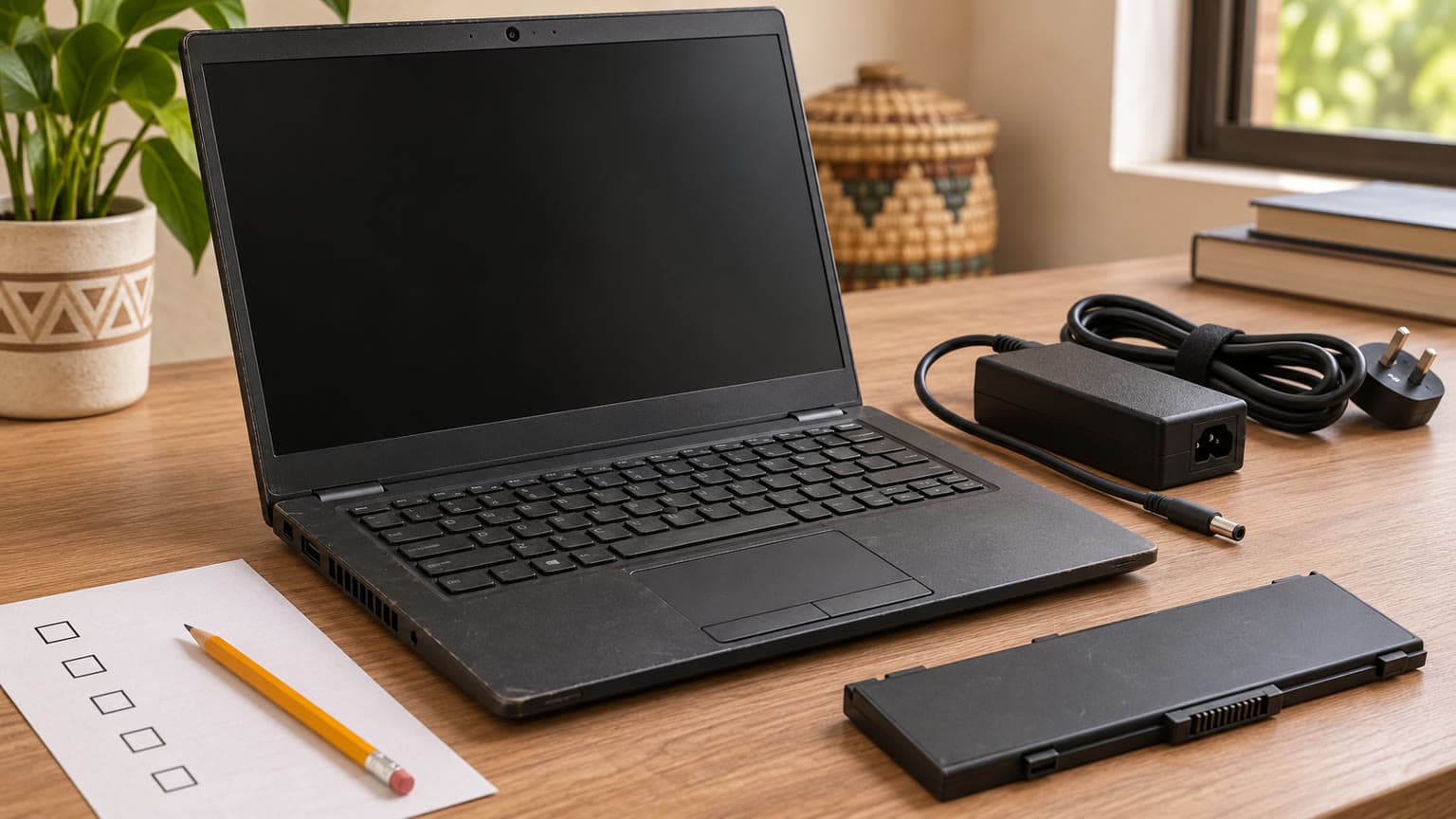
Request battery-health evidence and an unplugged demonstration before committing to a used laptop.
What specs matter before buying a used or open-box laptop?
Confirm the machine’s identity before assessing performance
Ask for the Service Tag and a demonstration of the processor, installed RAM, storage and graphics information on the actual laptop. Match these to the invoice and selected listing. A family name such as G15, or a description such as Core i7, is insufficient: the exact processor and GPU matter.
Dell’s processor documentation identifies the i7-10870H as a 10th-generation, eight-core processor. That is useful specification clarity, but it is not a prediction of how a particular used machine performs. Cooling condition, power configuration and the workload still need checking. Do not assume specifications from a G15 5511, 5515 or 5520 apply to this 5510.
Ask for battery evidence rather than a charge percentage
Dell’s battery guidance describes checking health through BIOS, Windows reporting and onboard diagnostics. Restart and press F2 to inspect the available battery-health information. In Windows, run powercfg /batteryreport and compare full-charge capacity with design capacity. A screenshot showing 100% charge only describes the charge level at that moment.
As an illustration, full-charge capacity equal to three-quarters of design capacity suggests roughly 75% retained capacity; it does not promise a particular number of working hours. Ask for an unplugged demonstration using a workload similar to yours, and watch for sudden charge drops or shutdowns. No runtime or battery-health percentage is documented for this unit.
For a buyer who needs to continue working through power interruptions, this evidence can change the purchase decision more than the processor label. If replacement is likely, request a separate quotation and confirm part availability before committing. Do not assume the laptop price includes a new battery.
Check sustained operation and the supplied charger together
Ask the seller to demonstrate a game or application you actually plan to use, with the supplied charger connected. Look for display corruption, crashes, repeated shutdowns, charging warnings or damaged power connections. A successful boot and an attractive desktop are weak evidence for a machine intended for demanding work.
Fan noise alone does not diagnose a fault. Ask for unusual grinding, persistent instability or visible damage to be investigated before payment. A short demonstration also cannot prove long-term reliability. Dell’s F12 boot menu provides access to Diagnostics; request the results and any error codes as part of the inspection record.
Have the charger’s label and suitability checked against the exact unit. Ask whether it is original or a replacement, inspect the cable and connector, and confirm normal charging during the demonstration. If you use backup power, have its suitability assessed for the laptop and charger rather than assuming any small inverter or portable power device will suffice.
Compatibility and upgrades: establish what this unit supports
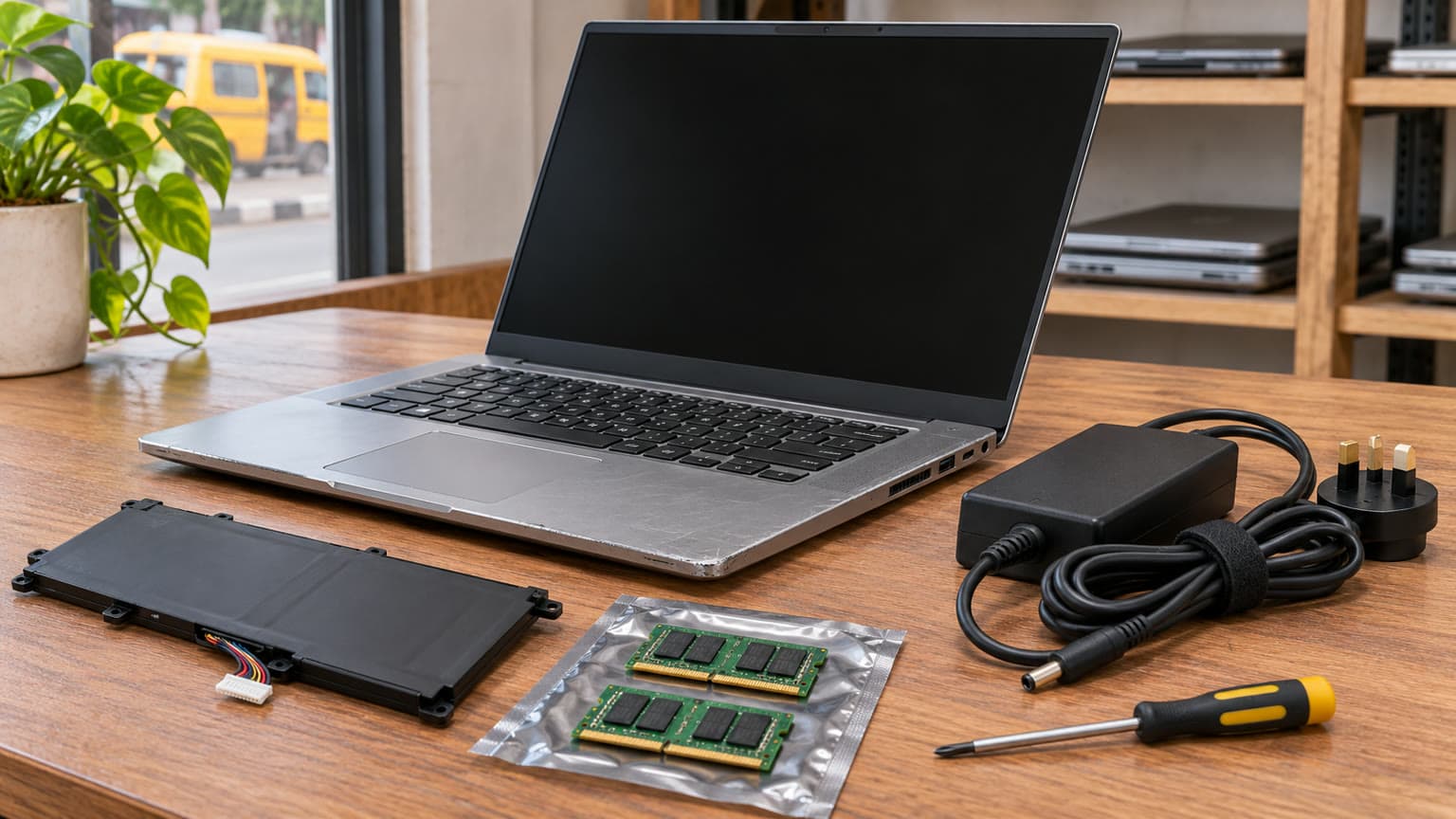
Dell documents two SO-DIMM memory slots, DDR4 memory at 2933MHz and a maximum supported configuration of 32GB for the G15 5510. The catalog’s 16GB total does not reveal the installed module arrangement. Ask the seller to confirm it before buying memory or budgeting for an upgrade. No specific compatible accessory products are supplied with this assignment.
The SSD is another inspection point. Request its health information, available capacity and installed drive layout. Dell’s storage documentation includes form-factor and bracket requirements, plus configuration-dependent expansion cautions. Obtain confirmation of the actual mounting hardware and supported upgrade plan before ordering an additional SSD. An assumed spare slot is not a completed upgrade plan.
Dell’s external-port documentation lists Ethernet, HDMI 2.1 and Thunderbolt 3 USB-C with DisplayPort support for the RTX 3060 configuration. Test the monitor, dock or storage device you intend to use where possible. Connector shape alone does not confirm every docking function, and USB-C should not be assumed to replace the dedicated gaming-laptop power adapter.
There is a catalog discrepancy worth resolving: the supplied matrix says no headphone jack, while Dell’s official manual lists a headset combination port. Ask for a clear photograph and a working headset demonstration on the actual machine. Treat this as a field requiring correction or confirmation, rather than repeating the catalog value as a settled hardware fact.
The installed operating system, licence status and software support state are not listed. Ask for those details and check your course, employer, game or design application requirements before payment. A working application demonstration is especially useful when a particular plug-in, peripheral or licence is essential to your work.
Trade-offs: a decision table for the ₦1,210,000 offer
Evidence to request before deciding
Decision area
What the evidence establishes
What should decide your purchase
Performance
Catalog lists i7-10870H and RTX 3060 6GB
Your application’s requirements and stable operation during a demonstration
Display
15.6-inch FHD panel listed
Confirm refresh rate and colour suitability; inspect pixels, flicker and hinges
Battery
Health and runtime not listed
Health report plus an unplugged demonstration
Thermals
No temperature or sustained-load measurements supplied
Investigate instability and abnormal mechanical noise before payment
Test the exact headset, display and peripherals you need
Upgradeability
Dell documents replaceable memory and storage requirements
Verify installed modules, drive layout and required mounting parts
Warranty and trust
No unit-specific terms supplied
Written coverage, exclusions, return deadline and claims process
Nigeria value
₦1,210,000 snapshot price; no transaction-backed price history
Compare total cost including delivery and any confirmed battery or storage work
Availability
Catalog marks the product available under unmanaged stock
Confirm the selected unit is allocated and ready for your delivery location
The main value question is whether the graphics capability earns its place in your budget. If your workload benefits from it, condition and support become the next filters. If your work is mostly documents and calls, compare other laptops before committing this amount. There is no transaction-backed price history here to justify calling the offer a discount or a market-low price.
Confirm installed memory, SSD layout and mounting requirements before budgeting for upgrades.
Alternatives: Dell Latitude 7400, Dell 7400 and Precision searches
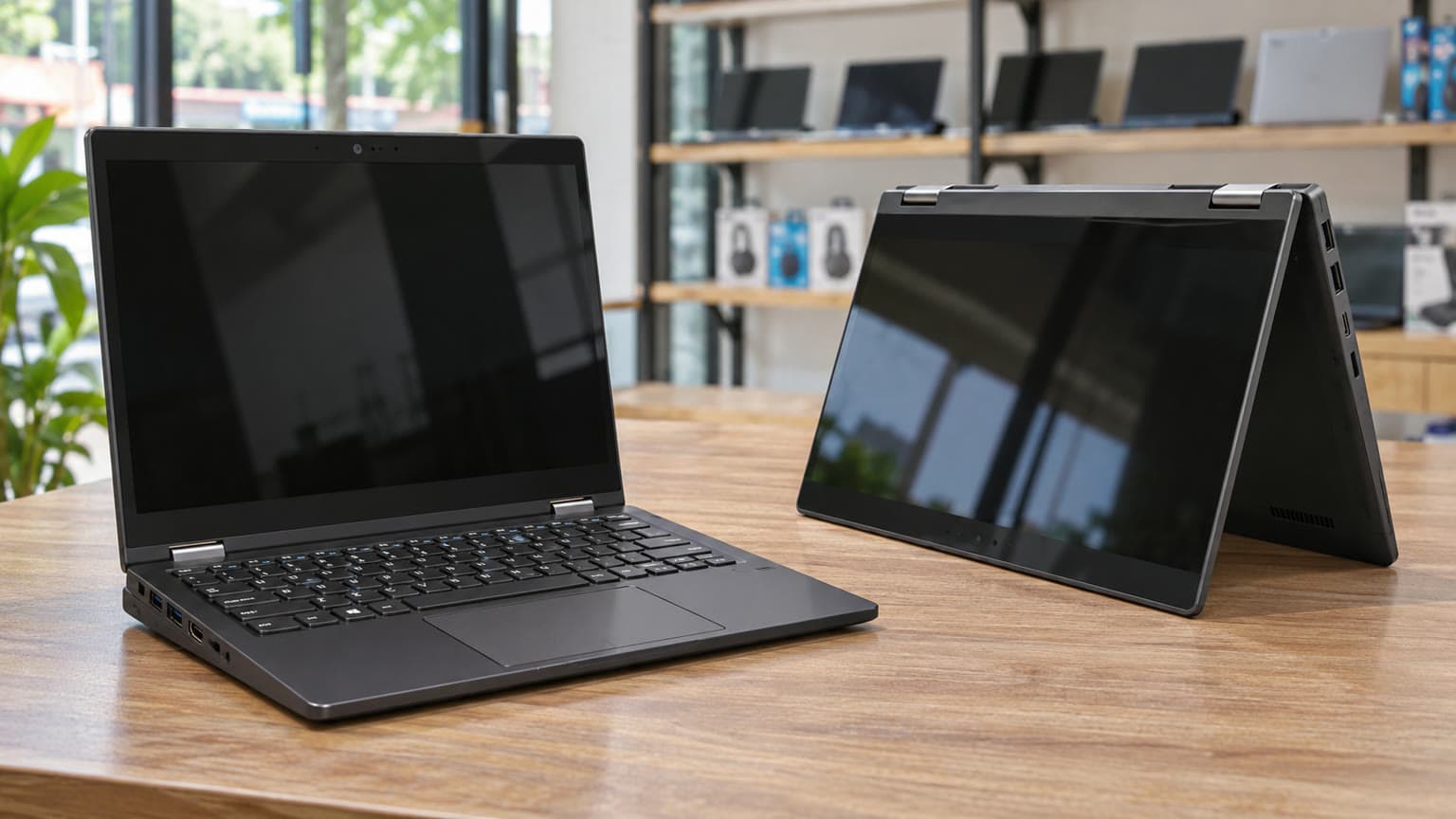
If you arrived while comparing a Dell Latitude 7400 or searching for Dell 7400, first confirm the complete model name and configuration. The supplied search destination is a Latitude 7400 2-in-1 page. Its query impressions establish buyer interest, not its current price, battery condition or equivalence to this G15.
The following shortlist turns those Dell searches into useful comparison questions. Alternative specifications and prices are not supplied, so this is a route to further verification rather than a ranked performance comparison.
Candidate or search
Question to resolve against the G15
Evidence still required
Dell Latitude 7400 / Dell 7400
Would this meet your office or school needs without paying for the G15’s listed graphics configuration?
Exact model, price, processor, battery health and condition
Dell Latitude 5400
Does the selected configuration cover your everyday software requirements?
Current offer, display, RAM, storage and unit condition
Dell Precision 5520
Does its exact configuration suit your design application better?
CPU, GPU, application requirements, display and warranty
Dell Precision 5550
Does the complete offer improve your work setup enough to justify its total cost?
Current price, configuration, battery and charger
Dell Precision 5530
Is the particular workstation configuration appropriate for your projects?
Graphics specification, software fit, condition and support terms
Use the wider Ogabassey Laptops selection to compare available configurations, or the Gaming Laptops category when dedicated graphics are essential. For another used Dell assessment, the Dell Latitude 5511 buying guide offers a business-laptop comparison angle; its headline price is historical context, not a current quote.
Warranty, returns and delivery: get the unit-specific terms
Before transferring money, request an invoice naming the configuration, condition, included charger and any agreed defects. Ask whether warranty coverage comes from OgaBassey, another seller or an active manufacturer entitlement. No duration or manufacturer coverage is established by this record.
Get clear answers about battery exclusions, display faults, prior repairs, diagnostic charges and who pays transport for a return. Confirm when the return period starts and what evidence is required for a fault claim. If delivery is outside your immediate area, request the delivery fee, expected timing and inspection procedure in writing. None of those terms should be inferred from the product being listed available.
Verdict
Shortlist the used Dell G15 5510 if you need its catalog-listed RTX 3060 6GB configuration and can obtain convincing battery, charger and sustained-operation evidence. At the supplied ₦1,210,000 snapshot price, undocumented condition or unclear return terms should pause the purchase. For routine school or office work, compare a fully specified Latitude offer first; for design, compare the exact application and display requirements before choosing between G15 and Precision candidates.
FAQ
What is the Dell G15 5510 price in Nigeria?
The supplied Ogabassey catalog snapshot lists ₦1,210,000 and marks it available under unmanaged stock. The record was updated on 3 October 2026. Check the linked live product card for the current price, selected configuration and availability before payment.
Should I choose a Dell Latitude 7400 or Dell G15 5510?
Start with your software needs. The supplied G15 has an i7-10870H and RTX 3060 6GB graphics. A Latitude 7400 comparison requires its exact configuration, current price and battery condition, which are not supplied here. For everyday office use, compare the Latitude offer before paying for dedicated gaming graphics.
What should I check before buying a used or open-box gaming laptop?
Confirm the exact CPU and GPU, battery report, charger suitability, SSD health, display condition and stable operation under your intended workload. Obtain written warranty, return and delivery terms. This G15 is recorded as used; open-box condition is not established.
Is a MacBook worth considering instead for school or design?
Consider one if your required applications, plug-ins and peripherals support macOS. For a course, employer workflow or game requiring Windows, verify that requirement first. No MacBook configuration or price is supplied here, so there is no supported price or performance ranking against this G15.
Catalog-linked prices update automatically. Historical and other quoted prices remain as written. Open the product page to confirm the current price, selected variant and availability before buying.