Apple Silicon Power Rankings in 2026
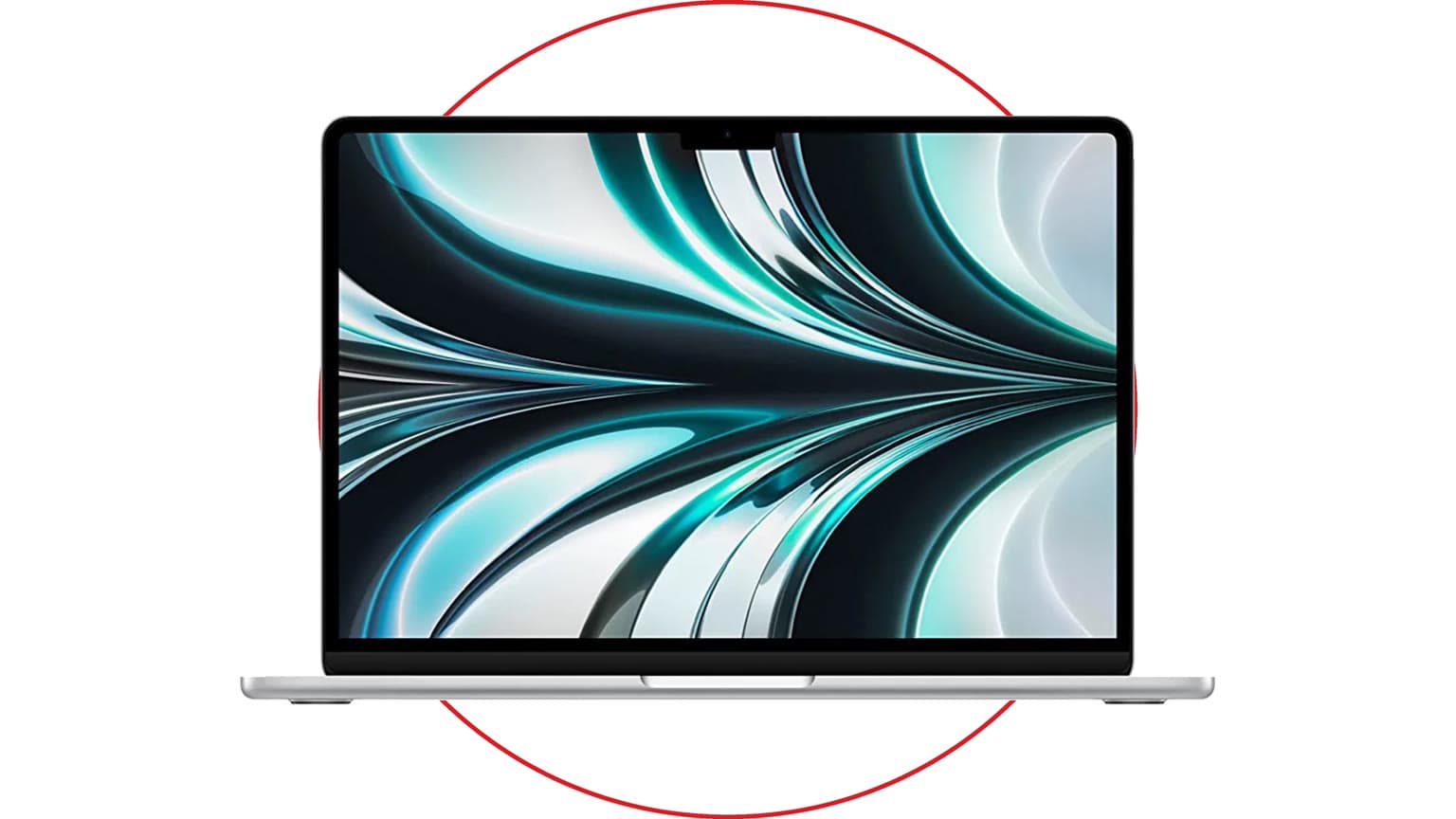
Apple silicon has moved well beyond the original M1 story. As of May 31, 2026, the current Mac lineup includes M5, M5 Pro, and M5 Max in MacBook Pro, M4 Max and M3 Ultra in Mac Studio, M4 in MacBook Air, iMac, iPad Pro, and Mac mini, plus older M1, M2, and M3 Macs that still matter on the used and refurbished market.
The most important update is this: there is no official M4 Ultra or M5 Ultra Mac at the time of this revision. For maximum desktop-class GPU, memory bandwidth, display support, and large unified-memory workloads, M3 Ultra in Mac Studio remains the top Apple silicon option. For the fastest portable Mac and the strongest current laptop CPU/GPU balance, M5 Max is the chip to beat.
This ranking is written for buyers, not just benchmark watchers. A student choosing a MacBook Air, a developer choosing between Pro and Max, and a studio deciding between M5 Max MacBook Pro and M3 Ultra Mac Studio are solving different problems. If your shortlist is specifically M4 Max vs M3 Ultra, Ogabassey has a deeper companion comparison here: M4 Max vs. M3 Ultra: Which Apple Silicon is Right for You?.
Quick Ranking: Most Powerful Apple Silicon Chips
| Rank | Chip | Best for | Key buyer note |
|---|
| 1 | M3 Ultra | Large AI models, 3D, multi-stream video, multi-display studio desks | Top Mac Studio chip, up to 32-core CPU, 80-core GPU, 819GB/s bandwidth, and far more desktop headroom than laptops. |
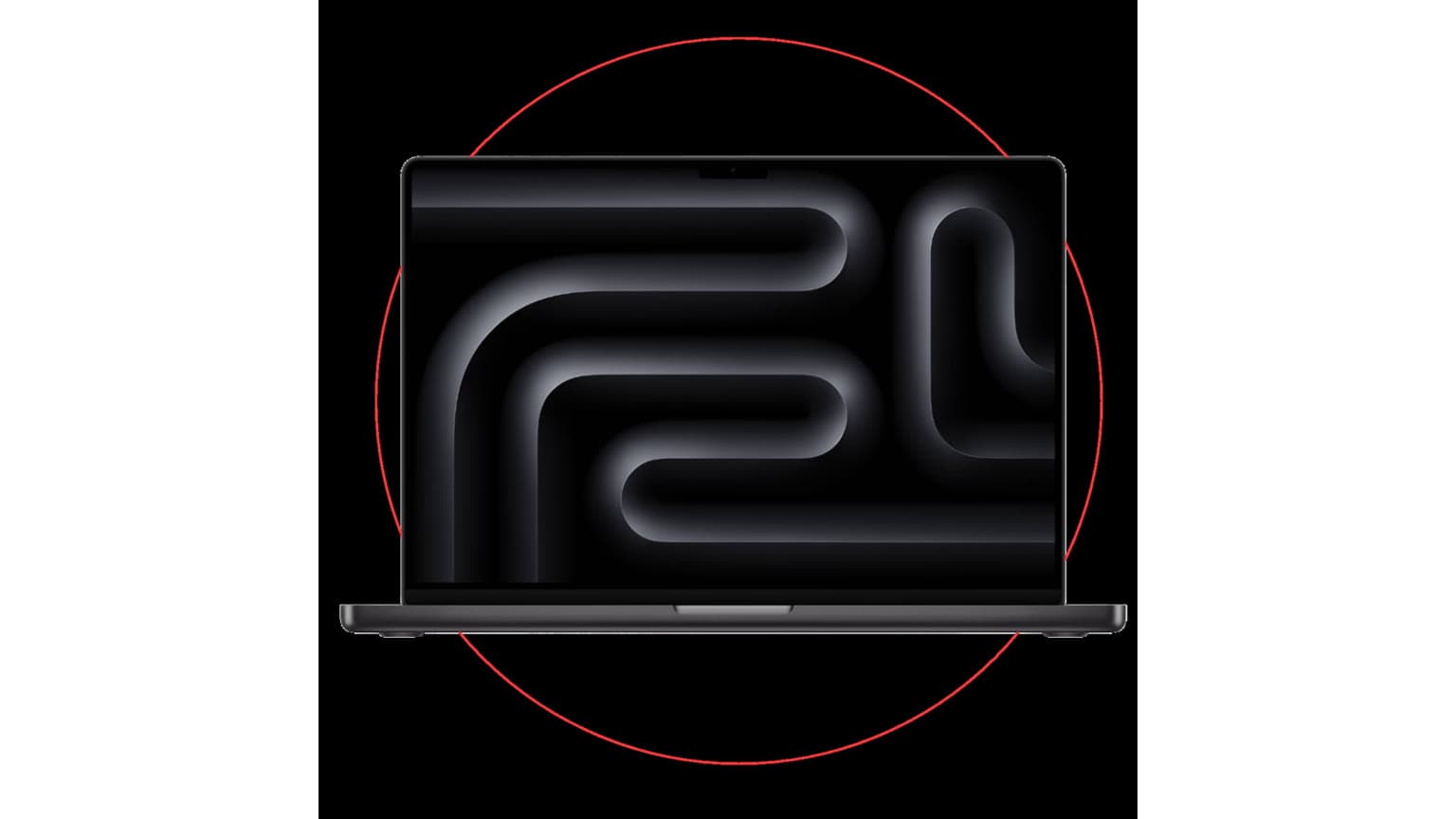
| 2 | M5 Max | Highest-end MacBook Pro users | Best portable Apple silicon, up to 18-core CPU, 40-core GPU, 614GB/s bandwidth, and up to 128GB unified memory. |
| 3 | M5 Pro | Developers, photo editors, 4K/8K creators, power users | The sensible pro-laptop choice for many buyers because it gets the new M5 CPU architecture and Thunderbolt 5 without Max pricing. |
| 4 | M4 Max | Mac Studio value, heavy creative work, discounted pro laptops | Still excellent, especially in Mac Studio where cooling and ports matter more than laptop portability. |
| 5 | M5 | Premium everyday MacBook Pro, iPad Pro, Vision Pro | Strong AI and graphics uplift over M4, but not a replacement for Pro/Max if you need sustained professional throughput. |
| 6 | M3 Max | Used or discounted MacBook Pro bargains | Still powerful, but only buy if the price gap versus M5 Pro or M5 Max is meaningful. |
| 7 | M4 Pro | Mac mini and previous-gen MacBook Pro buyers | Excellent value if you find a discount; still better than base chips for multi-display and pro workflows. |
| 8 | M3 Pro / M2 Max / M2 Ultra | Older professional Macs | Useful when priced aggressively, but watch warranty, battery, and memory configuration. |
| 9 | M4 / M3 / M2 / M1 | Everyday work, school, browsing, office apps | Base chips are fast enough for most people; memory and storage matter more than chasing a higher chip name. |
Who This Is For
If you are buying a Mac in 2026, start with your workload instead of the chip ladder. Apple silicon scales well, but the expensive tiers only pay off when your work can use the extra CPU cores, GPU cores, media engines, memory bandwidth, external display support, or sustained cooling.
Choose a base M4 or M5 Mac if your day is mostly browser tabs, Microsoft Office or Google Workspace, video calls, light photo edits, coding classes, and streaming. Choose Pro when you regularly compile code, edit large RAW photo libraries, run multiple external displays, or work with heavier creative apps. Choose Max when GPU power, large unified memory, video exports, local AI models, and multi-display setups are central to your work. Choose Ultra only when a desktop workstation makes sense and you can actually use its larger GPU, media engines, memory bandwidth, and display capacity.
Key Specs and Buying Context
The 2026 MacBook Pro M5 family changes the laptop ranking. Base M5 uses a 10-core CPU, 10-core GPU, 16-core Neural Engine, neural accelerators in the GPU, hardware ray tracing, and 153GB/s memory bandwidth. M5 Pro scales up to 15-core or 18-core CPU options, 16-core or 20-core GPU options, 307GB/s memory bandwidth, and up to 64GB unified memory in supported configurations. M5 Max goes further with an 18-core CPU, 32-core or 40-core GPU, 460GB/s or 614GB/s memory bandwidth, and up to 128GB unified memory.
The Mac Studio remains different. M4 Max in Mac Studio reaches up to a 16-core CPU and 40-core GPU with 546GB/s memory bandwidth. M3 Ultra reaches up to a 32-core CPU, 80-core GPU, 32-core Neural Engine, 819GB/s memory bandwidth, multiple media engines, and support for up to eight displays. That is why M3 Ultra still belongs at the top of a power ranking even though the M5 Max is newer and often faster per core.
Price changes the answer. Apple lists the 14-inch MacBook Pro with M5 from $1,699 after its 2026 storage update, M5 Pro from $2,199, and M5 Max from $3,599 in the U.S. The 16-inch models cost more. Mac Studio starts lower with M4 Max, while M3 Ultra starts around the workstation tier. If you are stretching your budget, a higher-memory M5 Pro can be a smarter buy than a lower-memory M5 Max because unified memory cannot be upgraded later.
Generation-by-Generation Notes
M5, M5 Pro, and M5 Max
M5 is the newest base-generation Apple silicon and is tuned heavily for AI and graphics. Its neural accelerators inside the GPU make it more relevant for local AI tools than older base chips. M5 Pro is the best balance for many professional MacBook Pro buyers because it brings the new CPU design, stronger GPU, Thunderbolt 5 on Pro/Max MacBook Pro models, and a more reasonable starting price than Max. M5 Max is the portable flagship for users who need the best MacBook Pro available.
M4, M4 Pro, and M4 Max
M4 remains the mainstream sweet spot in MacBook Air, iMac, Mac mini, and iPad Pro. M4 Pro is still a strong mid-to-high tier chip, especially in Mac mini or discounted MacBook Pro models. M4 Max is still powerful enough for serious production work and is especially compelling in Mac Studio, where the desktop chassis gives you more ports and sustained performance than a thin laptop can.
M3, M3 Pro, M3 Max, and M3 Ultra
M3 introduced hardware-accelerated ray tracing to the Mac lineup and made 3nm Apple silicon widely available. M3 Max remains strong for used MacBook Pro shoppers, but the current M5 Pro can challenge or beat it in some CPU-heavy work while costing less than a new Max configuration. M3 Ultra is the exception: because it is a desktop-class Ultra chip with huge bandwidth and GPU resources, it still outranks the newer laptop chips for the heaviest workstation workloads.
M2 and M1 Families
M2 and M1 Macs should now be judged mainly by price, memory, battery health, and software support expectations. An M1 MacBook Air can still be a good low-cost everyday machine, but 8GB memory and 256GB storage are limiting in 2026. For used buyers, a 16GB M1 or M2 Mac often feels better long term than a newer-looking base model with too little memory. Ogabassey’s broader second-hand buying checklist for Apple devices is useful when judging condition, warranty, battery health, and seller risk: The Ultimate Checklist for Buying a Used iPhone in 2025.
Trade-Offs Buyers Should Not Miss
Memory is permanent. Apple unified memory is shared by the CPU, GPU, and Neural Engine. You cannot upgrade it later, so do not buy a powerful chip with too little memory for your workload. For professional creative work in 2026, 24GB is a practical floor, 36GB to 64GB is more comfortable, and 128GB or more is for genuinely large media, AI, simulation, or 3D workloads.
Storage also affects value. External SSDs help with media libraries, but internal storage is still cleaner for apps, scratch files, virtual machines, and active projects. The newer M5 Pro and M5 Max MacBook Pros starting with larger SSD configurations improves value, but high-capacity Apple storage upgrades remain expensive.
Thermals matter. A 16-inch MacBook Pro or Mac Studio can sustain heavy work better than a smaller chassis. If your workload runs for seconds, the newest CPU cores matter most. If it runs for hours, cooling, power limits, and fan noise matter too.
Ports and displays matter. M5 Max MacBook Pro can drive more displays than M5 or M5 Pro, while M3 Ultra Mac Studio supports up to eight displays. If your desk depends on multiple high-resolution monitors, check display support before choosing a chip.
Warranty and availability matter. New Apple purchases usually come with standard warranty coverage and optional AppleCare. Used and refurbished Macs vary widely by seller, battery cycle count, repair history, included charger, keyboard condition, region, and remaining coverage. A cheap M1 or M2 deal is only good if the machine is healthy and priced far below newer M4 and M5 alternatives.
Alternatives Worth Considering
If M5 Max is too expensive, look first at M5 Pro with more memory. It is the best practical alternative for most developers, creators, and advanced students. If you need a desktop and not a laptop, compare Mac Studio with M4 Max against a loaded MacBook Pro before paying for M3 Ultra. The Studio gives you stronger desk ergonomics, more ports, and better sustained behavior, while the MacBook Pro gives you portability and an included display.
If your work depends on CUDA, specific Windows software, upgradeable RAM, internal expansion, or gaming performance, a high-end Windows workstation or gaming laptop may still be the better tool. Apple silicon is excellent for macOS-native creative apps, battery life, quiet performance, ProRes workflows, and unified-memory tasks, but it is not the universal answer for every professional workflow.
Verdict: Which Apple Chip Should You Choose?
For the absolute strongest current Mac workstation, choose M3 Ultra Mac Studio. For the most powerful portable Mac, choose M5 Max MacBook Pro. For the best high-performance value in a new laptop, choose M5 Pro with enough memory and storage. For most students, office users, and everyday buyers, a base M4 MacBook Air or base M5 MacBook Pro is already more than enough.
The mistake is buying by chip name alone. In 2026, the smarter Apple silicon purchase is the Mac with the right memory, storage, ports, screen size, warranty, and price for your actual workload. A well-configured M5 Pro can outlast a poorly configured M5 Max, and a discounted M4 Max or M3 Max can still be excellent when the price is right.
Shop related Ogabassey options: Ogabassey laptops.
Sources