Accessories
Apple • ₦100,000
Apple • ₦150,000
The Apple Magic Mouse 3 makes sense if you want Apple’s slim Multi-Touch mouse for a Mac or iPad setup and you have confirmed the USB-C model, OS support, package contents and live Ogabassey availability. At ₦132,000, it is a premium desk accessory, not the best-value mouse for every buyer.
The Apple Magic Mouse 3 is for a specific type of Apple user: someone who prefers a clean desk, wants Apple’s gesture surface, and does not want to manage disposable batteries or a separate USB receiver. If your work is mostly browsing, documents, spreadsheets, light design review, email, and general Mac navigation, the Magic Mouse can feel natural once you get used to the low profile.
It is less convincing if you need a tall ergonomic grip, gaming buttons, a physical scroll wheel, or a mouse you can use while it is charging. Apple’s official USB-C Magic Mouse keeps the same slim shape and gesture-first design, so buyers should treat it as a premium Apple ecosystem accessory, not as a universal productivity mouse.
For Nigerian and African buyers, the practical question is not only “does it work?” It is “does this exact unit match my device, is the price sensible beside cheaper accessories, and can I verify warranty, return, delivery and authenticity before paying?” Ogabassey’s current catalog fact is simple: the listed Apple Magic Mouse 3 price is ₦132,000, condition is new, and the catalog marks it as available through unmanaged stock. That means shoppers should still confirm live availability before checkout because the numeric stock count is not the final availability signal.

Apple’s current Magic Mouse USB-C listing describes a wireless, rechargeable mouse with a Multi-Touch surface for gestures such as scrolling through documents and swiping between web pages. Apple lists Bluetooth, wireless operation, a USB-C port, and a USB-C charge cable in the box. Apple also says the rechargeable battery can last about a month or more between charges, depending on use and settings.
| Decision point | What is catalog or source-backed | Buyer meaning |
|---|---|---|
| Ogabassey price | ₦132,000 current catalog price | Premium accessory budget; compare against cheaper mice before buying |
| Availability | Ogabassey catalog status: in stock, unmanaged catalog stock | Treat as available, but confirm live checkout availability |
| Charging and pairing | Apple lists USB-C port and USB-C charge cable | Better fit for newer Mac and iPad buyers already using USB-C cables |
| Control style | Apple lists Multi-Touch gestures | Good for gesture navigation; not ideal if you want a wheel or extra buttons |
| Compatibility | Apple lists macOS 15.1 or later and iPadOS 18.1 or later for the USB-C model | Check your exact Mac or iPad software before paying |
| Package contents | Apple lists Magic Mouse and USB-C charge cable | Confirm the cable and model are included with the Ogabassey item before checkout |
| Evidence level | Catalog-verified price and availability; official-source specs | No hands-on testing or lab battery measurement is claimed here |
The biggest compatibility check is software. Apple’s official system requirements for the USB-C Magic Mouse list Mac with macOS 15.1 or later and iPad with iPadOS 18.1 or later. If you use an older Intel Mac that cannot update, a work iPad locked to an older iPadOS version, or a second-hand device with update limitations, confirm software first. This is especially important for buyers who search Ogabassey for iPhones and Apple accessories together: a mouse is not an iPhone accessory in the normal sense, and compatibility depends on the Mac or iPad you intend to use it with.
Size and comfort also matter. Apple lists the Magic Mouse at 0.85 inch high, 2.25 inches wide, 4.47 inches deep, and about 0.22 pound. Those numbers explain the feel: it is low and portable, but it will not suit everyone’s hand posture. If you work long hours in Excel, design tools, code editors, or browser tabs, comfort should carry as much weight as Apple styling.
Before ordering from Ogabassey Accessories, confirm five things. First, ask whether the selected item is the USB-C Magic Mouse, not an older Lightning or first-generation unit. Second, check that your Mac can run macOS 15.1 or later, or that your iPad can run iPadOS 18.1 or later. Third, confirm that Bluetooth is working properly on the device you plan to pair with. Fourth, check that the box includes the USB-C charge cable. Fifth, confirm warranty, return, delivery timing and exact package condition before payment.
This matters because Apple accessory names can be confusing in local resale and import channels. Some sellers may call older models “Magic Mouse 2,” “Magic Mouse 3,” “USB-C Magic Mouse,” or simply “Apple mouse.” Ogabassey’s product description asks shoppers to confirm exact model, compatibility, package contents and live availability before checkout, and that is the right approach for this accessory.
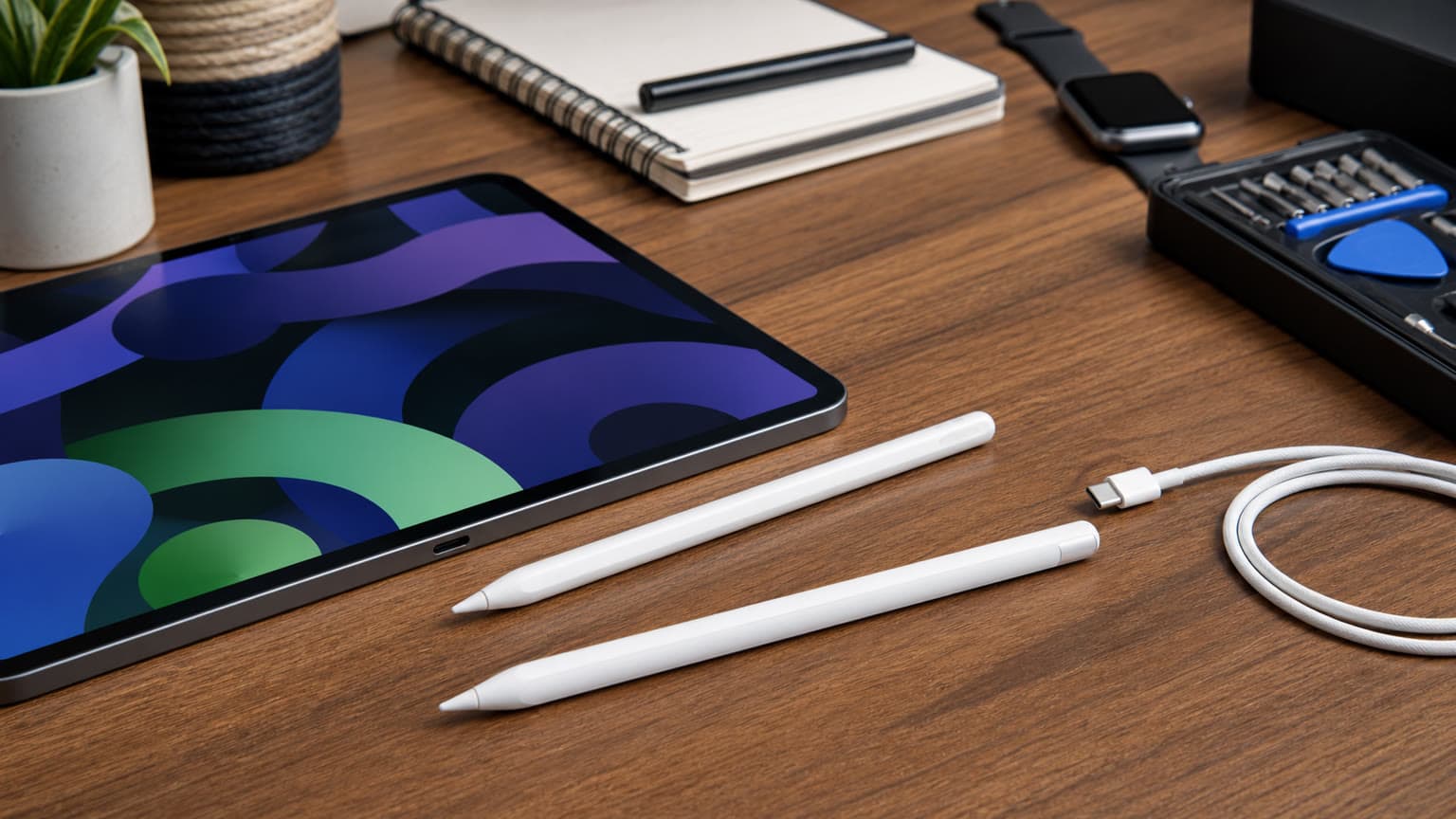
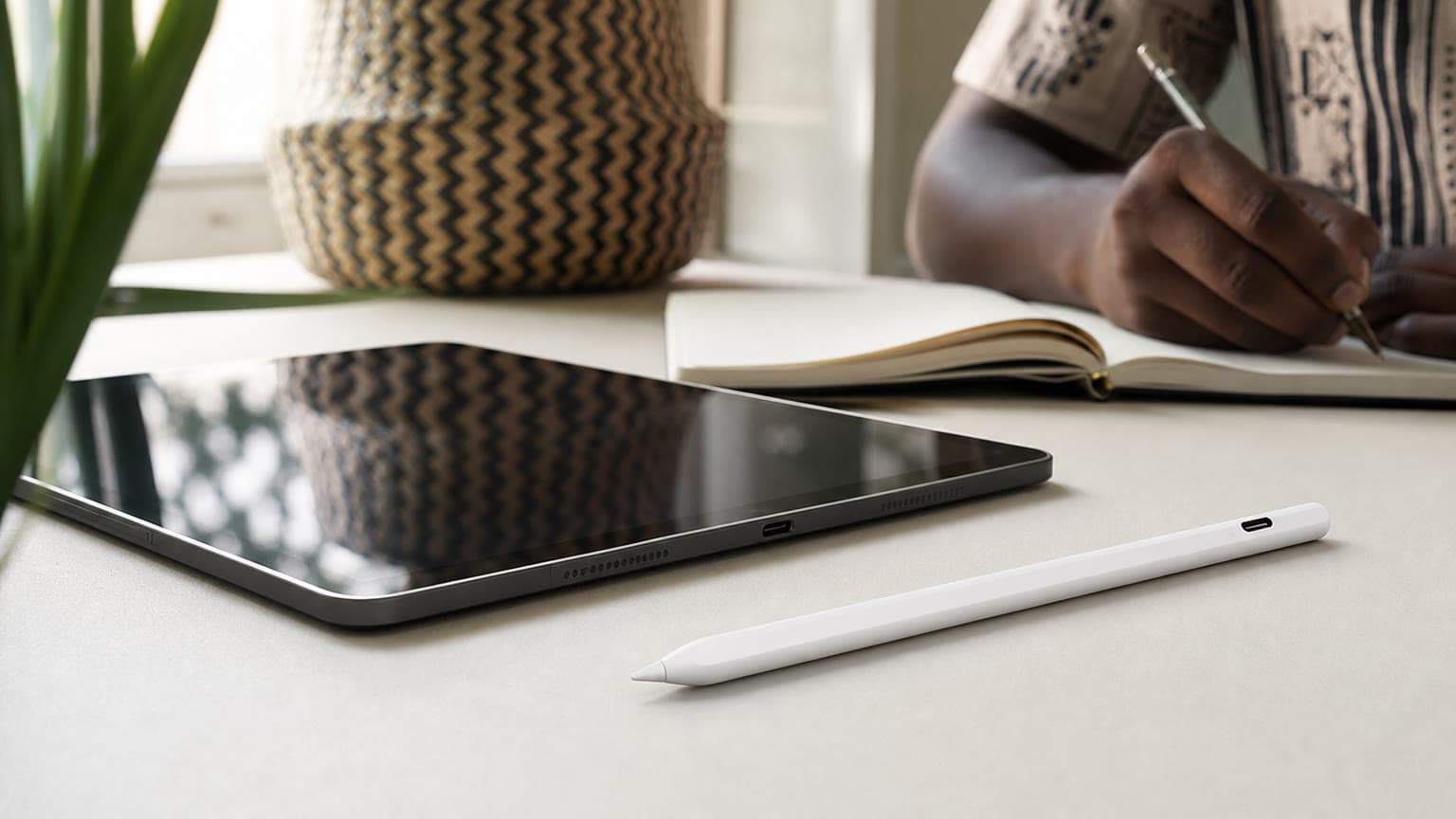
If you are buying for an iPad, also think about your workflow. A mouse can help with cursor control, office work, remote desktop access and desk setups, but it does not replace a stylus for handwriting, drawing, annotation or classroom notes. If the real job is writing on-screen or sketching, compare the Apple Pencil USB-C, Apple Pencil Pro, Apple Pencil 2 and Apple Pencil 3 against your exact iPad instead of buying a mouse first.

The Magic Mouse 3 is strongest when Apple ecosystem fit matters more than maximum ergonomics. It pairs neatly with a Mac desk setup, uses a rechargeable battery, and keeps gestures on the mouse surface. For users who already like Mac trackpad gestures, that can be the reason to pay the Apple premium.
The trade-offs are also clear. The low body can fatigue some hands, especially for buyers used to taller office mice. There is no physical scroll wheel, so scrolling depends on the touch surface. There are no extra side buttons for app shortcuts. The USB-C change improves cable convenience, but it does not turn the Magic Mouse into a performance mouse for gaming, heavy CAD work or long daily clicking sessions.
There is also authenticity risk in the market. For an accessory at this price, avoid vague listings, missing packaging details, and sellers that cannot show the exact model. A genuine-versus-copy check should include the model naming, packaging condition, cable, serial or product identifiers where available, and whether the seller will honor return or warranty terms if the item does not match the description. This article does not claim that Ogabassey has performed a physical teardown or hands-on authenticity inspection of the unit; the current evidence is catalog-verified plus official Apple specification support.
If you want the Apple shape but are shopping mainly on price, compare the Apple Magic Mouse 1 listing carefully. The older naming may appeal to buyers who simply want an Apple mouse, but do not assume USB-C charging, current OS support, rechargeable behavior, or package contents without checking the specific product page and seller confirmation.
If your budget is the main concern, a cheaper wireless mouse can be a better tool. Ogabassey’s guide to the Logitech M185 wireless mouse is useful if you just need basic pointer control at a much lower accessory cost. The compromise is that budget receiver mice usually do not provide Apple’s Multi-Touch gesture surface or the same visual match with a Mac desk.
If you are building an iPad productivity setup, the alternative may not be another mouse. It may be a stylus. The Apple Pencil USB-C versus Apple Pencil 2 guide is a better starting point for students, creators and note-takers because Apple Pencil compatibility is model-specific and the wrong Pencil can be an expensive mistake. For newer iPad buyers, Ogabassey’s Apple Pencil Pro compatibility guide also helps narrow the right accessory before payment.
Buy the Apple Magic Mouse 3 from Ogabassey if you specifically want the USB-C Magic Mouse experience: Apple design, Multi-Touch gestures, rechargeable battery, Bluetooth pairing, and a clean Mac or iPad desk setup. At ₦132,000, it is easiest to justify for buyers who care about Apple ecosystem consistency and have already confirmed macOS 15.1 or iPadOS 18.1 compatibility.
Skip it or delay the purchase if your priority is hand comfort, the lowest price, gaming controls, side buttons, a physical scroll wheel, or a mouse that can be used while charging. Also pause if you cannot confirm exact model, package contents, warranty, return terms and live delivery availability. For many buyers, the right accessory decision will be Magic Mouse for Mac desk gestures, a cheaper mouse for basic pointer work, or Apple Pencil for iPad writing and drawing.
No. Apple’s USB-C Magic Mouse listing gives macOS 15.1 or later as the Mac system requirement. Before buying, check your exact Mac model and whether it can update to that software version.
Yes, if the iPad is compatible and running the required software. Apple lists iPadOS 18.1 or later for the USB-C Magic Mouse. For drawing, notes and annotation, compare Apple Pencil options instead.
It is a premium-accessory price. It makes sense if you want Apple’s Multi-Touch mouse and USB-C charging. If you only need basic pointer control, compare cheaper wireless mouse options before paying.
Confirm the exact USB-C model, Mac or iPad software compatibility, box contents, warranty or return terms, delivery timing, and live availability. Ogabassey marks the item in stock through unmanaged catalog stock, so checkout confirmation still matters.