Bassey John is a Performance Marketing Specialist at Ogabassey with cross-industry experience spanning e-commerce, gaming, and real estate. He focuses on paid acquisition, conversion-rate optimisation, and data-driven growth strategy, turning campaign performance into measurable revenue. At Ogabassey he writes about consumer technology, product buying guides, and the Nigerian gadget market to help shoppers make confident, informed decisions.
If you need a safer work laptop with more memory from day one, choose the Lenovo ThinkPad T14 Gen 6. If your priority is screen quality, portability, and lower listed price, the Lenovo Yoga Slim 7 14APU8 is the stronger value pick for many buyers.
Decision Summary
This comparison is based on Ogabassey catalog data reviewed on 2026-06-18, not hands-on lab testing. The ThinkPad T14 Gen 6 is listed as a new Lenovo laptop at NGN 1,810,000 with Intel Core Ultra 7 258V, 32GB LPDDR5x onboard RAM, 512GB PCIe NVMe SSD, and a 14-inch WUXGA IPS anti-glare display. The Yoga Slim 7 14APU8 is listed as a used Lenovo laptop at NGN 1,413,600 with AMD Ryzen 7 7840S, 16GB LPDDR5X onboard RAM, 512GB NVMe SSD, 14-inch 2.8K OLED display, Radeon 780M graphics, and Windows 11 Home in the provided metadata.
The short verdict is simple: the ThinkPad is the better fit for buyers who want a new machine, a business-oriented chassis, 32GB RAM, and a more conservative display for office use. The Yoga is more attractive for buyers who want a sharper OLED screen, lighter listed weight, stronger entertainment value, and a lower entry price, while accepting used-device condition checks.
For Nigerian and African buyers, the decision should not stop at processor names. Confirm keyboard layout, charger plug type, physical condition, battery health, selected item price, live availability, and after-sales support before checkout. Both catalog rows show unmanaged stock semantics, so the in-stock label should be confirmed directly on the product page or with Ogabassey before payment.
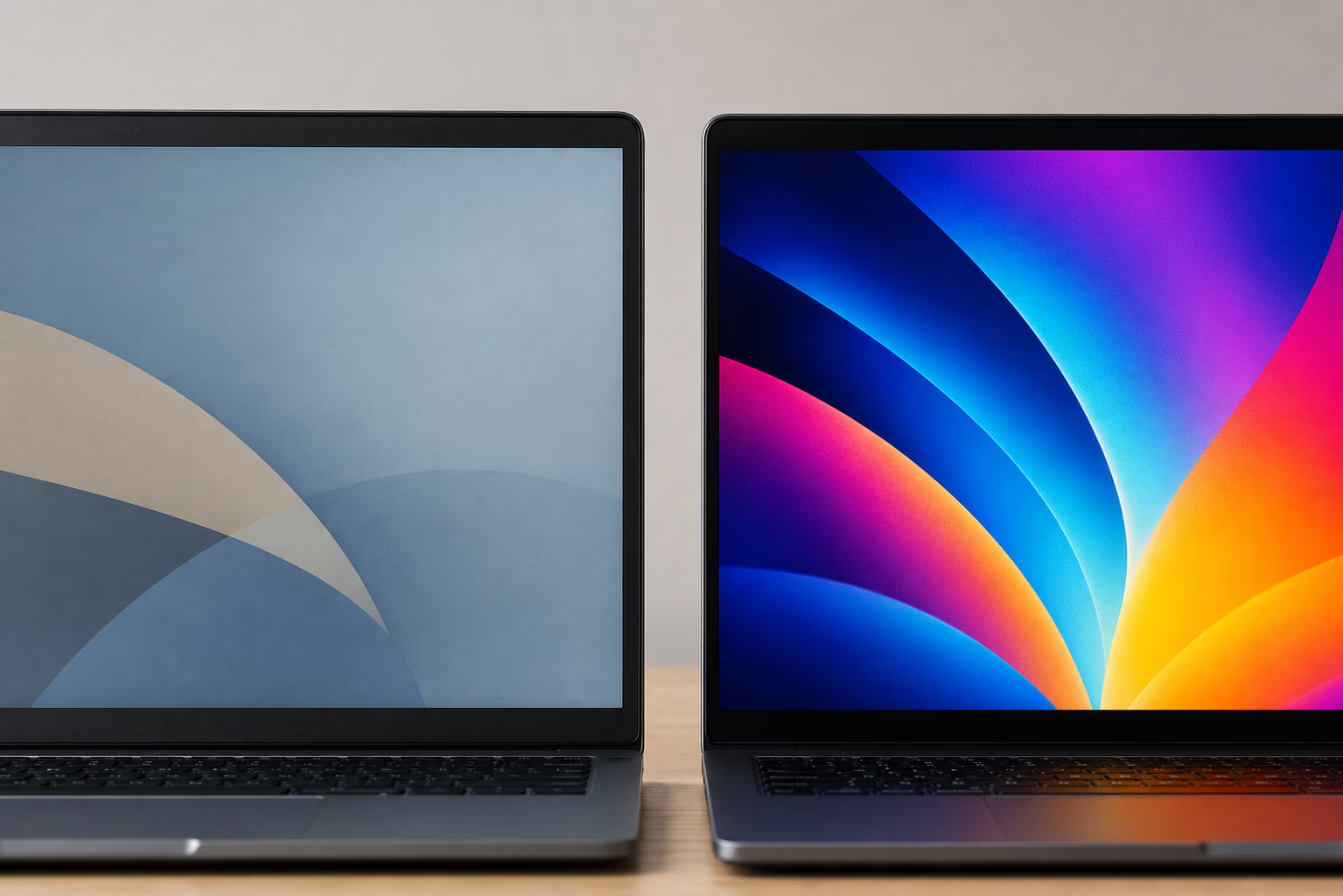
The Yoga Slim 7 has the stronger catalog display spec, while the ThinkPad uses a practical anti-glare office panel.
Side-by-Side Specs and Buyer Scorecard
Decision point
Lenovo ThinkPad T14 Gen 6
Lenovo Yoga Slim 7 14APU8
Buyer meaning
Listed condition
New
Used
The ThinkPad has the cleaner trust advantage; the Yoga needs closer physical and battery checks.
Listed price
NGN 1,810,000
NGN 1,413,600
The Yoga costs less in this snapshot, but condition can affect real value.
Processor
Intel Core Ultra 7 258V
AMD Ryzen 7 7840S
Both are modern productivity-class chips; do not treat either as a gaming laptop without checking cooling and GPU needs.
RAM
32GB LPDDR5x onboard
16GB LPDDR5X onboard
The ThinkPad is better for heavy multitasking because both machines appear to use onboard memory.
Storage
512GB PCIe NVMe SSD
512GB NVMe SSD
Storage capacity is tied on catalog data; confirm upgrade path before buying.
Display
14-inch WUXGA IPS anti-glare, 1920x1200, 60Hz
14-inch OLED, 2880x1800, 90Hz
The Yoga has the sharper, richer screen; the ThinkPad has the more conservative work display.
Graphics
Not listed
AMD Radeon 780M Graphics
The Yoga has a listed integrated GPU; the ThinkPad GPU should be confirmed before creative or gaming use.
Weight
Not listed
1310g
The Yoga has a catalog weight advantage where portability is important.
Ogabassey catalog positioning separates the ThinkPad as work-first and the Yoga as portable media/productivity-first.
Availability note
In stock, unmanaged inventory policy
In stock, unmanaged inventory policy
Confirm live availability because unmanaged stock is not capped by numeric stock count.
Price and Value in Nigeria
The Yoga Slim 7 14APU8 has the lower listed price in the provided snapshot: NGN 1,413,600 compared with NGN 1,810,000 for the ThinkPad T14 Gen 6. That gap is meaningful for a student, remote worker, or buyer trying to keep budget for a laptop bag, USB-C charger, external mouse, data backup drive, or future servicing.
Price alone does not make the Yoga the automatic winner. It is listed as used, so the buyer should inspect or confirm battery health, screen uniformity, hinge feel, keyboard wear, charger quality, and cosmetic condition. OLED panels can look excellent, but buyers should check for image retention, uneven brightness, and any panel marks before treating the lower price as a clean bargain.
The ThinkPad is more expensive, but it is listed as new and carries 32GB RAM. For an office buyer, school department, accountant, developer, analyst, or long-term user who keeps many browser tabs and productivity apps open, the extra memory may be worth more than the OLED screen. Because the RAM is listed as onboard non-upgradable, choosing the wrong memory tier can hurt the machine's useful life.
If you are comparing these inside a wider laptop shortlist, the Ogabassey laptops category is the better next stop than searching only by brand. It lets you compare Lenovo against other Windows options at similar prices, while gaming laptops may be more appropriate if your real need is GPU-heavy gaming, 3D work, or sustained rendering.
Performance and Daily Use
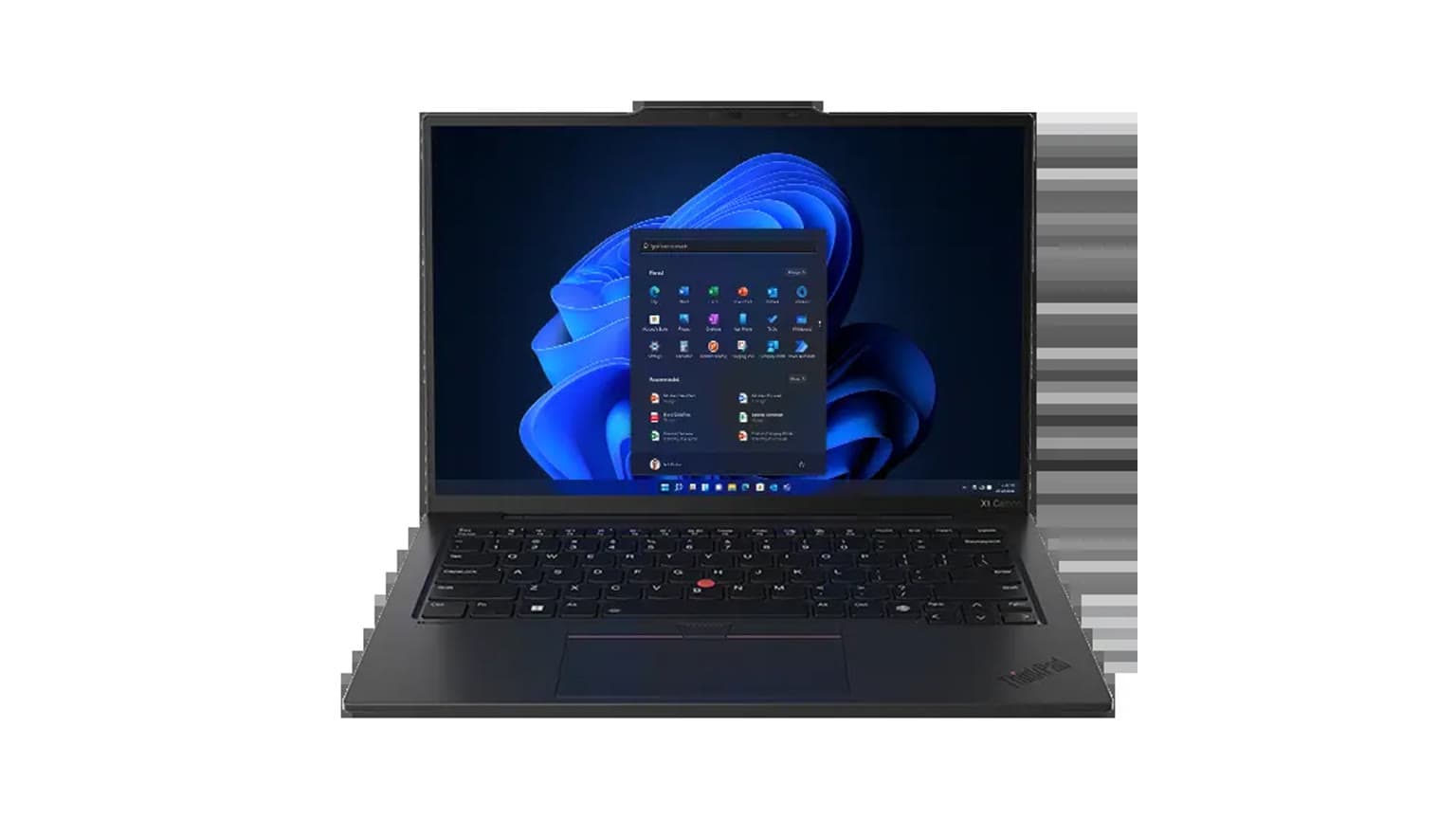
The ThinkPad T14 Gen 6 uses Intel Core Ultra 7 258V in the catalog data. That positions it as a modern AI-era productivity laptop, but this draft does not claim benchmark scores or battery figures because the provided assignment does not include measured testing. The safer claim is that its 32GB RAM gives it a clear multitasking advantage over the Yoga's listed 16GB RAM when both are used for browser-heavy work, large spreadsheets, video calls, and several background apps.
The Yoga Slim 7 14APU8 uses AMD Ryzen 7 7840S with 8 cores and 16 threads in the product metadata, plus AMD Radeon 780M Graphics. That makes it appealing for portable productivity and light creative work, especially when paired with its 2.8K OLED panel. For photo review, presentations, media, writing, and general office use, its catalog profile is balanced. For heavier design, engineering, or gaming workloads, buyers should compare against dedicated GPU models rather than assuming the Radeon 780M is enough.
Students should think about workload before choosing. If the machine is mostly for notes, research, online classes, documents, and streaming, the Yoga's display and lower price are persuasive. If the student is in data, software, business analytics, virtual machines, or a course where many apps run at once, the ThinkPad's 32GB RAM is the better long-term safety margin.
Display, Battery, Build, and Portability
The biggest visible difference is the screen. The ThinkPad has a 14-inch 1920x1200 WUXGA IPS anti-glare display at 60Hz. That is a practical office specification: readable, less flashy, and better suited to long document sessions under mixed lighting. It is not the panel to buy if your priority is deep blacks, high contrast entertainment, or a sharper creator-style canvas.
The Yoga Slim 7 14APU8 has the stronger display story: 14-inch OLED, 2880x1800 resolution, and 90Hz refresh rate in the catalog data. For Netflix, YouTube, design previews, photo viewing, and polished presentations, that is the more premium screen. The tradeoff is that used OLED devices deserve extra inspection. A buyer should confirm brightness behavior, uniformity, and any signs of persistent marks on the panel.
Both laptops should be bought with RAM needs settled upfront because the provided data points to onboard memory.
Battery capacity is not listed for either machine in the provided product_key_specs, so this comparison should not invent battery life. The Yoga has a catalog battery score of 43, but without the scoring method it should be treated only as internal catalog context, not a measured runtime. For either laptop, ask about battery cycle count or health where available, especially on the used Yoga.
Portability favors the Yoga where the provided catalog data gives it a 1310g weight. The ThinkPad weight is not listed in the snapshot, so it should not be described as lighter or heavier without confirmation. Build preference is different from weight: ThinkPad buyers often care about business durability, keyboard feel, service familiarity, and conservative design, while Yoga Slim buyers often care about premium thin-and-light feel and display quality.
Upgradeability, Warranty Trust, and Availability Checks
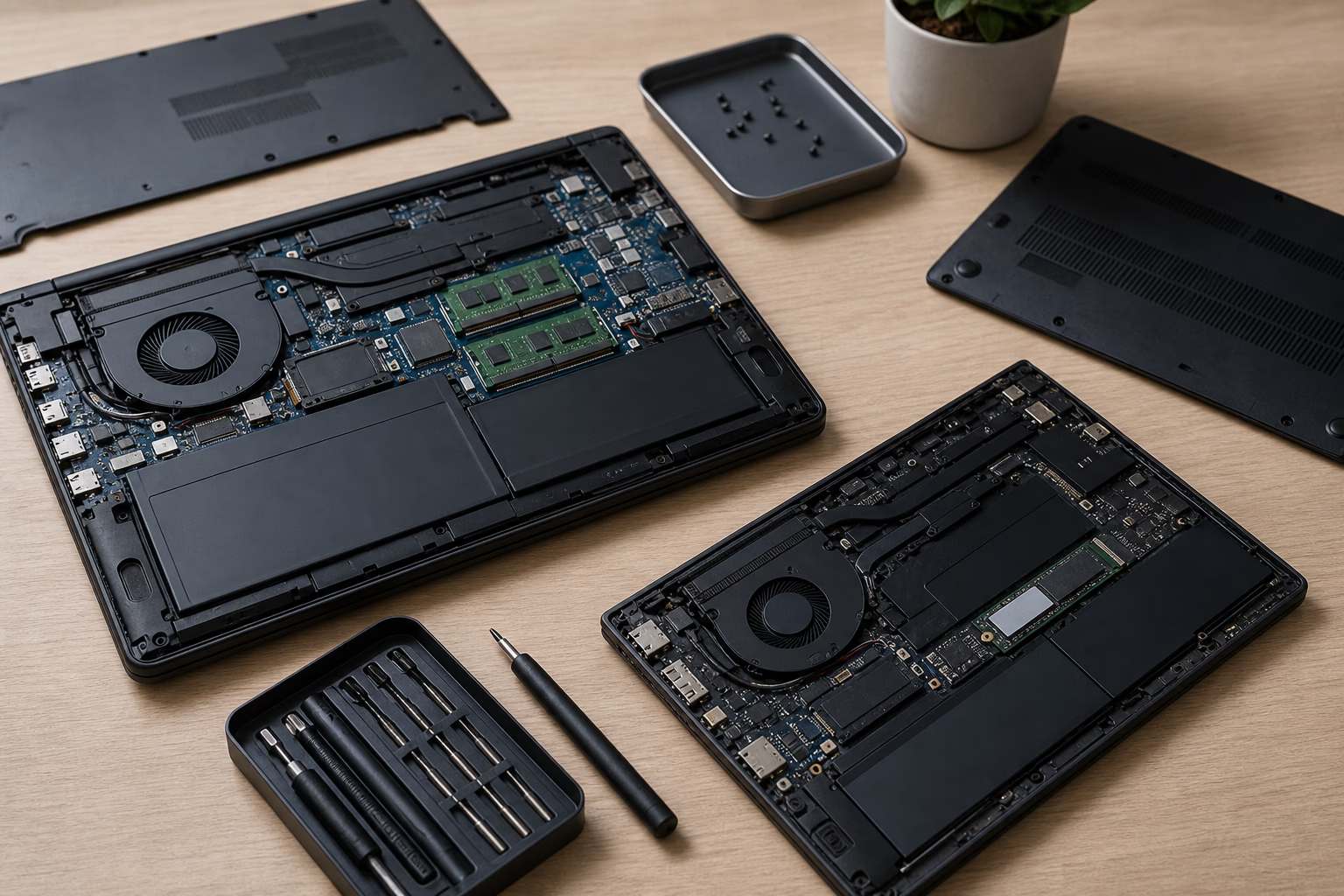
Both machines require careful upgradeability checks. The ThinkPad description explicitly lists 32GB LPDDR5x RAM as onboard non-upgradable. The Yoga metadata lists 16GB LPDDR5X-6400 onboard. That means RAM should be treated as fixed for practical buying purposes unless Ogabassey confirms a specific variant that differs. If you expect to need more than 16GB over the next few years, the ThinkPad is the safer buy.
Storage is 512GB on both. A 512GB SSD is workable for office and school use, but it can become tight if you store videos, design files, virtual machine images, games, or large offline media. Confirm whether the SSD is replaceable, whether there is an extra slot, and whether opening the unit affects any seller support terms. This matters more in Nigeria where after-sales logistics, part sourcing, and downtime can be more expensive than the spec sheet suggests.
Availability also needs confirmation. Candidate data lists both products as in stock, but both also use unmanaged inventory policy and numeric stock quantity is 0. The catalog note says unmanaged stock means availability is not capped by the numeric stock count. In plain English: use the product page and checkout conversation to verify live availability before relying on the listing.
Who Should Buy Each Lenovo Laptop?
Buy the ThinkPad T14 Gen 6 if your priority is a new business laptop with more RAM, a work-first display, and less condition uncertainty. It is the better fit for enterprise users, office teams, developers who need memory headroom, researchers with many tabs, and students who want a laptop that is less dependent on future upgrades.
Buy the Yoga Slim 7 14APU8 if you want the better screen, lower listed price, lighter catalog weight, and a machine that feels more media-friendly. It is the better fit for travel productivity, writing, study, presentations, content viewing, and light creative tasks, provided the used unit passes condition checks.
Do not buy either as your first choice if the core job is serious gaming. The Yoga has listed Radeon 780M integrated graphics and the ThinkPad GPU is not listed, so gaming buyers should look through Ogabassey gaming laptops instead. Also consider related Lenovo buying context such as the Lenovo Yoga 7 16IML9 buying guide if you are weighing convertible design, onboard RAM, and Nigeria value.
Alternatives Worth Considering
If you like the Yoga's OLED and portability but worry about buying used, compare other new thin-and-light laptops in the laptops category. If you like the ThinkPad's business role but want a brighter or sharper screen, ask whether other ThinkPad or Yoga Pro variants are available. Ogabassey's Lenovo Yoga Pro 9 used buying checklist is also useful if your real goal is a stronger creator display and you are comfortable evaluating a used premium laptop.
MacBook alternatives may make sense for buyers already inside the Apple ecosystem, but this specific comparison is between two Windows Lenovo options. If your software depends on Windows-only accounting, engineering, diagnostics, or local business tools, the ThinkPad and Yoga Slim are more direct choices than switching platforms.
Verdict
The ThinkPad T14 Gen 6 wins for memory headroom, new-condition trust, and office-first buying logic: 32GB onboard RAM, Intel Core Ultra 7 258V, and a WUXGA anti-glare display make it the safer productivity machine. The Yoga Slim 7 14APU8 wins for screen quality and price: its 2.8K 90Hz OLED display, Ryzen 7 7840S, Radeon 780M graphics, 1310g listed weight, and NGN 1,413,600 price make it the more exciting value pick if the used condition checks out. For most buyers choosing strictly on long-term work reliability, pick the ThinkPad. For buyers who want the best screen-per-naira and can inspect the unit carefully, pick the Yoga.
FAQ
Which laptop should I buy for school or remote work?
Choose the ThinkPad T14 Gen 6 if you run many apps, browser tabs, spreadsheets, or coding tools because it has 32GB RAM. Choose the Yoga Slim 7 if you want a lower listed price, lighter catalog weight, and a sharper OLED screen for study, writing, video calls, and media.
Is the Yoga Slim 7 14APU8 better value than the ThinkPad T14 Gen 6?
It can be better value if the used unit is in good condition. It costs less in the provided Ogabassey snapshot and has the better OLED display. The ThinkPad costs more, but it is listed as new and has double the RAM.
Can I upgrade the RAM later?
Do not plan around a RAM upgrade. The ThinkPad listing says 32GB LPDDR5x onboard non-upgradable RAM, and the Yoga metadata lists 16GB LPDDR5X onboard. Choose the RAM amount you expect to need from the start.
What should I confirm before checkout in Nigeria?
Confirm live availability, selected item price, exact model or part number, charger plug type, keyboard layout, RAM, storage, processor, GPU, operating system, warranty or seller support terms, and condition details for the used Yoga.