Laptops
HP • ₦782,000
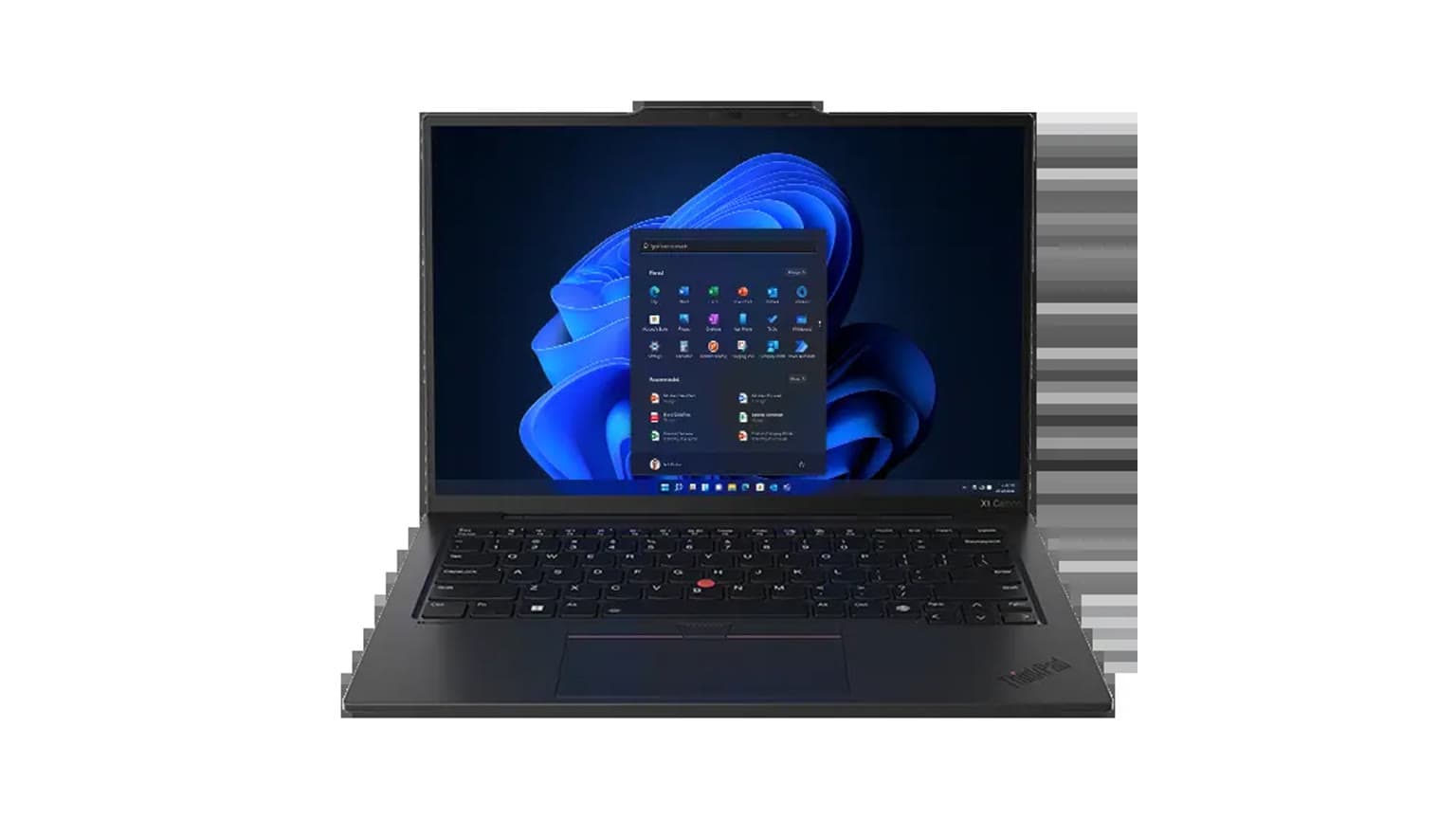
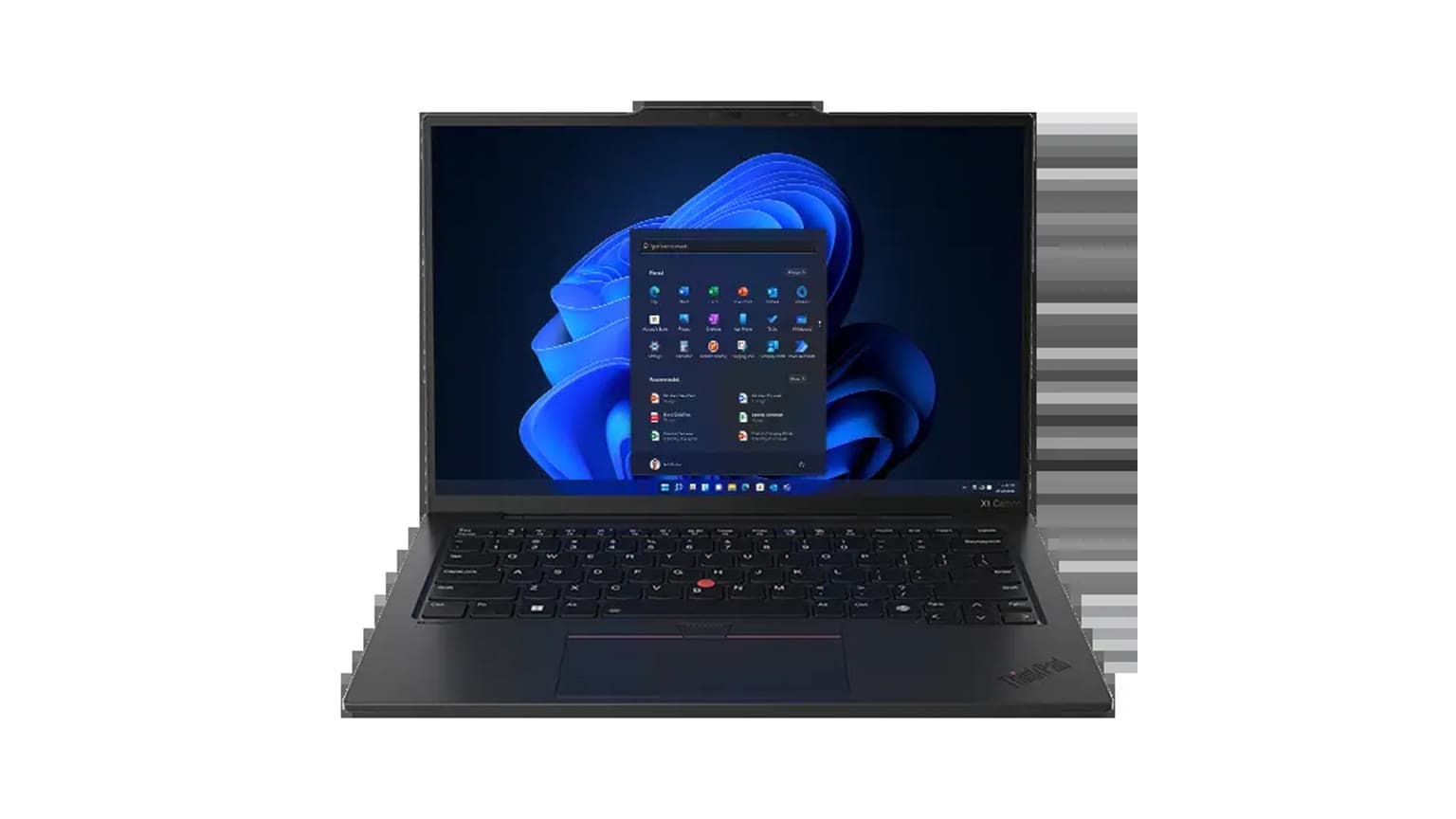
The Lenovo ThinkPad X1 Yoga Gen 6 is currently listed on Ogabassey at ₦800,000 and marked available through unmanaged catalog stock, so buyers should confirm the live offer before checkout. It is strongest for work, school, meetings and note-taking, but the used condition makes battery, hinge, pen and warranty checks essential.
The Lenovo ThinkPad X1 Yoga Gen 6 is a better fit for buyers who want a premium business laptop that can also become a tablet for signing documents, annotating PDFs, taking class notes, presenting slides or sketching rough ideas. It is not a gaming-first laptop, and it is not the cheapest way to get an 11th Gen Core i7 machine. The value is in the business build, 360-degree hinge, touchscreen, integrated pen support, 32GB RAM and compact 14-inch design.
For a Nigerian buyer, the main question is not only whether the processor is fast enough. It is whether this used unit still has a healthy battery, a firm hinge, a clean touchscreen, a reliable keyboard, a correct USB-C charger and a clear warranty or return path from the seller. At ₦800,000, this machine should feel like a dependable daily tool, not a project that needs immediate parts.
If your work is browser-heavy, Microsoft Office, accounting tools, Zoom, Google Workspace, light coding, legal documents, school research, dashboards or remote work, the X1 Yoga Gen 6 makes sense. If your priority is CUDA-based rendering, AAA gaming, heavy 3D work or long unplugged use without checking battery health, look at other Ogabassey laptops or a dedicated option from Gaming Laptops.

This draft uses catalog-verified Ogabassey facts for the local price and listing context, plus Lenovo official specification references for model-family capabilities. The Ogabassey catalog listing describes this unit as a UK-used Lenovo ThinkPad X1 Yoga Gen 6 in Storm Grey with an 11th Generation Intel Core i7 processor, Intel Iris Xe Graphics, 32GB RAM, 512GB storage and a touchscreen display. The current editorial snapshot price from the provided catalog data is ₦800,000 as of 2026-09-08, while the live product card should be treated as the final source for the current offer.
Lenovo’s official PSREF for the ThinkPad X1 Yoga Gen 6 lists 11th Gen Intel Core i5 and Core i7 processor options, Intel Iris Xe integrated graphics, soldered LPDDR4x memory up to 32GB, one M.2 2280 PCIe SSD slot, 14-inch 16:10 multi-touch display options, Thunderbolt 4, HDMI 2.0, USB-A, Wi-Fi 6, a 57Wh battery, USB-C charging options and a 360-degree hinge. That gives the machine a strong work-laptop foundation, especially because 32GB RAM is the maximum memory Lenovo lists for the family and cannot be upgraded later.
The 512GB SSD is the part most buyers should treat as negotiable over time. Lenovo lists one M.2 2280 SSD slot for the model family, so storage service or replacement is more realistic than RAM upgrades. For students and office workers, 512GB is usually enough for documents, browser cache, offline files, WhatsApp exports and some media. For design, video, virtual machines or large datasets, you should budget for external storage or confirm whether the internal SSD can be upgraded by a qualified technician without affecting the seller’s warranty terms.
| Entity | Attribute | Value | Buyer meaning |
|---|---|---|---|
| Lenovo ThinkPad X1 Yoga Gen 6 | Current Ogabassey price | ₦800,000 | Publication-time catalog snapshot; check the live product card before payment. |
| Lenovo ThinkPad X1 Yoga Gen 6 | Availability | In stock | Catalog stock is available, but unmanaged stock means numeric stock count is not the cap. |
| Lenovo ThinkPad X1 Yoga Gen 6 | Condition | Used | Inspect battery, hinge, touchscreen, keyboard, ports and charger before final acceptance. |
| Lenovo ThinkPad X1 Yoga Gen 6 | Category | Laptops | Business convertible laptop, not a gaming laptop or MacBook alternative for macOS users. |
| Lenovo ThinkPad X1 Yoga Gen 6 | Chipset | 11th Generation Intel Core i7 | Good for office, study, browsing, meetings and light creative work. |
| Lenovo ThinkPad X1 Yoga Gen 6 | GPU | Intel Iris Xe Graphics | Fine for display output, media and light graphics; not ideal for heavy gaming. |
| Lenovo ThinkPad X1 Yoga Gen 6 | RAM | 32GB | Strong multitasking headroom, and especially important because Lenovo lists the memory as soldered. |
| Lenovo ThinkPad X1 Yoga Gen 6 | Storage | 512GB | Usable for most work, but power users should confirm upgrade options. |
| Lenovo ThinkPad X1 Yoga Gen 6 | Display type | Touchscreen | Useful for pen notes, signatures, tablet mode and presentations. |
| Lenovo ThinkPad X1 Yoga Gen 6 | 5G support | No in catalog snapshot | Plan to use Wi-Fi, phone hotspot or external data devices unless the exact unit proves otherwise. |
| Lenovo ThinkPad X1 Yoga Gen 6 | Optical image stabilization | No | Normal for laptop webcams; do not buy it for camera hardware strength. |
| Lenovo ThinkPad X1 Yoga Gen 6 | Warranty/trust checks | Not listed in catalog snapshot | Ask Ogabassey to confirm return window, charger, battery condition and any remaining Lenovo coverage. |
| Lenovo ThinkPad X1 Yoga Gen 6 | Alternatives | Other Lenovo business laptops, MacBooks, gaming laptops | Choose by software needs, graphics needs, repair path and battery confidence. |
The first physical check is the hinge. A Yoga convertible lives or dies by its 360-degree hinge because it is opened, folded and rotated more often than a normal clamshell ThinkPad. Open it slowly, fold it into tent mode, stand mode and tablet mode, then check whether the screen holds position without wobble. Uneven resistance, clicking, lift around the display frame or a hinge that cannot hold a chosen angle should affect the buying decision.
The second check is the touchscreen and pen path. Test touch across all corners, not only the centre of the panel. If the integrated pen is included, confirm it docks properly, charges and writes without skipped strokes. For students, architects, teachers, pastors, field officers and business users who sign or annotate documents, a missing or faulty pen reduces the practical value of this model.
The third check is battery health. Lenovo’s official family specification lists a 57Wh integrated battery and gives benchmark-based maximum battery-life figures, but a used unit in 2026 should be judged by its current battery report, not launch-era claims. Ask for the Windows battery report or check cycle count, full-charge capacity and whether the laptop drops suddenly under load. A weak battery is not unusual on an older used business laptop, but it should be priced and disclosed honestly.
The fourth check is charging and ports. This laptop family uses USB-C charging and includes Thunderbolt 4 in the official spec, so confirm that both USB-C ports charge and transfer data. Also test HDMI output, both USB-A ports, Wi-Fi, Bluetooth, webcam, microphone and speakers. A buyer who uses projectors, external monitors or docks in Lagos, Abuja, Port Harcourt, Accra or Nairobi should not assume every port survived previous office use.
The biggest upside is the 32GB RAM configuration. For a thin business convertible, that is the spec that keeps the laptop useful for multitasking in 2026: many browser tabs, Teams or Zoom, Excel, documents, cloud dashboards and background sync can run without the tight memory ceiling common on 8GB or 16GB ultrabooks. Because Lenovo lists the memory as soldered and not upgradeable, buying the 32GB version is the right move if you plan to keep the laptop for years.
The biggest limitation is graphics. Intel Iris Xe Graphics is efficient and practical for office work, streaming, display output, photo touch-ups and light creative tasks, but it is not a replacement for a laptop with dedicated NVIDIA graphics. If the search intent is really “which laptop should I buy for gaming or design,” this ThinkPad belongs in the work-and-mobility lane, not the gaming lane.
Another trade-off is repair economics. ThinkPads are generally business-friendly machines, but a slim convertible is still more complex than a basic clamshell laptop. Screen, hinge, keyboard deck, pen and battery issues can be more expensive than on budget business laptops. That does not make the X1 Yoga a bad buy; it means the inspection needs to be stricter because the premium features are also the premium repair risks.
There is also a catalog-audit note: the provided Ogabassey structured audio fields list mono speaker and no 3.5mm jack, while Lenovo’s official PSREF for the model family lists stereo speakers and a headphone/microphone combo jack. Before publication or checkout, the exact supplied unit should be physically checked so the listing fields match the real hardware. This article therefore treats audio-port details as verification items, not as a reason to reject the laptop.

Choose this X1 Yoga Gen 6 if you want Windows, touch, pen support, tablet mode, business keyboard feel, strong RAM and a portable aluminium build. That combination is especially useful for lecturers, consultants, finance workers, executives, students, sales teams and remote workers who move between office, car, classroom and home.
Choose a standard ThinkPad instead if you do not need tablet mode. A clamshell business ThinkPad can be simpler to repair and may offer a better price-to-durability balance. Ogabassey’s related guide on the Lenovo ThinkPad X1 Carbon Gen 7 used buyer checks is useful if you prefer a lighter non-convertible ThinkPad for work and travel.
Choose a MacBook if your work depends on macOS, iMessage workflows, Final Cut Pro, excellent standby battery behaviour or Apple ecosystem continuity. The X1 Yoga gives you Windows flexibility, touchscreen input and easier compatibility with many office tools in Nigeria, but it will not replace macOS-specific workflows. Start from Ogabassey Macbooks if Apple software fit matters more than touch and pen input.
Choose a gaming laptop if GPU power is the main job. For architecture rendering, 3D workloads, modern games or GPU-accelerated creative apps, a dedicated graphics laptop is usually the better category even if it is heavier and less battery-friendly. The X1 Yoga is a premium productivity convertible, not a hidden gaming machine.
At ₦800,000, the Lenovo ThinkPad X1 Yoga Gen 6 is a sensible used buy when the exact unit passes battery, hinge, touchscreen, pen, charger and port checks. The 32GB RAM is the standout spec because it cannot be upgraded later, and the 512GB SSD is acceptable for mainstream work. The 11th Gen Core i7 and Intel Iris Xe combination is enough for school, business, remote work and light creative use, but buyers needing gaming-class graphics should look elsewhere.
The practical Ogabassey verdict is this: buy it for premium Windows mobility, note-taking and multitasking; avoid it if you only want the cheapest Core i7 laptop, guaranteed all-day used battery life, or dedicated GPU performance. Because the listing uses unmanaged catalog stock, treat the current availability and ₦800,000 price as a checked editorial snapshot from 2026-09-08 and use the linked product page for the live offer before payment.
The current Ogabassey catalog snapshot lists the Lenovo ThinkPad X1 Yoga Gen 6 at ₦800,000 as of 2026-09-08. Price and availability can change, so confirm the live product card before checkout.
Yes, if the used unit is healthy. Its Core i7, 32GB RAM, 512GB SSD, touchscreen and convertible hinge suit classes, documents, meetings, research, presentations and remote work. It is less suitable for heavy gaming.
Lenovo’s official PSREF lists the X1 Yoga Gen 6 memory as soldered to the system board, with no memory slots. That makes the 32GB configuration attractive because you should not plan on adding RAM later.
Check battery health, hinge firmness, touchscreen accuracy, pen charging, keyboard, webcam, speakers, Wi-Fi, Bluetooth, USB-C charging, Thunderbolt ports and HDMI output. Also ask about warranty, return window and charger authenticity.
Catalog-linked prices update automatically. Historical and other quoted prices remain as written. Open the product page to confirm the current price, selected variant and availability before buying.