Who this smart TV guide is for
A smart TV is no longer just a big screen with Netflix. In 2026, the better buy is the TV that fits your room, keeps major apps working, connects cleanly to your phone, decoder, console and soundbar, and still feels usable after a few years of software updates.
This guide is for anyone buying a smart TV for a Nigerian home, apartment, office lounge, short-let, gaming setup or family living room. The goal is simple: choose the right screen without overpaying for specs you will barely use.
1. Start with the right screen size
Smart TVs commonly run from 32 inches to 85 inches and beyond, but bigger is not automatically better. A 75-inch TV can look impressive in a showroom and overwhelming in a small bedroom. A 32-inch TV can be fine for a kitchen, small room or CCTV display, but it is usually too small for a main living-room cinema setup.
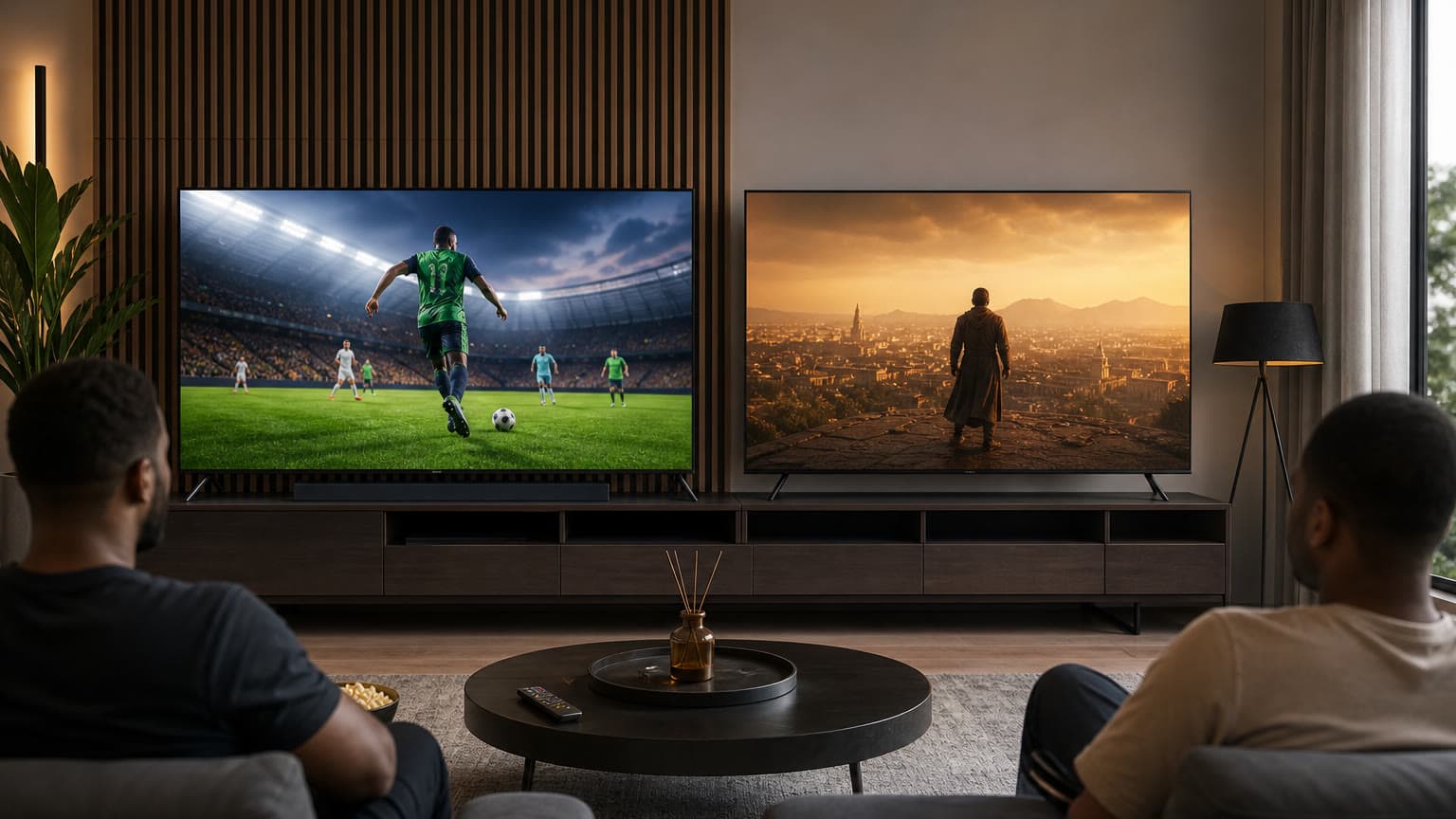
For most homes, 43 inches is a practical minimum for a main TV, 50 to 55 inches is the sweet spot for many living rooms, and 65 inches makes sense when your seating distance and wall space can handle it. If you watch football with friends, use subtitles often, or want a more cinematic feel, go larger before you chase fancy AI features.
Quick fit: choose 43 inches for compact rooms, 50 or 55 inches for everyday family viewing, and 65 inches or more for larger living rooms, gaming corners and sports-heavy homes.
2. Resolution: 4K is the sensible default
Full HD still exists on smaller and budget TVs, but a new main TV should usually be 4K. The difference is obvious once you move beyond 43 inches, especially with YouTube, Netflix, Prime Video, football broadcasts, console games and high-quality phone videos.
8K is still not a practical priority for most buyers. There is limited native 8K content, prices are high, and a good 4K OLED, QLED or Mini-LED TV will usually deliver a better everyday experience than a cheaper 8K set with weaker contrast or processing.
Also check HDR support. HDR is what helps bright highlights, dark scenes and colour depth look more convincing. HDR10 is common, HDR10+ is common on Samsung sets, and Dolby Vision is common on many LG, Sony, TCL and Hisense models. Do not buy by the logo alone; a dim TV with HDR support can still look flat.
3. Panel type: LED, QLED, Mini-LED or OLED?
Regular LED TVs are the budget option. They are fine for casual viewing, but cheaper models can struggle with black levels, motion and brightness. QLED adds quantum-dot colour and is often a good value step up, especially for bright rooms.
Mini-LED is one of the strongest 2026 value categories because it can get very bright and uses many small backlight zones for better contrast than basic LED. It is a strong choice for sports, daylight viewing, large screens and families who leave the TV on for long sessions.
OLED is still the premium choice for deep blacks, movie nights and wide viewing angles. It is excellent for bedrooms and controlled-light living rooms. The trade-off is price, and very bright rooms may still favour a good Mini-LED TV. If your home gets strong afternoon sunlight, brightness and anti-reflection handling matter as much as the panel name.
4. Brand and smart TV OS matter more than the sticker says
Samsung, LG, Sony, Hisense, TCL and Panasonic remain common smart TV names, but the operating system determines how the TV feels every day. Samsung uses Tizen/One UI Tizen on its smart TVs. LG uses webOS. Sony and many TCL models use Google TV or Android TV. Hisense commonly uses VIDAA on many models, while some regions also get Google TV or other variants.
The big apps are usually available on recent models: Netflix, YouTube, Prime Video, Disney+, Apple TV, Spotify and similar services. The risk is not the first year; it is whether your exact TV model keeps app support later. DStv Stream compatibility, for example, depends on supported TV platforms and versions, so buyers should check the model year and operating-system version before paying.
Samsung and LG remain easy to recommend for many Nigerian buyers because parts, repair knowledge and resale demand are usually stronger. Hisense and TCL can offer better screen size for the money, but you should inspect warranty terms, panel quality, app support and after-sales service carefully.
If you already live in a Samsung ecosystem, a Samsung TV can pair neatly with SmartThings and compatible Galaxy phones. If you use an iPhone, confirm AirPlay support before purchase. For broader Android casting, Google TV sets can feel more natural, while newer Samsung models are also improving casting support.
Related Ogabassey reading: if your home setup already leans Samsung, our Samsung Galaxy Watch guide for Android users explains the same ecosystem advantage from the wearable side. If you are choosing between Apple and Samsung phones for screen mirroring and app continuity, see our Samsung Galaxy S25 Ultra vs iPhone 16 Pro Max comparison.
5. Production year and software support
Do not buy a smart TV only because the carton is sealed. Ask for the exact model number and production year. Older stock can be cheaper, but it may also have fewer app updates, older HDMI ports, weaker processors and shorter remaining support.
In 2026, software support is a real buying point. Samsung says many 2026 TVs with One UI Tizen support up to seven years of OS updates, while LG promotes webOS Re:New on eligible models with multiple upgrades over a five-year period. Those promises do not automatically cover every TV ever sold, so confirm eligibility for the exact model you are buying.
A recent, well-supported 4K TV is usually a safer buy than an older flagship whose apps are already close to the edge. This matters for DStv Stream, Showmax, Disney+, Netflix, Prime Video and future app changes.
6. Ports: count what you will actually plug in
Before buying, list your devices: decoder, PlayStation or Xbox, soundbar, laptop, CCTV recorder, Blu-ray player, streaming stick and USB drive. A good modern smart TV should have enough HDMI ports for your setup without forcing you to swap cables every weekend.
For gaming, look for HDMI 2.1, 4K at 120Hz, VRR and ALLM. For soundbars, look for HDMI eARC, not just optical audio. Optical still works for many soundbars, but eARC is better for modern high-bandwidth audio formats and easier one-remote control.
If only one port supports the best gaming features, make sure you know which one. Some TVs advertise HDMI 2.1 but only offer full capability on selected ports.
7. Picture quality: check brightness, motion and room use
Showroom demo videos are designed to flatter every TV. Instead, think about your real viewing. Football and action movies need good motion handling. Bright sitting rooms need strong brightness and reflection control. Movie lovers should prioritise contrast, black levels and HDR tone mapping.
If you watch mostly cable TV, YouTube and sports, a bright QLED or Mini-LED model may be a better value buy than an entry OLED. If you watch movies at night and care about black levels, OLED earns its premium. If you want one TV for everything, choose the best 4K Mini-LED or OLED your budget allows before paying extra for 8K.
8. Internet, power and Nigerian usage realities
A smart TV is only as smart as your internet and power setup. 4K streaming can use a lot of data, so check your broadband plan before making 4K streaming your whole entertainment strategy. If your network is unstable, download-capable devices, a decoder, or a streaming box with better Wi-Fi may still be useful.
Also budget for protection: a quality surge protector, voltage regulator or inverter-backed setup is sensible for expensive TVs. Panel repairs can be costly, and power damage may not be treated the same way as a normal warranty claim.
9. Warranty, returns and trust checks
Buy from a seller that can provide an invoice, clear warranty terms and a return process for dead-on-arrival faults. Confirm whether the warranty is manufacturer-backed or seller-only. For imported models, ask whether local service centres will support that exact model code.
When the TV arrives, test it before mounting. Check Wi-Fi, HDMI ports, remote, speakers, screen uniformity, dead pixels, backlight bleed, app store access and the exact model number in settings. Keep the box until you are sure the panel is clean and the smart features work.
10. Alternatives to buying a new smart TV
If your current TV still has a good panel but old apps, a streaming device may be the smarter spend. A Google TV streamer, Apple TV, Fire TV Stick or similar device can refresh app support without replacing the screen.
If you mainly watch from a decoder, console or laptop, a non-smart 4K TV plus a reliable streaming box can also work. For very large screen sizes, a projector may look attractive, but it needs wall space, light control and often a separate sound system. For most homes, a good 55-inch or 65-inch 4K smart TV is still the easiest all-round choice.
Verdict: what should you buy in 2026?
For most buyers, the best smart TV in 2026 is a recent 4K model between 50 and 65 inches, with HDR, stable app support, at least three HDMI ports, HDMI eARC, strong warranty cover and an operating system that matches your phone and streaming needs.
Choose OLED if you want the best movie contrast and mostly watch in controlled lighting. Choose Mini-LED or a strong QLED if your room is bright, your family watches for long hours, or you want a large screen at better value. Avoid paying extra for 8K unless you already know exactly why you need it.
And before you pay, ask three questions: is this model recent enough for the apps I use, does it have the ports I need, and who handles warranty if something goes wrong? If the answer is unclear, keep shopping.
Shop related Ogabassey options: Ogabassey smart TVs.
Sources