Bolakale is a Content Writer at Ogabassey with over five years of experience creating clear, practical content for online shoppers. He specialises in product reviews, buying guides, and how-to explainers across consumer electronics and gadgets, translating technical specifications into plain-language advice. His writing helps Nigerian buyers compare options and choose the right products with confidence.
When Apple launched the 14-inch and 16-inch MacBook Pro with M1 Pro in 2021, it fixed many of the complaints power users had about the previous Intel-era machines: weaker thermals, fewer ports, inconsistent battery life, and displays that no longer felt special. In 2026, the question is no longer whether the M1 Pro was impressive at launch. The better question is whether a used, refurbished, or open-box M1 Pro MacBook Pro still makes sense when M4 Pro and newer M5 Pro or M5 Max options exist.
The short answer: yes, for the right buyer. The M1 Pro MacBook Pro is still a serious laptop for creators, developers, students, remote workers, and business users who want strong sustained performance without paying current flagship prices. It is not the best choice for everyone, though. If you need the fastest Apple Silicon, maximum external display support, the longest future software runway, or a brand-new warranty, newer models such as the 14-inch MacBook Pro M4 Pro, 16-inch MacBook Pro M4 Pro, 14-inch MacBook Pro M5 Pro, or 16-inch MacBook Pro M5 Max deserve a look before you decide.
For Ogabassey shoppers comparing value, condition, warranty, and real-world usefulness, the M1 Pro remains one of the most balanced MacBook Pro generations to buy in 2026.
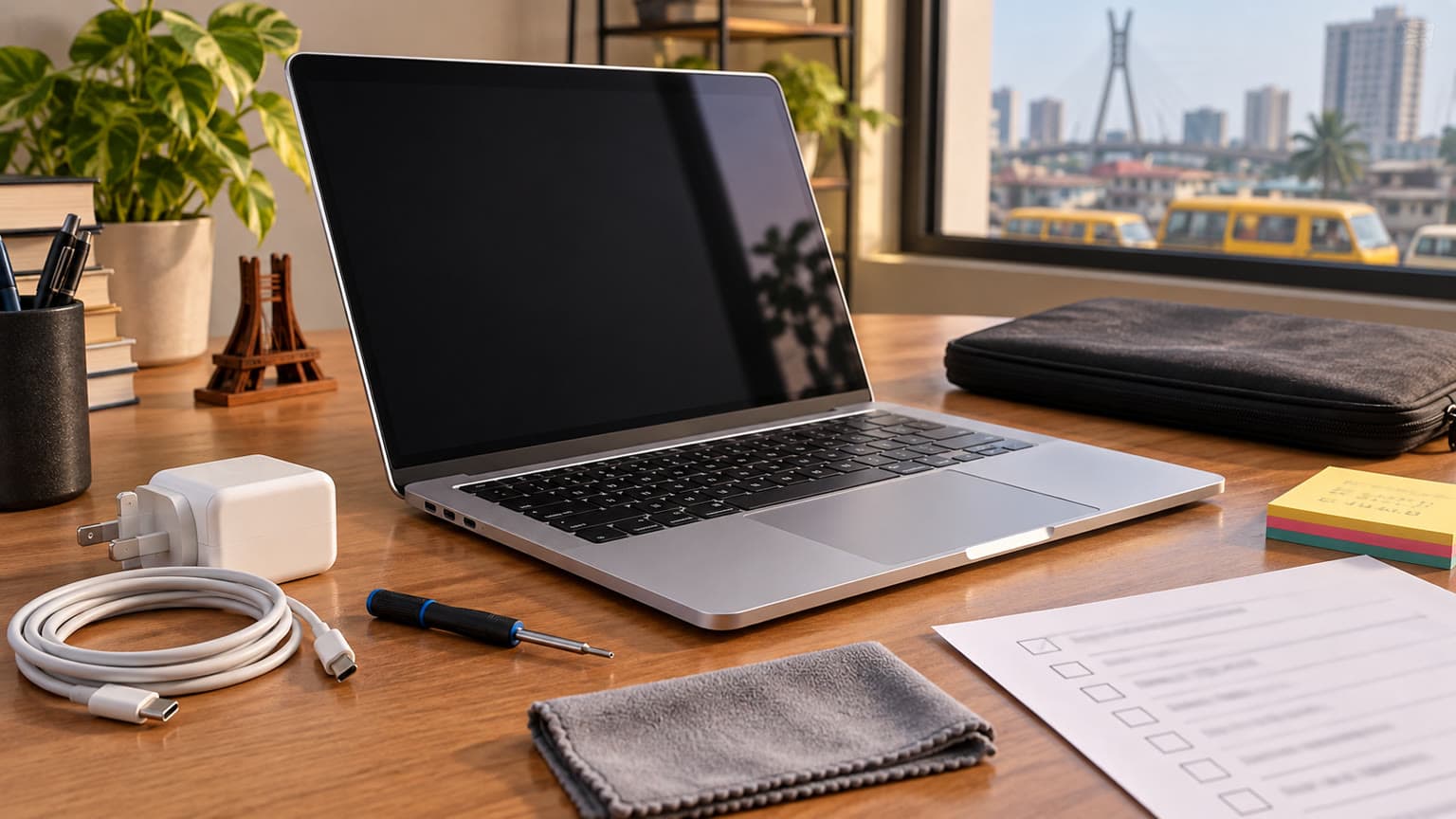
A 2026 buying checklist for evaluating a used or refurbished MacBook Pro M1 Pro.
Who This Is For
The MacBook Pro M1 Pro is best for buyers who need more than a MacBook Air but do not want to pay for the newest Pro chip. It fits video editors working in 4K, photographers handling large RAW libraries, developers running Xcode or Docker, music producers using Logic Pro, designers working in Figma or Adobe apps, and students who want a laptop that can carry them through several demanding years.
It is also a strong remote-work laptop. The display is sharp and color accurate, the speakers and microphones are still excellent, the keyboard is reliable, and the battery life remains good enough for a full day of mixed productivity. If your work includes many browser tabs, spreadsheets, video calls, cloud dashboards, and occasional creative projects, the M1 Pro is still more machine than many people will fully use.
It is less ideal if your main priority is Windows-only software, competitive PC gaming, upgradeable RAM and storage, or a machine you can easily repair yourself. Apple Silicon Macs are powerful, but memory and storage are soldered. Buy the configuration you can live with, because you cannot upgrade it later.
Key Specs and Buying Context
The M1 Pro MacBook Pro was sold in 14-inch and 16-inch versions with up to a 10-core CPU, up to a 16-core GPU, unified memory options commonly seen at 16GB or 32GB, and SSD storage options that vary by unit. The display remains a major selling point: Apple’s Liquid Retina XDR panel supports ProMotion up to 120Hz, wide color, high HDR brightness, and excellent contrast. For creative work, that display is still one of the reasons to choose this laptop over many newer mid-range Windows machines.
Ports are another reason the 2021 M1 Pro generation aged well. You get three Thunderbolt 4 ports, MagSafe 3 charging, HDMI, an SDXC card slot, and a high-impedance headphone jack. That mix matters for photographers, editors, DJs, event teams, and students who move between projectors, external drives, memory cards, and monitors. The HDMI port is not as advanced as newer MacBook Pro models, but it is still useful for most office, classroom, and home display setups.
Battery life depends heavily on battery health, workload, screen brightness, and whether you choose the 14-inch or 16-inch model. Newer MacBook Pros can stretch further, but a healthy M1 Pro unit should still feel efficient compared with older Intel MacBooks. If you are buying used, do not judge battery life by the model name alone. Ask for the battery cycle count, maximum capacity, charger condition, and whether the battery has ever been serviced.
Performance in 2026
For everyday use, the M1 Pro still feels fast. The CPU is strong enough for demanding productivity, software development, Lightroom exports, multitasking, and timeline editing. Its real advantage over older Intel MacBook Pros is not just peak speed; it is the way it keeps performance steady without becoming noisy or hot in normal work.
For 4K video, the M1 Pro remains a practical choice. It can handle Final Cut Pro, DaVinci Resolve, Premiere Pro, and many creator workflows well, especially if the unit has 32GB of memory. For 8K editing, heavy motion graphics, large 3D scenes, advanced AI workloads, or massive multi-camera projects, the newer Pro and Max chips are easier to justify. A buyer looking at the 16-inch MacBook Pro M1 Pro should compare it carefully with newer stock if the price gap is small.
For gaming, be realistic. Apple Silicon has improved, and many lighter titles run well, but macOS is still not the strongest gaming platform. If your priority is a broad Windows game library, high-refresh esports, or upgradeable GPU performance, browse Ogabassey’s gaming laptops instead. If you mostly need a work laptop that can handle occasional Apple Arcade, native Mac games, or cloud gaming, the M1 Pro is fine.
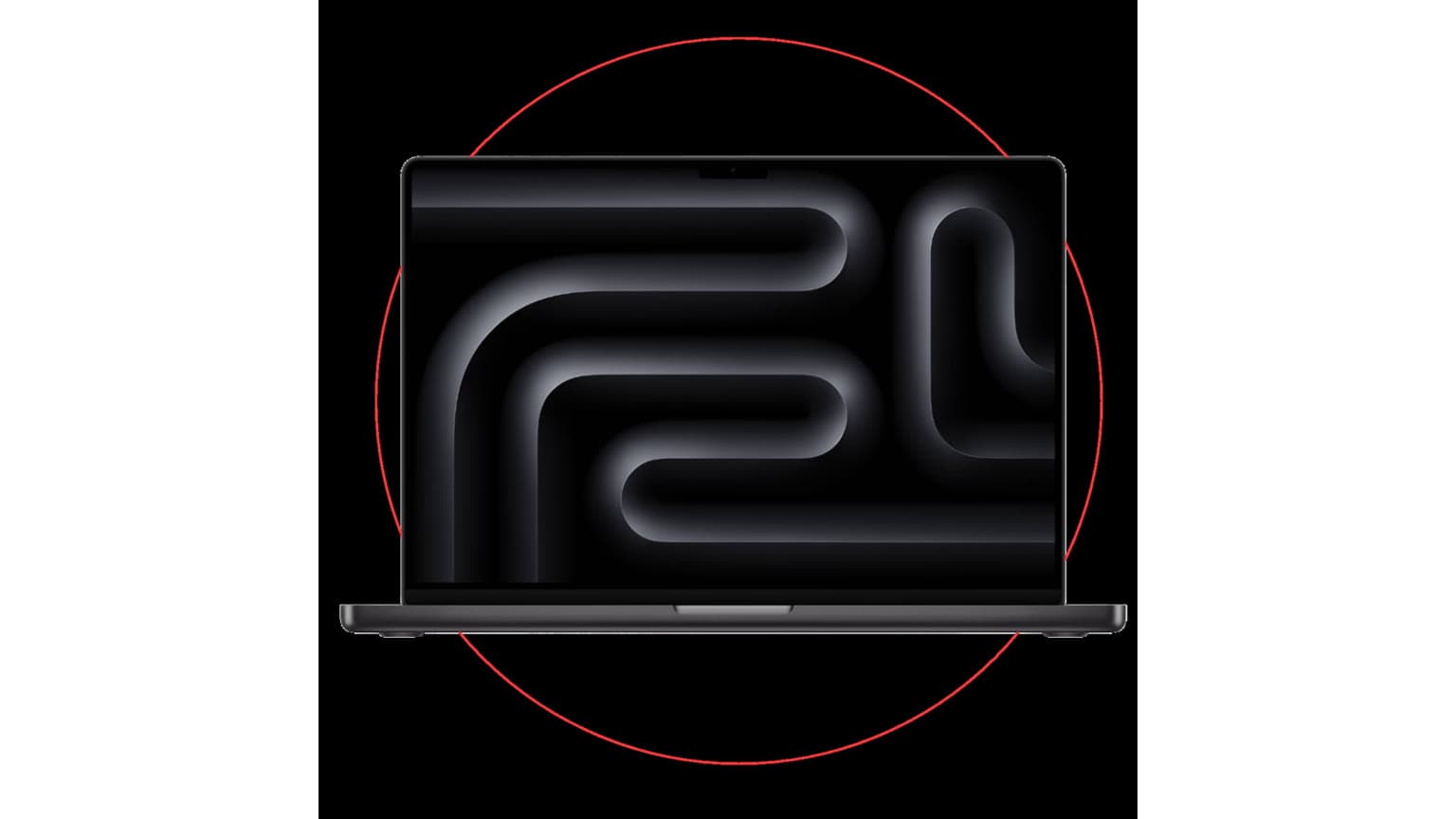
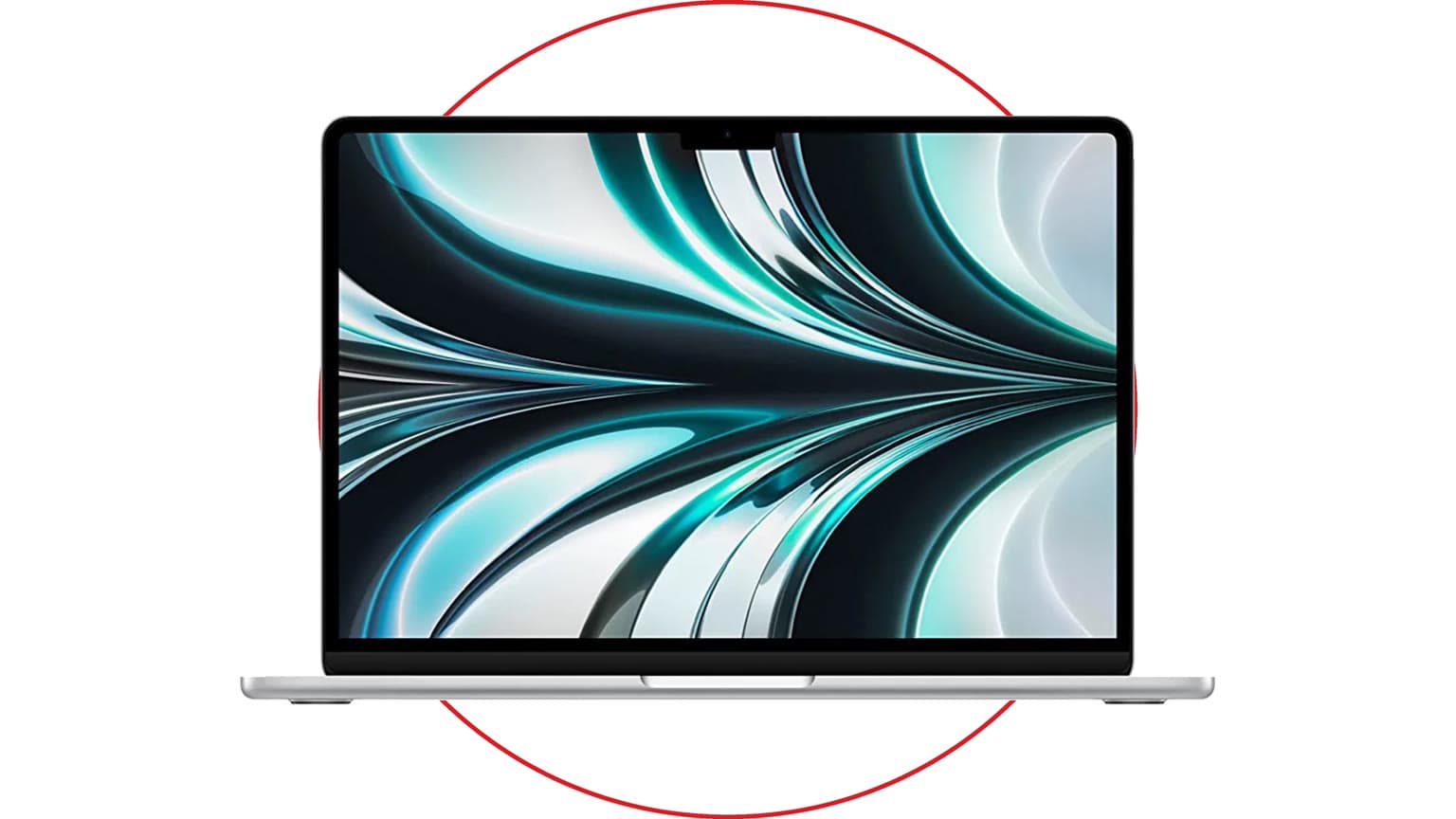
Where the M1 Pro still makes sense, and when newer MacBook Pro models are the better buy.
Software Support and Apple Ecosystem
As of 2026, the M1 Pro MacBook Pro is still inside Apple’s modern software support circle. Because it uses Apple Silicon, it supports current macOS features that older Intel Macs may miss, including Apple Intelligence availability where region, language, and account requirements are met. It also works well with iPhone and iPad features such as AirDrop, Universal Clipboard, Continuity Camera, Sidecar, iMessage, FaceTime handoff, and iCloud Keychain.
Software support is one of the best reasons to choose the M1 Pro over a cheaper 2014, 2016, or 2018 MacBook Pro. Those older models can still be useful for basic tasks, but they carry more risk around battery age, keyboard reliability, macOS support, thermals, and app compatibility. If your budget is tight, older units like a 13-inch MacBook Pro Retina from 2014, 13-inch MacBook Pro from 2016, or 15-inch MacBook Pro from 2018 may look tempting, but the M1 Pro is a cleaner long-term buy for serious work.
Price, Availability, and Warranty Checks
The M1 Pro MacBook Pro is no longer the newest Pro option, so its value depends on the exact configuration and condition. A good deal should reflect age, battery health, memory, storage, cosmetic condition, charger quality, warranty status, and whether the laptop has been opened or repaired. A 16GB RAM and 512GB SSD unit can be excellent for school, writing, coding, design, and light editing. A 32GB RAM unit is the better target for professional video, development, virtual machines, or long-term ownership.
Before buying any used or open-box M1 Pro MacBook Pro, check the serial number coverage, inspect the display for blooming concerns or damage, test every port, confirm that MagSafe charges properly, verify the keyboard and trackpad, and make sure Activation Lock is removed. Ask whether the machine includes a return window or warranty. For commerce value, warranty and return protection can matter as much as the processor generation.
If Ogabassey availability changes, compare the M1 Pro against the broader MacBook collection and current laptop options. A slightly newer model with less storage may not always beat a clean M1 Pro with more memory, but a newer model with warranty coverage may be the safer business purchase.
Trade-Offs
The biggest trade-off is future runway. The M1 Pro is still supported, but the M4 Pro and M5 Pro generations are newer and should stay current for longer. They also bring better performance, improved media engines, stronger external display options, and efficiency gains. If you plan to keep the machine for five or six more years from 2026, a newer MacBook Pro may be worth the extra spend.
The second trade-off is configuration risk. Because RAM and storage cannot be upgraded, avoid under-buying. A cheap 16GB model may be good value, but a professional editor or developer who already knows they need more memory should not buy it just because the price is attractive. Storage matters too: 512GB can work with cloud storage and external drives, while 1TB or more is more comfortable for media work.
The third trade-off is software fit. If your workflow depends on macOS, Final Cut Pro, Logic Pro, Xcode, or iPhone integration, the M1 Pro is a strong fit. If you need native Windows apps, specialist engineering tools, or game support, confirm compatibility before choosing any MacBook.
Is the MacBook Pro M1 Pro still worth buying in 2026?
Yes, if the price is right and the condition is strong. It is still powerful for creative work, software development, office productivity, study, and remote work. The best buys are clean units with healthy batteries, enough memory, and some warranty or return protection.
Which laptop should I buy for school, work, gaming, or design?
For school and work, the M1 Pro is excellent if you want a premium display, strong battery life, and long-term macOS support. For design and video, choose at least 16GB RAM, with 32GB preferred for heavy projects. For gaming, a dedicated Windows gaming laptop is usually the better match.
What specs matter before buying a used or open-box MacBook Pro?
Prioritize memory, storage, battery health, display condition, warranty status, charger quality, and Activation Lock removal. Processor generation matters, but a clean M1 Pro with 32GB RAM can be a better practical buy than a newer low-memory model for some professional workloads.
Is a MacBook worth it in Nigeria?
It can be, especially for buyers who value battery life, resale value, creator apps, and iPhone integration. The key is buying from a source that clearly states condition, warranty, returns, and availability. A cheap MacBook with hidden battery or display issues can cost more in the long run.
Verdict
The MacBook Pro M1 Pro remains a strong buy in 2026 because it combines fast Apple Silicon performance, an excellent XDR display, practical ports, quiet thermals, and a mature macOS experience. It is not the newest or fastest MacBook Pro, and shoppers who need the longest support window should compare M4 Pro and M5 Pro options. But for value-focused buyers who want a real pro laptop without flagship pricing, the M1 Pro still earns its place on the shortlist.
Buy it if the condition, warranty, battery health, RAM, and storage are right. Skip it if the price is too close to a newer MacBook Pro, if you need Windows-first gaming or specialist software, or if the unit has unclear repair history. In 2026, the M1 Pro is no longer the headline MacBook, but it is still one of the smarter pro-level Apple laptop purchases when the deal is honest.
Catalog-linked prices update automatically. Historical and other quoted prices remain as written. Open the product page to confirm the current price, selected variant and availability before buying.