Bassey John is a Performance Marketing Specialist at Ogabassey with cross-industry experience spanning e-commerce, gaming, and real estate. He focuses on paid acquisition, conversion-rate optimisation, and data-driven growth strategy, turning campaign performance into measurable revenue. At Ogabassey he writes about consumer technology, product buying guides, and the Nigerian gadget market to help shoppers make confident, informed decisions.
Last reviewed: 12 June 2026. If you mostly use Wi-Fi at home, school or work, the Redmi Pad SE 8.7 is the better-value choice. Choose the Redmi Pad SE 8.7 4G only if mobile data access is worth paying extra for, because the catalog-verified core specs are otherwise effectively the same.
Ogabassey currently lists both compact Xiaomi tablets in the Tablets category. This is not a big-screen productivity tablet comparison. It is a Nigeria-focused buyer guide for students, parents, readers, commuters, light creators and small-business users who want a portable Android tablet for lessons, streaming, video calls, documents, WhatsApp, children’s learning and travel.
The higher price of the 4G model is not buying a larger display, a stronger chipset or a bigger battery in the current Ogabassey catalog data. It is buying cellular independence. That matters if the tablet will leave the house often, use a dedicated data SIM, or serve a student who cannot always rely on stable Wi-Fi. If the tablet will sit beside a router most of the time, the non-4G model keeps the spend tighter.
For school and home use, storage, keyboard pairing and protective accessories can matter more than cellular support.
Decision summary
The Redmi Pad SE 8.7 starts from NGN 108,837.21 in the supplied catalog snapshot, while the Redmi Pad SE 8.7 4G starts from NGN 135,813.95. That makes the 4G version about NGN 26,976.74 more expensive at the listed starting prices. Final checkout price can still change by RAM, storage, stock status, exchange-rate movement and seller-side updates, so confirm the selected variant before paying.
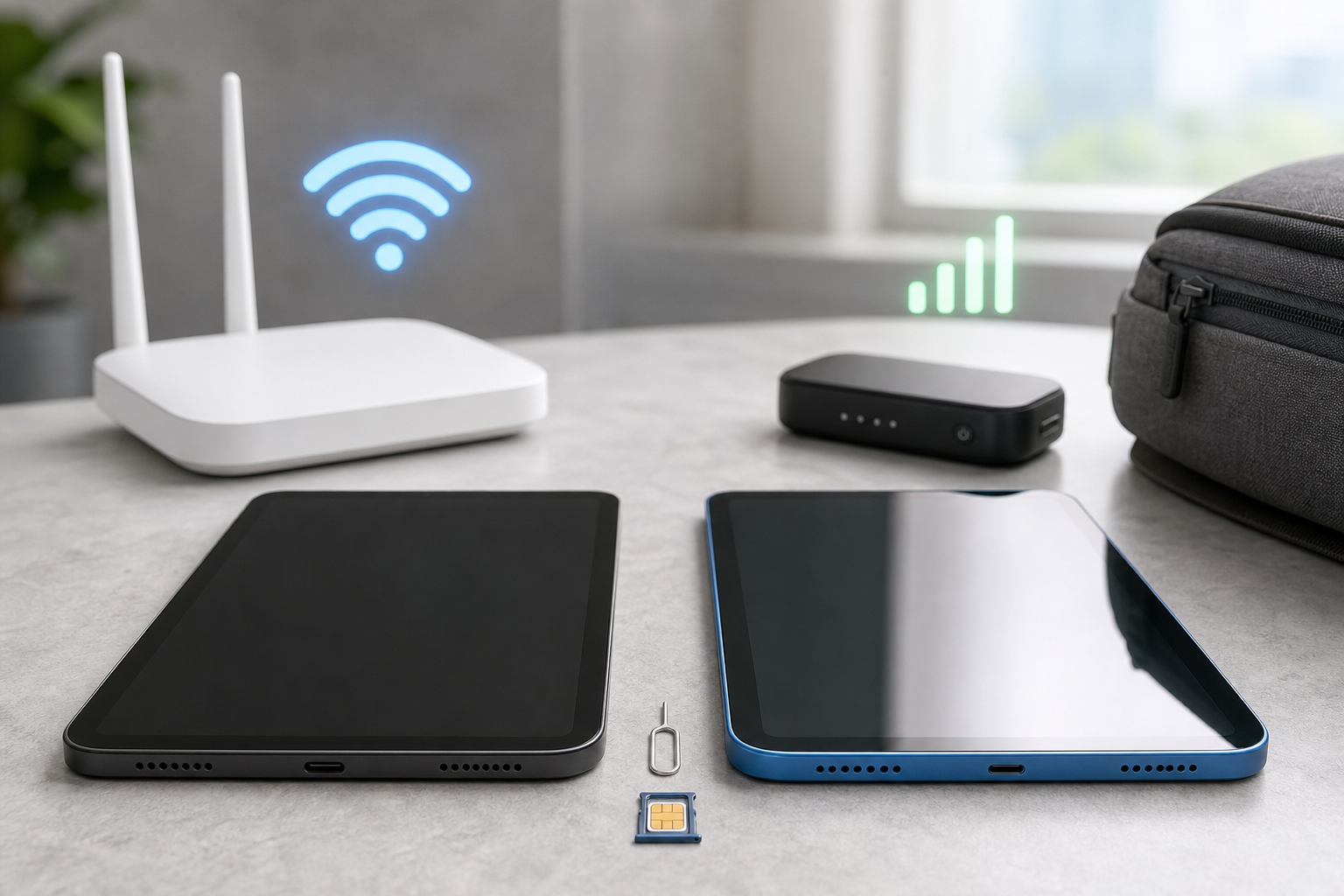
For many Nigerian buyers, that price gap is the real question. If you already have reliable home Wi-Fi, campus Wi-Fi, office Wi-Fi or a phone hotspot you are comfortable sharing, the standard Redmi Pad SE 8.7 is easier to justify. If you want the tablet to work independently with mobile data on buses, in hostels, at a shop counter, during travel or in homes where power and router uptime are inconsistent, the 4G version has the clearer use case.
Evidence level: this article uses Ogabassey catalog data, Xiaomi manufacturer/support information and current public specification references. It does not claim hands-on testing, measured battery life, gaming benchmarks, speaker testing, stylus testing or repair inspection.
Catalog comparison table
Decision point
Redmi Pad SE 8.7
Redmi Pad SE 8.7 4G
Buyer meaning
Ogabassey starting price in snapshot
NGN 108,837.21
NGN 135,813.95
The non-4G model is the lower-cost entry point.
Maximum variant price in snapshot
NGN 149,860.47
NGN 176,837.21
Higher RAM/storage selections can narrow or widen the practical budget gap.
Connectivity positioning
Wi-Fi model; confirm exact regional variant
4G model; confirm SIM and regional variant
4G is the reason to pay more, not a general performance upgrade.
Screen size
8.7 inches
8.7 inches
Both are compact tablets, closer to large e-readers than laptop replacements.
Display
LCD, 1340 x 800, 90Hz
LCD, 1340 x 800, 90Hz
Expect similar sharpness and smoothness from the catalog data.
Chipset
MediaTek Helio G85
MediaTek Helio G85
No catalog performance advantage for the 4G model.
Battery capacity
6650mAh
6650mAh
Battery size is listed the same; mobile data can still drain faster in weak-signal areas.
Android version in catalog
Android 14
Android 14
Both start from the same listed Android generation.
RAM options
4GB, 6GB
4GB, 6GB
Choose 6GB if multitasking matters.
Storage options
64GB, 128GB
64GB, 128GB
128GB is safer for offline videos, school files and downloaded lessons.
Main camera
8MP
8MP
Neither is positioned as a camera-first device.
5G
No
No
The cellular model is a 4G choice, not a 5G future-proofing choice.
Stylus and keyboard ecosystem
No official active-pen or dedicated keyboard support listed in the catalog data
No official active-pen or dedicated keyboard support listed in the catalog data
Plan around basic Bluetooth accessories; do not buy either as a serious drawing tablet without confirming pen support.
Live stock in snapshot
0 stock quantity shown
0 stock quantity shown
Confirm live availability, warranty route and selected variant before checkout.
Who this is for
The Redmi Pad SE 8.7 line makes the most sense for buyers who want a small, affordable tablet rather than a laptop substitute. It fits reading PDFs, taking classes on video, watching lessons, browsing, checking email, following recipes, controlling music, entertaining children and carrying a lightweight screen during travel.
It is less convincing for heavy creator work. The 8.7-inch screen is tight for timeline editing, spreadsheet work, design apps and long-form typing. A Bluetooth keyboard can help with short notes, captions and emails, but it does not turn the device into a full laptop. If your main job is daily writing, spreadsheets, coding, design or split-screen research, compare larger tablets such as the Redmi Pad 2, the Redmi Pad 2 Pro, or larger alternatives in the Tablets section.
Price and Nigeria value
The standard Redmi Pad SE 8.7 wins on price/value if connectivity is not the main problem you are solving. At the starting prices in the supplied product snapshot, it keeps almost NGN 27,000 in your budget compared with the 4G listing. That leftover money can matter more than cellular support for many buyers: it can go toward a protective case, screen guard, Bluetooth keyboard, power bank, earbuds or a higher-storage variant if available.
The 4G model becomes better value when the tablet needs independent internet. A student in a hostel, a small-business owner using the tablet for WhatsApp, inventory or POS-adjacent tasks, or a parent sending the tablet with a child to lessons may not want to rely on phone hotspot sharing. Hotspot use drains the phone, creates one more device to manage, and can be inconvenient when the phone owner is away.
For budget shoppers searching broadly for tablet prices in Nigeria, compare the final selected variant, not only the product name. A cheaper 64GB version may look attractive, but 128GB is usually the calmer choice if the tablet will hold downloaded YouTube lessons, Netflix files, PDFs, textbooks, games, WhatsApp media and offline music. If checkout does not clearly state RAM, storage and connectivity, pause and confirm it.
Performance and daily use
Both tablets list the MediaTek Helio G85 chipset. That points the comparison away from performance and toward use case. For reading, browsing, streaming, video calls, Google Classroom-style learning, lightweight note-taking and casual games, either model fits the compact-budget Android tablet lane. This is not the category to buy for heavy video editing, desktop-class multitasking, console-level gaming or replacing a laptop for advanced coursework.
The 4GB RAM variants should be treated as basic-use options. They can make sense for children, reading, streaming and focused single-app use. The 6GB variants are the better target for buyers who keep several apps open, switch between browser tabs and documents, or expect the tablet to stay comfortable for longer. Because the catalog leaves scalar RAM and storage fields blank when variants differ, the important checkout habit is simple: verify the exact RAM/storage combination, not just the product page title.
On software support, both listings show Android 14, but the candidate data does not include a guaranteed update policy, number of Android upgrades or security patch end date. That means buyers should avoid assuming long software support from the catalog alone. If updates are a priority for school security, work apps or banking-related use, ask for the current software build and check Xiaomi’s regional support information before making a final decision.
The 4G model is easier to justify when the tablet needs its own data connection away from Wi-Fi.
Battery, display and portability
The two tablets share an 8.7-inch LCD, 1340 x 800 resolution, 90Hz refresh rate and 6650mAh battery in the provided data. The compact screen is the headline. It is easier to hold in one hand than 10-inch and 11-inch tablets, easier to carry in a sling bag, and better suited to reading in bed, watching short lessons, checking documents, or keeping a recipe, Bible study plan or class note open beside you.
The trade-off is workspace. An 8.7-inch tablet can handle a Bluetooth keyboard, but the screen will still feel small beside a laptop or larger tablet. If your main work is spreadsheets, long documents, coding, design, split-screen research or writing essays every day, look beyond these two or compare larger options in the Tablets section.
The 6650mAh battery capacity is useful on paper, but this article cannot claim real battery endurance because there is no hands-on testing data in the candidate snapshot. The 4G model may drain faster when mobile data is active, signal is weak or hotspot-like workloads run for long periods. The Wi-Fi model may be more efficient in a stable router environment. In practice, brightness, streaming quality, downloads, background apps and network strength will shape the battery experience.
Accessory compatibility: keyboard and stylus checks
The semantic buying question for tablets often comes down to accessories: can it use a keyboard, can it use a stylus, and can it replace a laptop? For these two Redmi tablets, the supplied product data does not list official stylus compatibility or a dedicated keyboard connector. That should shape expectations. Treat both as compact Android tablets first, not as iPad Pro, Galaxy Tab S-series or laptop-replacement systems.
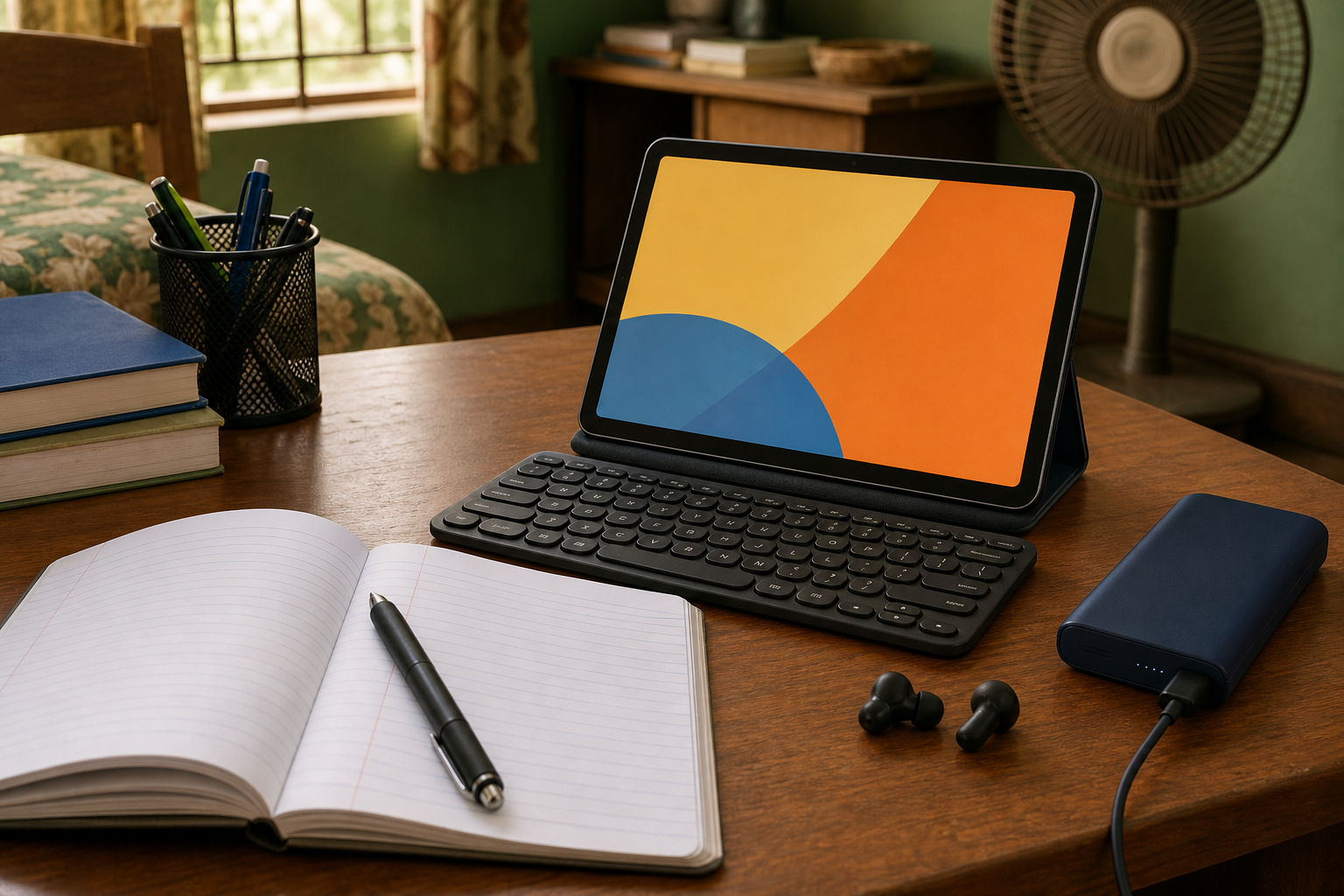
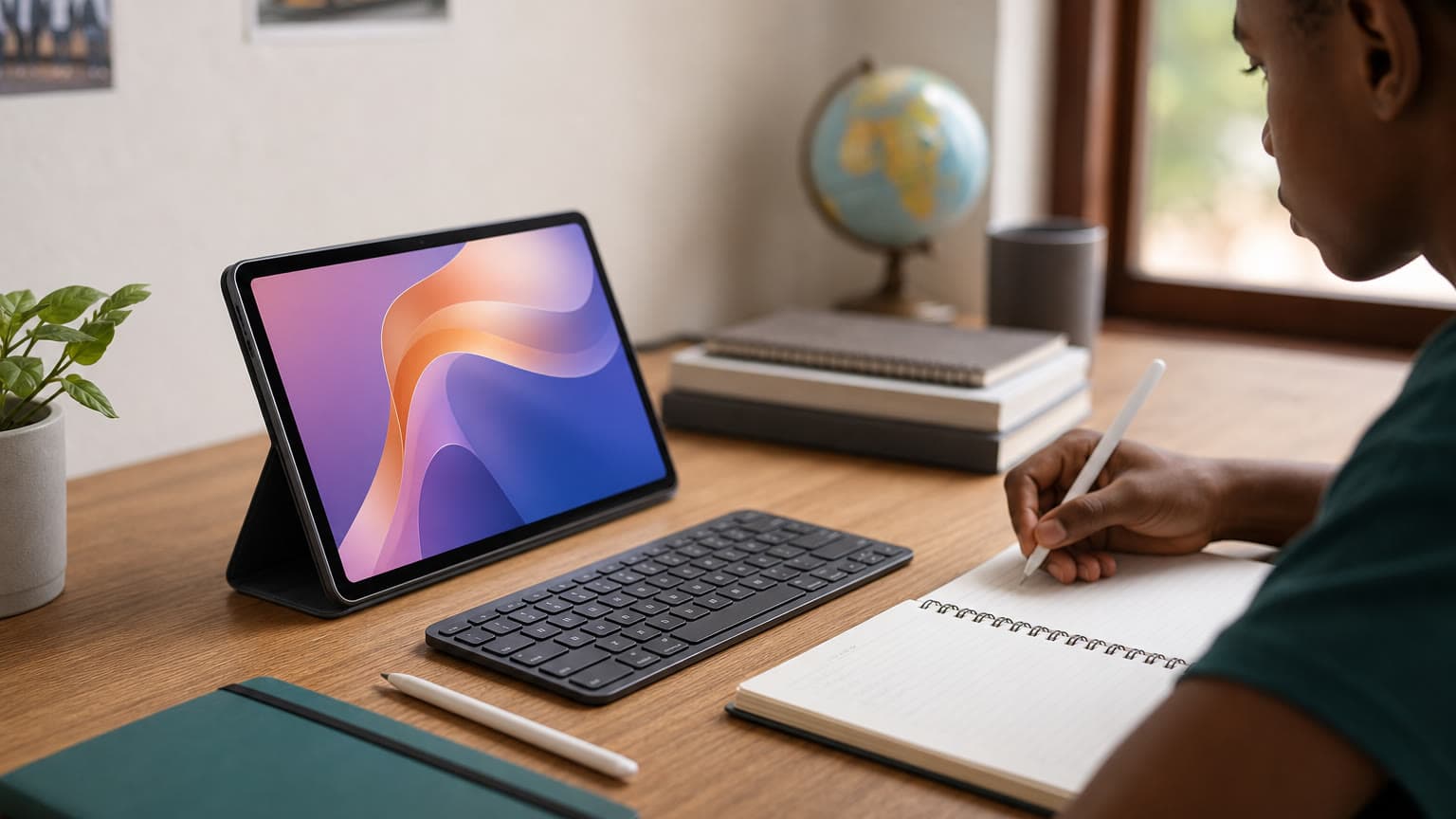
A Bluetooth keyboard may still be useful for typing class notes, emails, captions or short documents, but buyers should confirm keyboard pairing and layout preferences before depending on it. For stylus use, a generic capacitive stylus is not the same as an active pen with pressure sensitivity, palm rejection and low-latency writing. If a student or creator specifically needs handwriting, drawing, annotation or design work, do not assume either Redmi Pad SE 8.7 model supports the required pen experience until the exact accessory support is confirmed.
Warranty, condition and availability checks
Because both listings show 0 stock quantity in the supplied snapshot, treat availability as a live checkout question, not a promise. Confirm the selected color, RAM, storage, connectivity type and whether the device is sealed new before payment. Also ask how warranty support will be handled in Nigeria, especially if the unit is a regional import.
For a 4G tablet, also confirm SIM support and network bands before relying on it for daily data. The name “4G” is useful, but regional model differences can matter. If mobile data is the main reason you are paying more, do not skip this check.
Who should buy each option
Buy the Redmi Pad SE 8.7 if Wi-Fi is enough
Choose the Redmi Pad SE 8.7 if the tablet will mostly be used at home, in school areas with Wi-Fi, at work, or near a phone that can share data occasionally. It is the cleaner value pick because the core display, chipset, battery, RAM options and storage options match the 4G model in the catalog snapshot.
It is also the better option for parents buying a learning tablet where mobile data access is not desired. Wi-Fi-only use can make it easier to control downloads, limit unsupervised browsing and manage data costs. For streaming, cartoons, reading apps, PDFs and class videos downloaded over home Wi-Fi, paying extra for 4G may not add enough value.
Buy the Redmi Pad SE 8.7 4G if internet independence matters
Choose the Redmi Pad SE 8.7 4G if the tablet must work away from Wi-Fi. This is the version to consider for commuting, hostels, market stalls, field work, travel, church media teams, delivery coordination, or students who cannot depend on a router. The extra cost is easier to defend when mobile data solves a real daily problem.
Remember that the catalog marks it as 4G, not 5G. That is still practical in Nigeria, where 4G coverage remains widely relevant, but buyers who specifically want 5G should not treat this as that upgrade. Also confirm SIM support, supported bands, warranty route and the selected regional model before checkout.
Alternatives to consider
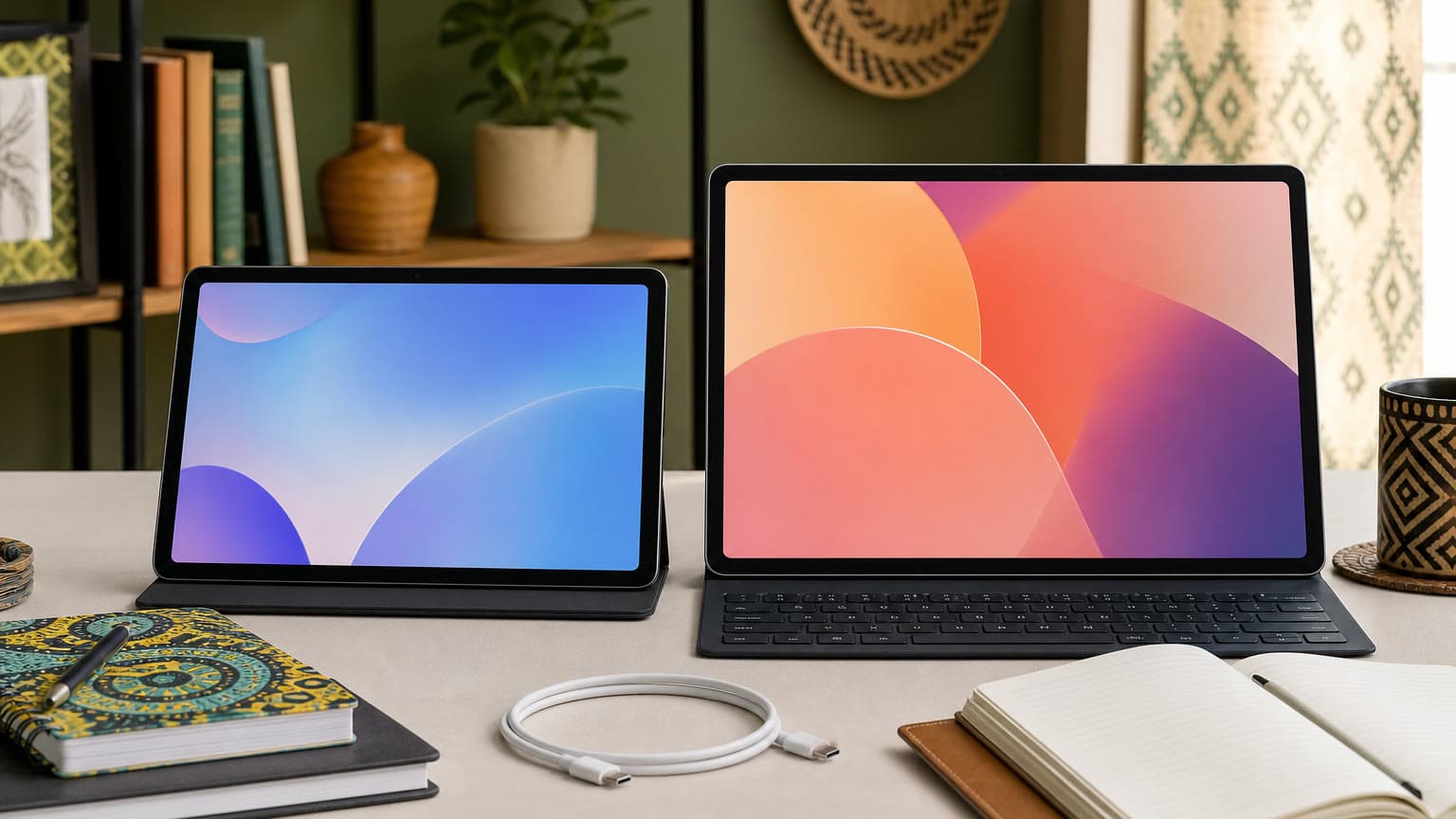
If you want a bigger Xiaomi tablet but still want to stay near the Redmi value lane, compare the compact models with the Redmi Pad SE, Redmi Pad 2 and Redmi Pad 2 Pro. The larger screen matters for shared video, typing, split-screen learning and longer reading sessions, but it also makes the tablet less pocketable.
If you are open to Tecno tablets, the Tecno Mega Pad SE and Tecno Megapad 10 are relevant alternatives to compare for screen size, storage value and local availability. Ogabassey’s Tecno Mega Pad SE vs Tecno Megapad 10 guide is useful if your priority is a larger display and stronger living-room or classroom viewing experience.
If your question is specifically about the cellular Redmi, Ogabassey also has a focused Redmi Pad SE 8.7 4G Nigeria guide. That is a better next read if you have already decided on the 4G model and only need the purchase checks: variant, connectivity, accessories and live availability.
Verdict
The Redmi Pad SE 8.7 is the better default buy because it starts lower in the Ogabassey catalog snapshot while matching the 4G model on the listed 8.7-inch LCD, 1340 x 800 resolution, 90Hz refresh rate, MediaTek Helio G85 chipset and 6650mAh battery. The Redmi Pad SE 8.7 4G is the right upgrade only when its different connectivity role justifies the higher starting price. In other words: buy Wi-Fi for home, school and controlled data use; buy 4G for movement, independence and places where router access is unreliable.
FAQ
Which Redmi Pad SE 8.7 model should I buy in Nigeria?
Buy the Redmi Pad SE 8.7 if Wi-Fi is enough and you want the lower starting price. Buy the Redmi Pad SE 8.7 4G if the tablet needs its own mobile data connection for school, travel, shop use or unreliable Wi-Fi environments.
Is the Redmi Pad SE 8.7 4G faster than the Redmi Pad SE 8.7?
Not from the supplied catalog specs. Both list the MediaTek Helio G85 chipset, 4GB/6GB RAM options, 64GB/128GB storage options, the same screen size and the same battery capacity. The 4G model’s main advantage is cellular connectivity.
Do these Redmi tablets support a stylus or keyboard?
The provided catalog data does not list official stylus support or a dedicated keyboard connector. A Bluetooth keyboard may work for basic typing, but buyers should confirm accessory compatibility before checkout, especially for handwriting, drawing or laptop-style productivity.
Is a compact tablet enough instead of a laptop?
For reading, streaming, video calls, children’s learning and light notes, either Redmi tablet can be enough. For daily typing, spreadsheets, design, coding, large documents or heavy multitasking, the 8.7-inch screen and accessory uncertainty make a laptop or larger tablet a better fit.
Catalog-linked prices update automatically. Historical and other quoted prices remain as written. Open the product page to confirm the current price, selected variant and availability before buying.