Bassey John is a Performance Marketing Specialist at Ogabassey with cross-industry experience spanning e-commerce, gaming, and real estate. He focuses on paid acquisition, conversion-rate optimisation, and data-driven growth strategy, turning campaign performance into measurable revenue. At Ogabassey he writes about consumer technology, product buying guides, and the Nigerian gadget market to help shoppers make confident, informed decisions.
Continue shopping tablets
Compare Infinix verified prices, condition grading, and key specs in tablets.
Infinix’s XPAD 30 Pro has gained a November regional rollout with an 11-inch 2.5K display and bundled writing accessories. For Nigerian buyers, Ogabassey’s supplied catalog lists a different 8GB/256GB keyboard configuration at ₦484,000. The decision is whether its screen, accessories and confirmed purchase terms justify that price; immediate availability remains unconfirmed.
What changed: a new rollout clarifies the productivity package
The Star’s November 4 report and SoyaCincau’s November 5 coverage document the XPAD 30 Pro’s Malaysian introduction, with sales scheduled from November 10. Both describe an 8GB RAM, 128GB storage model priced at RM1,199, accompanied by a keyboard and stylus. Those are regional launch terms, not a Nigerian price or a promise that every market receives identical accessories.
This is a fresh regional availability development, rather than the tablet’s first global announcement. Infinix’s newsroom dates the global launch to September 8, outside this article’s October 7–November 21 news window. The November coverage matters because it makes the hardware and accessory package more concrete for buyers comparing it with locally listed tablets.
The practical distinction is between buying a screen for entertainment and buying a complete study setup. A keyboard, suitable pen and protective cover can change the total cost substantially. Nigerian shoppers now have a useful overseas bundle reference against which to ask questions about the exact Ogabassey package, without treating that reference as a local entitlement.
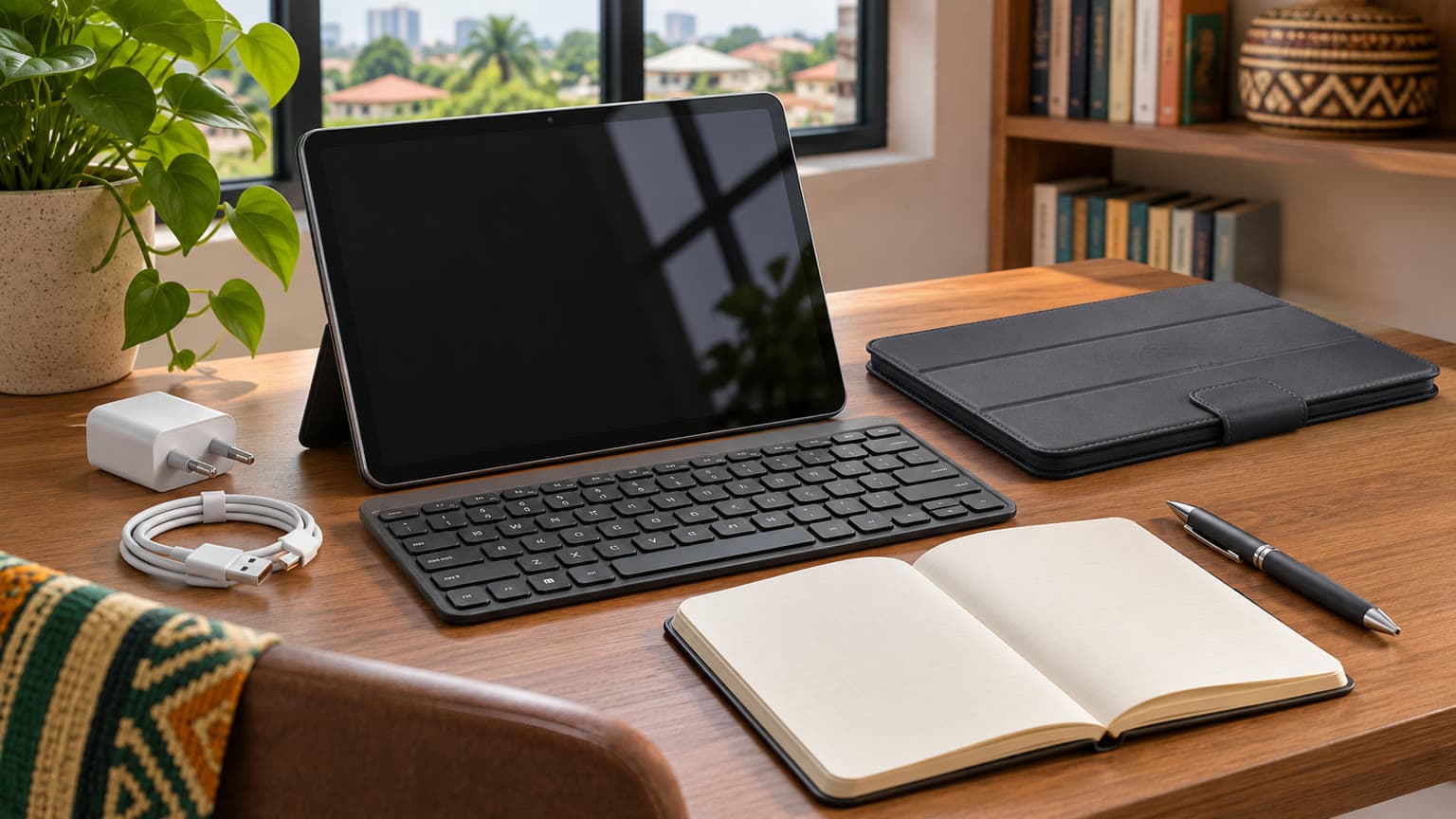
Confirm which keyboard and pen belong to the Nigerian package before comparing bundle prices. Illustration.
Nigeria availability, warranty and price context
The supplied Ogabassey catalog record lists the Infinix XPAD 30 Pro at ₦484,000. Its underlying description specifies 4G, 8GB RAM, 256GB storage and a keyboard. That differs from the 128GB model covered in the November reports. The catalog evidence supplied for this November 21, 2026 review does not establish that a pen is included.
The record also shows stock quantity zero with stock management disabled. That combination does not establish either confirmed availability or a definite sellout. Ask for current fulfillment timing and the exact configuration before paying, and consult the linked live product card for the current offer. The body price is an editorial snapshot, not a continuing quotation.
There is no reason to convert RM1,199 directly into an expected Nigerian shelf price. A useful comparison needs the same storage capacity, accessory contents, delivery terms and warranty route. Here, the local record has twice the reported launch model’s internal storage, while its pen inclusion remains unresolved. Comparing the two headline prices alone would hide those differences.
Warranty also needs a device-specific answer. Carlcare’s Nigerian service policy lists an Infinix smartphone warranty, but it does not clearly establish a corresponding XPAD 30 Pro tablet term. Its TECNO tablet entry should not be applied to an Infinix purchase. Obtain written confirmation of the tablet’s coverage, eligible service route, proof-of-purchase requirements and accessory coverage.
Platform and compatibility: what the hardware changes
Infinix’s official product specification identifies the XPAD 30 Pro as model X1103. It lists a MediaTek Helio G200 Ultimate processor, an 11-inch 2560 × 1600 display with refresh rates up to 90Hz, an 8,200mAh battery and 18W charging. These are manufacturer specifications, not Ogabassey laboratory measurements.
For a student, the screen’s most relevant benefit is room for a document beside notes or a reference page. Whether that arrangement feels comfortable depends on text size and the applications involved. Before buying, try a representative lecture PDF rather than judging only from a full-screen promotional image.
The official specifications also list Android 16 with XOS 16.3, microSD expansion up to 2TB and cellular connectivity up to 4G. A memory card can help separate downloaded reading material from internal storage, but buyers should check how their chosen applications handle files. Neither a large card nor advertised extended RAM should be treated as a substitute for the required internal storage and physical RAM.
For mobile data, confirm the supplied regional model and supported LTE bands with the seller and your Nigerian network. A SIM slot alone does not prove identical service across all operators and locations. If the tablet will usually stay at home, compare the cost and convenience of a separate SIM plan with using an existing phone hotspot.
Pen and keyboard support need separate confirmation
The Star identifies the regional pen as the X Pencil 20 and describes palm rejection and other writing features. That establishes a specific accessory reference; it does not establish that an unspecified stylus will offer equivalent functionality. Ask which pen is supplied or supported, and request a demonstration in the note-taking application you intend to use.
The keyboard listed in Ogabassey’s catalog should likewise be checked for its exact model, connection method, charging requirements and layout. A photograph of a keyboard beside a tablet is insufficient evidence of the complete local bundle. Browse Ogabassey’s accessories category when budgeting for any missing items, after confirming compatibility.
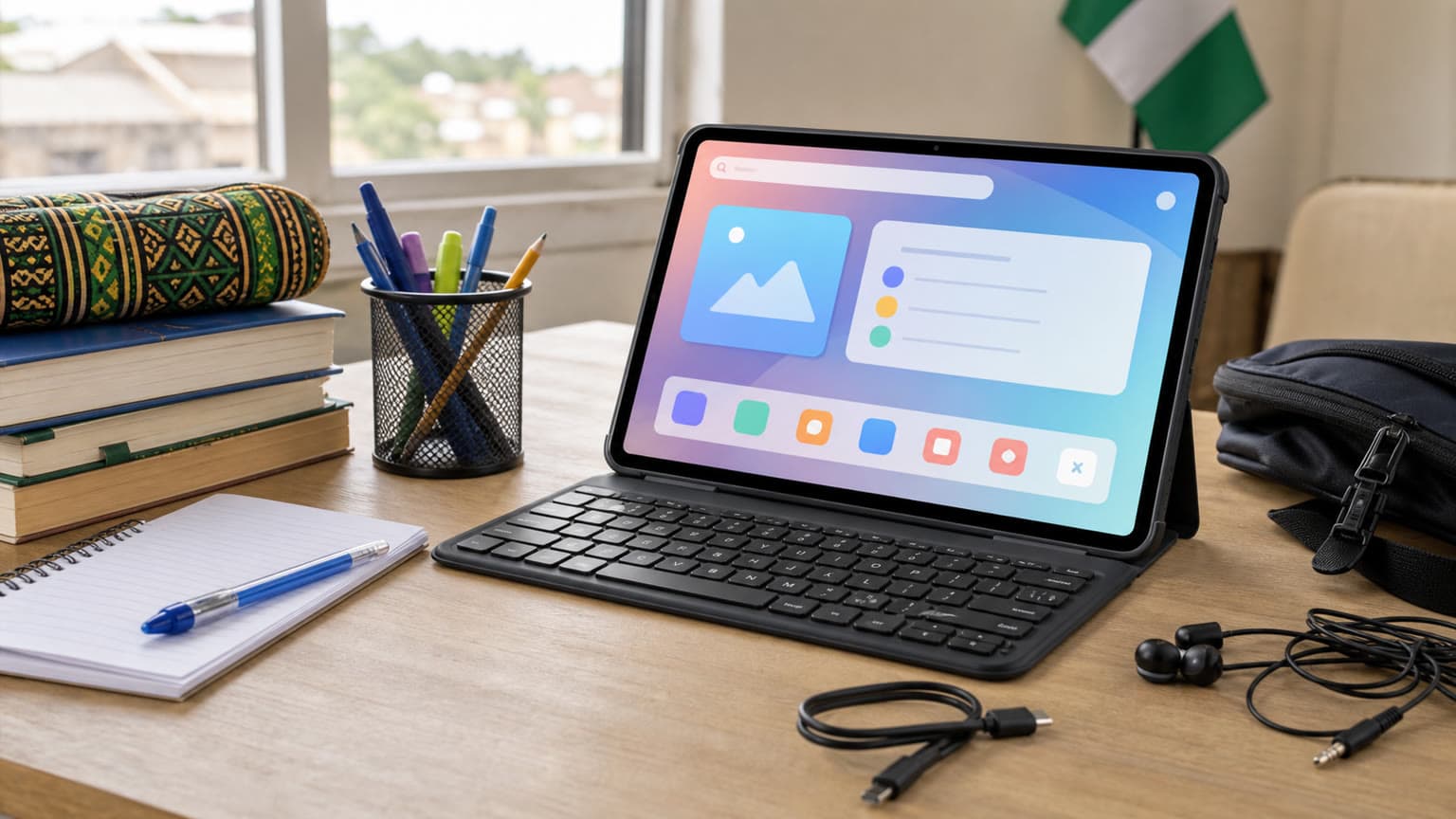
Storage capacity and cellular support should be checked against the exact supplied variant. Illustration.
What to verify before buying
Decision
Evidence available
Purchase implication
Display
Official 11-inch, 2560 × 1600, up to 90Hz specification
Catalog entry exists; unmanaged inventory does not confirm fulfillment
Confirm delivery timing and warranty in writing.
Our editorial judgement is that the complete package should drive this purchase. A buyer primarily reading PDFs may value the display most; someone taking handwritten lecture notes needs verified pen behavior; someone writing long assignments should test the keyboard and application workflow. These are different buying decisions even when the tablet is identical.
Related Ogabassey tablets worth comparing
Use Ogabassey’s tablet category to compare the full purchase cost with alternatives. The supplied catalog also contains Redmi Pad 2, Redmi Pad 2 Pro, Redmi Pad 2 9.7, Redmi Pad 2 4G, Redmi Pad 2 Pro 5G, Redmi Pad 2 9.7 4G and iPad 11th Gen (A16) entries. Their presence provides alternatives to investigate, not proof of immediate stock or equivalent accessories.
For a focused next step, Ogabassey’s Redmi Pad 2 versus Redmi Pad 2 Pro comparison can help frame screen-size and workflow priorities. When searching for “Infinix Xpad” or “Infinix Pad,” keep the exact model name visible: the November XPAD 30 reports concern a separate, non-Pro Android tablet and do not verify this Pro model’s bundle.
FAQ
How much is the Infinix XPAD 30 Pro in Nigeria?
The supplied Ogabassey catalog lists ₦484,000 for a configuration described as 4G, 8GB RAM, 256GB storage and keyboard, reviewed on November 21, 2026. Check the live product card and confirm fulfillment before paying; the supplied inventory fields do not establish immediate availability.
Does the XPAD 30 Pro include a pen and keyboard?
November regional reports describe both accessories in the Malaysian package. Ogabassey’s supplied description mentions a keyboard but does not confirm a pen. Request the exact local box contents and compatible pen model before purchase.
Is this tablet enough instead of a laptop?
It may suit reading, note-taking and light document work if your required Android applications support the workflow. Check school or employer software requirements first. A keyboard does not establish compatibility with desktop-only applications or examination software.
Which tablet should I buy in Nigeria?
Choose around your required applications, complete accessory cost and confirmed warranty. Consider the XPAD 30 Pro when its display and verified writing package fit your work, then compare alternatives against the same requirements rather than screen size or storage alone.
Catalog-linked prices update automatically. Historical and other quoted prices remain as written. Open the product page to confirm the current price, selected variant and availability before buying.