TECNO MEGAPAD SE Review: Best Budget Student Tablet in Nigeria?
Last reviewed: 14 June 2026. The TECNO MEGAPAD SE is still a sensible budget tablet to shortlist in Nigeria if you need an 11-inch screen for classes, PDFs, video calls, WPS Office, streaming, family use, and light typing. It is not a laptop replacement or an iPad alternative for serious pen work. Its value is the larger display, study-focused software features, keyboard-case positioning, expandable storage, and lower expected cost than premium tablets.
The important 2026 update is buyer context, not a new model claim. We did not find a confirmed new TECNO Pad launch that replaces this article's topic within the 15 May to 14 June 2026 scout window. The live buying question is therefore whether the MEGAPAD SE still makes sense beside the Tecno Megapad 10, mainstream Android tablets, and older or entry Apple iPads available through Nigerian retailers. Start with the wider Ogabassey Tablets category, then check exact variant, local warranty, stock status, accessories, and SIM support before paying.
Quick Verdict
Buy the TECNO MEGAPAD SE if you want an affordable large-screen Android tablet mainly for reading, online classes, WPS Office documents, YouTube, browsing, email, light design work, and casual entertainment. Be careful if your priority is accurate handwriting, pressure-sensitive drawing, long guaranteed Android upgrades, heavy gaming, or replacing a Windows laptop. For Nigerian students, the best deal is rarely just the lowest price. It is the bundle with the right RAM and storage, local warranty, charger, LTE or Wi-Fi configuration, return window, case, keyboard, and repair path.
What Changed for 2026 Buyers
Three things matter more in 2026 than they did when many budget-tablet reviews were first written. First, low-cost tablets are now being sold with more AI and study claims. TECNO's official MEGAPAD SE page highlights TECNO AI, Ella voice assistant, AI writing, translation, image-to-document tools, learning-from-image features, split-screen windows, drag-and-drop, and WPS Office integration. Those features sound useful for students, but some are market-dependent or update-dependent, so buyers should verify which tools are present on the unit they are buying today.
Second, accessories have become part of the tablet decision. A large screen without a reliable case and keyboard can become a media device instead of a study tool. TECNO positions the MEGAPAD SE with a case and keyboard, but that does not prove every Nigerian seller includes them in the box. Confirm whether the listing includes an official keyboard case, a separate Bluetooth keyboard, only a folio case, or no accessory bundle at all. Check the Ogabassey Accessories category for practical add-ons such as chargers, cables, cases, screen protectors, keyboards, and earbuds if the tablet is sold as a bare unit.
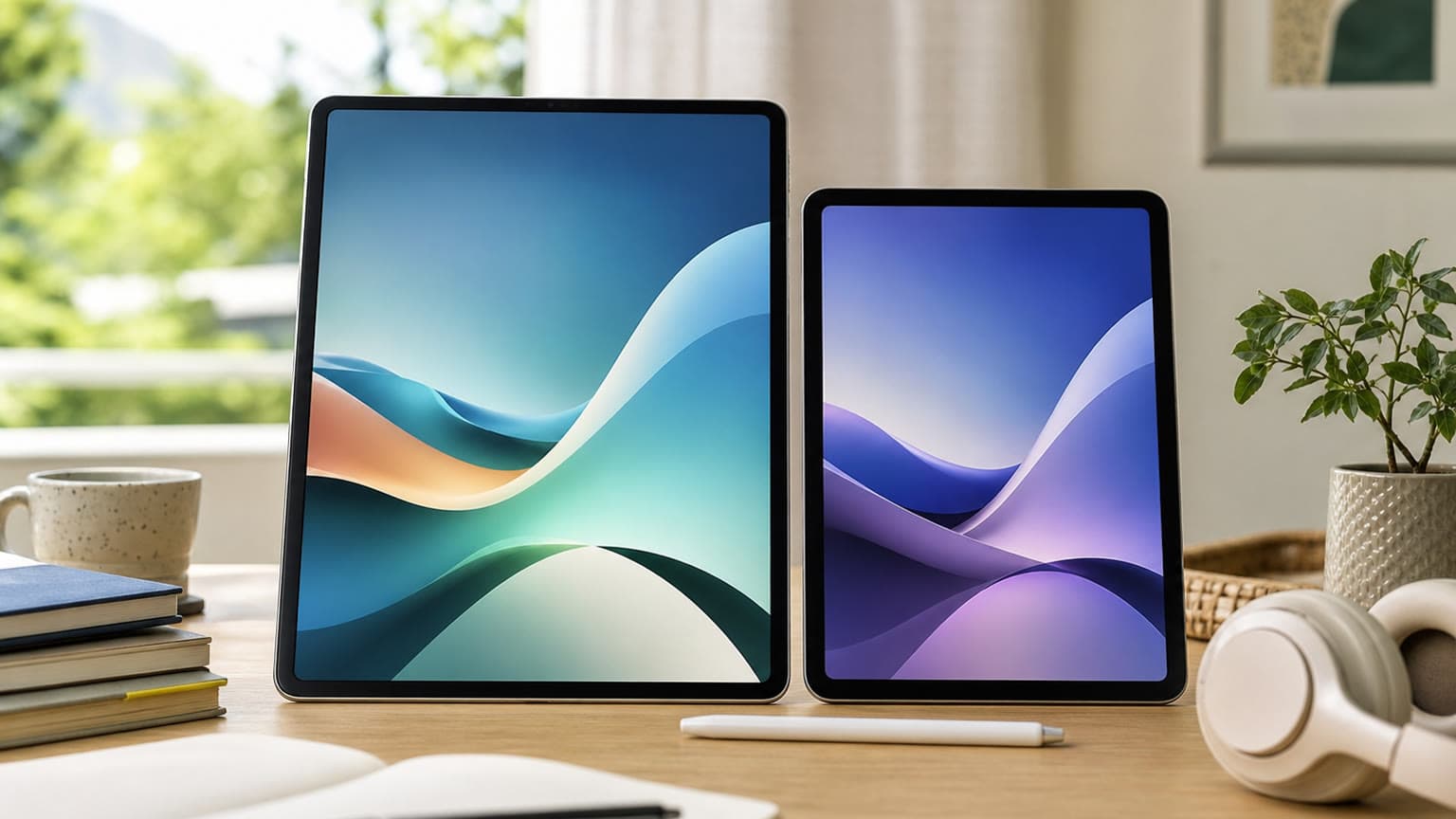
Third, Apple's 2026 accessory compatibility landscape is clearer than many shoppers realize. Apple Pencil Pro and Apple Pencil USB-C support varies by iPad model, and the entry iPad, iPad Air, iPad mini, and iPad Pro lines do not all use the same pencil or keyboard. That matters because some Nigerian buyers compare an affordable Android tablet with used or imported iPads. If your main work is handwritten notes, diagrams, art, or precise annotation, an iPad such as the iPad Air M2, iPad 11th Gen (A16), or iPad mini (A17 Pro) may be worth comparing even when the upfront price is higher.
Who the TECNO MEGAPAD SE Is For
The MEGAPAD SE is best for students who read PDFs, join online classes, type assignments, watch recorded lectures, and need a larger screen than a phone. It also suits small business owners who want a light device for invoices, stock sheets, customer messages, short presentations, and video calls. Parents may consider it as a family tablet because TECNO highlights eye-comfort features and child-friendly positioning alongside media and study tools.
It is less suitable for desktop-class software, serious coding, advanced spreadsheet work, 4K video editing, heavy 3D games, professional illustration, or workloads that depend on a known long-term OS-update policy. A budget Android tablet can be excellent for reading, media, cloud documents, browser-based work, and WhatsApp-style communication. It should not be bought with the same expectation as a MacBook, Windows laptop, iPad Pro, Galaxy Tab S model, or creator-focused tablet.
Key Specs and Buying Context
| Decision point |
TECNO MEGAPAD SE context |
What Nigerian buyers should check |
| Display |
11-inch FHD+ LCD, 90Hz, 440 nits, 1500:1 contrast, 83% screen-to-body ratio listed by TECNO |
Good for indoor reading and video; do not expect premium outdoor brightness |
| Performance |
Qualcomm 6nm octa-core platform with 4xA73 + 4xA53 CPU architecture listed by TECNO |
Fine for study and office apps; not ideal for demanding games or heavy editing |
| Storage |
Up to 256GB storage, memory fusion up to 8GB + 8GB, expandable storage up to 512GB |
Choose enough real storage for PDFs, videos, class files, and offline media |
| Battery and charging |
18W charging, with TECNO listing long video and music playback figures under test conditions |
Real use changes with brightness, LTE, video calls, hotspot use, and app load |
| Accessories |
Case and keyboard accessories are part of TECNO's positioning |
Confirm whether the keyboard case is included, sold separately, or unavailable |
| Software support |
TECNO advertises AI and productivity tools, with some features tied to OTA availability in specific markets |
Check current software version, security patch, and update expectations before checkout |
The headline feature is the 11-inch FHD+ display with a 90Hz refresh rate. In everyday language, that means more workspace than a phone and smoother scrolling than a basic 60Hz tablet. It is useful for viewing lecture slides, PDF textbooks, split-screen research, YouTube tutorials, Google Meet, Zoom, and browser tabs. However, it is still a budget LCD panel. Students who read outdoors, work in bright classrooms, or use the tablet near windows should test brightness before relying on it as a main study screen.
The processor story is practical rather than glamorous. TECNO lists a Qualcomm octa-core 6nm platform with four Cortex-A73-class and four Cortex-A53-class CPU cores. That is suitable for WPS Office, Chrome, email, PDFs, video, streaming, and light multitasking. It is not a reason to expect flagship gaming, console-style emulation, long video timelines, or dozens of browser tabs staying smooth at once. Virtual RAM can help app switching, but it does not turn storage into true high-speed physical RAM.
Productivity, Keyboard, and Stylus Support
TECNO's productivity pitch is strongest when you treat the MEGAPAD SE as a document and study tablet. Split-screen mode, floating windows, drag-and-drop, WPS Office, recording summaries, AI writing, translation, and image-to-document tools are exactly the features students look for when a phone starts to feel cramped. A PDF can stay open beside notes, a browser can sit beside an assignment, and WPS Office can handle basic Word, Excel, and PowerPoint-style files.
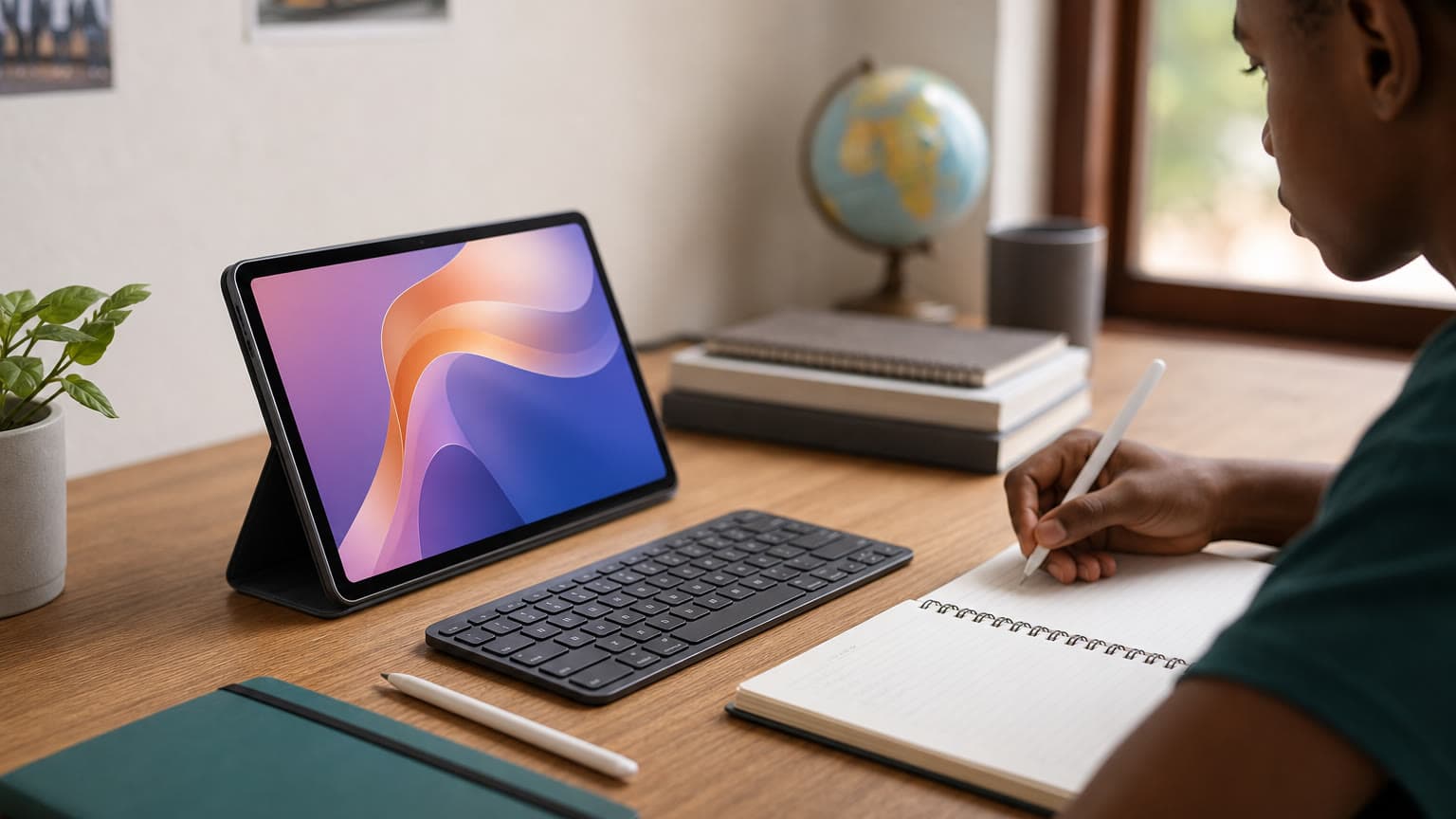
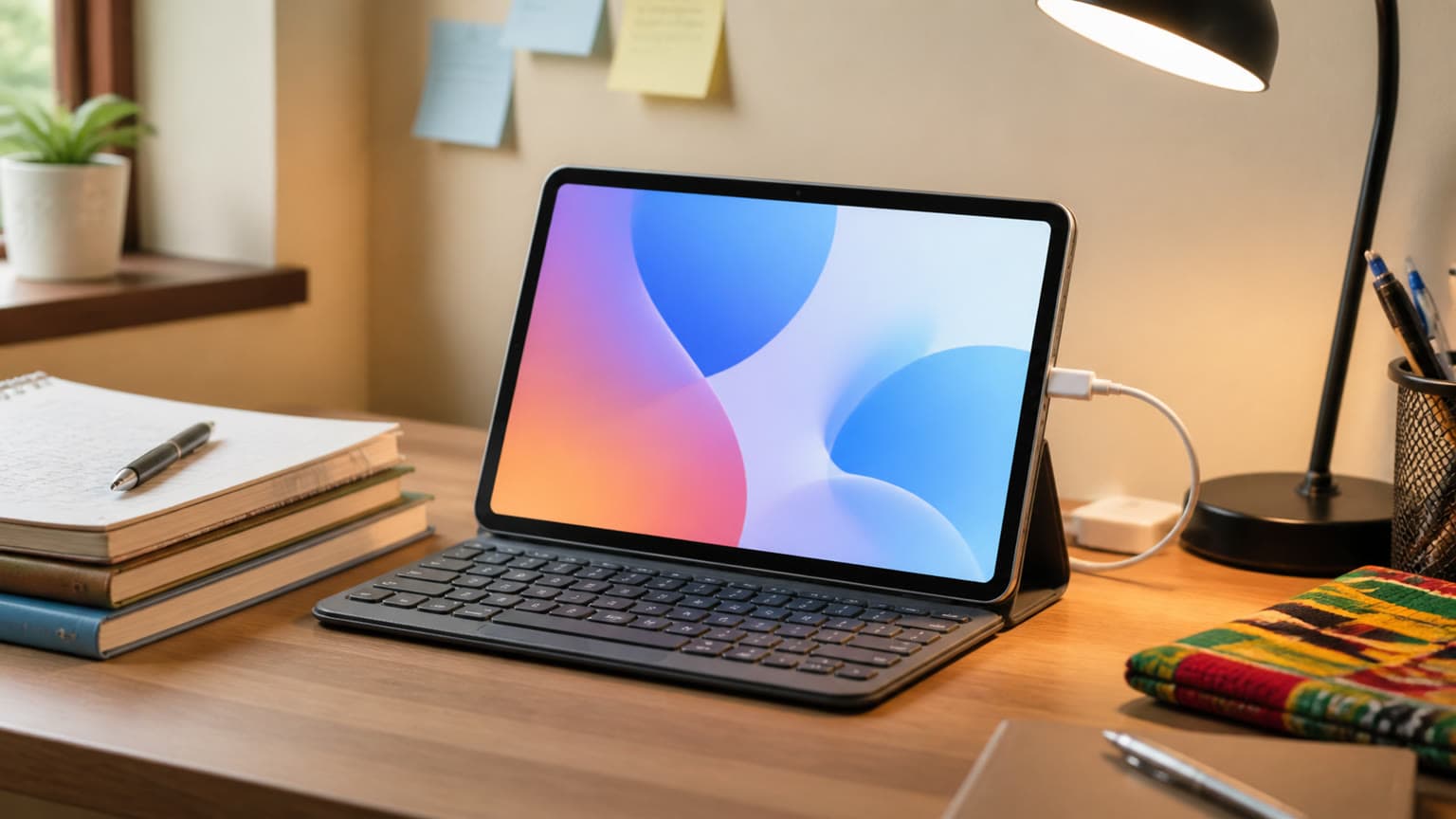
The keyboard experience needs more caution. Generic Bluetooth keyboards should work for basic typing, but they may not give the right stand angle, shortcut layout, trackpad behavior, protection, or balanced lap use. An official or model-specific keyboard case is more convenient, but only if it is actually available locally. Ask the seller to state what is in the box and what is sold separately. If you are buying online, do not assume product photos prove the keyboard is included.
Stylus expectations should be even more realistic. The MEGAPAD SE is not presented as an active-pen tablet in the same category as Apple Pencil, Samsung S Pen on compatible Galaxy Tabs, or higher-end pen-supported Android tablets. A universal capacitive stylus may work for tapping, highlighting, and rough sketches, but serious handwriting needs palm rejection, predictable latency, pressure sensitivity, and app support. Students in architecture, art, engineering drawing, design, or medical diagrams should test pen input before purchase.
Cellular Versus Wi-Fi: What to Check
Connectivity is a major Nigerian buying issue. A Wi-Fi-only tablet can be cheaper, but it depends on phone hotspot sharing, home Wi-Fi, campus Wi-Fi, or office Wi-Fi. That can drain your phone battery and create friction during long online classes. A cellular model is more flexible because it can use a SIM directly, but it may cost more and must support the right LTE bands for your network.
Do not assume every MEGAPAD SE listing has the same configuration. Check model number, SIM support, LTE bands, RAM, storage, charger, warranty status, and whether the unit is a Nigerian-market device or an import. Grey imports can be attractive on price, but repair support, warranty claims, and bundled accessories may be weaker. If a seller cannot confirm these details, treat that as part of the cost.
Battery, Charging, and School-Day Use
TECNO lists 18W charging and long playback claims under its own test conditions. Use those figures as lab context, not a promise for your daily routine. In real use, battery life will depend on brightness, LTE signal strength, WhatsApp, Chrome tabs, YouTube, Google Meet, Zoom, Bluetooth accessories, hotspot use, and gaming. Even with that caution, a tablet of this class should handle a school day of light reading, streaming, typing, and video calls better than many phones because the battery and screen are built for longer sessions.
Power reliability also matters. If you travel often, live in a hostel, or depend on public power supply, confirm the charger and cable in the box. A large battery is only helpful when you can charge it safely. Poor-quality replacement chargers can create heat, slow charging, or battery wear, especially when the tablet is used while plugged in for classes or streaming.
Alternatives and Comparison Scorecard
| Option |
Best fit |
Main advantage |
Main caution |
| TECNO MEGAPAD SE |
Students who want a large budget Android study screen |
11-inch 90Hz display, WPS Office angle, AI study features, keyboard-case positioning |
Confirm LTE, keyboard bundle, software state, warranty, and pen expectations |
| Tecno Megapad 10 |
Buyers who want a simpler TECNO tablet at lower catalog pricing |
Ogabassey catalog fit, 10.1-inch class screen, 7000mAh battery, 4GB/128GB listed configuration |
Smaller and more basic than MEGAPAD SE; confirm live availability and connectivity |
| Samsung Galaxy Tab A9 or A9+ |
Buyers who prioritize Samsung software trust and broad accessory familiarity |
Known Samsung ecosystem and widely reviewed budget-tablet line |
Standard A9 is more compact; A9+ is the more comparable larger-screen choice |
| Redmi Pad SE |
Media-first buyers who want an 11-inch Android tablet with quad speakers |
11-inch 90Hz display and 8000mAh battery on official specs |
Check Nigerian warranty, exact variant, charger, and stock condition |
| Entry and mid-range iPads |
Students who need stronger app support, better resale value, or reliable pen options |
Clear Apple Pencil compatibility and stronger creative app ecosystem |
Higher Nigerian pricing, accessory cost, and model-specific Pencil limitations |
The Tecno Megapad 10 is the most relevant Ogabassey catalog alternative for readers who want to stay with TECNO and spend less. Ogabassey lists it at ₦218,400 with a 10.1-inch LCD, 1280 x 800 resolution, MediaTek MT8786/G80-class platform, 7000mAh battery, 18W charging, 4GB RAM, and 128GB storage. Because the catalog shows zero stock while stock management is off, buyers should confirm availability, selected variant, and Wi-Fi or cellular configuration before checkout.
If you are deciding between TECNO models, read Ogabassey's TECNO Mega Pad SE vs Tecno Megapad 10 comparison. That article is the better place for a direct TECNO-versus-TECNO decision. This review should remain the canonical MEGAPAD SE buying guide, with the comparison article serving readers who already narrowed the choice to those two tablets.
Where iPads Fit in This Buying Decision
Most students considering the MEGAPAD SE are not shopping for an iPad Pro first. Still, iPads matter because used, imported, and previous-generation Apple tablets often appear in Nigerian comparisons. The iPad Pro 11-inch (M2), iPad Pro M4 11-inch, and iPad Pro M5 are not budget substitutes. They are for buyers whose work needs strong creative apps, premium displays, more performance, and higher accessory investment. Comparing them directly against a budget TECNO tablet only makes sense if you are deciding whether to stretch your budget for professional work.
The more practical Apple comparison is the iPad 11th Gen (A16), iPad Air M2, iPad mini (A17 Pro), or an older iPad Air 4th Gen Wi-Fi + Cellular. Apple Pencil support differs across these models, so do not buy a used iPad and pencil separately without checking compatibility. If handwriting and app longevity are your highest priorities, an iPad may justify its higher price. If your work is mostly reading, streaming, typing, and online classes, the MEGAPAD SE can still be the more sensible value device.
Price, Warranty, and Availability in Nigeria
Do not treat any single MEGAPAD SE price as permanent. Nigerian tablet pricing can move quickly because of exchange rates, import channels, seller discounts, warranty type, storage configuration, keyboard bundles, and charger contents. A low price without warranty, proper charger, or return support may be worse than a slightly higher price from a seller that can handle after-sales issues.
Before paying, ask five direct questions. What RAM and storage configuration is this exact unit? Is it Wi-Fi only or cellular? Is the keyboard case included or sold separately? Is the warranty local and written on the invoice? What happens if the device has a screen, charging, battery, or software issue within the return window? A seller that answers clearly reduces your risk.
What to Verify Before Buying
- Confirm the exact model name: MEGAPAD SE is not the same as Tecno Megapad 10 or another TECNO Pad listing.
- Check RAM, real storage, and expandable-storage support instead of relying on virtual RAM claims.
- Verify SIM, LTE bands, and Nigerian network compatibility if you need mobile data without a hotspot.
- Ask whether the charger, case, screen protector, and keyboard are included in the box.
- Test brightness, speakers, Wi-Fi, cameras, charging, and multitasking before the return window closes.
- Check software version, security patch date, and whether advertised AI features are already installed or still pending.
- Do not buy it for serious stylus work unless you have tested the exact pen and app combination.
Verdict: Should Nigerian Students Buy It in 2026?
Yes, the TECNO MEGAPAD SE remains a strong budget tablet candidate for Nigerian students in 2026 if you want a large display, light productivity tools, media comfort, and enough storage at a sensible price. It is especially appealing for PDF reading, online classes, WPS Office documents, split-screen study, YouTube, email, and casual entertainment.
Do not buy it as a laptop replacement unless your work is mostly browser-based and document-based. Do not buy it for serious pen input unless you have tested the experience yourself. If you want a cheaper TECNO catalog option, compare the Tecno Megapad 10. If you want stronger software confidence, compare Samsung. If you want reliable handwriting and premium app support, compare iPads carefully by Pencil and keyboard compatibility. The best purchase is the exact variant with the right storage, local warranty, connectivity, and accessory bundle, not simply the lowest advertised price.
FAQ
How much is the TECNO MEGAPAD SE in Nigeria?
Use live seller pricing rather than a fixed figure. The right comparison is the total package: storage, RAM, LTE or Wi-Fi, warranty, charger, keyboard case, return window, and seller support.
Is the Tecno Megapad 10 the same as the TECNO MEGAPAD SE?
No. The Tecno Megapad 10 is a separate Ogabassey catalog product with a 10.1-inch display class and 4GB/128GB listed configuration. The MEGAPAD SE is the larger 11-inch model discussed in this review.
Does the TECNO MEGAPAD SE support a SIM card?
Do not assume every listing has the same connectivity. Confirm the exact model, SIM support, LTE bands, and local warranty before paying.
Can the TECNO MEGAPAD SE replace a laptop?
It can replace a laptop for light tasks such as assignments, spreadsheets, PDFs, video calls, email, and browser work. It is not a full replacement for coding, desktop software, heavy creative work, or advanced multitasking.
Does the TECNO MEGAPAD SE support a keyboard?
TECNO promotes case and keyboard accessories for the MEGAPAD SE, and generic Bluetooth keyboards should work for basic typing. Confirm whether a keyboard case is included, sold separately, or unavailable from the seller.
Is the TECNO MEGAPAD SE good for handwriting notes?
It is acceptable for basic capacitive stylus tapping and rough notes, but it is not the best choice for serious handwriting or drawing if you need palm rejection, pressure sensitivity, and low-latency active pen support.
Sources