Bassey John is a Performance Marketing Specialist at Ogabassey with cross-industry experience spanning e-commerce, gaming, and real estate. He focuses on paid acquisition, conversion-rate optimisation, and data-driven growth strategy, turning campaign performance into measurable revenue. At Ogabassey he writes about consumer technology, product buying guides, and the Nigerian gadget market to help shoppers make confident, informed decisions.
Continue shopping tablets
Compare Infinix verified prices, condition grading, and key specs in tablets.
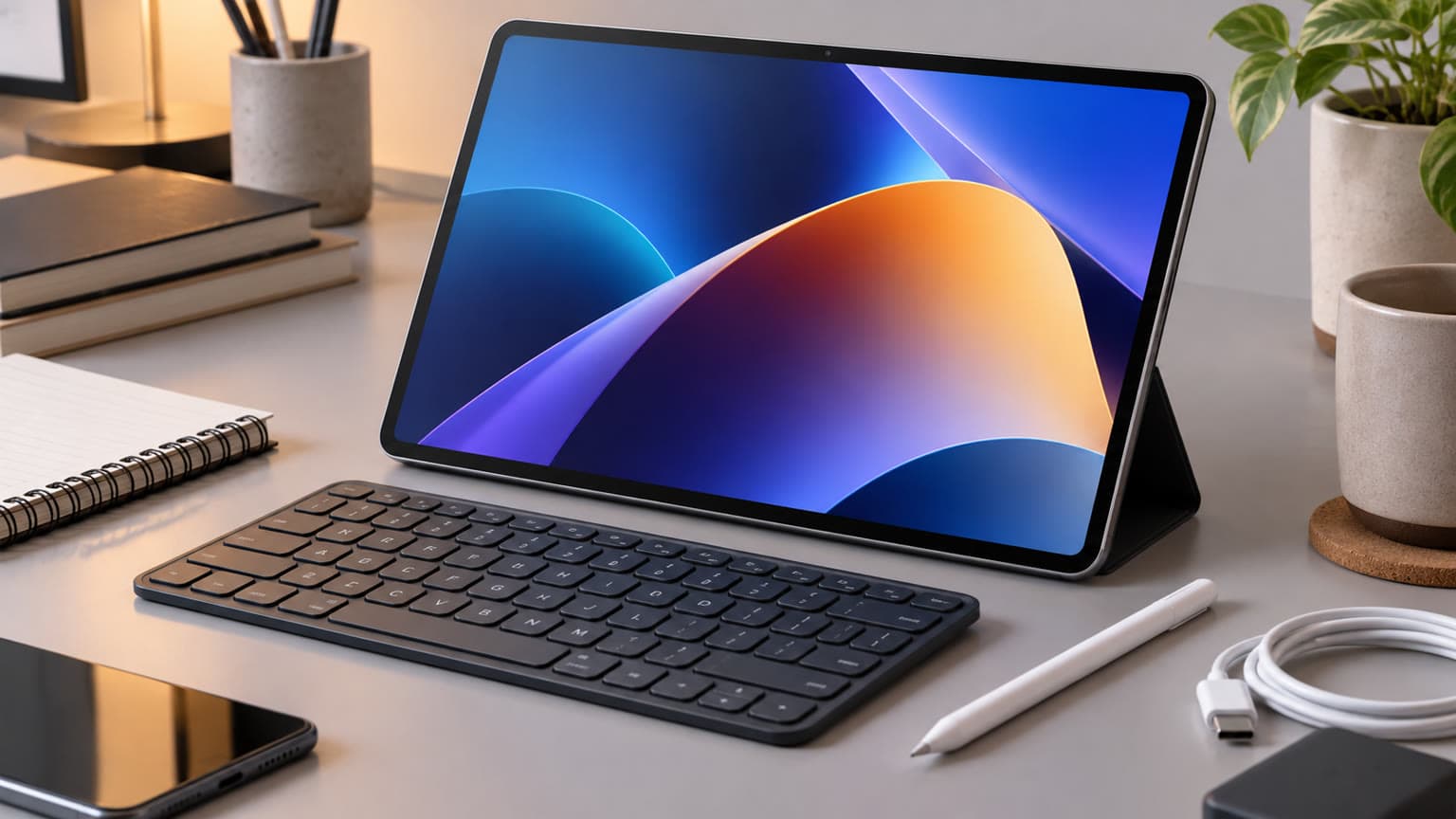
Infinix’s new XPAD 30 brings an 11-inch 90Hz screen, Android 16 and 18W charging to its entry tablet range. Nigerian pricing is unconfirmed, while Ogabassey’s supplied catalog lists the XPAD 30 Pro keyboard bundle at ₦484,000. That gives buyers a concrete alternative to assess before waiting for the base model.
What changed: XPAD 30 arrives alongside XBook 14 Neo coverage
Notebookcheck reported the XPAD 30’s Philippine launch on 11 November 2026. Techish followed on 12 November with coverage of the tablet and the XBook 14 Neo’s Malaysian sales debut. Both reports fall within this news window, but neither establishes a Nigerian launch date for the new base tablet or laptop.
The distinction matters because the XBook 14 Neo had already appeared in Indonesia in September, according to Techish. Its November regional availability is fresh news; describing the laptop as an entirely new global announcement would blur that timeline. The XPAD 30 tablet is the more useful development for readers comparing Infinix’s current tablet choices.
Infinix’s indexed Philippine specification page identifies the XPAD 30 as model X1102D. It lists a MediaTek Helio G88 processor, 128GB storage, 4GB or 6GB physical RAM configurations, microSD expansion up to 1TB, Wi-Fi and 4G LTE. The screen is a 1920 × 1200 IPS LCD, and the battery capacity is 7,200mAh.
Techish identifies charging as a principal change from the XPAD 20: support rises from 10W to 18W while the processor remains Helio G88. This makes charging capability a clearer reason to consider the new model than an assumption of a large performance jump. Charging wattage alone does not establish a measured full-charge time.
The XPAD 30 adds 18W charging support; actual charging time remains untested here.
Nigeria availability, warranty and price context
The immediate Nigerian decision is whether the base XPAD 30 deserves a place on your shortlist alongside the locally catalogued Pro. The supplied Ogabassey catalog snapshot, reviewed for this draft on 16 November 2026, lists the Infinix XPAD 30 Pro at ₦484,000. Its merchant description specifies 8GB RAM, 256GB storage, 4G and an included keyboard.
This is a dated catalog price, not a Nigerian price announcement for the base XPAD 30. Follow the linked live product card for the current offer and confirm the selected configuration before paying. The supplied record uses unmanaged inventory, so a zero stock quantity does not independently establish either immediate availability or a definite stockout. Delivery timing needs confirmation.
There is also a regional configuration difference worth resolving. The Star’s 4 November report describes an 8GB/128GB Malaysian XPAD 30 Pro package, while Ogabassey’s merchant listing specifies 8GB/256GB. Do not copy an overseas bundle description onto the Nigerian listing. Ask for the exact model, storage capacity and box contents associated with your order.
Carlcare’s Nigeria Infinix policy lists 12 months of main-unit coverage for XPAD-series tablets and six months for the included charger and cable. It limits the terms to Infinix products sold within Nigeria. Confirm eligibility for the particular unit and retain the invoice; a foreign launch offer does not establish local warranty coverage.
Platform and compatibility: match the device to your work
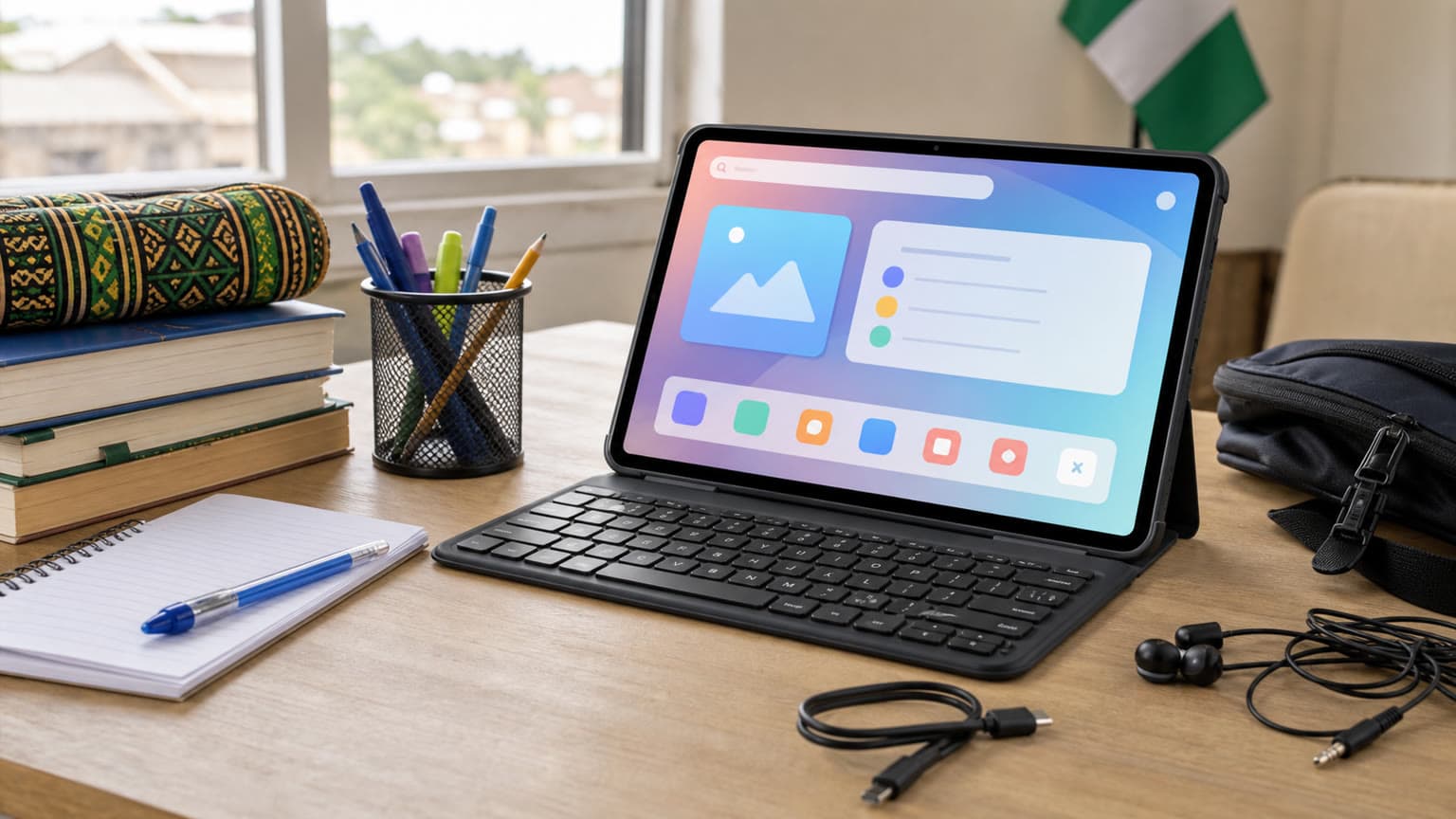
The XPAD 30 is an Android tablet. For reading lecture notes, browsing course portals and joining video calls, the practical question is whether your required applications work properly on Android. Before choosing it for school, open your institution’s examination software requirements and any specialist application list. A keyboard changes text entry, but it does not change the operating system.
The official XPAD 30 specifications list Android 16, but the checked evidence does not establish a guaranteed number of future Android upgrades. Ask about the written security-support policy if you intend to keep the tablet through several academic years. A newer starting version and a documented support commitment answer different ownership questions.
Storage also needs careful interpretation. On the reported 4GB model, an advertised figure of up to 8GB includes memory expansion; it should not be treated as 8GB of physical RAM. For buyers keeping several applications open, compare physical RAM first. A microSD card can help organise downloaded materials, but it does not replace RAM.
Keyboard and stylus compatibility need separate confirmation
Ogabassey’s Pro description includes a keyboard. It does not establish an included active stylus. The Star reports an X Pencil 20 in the Malaysian Pro package, but that is evidence about that package only. Confirm the exact pen model, palm rejection and application compatibility before budgeting for handwritten notes or illustration.
For the base XPAD 30, the evidence checked here does not establish active-pen support or a particular keyboard bundle. Browse Ogabassey accessories after confirming the tablet model and accessory connection requirements. A case fitting the screen diagonal is insufficient proof that its camera cut-outs, buttons and attachment points will align.
The XBook name also hides configuration differences
Infinix’s official Malaysian XBook 14 Neo specifications list Core i3-1315U and Core i5-1335U processors with DDR4 SODIMM memory. Its global specifications instead list Core 3/Core 5 Series 3 processors and onboard LPDDR5X. Buyers should request the full processor and model code rather than choosing from the XBook 14 Neo name alone.
For a student needing desktop applications, that laptop-versus-tablet distinction deserves priority over a bundled keyboard. Check the software platform first, then memory, storage and accessory costs. Neither device’s inclusion in overseas launch coverage establishes Ogabassey stock.
Required applications should guide the choice between an Android tablet and a laptop.
Related Ogabassey categories and products
Start with the Ogabassey tablet range to compare complete purchase packages. The supplied catalog includes Redmi Pad 2 4G, Tecno MegaPad SE 2, Tecno MegaPad 2 and Tecno Mega Pad SE. These provide alternatives to investigate, but their names alone do not establish equal screens, processors, update policies or accessory support.
For a broader shortlist, the same catalog includes Honor Pad X7 128GB + 4GB with Case, iPad 11th Gen (A16), and iPad Pro M1 12.9-inch (2021). Compare the actual condition, storage, cellular configuration and required accessories. An older premium tablet and a newer entry tablet can serve different needs even when their asking prices approach one another.
Readers considering the Tecno options can use Ogabassey’s TECNO MegaPad SE versus MegaPad 10 guide to structure their questions about screen, battery and storage value. Check its exact model names before applying those comparisons to newer MegaPad listings.
What to verify before buying
Three decisions should settle the shortlist. First, determine whether Android runs all the software you need. Second, price the complete package: tablet, keyboard, any verified compatible pen, protective case and data connection. Third, confirm the exact local variant and warranty route rather than relying on a foreign launch bundle.
The XPAD 30’s announcement gives buyers another model to watch, but there is no verified Nigerian base-model price here to compare against the Pro’s ₦484,000 snapshot. Waiting makes sense if your decision depends on that price gap. If you need a device sooner, assess a confirmed local offer on its own configuration, delivery terms and support eligibility.
This is source-backed launch coverage with catalog context, not hands-on testing. No battery runtime, gaming performance, pen latency or charging-time measurements are claimed.
FAQ
How much is the Infinix XPAD 30 in Nigeria?
A verified Nigerian price for the base XPAD 30 was not established. Ogabassey’s supplied catalog reviewed on 16 November 2026 lists the separate XPAD 30 Pro keyboard bundle at ₦484,000. Check its live product card for the current offer and confirm availability.
Which tablets support Apple Pencil or keyboard accessories?
Compatibility depends on the exact tablet and accessory model. Ogabassey lists a keyboard with its XPAD 30 Pro configuration, but an included active stylus is not established. Do not assume Apple Pencil compatibility with an Android tablet; verify the manufacturer’s compatibility information before purchasing any pen.
Is a tablet enough instead of a laptop?
It can be enough when your work fits Android applications, reading, browsing and light document editing. Choose around your required software first. A tablet keyboard does not provide Windows application compatibility, and specialist school or work software may require a laptop.
Which iPad or tablet should I buy in Nigeria?
Choose by required applications, total accessory cost, physical RAM, storage, connectivity and verified warranty. The XPAD 30 currently lacks a confirmed Nigerian price in this coverage, so it cannot yet be judged the better-value local purchase against catalogued alternatives.
Catalog-linked prices update automatically. Historical and other quoted prices remain as written. Open the product page to confirm the current price, selected variant and availability before buying.