Laptops
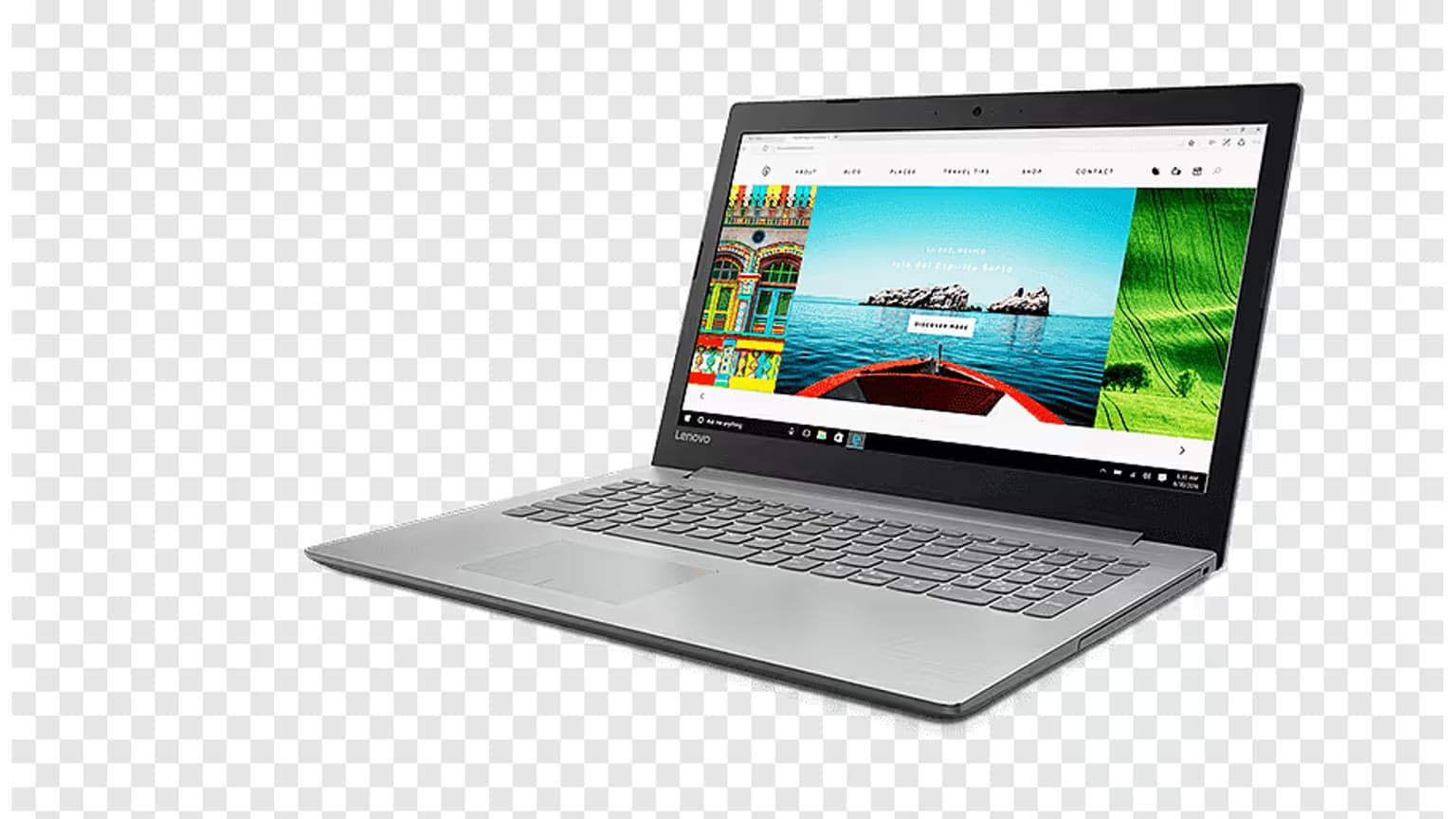
Dell • ₦200,000
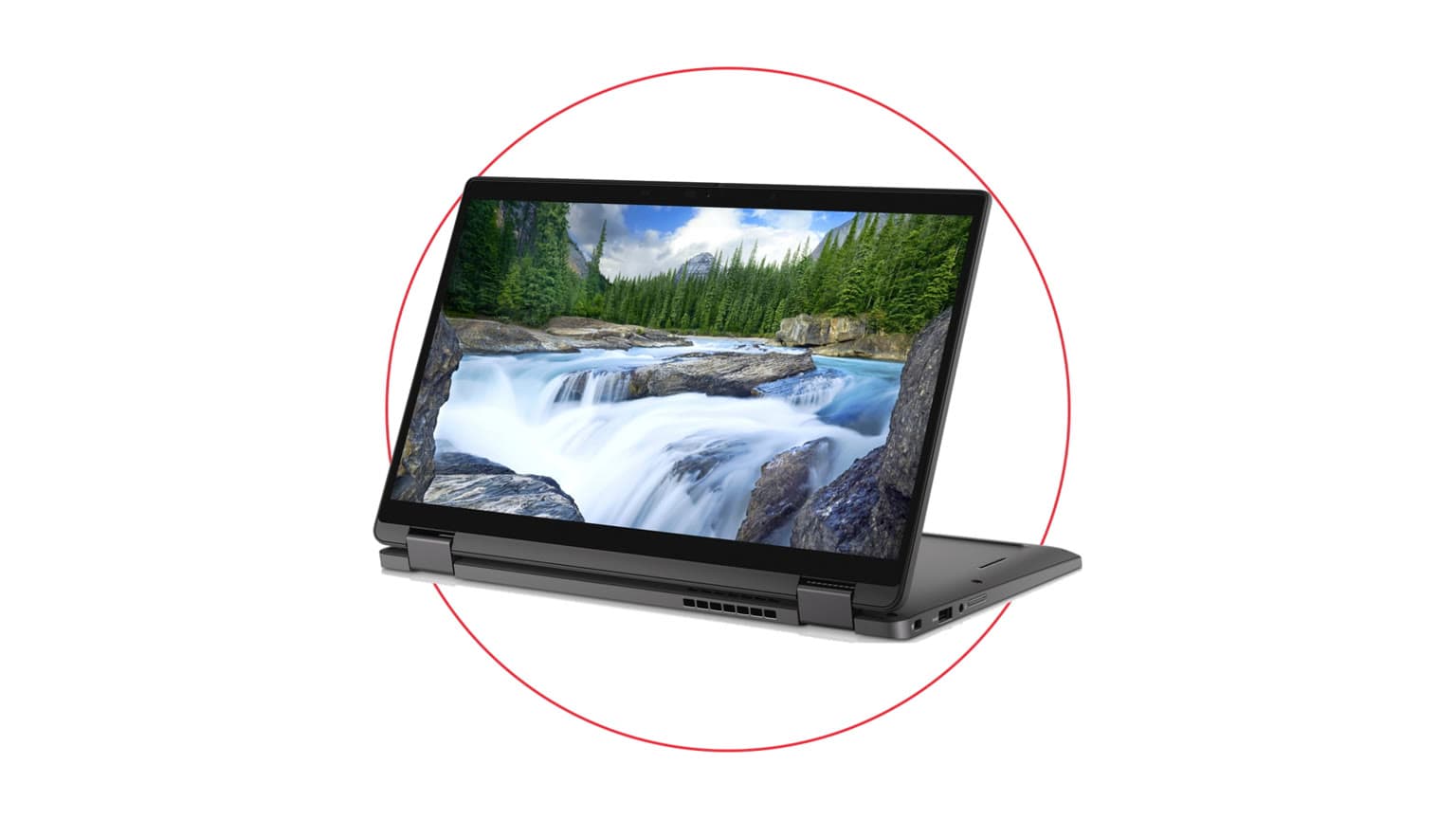
Dell • ₦280,000
The used Dell XPS 15 9530 listed by Ogabassey costs ₦1,350,000 and is configured with a 13th-generation Intel Core i7-13700H, 16GB DDR5 RAM, 512GB SSD and 15.6-inch 1920 by 1200 FHD+ display. It is a premium work and creator laptop, but XPS 15 9530 configurations vary widely. Confirm the exact graphics hardware, battery health, display, ports, charger, keyboard and condition before payment.

The current Dell XPS 15 9530 product page lists this used configuration at ₦1,350,000. Search Console shows the XPS 15 family already earning Nigerian impressions for price and model queries, so the purchase decision needs exact configuration clarity rather than another generic XPS review.
The price should be judged against condition and components. A 9530 with an OLED panel and discrete RTX graphics is not equivalent to an FHD+ unit using integrated graphics. Ask for the service tag, Windows System Information, Device Manager screenshots and the selected product variant before comparing prices across sellers.
The catalog specifies the Core i7-13700H, 16GB RAM, 512GB SSD and FHD+ 1920 by 1200 display. Intel lists the i7-13700H as a 14-core, 20-thread mobile processor with boost frequency up to 5.0GHz. Dell’s 9530 platform supports two SODIMM memory slots and multiple SSD, display and graphics options.
The catalog currently identifies Intel Iris Xe graphics for this unit. Verify that detail in Device Manager because many XPS 15 9530 listings online include Intel Arc or NVIDIA RTX discrete graphics. Do not infer a GPU from the chassis name. For office work, web development, presentations and media, integrated graphics can be adequate. For 3D rendering, CUDA workloads or demanding games, the absence of a discrete GPU changes the value significantly.
This configuration suits a professional who wants strong CPU performance, a larger 16:10 workspace and premium build quality without buying a gaming-styled laptop. The i7 and 16GB RAM can handle large spreadsheets, coding, research, photo management, video calls and moderate creative work. The 512GB SSD is enough for normal productivity but can fill quickly with raw video or large project libraries.
It is less suitable for a buyer who needs long unplugged battery life at any cost, many built-in legacy ports or guaranteed high-end GPU performance. Browse the wider Ogabassey laptop range if USB-A, HDMI or discrete graphics are non-negotiable.
The listed FHD+ panel has 1920 by 1200 resolution and a 16:10 aspect ratio. It is a practical choice for battery life and text work compared with the higher-resolution OLED option, but it does not deliver OLED black levels or touch input. Inspect for dead pixels, pressure marks, backlight bleed and uneven colour on the actual used unit.
The XPS 15 9530 is USB-C centred. Dell documents two Thunderbolt 4 ports on the left and a USB-C 3.2 Gen 2 port on the right, plus an SD-card reader and headset jack. There is no built-in USB-A or full-size HDMI. Budget for a trustworthy hub or adapter and test every port because a damaged USB-C port can affect both accessories and charging.
Dell offered the 9530 platform with large smart lithium-ion batteries, but used battery condition depends on charge cycles, heat and previous workload. In Windows, generate a battery report and compare full-charge capacity with design capacity. A seller’s runtime claim is less useful than the actual health percentage and a short unplugged test under normal brightness.
The i7-13700H is a high-performance processor in a thin chassis. Under sustained rendering or compilation, fan noise and surface temperature will rise. Run a controlled CPU test, watch temperatures and confirm that performance remains stable without abrupt shutdowns. Dust, dried thermal material or a failing fan can turn a premium used laptop into an expensive repair.
Inspect the aluminium lid, palm rest, carbon-fibre interior, hinges, rubber feet and screws. Check for chassis flex, separation, swelling or a trackpad that sits unusually high, which can indicate battery expansion. Test the keyboard backlight, webcam, speakers, headphone jack, Wi-Fi, Bluetooth, fingerprint reader and SD reader.
Confirm that the charger is a genuine unit with adequate wattage. A weak USB-C charger can produce slow charging or reduced performance. Verify the service tag on Dell Support and compare the original configuration with the hardware now installed. Upgraded RAM or SSD can be fine, but buyers should know exactly what changed.
The 15-inch XPS gives more screen space and cooling capacity than compact premium machines, but it is heavier and less convenient for daily commuting. The Dell XPS 13 9380 guide shows the opposite trade-off: portability first, with older performance and fewer upgrade benefits.
Buyers comparing macOS should also apply the battery, charger and display checks in the used MacBook Pro guide. The operating system matters, but condition and repair exposure can matter more on any used premium laptop.
Include a USB-C hub, protective sleeve, possible battery replacement and enough cloud or external storage in the budget. The XPS uses premium parts and a compact internal layout, so repairs can cost more than on a basic business laptop. Ask which warranty faults the seller covers and who pays transport if service is needed.
Windows licence status, BIOS updates and Dell firmware also matter. Run Dell diagnostics, install updates from Dell Support and check that the BIOS is not locked by an unknown administrator password. A clean Windows reset is sensible, but back up drivers and confirm activation first.
If the laptop will earn money, test the exact workflow during the return window: connect the monitor or dock, open the required software, import a representative project and complete a video call. Real work exposes port, webcam, thermal and memory issues faster than a few minutes on the desktop.

The Dell XPS 15 9530 is compelling when the buyer wants premium construction, a strong 13th-generation i7 and a large productivity display. At ₦1.35m, the exact unit must justify the price with healthy battery capacity, clean condition, stable thermals and confirmed graphics. Buy the configuration in front of you, not the best specification found in an unrelated review.
The Ogabassey catalog currently lists Intel Iris Xe graphics. Verify Device Manager and the service tag because the 9530 family was sold with several graphics options.
Dell documents two SODIMM slots and support for multiple DDR5 configurations. Confirm installed modules and compatible speeds before upgrading.
No built-in full-size HDMI or USB-A is documented. You may need a USB-C hub, and that cost should be included in the purchase decision.
Confirm battery health and exact graphics hardware, then test all USB-C ports and the charger. Those details directly affect performance and repair cost.
Catalog-linked prices update automatically. Historical and other quoted prices remain as written. Open the product page to confirm the current price, selected variant and availability before buying.