Bassey John is a Performance Marketing Specialist at Ogabassey with cross-industry experience spanning e-commerce, gaming, and real estate. He focuses on paid acquisition, conversion-rate optimisation, and data-driven growth strategy, turning campaign performance into measurable revenue. At Ogabassey he writes about consumer technology, product buying guides, and the Nigerian gadget market to help shoppers make confident, informed decisions.
Continue shopping laptops
Compare Asus verified prices, condition grading, and key specs in laptops.
ASUS • Used • ₦1,155,000 • 32GB RAM, 1024GB storage
The ASUS TUF Gaming A16(2025) is listed at ₦2,530,000 and available in the supplied Ogabassey catalog snapshot, with 32GB RAM, 1TB storage and RTX 5070 graphics. Before buying this used unit, confirm its exact processor, display, battery condition and charger; a box alone does not establish open-box condition or warranty.
Who this is for
This is a candidate for someone buying one laptop for gaming and demanding creative work, provided the advertised hardware is demonstrated on the actual unit. The listed 32GB RAM and 1024GB storage give you useful configuration details to assess before spending money. They do not establish rendering speed, gaming frame rates or battery endurance: this guide uses catalog evidence and official ASUS guidance, without hands-on testing.
For school or remote work built mainly around documents, browser tabs and calls, first ask whether you need dedicated graphics. Spending ₦2,530,000 on this machine makes more sense when your games, editing software or 3D applications can use its hardware. If carrying a laptop between lectures or working away from sockets is your priority, request the unit's weight, charger weight and a battery demonstration before deciding.
For design work, the display needs separate attention. A 165Hz refresh rate describes refresh frequency; it does not establish colour accuracy or brightness. Ask for the exact panel specification and consider whether your workflow requires a verified colour-capable external monitor.
Key specs and buying context
The Nigeria price of the ASUS TUF Gaming A16(2025) listed by Ogabassey is ₦2,530,000 in the supplied first-party snapshot dated 16 November 2026 at 05:21 UTC. The underlying product record was last updated on 3 October 2026; this is a dated catalog reference, not a fresh checkout quotation. Check the linked live product card for the current offer and selected configuration.
The catalog marks availability as in stock under an unmanaged inventory policy. Its numeric stock count of zero should therefore not be read as sold out. Confirm that the specific unit can be reserved and delivered before paying or arranging collection.
Catalog facts and unresolved buying checks for the ASUS TUF Gaming A16(2025)
Entity
Attribute
Value or buying check
ASUS TUF Gaming A16(2025)
Price
₦2,530,000 in the supplied dated snapshot; confirm the live offer.
ASUS TUF Gaming A16(2025)
Availability
In stock; unmanaged catalog stock; specific-unit confirmation required.
ASUS TUF Gaming A16(2025)
Condition
Used/pre-owned. Import notes say boxed; open-box condition is not established.
ASUS TUF Gaming A16(2025)
Category
Gaming Laptops
ASUS TUF Gaming A16(2025)
Processor
Catalog wording: Ryzen 9 270—{15th Gen} —4GHz. Exact CPU and generation need verification.
ASUS TUF Gaming A16(2025)
Graphics
8GB NVIDIA RTX 5070 Graphics, as catalog-listed; verify the installed laptop GPU.
ASUS TUF Gaming A16(2025)
RAM
32GB; installed module arrangement not listed.
ASUS TUF Gaming A16(2025)
Storage
1024GB, described as a 1TB SSD; drive health and spare-slot occupancy not listed.
ASUS TUF Gaming A16(2025)
Display
16.0 inches; 16-inch 165Hz FHD+ WUXGA Display, as catalog-listed.
ASUS TUF Gaming A16(2025)
Battery life and health
Not listed; request unit-specific evidence.
ASUS TUF Gaming A16(2025)
Charger, ports and connectivity
Exact adapter rating and complete port/connectivity specifications not listed.
ASUS TUF Gaming A16(2025)
Warranty, returns and delivery
Terms, coverage duration, delivery fee and timing not listed; obtain written confirmation.
ASUS TUF Gaming A16(2025)
Optical image stabilization
No, according to the catalog camera field; this does not establish webcam quality or affect the main laptop decision.
Alternative candidates
ASUS ROG Zephyrus G14 and G16
Comparable ASUS shopping options; their prices, configurations and condition are not supplied here.
Match the processor and display details to the actual unit, rather than another configuration in the same family.
Resolve the processor and screen identity before payment
The processor entry deserves a pause. The catalog combines “Ryzen 9 270” with “15th Gen” and “4GHz.” Treat that entire string as an unresolved listing description, rather than a verified processor-generation specification. Ask for the full model code from the underside label and a matching BIOS or Windows system-information screen showing the installed CPU.
ASUS's official A16 family page describes multiple configurations and explicitly says specifications vary by configuration. The page reviewed for this guide describes different processor and display options from the supplied listing. It therefore cannot authenticate this particular unit's CPU or screen. Do not silently replace the merchant specification with the highest specification advertised for the family.
Request a clear demonstration of the GPU name and dedicated memory, installed RAM and SSD capacity. Then ask the seller to show the display resolution and available refresh rates in Windows. A matching model name on the lid is insufficient evidence for the component combination inside.
This distinction also answers the storefront search for an ASUS TUF RTX 5060 laptop: the supplied A16 is listed with RTX 5070 graphics. Do not assume it is the RTX 5060 configuration you searched for, or that all TUF A16 units share one GPU. Compare the exact quoted configuration with the invoice before accepting delivery.
Battery, charger and thermals: what should you ask to see?
Check battery behaviour beyond the percentage indicator
Ask for a recent battery-health report showing design capacity and full-charge capacity, followed by an unplugged demonstration using a workload similar to yours. Record the starting charge, elapsed time, brightness setting and applications used. A short demonstration cannot promise all-day endurance, but it can expose immediate shutdowns or unusually rapid discharge.
ASUS documents battery checks through MyASUS System Diagnosis on supported devices. Ask the seller to run the available battery and hardware checks and share the results. ASUS notes that available diagnostic functions vary by model; a missing feature is not automatically evidence of a fault, and a passing result does not replace a useful unplugged demonstration.
Verify the supplied adapter and power plan
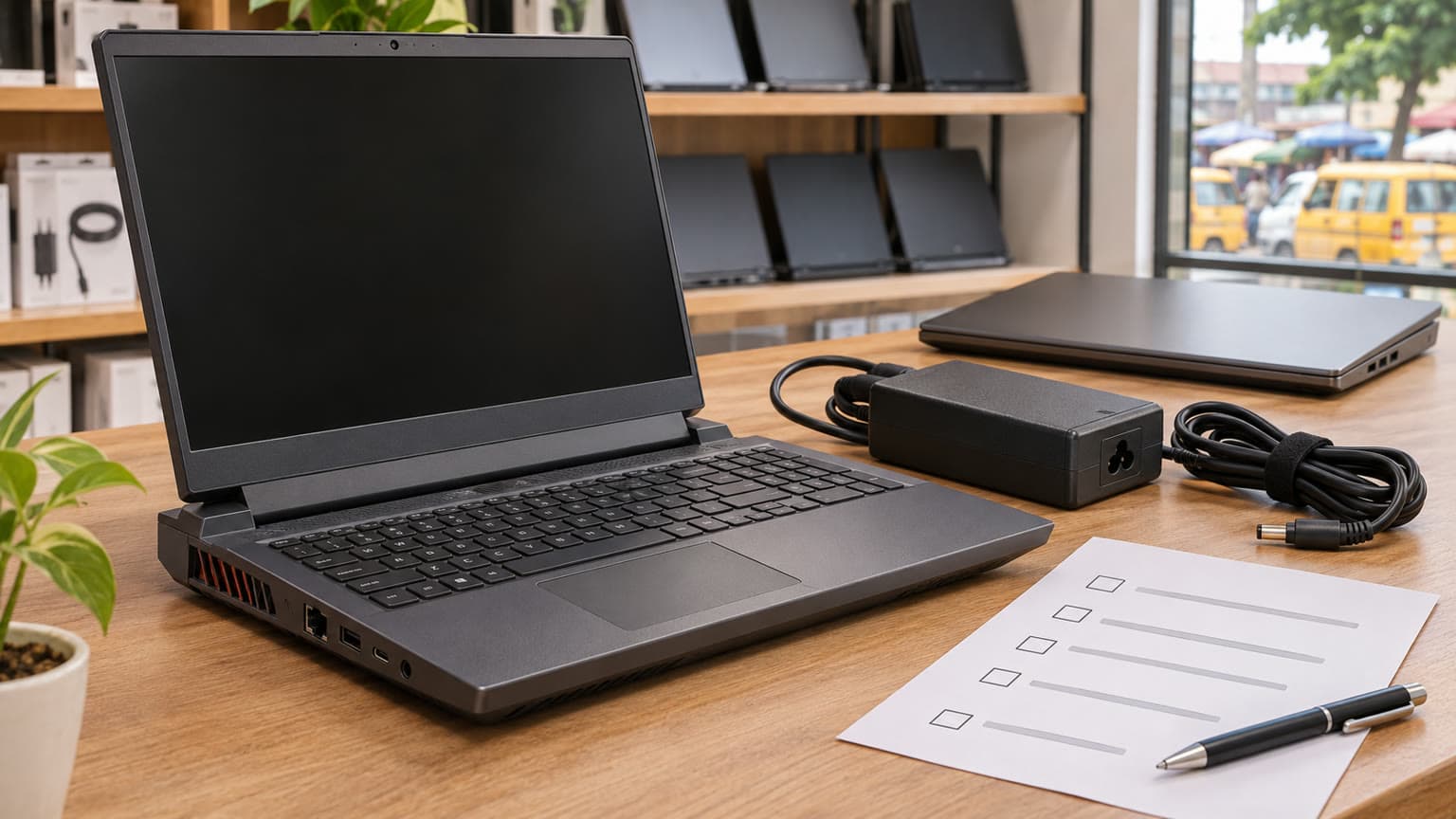
Request a photograph of the adapter label, cable condition and connector. Confirm its suitability for the exact model through the appropriate ASUS documentation. Charger wattage is absent from this snapshot, so neither the box nor a charging icon establishes that the correct adapter is included.
For a buyer using an inverter or UPS in Nigeria, include the laptop adapter and other connected equipment when assessing power requirements. Ask the power-system supplier to confirm suitability using the actual adapter rating. Do not budget around an assumed USB-C charger or assume every USB-C socket supports the same charging and display functions.
Observe a sustained workload
Ask for a supervised gaming or application demonstration with the intended charger connected. Watch for crashes, graphical corruption, abrupt shutdowns and inconsistent charging. Listen for scraping or rattling fans and inspect the external vents for obstruction. Warm surfaces and audible fans alone do not diagnose a fault; this guide has no measured thermal results or universal temperature pass mark.
Compatibility and upgradeability
No compatible accessories, RAM modules or SSD products are supplied in the assignment, so there is no verified add-on recommendation here. ASUS advertises accessible memory and storage upgrades for the A16 family, but the exact unit's supported modules, capacity limits and occupied slots still need confirmation through its model-specific documentation.
With 32GB already listed, establish whether your actual software needs more memory before paying for an upgrade. For storage expansion, ask whether the existing SSD occupies the only available position or leaves a usable slot. Have any proposed installation and its effect on seller warranty agreed in writing before opening the machine.
Test the connections you will use: your external monitor, USB storage, headset and network connection. The uploaded catalog includes audio fields that are insufficient for a reliable port inventory; physically check the unit instead of assuming a headphone socket is absent. For remote work, also demonstrate the webcam, microphone, keyboard, touchpad, Wi-Fi and Bluetooth.
Confirm the installed operating system, activation status and required application support. If your course or employer needs a Windows-only tool, or a creative application needs NVIDIA acceleration, check that requirement before choosing another platform. A hardware specification alone does not establish software licensing or compatibility.
Battery evidence, a suitable adapter and clear delivery terms belong in the buying decision.
Trade-offs: condition and warranty can outweigh the box
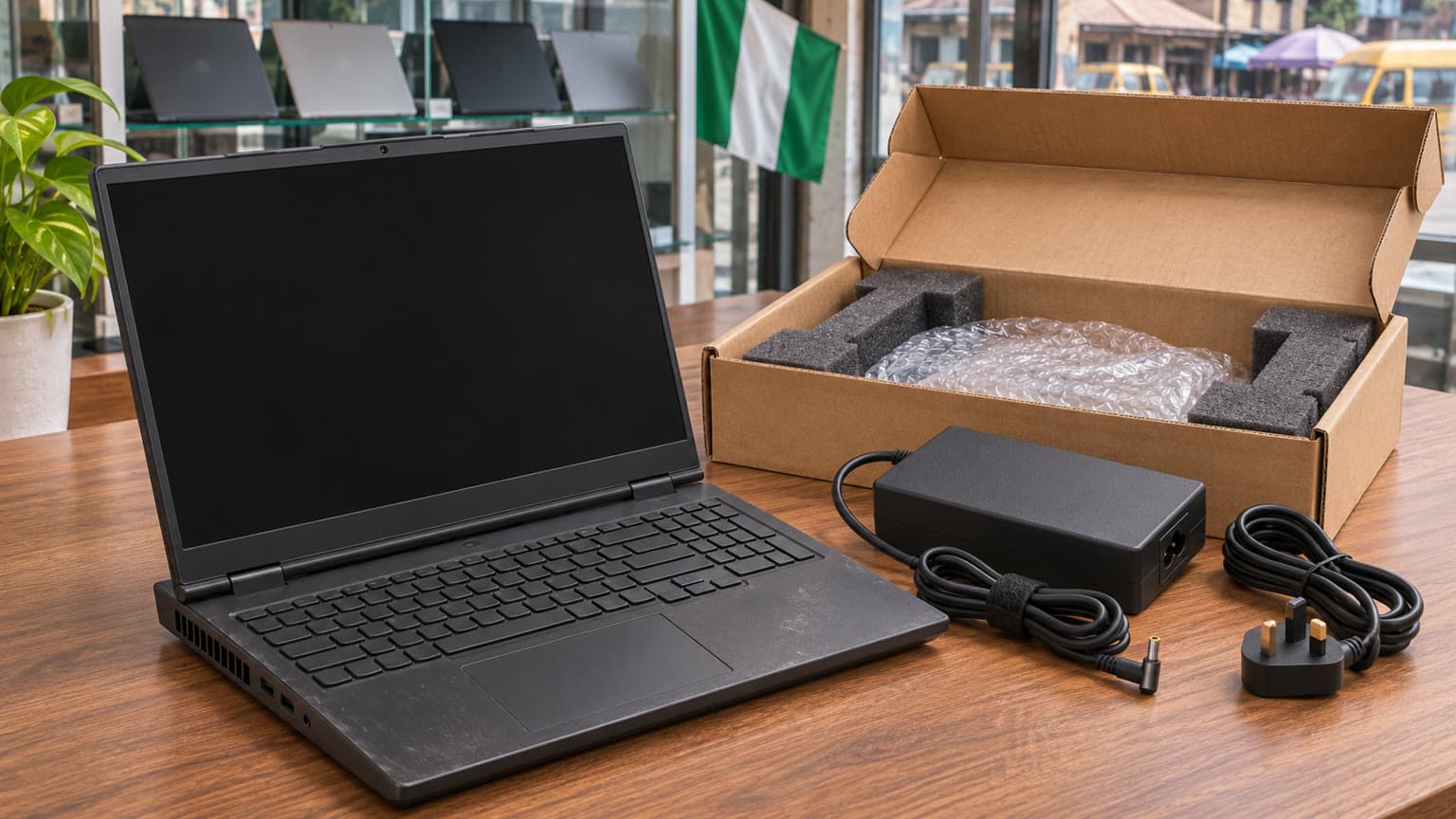
The catalog condition is used. “Boxed” describes included packaging and does not prove minimal use, an unused battery, original accessories or remaining manufacturer coverage. Inspect hinge movement, screen marks, keyboard wear, case damage and screw condition. Ask whether the laptop has had repairs, liquid exposure or component replacements, and request any available service record.
At this price, obtain written answers from OgaBassey covering warranty duration, covered faults, battery and charger exclusions, return eligibility and who pays transport if a fault appears. Ask whether any claimed coverage is a seller warranty or manufacturer warranty. Do not assume international ASUS support applies to this specific unit in Nigeria.
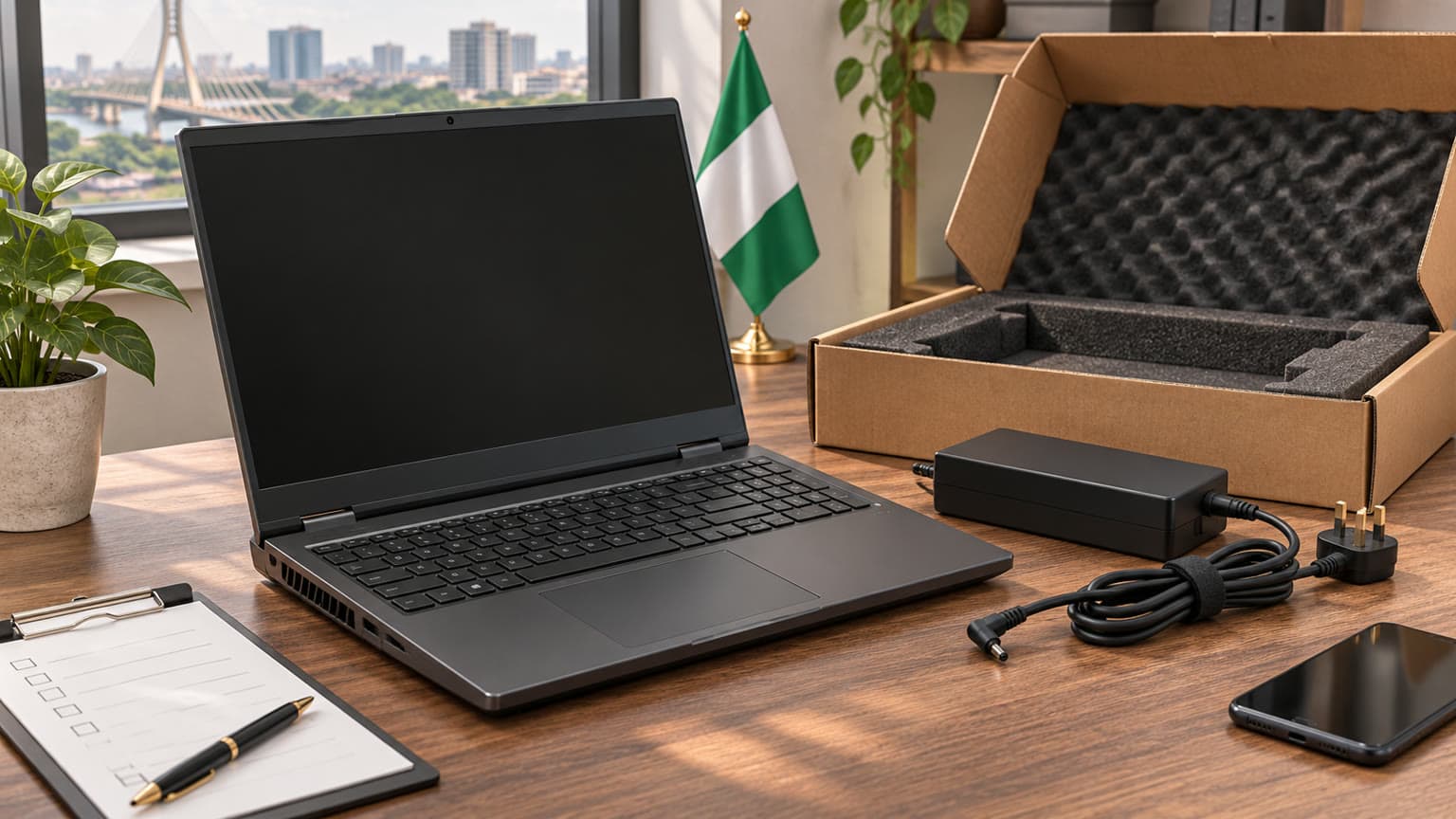
For delivery, confirm the destination, fee, expected timing, protective packaging and procedure for reporting damage or a configuration mismatch. Ask when the inspection or return period begins. Keep the invoice and the agreed specification together so a later complaint refers to the exact unit purchased.
Decision table: proceed, clarify or defer
Decision area
Proceed when
Clarify or defer when
Performance identity
The demonstrated CPU, GPU, RAM and storage match the written quotation.
The processor wording remains unresolved or components differ.
Display
Resolution, refresh rate and physical condition meet your needs.
You are relying on another configuration's panel claims.
Battery and power
Battery evidence is acceptable for your usage and the adapter is confirmed suitable.
Runtime is assumed or the charger cannot be identified.
Thermals and stability
The relevant workload runs without observed faults.
Crashes, graphical errors or shutdowns remain unexplained.
Warranty and value
Written coverage and the complete delivered cost are acceptable.
The price depends on an unproven open-box premium or vague return promises.
Alternatives: ASUS ROG Zephyrus G14 or ASUS ROG Zephyrus G16?
If you arrived searching for ASUS ROG Zephyrus G14, treat this A16 as an alternative quotation, not an equivalent configuration. The supplied evidence does not establish the G14's price, CPU, GPU, battery condition or warranty. Request those details alongside the A16, then compare total cost and the features you need.
The same applies to ASUS ROG Zephyrus G16. A family name does not establish performance relative to the listed RTX 5070 A16. Compare the exact GPU, display, memory, condition, charger and written coverage before deciding whether either quote offers better value.
Use the wider Ogabassey Gaming Laptops selection to obtain a second configuration with comparable evidence. For a MacBook alternative, first confirm whether your applications and games support macOS; the supplied snapshot cannot establish a MacBook price or justify a blanket claim that one is better value.
Verdict
Consider this ₦2,530,000 A16 if you need the listed 32GB RAM, 1TB SSD and RTX 5070 configuration, and the actual machine passes the identity, battery, charger and stability checks. Defer payment while the CPU description or panel specification remains unresolved. The strongest buying case is a verified configuration with acceptable written coverage; packaging alone adds little confidence.
FAQ
What specs matter before buying a used or open-box laptop?
Verify the exact CPU and GPU, RAM, SSD capacity and health, display resolution and refresh rate, battery condition, ports and charger. Match those details to the invoice and obtain written warranty and return terms. For this A16, processor identity and panel specification need particular attention.
Should I choose the ASUS ROG Zephyrus G14 over this A16?
There is insufficient configuration and price evidence here to choose a winner. The A16 snapshot lists ₦2,530,000, 32GB RAM, 1TB storage and RTX 5070 graphics. Obtain the G14's exact specification, condition, battery evidence and warranty, then compare like-for-like quotations.
How should I compare the ASUS ROG Zephyrus G16 with this A16?
Compare the actual CPU, GPU, display, RAM, SSD, battery condition, charger and warranty on each quoted unit. The supplied data does not establish the G16's specifications or price, so its name alone cannot support a performance or value verdict.
Does boxed mean this ASUS TUF A16 is open-box or under warranty?
No. This unit is catalogued as used, with a boxed import note. Packaging does not establish usage history or coverage. Ask for the condition grade, repair history, included accessories and written seller or manufacturer warranty terms before payment.
Catalog-linked prices update automatically. Historical and other quoted prices remain as written. Open the product page to confirm the current price, selected variant and availability before buying.