Bassey John is a Performance Marketing Specialist at Ogabassey with cross-industry experience spanning e-commerce, gaming, and real estate. He focuses on paid acquisition, conversion-rate optimisation, and data-driven growth strategy, turning campaign performance into measurable revenue. At Ogabassey he writes about consumer technology, product buying guides, and the Nigerian gadget market to help shoppers make confident, informed decisions.
Continue shopping laptops
Compare Lenovo verified prices, condition grading, and key specs in laptops.
Lenovo • Used • ₦1,035,000 • 16GB RAM, 512GB storage
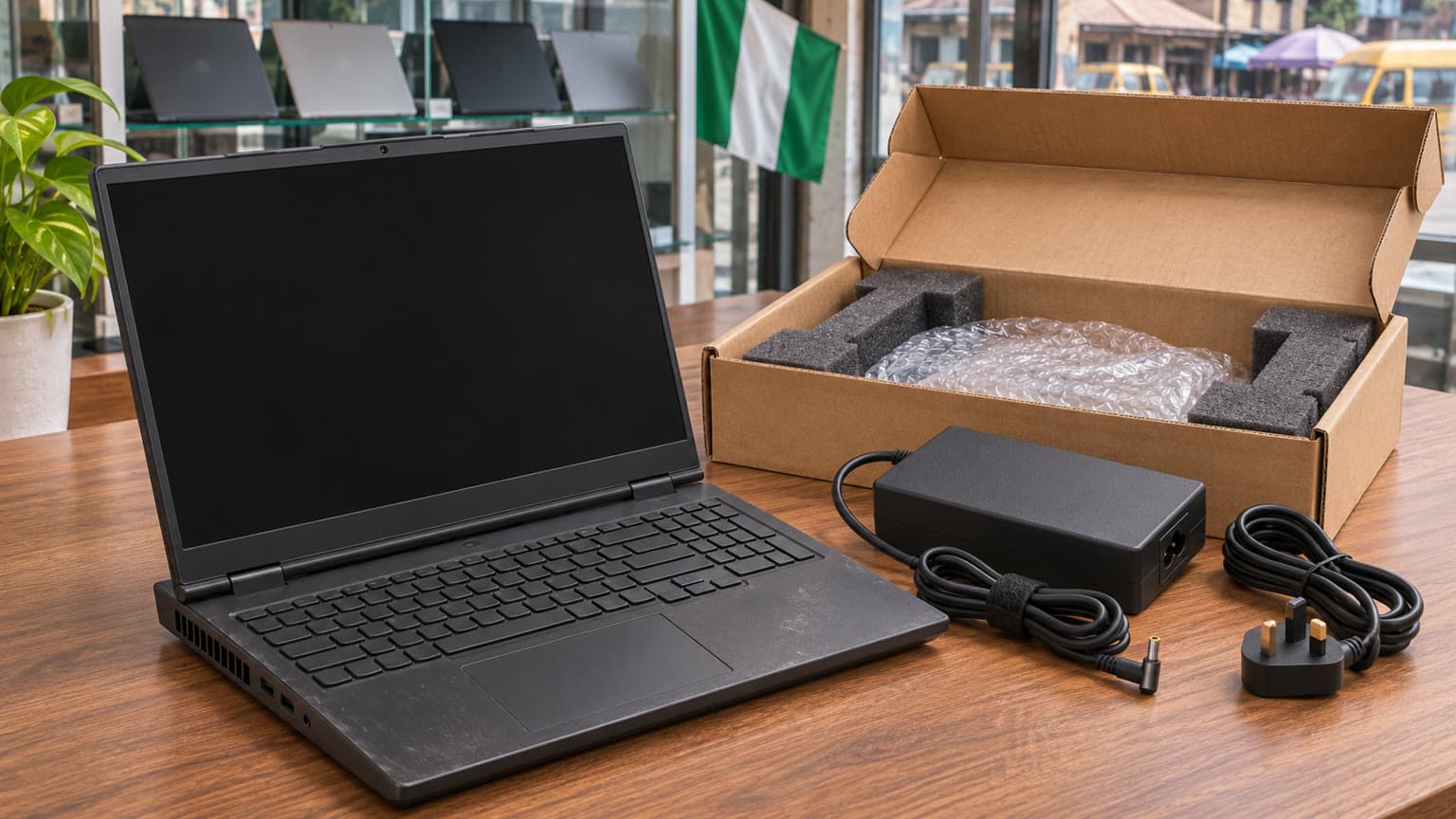
The Lenovo Legion 5 15IRX10 is listed at ₦2,750,000 and in stock in Ogabassey’s supplied snapshot. Before buying this used laptop, confirm the exact configuration, inspect the OLED panel, and get charger and warranty terms in writing. A box alone does not establish open-box condition or battery health.
Lenovo Legion 5 price in Nigeria: what does ₦2,750,000 cover?
The supplied first-party record, dated 6 November 2026 at 05:16 UTC, reports ₦2,750,000 for the Lenovo Legion 5 15IRX10. The underlying product record was last updated on 3 October 2026. This is a dated catalog price reference, rather than evidence of a fresh checkout quote or a completed sale. Open the Ogabassey Lenovo Legion 5 15IRX10 product page and its live product card for the current offer.
The same snapshot marks availability as InStock under unmanaged catalog stock. Its numeric stock count of zero does not mean sold out because inventory is not capped by that count. However, it does not establish how many inspected units are ready for dispatch. Ask which configuration is available, whether that specific unit can be reserved, and when it can be delivered to your address.
The important complication is configuration. The description contains both an i7-14700HX, 16GB RAM, 512GB SSD and RTX 5060 configuration, and an i9-14900HX, 32GB RAM, 1TB SSD and RTX 5070 configuration. The structured specification fields describe the latter. Do not assume that every figure on the page describes the same physical laptop, or that the listed price buys either configuration interchangeably.
Key specs and buying context
This is a catalog-backed buying guide with official-source checks, not a hands-on review. The table separates what the supplied Ogabassey record says from what still needs confirmation on the unit offered.
Entity or attribute
Supplied catalog value
Buying implication
Product
Lenovo Legion 5 15IRX10
Match the full model and machine-type identifier to the invoice.
Nigeria price
₦2,750,000
Dated snapshot; confirm the selected configuration’s live price.
Availability
In stock; unmanaged catalog stock
Confirm the physical unit and dispatch readiness.
Condition
Used / pre-owned; import note says boxed
Boxed does not establish unused or open-box condition.
Category
Gaming Laptops
Assess gaming and creator needs alongside portability.
Processor
Intel i9-14900HX
The description also contains an i7 variant; verify the installed CPU.
Graphics
8GB NVIDIA RTX 5070 Graphics
Confirm the laptop GPU identity; the description also lists RTX 5060.
RAM
32GB
Check installed capacity and occupied memory slots.
Storage
1024GB
Confirm drive identity, capacity and condition.
Screen size
15.0 inches
The description says 15.1 inches for the OLED configuration; reconcile against the unit identifier.
Display type
15-inch 165Hz WQXGA OLED Display
Inspect the actual panel rather than relying on the family name.
Refresh rate
165Hz
Confirm the available setting in Windows.
Operating system
Windows 11 in the description
Check activation, edition and access after reset.
Battery health and measured runtime
Not listed
Request a battery report and a practical unplugged demonstration.
Included charger rating
Not listed
Confirm the adapter supplied with this unit.
Warranty, return window and delivery charge
Not listed
Obtain written terms before payment.
Optical image stabilization
No
A catalog camera field; it does not establish webcam quality.
Comparable alternative
Lenovo Legion Pro 5 RTX 4070 appears in related editorial coverage
Its current price, condition and availability are not supplied here.
There is also a clear reason to distrust generic laptop fields when they conflict with model-specific documentation. The catalog says no headphone jack and mono sound, while Lenovo’s official PSREF lists a 3.5mm headset connection and stereo speakers for this family. Verify the physical ports and test both speakers. Those catalog fields should be reconciled before they become purchase promises.
Illustration: installed RAM and storage must match the selected configuration; component layouts are conceptual.
Who this is for: gaming, design, school or work?
The strongest editorial fit is someone who needs a Windows gaming laptop for a mixture of games, creative applications and demanding work, and who can inspect a used machine carefully. The listed dedicated GPU, 32GB RAM and 1024GB storage give you specific features to evaluate against your applications. They do not establish frame rates, rendering speed or sustained performance; no measured results are supplied.
For school and general remote work, start with the software you must run. Documents, browser research and video calls alone do not justify choosing the higher specification. If your course or paid work needs particular Windows applications, GPU acceleration or games, this Legion becomes a more relevant candidate. Confirm your application’s requirements before spending on hardware you may not use.
For design work, inspect your own representative files where possible. Check text clarity, comfortable brightness and whether reflections interfere with your working position. A display specification cannot tell you whether a used panel has visible wear. For video calls, test the webcam and microphone rather than interpreting the catalog’s optical image stabilization field as a camera verdict.
Match the configuration before comparing value
Ask for a single written specification attached to the offered unit: machine-type model, processor, GPU, installed RAM, SSD capacity, display and included adapter. Request photographs or a demonstration of those details in BIOS and Windows, with the unit identifier matched to the invoice. Keep serial numbers private when sharing evidence publicly.
Lenovo’s PSREF confirms that this family has multiple processor and graphics options. It also documents two DDR5 SODIMM slots and two M.2 storage slots. These are family specifications, not proof that a particular used unit has empty slots, original components or permission for buyer-installed upgrades.
The practical takeaway is to price the delivered configuration, not the largest specification mentioned anywhere in the description. A lower quote can be a different GPU, smaller SSD or lower RAM capacity rather than a discount. The supplied record contains no paid-order price history, so it cannot support claims that this is a falling price, exceptional deal or lowest-ever offer.
RAM and SSD upgrades: establish the starting point
Ask whether the 32GB is fitted across one or two modules and whether the storage is one drive or multiple drives. If you expect to expand storage, ask the seller to confirm free-slot availability and compatible drive requirements. Request a separate quote covering the component, installation and any effect on the seller’s warranty. Do not open a prospective purchase yourself without agreement.
A used SSD deserves a condition check as well as a capacity check. Ask for a drive-health report and disclosure of errors or replacements. A drive that displays the expected capacity is not automatically healthy, and a clean report is supporting evidence rather than a guarantee of remaining life.
Battery verdict and trade-offs: judge the unit, not the box
Battery health is not listed for this laptop. For Nigerian buyers who need to keep working through interruptions to mains power, that missing information can matter more than the processor upgrade. Do not plan a full lecture day or working session around an unverified runtime claim.
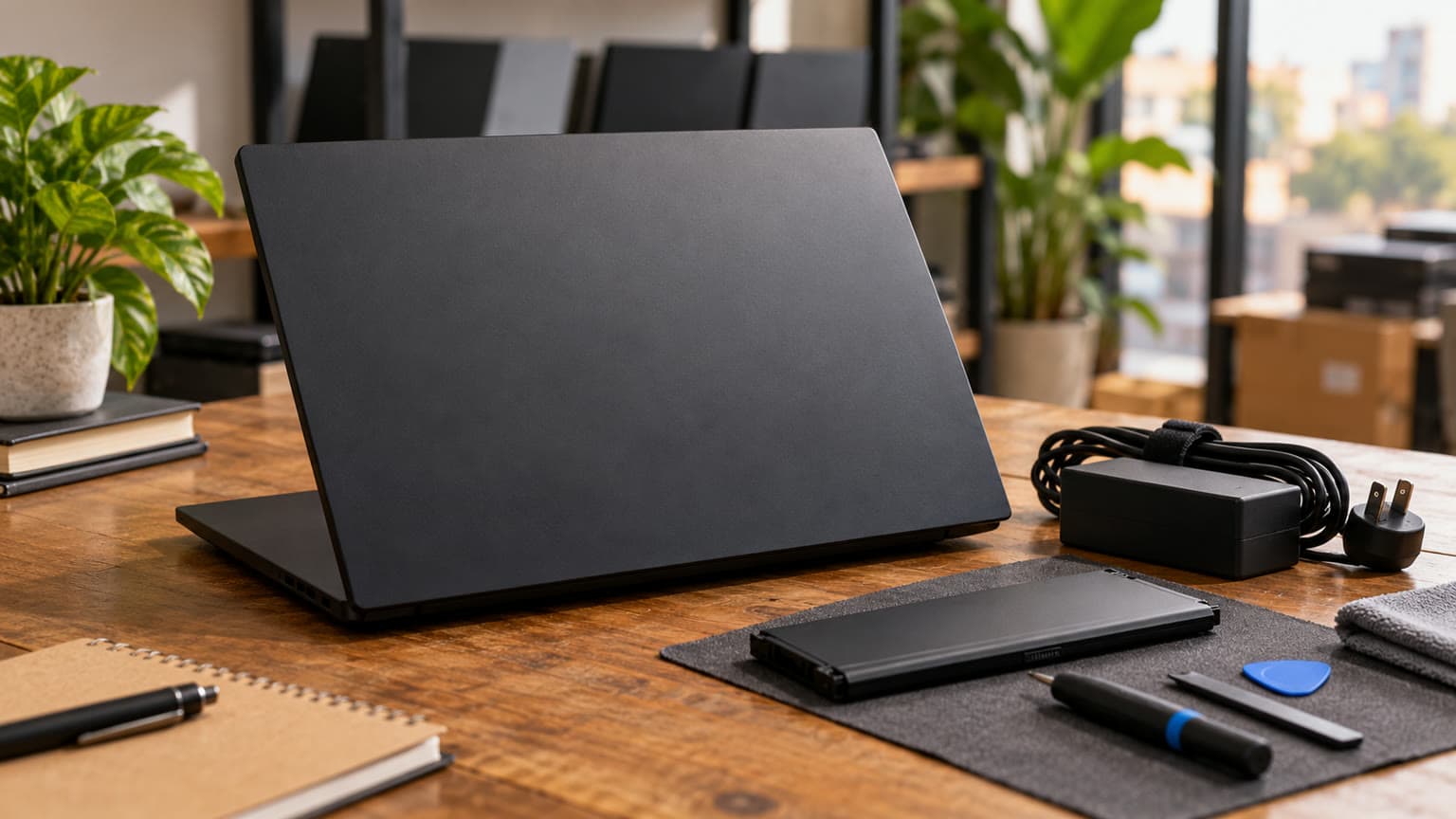
Microsoft’s battery guidance explains how to generate a Windows report with powercfg /batteryreport. Ask for a recent report from the offered laptop, compare full-charge capacity with design capacity, and review recent usage. The report helps assess wear; it does not predict how long your own applications will run.
Follow that with an unplugged demonstration using a workload relevant to you. Record brightness, starting charge, elapsed time and ending charge so the result has context. A short demonstration can expose sudden shutdowns, but it cannot establish all-day endurance. If the enclosure shows swelling or separation that could indicate battery expansion, stop the inspection and request professional assessment.
OLED and thermals: two checks worth separating
Inspect the screen using plain grey, white and coloured backgrounds, then normal documents and video. Look for persistent interface outlines, damaged pixels, uneven patches and distracting flicker at your preferred brightness. Ask whether display defects are covered during the return window. A box and clean lid do not establish panel condition.
For cooling, request a supervised demonstration under a representative game or creative workload on a hard surface. Listen for scraping or rattling, watch for crashes and display corruption, and ask about previous fan or cooling-system work. Fan noise alone is not a diagnosis. This guide supplies no measured temperatures or pass/fail thermal threshold.
Illustration: panel condition, battery evidence and adapter suitability are separate purchase checks.
Charger compatibility, warranty and delivery
No compatible accessory products are supplied with this assignment, and the included charger’s rating is not listed. Ask the seller to identify the correct adapter for the exact configuration and photograph its label, cable and connector. Do not assume a charger is suitable merely because its plug fits or Windows shows charging.
Test the ports you will actually use: a USB device, headphones, an external display, Ethernet or your wireless connection. If a dock is essential, request confirmation for that exact dock rather than treating all USB-C accessories as interchangeable. Include the charger and any promised accessories on the invoice.
Ask OgaBassey for the warranty duration, covered components, battery and display exclusions, return conditions and the process for reporting a fault after delivery. None of those terms is supplied here. For buyers outside the collection location, also establish delivery charges, packaging responsibility, inspection arrangements and who pays return transport if the delivered specification differs from the invoice.
Photograph the parcel and unit when it arrives, retain the invoice and packaging, and perform the agreed checks within the stated reporting window. Written specifications are especially useful when the product page contains multiple configurations. They give both buyer and seller a clear reference if something needs correcting.
Alternatives: compare the problem each laptop solves
A useful comparable candidate is a Lenovo Legion Pro 5 with RTX 4070, covered in Ogabassey’s Legion Pro 5 RTX 4070 buying guide. Use that article for another inspection perspective, then obtain a current unit-specific quote. Its supplied title establishes the comparison candidate, not current stock, pricing or a performance result against this Legion.
Your decision
What to compare
Evidence needed before choosing
Legion 5 15IRX10 versus Legion Pro 5 RTX 4070
Exact GPU, screen condition, RAM, SSD and total price
Current quotes and unit-specific inspection; no winner is established here.
Gaming laptop versus general work laptop
Required applications, unplugged use and carrying needs
Your workload and a practical battery demonstration.
Higher specification versus better condition
Panel wear, cooling behaviour, charger and warranty
Inspection results and written coverage.
Used versus a newly quoted alternative
Total cost and after-sales terms
Comparable configurations, delivery charges and warranty scope.
Browse Ogabassey Gaming Laptops for comparable gaming machines, or the broader Ogabassey Laptops range if everyday school or work is the main requirement. A MacBook comparison is relevant only after checking your required software and games; this snapshot contains no matched MacBook specification or price from which to make a value verdict.
Verdict
Shortlist the Legion 5 15IRX10 if you need a Windows gaming or creative-work machine and the seller can document the configuration you are paying for. At the supplied ₦2,750,000 reference price, the decisive checks are the actual CPU/GPU combination, OLED condition, battery evidence and written after-sales terms. Resolve those before treating the headline specifications as value.
Three useful rules extend to other used gaming laptops: boxed is not a condition grade; model-family specifications are not proof of a particular unit’s hardware; and a cheaper quote is meaningful only after matching configuration, condition and included support.
FAQ
What is the Lenovo Legion 5 price in Nigeria?
The supplied Ogabassey snapshot reports ₦2,750,000 and in-stock status for the Legion 5 15IRX10. It was supplied in a first-party record dated 6 November 2026, with an underlying product update dated 3 October. Check the live product card and confirm the selected configuration before payment.
Is a boxed Lenovo Legion 5 the same as open-box?
No. This catalog records the laptop as used or pre-owned, with a boxed import note. Ask separately about prior use, repairs, cosmetic condition, battery health and accessories. Packaging does not establish an unused machine.
What specs matter before buying a used or open-box laptop?
Match the exact processor, GPU, RAM, storage and panel to the invoice. Then inspect battery health, display condition, cooling behaviour, ports and charger suitability. For this listing, resolving the i7/RTX 5060 and i9/RTX 5070 configuration difference is essential.
Which laptop should I buy for school, work, gaming or design?
Choose around required software and where you will work. This Legion merits consideration for Windows gaming and GPU-dependent creative tasks. For documents, browsing and calls, compare general-purpose laptops too. If unplugged use matters, request battery evidence before choosing either category.
Catalog-linked prices update automatically. Historical and other quoted prices remain as written. Open the product page to confirm the current price, selected variant and availability before buying.