Bassey John is a Performance Marketing Specialist at Ogabassey with cross-industry experience spanning e-commerce, gaming, and real estate. He focuses on paid acquisition, conversion-rate optimisation, and data-driven growth strategy, turning campaign performance into measurable revenue. At Ogabassey he writes about consumer technology, product buying guides, and the Nigerian gadget market to help shoppers make confident, informed decisions.
Apple announced HomeView on October 13, with a 7-inch screen, a US starting price of $299 and launch-market availability scheduled for November 13. For Nigerian buyers, the immediate decision is whether its household features justify importing: a Nigerian price, local availability and Siri AI support in Nigeria remain unconfirmed.
What changed: a shared screen for the home
Apple’s announcement introduces tabletop and wall-mounted versions, an A18 chip, facial recognition for six users, FaceTime and smart-home controls. Clarín independently reports the announcement and November release timetable. This is source-backed launch coverage; Ogabassey has not tested the hardware.
The buying question starts with where the device would live. Before choosing either version, identify one regular household task that would benefit from a dedicated screen. A kitchen communication point, shared calendar station or accessory dashboard gives the purchase a clearer purpose than buying another display simply because it carries the Apple name.
Our editorial recommendation is to write down the task, the people who would use it and the devices already available to them. If an existing phone or tablet handles that task comfortably, ask what convenience a permanently positioned screen would add. That exercise also helps distinguish a useful household purchase from an accessory competing with a more urgent computer upgrade.
Placement and installation costs should inform the choice between HomeView designs.
HomeView price in Nigeria: no verified Naira offer yet
The $299 figure is US launch pricing, not a Nigerian retail quote. No HomeView listing or Naira price appears in the supplied Ogabassey catalog evidence. Catalog availability is therefore pending as of November 12, 2026, and this article does not establish an order or delivery commitment.
For an import enquiry, request one written total covering the exact model, delivery, any applicable charges and installation accessories. Ask how long the quotation remains valid and which costs could change before delivery. Comparing an overseas headline price with a delivered Nigerian quote without those details can produce a misleading impression of the seller’s margin or the device’s affordability.
Keep warranty responsibility separate from the price discussion. Ask who receives a faulty unit, where it would be assessed, who pays transport and what remedy applies if the advertised function cannot be demonstrated. Obtain those answers before payment. A lower initial quote may be less attractive if a return requires international shipping at the buyer’s expense.
For households balancing this purchase against a computer, start with the actual work requirement. Ogabassey’s laptop range provides a relevant place to compare that separate spending priority. It should not be treated as evidence that HomeView is stocked or that a laptop and household hub perform interchangeable jobs.
Platform and compatibility: check the account before the accessory
Apple requires a compatible iPhone or iPad for setup. Personal-context features need an Apple Intelligence-enabled paired device. Apple lists South Africa among launch and English Siri AI markets, but does not list Nigeria. That omission leaves Nigerian feature support unresolved; it does not prove that every function will fail.
The practical next step is a demonstration using the buyer’s intended account, language settings and existing devices. Ask the seller to distinguish functions demonstrated in that setup from features merely shown in promotional material. A successful demonstration with somebody else’s account overseas does not settle the question for a Nigerian household.
Make an inventory before buying smart-home accessories alongside the screen. Record each accessory’s manufacturer, exact model and the function you want to control. Seek confirmation for those specific combinations rather than accepting a general claim that the equipment is “smart.” For an installer, put the promised functions and responsibility for troubleshooting into the quotation.
Shared use deserves its own discussion. Decide who may enrol, who manages the household account and what information should appear in a communal space. Ask to see how a guest uses the device and how an owner removes a departing household member. These are purchasing questions to resolve during setup planning, rather than assumptions about how privacy controls behave.
What to verify before buying
Decision
Evidence to request
Reason it matters
Tabletop or wall placement
Exact model, included fittings and installation quote
Compare the complete setup cost
Nigerian feature access
Demonstration with the intended account and devices
Regional support remains unconfirmed
Power arrangement
Adapter label, supplied cable and installation requirements
Plan a suitable power connection
Accessory integration
Written confirmation for each exact accessory model
Avoid buying an incompatible bundle
Warranty and returns
Named service route, transport responsibility and return terms
Understand the cost of a failed purchase
For wall placement, ask the installer to assess the location before ordering fittings. Establish how power reaches the position, whether drilling is acceptable and how the unit can be removed for service. Renters should obtain any necessary property permission. For tabletop placement, measure the available space and consider cable routing, visibility and the risk of accidental knocks.
Also ask for an explanation of what happens when the household loses internet access or power. Request a demonstration where possible, including how the equipment reconnects afterwards. This article makes no measured claim about offline operation, backup runtime or recovery reliability. Those details should become part of the acceptance discussion if the device will support a task the household considers essential.
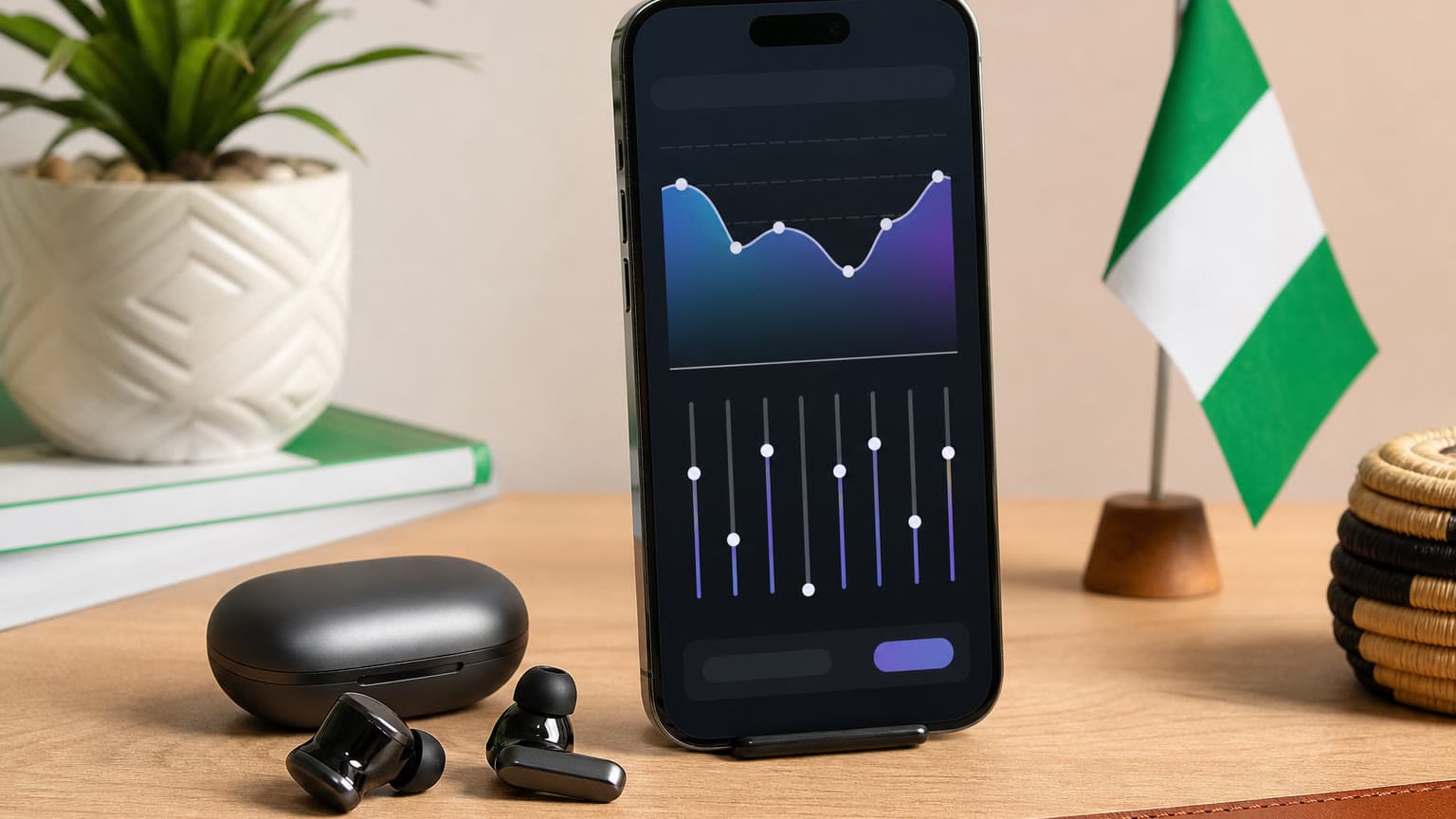
A household planning illustration highlights placement, power and access considerations.
Related Ogabassey categories and the spending decision
Our buyer judgement is to prioritise a proven daily need. Someone replacing an unreliable work computer should first define their required applications, memory, storage, display and battery needs. Browse Ogabassey’s MacBook selection if that is the purchase being considered. MacBook catalog prices and sales do not establish HomeView demand or value.
A household with its computer needs already covered can assess HomeView as a separate convenience purchase. Set a maximum delivered budget, identify the functions that must work and agree on an acceptance demonstration. If the seller cannot establish those essentials, postponing payment preserves the budget while local support and catalog information become clearer.
The November 13 timetable is close, but it is not a Nigerian delivery date. Revisit this draft when an Ogabassey catalog item, local quotation or verified Nigerian compatibility evidence becomes available. The useful update will be an exact answer about buying and using the device locally, rather than a currency conversion presented as a retail price.
FAQ
What is the Apple HomeView price in Nigeria?
No verified Nigerian price is available in the supplied catalog evidence. The announced $299 US starting price is not a Nigerian offer. Request a complete local quotation before budgeting.
Will HomeView work with my existing Apple devices?
Apple specifies a compatible iPhone or iPad for setup, with additional requirements for personal-context features. Confirm your exact devices and intended account before purchase; Nigerian Siri AI support remains unconfirmed.
Should I buy HomeView before replacing my laptop?
Prioritise the device that meets your essential daily needs. If your work or school computer needs replacement, resolve that requirement first. Assess HomeView separately against a specific household task and a complete delivered budget.