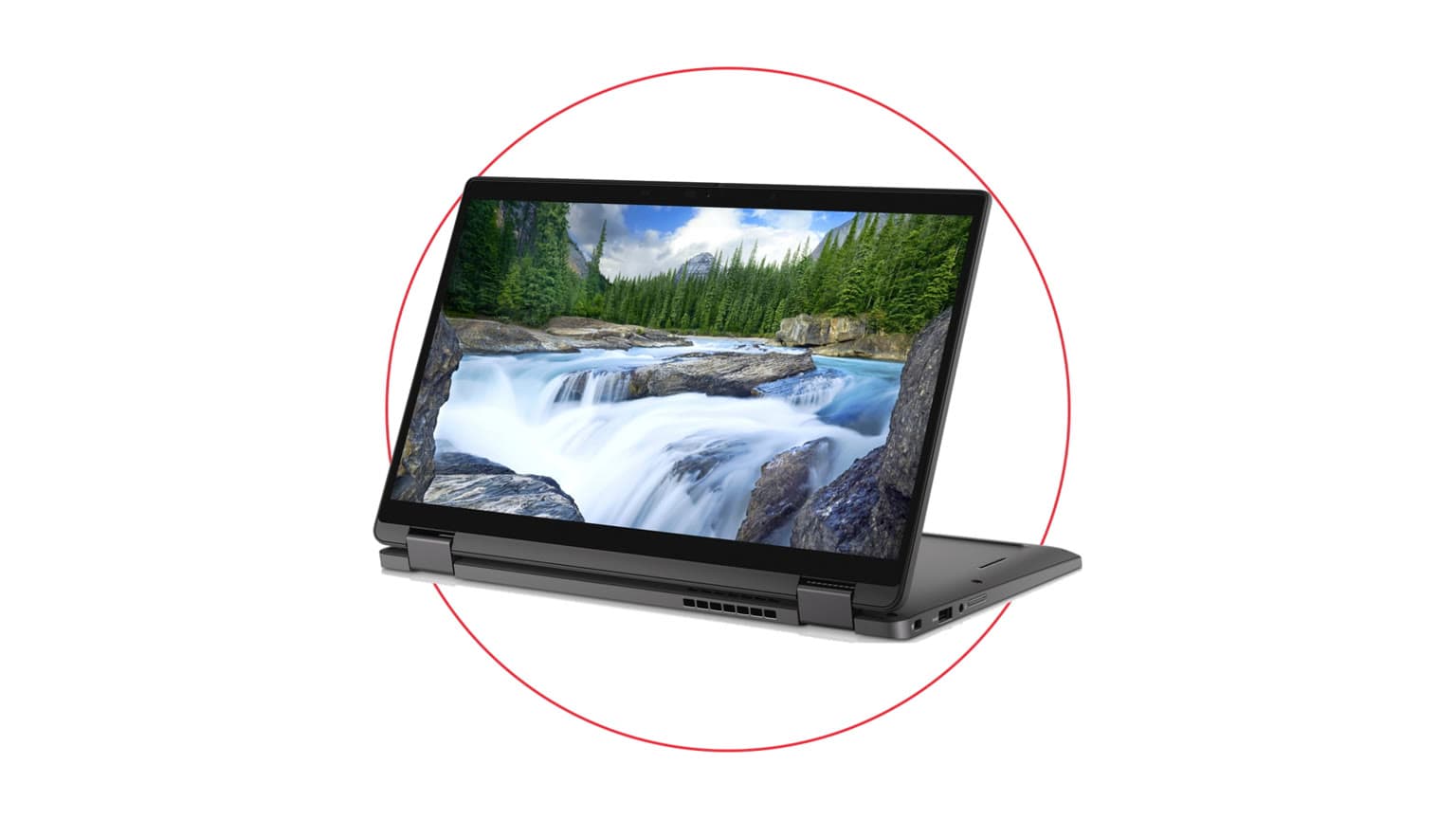
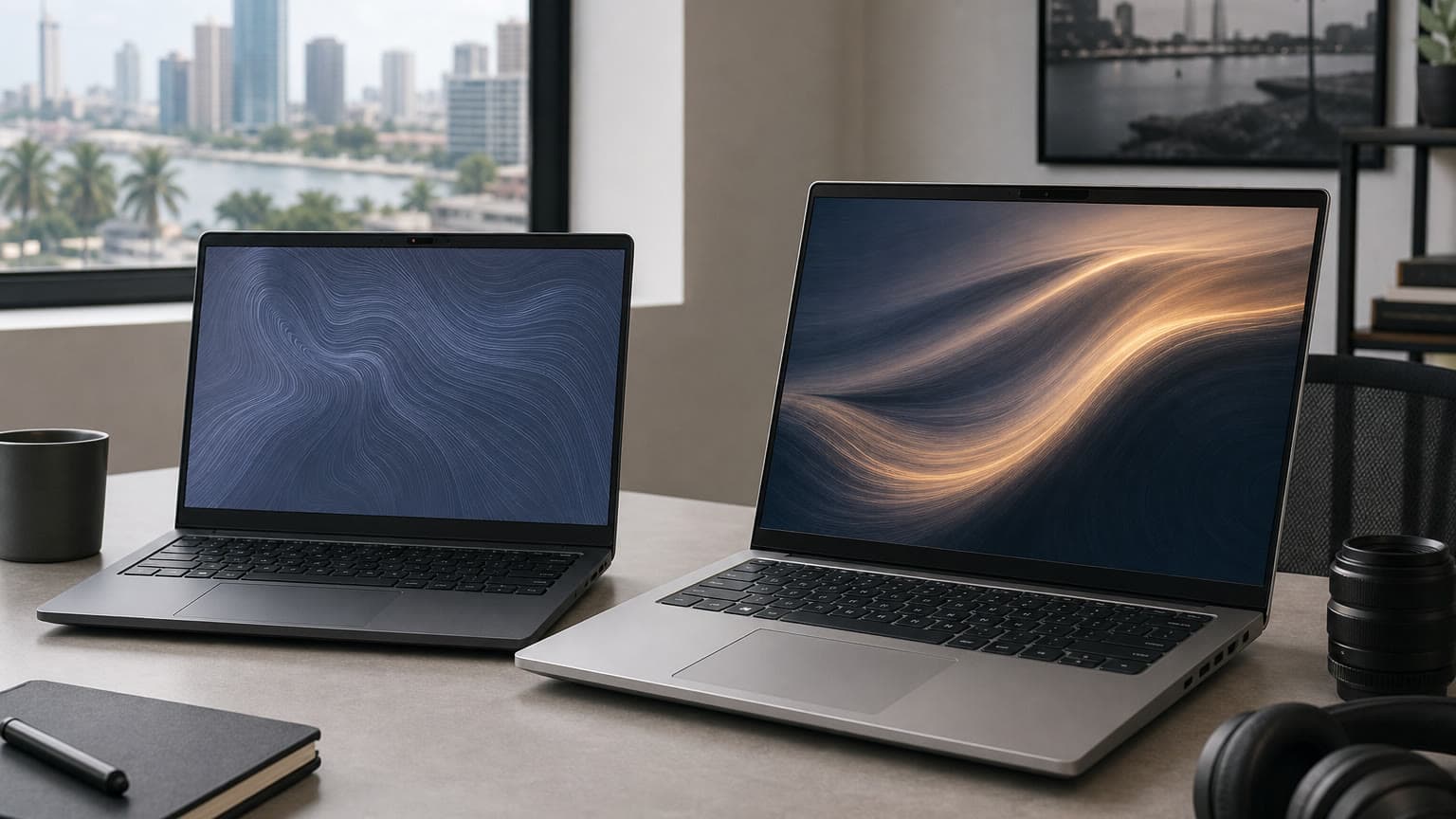
Dell's May 2026 laptop refresh creates a real buyer choice, but not the one the early rumor cycle made it sound like. The Alienware 15 (2026) is not a flagship OLED gaming monster; it is Dell's more affordable Alienware gaming laptop with dedicated NVIDIA graphics and a 15.3-inch high-refresh display. The Dell 14S and Dell 16S are not Snapdragon X laptops; Dell's launch materials position them as Intel Core Ultra Series 3 Copilot+ PCs, with AMD Ryzen AI 400 configurations planned later.
That correction matters. If you are buying in 2026 for school, remote work, gaming, design, coding, or everyday business use, the better laptop is not simply the newest one. It is the one whose processor, graphics, display, battery life, repairability, software fit, warranty, and price make sense for your actual workload. This guide compares the Alienware 15 against the Dell 14S and 16S in plain buyer terms, with links to relevant Ogabassey categories such as current laptops on Ogabassey and gaming laptops for heavier graphics work.
Quick Verdict
Choose the Alienware 15 if gaming, GPU-accelerated creative work, engineering apps, 3D tools, or game development are the reason you are buying the laptop. Its dedicated GeForce RTX options make it much better suited to games and GPU-heavy work than the integrated graphics in the Dell 14S and 16S.
Choose the Dell 14S if you want the most portable option for university, office work, browsing, writing, meetings, and general productivity. Choose the Dell 16S if you want the same AI-PC direction but prefer a larger display, a roomier keyboard experience, and more comfortable multitasking.
Do not buy the Alienware 15 expecting a premium creator display. Its reported 15.3-inch WUXGA 165Hz panel is fast, but the entry-level color coverage is not ideal for serious color grading, print design, or photo work. Do not buy the Dell 14S or 16S expecting gaming-laptop performance either. They are productivity-first AI PCs, not RTX gaming machines.
Who This Is For
The Alienware 15 is for buyers who care more about frame rates, Windows gaming compatibility, and dedicated graphics than thinness or maximum battery life. It makes sense for students who game after class, creators who edit video occasionally, and users who need NVIDIA GPU support for specific Windows software. It is also a better fit if your apps depend on x86 Windows drivers, anti-cheat systems, external gaming peripherals, or GPU acceleration.
The Dell 14S and 16S are for people who spend more time in documents, browsers, Teams or Zoom calls, spreadsheets, light editing apps, streaming services, and AI-assisted Windows features. Dell says these machines are Copilot+ PCs with Intel Core Ultra Series 3 processors and up to a 50 TOPS NPU, so the buyer value is efficient on-device AI acceleration, not dedicated gaming power.
If you are still deciding whether a Windows laptop or a MacBook makes more sense, compare the software you use first. Windows remains the safer choice for PC gaming, many engineering tools, and some business apps. A MacBook can be excellent for battery life, build quality, music production, and Apple ecosystem users, so it is worth checking MacBooks on Ogabassey before committing if you do not need Windows-only software.
Key Specs and Buying Context
| Buying factor | Alienware 15 (2026) | Dell 14S / Dell 16S |
|---|
| Main job | Gaming, entry-to-midrange creator work, GPU-heavy Windows apps | Productivity, AI-assisted Windows features, study, office work, video calls |
| Processor context | Reported with AMD Ryzen 200 or Intel Core Series 2 options, depending on configuration and market | Intel Core Ultra Series 3 up to Core Ultra 9 386H; AMD Ryzen AI 400 versions expected later |
| Graphics | NVIDIA GeForce RTX laptop GPUs, reportedly up to RTX 5060 | Integrated Intel graphics or Arc-class integrated options depending on configuration |
| Display | 15.3-inch 1920 x 1200, 16:10, 165Hz gaming-focused panel | 14-inch or 16-inch 16:10 panels, with FHD+, QHD+, and OLED options depending on configuration |
| Battery direction | Gaming laptops drain faster, especially on dedicated GPU power | Dell advertises long battery claims under controlled tests; real life depends on brightness, apps, and configuration |
| Upgradeability | Stronger case for serviceability: reported user-accessible SO-DIMM RAM and replaceable M.2 SSD | Check configuration carefully; thin productivity laptops often have less upgrade flexibility |
| Best buyer | Gamer, student gamer, creator who needs NVIDIA, Windows power user | Student, professional, remote worker, frequent traveler, productivity buyer |
Performance: GPU Power vs AI Efficiency
The Alienware 15 has the clearer performance advantage in games because it includes dedicated NVIDIA graphics. Even an entry RTX 4050-class configuration can be more useful for gaming and CUDA-supported creative apps than integrated graphics, while RTX 5050 or RTX 5060 configurations should be the versions most buyers compare if the price difference is reasonable.
The Dell 14S and 16S take a different route. Their Intel Core Ultra Series 3 chips include an NPU for AI workloads, and Dell says the platform reaches up to 50 TOPS. That matters for Copilot+ PC features, video-call effects, background tasks, and AI-assisted workflows that can run locally. It does not turn the laptop into a gaming PC. If your priority is Fortnite, Warzone, Cyberpunk, Blender GPU rendering, or Unreal Engine, the Alienware is the safer choice.
Display and Design Trade-Offs
The Alienware 15's 165Hz display is the right kind of spec for games, but buyers should notice the resolution and color claims. A 1920 x 1200 panel is practical for 1080p-class gaming and helps the GPU maintain smoother frame rates, but it is not the same as a QHD OLED creator panel. If you edit photos or design brand assets, color coverage and brightness matter as much as refresh rate.
The Dell 14S and 16S have the more flexible display story. Dell lists FHD+ panels up to 400 nits, QHD+ options up to 120Hz and 500 nits, and OLED options with wider color coverage on selected configurations. For office work, reading, streaming, and multitasking, the 16S may feel more comfortable. For daily commuting or campus use, the 14S is easier to carry.
Ports, Connectivity, and Daily Use
The Alienware 15 is the more practical choice if you plug into many accessories. Reports list HDMI, Ethernet, USB-A, USB-C, Wi-Fi 6, Bluetooth 5.2, and a headset jack. Ethernet and HDMI are especially useful for dorm rooms, office desks, LAN gaming, projectors, and external monitors.
The Dell 14S and 16S are slimmer productivity machines, so buyers should confirm the exact port list before paying. If you rely on SD cards, wired Ethernet, multiple monitors, or older USB-A accessories, budget for a quality dock or adapter. For remote work, also check webcam quality, microphone behavior, keyboard layout, and whether the 16S number pad is useful for your work.
Price, Availability, Warranty, and Condition
In the US launch coverage, the Alienware 15 starts around $1,299, while Dell lists the 14S from $1,269.99 and the 16S from $1,319.99. Local pricing can change quickly once import costs, exchange rates, configuration differences, and promotions are involved. On Ogabassey or any local marketplace, compare the exact CPU, GPU, RAM, SSD, display type, charger wattage, warranty status, and physical condition instead of comparing model names only.
For a used, open-box, or imported unit, ask for proof of battery health where available, check that the charger is original or correctly rated, confirm Windows activation, inspect the hinge and ports, and verify whether any Dell or seller warranty remains. A cheaper Alienware with a weak battery, missing high-wattage charger, or overheating issue can cost more in the long run than a cleaner Dell 14S or 16S. A Dell 14S with only a basic display may also be less attractive than a slightly older premium laptop with a better screen.
For a broader checklist before paying, read Ogabassey's guide: Buying a Laptop in 2026? Here's What You Need to Know Before You Regret It.
Alternatives Worth Considering
If the Alienware 15 price climbs too close to higher-tier gaming laptops, compare it with other RTX 5060 or RTX 5070 gaming laptops before buying. A model with a better screen, higher GPU power limit, stronger cooling, or more premium chassis may be worth the extra cost. Start with available gaming laptops if gaming is the main reason for the purchase.
If the Dell 14S or 16S appeals because of battery life and portability, compare it against premium ultrabooks, business laptops, and MacBooks. Students and remote workers may be better served by a lighter laptop with excellent battery life than by a gaming laptop that spends most of its life plugged in. Buyers who need macOS apps, Final Cut Pro, Logic Pro, or iPhone continuity should also compare available MacBook options.
Final Verdict
Buy the Alienware 15 if you need dedicated NVIDIA graphics and can accept a more budget-conscious Alienware design, a practical 165Hz WUXGA screen, and shorter unplugged battery life. It is the better choice for gaming and GPU-heavy Windows work.
Buy the Dell 14S if you want the portable productivity option. Buy the Dell 16S if you want a larger screen for multitasking, spreadsheets, streaming, and desk work without moving into gaming-laptop weight. Both make more sense for school, work, and travel than for serious gaming.
The smart 2026 buying move is to compare the exact configuration, not just the product family. Alienware 15, Dell 14S, and Dell 16S can each be the right laptop, but only when the price, display, RAM, storage, warranty, battery condition, and software fit line up with how you actually use your computer.
Sources