Bassey John is a Performance Marketing Specialist at Ogabassey with cross-industry experience spanning e-commerce, gaming, and real estate. He focuses on paid acquisition, conversion-rate optimisation, and data-driven growth strategy, turning campaign performance into measurable revenue. At Ogabassey he writes about consumer technology, product buying guides, and the Nigerian gadget market to help shoppers make confident, informed decisions.
A cracked or flickering Vivo screen can look like a simple glass problem, but the right repair decision depends on what is actually damaged: the outer glass, the touch layer, the display panel, the frame, or sometimes the battery and board underneath. For buyers and phone owners in Nigeria and across Africa, the decision is also practical. You need to know whether the phone is still worth repairing, whether parts can be sourced reliably, and how to avoid a cheap screen job that creates new problems weeks later.
This guide explains how to judge common Vivo screen faults, what to ask before approving a repair, when replacement is the better value, and how to book through Ogabassey. It does not quote a fixed price because Vivo screen cost depends on the exact model, screen type, part grade, damage level, and current parts availability.
If you already know the phone needs attention, start from the Ogabassey repairs page to review repair support options, or use the Ogabassey repair booking path when you are ready to submit the device details.
Different screen symptoms point to different repair paths.
Symptoms: What Your Vivo Screen Problem Is Telling You
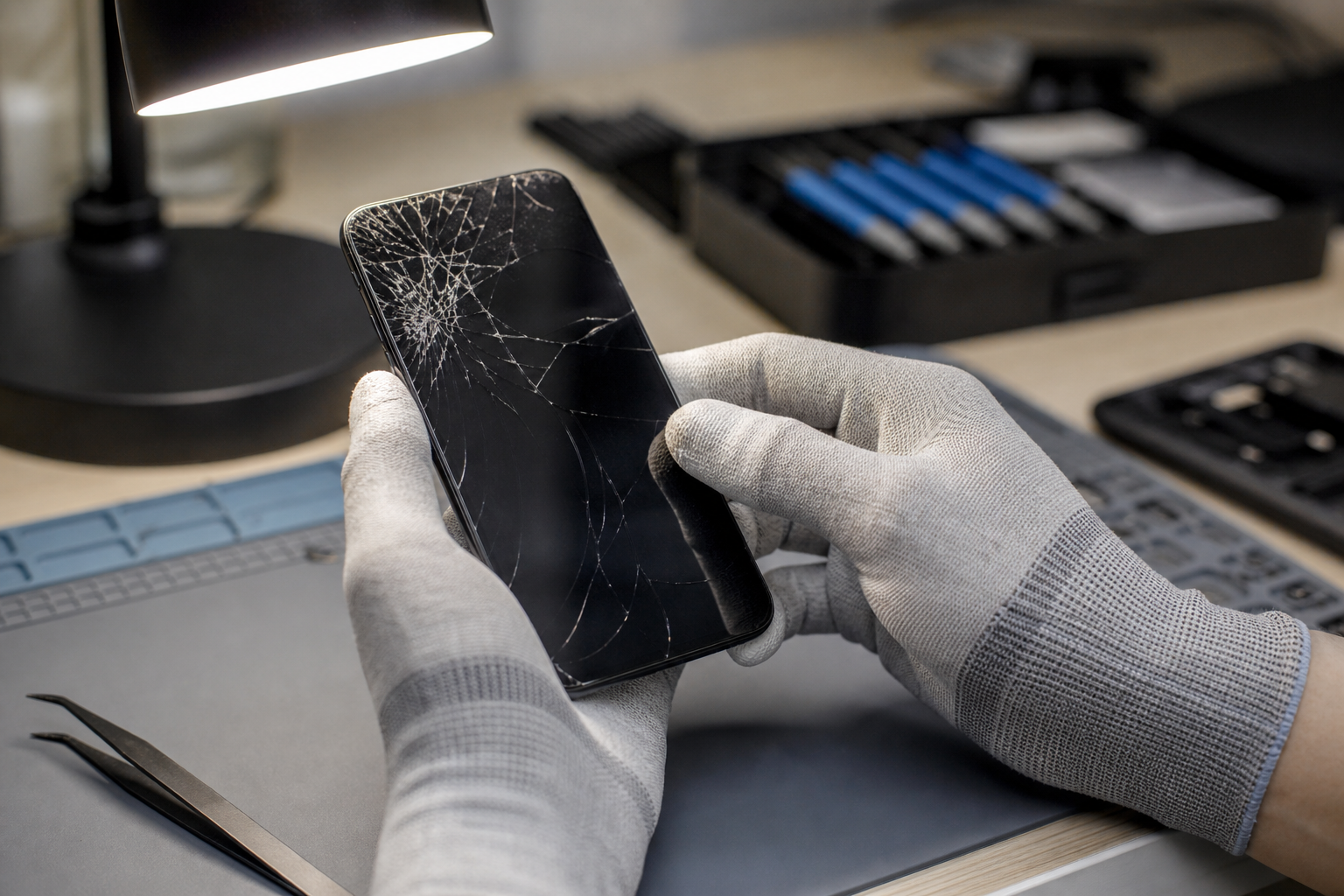
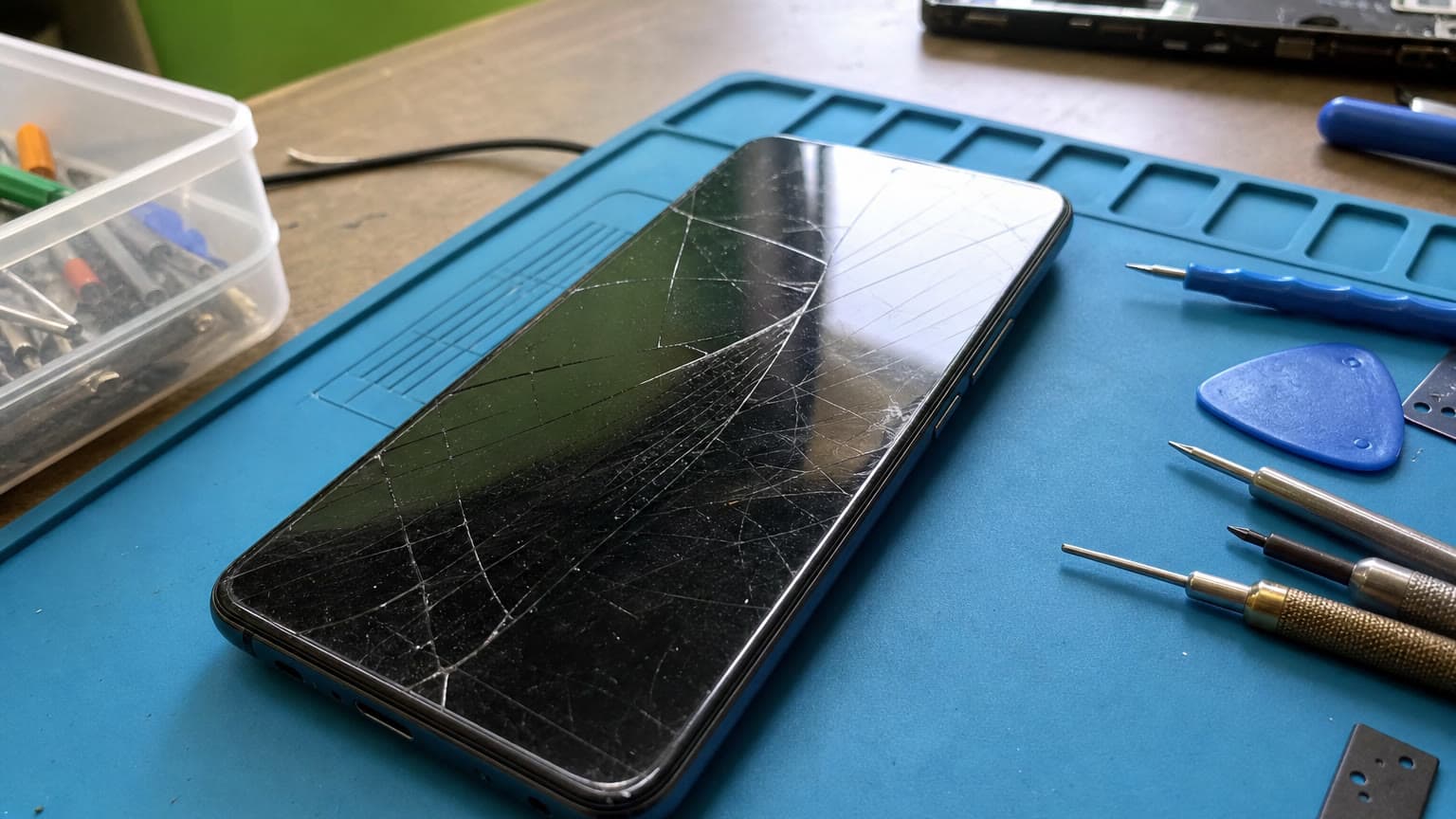
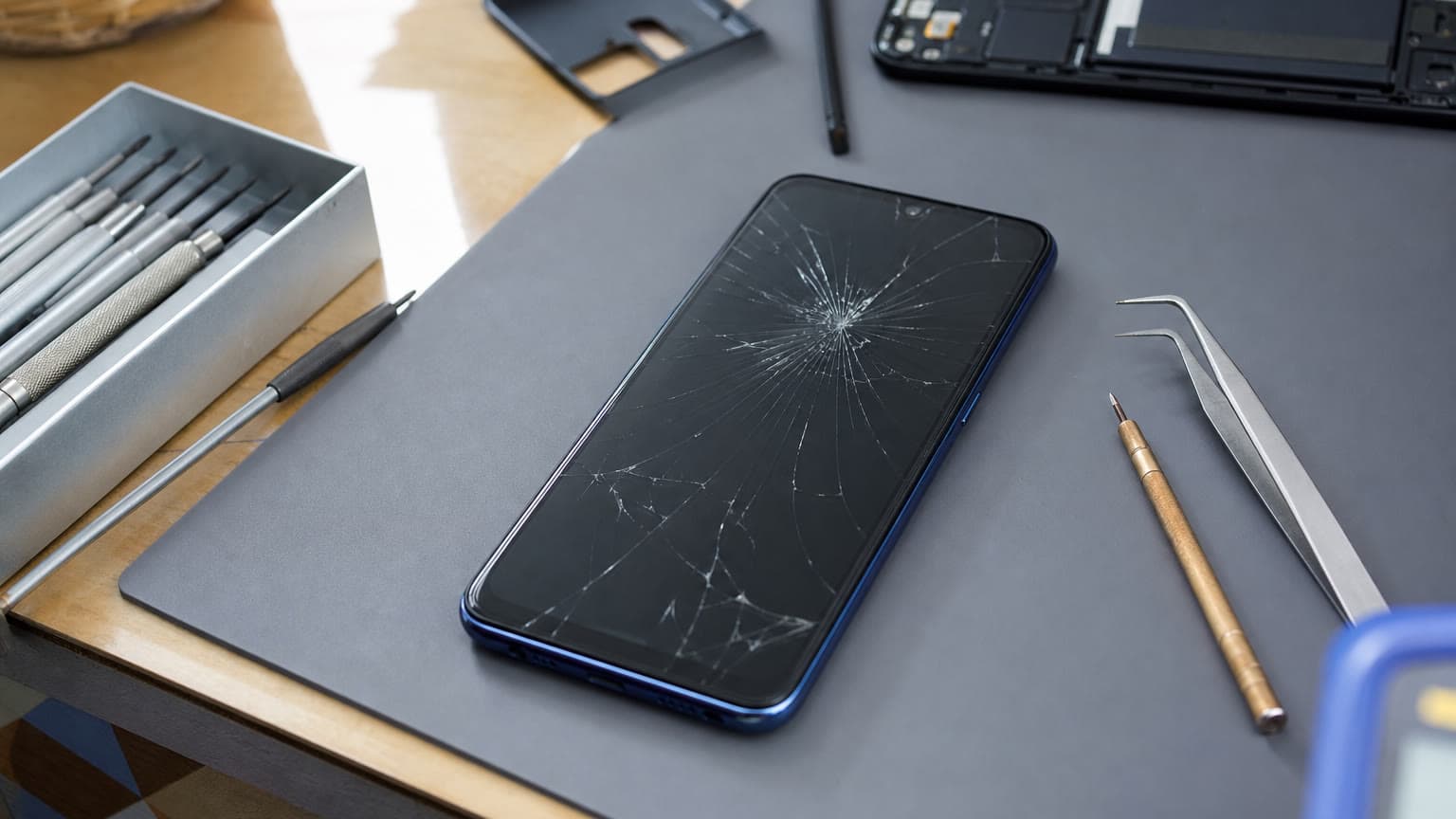
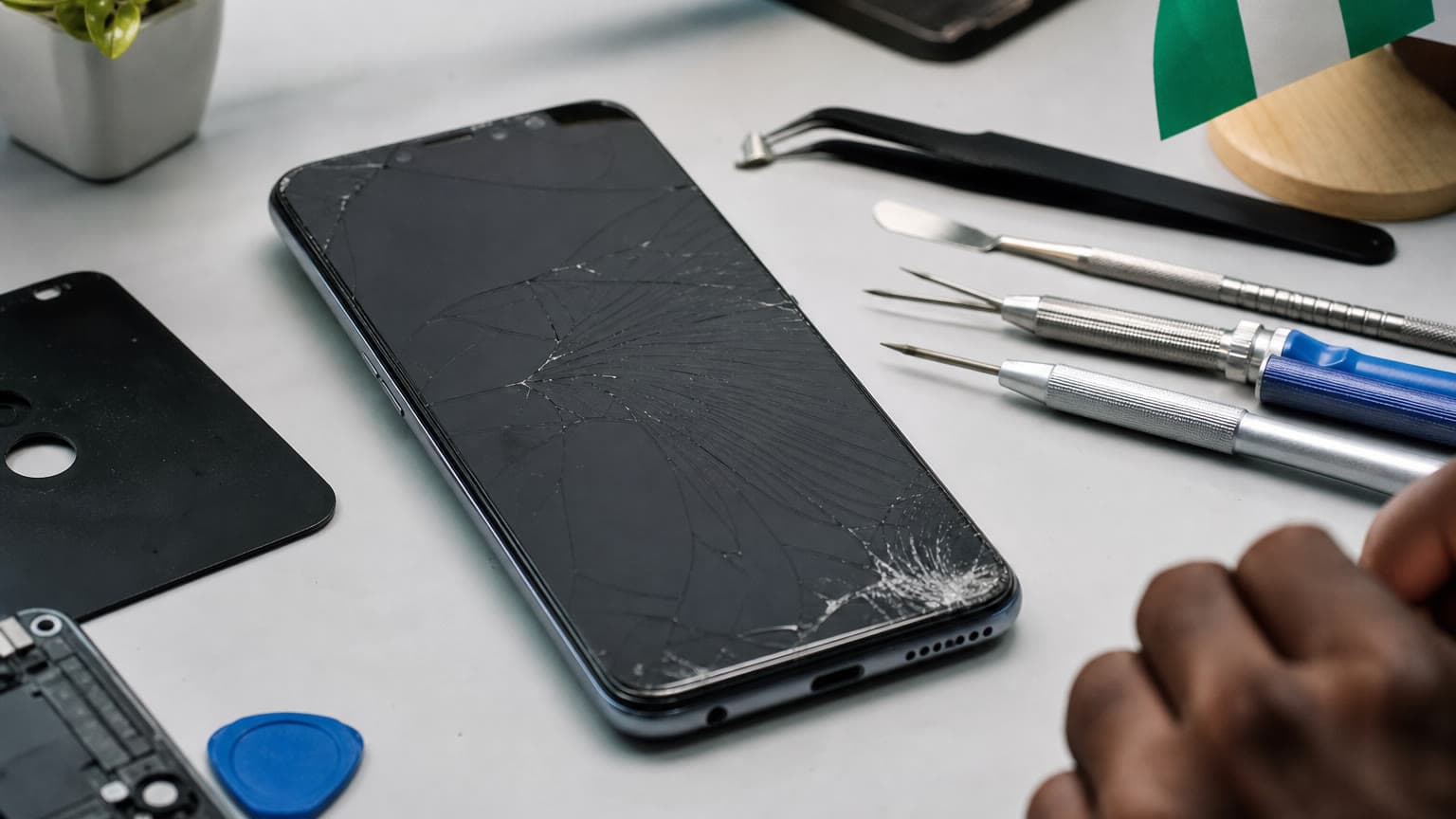
Screen damage is not always the same repair. A Vivo phone with a light crack but normal touch response may need a different part and labour approach from one with black patches, green lines, ghost touches, or no display at all. Before booking, check the symptoms carefully because they help the technician estimate risk and determine whether a screen-only repair is realistic.
If the glass is cracked but the display is still bright, colours look normal, and touch works across the full panel, the fault may be mainly front glass damage. In many modern phones, however, the glass, digitizer, and display are bonded together, so a complete screen assembly may still be the practical repair. If touch response fails in one area, opens apps by itself, or becomes inaccurate after the phone falls, the digitizer layer is likely affected. If the screen has ink-like black marks, white patches, flashing, vertical lines, or a blank display while the phone still vibrates or rings, the display panel is probably damaged.
Also watch for problems that look like screen damage but may involve other components. A Vivo phone that only shows an image when pressed near one corner may have a connector or frame issue. A device that becomes very hot, swells at the back, or separates near the screen edge may have a battery problem that must be handled before screen replacement. A phone that fell into water and later developed lines or touch faults needs moisture inspection, not just a new panel.
Repair Options: Glass, Full Assembly, or Diagnostic First
The safest starting point for most Vivo screen repair jobs is diagnosis. A technician should confirm the exact model, inspect the frame, test touch response, check charging and power behaviour, and look for signs of liquid damage. This matters because many Vivo models have similar names across markets, and the wrong part can cause poor fit, unstable touch, brightness problems, or fingerprint issues on models where screen and biometric hardware are closely integrated.
There are usually three broad repair routes. The first is glass-focused repair, where the display underneath is still healthy and the repairer can separate and replace only the front glass. This can be cost-effective when available, but it requires the right equipment and skill. A poor glass-only job can introduce dust, bubbles, weak adhesive, pressure marks, or touch defects.
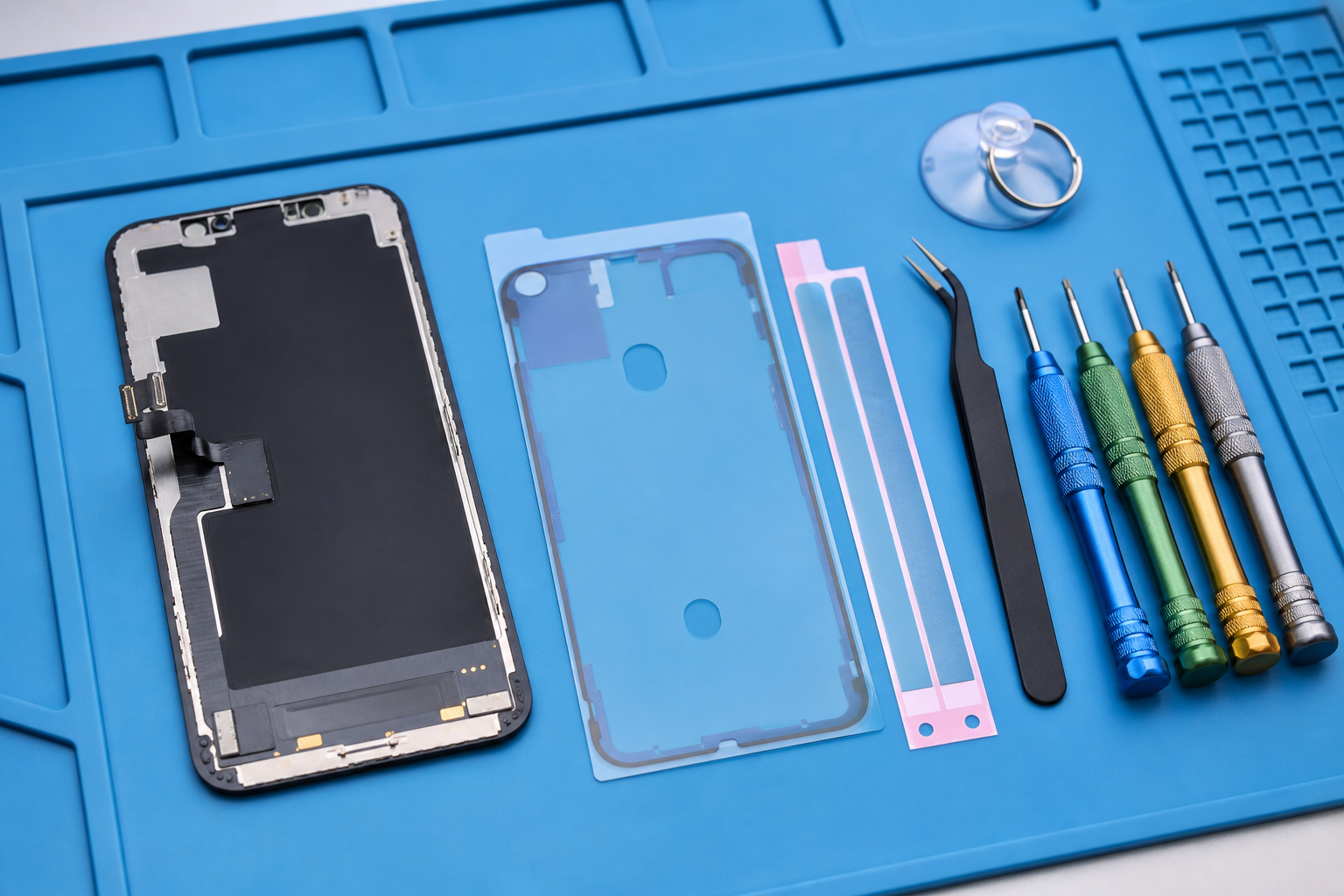
The second option is a full screen assembly replacement. This is often the cleaner route when the display itself is damaged, when touch is unreliable, or when the phone has suffered a hard impact. It can cost more than a glass-only fix, but it reduces the risk of reusing a weakened panel. For AMOLED or higher-grade displays, the part cost can be a major part of the total quote, which is why model confirmation matters before any estimate is treated as final.
The third route is diagnostic-first repair when the issue may not be screen-only. If the phone has been repaired before, shows signs of bending, has charging problems after the fall, or was exposed to water, approving a screen replacement without deeper checks can waste money. In those cases, ask for inspection findings before deciding.
Part quality and frame condition affect the final repair result.
Parts and Warranty Cautions Before You Approve the Job
Vivo screen repairs are sensitive to part quality. A low-grade replacement may work at first but disappoint in brightness, colour, viewing angle, touch smoothness, or durability. Some screens may not sit flush if the frame is bent. Others may draw more power or make the phone feel less responsive. If your Vivo originally had an AMOLED display, replacing it with a lower-quality panel can noticeably change the phone experience.
Before approving repair, ask what grade of part is being used, whether the frame will be inspected, and what happens if touch, brightness, or fingerprint behaviour fails after installation. You should also ask whether the repair affects any remaining manufacturer warranty. Vivo's official support materials indicate that warranty terms and service handling depend on device condition, proof of purchase, and local service policy, so accidental damage or third-party repair may not be treated the same as a manufacturing fault. For a phone that is still under official warranty, confirm the warranty position before opening the device.
Do not rely on a fixed social-media price unless the repairer has checked your exact model and damage condition. Vivo model naming can be confusing, especially where Y-series, V-series, and market variants overlap. A Vivo Y model with an LCD panel will not price the same way as a V-series model with a higher-grade display. Exchange rates and part availability can also affect Nigerian repair quotes from week to week.
When Replacement Is Better Than Screen Repair
Screen repair is not always the best use of money. Replacement becomes worth considering when the screen quote is high compared with the phone's current resale value, when the phone also needs battery, charging port, frame, or board work, or when the device is old enough that software support, storage, camera quality, and battery health no longer match your needs.
As a practical rule, pause before repairing if the total expected spend approaches the cost of a cleaner used or new replacement phone with better battery life and warranty support. Also consider replacement if the phone has suffered severe bending, repeated liquid exposure, or previous poor repairs. A fresh screen on a structurally weak phone may crack again more easily, and a screen installed over unresolved moisture or board corrosion can fail without warning.
Repair makes more sense when the Vivo still performs well, has enough storage for your daily apps, holds battery reasonably, and the damage is limited to the display area. It is also more attractive when you need to preserve data, app logins, work contacts, banking setup, or WhatsApp history and you do not have a recent backup. Even then, back up the phone before repair whenever the screen still responds.
Booking Path: What to Send Before a Vivo Screen Repair
To get a useful assessment, send more than “Vivo screen broken.” Include the exact model name from the box, receipt, settings page, or SIM tray label if available. Describe what happened, whether touch still works, whether the phone powers on, whether there are lines or black patches, and whether it has touched water. Mention any previous repairs. Clear photos of the front, corners, and side frame also help the repair team judge whether the frame is bent or the device needs extra inspection.
Use the repair booking page to submit the repair request with those details. If you are still comparing repair categories or deciding whether to repair other devices at the same time, the broader repairs overview is the better starting point.
Final Advice for Vivo Owners in Nigeria and Africa
The best Vivo screen repair decision is not simply the lowest quote. It is the quote that matches the exact model, uses a suitable screen grade, checks the frame and related faults, explains warranty limitations, and avoids promising parts or turnaround before availability is confirmed. That is especially important in markets where imported parts, exchange rates, and model variants can change repair economics quickly.
If the phone is still valuable to you, treat diagnosis as part of the repair, not an inconvenience. If the repair cost is too close to replacement value, consider moving to a better device instead. If the screen still works enough to operate the phone, back up your data before handing it in. For most owners, those three steps prevent the biggest mistakes: approving the wrong part, repairing a phone that should be replaced, or losing data during a repair that could have been planned better.