Bassey John is a Performance Marketing Specialist at Ogabassey with cross-industry experience spanning e-commerce, gaming, and real estate. He focuses on paid acquisition, conversion-rate optimisation, and data-driven growth strategy, turning campaign performance into measurable revenue. At Ogabassey he writes about consumer technology, product buying guides, and the Nigerian gadget market to help shoppers make confident, informed decisions.
A cracked Infinix screen can look like a simple glass problem, but the right repair decision depends on what is actually damaged: the outer glass, touch layer, display panel, frame, battery area, or the connector behind the screen. This guide is for Infinix owners in Nigeria and similar African markets who need a practical way to decide whether to repair now, compare repair options, or replace the phone instead.
Ogabassey can help you start with a repair assessment rather than guessing from the crack pattern alone. If you are ready to begin, use the Ogabassey repairs page to review repair support, or go straight to the repair booking page when you want the device checked. A final quote should come after inspection because Infinix screen assemblies vary by model, display type, frame condition, warranty position, and parts availability.
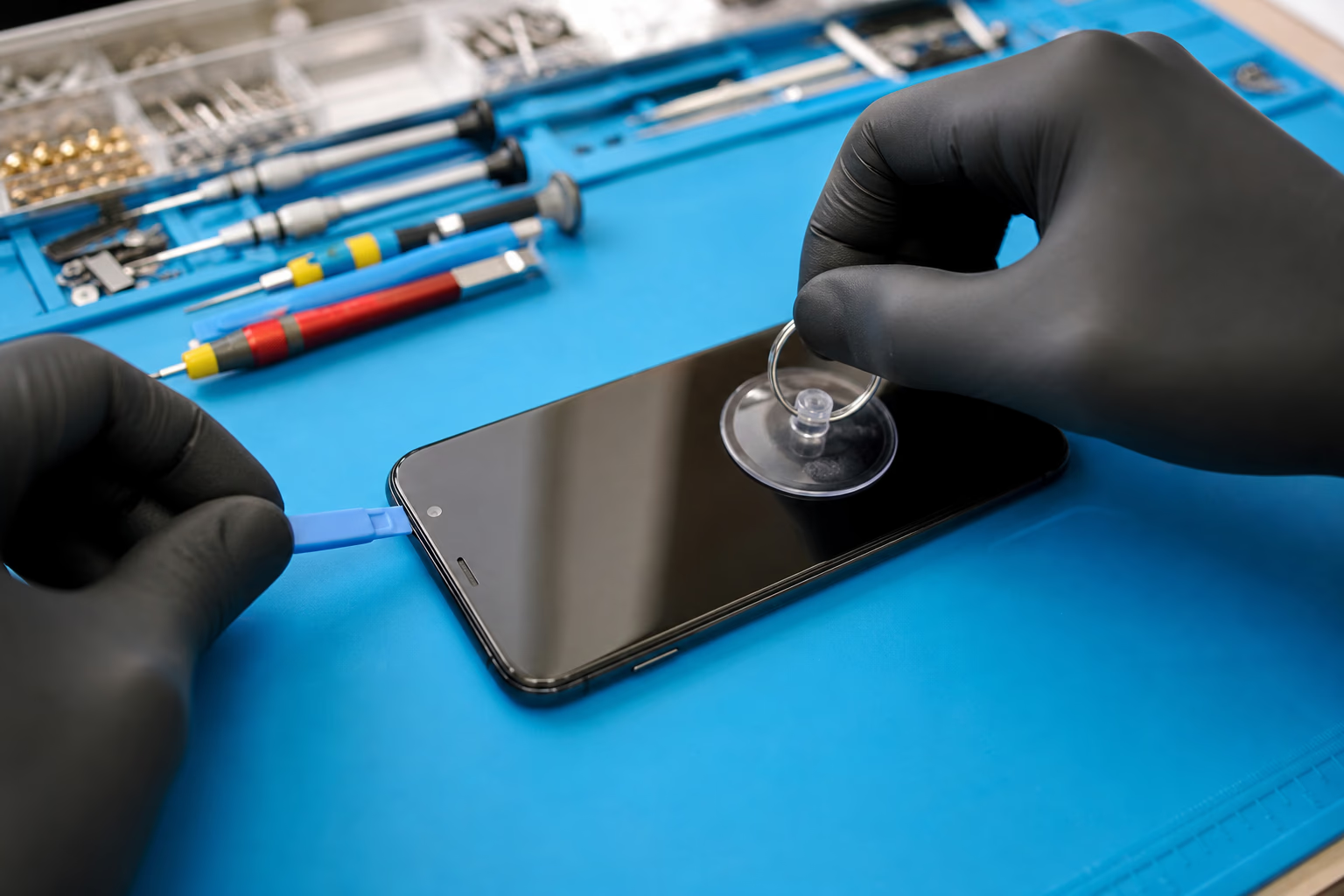
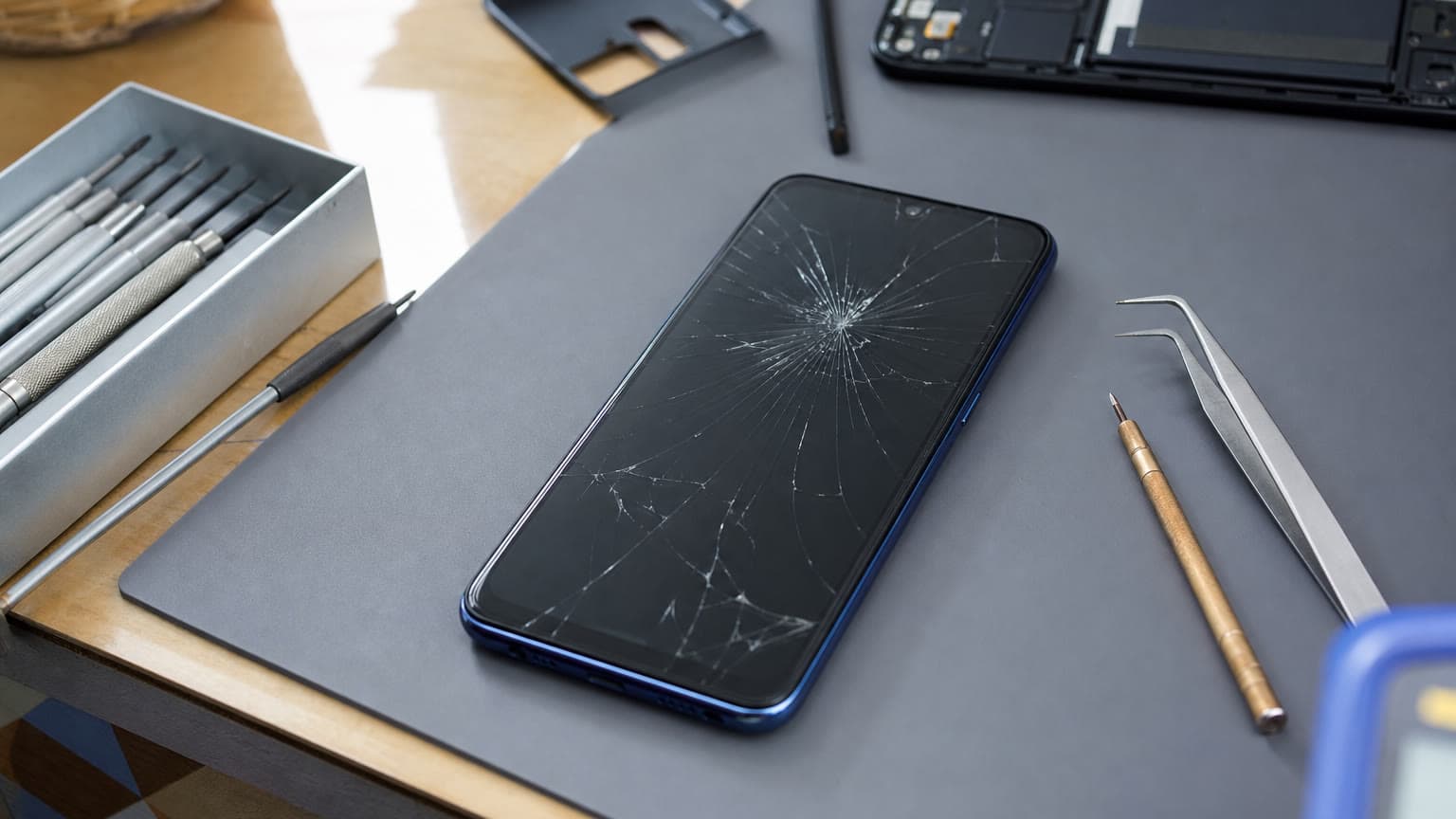
Touch response, display faults, and frame damage should be checked before quoting a screen job.
Symptoms: what your Infinix screen damage is telling you
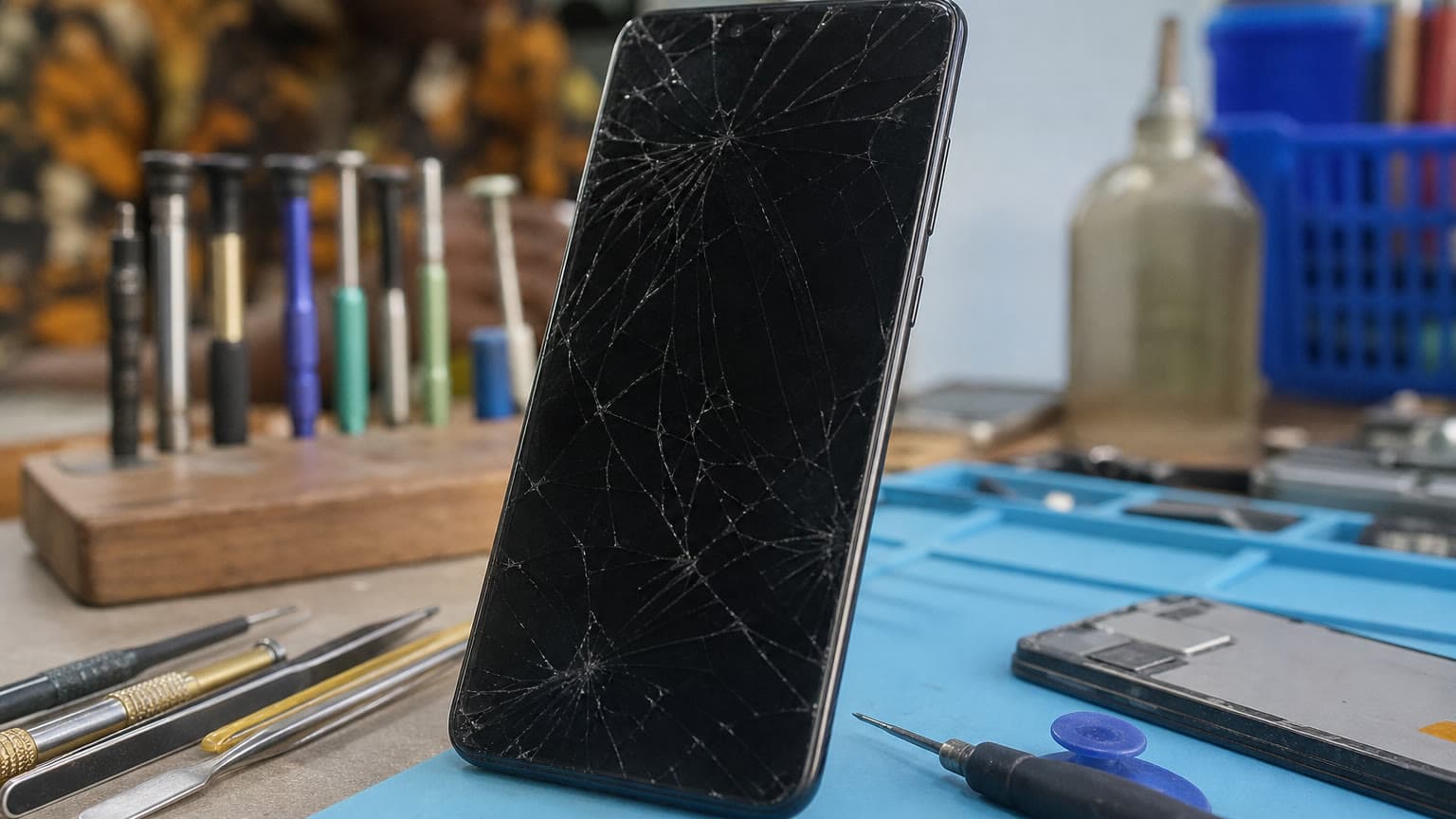
If only the glass is cracked but the picture is clear, touch works everywhere, and there are no dark patches, the phone may still be usable for a short time. That does not mean it should be ignored. Cracks can spread, small glass fragments can cut fingers, and dust or moisture can enter through the broken surface. In Lagos, Abuja, Port Harcourt, Accra, Nairobi, and other busy phone markets, people often keep using a cracked screen until payday, but the risk rises if the phone is carried in a tight pocket, used in rain, or charged while the screen is exposed to humidity.
A black screen, green lines, purple spots, flickering, white patches, or ink-like bleeding usually points beyond surface glass. Those symptoms often mean the display panel itself is damaged. If the phone still vibrates, rings, or connects to a charger but shows no picture, the display assembly or connector may need diagnosis. If touch does not respond in one section, opens apps by itself, or registers ghost touches, the digitizer layer may be failing. On many modern Infinix models, the display and touch layer are replaced together as a full assembly, so the cost can be closer to a full screen replacement than a small glass-only job.
Also check for signs that the screen repair is not the only issue. A bent frame, swollen battery, loose charging port, water marks, overheating after the fall, or heavy impact near the corners can change the repair plan. A new screen installed on a warped frame may lift later. A phone with liquid damage may work for a few days after a screen change and then fail again. This is why an inspection-first approach matters.
Compatibility: the exact Infinix model matters
Before approving an Infinix screen repair, confirm the model number from Settings, the box, the SIM tray label, purchase receipt, or back cover information where available. Infinix names can be similar across Hot, Note, Smart, Zero, and GT lines, but screens are not automatically interchangeable. A display that fits one regional variant may not match another variant's connector, frame, camera cutout, refresh rate, fingerprint layout, or proximity sensor position.
This matters more in 2026 because Infinix sells a wider mix of display hardware than older budget-phone assumptions suggest. Some models use standard LCD panels, while gaming and upper-midrange models such as the GT series use high-refresh AMOLED displays. A 144Hz AMOLED assembly, a curved AMOLED panel, and a basic LCD assembly are different repair jobs with different price and availability risk. If a shop quotes without asking for the exact model or inspecting the old part, treat the quote as an estimate, not a reliable repair price.
Ask whether the replacement includes only the display, the display with frame, or other small transferred parts. A display-with-frame job can cost more, but it may be the better route when the old frame is bent or the original adhesive surface is damaged. A display-only job can be cheaper, but it depends on careful removal, clean adhesive work, and a frame that is still straight.
Repair options: official service, independent repair, or Ogabassey assessment
Infinix support in many markets is tied closely to Carlcare, which Infinix identifies as its designated after-sales service provider. Official channels are worth considering when warranty status, original parts, service records, or parts traceability are important. Carlcare Nigeria also lists phone repair, online reservation, warranty check, spare-parts price checking, repair status, and service-center tools for Infinix, TECNO, and itel devices.
Warranty expectations need to be realistic. A valid manufacturer warranty may help with non-artificial faults, but cracked screens, LCD ink, liquid intrusion, dents, pressure damage, and unauthorized external repair are commonly treated as exclusions. If the screen broke after a drop, pressure in a bag, or liquid exposure, expect it to be an out-of-warranty repair unless you have a valid screen protection plan that clearly covers the incident.
Independent repair shops can be faster or closer to home, especially in large phone markets where Infinix parts are common. The trade-off is quality control. Ask whether the part is original, service-pack, high-copy, refurbished, or pulled from another phone. Ask whether the quote includes adhesive, frame work, testing, and a written warranty. A very low quote can be tempting, but if it uses poor adhesive, mismatched brightness, weak touch response, or a fragile panel, it may become more expensive than doing the job properly once.
Ogabassey's role is useful when you want a practical repair path without pretending every phone deserves the same answer. Start from repair support at Ogabassey if you are comparing your options, then use Ogabassey repair booking when you want to submit the device details and arrange the next step. Share the exact model name, storage variant if known, symptoms, drop history, water exposure, and whether the phone has been opened before. Those details help avoid the common mistake of quoting a screen job when the frame, battery, or board also needs attention.
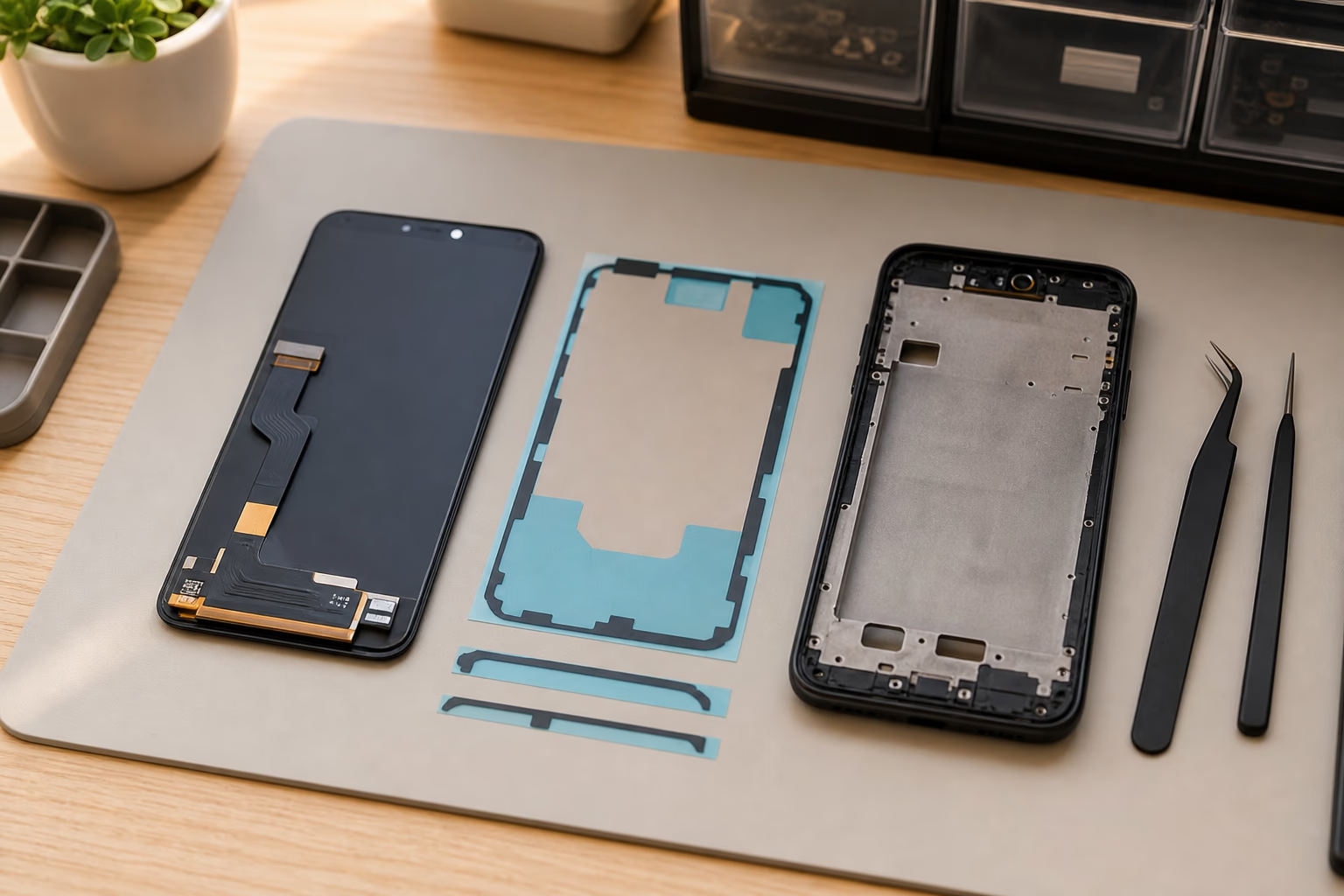
The right replacement part depends on the exact Infinix model and screen assembly type.
Parts, testing, and warranty cautions before approving the repair
Ask the technician to test the phone before and after repair. Pre-repair checks should include charging, speakers, microphone, cameras, fingerprint reader, face unlock where available, proximity sensor, brightness control, auto-rotate, and touch response across the full screen. Post-repair checks should repeat the same items. This creates a simple baseline: if the fingerprint scanner, earpiece, or proximity sensor worked before the screen change, it should work afterward unless the original damage affected it.
Do not remove or discard your old screen until the repair is complete and tested. On some jobs, the old part helps verify model compatibility. If the replacement display has a visible tint, weak brightness outdoors, dead pixels, dust under the glass, poor adhesive, pressure marks, or uneven touch response near the edges, raise it before leaving the shop. Once a repaired phone has been carried around, dropped again, or exposed to heat, it becomes harder to separate installation problems from later damage.
Warranty language matters. A repair warranty usually covers the replaced part and workmanship, not new cracks from another fall or liquid damage after collection. Ask how long the repair warranty lasts, what it excludes, and whether you will receive a receipt or job record. Avoid any repair path that cannot identify the part type, cannot test the phone in front of you, or refuses to explain what happens if the screen lifts or touch fails shortly after repair.
Price and value: when repair makes sense
There is no honest single price for Infinix screen repair because the part cost changes by model, display type, frame assembly, market supply, and whether the phone has related damage. A basic Infinix Smart or Hot screen can sit in a different repair category from a newer Note, Zero, or GT display. Curved AMOLED, high-refresh panels, fingerprint integration, and scarce regional variants can push the quote higher.
Repair is usually sensible when the Infinix phone is recent, the battery is healthy, the frame is straight, the camera and charging port still work, storage is enough for your daily apps, and the screen cost is reasonable compared with the phone's current market value. It is also sensible when your data matters and you need the same device back quickly. Even then, back up photos, WhatsApp data, documents, contacts, authenticator apps, and banking app access before handing the device over if the screen still works enough to do so.
Replacement may be the better decision when the screen repair quote approaches a large share of the phone's used value, especially on older Infinix Smart or Hot models. It may also be better if the phone already has a weak battery, water damage, a bent body, poor charging, insufficient storage, unreliable network reception, or performance problems that were frustrating before the screen broke. In those cases, a screen change solves only the visible damage while leaving you with a device that may soon need another paid repair.
Consider your total ownership cost, not just today's repair bill. If you use the phone for delivery work, POS support, school, content creation, or business calls, a dependable device matters more than the cheapest possible screen. A slightly higher-quality repair can be worth it if the phone still meets your needs. But if the phone is already slow, no longer holds charge, or cannot run the apps you depend on, putting money toward a replacement may be more rational.
Data, privacy, and liquid-damage precautions
A normal screen replacement should not require deleting your data, but repair work still carries practical privacy and access risks. Back up first if the screen works. Remove your memory card. Remove your SIM if it is not needed for testing. Sign out of sensitive apps only if doing so will not lock you out. If the technician needs to test touch, camera, speaker, or sensors, stay present where possible and unlock only the parts of the phone needed for testing.
If liquid was involved, do not keep charging the phone to see whether it comes back. Moisture can turn a screen problem into board damage, battery risk, or data-loss risk. Tell the technician about water exposure even if the phone currently powers on. A screen replacement alone may not be enough if corrosion has started around the connector or board.
Booking path: how to prepare your Infinix for screen repair
Before booking, write down the exact Infinix model, describe the symptoms clearly, and note whether the screen was damaged by a fall, pressure, or liquid exposure. Take photos of the phone's condition if possible. Back up important files where possible. Turn off screen lock only if you are comfortable doing so and the technician genuinely needs access for testing; otherwise, be present for tests that require unlocking the device.
Use Ogabassey's repair flow when you want the repair request documented instead of handled as an informal conversation. The booking page for repairs is the direct path for starting the request, while the broader repairs section is useful if you are still comparing repair support. If you are comparing across brands, Ogabassey also has related repair guidance for Tecno screen repair, Samsung screen repair, and iPhone screen repair.
Expect eligibility and price to depend on inspection, model variant, screen assembly type, warranty position, and whether related damage is found. That is the honest way to handle Infinix screen repair: diagnose first, quote second, approve only when the part, warranty, data risk, and replacement value are clear.