Bolakale is a Content Writer at Ogabassey with over five years of experience creating clear, practical content for online shoppers. He specialises in product reviews, buying guides, and how-to explainers across consumer electronics and gadgets, translating technical specifications into plain-language advice. His writing helps Nigerian buyers compare options and choose the right products with confidence.
Choosing a Windows laptop in 2026 is no longer just an Intel-versus-AMD decision. Intel still matters because many new and refurbished laptops use Intel Core chips, but the name on the sticker can hide important differences in age, battery life, graphics, AI features, Windows support, and upgrade value. A 12th Gen Core i7 can be a better everyday buy than an older Core i9, while a new Core Ultra laptop may be the smarter pick if you need long battery life, modern ports, and on-device AI features.
This guide explains Intel Core generations in plain language, from the first Core i3, i5, and i7 era to Core Ultra. If you mainly want to understand the difference between Intel Core i3, i5, and i7 tiers, start with Ogabassey’s guide to Intel Core i3, i5, and i7 processors; this article focuses on what the generation number changes.
Quick Verdict for 2026 Buyers
For most shoppers, the safest Intel laptop choices in 2026 are 12th Gen Core or newer, Intel Core Ultra, or a well-priced 11th Gen model only when the price is clearly low and the battery is healthy. Avoid paying premium money for 7th Gen or older machines because Windows 11 support, battery wear, ports, and performance headroom can become bigger issues than the processor name itself.
If you are buying for school, office work, browsing, streaming, and light creative tasks, look for a recent Core i5, Core 5, or Core Ultra 5 before chasing an older Core i7. If you edit video, compile code, run virtual machines, or play games, compare the exact CPU model, cooling design, RAM, storage, and GPU. Generation matters, but the whole laptop matters more.
How Intel Generations Work
For many years, Intel laptop and desktop chips used names such as Core i5-8250U or Core i7-12700H. The first one or two digits after the hyphen usually identified the generation: i5-8250U is 8th Gen, while i7-12700H is 12th Gen. Newer branding can look different. Intel now sells processors under names such as Intel Core Ultra 5 and Intel Core Ultra 7, and the generation clue is no longer as simple as the old i5-1235U style.
The tier still gives a rough performance clue: Core i3 or Core 3 is entry level, Core i5 or Core 5 is mainstream, Core i7 or Core 7 is higher performance, and Core i9 or Core 9 is for premium performance laptops and desktops. Core Ultra models add newer platform features, with some chips including a built-in neural processing unit for AI workloads.
Intel Core Generations at a Glance
1st Gen Core: Nehalem and Westmere
The early Core i3, i5, and i7 era introduced the naming structure many shoppers still recognize. These processors helped move memory control onto the processor and made Hyper-Threading common across more consumer PCs. In 2026, this generation is best treated as legacy hardware for basic offline use, not a practical everyday laptop buy.
2nd Gen Core: Sandy Bridge
Sandy Bridge improved performance per watt and brought stronger integrated graphics for its time. It also made Turbo Boost 2.0 a familiar part of mainstream Intel performance. Today, the main issue is not whether Sandy Bridge was good in its era; it is that systems built around it are now far behind on security, battery health, display quality, and operating-system support.
3rd Gen Core: Ivy Bridge
Ivy Bridge moved to a 22 nm process and brought better graphics and platform features such as broader USB 3.0 availability. These systems can still appear in the used market, but they are not sensible 2026 purchases unless the price is extremely low and the workload is very light.
4th Gen Core: Haswell
Haswell was important for laptops because it improved idle power and battery life. Many business notebooks from this era were durable, which is why they still show up refurbished. The trade-off is age: batteries, screens, Wi-Fi, storage, and Windows 11 compatibility are usually the bigger limitations.
5th Gen Core: Broadwell
Broadwell focused on efficiency using a 14 nm process. It was common in thin laptops and some compact desktops, but the performance jump over Haswell was modest. For a 2026 buyer, Broadwell is mainly relevant when evaluating older MacBooks, mini PCs, and budget used laptops.
6th Gen Core: Skylake
Skylake brought DDR4 support to many systems and helped standardize modern connectivity such as USB-C and Thunderbolt on premium laptops. It is still usable for light work, but buyers should be cautious: many 6th Gen PCs do not meet Microsoft’s supported processor list for Windows 11, and paying extra for one rarely makes sense.
7th Gen Core: Kaby Lake
Kaby Lake refined Skylake and improved media support, including smoother 4K playback on supported configurations. It is common in used ultrabooks, but it sits on the wrong side of the Windows 11 support line for many buyers. Treat it as a budget-only option, especially if you expect to keep the laptop for several years.
8th Gen Core: Kaby Lake Refresh and Coffee Lake
8th Gen is a key dividing line in the used laptop market because many models moved from two cores to four cores in thin-and-light notebooks. That made everyday multitasking noticeably better. Many 8th Gen processors are also on Microsoft’s Windows 11 supported processor list, so a clean, inexpensive 8th Gen laptop can still work for basic productivity if it has at least 8 GB of RAM and an SSD.
9th Gen Core: Coffee Lake Refresh
9th Gen pushed higher core counts in desktops and gaming laptops, including consumer eight-core options. These chips can still be fast, especially in desktops with good cooling. In laptops, check thermals, battery wear, and GPU age before assuming a 9th Gen Core i7 or i9 is a bargain.
10th Gen Core: Comet Lake and Ice Lake
10th Gen is confusing because Intel shipped both Comet Lake and Ice Lake under the same generation. Comet Lake often emphasized CPU clocks and core counts, while Ice Lake brought a newer graphics architecture and stronger integrated graphics in many thin laptops. For buyers, the exact model matters: a 10th Gen laptop with good RAM, SSD storage, Wi-Fi 6, and a healthy battery can still be useful, but it should be priced below newer 12th Gen and Core Ultra alternatives.
11th Gen Core: Tiger Lake and Rocket Lake
11th Gen Tiger Lake laptops were a meaningful step for integrated graphics thanks to Intel Iris Xe on many Core i5 and Core i7 models. They also made Thunderbolt 4 and fast modern standby experiences more common in premium notebooks. 11th Gen can still be a sensible refurbished buy in 2026 when the price is right, especially for students and office users who do not need heavy multicore performance.
12th Gen Core: Alder Lake
12th Gen is one of the most important modern Intel shifts because it introduced a hybrid design with Performance-cores and Efficient-cores on many chips. That helped laptops balance burst performance and background tasks more effectively, and desktop processors gained strong multicore performance. In 2026, 12th Gen is a strong value baseline for used, refurbished, and discounted new Windows laptops.
13th Gen Core: Raptor Lake
13th Gen refined the hybrid design with higher clocks and, on many models, more Efficient-cores. It is common in gaming laptops, creator notebooks, and mainstream office machines. If the price gap is small, a 13th Gen laptop is usually worth choosing over a similar 12th Gen model, but cooling and battery size can matter more than the processor label.
14th Gen Core and Core Ultra: Raptor Lake Refresh and Meteor Lake
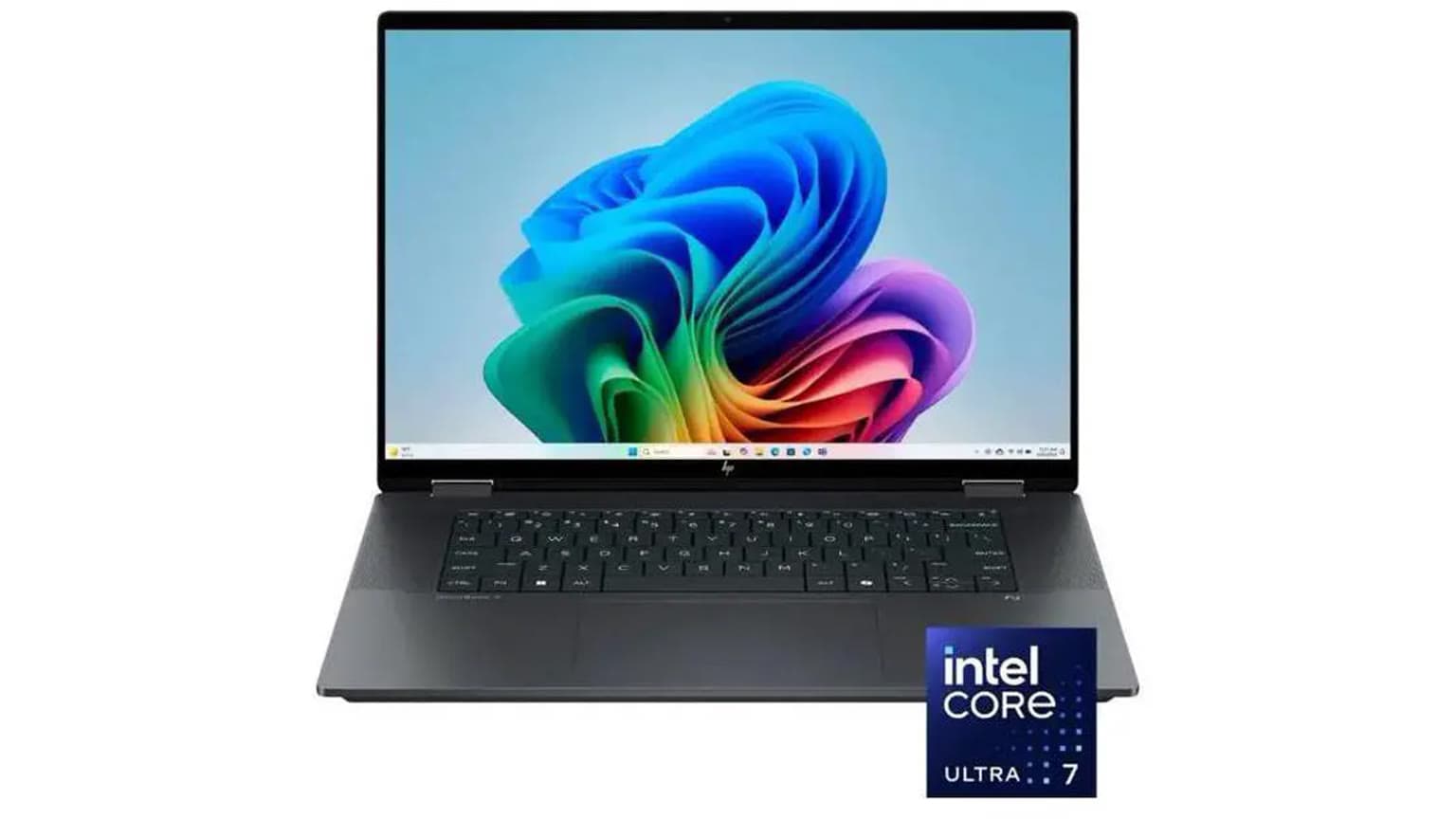
Intel’s 14th Gen desktop chips were mostly a refresh of 13th Gen, while Core Ultra marked a bigger laptop platform shift. Core Ultra processors introduced Intel’s newer tile-based design and integrated AI acceleration through an NPU on supported models. For everyday shoppers, the real benefits are usually battery life, integrated graphics, camera/audio features, and modern platform support, not just raw CPU speed.
Core Ultra Series 2 and Newer
By 2026, Core Ultra Series 2 appears in newer premium laptops and performance-focused PCs. These systems are most relevant if you want a current machine with strong battery life, modern integrated graphics, AI-ready hardware, Wi-Fi 7 on supported designs, and a longer runway for software support. They are not automatically the best value for every buyer, but they are the clearest Intel choice when you want a new laptop built for the next several years.
Who This Is For
This guide is for shoppers comparing laptop listings, refurbished PCs, school laptops, office notebooks, gaming laptops, or older Intel MacBooks. It is especially useful if a seller advertises a machine as “Core i7” without making the generation obvious. A 6th Gen Core i7 and a 13th Gen Core i5 are not in the same buying class.
Generation: Prefer 12th Gen or newer for most 2026 purchases. Consider 8th to 11th Gen only when the discount is meaningful and the system meets your software needs.
Core tier: Core i5, Core 5, and Core Ultra 5 are the mainstream sweet spot. Core i7, Core 7, and Core Ultra 7 make sense for heavier multitasking, creative work, and premium laptops. Core i9 and Core Ultra 9 need strong cooling to justify their price.
RAM and storage: A modern CPU cannot rescue a laptop with too little memory or slow storage. Aim for at least 16 GB of RAM for a laptop you expect to keep, especially if the memory is soldered. Choose SSD storage over older hard drives every time.
Graphics: Intel UHD Graphics is fine for display output, streaming, and office work. Intel Iris Xe and newer Intel Arc integrated graphics are better for light creative work and casual games. For serious gaming, the dedicated GPU usually matters more than the Intel CPU generation.
Software support: Check Windows 11 compatibility before buying older hardware. Microsoft’s supported Intel processor lists are more important than the seller’s claim that a laptop “runs Windows.”
Warranty and returns: Used and refurbished Intel laptops vary widely. Confirm battery health, charger quality, keyboard condition, screen defects, return window, and whether the seller offers a real warranty. A cheap laptop with no return option can become expensive quickly.
Trade-Offs
Older Intel laptops can be good value, but the risks are predictable: weaker battery life, worn batteries, older Wi-Fi, dimmer displays, fewer USB-C or Thunderbolt options, and shorter software support. Newer Core Ultra laptops cost more, but they usually bring better efficiency, quieter operation, stronger integrated graphics, and a longer support runway.
Desktop buyers have a different trade-off. Older Intel desktops are easier to upgrade than laptops, so a 9th, 10th, or 11th Gen desktop can still be useful if the price is low and the motherboard, power supply, and GPU meet your needs. Laptop buyers should be stricter because CPU, GPU, RAM, and battery upgrades are often limited or impossible.
Alternatives to Consider
AMD Ryzen laptops are the most obvious Intel alternative, especially when you care about battery life, integrated graphics, and value pricing. Apple silicon MacBooks are strong alternatives for users who do not require Windows. Qualcomm Snapdragon X laptops are also worth watching for battery-focused Windows users, though app compatibility should be checked carefully for specialized software.
If you want a current Intel example, Ogabassey’s coverage of the 2026 MSI Prestige 14 Flip and 16 AI with Intel Core Ultra 3 shows how newer Intel branding is appearing in productivity laptops. It is a better reference point for modern Intel platform features than older Core i-series naming alone.
What to Avoid
Do not buy by “Core i7” alone. Sellers often highlight the tier while hiding the age. Also be cautious with very cheap gaming laptops that pair an old high-end Intel CPU with a tired battery and outdated GPU. The spec sheet may look strong, but the real experience can be noisy, hot, and short-lived away from a charger.
For a refurbished laptop, ask for the exact processor model, RAM amount, SSD size, battery cycle count or battery-health estimate, screen resolution, warranty length, and return terms. If those details are missing, compare it against a newer Core i5 or Core Ultra 5 laptop before deciding.
Final Verdict
Intel Core generations are useful because they reveal the age and platform behind the familiar Core i3, i5, i7, and i9 names. In 2026, most buyers should treat 12th Gen Intel Core as the practical floor for a laptop they plan to keep, with Core Ultra models preferred when battery life, integrated graphics, AI features, and long-term support matter. Older 8th to 11th Gen systems can still be worthwhile at the right price, but only after checking Windows 11 support, battery condition, RAM, storage, warranty, and return options.
The short version: buy the newest balanced system you can afford, not the oldest laptop with the highest-sounding Core label.
Catalog-linked prices update automatically. Historical and other quoted prices remain as written. Open the product page to confirm the current price, selected variant and availability before buying.