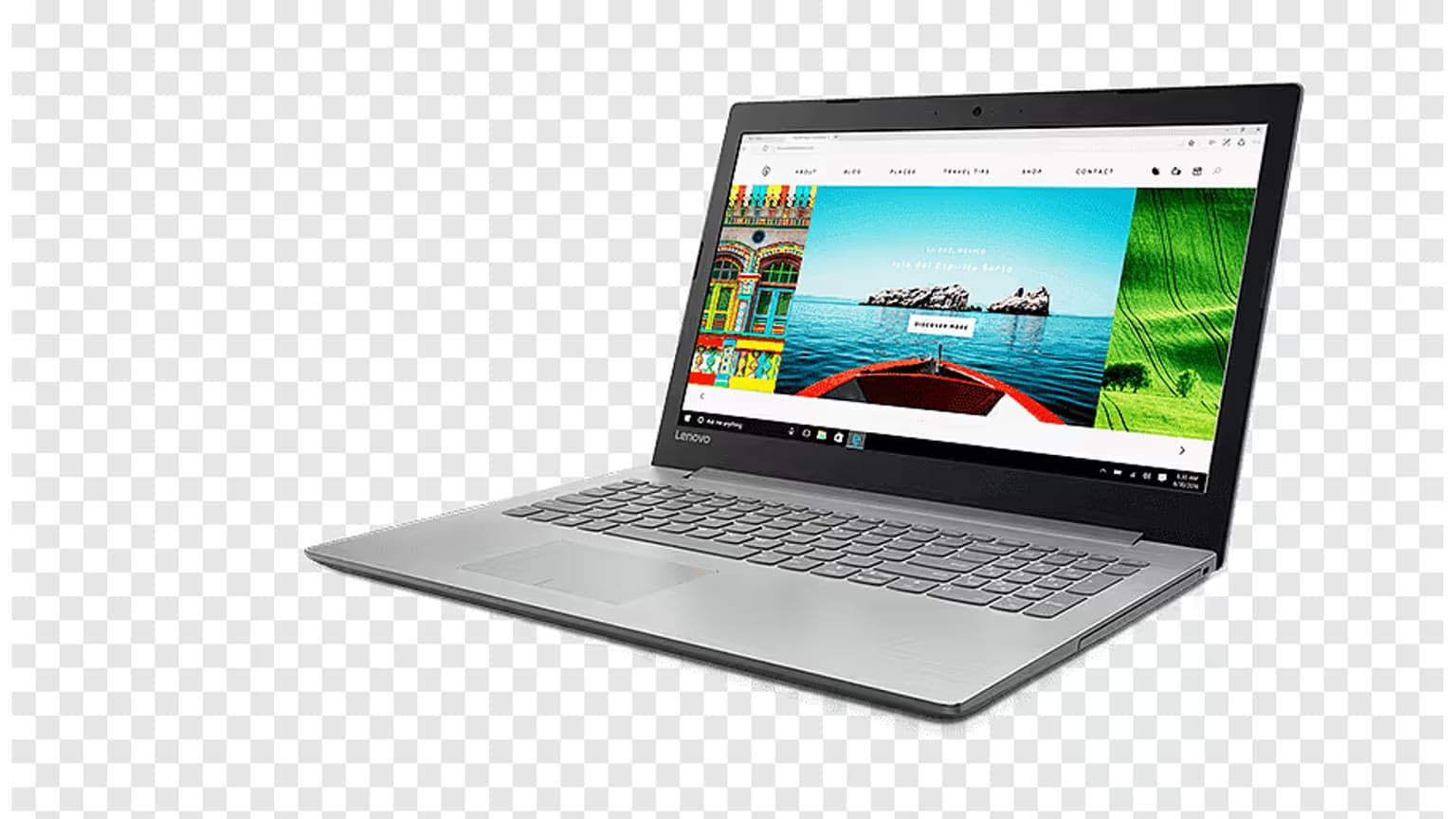
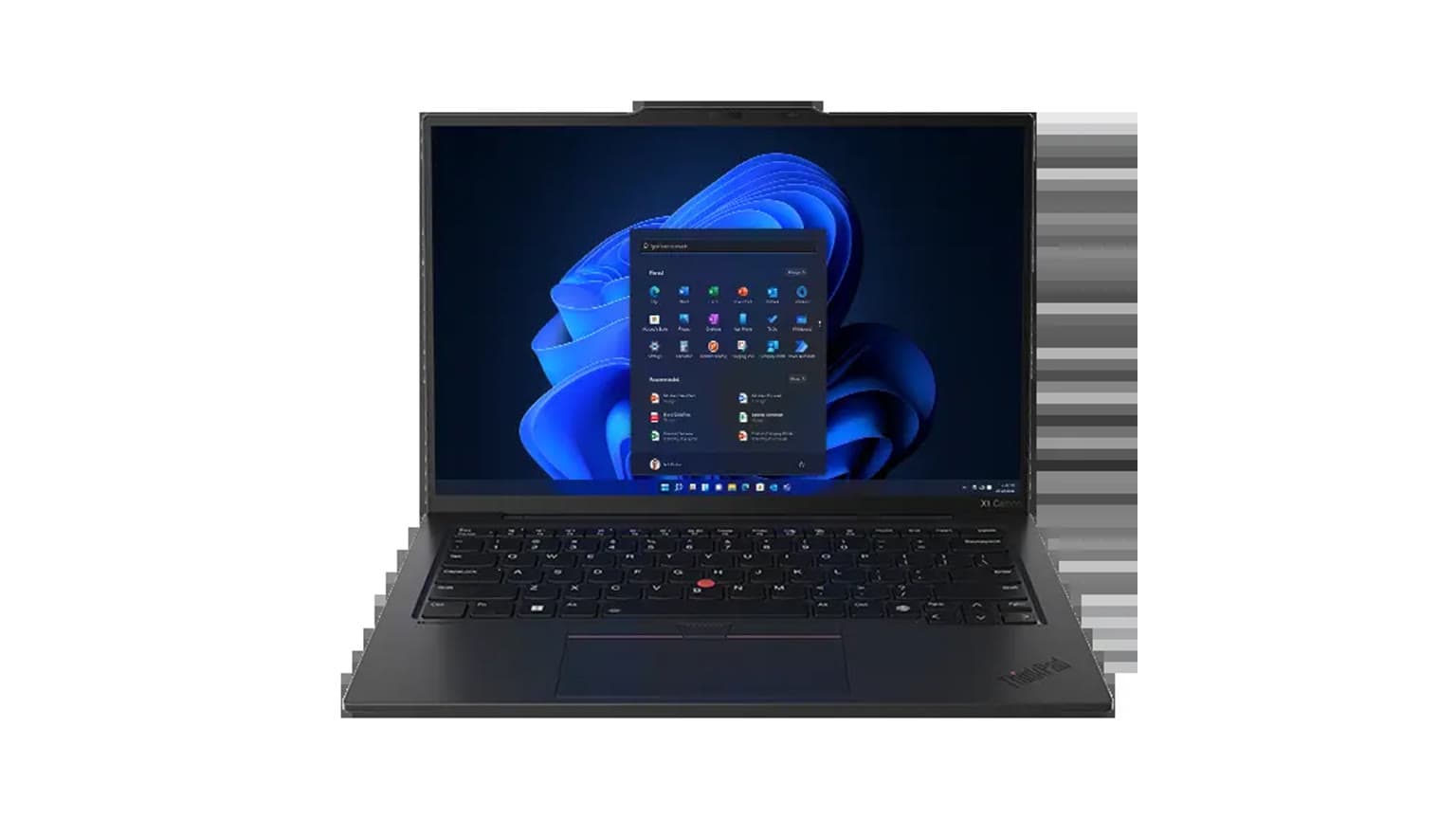
Lenovo’s 2026 ThinkPad business refresh is not just a processor bump. On May 12, 2026, Lenovo announced the ThinkPad X13 Gen 7, ThinkPad L14 Gen 7, and ThinkPad L16 Gen 3 as AI-enabled business laptops built around newer Intel Core Ultra Series 3 and AMD Ryzen AI PRO 400 platforms, with Copilot+ PC support on compatible configurations.
The practical buying question is simple: should you pay for the ultra-light X13, or choose the larger, more serviceable L Series for everyday business deployment? The answer depends less on “AI” branding and more on portability, ports, repairability, display size, memory needs, and how your team actually works.
Quick Verdict
Choose the Lenovo ThinkPad X13 Gen 7 if you want the lightest business-first ThinkPad in this group, travel frequently, and can live with soldered memory and a smaller 13-inch screen. Choose the Lenovo ThinkPad L14 Gen 7 if you want the most balanced option for hybrid work, IT support, ports, and repairability. Choose the Lenovo ThinkPad L16 Gen 3 if your work is desk-heavy and you value a larger screen more than the lowest carry weight.
What Copilot+ Means Here
Copilot+ PC branding matters, but it should not be the only reason you buy. Microsoft’s Copilot+ PC class requires a high-performance NPU capable of more than 40 TOPS, and the business features Microsoft highlights include Recall in preview, Click to Do, improved Windows search, Live Captions with translation, and Windows Studio Effects. These features are most useful when your work involves frequent calls, document search, translation, summarization, and battery-conscious AI tasks.
The important caveat is compatibility. Lenovo describes these ThinkPads as supporting Copilot+ PC experiences within Windows 11 on compatible configurations. That means buyers should confirm the exact processor, RAM, storage, operating system, and regional model before checkout, especially when comparing Intel and AMD variants or ordering through enterprise procurement.
Key Specs and Buying Context
The ThinkPad X13 Gen 7 is the mobility model. Lenovo lists a starting weight of 930g, a 13-inch WUXGA IPS display with 400-nit brightness and 100% sRGB coverage, up to 64GB LPDDR5x memory, up to 1TB PCIe Gen 5 SSD storage, Wi-Fi 7, optional LTE or 5G WWAN, USB-A, two USB-C 40Gbps ports, HDMI 2.1, and Windows 11 Pro or Linux options. For a compact business laptop, that port mix is useful because it reduces the need to carry adapters for basic meeting-room and office setups.
The ThinkPad L14 Gen 7 moves up to a 14-inch WUXGA display and starts at 1.39kg. Its biggest advantage is balance: larger screen than the X13, lower starting price than the X13 in Lenovo’s launch guidance, up to 64GB DDR5 memory through dual SODIMM slots, up to 2TB PCIe Gen 4 SSD storage, Wi-Fi 7, optional mobile broadband, HDMI, RJ45 Ethernet, USB-A, USB-C/Thunderbolt 4 on Intel configurations, and optional smart-card support.
The ThinkPad L16 Gen 3 uses the same broad platform idea as the L14 but expands the workspace to a 16-inch WUXGA display and starts at 1.78kg. It is the one to consider for spreadsheets, admin dashboards, writing, procurement work, customer support tools, and multitasking when an external monitor is not always available.
X13 Gen 7: Best for Travel and Executive Mobility
The X13 Gen 7 makes the most sense for executives, consultants, field managers, and frequent travelers who need a full business laptop but do not want to carry a 14-inch or 16-inch machine every day. The sub-1kg starting weight is the headline, but the stronger reason to buy it is the combination of weight, business security options, optional 5G, Wi-Fi 7, and a color-accurate 100% sRGB display specification.
The trade-off is upgrade flexibility. The X13 uses LPDDR5x memory, so buyers should choose the right RAM configuration from the start. If you expect heavy browser use, Teams or Zoom calls, Office apps, security software, and AI features to run together for several years, 32GB or 64GB is a safer business configuration than an entry-level RAM option. Storage is also listed at up to 1TB, while the L Series goes higher.
L14 Gen 7: Best for Most Business Buyers
The L14 Gen 7 is the most sensible default for many teams. It is still portable enough for hybrid work, but it gives IT departments more of the practical details they care about: accessible memory, higher storage ceiling, RJ45 Ethernet, optional smart-card support, a larger screen than the X13, and a repair-focused design.
Lenovo says the L14 and L16 include customer-replaceable parts such as the battery and keyboard, plus accessible memory, SSD, WWAN, and speaker components. That matters for total cost of ownership. A laptop that can be repaired quickly may stay in service longer, which is often more valuable than shaving a few hundred grams from carry weight.
L16 Gen 3: Best for Desk-Heavy Work
The L16 Gen 3 is not the best travel laptop in this comparison, but it may be the best work laptop for users who spend most of the day in documents, spreadsheets, browser tabs, finance tools, CRM systems, or admin panels. The larger 16-inch display can reduce the need for a second screen when working from home, on-site, or in a temporary office.
The weight penalty is real: Lenovo lists the L16 at a 1.78kg starting weight, compared with 1.39kg for the L14 and 930g for the X13. If your laptop is carried between meetings all day, the L14 or X13 will feel better. If it mostly moves between desk, home, and conference room, the L16’s screen space may be worth it.
Price, Availability, and Value
Lenovo’s launch guidance lists May 2026 availability, with the ThinkPad X13 Gen 7 starting at an estimated $1,499 in the US and the L14 Gen 7/L16 Gen 3 starting at an estimated $1,439. Those are manufacturer launch estimates, not a guarantee of final Ogabassey pricing, local taxes, import costs, stock status, keyboard layout, or configuration mix.
From a value perspective, the L14 is likely to be the safest business buy for most people because it keeps the AI PC platform while offering better serviceability and more familiar office connectivity. The X13 justifies its premium when carry weight is a daily pain point. The L16 justifies itself when screen space saves time or avoids buying an external monitor for every user.
Trade-Offs to Check Before Buying
- RAM: the X13 is the more mobile design, but its LPDDR5x memory should be configured correctly at purchase. The L14 and L16 list dual SODIMM DDR5 support up to 64GB, which is better for service and fleet flexibility.
- Storage: the X13 is listed up to 1TB PCIe Gen 5 SSD, while the L14 and L16 are listed up to 2TB PCIe Gen 4 SSD. Raw SSD generation is not the whole story; capacity may matter more for local files and long-term business use.
- Ports: the L Series is stronger for offices that still use wired Ethernet, smart cards, HDMI displays, USB-A accessories, and docks. The X13 still has useful ports, but the L14 and L16 are more forgiving in older office setups.
- Display size: 13 inches is excellent for travel, 14 inches is the balanced middle, and 16 inches is better for multitasking. Do not buy the X13 just because it is premium if your work really needs more room.
- Warranty and returns: business ThinkPad warranty terms can vary by region, seller, and configuration. Before purchase, confirm the warranty period, return window, charger type, keyboard layout, WWAN support, and whether the model is new, open-box, or special order.
Alternatives Worth Considering
If you want a more repair-focused 14-inch or 16-inch ThinkPad and do not need the exact L Series pricing, Lenovo’s 2026 T Series may also be worth comparing, especially where IT serviceability and long fleet life matter. If your workload is GPU-heavy, gaming, or creator-focused, a business ThinkPad L or X model is not the right category; a performance laptop such as the Lenovo Legion class will be more appropriate, and Ogabassey’s Lenovo Legion 5i Gen 11 guide is a better place to start.
If you are comparing Windows AI PCs against Apple laptops, the decision changes. MacBooks can be excellent for battery life, creative apps, and Apple ecosystem users, but they do not run Windows Copilot+ PC features in the same way and may require workflow changes for Windows-only business software. For processor context, see Ogabassey’s guide to which Apple M-Series chip you actually need.
Final Recommendation
For a single buyer who travels constantly, the ThinkPad X13 Gen 7 is the most attractive model because it keeps business features in a very light frame. For a company buying laptops for a wider team, the ThinkPad L14 Gen 7 is the best starting point because it balances portability, repairability, ports, and cost. For users who live in spreadsheets, dashboards, documents, and video calls, the ThinkPad L16 Gen 3 is the practical larger-screen choice.
The smartest move is to buy by workflow, not by AI label. Copilot+ support is useful, but the laptop still has to fit the user’s screen size, carry weight, port, memory, storage, repair, warranty, and budget needs. When the right model is in stock, start with the Lenovo ThinkPad AI PC collection at Ogabassey and compare the exact configuration before checkout.
Sources