Bassey John is a Performance Marketing Specialist at Ogabassey with cross-industry experience spanning e-commerce, gaming, and real estate. He focuses on paid acquisition, conversion-rate optimisation, and data-driven growth strategy, turning campaign performance into measurable revenue. At Ogabassey he writes about consumer technology, product buying guides, and the Nigerian gadget market to help shoppers make confident, informed decisions.
Continue shopping laptops
Compare Apple verified prices, condition grading, and key specs in laptops.
Apple • Used • ₦2,970,000 • 36GB RAM, 1024GB storage
Choose the ₦2,000,000 MacBook Pro M4 for school, office work and lighter creative projects; consider the ₦2,500,000 M4 Pro for heavier development and design workloads. Ogabassey’s 19 November 2026 snapshot shows a ₦500,000 gap, with 16GB versus 24GB listed memory. Confirm the exact configuration and condition before paying.
Decision summary: what does the extra ₦500,000 buy?
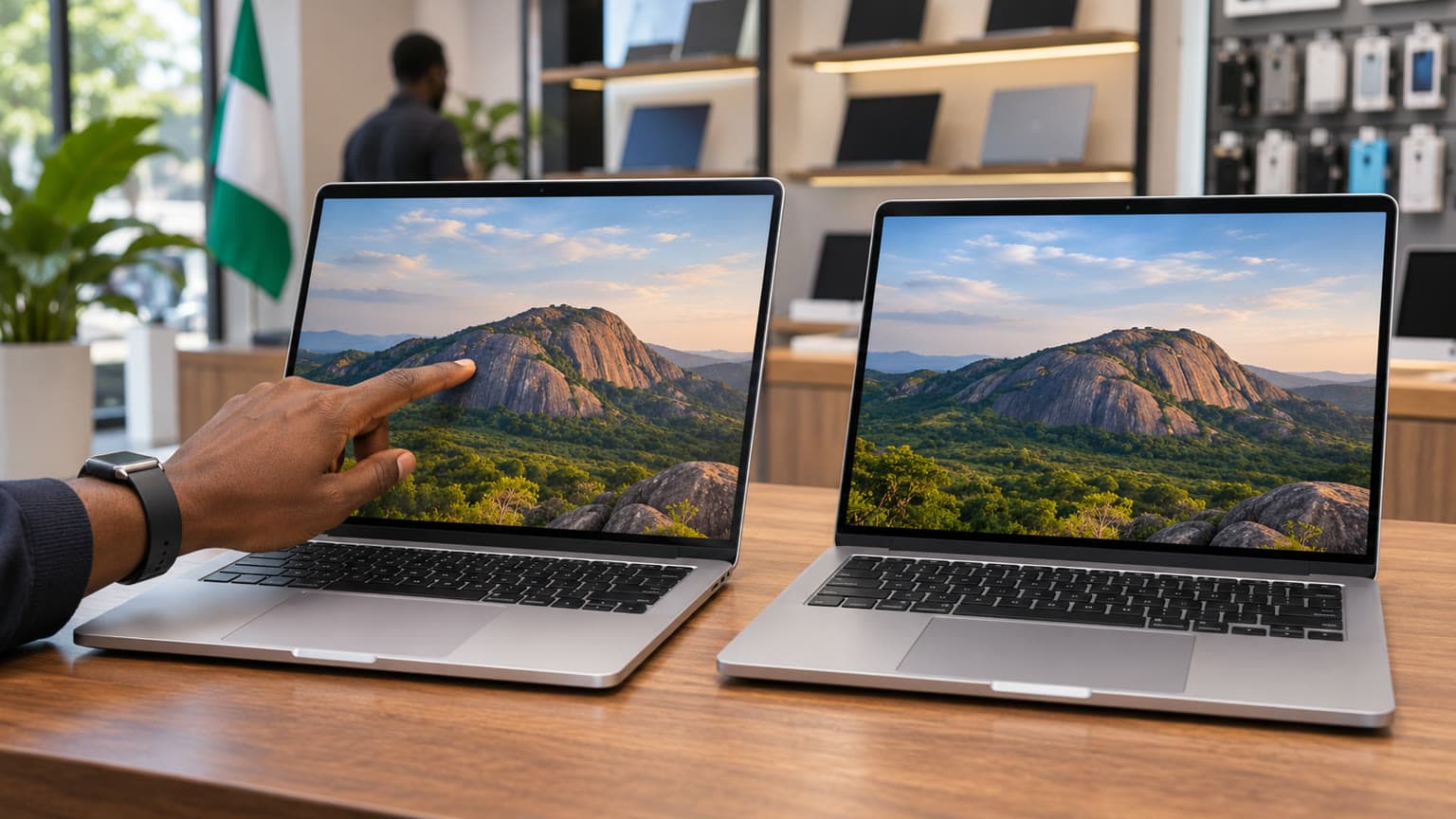
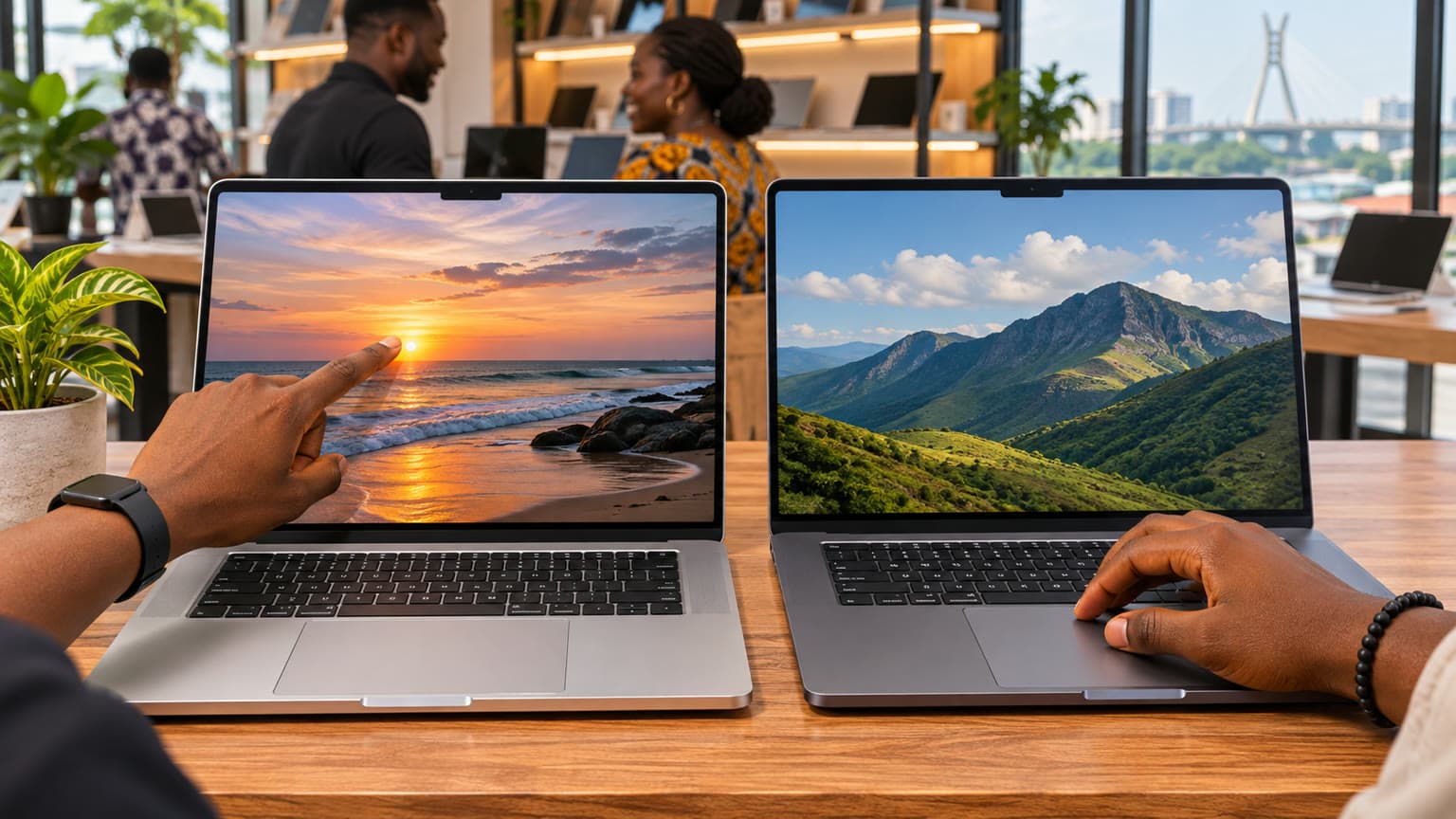
The comparison is between the 14-inch MacBook Pro M4 (2024) and the 14-inch MacBook Pro M4 Pro (2024). Both carry the MacBook Pro name, but M4 and M4 Pro identify different processor classes. The more expensive listing brings more listed memory and Thunderbolt 5 connectivity, alongside a chip family with higher CPU and GPU configurations.
Our editorial recommendation is to start with the M4 unless you can identify a workload that benefits from the M4 Pro’s extra resources. Documents, browser applications, online classes and ordinary business administration give you fewer reasons to spend the premium. Large development environments, demanding creative projects and frequent processing jobs make the stronger configuration more relevant.
This is a catalog-verified comparison with selected specifications checked against Apple’s official technical pages. It is not a hands-on review. We have no measured export times, gaming frame rates, temperatures or battery results for the units on offer.
The same listed screen size makes this a decision about workload and configuration.
Apple laptop price in Nigeria: compare the actual offers
The supplied Ogabassey catalog snapshot, updated on 19 November 2026 at 11:08 UTC, records ₦2,000,000 for the 14-inch MacBook Pro M4 and ₦2,500,000 for the 14-inch MacBook Pro M4 Pro. These are dated editorial prices. Follow the linked live product cards for the current offer, selected variant and availability.
The difference is ₦500,000, or 25% above the M4 listing price. That calculation compares product-level starting prices; the snapshot does not establish that both prices buy units with identical cosmetic grades, accessories and warranty terms. Resolve those differences before treating the premium as a pure processor upgrade.
Both products are marked in stock in the supplied snapshot. Their inventory is unmanaged, so a numeric stock count of zero does not establish that they are sold out. Equally, the catalog status does not reserve a particular machine or confirm dispatch timing. Request confirmation of the exact unit you intend to purchase.
The listed product ranges extend to ₦2,850,000 for M4 and ₦3,300,000 for M4 Pro. Those ranges are not prices for a specific memory or storage upgrade. Ask for a written quotation identifying chip, screen size, memory, SSD capacity, condition and included accessories.
Specification comparison: the catalog differences that matter
The table reproduces relevant rows from the supplied comparison matrix. Its memory and storage entries are normalized listing specifications, while the M4 Pro core counts describe family maximums. They do not prove that the ₦2,500,000 offer contains the highest-core chip.
Attribute
MacBook Pro M4
MacBook Pro M4 Pro
Chipset
Apple M4
Apple M4 Pro
CPU
10-core CPU
Up to 14-core CPU
GPU
10-core GPU
Up to 20-core GPU
Listed RAM
16GB
24GB
Listed internal storage
512GB
512GB
Display type
Liquid Retina XDR
Liquid Retina XDR
Display size
14.2 inches
14.2 inches
Resolution
3024 × 1964
3024 × 1964
Refresh rate
120Hz
120Hz
Pixel density
254 ppi
254 ppi
Peak brightness
1600 nits
1600 nits
Dimensions
312.6 × 221.2 × 15.5 mm
312.6 × 221.2 × 15.5 mm, base 14-inch listed variant
Weight
1550g
1600g
Build
Aluminum unibody
Aluminum unibody
Connections
Thunderbolt 4 / USB-C, HDMI, SDXC, MagSafe 3
Thunderbolt 5 / USB-C, HDMI, SDXC, MagSafe 3
Wi-Fi
Wi-Fi 6E
Wi-Fi 6E
Bluetooth
Bluetooth 5.3
Bluetooth 5.3
Camera
12MP Center Stage
12MP Center Stage
Headphone jack
Yes
Yes
Fingerprint authentication
Touch ID
Touch ID
Listed wired charging
70W
70W
5G support
No
No
Colours
Space Black, Silver
Space Black, Silver
Apple describes ProMotion as adaptive up to 120Hz and the 1600-nit figure as peak HDR brightness, rather than constant brightness for every application. The table’s 70W charging entry also needs configuration context: Apple specifies different adapter packages within the M4 Pro family. Verify the adapter supplied with the selected offer.
Performance and daily use: when is M4 Pro worth paying for?
School, remote work and everyday development
For writing assignments, presentations, video calls, spreadsheets and browser-based work, the M4 is our default choice between these two listings. It preserves the listed display quality, camera and broad port selection while leaving ₦500,000 in your budget. Spending more makes sense only when another part of your workload justifies it.
Software development needs a more specific answer. A student learning programming and a developer running several local services can have very different requirements. List your editor, emulators, containers, databases and typical simultaneous applications. The M4 Pro listing’s 24GB memory provides more capacity than the M4 listing’s 16GB, but we cannot translate that difference into a measured speed improvement.
Design, editing and demanding projects
The M4 Pro is the stronger candidate for buyers regularly working with complex creative projects or substantial development workloads. That is an editorial judgement based on its processor class and listed memory. It is not a claim that every design application needs M4 Pro, or that every project runs a fixed percentage faster.
Apple’s specifications identify 12-core and 14-core CPU versions of M4 Pro. Consequently, a listing that says “up to 14-core CPU” is incomplete purchase information. Have the seller confirm the actual CPU and GPU configuration on the machine before using the family maximum to justify your budget.
Storage deserves equal attention. Both normalized listings show 512GB, so paying the starting-price premium does not establish that you receive more internal storage. If your main problem is keeping footage, photographs or project libraries locally, request a quotation for the storage configuration you actually need.
Gaming and Windows software fit
Choose software compatibility before choosing the chip. Check the exact games, plugins and course or employer applications you must run, including their supported operating systems and hardware requirements. More GPU cores do not settle whether a particular application is available or suitable on macOS.
If gaming or a required Windows application drives the purchase, compare relevant options in Ogabassey’s gaming laptop category before committing to either MacBook. This comparison contains no game tests, so neither machine receives a gaming performance score.
Battery, display, and build: where the cheaper model holds its ground
The shared display specifications are a major reason to consider the M4. Both catalog entries list a 14.2-inch Liquid Retina XDR panel, 3024 × 1964 resolution and 120Hz refresh rate. Paying for M4 Pro does not buy a larger display in this comparison. Screen condition remains a separate issue on an individual used unit.
The listed M4 weighs 1.55kg, compared with 1.60kg for M4 Pro. The 50g difference is small; the more consequential portability question is whether a 14-inch workspace suits your daily tasks. Buyers searching for a 16-inch MacBook should compare that screen size separately rather than assume this M4 Pro listing represents the same chassis.
Apple rates the M4 model for up to 24 hours of video streaming and the M4 Pro model for up to 22 hours. These are manufacturer test claims, not expected editing or video-call runtimes. Battery health, workload and settings affect the machine you receive. Neither the catalog nor our evidence establishes a thermal or fan-noise winner.
For work away from reliable charging, inspect battery health and cycle count, and ask about actual battery condition. A stronger processor should not outweigh an unresolved battery problem. Both listings lack built-in 5G, so plan your internet connection independently of the chip choice.
Confirm the adapter and cable supplied with the exact offer before payment.
Condition, warranty and upgrade planning before payment
The M4 Pro record contains a material conflict: its structured condition field says used, while its description calls the configuration new and mentions new offers. Its description also mentions a 16GB option, whereas the normalized specification says 24GB. Apple’s M4 Pro specification starts at 24GB, so a purported 16GB M4 Pro requires clarification.
The M4 record is marked used and describes both new and used selectable offers. Neither product-level price should therefore be presented as a guaranteed brand-new configuration. Ask for the exact offer’s condition in writing, with photographs and a system-information view showing the chip, memory and storage.
For a used or open-box purchase, inspect the display, keyboard, trackpad, camera, ports and charging behaviour. Confirm the serial matches the paperwork and establish that the machine can be erased and set up for you without an unresolved previous-owner account or organisation-management requirement.
Warranty duration and return terms are not listed in the supplied snapshot. Establish who handles faults, what is covered, how a return is initiated and whether accessories are included. Do not assume a new-looking machine carries a particular warranty, or that a used unit includes the original Apple adapter.
Buy with the memory and storage you need, and obtain explicit confirmation before assuming either can be upgraded later. An SDXC slot and external storage options do not answer an internal upgrade question. For charging, identify the adapter wattage and cable supplied; a “70W” catalog field alone does not confirm package contents or fast-charging capability.
Who should buy each option?
Your decision
Best starting point
Reason and trade-off
School, administration and remote work
M4
Lower listed price with the same principal display specifications; less listed memory.
Demanding creative or development workloads
M4 Pro
24GB listed memory and a higher processor class; confirm exact cores and condition.
Display quality is the priority
M4
The matrix lists matching screen size, resolution and refresh rate.
Thunderbolt 5 peripherals are essential
M4 Pro
Thunderbolt 5 is a documented difference; confirm the peripheral and cable requirements.
Long battery operation is the priority
Inspect both units
Manufacturer ratings favour M4 for streaming, but individual battery condition remains unknown.
Warranty or condition remains unclear
Resolve the offer first
The snapshot provides no warranty duration and contains conflicting M4 Pro condition wording.
The M4’s main advantages are its lower starting price, matching headline display specifications and slightly lower listed weight. Its trade-offs are 16GB listed memory and Thunderbolt 4. M4 Pro adds listed memory and Thunderbolt 5, but asks for a 25% starting-price premium without a listed storage increase.
Alternatives: compare memory, screen size and budget
A higher-memory M4 offer is worth requesting if memory capacity is your main concern. The supplied M4 description lists 16GB and 24GB options, but it does not assign a verified price to each combination. Compare the exact 24GB M4 quotation with the exact M4 Pro quotation before deciding.
For a broader view, use the Apple MacBook hub and MacBook Pro family listings. These help separate chip, screen size and generation choices. A repeated storefront search for a 16-inch M5 Pro is evidence of interest, but it does not establish an available offer or verified price within this assignment.
Older models also deserve consideration when the budget is well below ₦2 million. Ogabassey’s supplied order data records purchases of M1 Pro and M2 Pro MacBook models; that is store-specific sales context, not a claim about Nigerian market share. The 13-inch M1 MacBook Pro buying guide provides a separate older-model decision to evaluate. Check its live offer and condition rather than carry historical prices into this comparison.
Verdict
Choose M4 unless the extra memory, processor class or Thunderbolt 5 solves a specific need. At the supplied ₦2,000,000 and ₦2,500,000 starting prices, M4 Pro moves from 16GB to 24GB listed memory and from Thunderbolt 4 to Thunderbolt 5, while both list 512GB storage and a 14.2-inch display. Those differences justify considering the premium for demanding work; they offer less value for routine school and office tasks. Confirm the actual M4 Pro core configuration and resolve its condition conflict before payment.
FAQ
What is the Apple laptop price in Nigeria for these two MacBooks?
The supplied Ogabassey snapshot updated on 19 November 2026 lists the 14-inch M4 from ₦2,000,000 and M4 Pro from ₦2,500,000. Both are marked in stock under unmanaged inventory. Check the linked live product cards for current prices, exact variants and availability.
Which laptop should I buy for school, work, gaming or design?
M4 is our starting recommendation for school and routine office work. Consider M4 Pro for demanding design or development workloads that benefit from more memory and processing resources. For gaming or required Windows software, check exact application compatibility before choosing either MacBook.
Is a MacBook worth it in Nigeria?
It can be if your required software works on macOS and the exact offer fits your budget, condition expectations and after-sales needs. Between these listings, M4 retains the principal display specifications at a lower price; M4 Pro is worth considering when its additional resources serve your work.
What specs matter before buying a used or open-box laptop?
Verify the chip, CPU/GPU configuration, memory, SSD capacity, screen size, battery health and cycle count. Inspect physical condition and confirm setup access, charger contents, warranty and return terms. Resolve the M4 Pro listing’s conflicting new/used wording before payment.
Catalog-linked prices update automatically. Historical and other quoted prices remain as written. Open the product page to confirm the current price, selected variant and availability before buying.