In the fast-paced world of Apple Silicon, the "latest and greatest" isn't always a straightforward choice. As we move further into 2026, the tech landscape has shifted: we are no longer just looking at raw clock speeds, but at how integrated AI and specialized hardware can handle our increasingly complex workflows.
Whether you are a creative professional in Lagos looking to upgrade your editing suite or a tech enthusiast wanting the most future-proof machine, you’ve likely hit a dilemma. Should you opt for the MacBook Pro M4 Pro, a proven multi-core beast that dominated the previous year, or the standard M5, which introduces Apple’s newest architectural breakthroughs?
In this guide, we break down the specs, the real-world performance, and the value-for-money proposition to help you decide which MacBook Pro deserves a spot on your desk this year.
1. The Core Battle: M4 Pro vs. M5#
The fundamental difference lies in architecture vs. brute force.
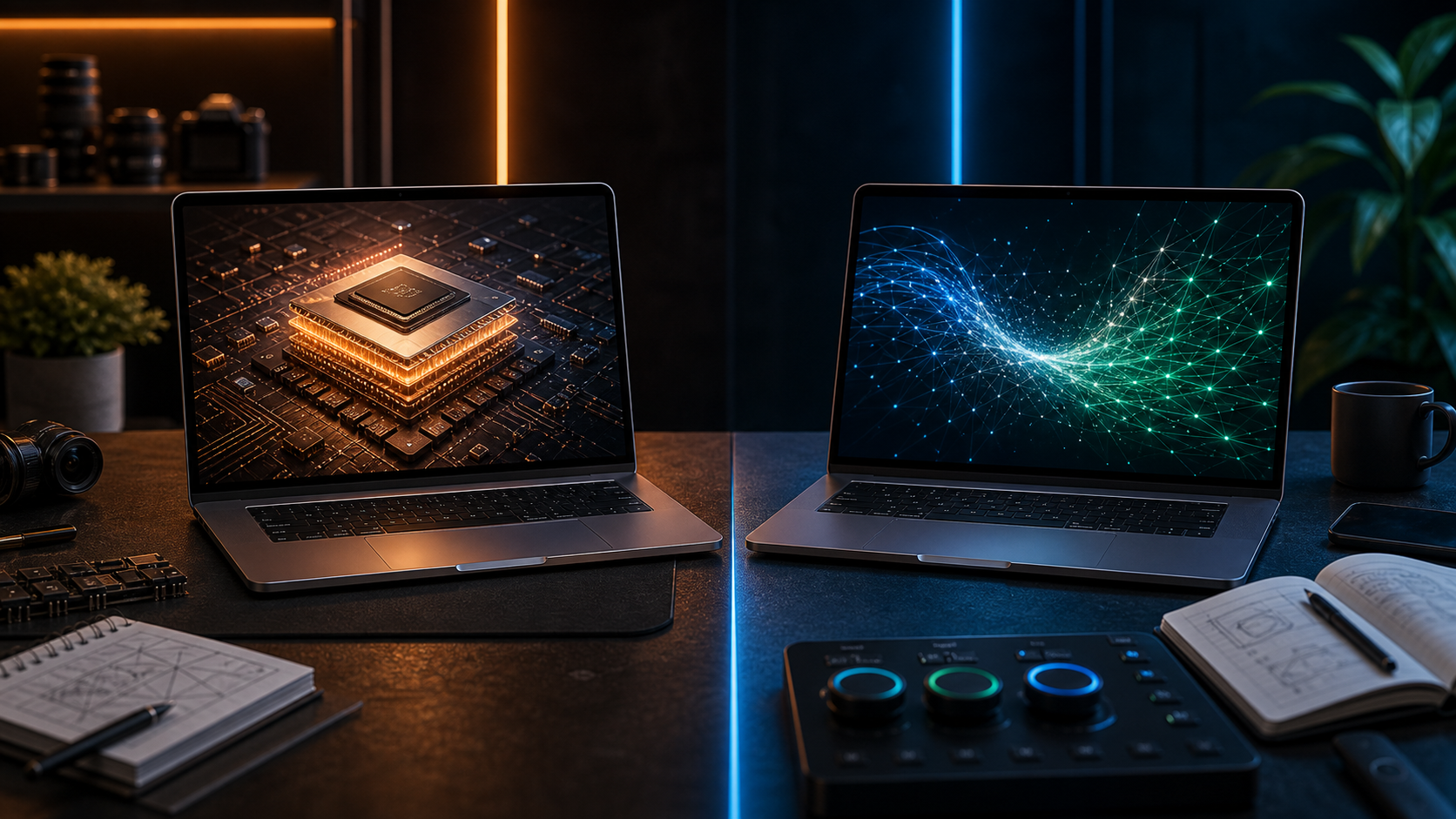
MacBook Pro M4 Pro (The Workhorse): Even a year later, the M4 Pro chip is a beast for heavy lifting. With up to 14 CPU cores (10 performance, 4 efficiency) and a massive 273GB/s memory bandwidth, it excels at "heavy" tasks like 4K/8K video rendering, large-scale code compilation, and complex 3D modeling.
MacBook M5 (The AI Specialist): The M5 chip features a 10-core CPU but introduces Neural Accelerators within each GPU core. While it has fewer performance cores than the M4 Pro, it offers up to 3.5x faster AI processing. It’s designed for the "Apple Intelligence" era, making it snappier for generative AI tasks, photo enhancement, and real-time translation.
2. Display and Portability#
Both laptops typically feature the stunning Liquid Retina XDR display, but there are subtle shifts:
M4 Pro Models: Usually available in both 14-inch and 16-inch sizes. They feature Thunderbolt 5 (on most configurations), allowing for blistering data transfer speeds of up to 120Gbps—ideal for pros using high-end external storage.
M5 Model: Primarily found in the 14-inch form factor. It sticks with Thunderbolt 4 but matches the Pro in brightness (up to 1,600 nits peak). If you want the 16-inch screen, you'll likely have to stick with the M4 Pro or step up to the M5 Pro/Max.
Feature | MacBook Pro (M4 Pro) | MacBook Pro (M5) |
|---|
CPU Cores | Up to 14 Cores | 10 Cores |
Memory Bandwidth | 273 GB/s | 153 GB/s |
Thunderbolt | Thunderbolt 5 (Up to 120Gbps) | Thunderbolt 4 (Up to 40Gbps) |
Best For | Heavy Engineering / 8K Video | AI Workflows / Daily Pro Tasks |
4. Why Buy the M4 Pro in 2026?#
The M4 Pro remains the "Pro's Pro." If your day consists of exports, renders, and running multiple virtual machines, the higher core count and superior memory bandwidth of the M4 Pro will still beat the standard M5 in sustained performance. It is the better choice for users who don't want to wait for progress bars.
5. Why Choose the M5 in 2026?#
The M5 is the "future-proof" choice for the average user and entry-level creative. It runs cooler, features significantly improved SSD read/write speeds (over 10,000 MB/s), and is optimized for the latest macOS features. If your work involves a lot of AI-assisted tools (like those in Adobe Premiere or Photoshop), the M5’s Neural Accelerators might actually make it feel faster than the M4 Pro in those specific moments.
The Verdict: Which should you pick?#
Choose the MacBook Pro M4 Pro if you are a power user who needs the 16-inch screen, works with massive files, or requires the extreme speeds of Thunderbolt 5 for your peripherals.
Choose the MacBook Pro M5 if you want the longest battery life (up to 24 hours), the latest AI optimizations, and a laptop that handles 95% of professional tasks with zero fan noise.
Ready to upgrade? Check out the latest deals on both the M4 Pro and M5 series from our