Bassey John is a Performance Marketing Specialist at Ogabassey with cross-industry experience spanning e-commerce, gaming, and real estate. He focuses on paid acquisition, conversion-rate optimisation, and data-driven growth strategy, turning campaign performance into measurable revenue. At Ogabassey he writes about consumer technology, product buying guides, and the Nigerian gadget market to help shoppers make confident, informed decisions.
Last reviewed: 13 June 2026. The Samsung Galaxy Tab A8 can still be a sensible budget tablet in Nigeria, but only if you buy it for the jobs it is still good at: streaming, reading, school portals, online classes, family browsing, light office work, and simple video calls. It is not a new tablet, it is not a serious gaming or creator device, and its software-support runway is now the biggest reason to pause before paying.
The useful 2026 question is not whether the Tab A8 was a good budget tablet when it launched. It was. The question is whether its current Ogabassey price, exact RAM and storage, Wi-Fi or LTE model, warranty terms, and update status make more sense than a newer budget Samsung tablet or a stronger Tab S model. Based on the catalog data supplied for this refresh, the Tab A8 is listed at ₦95,000 with stock available, but buyers should always confirm the live product page before checkout because tablet prices and variants change quickly.
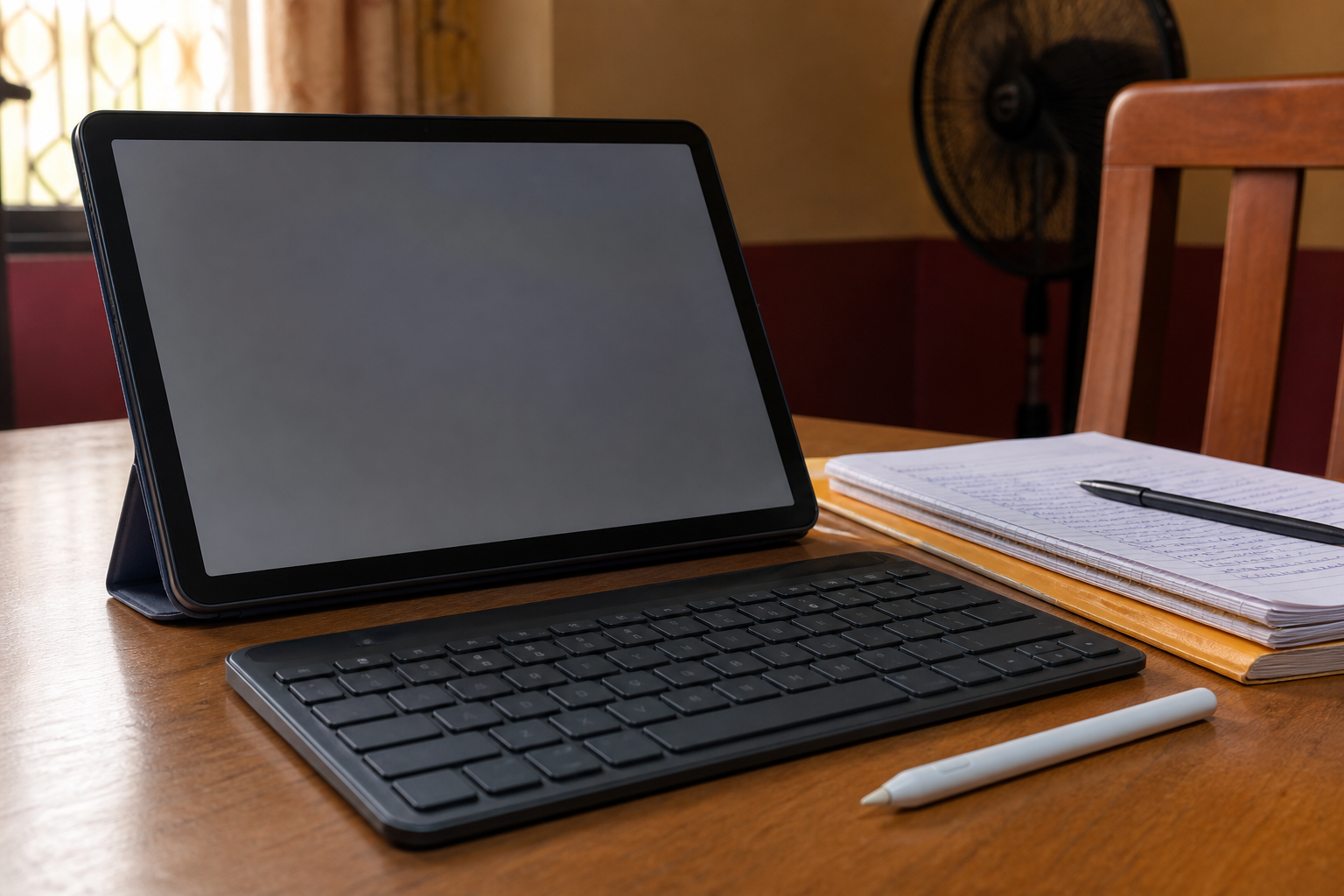
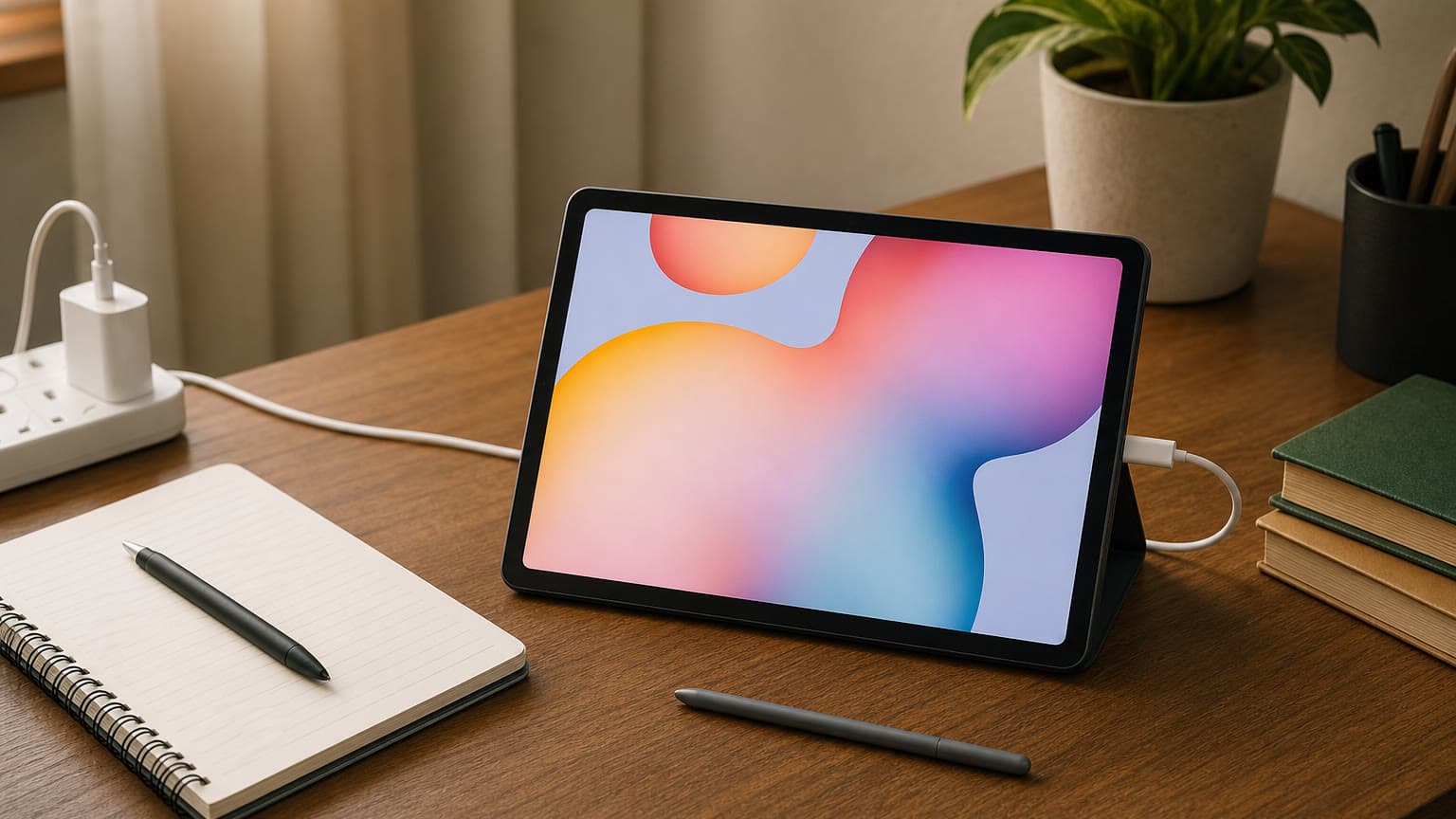
A Bluetooth keyboard can make the Tab A8 more useful for schoolwork and light typing, but it does not turn it into a full laptop.
Quick Verdict
Buy the Galaxy Tab A8 in 2026 if the price stays low, the unit is new, the battery is healthy, and your work is light. Avoid it if you need long-term Android updates, proper S Pen handwriting, strong multitasking, 5G, premium display quality, or laptop-level productivity. For those needs, compare it with newer Samsung options in the Ogabassey tablets category, especially the Samsung Galaxy Tab A11+ 5G, Samsung Galaxy Tab S10 FE 5G, and Samsung Galaxy Tab S9+.
Who This Is For
The Tab A8 is best for buyers who want a large Android screen without spending mid-range or flagship money. It fits children’s learning apps, YouTube, Netflix, Bible or Quran study apps, PDFs, recipes, school portals, Google Docs, email, Zoom, Google Meet, browsing, and casual note typing. It also works as a shared family tablet where the goal is a bigger screen than a phone, not a computer replacement.
It is less suitable for university students, business users, designers, and creators who keep many apps open, write for hours, annotate heavily by hand, edit large spreadsheets, manage many files, or need desktop-grade apps. Those users should treat the Tab A8 as a companion screen, not as their main work device.
Key Specs And 2026 Buying Context
Area
What to know before buying
Display
10.5-inch 1920 x 1200 WUXGA TFT screen. Good size for video, reading, and classes, but not AMOLED and not as smooth or bright as premium Galaxy Tab S displays.
Processor
Samsung’s business spec sheet lists the UniSOC T618 octa-core chip for the SM-X200 Wi-Fi model. It is fine for light tasks, but old for 2026 multitasking and gaming.
RAM
Official configurations include 3GB and 4GB RAM. Choose 4GB if available; 3GB should be treated as a media and light-browsing setup.
Storage
Official storage options include 32GB, 64GB, and 128GB, with microSD expansion up to 1TB. In 2026, 64GB should be the practical minimum unless the tablet is only for streaming and reading.
Battery
Samsung lists a 7,040mAh battery and up to 15W fast charging support. If the stock is older, ask about return terms and check charging behavior early.
Audio
Quad speakers and a 3.5mm headphone jack are still useful for online classes, children’s content, and shared home use.
Connectivity
SM-X200 is Wi-Fi-only, while LTE variants exist in some markets. Confirm the exact model code before paying if mobile data matters.
Security
Samsung Knox and face recognition are listed for the device, but it does not have the same long security runway as newer Samsung tablets.
Software Support Is The Main 2026 Warning
The Galaxy Tab A8 launched with Android 11 and has received later One UI updates in eligible regions, including Android 14 coverage reported for many units. That is good for a budget tablet of its generation, but it does not make the A8 a long-run support buy in 2026.
Samsung’s current mobile security scope lists newer Galaxy Tab A models such as Tab A9, Tab A9+, Tab A11, and Tab A11+ under quarterly security updates, and also lists Tab S8, Tab S9, Tab S10, and Tab S11 families. The Tab A8 is not shown in that current quarterly tablet list. Treat that as a buyer warning: do not buy the A8 expecting the same update future as a Samsung Galaxy Tab A11 LTE, Galaxy Tab A11+ 5G, or Tab S model.
Before using the Tab A8 for banking, business files, or children’s accounts, open Settings, check Software update, install all available updates, and confirm the security patch date. If the patch is very old and no update appears, keep the tablet for low-risk media and study tasks rather than sensitive work.
Keyboard, Stylus, And Laptop Replacement Limits
The Tab A8 can pair with Bluetooth keyboards and mice, so it can handle short assignments, email, light spreadsheet edits, web research, Microsoft 365 online, and Google Workspace. It is a practical low-cost typing setup for a student who already has Wi-Fi and does not need specialist software.
Stylus support is the bigger limitation. Samsung’s official Tab A8 materials list cover accessories, not S Pen support, and the A8 does not offer the active digitizer experience found on Tab S devices. A cheap capacitive stylus can tap the screen or make rough marks, but it will not give proper palm rejection, pressure sensitivity, or the smooth handwritten-note workflow that students, artists, and PDF annotators expect.
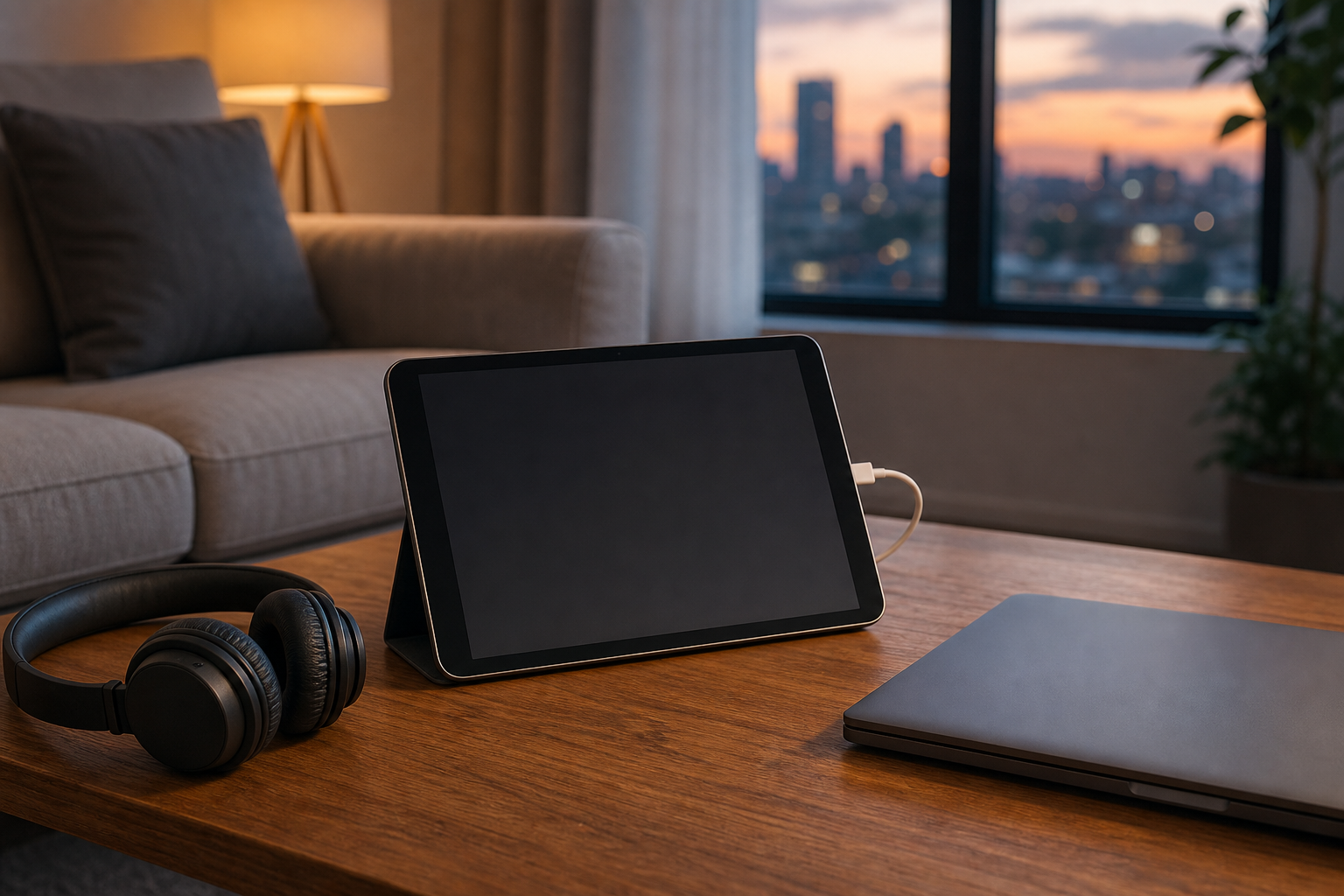
The Tab A8 works well as a media and browsing device, while heavier work may still need a laptop or a stronger tablet.
Price, Warranty, And Availability Checks
At the ₦95,000 catalog price supplied for this refresh, the Galaxy Tab A8 is attractive because it sits closer to entry-level Android-tablet money than to Samsung’s current premium tablet prices. That low price is only a good deal if the exact unit matches your needs. Confirm RAM, storage, colour, model code, charger inclusion, regional variant, warranty or return window, and whether the unit is Wi-Fi-only or LTE.
For Nigeria buyers, the Wi-Fi-only question is practical. A Wi-Fi-only tablet is fine at home, in an office, or on campus if you have reliable internet. It becomes inconvenient if you move around a lot, depend on mobile data, or do not want to hotspot from your phone. If built-in mobile data is important, compare the A8 with cellular alternatives before paying.
Decision Table
Buyer need
Tab A8 fit in 2026
Better route if it falls short
Streaming, reading, children’s apps
Good fit if the price is low and battery is healthy.
Stay with Tab A8 if warranty and storage check out.
School portals and light assignments
Good with a Bluetooth keyboard, especially on 4GB RAM.
Consider Galaxy Tab A11+ 5G if you want newer support and mobile data.
Handwritten notes or drawing
Poor fit because proper S Pen support is not the point of this model.
Choose Galaxy Tab S9, S9+, S9 Ultra, or a newer S Pen tablet.
Long-term software support
Weak fit in 2026.
Look at Tab A11/A11+ or Tab S9/S10/S11 series models.
Premium display and creator work
Poor fit because the TFT display and older chip are limiting.
Check the A8 page first, then compare available newer budget models.
Alternatives To Consider
Choose the Galaxy Tab A8 if you want a low-cost Samsung tablet mainly for streaming, study, reading, browsing, children’s learning apps, and simple typing. It is the value pick when the live price is low and the exact unit has enough storage for your apps.
Choose the Samsung Galaxy Tab A11 LTE if cellular access and newer budget-tablet support matter more than the lowest price. Consider the Samsung Galaxy Tab A11+ 5G if you want a newer Samsung budget option with 5G listed in the catalog, though you should verify live stock because the supplied catalog data shows it as out of stock during this refresh.
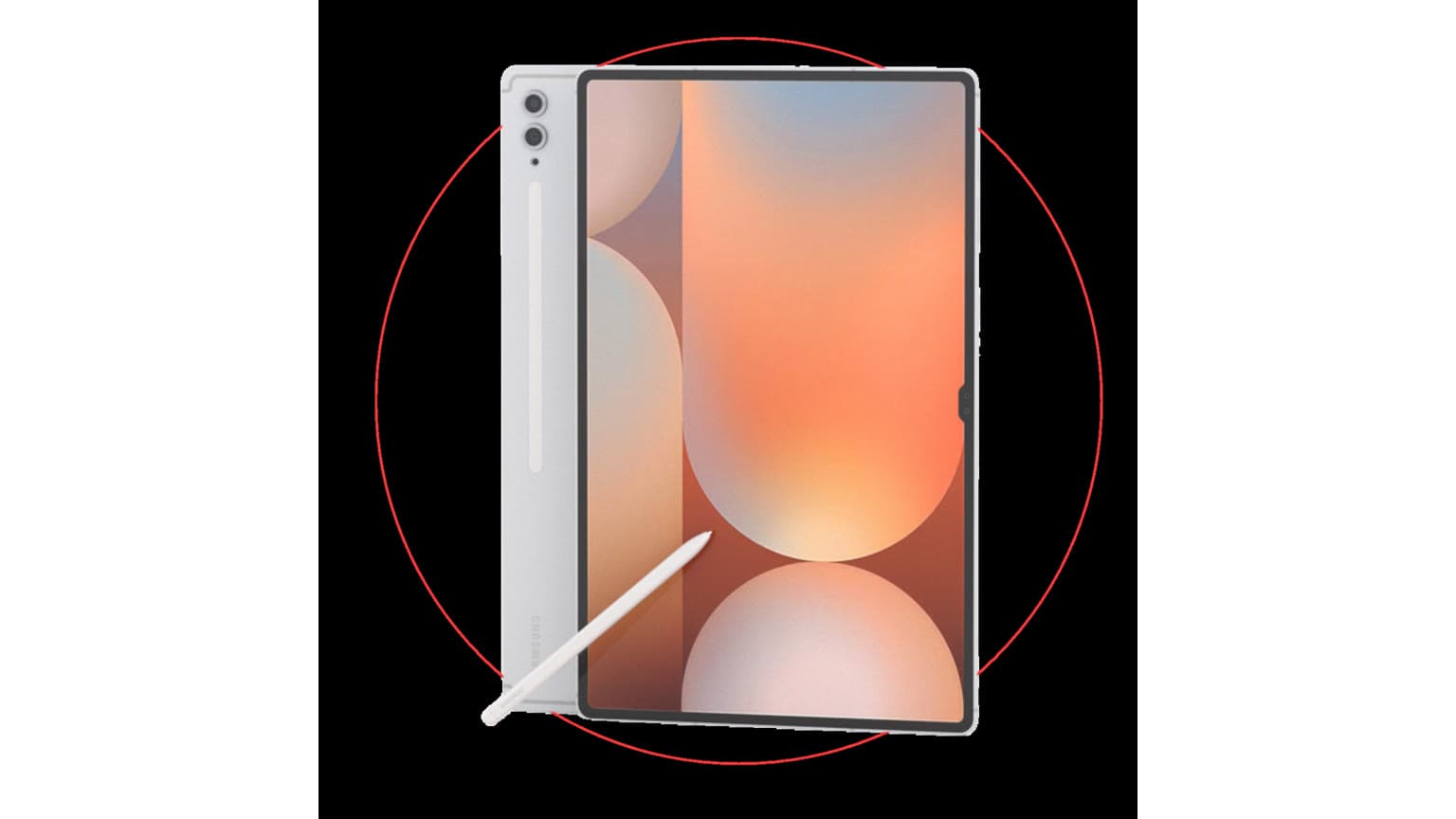
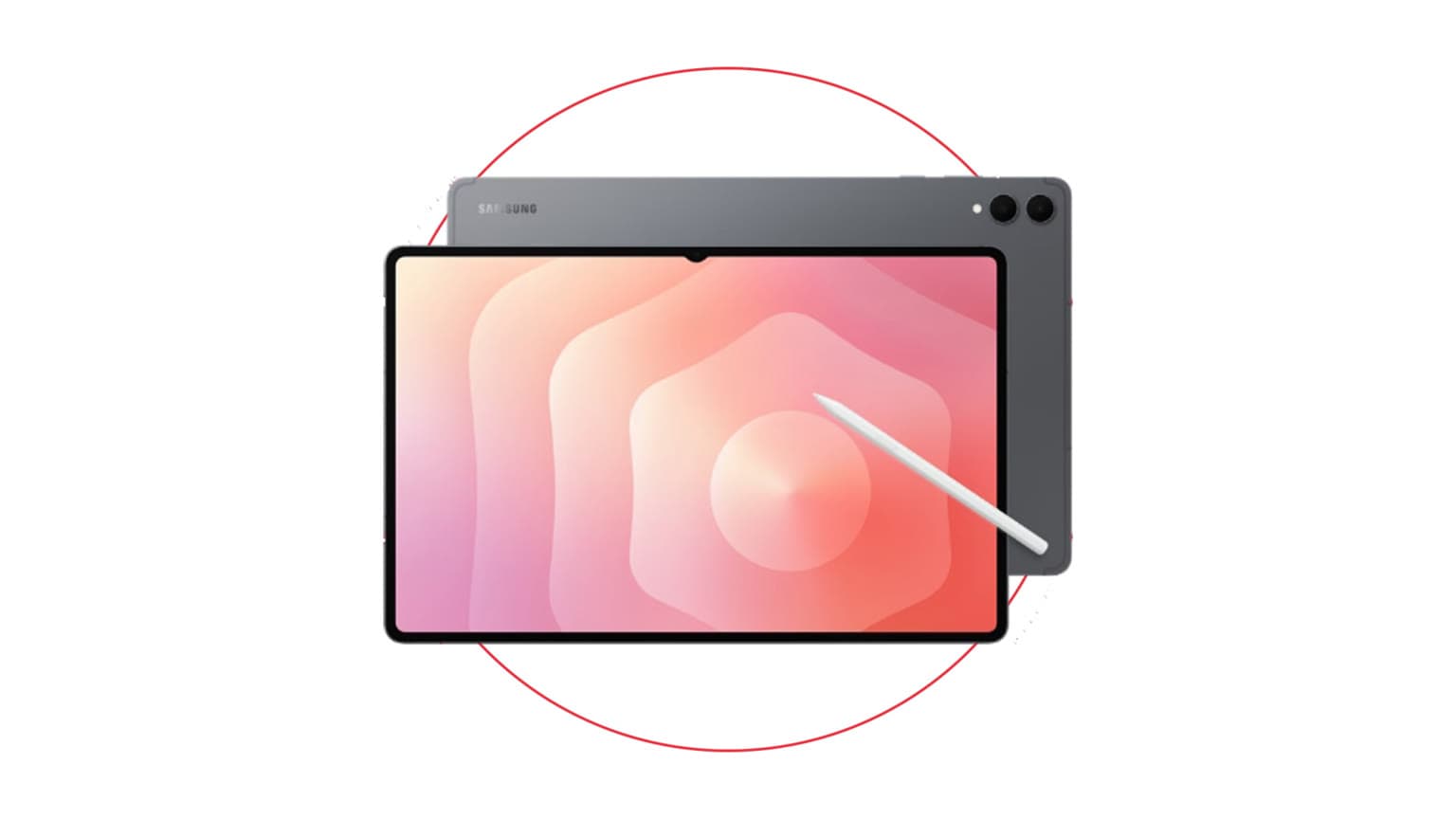
Move to the Samsung Galaxy Tab S10 FE 5G if you want a more modern Samsung tablet for school, work, and pen-friendly use. Move to the Galaxy Tab S9+ or Galaxy Tab S9 Ultra if display quality, performance, multitasking, and proper S Pen work are priorities. Ogabassey’s iPad Pro M4 vs Galaxy Tab S10 Ultra productivity guide gives useful context on what changes when you leave budget-tablet territory.
If you are watching future Samsung tablet news, treat Galaxy Tab S12 and S12 Ultra leaks as watch-list information, not buying evidence for the Tab A8. A future flagship tablet may matter for creators and power users, but it does not change the Tab A8’s role as a cheap large-screen Android tablet. Ogabassey’s Galaxy Tab S12 Ultra battery leak buyer note is the better place for that future-product angle.
Ask whether the unit is Wi-Fi-only or LTE before paying.
Confirm warranty, return window, charger inclusion, and box condition.
Choose 4GB RAM and at least 64GB storage if available at a small price difference.
Check for software updates immediately after setup and note the Android version and security patch date.
Do not buy it for S Pen work, heavy gaming, professional design, coding, or laptop replacement use.
Verdict
The Samsung Galaxy Tab A8 is still worth buying in Nigeria in 2026 only as a budget, large-screen Android tablet for light use. Its strengths are price, screen size, expandable storage, speakers, headphone jack, and Samsung’s familiar interface. Its weaknesses are age, older performance, limited update runway, weak creator credentials, Wi-Fi-only risk on some units, and no proper S Pen workflow.
If the live Ogabassey listing still shows a low price, the unit is new, and the variant checks out, the Tab A8 remains a sensible budget buy. If you want a tablet to keep for many years, write notes with a pen, work seriously, or rely on mobile data everywhere, spend more on a newer Galaxy Tab A model or step up to the Galaxy Tab S range.
Catalog-linked prices update automatically. Historical and other quoted prices remain as written. Open the product page to confirm the current price, selected variant and availability before buying.