Bassey John is a Performance Marketing Specialist at Ogabassey with cross-industry experience spanning e-commerce, gaming, and real estate. He focuses on paid acquisition, conversion-rate optimisation, and data-driven growth strategy, turning campaign performance into measurable revenue. At Ogabassey he writes about consumer technology, product buying guides, and the Nigerian gadget market to help shoppers make confident, informed decisions.
Apple’s iPadOS 27 update is a buyer-relevant iPad story because it improves multitasking, Siri AI, Safari, parental controls and performance, but not every iPad gets the same experience. Nigerian buyers should check model support, Apple Pencil needs, storage, keyboard fit and Wi-Fi versus Cellular before paying.
What changed with iPadOS 27
At WWDC 2026, Apple announced iPadOS 27 as the next major iPad software update, with developer beta access now and wider release expected later in the year. The headline for buyers is not only “new software.” It is that Apple is continuing to move the iPad closer to a laptop-style work machine while still keeping the device in the tablet category.
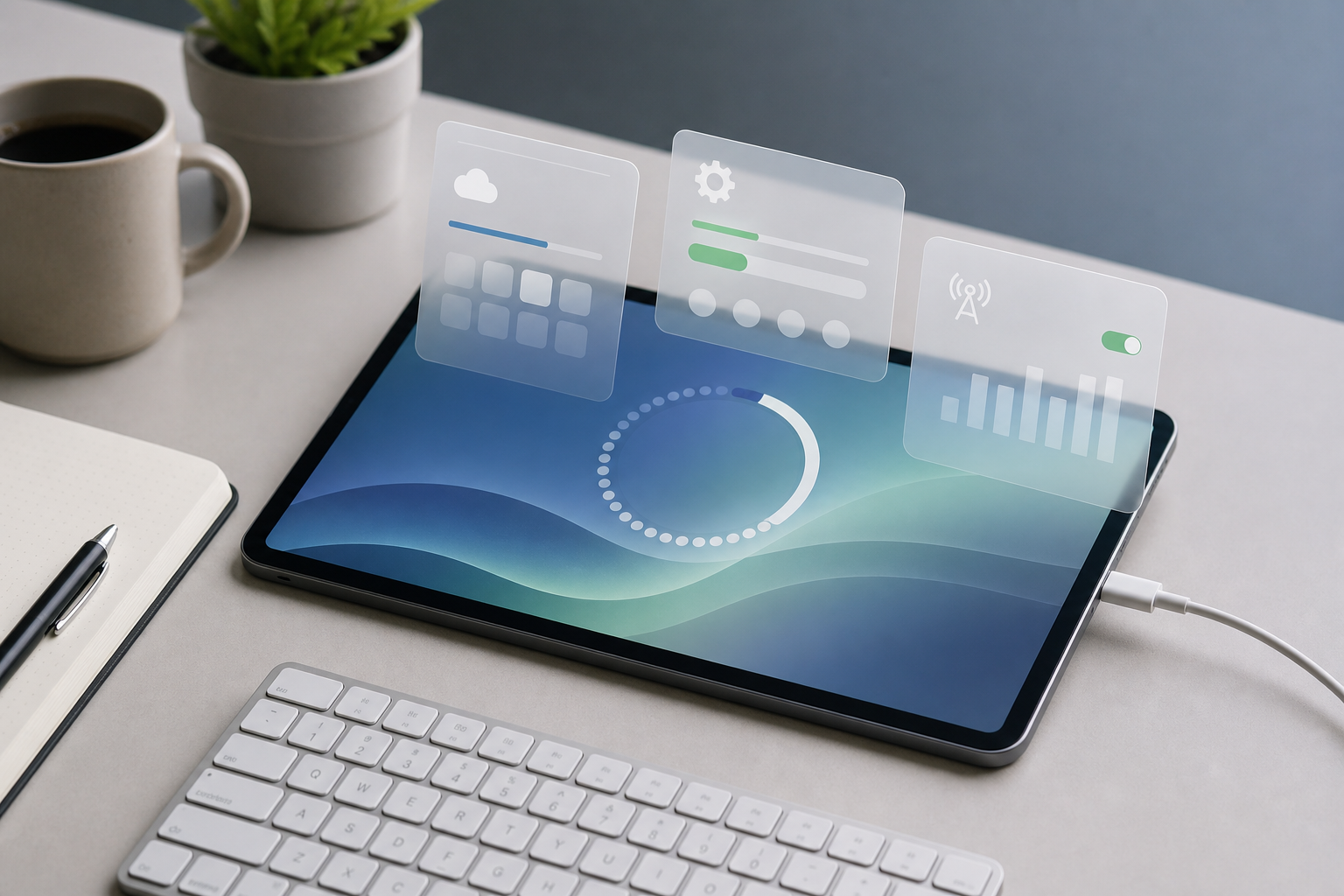
The source-backed changes include faster app launching, better switching between multiple apps, faster file handling over USB-C, Safari tab organization, web page alerts, more natural-language automation in Shortcuts, refinements to Apple’s Liquid Glass design, improved accessibility features, and a persistent menu bar option. That last point is important for people comparing an iPad with a slim laptop: if you already use a keyboard case, trackpad and external storage, iPadOS 27 makes the interface feel less like a large phone and more like a compact work surface.
The update also puts more attention on Siri AI. Independent reports say Siri will work through Spotlight and a dedicated app-style experience, while more advanced Siri AI features will depend on newer Apple hardware. That means two iPads may both “support iPadOS 27,” but one may still miss the more demanding Apple Intelligence features.
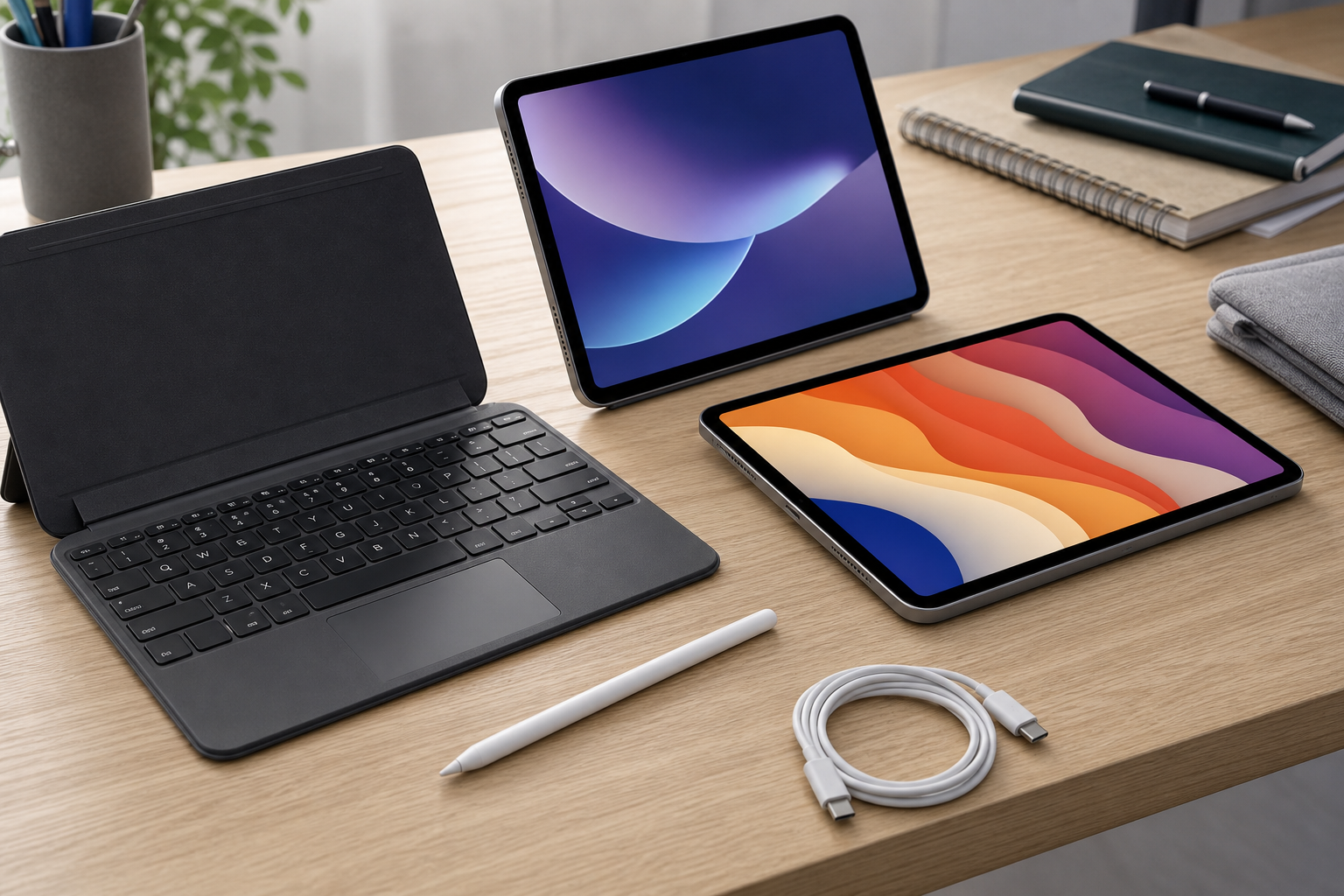
Accessory compatibility should be checked before buying an iPad for school, drawing or work.
Why it matters for Nigerian iPad buyers
For Nigeria and wider African buyers, iPadOS 27 changes the buying question from “which iPad is newest?” to “which iPad will still feel useful after the next software cycle?” A cheaper used iPad can still be a good student tablet, but software support, accessory fit and battery condition should decide whether it is good value.
If your priority is note-taking, documents, online classes and media, a supported base iPad may be enough. Ogabassey’s iPad 11th Gen (A16) listing is the closest catalog peer to watch for entry-level buyers, especially if you want a newer chipset generation without jumping into Pro pricing. If you are buying for drawing, design, heavy multitasking or long-term creator work, compare that against higher-end options such as the iPad Pro M4 11-inch, iPad Pro M5 and iPad Air M2.
The practical buyer angle is simple: iPadOS 27 makes keyboard and storage workflows more valuable, but accessories add real cost. Before choosing an iPad instead of a laptop, budget for the keyboard case, Apple Pencil or USB-C stylus option, charger, case, screen protector and enough storage. A low-price iPad with 64GB storage can become frustrating for school PDFs, video lessons, downloaded courses, Procreate files or offline media. A higher storage variant may be the better long-term buy even if the headline price is higher.
Cellular versus Wi-Fi also matters locally. A Wi-Fi iPad works well if the user mostly studies or works at home, school or an office with stable internet. Wi-Fi + Cellular is easier for commuting, field work, NYSC use, creator shoots and students without reliable fixed broadband. But Cellular models usually cost more, so buyers should confirm the exact variant before payment rather than assuming every listing supports a SIM or eSIM.
Platform, compatibility and availability context
Reports list iPadOS 27 support across recent iPad Pro, iPad Air, base iPad and iPad mini models, while older iPads lose support. The exact compatibility detail matters because Nigerian buyers often consider UK-used, open-box and older-generation iPads. A clean-looking older unit can still have a weak battery, limited software runway, or missing support for the newer Apple Intelligence layer.
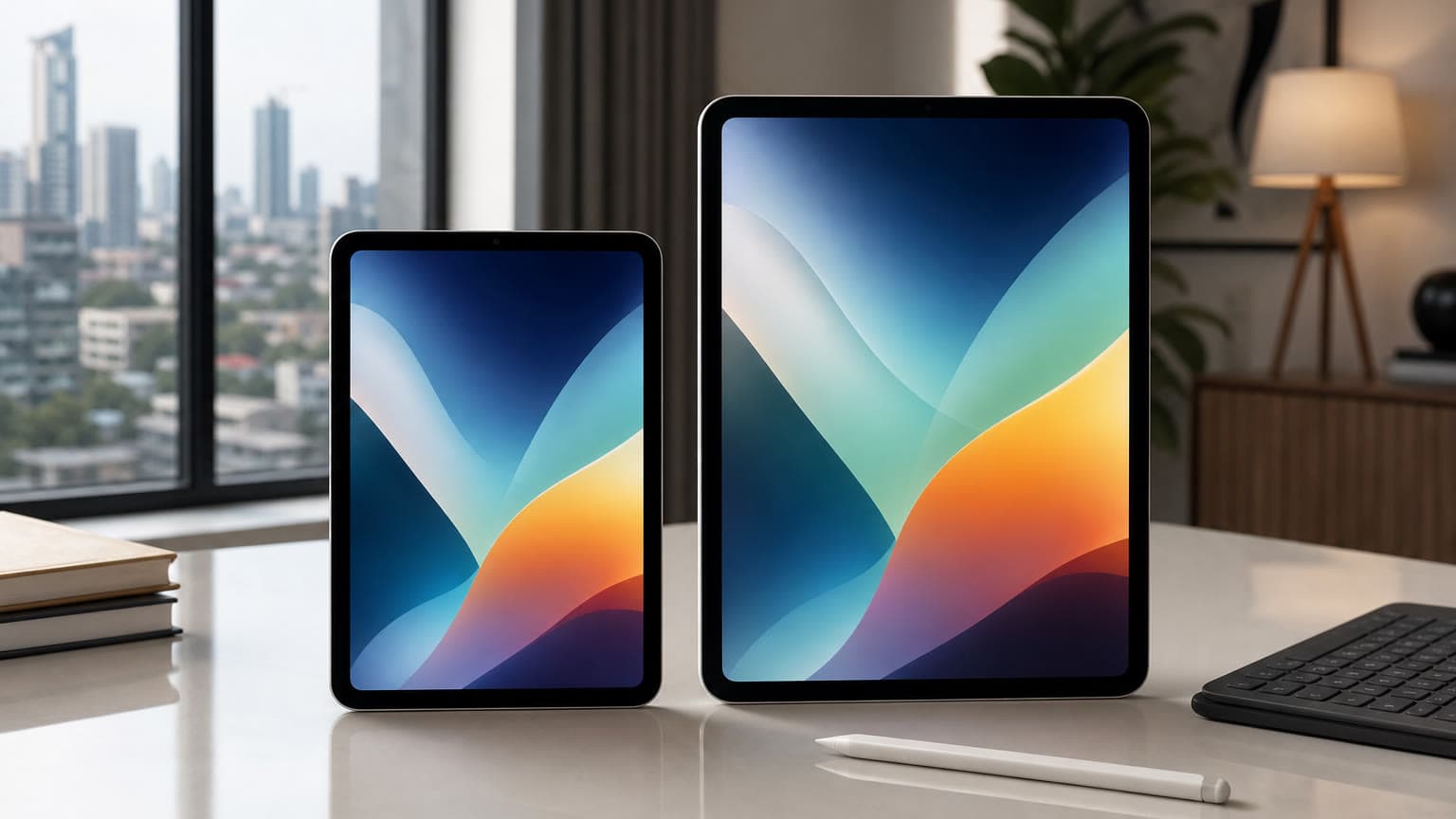
For current Ogabassey readers, these catalog peers are the most useful comparison anchors: iPad Pro 11-inch (M2), iPad mini (A17 Pro), iPad 10th Gen (2022) and iPad Air 4th Gen 2020 Wi-Fi + Cellular. The iPad Pro M2 and newer Pro/Air models make more sense for users who care about performance, multitasking and creator apps. The iPad mini is more about portability, reading, field notes and travel. Older Air and 10th Gen models can still serve school and media needs if their software support, battery health and accessory compatibility match the buyer’s expectations.
Catalog availability for any newly announced or future iPad model should not be assumed from the news alone. If Ogabassey later adds a new iPad or variant, this draft should be reconciled with the product page, exact storage, stock status, warranty terms and local price. Until then, the safer advice is to compare against available Ogabassey tablets and avoid paying import deposits for a model or configuration that is not clearly confirmed.
What to verify before buying
First, confirm the exact generation. “iPad Pro 11-inch” or “iPad Air” is not enough because Apple has reused those names across multiple chipset generations. Ask for the model number, storage size, Wi-Fi or Cellular status, and whether the device is new, open-box, UK-used or refurbished.
Second, confirm stylus compatibility. Apple Pencil support is not universal across every iPad and every Pencil generation. If the buyer needs drawing, handwritten notes or document markup, match the iPad generation with the correct Pencil before buying. Ogabassey’s Apple Pencil Pro compatibility guide is the better next read for buyers who are choosing accessories alongside the tablet.
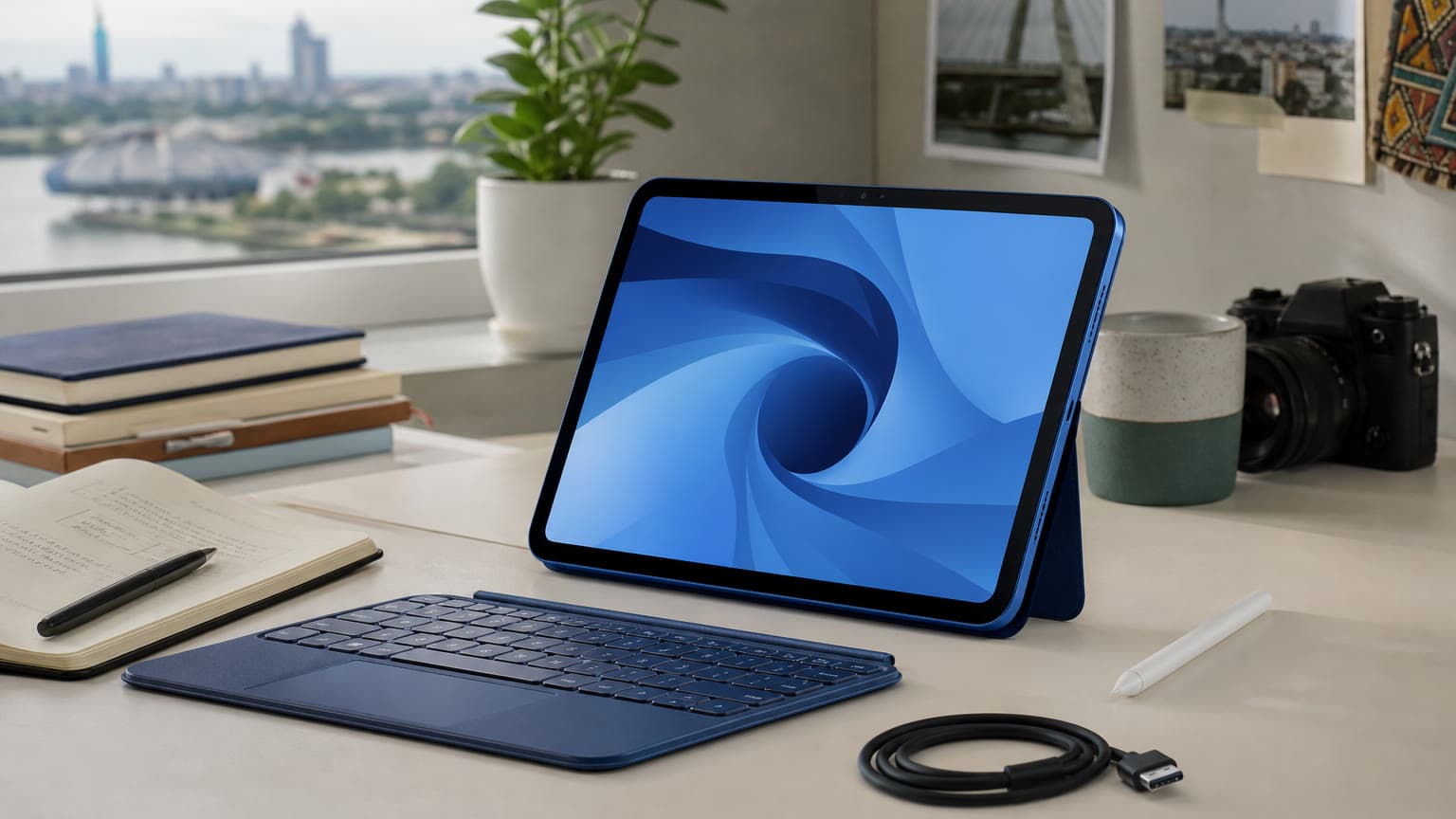
Third, confirm keyboard compatibility. A keyboard case that fits one iPad Air or iPad Pro size may not fit another. Students and professionals should also check whether the keyboard has a trackpad, backlight, solid hinge, and layout that suits long typing sessions. Buyers looking beyond the tablet itself can browse Ogabassey accessories for related add-ons.
Fourth, treat storage as a productivity feature. For streaming and notes, entry storage may be fine. For creators, offline courses, video editing, photo libraries and large design files, higher storage is safer. iPadOS 27’s improved file and external drive handling helps, but it does not remove the need for sensible internal storage.
Fifth, check warranty and trust signals. For imported or used units, inspect battery health where possible, verify the serial and activation status, test Face ID or Touch ID, check charging, speakers, cameras, display pressure spots and Pencil response. A low upfront price is not value if the battery or display needs repair soon after purchase.
Software support, storage and connectivity matter as much as the iPad name on the box.
Related Ogabassey categories and alternatives
If your decision is between an iPad and another tablet, start with the broader Tablets category rather than only one Apple model. Samsung tablets may be better for buyers who want Android flexibility, expandable storage on some models, or bundled stylus value. iPads remain strong for long software support, accessory ecosystem, creator apps and resale confidence, but the right choice depends on the work you actually need to do.
For Pro buyers, Ogabassey’s iPad Pro M2 versus iPad Pro M4 comparison is useful because iPadOS 27 makes performance and multitasking differences more relevant. If you are buying mainly for school, note-taking and online classes, do not overspend just because the newest software looks more laptop-like. If you are replacing a laptop for design, coding-adjacent workflows, media editing or business documents, a stronger iPad with the right keyboard and storage is easier to justify.
FAQ
Which iPad should I buy in Nigeria after iPadOS 27?
Choose by use case first. Students and light users can consider a supported base iPad. Creators, multitaskers and laptop-replacement buyers should compare iPad Air and iPad Pro models, then budget for keyboard, Pencil, storage and warranty.
Which tablets support Apple Pencil or keyboard accessories?
Support depends on the exact iPad generation and accessory generation. Always confirm the model number before buying. Do not assume that every Apple Pencil, keyboard case or Magic Keyboard works with every iPad size or year.
Is a tablet enough instead of a laptop?
For notes, classes, browsing, documents, drawing and media, an iPad can be enough. For desktop software, heavy file workflows, coding, advanced spreadsheets or repair flexibility, a laptop may still be safer. iPadOS 27 narrows the gap but does not remove it.
Should I wait for Ogabassey catalog confirmation before buying a new iPad model?
Yes, if you want local price, warranty and stock clarity. News confirms the software direction, not Ogabassey availability. Wait for a catalog listing or compare against currently listed iPads before paying for an import or preorder.
Catalog-linked prices update automatically. Historical and other quoted prices remain as written. Open the product page to confirm the current price, selected variant and availability before buying.