Bassey John is a Performance Marketing Specialist at Ogabassey with cross-industry experience spanning e-commerce, gaming, and real estate. He focuses on paid acquisition, conversion-rate optimisation, and data-driven growth strategy, turning campaign performance into measurable revenue. At Ogabassey he writes about consumer technology, product buying guides, and the Nigerian gadget market to help shoppers make confident, informed decisions.
Last reviewed: 12 June 2026. If you want the tidier front-desk computer with stronger verified specs, start with the HP ProOne 240 G10 AIO. If budget control and easier component replacement matter more, the HP Slim S01-pf2043w Desktop + Monitor Bundle is still the more practical value choice from the current Ogabassey snapshot.
Decision summary
This comparison is for Nigerian offices, schools, clinics, reception desks, cyber cafes and home businesses choosing between two new HP office setups listed by Ogabassey. It is not a gaming desktop guide. The real decision is whether the ProOne's all-in-one form factor, stronger listed multitasking spec and built-in video-call hardware justify its higher price over a cheaper slim tower and monitor bundle.
The catalog-verified price gap is large. The HP ProOne 240 G10 AIO is listed at NGN 1,209,000, while the HP Slim S01-pf2043w bundle is listed at NGN 718,000. That is about NGN 491,000 more for the ProOne in the provided Ogabassey snapshot. For that extra money, the ProOne gives you a Core i7-1355U, 16GB DDR4 RAM, 512GB PCIe NVMe SSD, a 23.8-inch FHD IPS anti-glare display, Wi-Fi 6, Bluetooth 5.3, Gigabit Ethernet, a 5MP tiltable pull-up camera, dual-array microphones, and HP 125 wired keyboard and mouse according to HP's official 9M9H5AT specification.
The Slim bundle counters with a lower entry price, a desktop Core i3-12100, 8GB DDR4 RAM marked as upgradeable in the catalog snapshot, 512GB NVMe SSD, and a larger listed 27-inch 75Hz monitor. It is less elegant, but its tower-and-monitor layout can be easier to service one part at a time. Both listings show stock quantity as 0 in the provided snapshot, so confirm live availability, final price, bundle contents, operating-system setup, plug type, keyboard layout, warranty terms and return process before payment.
Quick verdict
Choose the ProOne for a visible desk where neatness, video calls, a confirmed FHD IPS panel and 16GB RAM matter. Choose the Slim bundle when you are outfitting several desks, want to save money per unit, or prefer a separate tower and monitor that can be swapped independently. Neither should be your first pick for gaming, 3D work, heavy video editing or GPU-heavy design.
Side-by-side scorecard
Decision factor
HP ProOne 240 G10 AIO
HP Slim S01-pf2043w Desktop + Monitor Bundle
Buyer meaning
Listed price
NGN 1,209,000
NGN 718,000
The Slim bundle is much cheaper in the current catalog snapshot.
Processor
Intel Core i7-1355U, 10 cores and 12 threads in HP's spec
Intel Core i3-12100 in Ogabassey's listing
The ProOne has the higher-tier CPU class; the Slim still fits ordinary office work.
RAM
16GB DDR4-3200, 1 x 16GB, 2 SODIMM slots
8GB DDR4, listed as upgradeable
The ProOne is stronger out of the box; the Slim should be priced with a possible RAM upgrade in mind.
Storage
512GB PCIe NVMe SSD, with HP listing an M.2 storage slot and 2.5-inch HDD bay
512GB NVMe PCIe SSD
Both have SSD storage; the ProOne has clearer official upgrade-slot evidence.
Display
23.8-inch FHD IPS anti-glare, 250 nits, 72% NTSC
Listed 27-inch HD 75Hz monitor
The ProOne has the clearer official display spec; confirm the Slim monitor resolution before buying.
Graphics
Intel Iris Xe integrated graphics
Not confirmed in the snapshot
Neither is a dedicated-GPU creator or gaming desktop.
The ProOne is more complete for Teams, Zoom, remote lessons and front-desk calls.
Wireless and networking
Wi-Fi 6, Bluetooth 5.3 and Realtek Gigabit Ethernet
Not listed in snapshot
The ProOne has stronger evidence for wireless setup; confirm Slim Wi-Fi or plan for Ethernet.
Ports
HP lists USB-C, USB-A, HDMI 1.4, RJ-45, audio and power ports
Not fully listed in snapshot
The ProOne is easier to verify; the Slim needs a port check for printers, scanners, POS and projectors.
Operating system
FreeDOS
Not listed in snapshot
Budget for legal Windows installation and setup if it is not included at checkout.
Desk setup
All-in-one, cleaner cable layout
Slim tower plus separate monitor
The ProOne looks neater; the Slim separates the screen from the PC for servicing.
Current stock snapshot
0
0
Confirm live availability with Ogabassey before checkout.
Price and value in Nigeria
The HP Slim S01 bundle is the easier recommendation when the buyer is building several desks at once. In a school lab, church office, small business, admin room, clinic records desk or cyber cafe, the NGN 491,000 gap per unit becomes serious when multiplied across three, five or ten systems. That saved budget may be better spent on UPS units, surge protection, networking, printers, RAM upgrades, backup storage, licensed software and spare peripherals.
The ProOne makes more sense when the desk is part of the customer experience. A reception desk, hotel front office, cashier/admin point, consulting room or managing director's desk benefits from fewer visible cables and a more integrated look. The built-in 5MP tiltable camera and microphones also matter if the machine will join video meetings often. Buying separate webcams for multiple desks adds cost, clutter and another support item to track.
For shoppers comparing CPU labels, Ogabassey's guide to Intel Core i3, i5 and i7 differences is useful background. The short version here is simple: the ProOne has the stronger listed multitasking package, but the Slim bundle is not automatically weak for Microsoft Office, browser portals, POS dashboards, email, light accounting, school records and basic media playback.
Performance and daily use
The HP ProOne 240 G10 AIO is the better fit for heavier everyday multitasking from the facts available. Its Core i7-1355U and 16GB RAM make more sense for users who keep many browser tabs open, switch between spreadsheets and cloud apps, join video calls, run printer software, use antivirus tools and keep file-sync apps active in the background. This is editorial judgement from catalog and official-source specifications, not an Ogabassey lab benchmark claim.
The HP Slim S01-pf2043w bundle should be judged differently. Its Core i3-12100 is a desktop processor that can handle ordinary office work, but the listed 8GB RAM is the pressure point. In 2026, 8GB can feel tight once Chrome, WhatsApp Desktop, Excel, Teams, accounting software, printing utilities and security software are open together. If buying the Slim for a busy office, ask whether RAM can be upgraded before delivery and whether that upgrade affects warranty handling.
Storage is less of a divider because both machines list 512GB NVMe SSD storage. That is the right baseline for a modern office PC and avoids the sluggishness associated with old hard-drive desktops. If the office stores CCTV footage, large design files, scanned records or years of accounting exports locally, plan external storage or network backup. Do not treat either 512GB SSD as unlimited business storage.
Display, camera and desk experience
HP's official ProOne 9M9H5AT specification confirms a 23.8-inch FHD IPS anti-glare display rated at 250 nits with 72% NTSC color coverage. That is a sensible office screen size for staff sitting close to the desk, and IPS helps when two people need to view the same screen from slightly different angles. It is not a creator-grade display claim, but it is a clearer and safer spec than a vague monitor bundle description.
The Slim bundle's larger listed 27-inch monitor can be attractive for spreadsheets and split windows, but the catalog wording should be checked carefully. A 27-inch screen at only HD resolution can look soft for text-heavy work. Before buying the Slim, confirm the exact monitor model, resolution, included cable, refresh rate and whether the monitor has HDMI or VGA input that matches the tower.
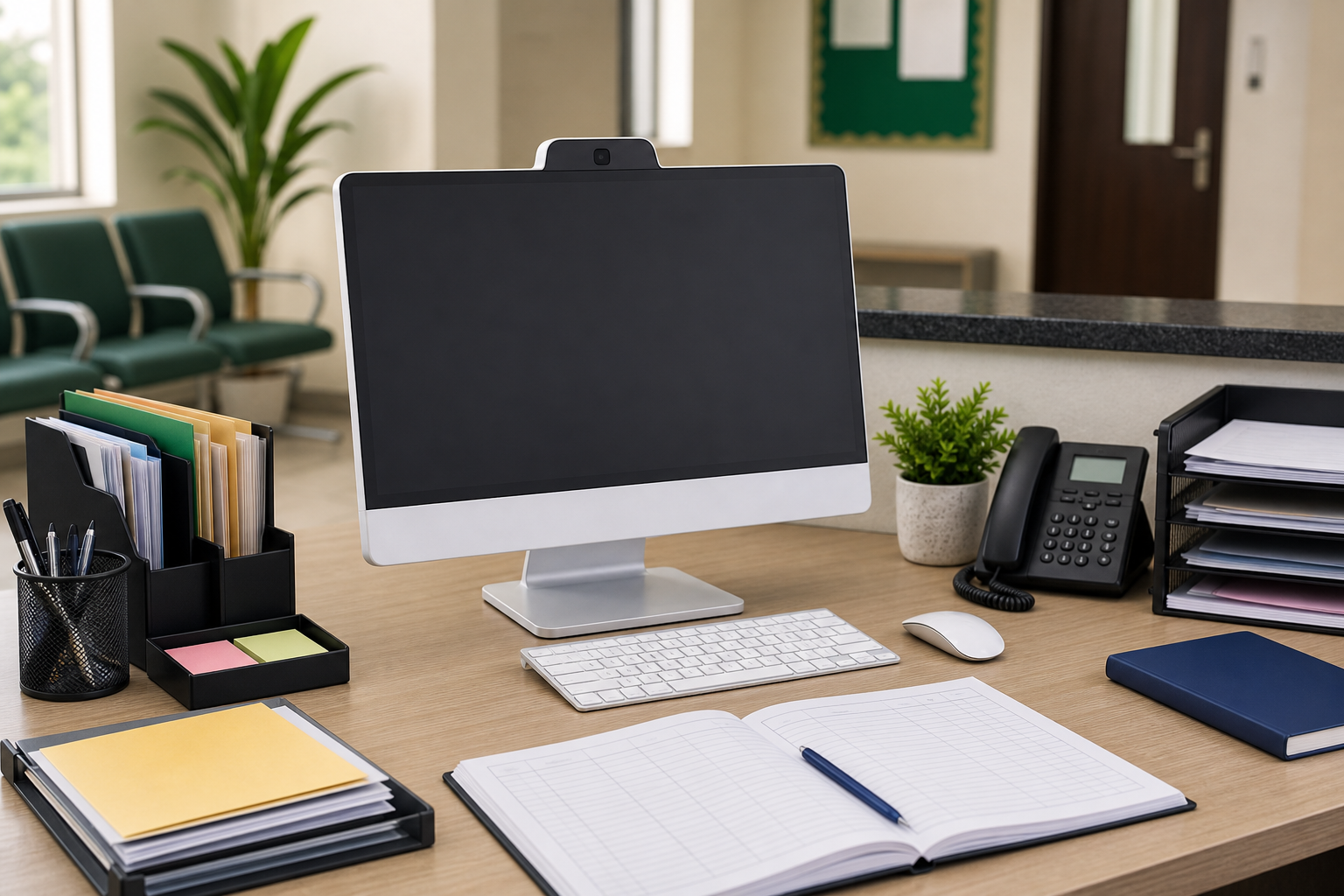
An all-in-one desktop keeps the desk cleaner for reception, clinic and admin spaces.
The ProOne's integrated camera is a practical advantage. A front desk that handles supplier calls, parent meetings, remote interviews, online classes or teleconsultations should not have to depend on a random external webcam. The pull-up design also gives a simple privacy benefit when the camera is not in use. For the Slim bundle, assume you may need to budget for a separate webcam and speaker or headset unless the seller confirms those accessories.
Ports, connectivity and setup checks
The ProOne has stronger official evidence for connectivity. HP lists rear USB-C, USB-A, HDMI 1.4, headphone/microphone combo, RJ-45 Ethernet and power ports, plus Wi-Fi 6 and Bluetooth 5.3. That mix covers many normal office accessories, but buyers should still map their actual workflow before checkout. Many Nigerian offices depend on USB printers, barcode scanners, external drives, receipt printers, projectors, LAN cables and legacy peripherals.
The Slim bundle needs more confirmation because the provided snapshot does not include a full port list, wireless spec or exact monitor model. Before payment, list every accessory that must connect to the desktop. Ask about USB-A count, HDMI or VGA, Ethernet, Wi-Fi, audio output, printer compatibility, included cables and power adapter. This is especially important for POS counters, clinics, school bursary desks and businesses that cannot afford a setup delay after delivery.
Windows, FreeDOS and software readiness
The ProOne listing matters because HP specifies FreeDOS. FreeDOS is not the same as a ready Windows business computer. If your staff need Microsoft Office, Teams, accounting software, browser-based portals, printer drivers or Windows security updates, confirm whether Ogabassey will install and license Windows before delivery, or whether that cost sits outside the listed price.
For a 2026 buyer, Windows 11 readiness is more important than Windows 10 nostalgia. Microsoft's Windows 11 requirements include a compatible 64-bit processor, 4GB RAM, 64GB storage, UEFI Secure Boot capability, TPM 2.0 and DirectX 12 compatible graphics. The ProOne's 13th Gen Intel platform, 16GB RAM and 512GB SSD make it a sensible Windows 11 target once properly configured, but you should still confirm the exact edition, activation status, drivers and update setup. For the Slim bundle, confirm the same before treating the cheaper price as the full ready-to-use cost.
Also check software fit before choosing a desktop over a laptop or MacBook. If your organization runs Windows-only accounting, school-management, hospital-management or POS software, staying with a Windows desktop is usually simpler. If the buyer is considering Apple hardware for design, iPhone continuity or long battery life, compare Ogabassey MacBooks separately and check repair cost, software compatibility and accessory needs before switching platforms.
Serviceability, upgrades and warranty risk
Build and serviceability pull in opposite directions. The ProOne's all-in-one design is tidy and professional, but if the display, main board, camera or internal power pathway develops a fault, the whole unit may need specialist attention. HP lists 2 SODIMM memory slots, an M.2 storage slot and a 2.5-inch drive bay for this ProOne configuration, which is useful, but an all-in-one is still less straightforward to open and service than many tower desktops.
The Slim's tower-and-monitor layout is less elegant, but it separates the PC from the screen. If the monitor fails, the tower may still work with another display. If the tower needs RAM or storage work, local technicians may find the layout more familiar. That matters outside major service centers, where downtime and transport can cost more than the part itself.
For either option, ask for written warranty terms. Confirm who handles warranty claims, whether Ogabassey or an authorized service route is responsible, what counts as user damage, whether RAM or storage upgrades void coverage, and how long repair turnaround usually takes. Also confirm serial numbers, invoice details and return conditions at delivery.
Power protection and office reliability
Because these are desktops, battery life is not a useful comparison point. The practical Nigeria question is power stability. Both need a reliable UPS, surge protection and clean shutdown habits, especially in areas with voltage swings or frequent outages. An all-in-one like the ProOne reduces desk cable clutter, but it still needs protection like any PC and monitor setup.
If the desktop will hold business-critical records, also plan backups. A UPS protects against sudden shutdowns; it does not replace file backup. For clinics, schools and small businesses, set up external-drive or cloud backup routines for invoices, student records, patient records, payroll exports and scanned documents.
Who should buy each option?
Buy the HP ProOne 240 G10 AIO if you want a clean premium office desk, stronger listed specs, a confirmed FHD IPS screen, integrated camera, Wi-Fi 6 and less cable clutter. It fits reception desks, admin managers, school offices, clinics, consulting rooms, hotel front offices and teams that join video calls regularly. It is also the better choice when the buyer does not want to separately source a webcam, monitor and speakers.
Buy the HP Slim S01-pf2043w Desktop + Monitor Bundle if the budget is tighter, you want a larger separate monitor and you prefer a tower that can be serviced independently from the screen. It fits back-office work, home business use, student productivity at home, bulk office desks and organizations that may upgrade RAM later. Confirm the monitor resolution, Windows setup, Wi-Fi needs and exact accessories before treating it as the better bargain.
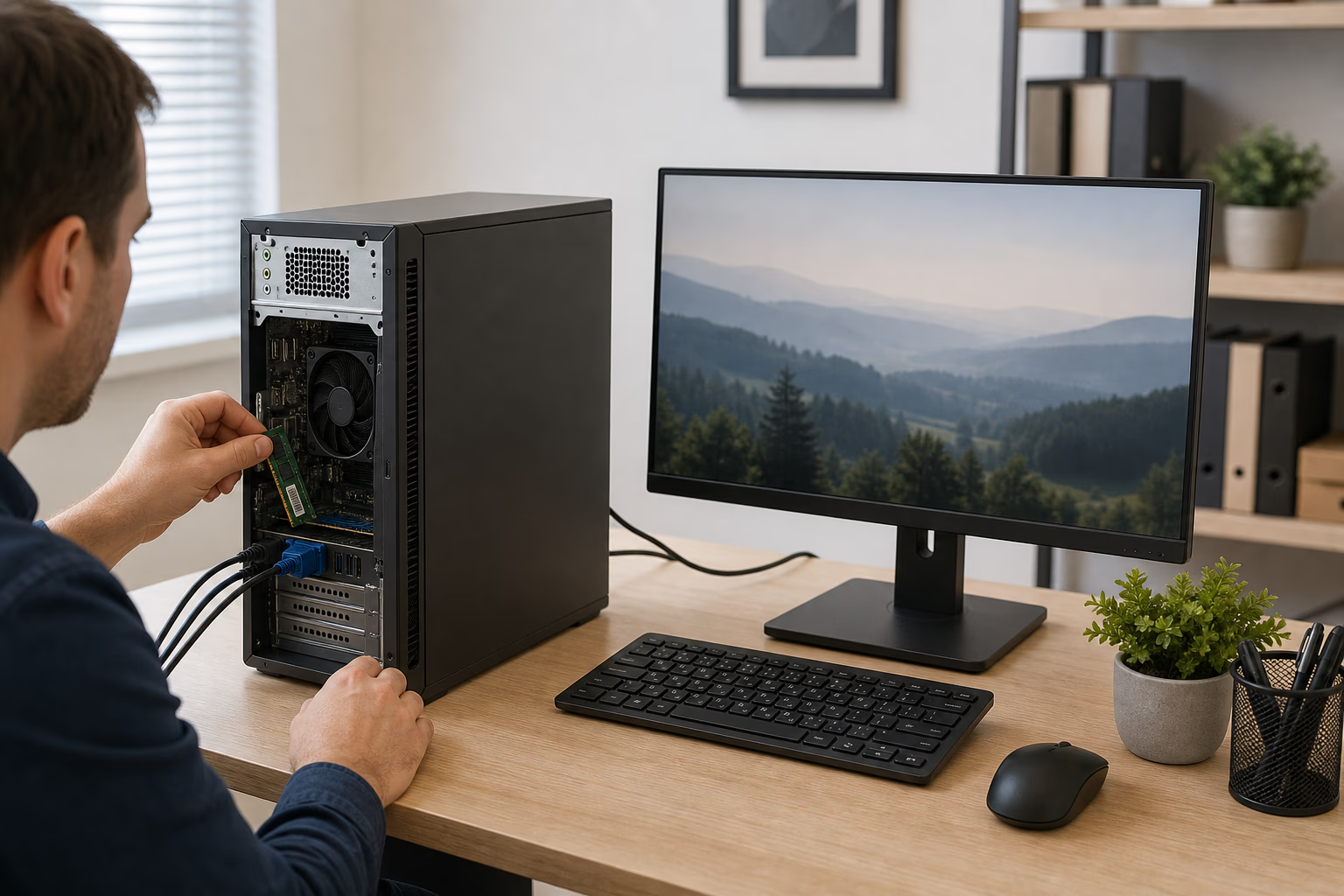
A separate tower and monitor can be easier to service or replace component by component.
Neither option should be the first pick for gaming, video editing, 3D design or GPU-heavy creator work. If that is the real requirement, start from Ogabassey Gaming Laptops or compare higher-performance desktops with dedicated graphics. If mobility matters more than a permanent desk, browse Ogabassey Laptops instead of forcing a desktop into a student or hybrid-work routine.
Alternatives to consider
If the buyer needs a business machine for five or more staff, the better alternative may be a mixed setup: ProOne units for visible client-facing desks and Slim tower bundles for back-office users. That avoids overspending on every workstation while keeping the front office clean and professional.
If you want another all-in-one reference point before committing to HP, compare Ogabassey's Dell 27 All-in-One 16GB vs 32GB buying guide. It helps frame when RAM capacity and display size matter more than brand preference. If the buyer is a student or remote worker who moves between home, school, church and office, a laptop may be the better primary device even if a desktop gives a better fixed workstation.
Final verdict
The HP ProOne 240 G10 AIO is the stronger catalog-backed desktop if your priority is a clean all-in-one desk, 16GB RAM, Core i7-class performance, FHD IPS display quality, Wi-Fi 6, Bluetooth 5.3, Gigabit Ethernet and a built-in 5MP camera. The HP Slim S01-pf2043w bundle is the better value if price, a larger separate monitor and easier component separation matter more.
The two biggest deciding rows are price and form factor: NGN 1,209,000 for a tidier all-in-one versus NGN 718,000 for a tower-and-monitor bundle in the provided Ogabassey snapshot. The next major difference is evidence quality: the ProOne has clearer official-source specs, while the Slim needs more confirmation around monitor resolution, operating system, wireless, ports and exact bundle contents. For most client-facing desks, pick the ProOne. For bulk back-office deployment, pick the Slim only after confirming the missing setup details.
FAQ
Which desktop should I buy for school, work, gaming or design?
For school offices, admin work and front desks, choose the ProOne if neatness, 16GB RAM and video calls matter; choose the Slim bundle if cost matters more. For gaming or design, neither listing is ideal because no dedicated GPU is confirmed.
Is the HP ProOne 240 G10 AIO worth the higher price?
It can be worth it for reception desks, clinics, schools and offices that need a cleaner setup, FHD IPS display, Wi-Fi 6 and built-in 5MP camera. It is harder to justify if the buyer only needs basic office work and already has a monitor or webcam.
What should I confirm before buying the HP Slim S01 bundle?
Confirm exact tower part number, monitor model, monitor resolution, Windows licensing, RAM upgrade path, Wi-Fi or Ethernet needs, included cables, keyboard layout, plug type, warranty terms, final price and live availability before checkout.
Does the HP ProOne 240 G10 come with Windows?
The official 9M9H5AT specification lists FreeDOS, so do not assume Windows is included. Confirm Windows installation, license activation, drivers and update setup before delivery.
Do these HP desktops need a UPS in Nigeria?
Yes. Both are desktops, so battery life does not apply. Budget for a reliable UPS and surge protection, especially where power supply is unstable or the computer handles business-critical records.
Sources
HP ProOne 240 G10 Desktop PC 9M9H5AT official specifications
Catalog-linked prices update automatically. Historical and other quoted prices remain as written. Open the product page to confirm the current price, selected variant and availability before buying.