Buying Guides
HP • ₦225,000
HP • ₦235,000
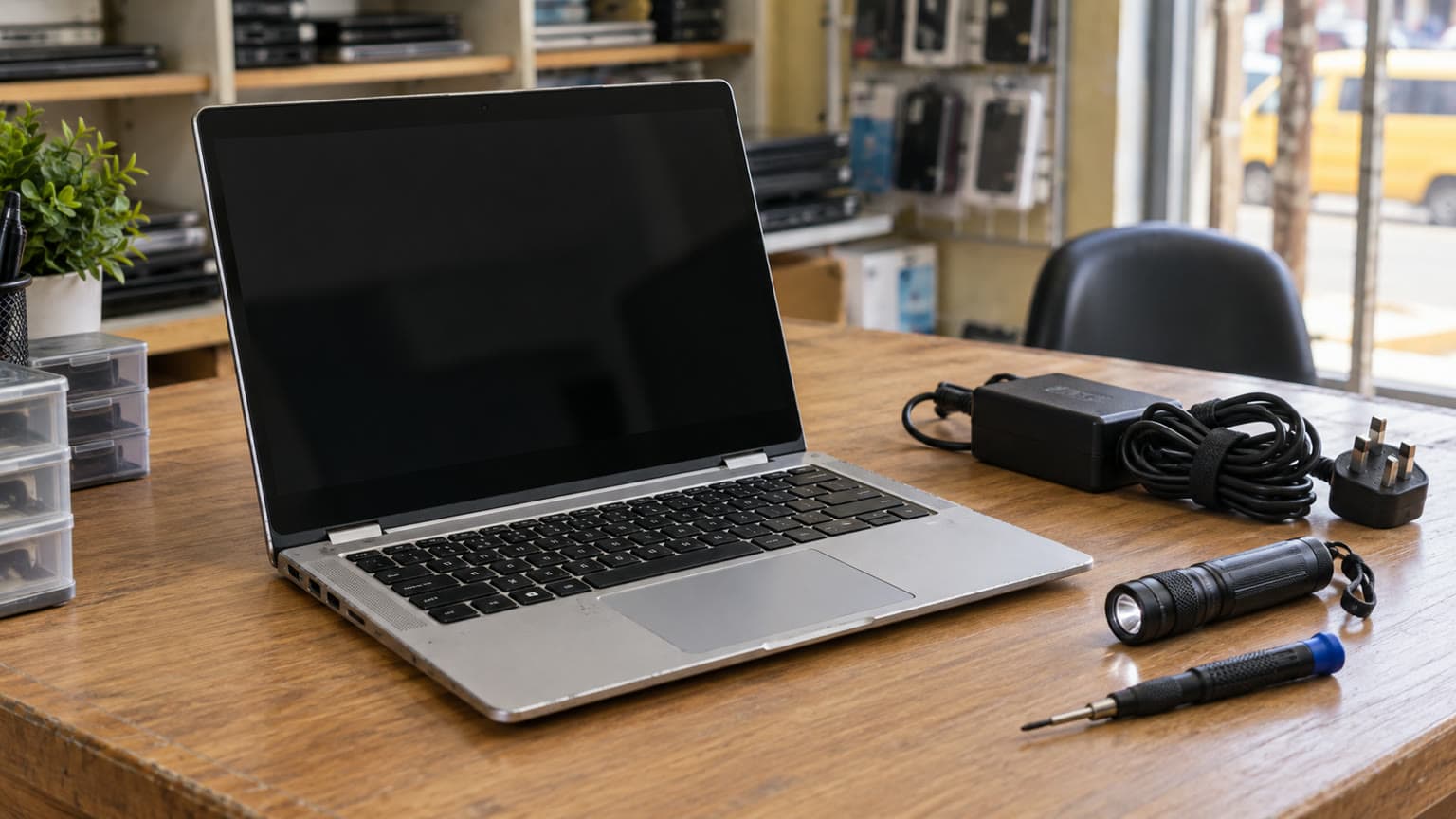
The used HP EliteBook 840 G6 is listed at ₦320,000 and available in Ogabassey’s supplied catalog snapshot. Before buying, confirm the actual RAM, battery condition, charger and Windows eligibility. These checks matter more than an open-box label, especially when you need dependable school or work use during power interruptions.
This guide is for someone choosing a used work or school laptop and deciding which checks deserve attention before payment. The catalog configuration combines an eighth-generation Intel Core i5, integrated graphics, SSD storage and a 14-inch Full HD screen. Our editorial judgement is that this is a sensible configuration to consider for documents, research, spreadsheets, online classes and routine office work, subject to the individual unit passing inspection.
For remote work, a working webcam, microphone, Wi-Fi connection and reliable charging can matter more than cosmetic perfection. For school, check your department’s software requirements before buying. Engineering, architecture, video production and other specialist courses may need graphics or processing capabilities beyond this configuration. Integrated graphics should not be treated as evidence that demanding games or professional rendering software will run well.
This is a catalog-backed buying guide with official support guidance, rather than a hands-on review. No measured battery runtime, benchmark result or thermal test is supplied for this unit.
The Ogabassey HP EliteBook 840 G6 product page is the place to check the live offer and select a configuration. The ₦320,000 Nigeria price is the supplied snapshot price, recorded against the catalog update of 3 October 2026 and carried in first-party signals dated 29 October 2026. A later price sync is not listed. Treat the figure as dated buying context, not a guaranteed checkout price.
| Entity | Attribute | Value or action |
|---|---|---|
| HP EliteBook 840 G6 | Price | ₦320,000 in the supplied snapshot; confirm the selected variant’s live price. |
| HP EliteBook 840 G6 | Availability | Listed available; unmanaged catalog stock. Confirm the exact unit and dispatch timing. |
| HP EliteBook 840 G6 | Condition | Used. An open-box configuration is not listed. |
| HP EliteBook 840 G6 | Brand and category | HP; Laptops. |
| HP EliteBook 840 G6 | Processor | Intel i5, eighth generation; metadata names Core i5-8265U. Listed CPU configuration: four cores, eight threads. |
| HP EliteBook 840 G6 | Graphics | Integrated graphics; metadata specifies Intel UHD Graphics 620. |
| HP EliteBook 840 G6 | Display | 14.0 inches, Full HD non-touch, 1920 × 1080 resolution. |
| HP EliteBook 840 G6 | RAM | 8GB in the main specifications; 16GB in metadata. Both are selectable options. Confirm the purchased configuration. |
| HP EliteBook 840 G6 | Storage | 256GB SSD listed; 512GB SSD is also a selectable option. |
| HP EliteBook 840 G6 | Connectivity | 3.5mm headphone jack listed; 5G support: No. |
| HP EliteBook 840 G6 | Camera stabilisation | Optical image stabilisation: No. Test webcam and microphone quality directly for calls. |
| HP EliteBook 840 G6 | Battery and operating system | Battery health, measured runtime and installed operating system: Not listed. |
| HP EliteBook 840 G6 | Warranty and delivery | Warranty duration, battery coverage, return window and delivery commitment: Not listed. |
| HP EliteBook 840 G6 | Alternative | Consider an EliteBook 840 G8 quote, or another inspected work laptop; current alternative price and configuration: Not listed. |
The unmanaged inventory policy means a numeric stock count of zero does not establish that this product is out of stock. The supplied availability is positive, but it does not confirm which physical unit, memory combination or delivery slot is ready. Ask OgaBassey to confirm these together.
The most useful question is not simply “Does it have 8GB or 16GB?” Ask which configuration the quoted price buys, then request a system-information photo from that unit. The main catalog specifications say 8GB, while metadata says 16GB. This could reflect different configurations, but the snapshot does not resolve the relationship between each option and its price.
Our buying recommendation is to favour 16GB if your routine combines video calls, browser tabs and several applications, provided the extra cost fits your budget. For lighter document work, 8GB may be sufficient. This is workload advice, not a measured performance comparison. More RAM will not turn integrated graphics into a dedicated gaming GPU.
Storage needs deserve a separate decision. A 256GB SSD must hold the operating system, applications and your files. If you store large lecture recordings, project folders or offline media, ask for the 512GB option’s total price before deciding. Confirm installed capacity in the operating system and request an SSD diagnostic result; capacity alone does not establish drive condition.
If you plan to upgrade later, get the exact product number and a technician’s confirmation of the memory layout, compatible module specification and SSD format. Ask whether existing memory must be replaced and whether installation affects the seller’s warranty. Selectable 16GB and 512GB variants do not, by themselves, prove the upgrade cost or free slots in the particular unit offered.

Request a recent HP battery diagnostic result from the actual laptop. HP’s battery testing guidance distinguishes a passed battery from results such as Weak, Very Weak or Replace. A weak result can mean reduced working time between charges; it should trigger a replacement discussion rather than an assumption that the laptop will cover a long class or meeting.
You can also request a Windows battery report generated with powercfg /batteryreport. HP’s battery guidance explains comparing full-charge capacity with design capacity. Use this as condition evidence alongside diagnostics and a practical unplugged demonstration. Neither a capacity percentage nor a charging icon guarantees a specific number of hours.
During inspection, open the applications you expect to use, set a comfortable brightness and disconnect mains power. Watch for abrupt shutdowns, erratic percentage changes or failure to start on battery. A short demonstration can expose obvious problems, although it cannot establish all-day endurance. If the battery or chassis appears swollen, stop the inspection and request professional assessment.
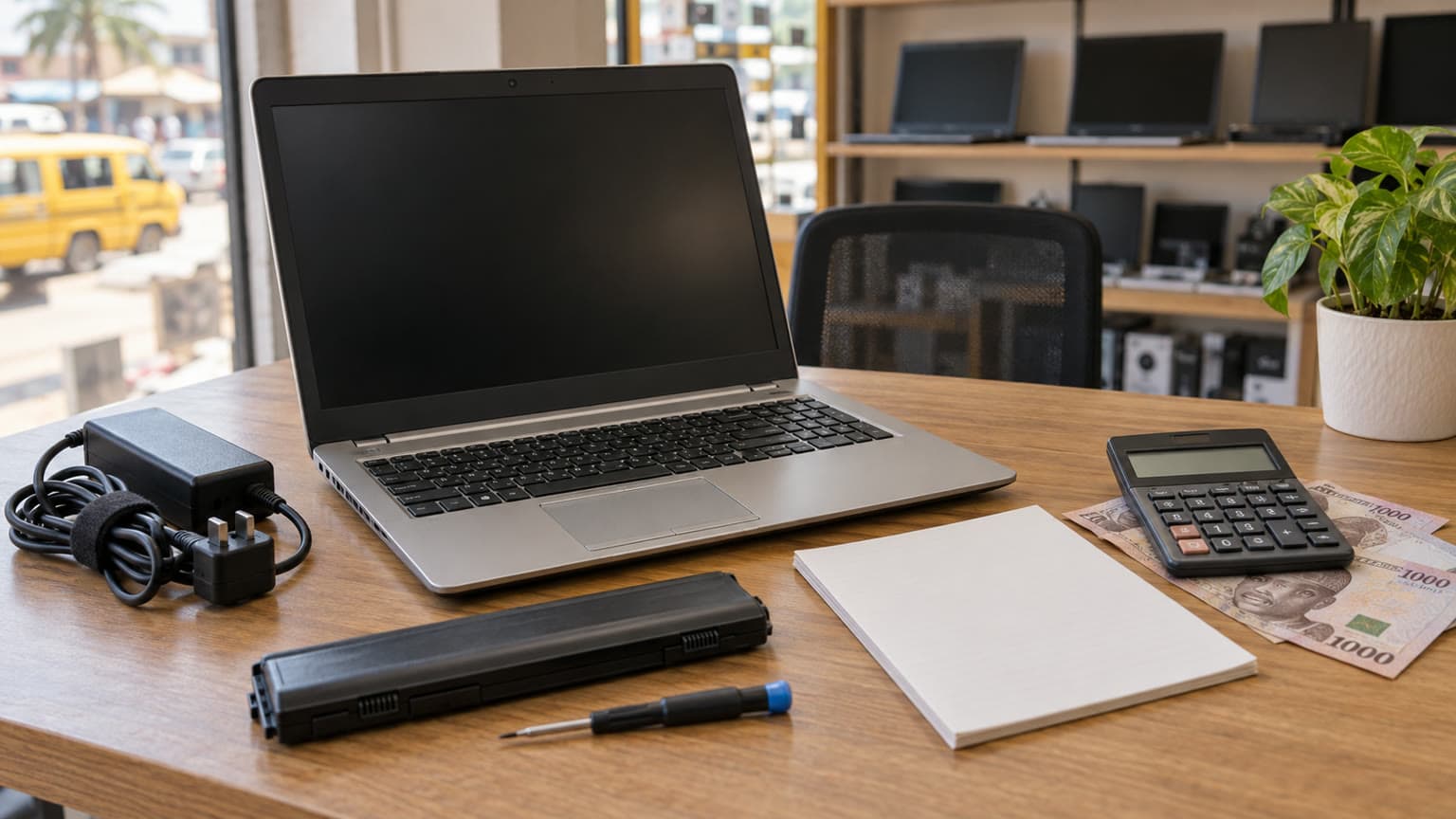
The description says a laptop and charger are included unless otherwise stated. It does not identify the supplied adapter’s wattage or condition. Ask for a clear photograph of its label, inspect the cable and connector, and confirm that the laptop charges while running your usual applications. Intermittent charging should be resolved before payment.
For Nigerian buyers planning around an inverter, do not infer runtime from the laptop’s size or processor generation. Actual runtime depends on battery condition, workload and the backup system. Compare the complete purchase cost, including any necessary battery or charger replacement, before calling the lower advertised price better value.
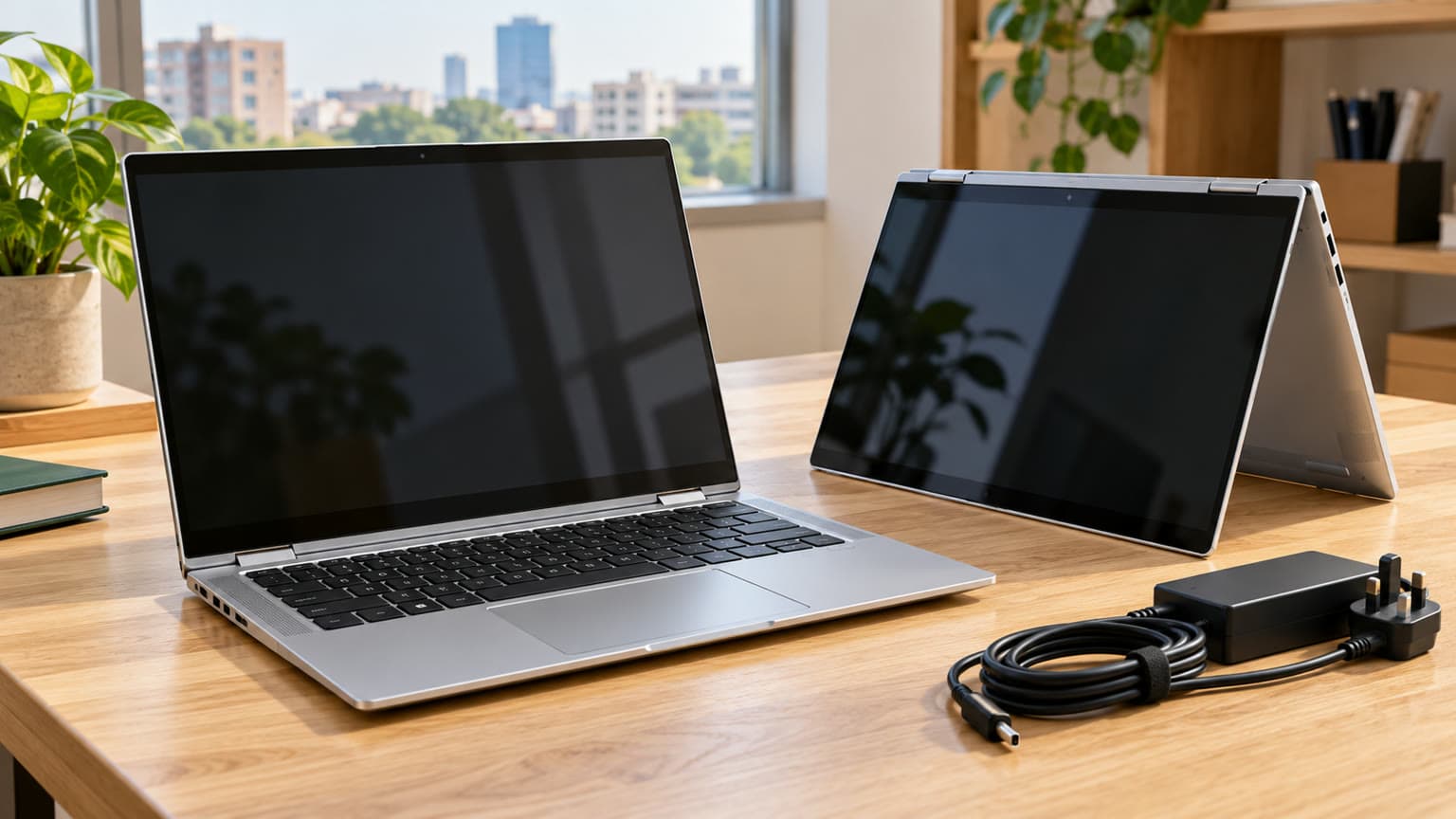
No compatible accessory products are supplied with this assignment, so this guide does not certify a particular GaN charger, power bank or dock. If USB-C charging is part of your plan, ask the seller to verify the exact unit’s charging support and demonstrate your intended charger and cable. A USB-C connector alone does not establish a suitable charging combination. Request confirmation of the required Power Delivery profile and usable output before buying accessories.
Test the connections you actually need: a USB device, headphones, Wi-Fi and any external monitor connection you intend to use. Take your monitor cable or adapter where practical. Also check webcam, microphone, speakers and Bluetooth with your own workflow. A catalog model name cannot establish the condition of each physical socket or wireless function.
The installed operating system is not listed. Microsoft’s PC Health Check guidance provides an eligibility check for Windows 11; request a result from the actual laptop rather than accepting “eighth-generation i5” as the whole answer. Microsoft’s requirements also include firmware and TPM conditions. Standard Windows 10 support ended on 14 October 2025, so a supported operating-system plan matters for this purchase.
Ask to see Windows activation status and confirm that the machine can be set up without a previous organisation’s account. Request confirmation that there is no unknown BIOS administrator password or unresolved organisation management. If your school or employer requires specific software, check that software’s requirements separately. A MacBook comparison only helps if your required applications and accessories work with macOS.
The listed 14-inch, 1920 × 1080 non-touch display is a useful starting specification for documents and spreadsheets. Brightness, colour accuracy and the fitted panel’s condition are not established here. Open plain light and dark backgrounds, look for dead pixels or patches, and adjust the lid through normal viewing angles. Buyers doing colour-sensitive design should seek verified panel information rather than assuming Full HD guarantees colour quality.
Type across the keyboard, check the printed layout and try the touchpad buttons. Inspect hinges, screws, charging connections and the underside for damage or poor fitting. Cosmetic wear can be acceptable when disclosed; a loose hinge or lifting case needs an explanation and a remedy.
Run your normal workload long enough to notice persistent fan noise, freezes or shutdowns. This is a purchase inspection, not a thermal benchmark. Ask about servicing history if the behaviour seems abnormal, and avoid accepting “it only needs cleaning” without an agreed resolution.

The catalog condition is used. If a seller describes a unit as open-box, ask what that means for its usage history, packaging, repairs and battery. The label alone does not establish new condition or manufacturer warranty. HP’s model support page allows unit-specific identification; use the serial and product number when checking the machine’s details.
Before payment, request written confirmation of warranty duration, battery and charger coverage, the return process for a fault on arrival, and who pays any return transport. For delivery outside your area, confirm inspection arrangements, packaging, dispatch timing and the remedy if the delivered specifications differ from your order.
Put the agreed RAM, SSD, processor, display, condition and included charger on the order record. Save the inspection evidence. This turns a broad promise about an EliteBook into a reviewable agreement about the laptop you are buying.
Ogabassey’s supplied site-search evidence includes interest in the EliteBook 840 G8. If that is your alternative, use the EliteBook 840 G8 battery, charger and RAM guide to frame the questions for a separate quote. Its historical headline price is not a current offer, and this assignment does not provide a current G8 configuration for a numerical comparison.
| Priority | Evidence to request | Buying decision |
|---|---|---|
| School and office work | Exact RAM, SSD and required application compatibility | Consider the G6 if its verified configuration meets your workload. |
| Work during power interruptions | Battery diagnostics, unplugged demonstration and charging test | Prefer verified battery condition over cosmetic grade. |
| Heavy multitasking | Written 16GB configuration quote | Compare the configured total against another inspected laptop. |
| Gaming or demanding design | Application requirements and suitable graphics specification | Look beyond this integrated-graphics configuration when the workload requires it. |
| Remote purchase | Unit evidence, written coverage and return arrangements | Proceed only when specification and fault remedies are clear. |
Browse Ogabassey’s Laptops category for other work-laptop configurations. Compare the same usable package: suitable RAM and storage, an acceptable battery, a working charger and clear after-sales terms. A cheaper unit that needs immediate replacements may consume the saving before you begin using it.
Consider the HP EliteBook 840 G6 for everyday school and office work if the exact configuration, battery and charging system pass inspection. The ₦320,000 snapshot gives you a starting budget, but the RAM discrepancy must be resolved before purchase. Choose another offer if the seller cannot document the configuration, provide an acceptable supported-software plan or explain warranty and return coverage. Buy the verified unit and complete package, rather than the model name or condition label.
Confirm the exact processor, RAM, SSD capacity, display and graphics against your applications. Then check battery health, charging, keyboard, ports, Windows eligibility and written warranty terms. For this EliteBook 840 G6, resolve the 8GB versus 16GB RAM discrepancy before payment.
Its listed eighth-generation Core i5, SSD and Full HD display make it a configuration to consider for routine documents, research and calls. Suitability depends on your software, RAM choice and the actual unit’s condition. Test the camera, microphone, Wi-Fi and battery; demanding gaming or design needs a separate requirements check.
The snapshot does not establish that. It lists ₦320,000, 8GB in the main specifications and 16GB in metadata, with both RAM options selectable. Ask for the selected variant’s current price and written configuration before paying.
Compare actual offers with matching RAM, storage, battery evidence, chargers and warranty terms. This guide has no current G8 quote, so it cannot establish the price difference or a value winner. Resolve the G6’s configuration first, then compare the complete cost of both inspected units.
Catalog-linked prices update automatically. Historical and other quoted prices remain as written. Open the product page to confirm the current price, selected variant and availability before buying.