Bassey John is a Performance Marketing Specialist at Ogabassey with cross-industry experience spanning e-commerce, gaming, and real estate. He focuses on paid acquisition, conversion-rate optimisation, and data-driven growth strategy, turning campaign performance into measurable revenue. At Ogabassey he writes about consumer technology, product buying guides, and the Nigerian gadget market to help shoppers make confident, informed decisions.
Last reviewed: 18 June 2026. The HP Envy x360 14-es1023dx is still the easier recommendation for most Nigerian buyers who want a portable used 2-in-1 laptop, while the HP Envy x360 16-ac0007nia makes more sense for desk-first users who need a bigger screen and newer Core Ultra platform. The right choice depends less on the Envy name and more on weight, display size, warranty route, battery condition, Windows support, and the real price difference at checkout.
HP's Envy x360 line is attractive when you want one Windows laptop that can work as a normal notebook, a presentation screen, and a tablet-style touch device. The harder question is not simply whether an Envy x360 is good. It is whether the smaller 14-inch configuration or the larger 16-inch Core Ultra model gives you the better balance of portability, screen space, price, and after-sales practicality in Nigeria.
This comparison uses catalog-verified Ogabassey data and official or source-backed specification notes from the product records. It is not a hands-on benchmark test, so performance and battery guidance here is editorial buyer judgement based on the listed CPUs, RAM type, display size, weight, storage, condition, ports, software context, and current Ogabassey listing snapshot. Both products are used units, both should have condition and availability confirmed before checkout, and neither should be treated as a gaming laptop just because the processors are modern.
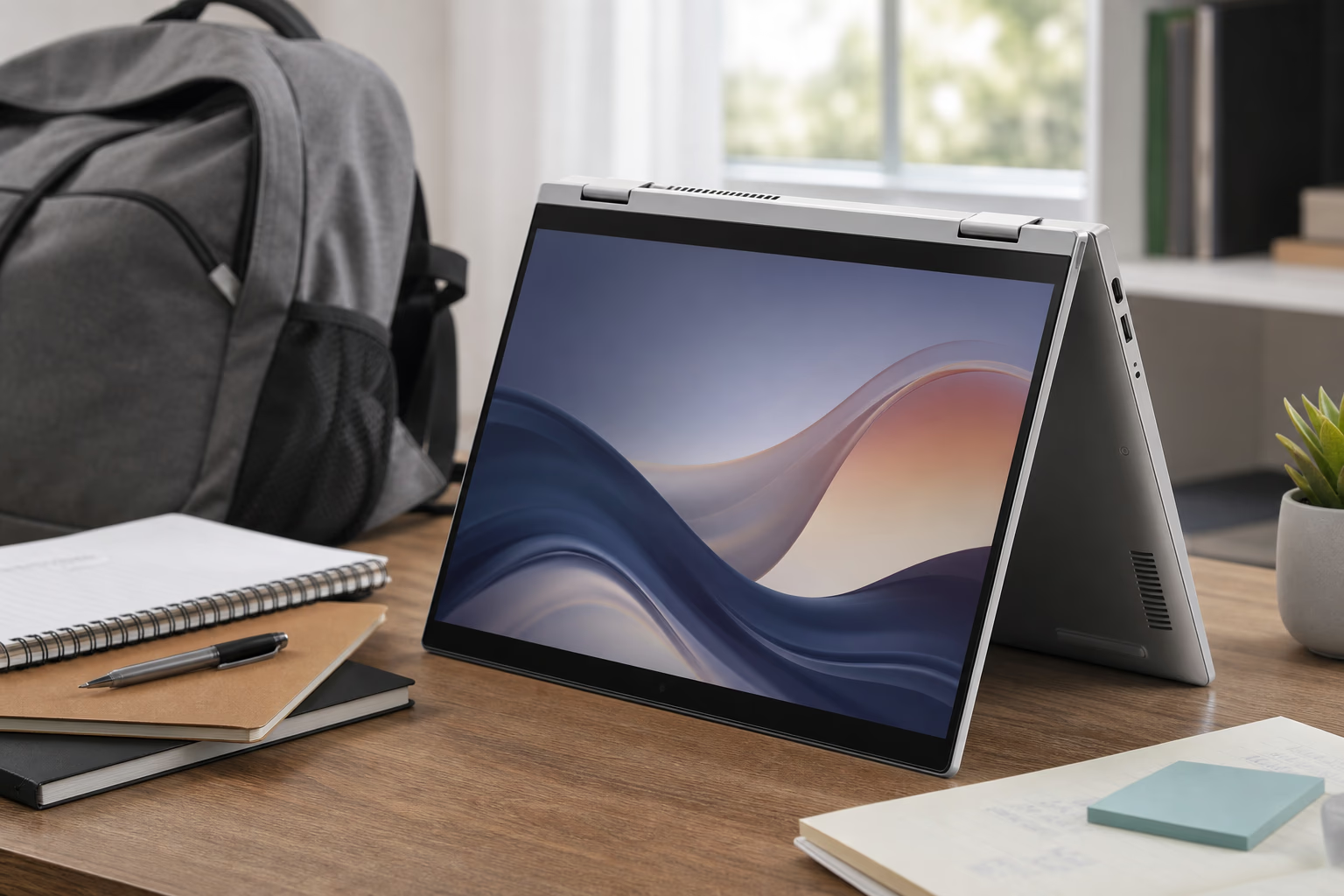
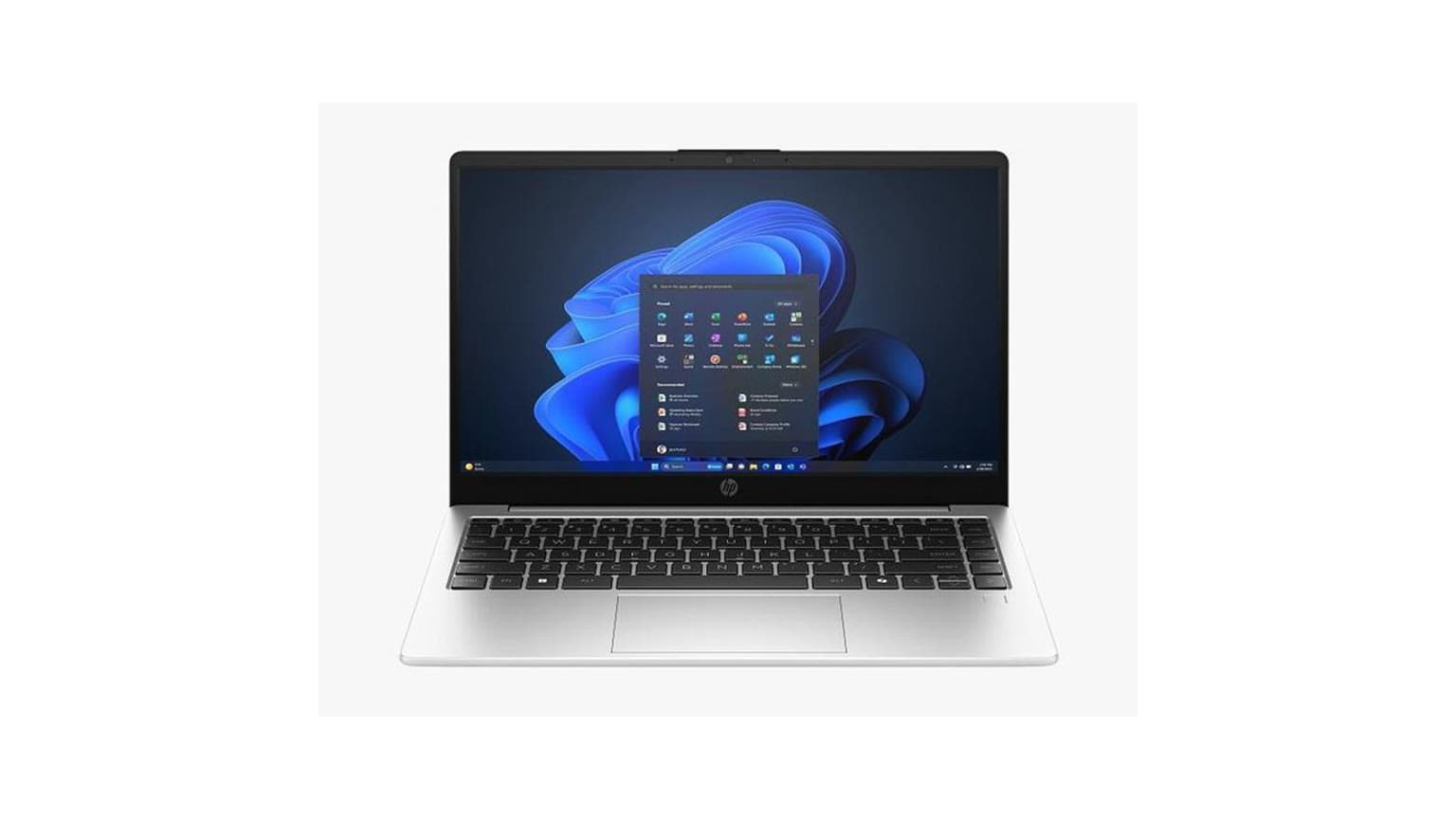
The 14-inch Envy x360 shape is better suited to campus, commuting, and small workspaces.
What Changed For This 2026 Review
The main 2026 update is not a new claim that these used units suddenly became different machines. The useful change is buyer context. Windows 11 support timelines have moved on, newer 2-in-1 competitors now make OLED panels, AI PC branding, and NPU performance more visible, and Nigerian laptop prices can shift quickly with exchange rates and import timing. That makes condition, warranty, software support, and total setup cost more important than simply chasing the larger screen or newer CPU name.
For this specific comparison, the 14-inch model remains attractive because HP's datasheet lists a practical productivity setup: Intel Core 7 150U, Windows 11 Home, 16GB onboard DDR4 memory, 512GB PCIe NVMe SSD, 14-inch FHD multitouch IPS display, Wi-Fi 6E, Bluetooth 5.3, fingerprint reader, camera privacy shutter, 5MP webcam, HDMI, USB-C with DisplayPort support, two USB-A ports, microSD reader, 43Wh battery, and a listed weight of 3.35lb, about 1.52kg. That is a strong everyday spec when the unit is in good condition.
The 16-inch model's value is different. The Ogabassey listing positions it around a newer Intel Core Ultra 7 155U platform, 16GB LPDDR5 memory, 512GB Gen4-class SSD listing, and a 16-inch 1920x1200 touch display. That bigger 16:10 work area is the reason to stretch for it. The newer platform is useful, but it should not distract from the practical trade-off: more screen comfort, more weight, and a higher listed price.
Decision Summary
Choose the HP Envy x360 14-es1023dx if your priority is a lighter, less expensive convertible for school, office work, travel, note-taking, video calls, document editing, and general productivity. It has an Intel Core 7 150U processor, 16GB DDR4-3200 onboard RAM, 512GB PCIe NVMe SSD, a 14-inch 1920x1080 IPS touch display, Windows 11 Home, and a listed weight of about 1.51kg to 1.52kg depending on rounding. At the provided Ogabassey price of NGN 1,150,000, it is the more practical pick for buyers who move around Lagos, Abuja, Port Harcourt, Accra, Nairobi, or campus frequently and do not want a large laptop in a backpack every day.
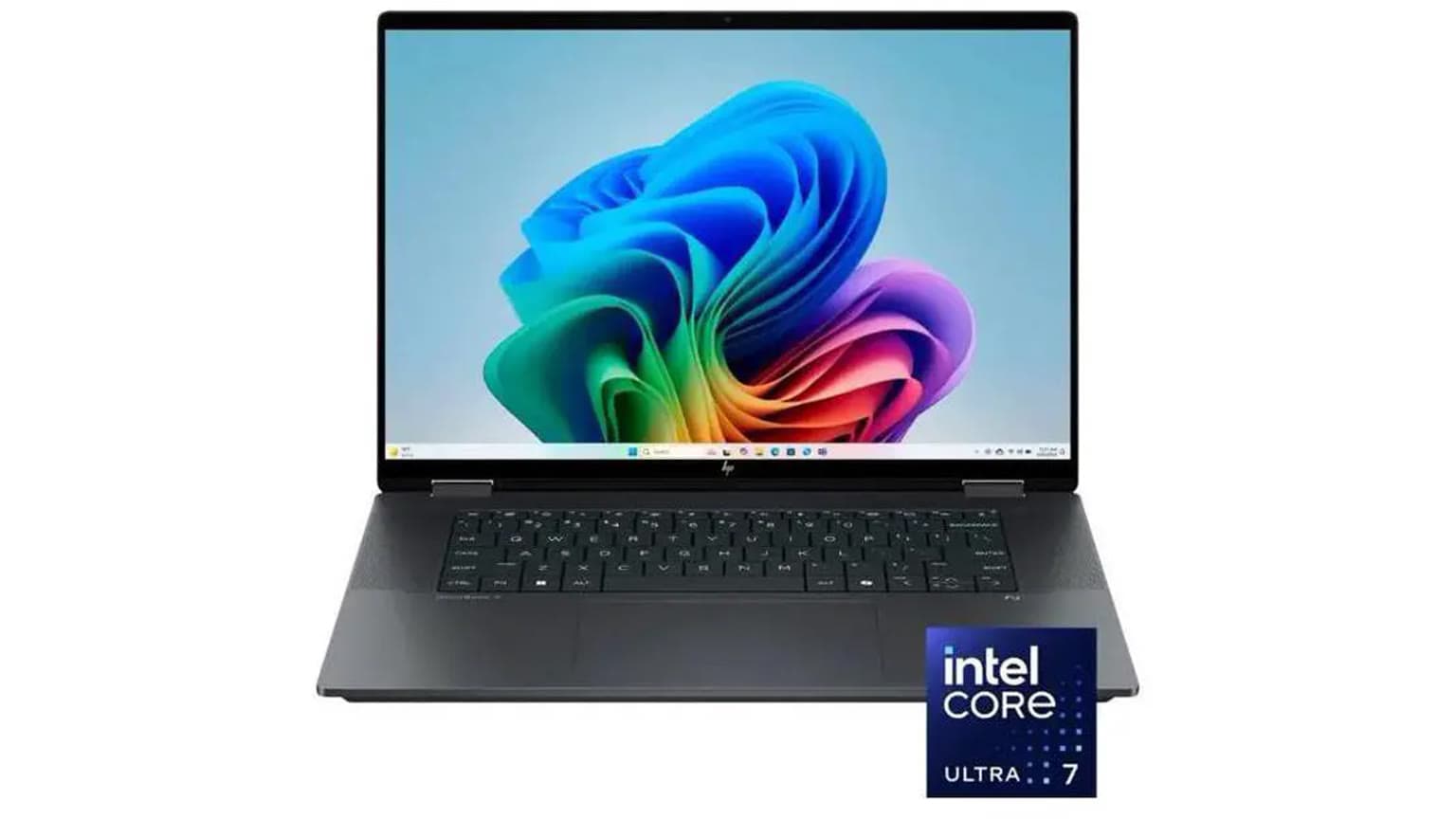
Choose the HP Envy x360 16-ac0007nia if you want more screen area, a newer Intel Core Ultra platform, faster listed memory, and a taller 16-inch 1920x1200 touch display for spreadsheets, side-by-side windows, light creative work, research, and long desk sessions. It has an Intel Core Ultra 7 155U, 16GB LPDDR5-6400 onboard RAM, 512GB PCIe Gen4 NVMe SSD, Windows 11 Home Single Language, and a listed weight of about 1.87kg. At NGN 1,432,800, it asks you to pay extra mostly for screen comfort, newer platform positioning, and a more spacious work canvas.
The short verdict is simple: the 14-inch model is the better everyday carry and better value buy; the 16-inch model is the better desk-first productivity machine. Neither is the right first choice for serious gaming, GPU-heavy design, 3D rendering, or users who need guaranteed RAM upgrades later.
Specification And Decision Scorecard
Decision Area
HP Envy x360 14-es1023dx
HP Envy x360 16-ac0007nia
Buyer Takeaway
Processor
Intel Core 7 150U, 10 cores / 12 threads
Intel Core Ultra 7 155U, 12 cores / 14 threads
The 16-inch model has the newer platform on paper, but both are productivity-focused integrated-graphics laptops.
RAM
16GB DDR4-3200 onboard RAM
16GB LPDDR5-6400 onboard RAM
The 16-inch model has faster listed memory; both use onboard RAM, so buy the capacity you can live with.
Storage
512GB PCIe NVMe M.2 SSD
512GB PCIe Gen4 NVMe M.2 SSD
Both start at 512GB. Confirm serviceability before assuming an easy SSD upgrade.
Display
14-inch 1920x1080 IPS touch, listed 300 nits and 62.5% sRGB in HP's 14-inch datasheet
16-inch 1920x1200 IPS multitouch
The 14-inch is easier to carry; the 16-inch is better for multitasking and long documents.
Connectivity
Wi-Fi 6E, Bluetooth 5.3, USB-C, two USB-A ports, HDMI, headphone jack, microSD reader
Confirm exact ports from the live unit and listing before paying
Port checks matter for projectors, monitors, external drives, and classroom or office setups.
Weight
About 1.51kg to 1.52kg
About 1.87kg
The 14-inch is the better carry. The 16-inch is still portable, but less pleasant for daily commuting.
Condition
Used
Used
Inspect battery health, charger, hinge firmness, touchscreen, keyboard, ports, and warranty/return terms before payment.
Listed price
NGN 1,150,000
NGN 1,432,800
The 16-inch model costs NGN 282,800 more in the provided snapshot.
Price And Value In Nigeria
The 14-inch Envy x360 has the easier value argument because it costs less while still carrying the core specifications many Nigerian students, office workers, and remote professionals should target in 2026: Windows 11, 16GB RAM, SSD storage, touchscreen support, Wi-Fi 6E, and a modern Intel U-series processor. For buyers upgrading from an older Core i5 laptop with 8GB RAM and a tired SATA SSD, the jump should feel meaningful for daily tasks even without treating this as a gaming or workstation machine.
The 16-inch Envy x360 asks for an extra NGN 282,800 in the provided catalog snapshot. That premium is not just for a physically bigger chassis. You also get the Core Ultra 7 155U platform, LPDDR5 memory, a taller 1920x1200 panel, and a Gen4 SSD listing. Those details matter if your daily workflow involves large spreadsheets, browser-heavy research, Canva-style design, online dashboards, split-screen writing, light photo work, or accounting software where screen space saves time.
For a buyer paying from a personal budget, the 14-inch model is easier to justify. For a business owner, analyst, admin officer, lecturer, designer doing light client revisions, or remote worker whose laptop sits on a desk most of the day, the 16-inch premium may be sensible because the larger display reduces the need for an external monitor. If you already use a monitor at home or in the office, the 14-inch model plus that existing screen may be the smarter total setup.
Performance, AI PC Context, And Daily Use
Both laptops are built around efficient Intel processors and integrated graphics, so the realistic use case is productivity rather than heavy GPU work. The HP Envy x360 14-es1023dx lists an Intel Core 7 150U with 10 cores and 12 threads. That is enough on paper for Microsoft Office, Google Workspace, Zoom or Teams calls, browser multitasking, PDF work, school portals, light image edits, streaming, and general business software. The 16GB RAM is the important comfort point because many buyers underestimate how quickly modern browsers, messaging apps, and office tools consume memory.
The HP Envy x360 16-ac0007nia lists an Intel Core Ultra 7 155U with 12 cores and 14 threads. The newer Core Ultra branding and faster LPDDR5 memory make it the stronger spec choice for heavier multitasking. It is the model to prefer if your workday commonly includes 20 or more browser tabs, Microsoft Excel, PowerPoint, Teams, WhatsApp Desktop, a design tool, and cloud storage syncing at the same time. The 16-inch chassis may also be better suited to longer desk sessions because it has more physical room, although this article does not claim measured thermal testing.
There is also an AI-laptop angle in 2026. Newer premium 2-in-1s now advertise NPUs, Copilot+ features, OLED panels, and lighter chassis designs more aggressively. That does not make these Envy x360 units obsolete for office work, but it does mean buyers should be careful with the word future-proof. If your work depends on local AI acceleration, advanced creative workloads, or the latest Copilot+ features, compare newer AI PC listings before paying. If your work is documents, web apps, calls, research, and learning, both Envy models remain more about practical Windows productivity than buzzwords.
Gaming should be treated carefully. Both listings show Intel integrated graphics, not dedicated NVIDIA or AMD Radeon gaming GPUs. You can expect casual games, cloud gaming where internet quality allows, older titles, and light esports settings to be more realistic than demanding modern AAA games. If gaming is a priority, compare dedicated-GPU options in Gaming Laptops instead of stretching either Envy x360 beyond its natural role.
Display, Battery, Build, And Mobility
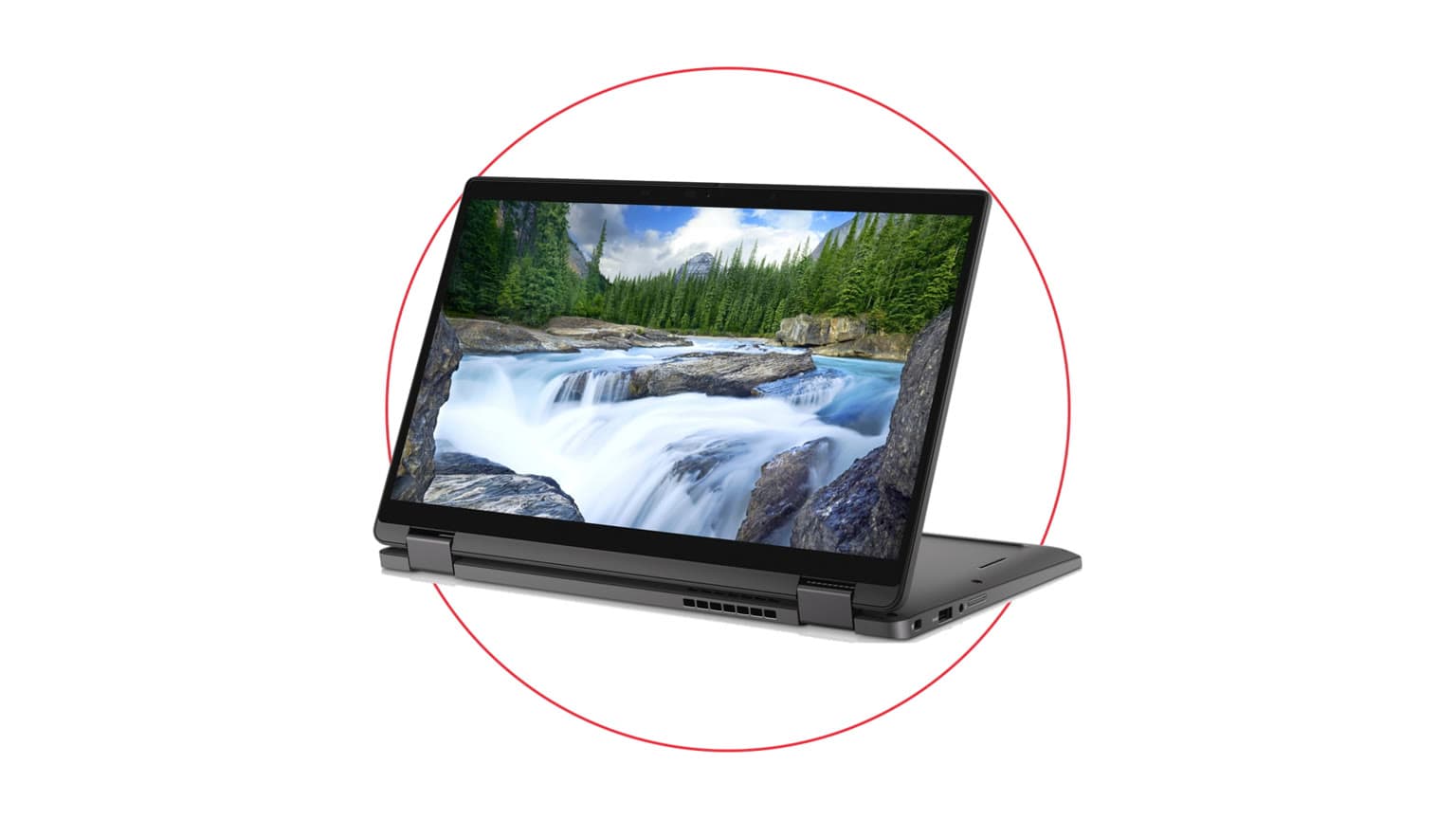
The most important practical difference is screen size. A 14-inch convertible is easier to carry, easier to use in cramped lecture halls, easier to place on small desks, and more comfortable in tablet or tent modes. The 14-es1023dx also weighs about 1.5kg, which is a meaningful advantage if you commute daily with a charger, notebooks, documents, and maybe a power bank or mobile hotspot. For school and field work, that lower weight matters more than many spec-sheet comparisons admit.
The 16-ac0007nia gives you a 16-inch 1920x1200 IPS touch display. The 16:10-style resolution is useful because it gives more vertical space than a standard 1920x1080 panel. That helps when reading PDFs, editing Word documents, reviewing code, working in spreadsheets, or managing browser tabs. The trade-off is weight: about 1.87kg before adding the charger. It is still portable, but it is not the model most people will enjoy opening in a tight bus, airport queue, classroom row, or small cafe table.
Battery expectations should also be realistic because both are used listings. Even if a model had strong original battery life when new, actual runtime depends on battery cycle count, cell health, screen brightness, background apps, Windows power settings, and whether the charger is original and healthy. For Nigeria and other African markets where power supply can be inconsistent, you should ask for battery health context, test charging behavior, confirm the adapter rating, and consider whether your workflow can tolerate carrying the charger. The smaller display on the 14-inch model may help in some usage patterns, but this comparison does not present a measured runtime claim.
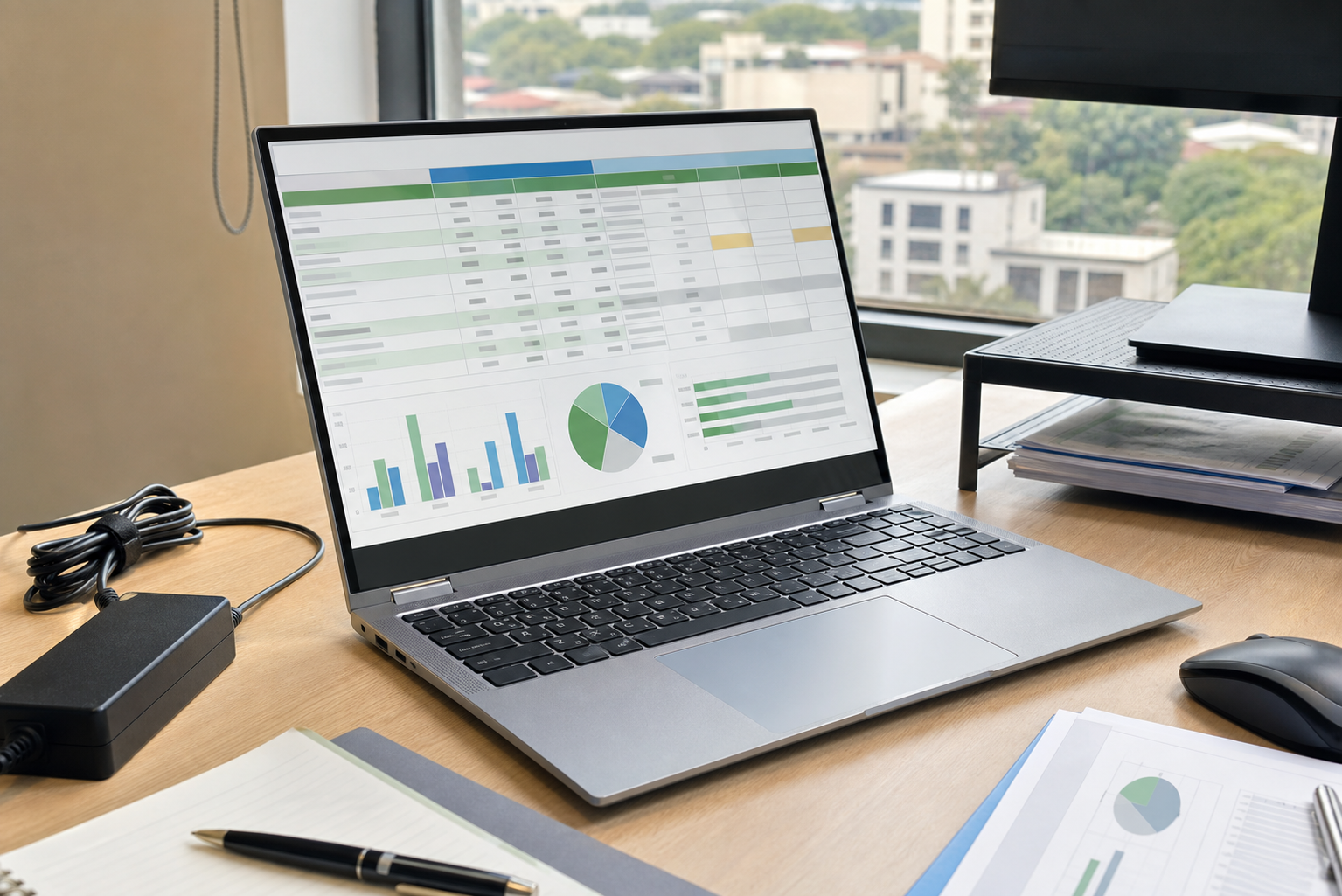
The 16-inch Envy x360 is more comfortable for spreadsheets, documents, and side-by-side work.
Windows Support And Compatibility Checks
Both laptops are Windows 11 machines, but used buyers should confirm the installed Windows version, activation state, and driver health before payment. As of this review date, Microsoft lists Windows 11 Home and Pro version 24H2 support through 13 October 2026, version 25H2 through 12 October 2027, and version 26H1 through 14 March 2028. That does not mean a used laptop with an older Windows build is bad, but it does mean the buyer should update it and confirm it receives normal Windows Update security patches.
For students and office buyers, compatibility is usually straightforward: Microsoft 365, Google Workspace, Zoom, Teams, WhatsApp Desktop, browsers, PDF tools, school portals, banking dashboards, accounting apps, and most Windows utilities should fit the intended class of hardware. The main exceptions are specialist tools. Engineering, architecture, video editing, data science, game development, and AI workloads can require more GPU power, more RAM, more storage, or exact driver support. If your course or employer gives a minimum-spec sheet, compare that sheet before choosing either laptop.
Also check ports against your real setup. The 14-inch HP datasheet lists HDMI, USB-C with DisplayPort 1.4 support, two USB-A ports, a headphone/microphone combo jack, and a microSD reader. That is useful for monitors, projectors, external drives, wired accessories, and camera-card transfers. For the 16-inch unit, confirm the exact live port layout from the product page or unit inspection before assuming the same arrangement.
Used-Laptop Trust Checks Before You Buy
Because both units are listed as used, condition verification is not a minor detail. For any convertible laptop, inspect the hinge carefully. The x360 design depends on a hinge that rotates through multiple modes, and looseness can become annoying quickly. Open and close the lid several times, test tent mode, test tablet mode if possible, and confirm that the touchscreen responds consistently across the corners and edges. A convertible with a weak hinge loses much of the value you are paying for.
Also check the keyboard backlight where listed, fingerprint reader on the 14-inch model, Wi-Fi, webcam, speakers, USB ports, charging port, screen brightness, dead pixels, and trackpad clicks. Confirm whether the included charger is original or a compatible replacement, because USB-C and barrel-style power arrangements vary by model and charger quality affects both convenience and safety. For buyers outside Nigeria ordering into another African market, ask about return logistics before assuming any issue will be simple to resolve remotely.
Upgradeability is another area where expectations need discipline. The catalog lists onboard RAM for both models, which means RAM upgrades should not be assumed. The 512GB SSD may be serviceable depending on internal layout and vendor condition, but you should confirm before purchase if you need 1TB or more. If you work with video files, large design assets, virtual machines, or offline course libraries, plan external storage or choose a configuration with more storage from the start.
Who Should Buy Each Option?
Buy The HP Envy x360 14-es1023dx If...
Buy the 14-es1023dx if you want a balanced study and work laptop that is portable enough for daily movement. It fits students, lecturers, sales teams, consultants, admin staff, writers, lawyers, and remote workers who spend a lot of time in documents, browsers, online meetings, PDFs, and note-taking apps. The 14-inch size also makes more sense if you already own an external monitor at home or work, because you can dock it when you need a larger view and carry it easily when you leave.
It is also the better choice if your budget is tight and the extra NGN 282,800 for the 16-inch model would be better spent on a laptop bag, backup storage, software, a mouse, a surge protector, or a small UPS/inverter setup. In real Nigerian buying conditions, accessories and power protection can matter as much as a slightly higher processor tier.
Buy The HP Envy x360 16-ac0007nia If...
Buy the 16-ac0007nia if the laptop will be your main screen and you work for long hours without an external monitor. It is the stronger fit for spreadsheet-heavy work, business dashboards, research, writing with references open, light design review, teaching materials, and productivity setups where two windows side by side are normal. The Core Ultra 7 155U and LPDDR5 memory also make it the more attractive spec if you keep laptops for several years and want the newer platform.
The 16-inch model is not the best pick for everyone. If you are buying for a child, a commuter, a university student moving around campus all day, or someone who often works from small shared spaces, the larger footprint may become tiring. It makes more sense when the buyer values comfort at a desk more than minimum bag weight.
Alternatives Worth Considering
If you like the convertible idea but are not fixed on HP, compare other Windows 2-in-1s in Ogabassey Laptops before checkout. If you are considering Apple because of battery life, resale value, or creative apps, compare current options in Macbooks, but remember that macOS software fit, repair cost, ports, and Windows-only school or office tools can change the decision. A MacBook may be worth it for some Nigerian buyers, but it is not automatically better for every course, company workflow, or repair budget.
If your real need is gaming, architecture rendering, Blender, GPU-accelerated editing, or engineering simulation, do not treat either Envy x360 as a shortcut to workstation performance. Dedicated-GPU machines in Gaming Laptops are more relevant even if they are thicker and less elegant. For broader laptop buying discipline, Ogabassey's guide to uncommon laptop features to consider before purchase is useful because ports, webcam quality, keyboard comfort, and serviceability often matter after the excitement of CPU names fades.
There is also a timing question. If you are buying for school resumption, a job onboarding date, or a project deadline, live availability matters more than a theoretical perfect match. Both products in the snapshot show stock quantity as 0 while still marked active, so contact Ogabassey or confirm the live listing before building your plan around either SKU.
Verdict
The HP Envy x360 14-es1023dx is the better buy for most people because it is cheaper, lighter, still has 16GB RAM and 512GB SSD storage, and fits the real movement patterns of students and mobile professionals. It is the model I would point to first for everyday productivity, school, office work, and buyers who want a convertible without turning the laptop into a burden.
The HP Envy x360 16-ac0007nia is the better pick when screen size is the main productivity feature. Its Core Ultra 7 155U, LPDDR5 memory, 16-inch 1920x1200 touch display, and Gen4 SSD listing make it the more comfortable work machine for desk-heavy users. The higher price is sensible only if you will actually benefit from the larger display and newer platform.
Final recommendation: buy the 14-inch Envy x360 if you need portability and value; buy the 16-inch Envy x360 if you need a larger main screen and can accept the extra weight and cost. In both cases, confirm condition, charger, battery health, hinge strength, touchscreen response, Windows activation and update status, warranty or return terms, and live availability before checkout.
Catalog-linked prices update automatically. Historical and other quoted prices remain as written. Open the product page to confirm the current price, selected variant and availability before buying.