Buying Guides
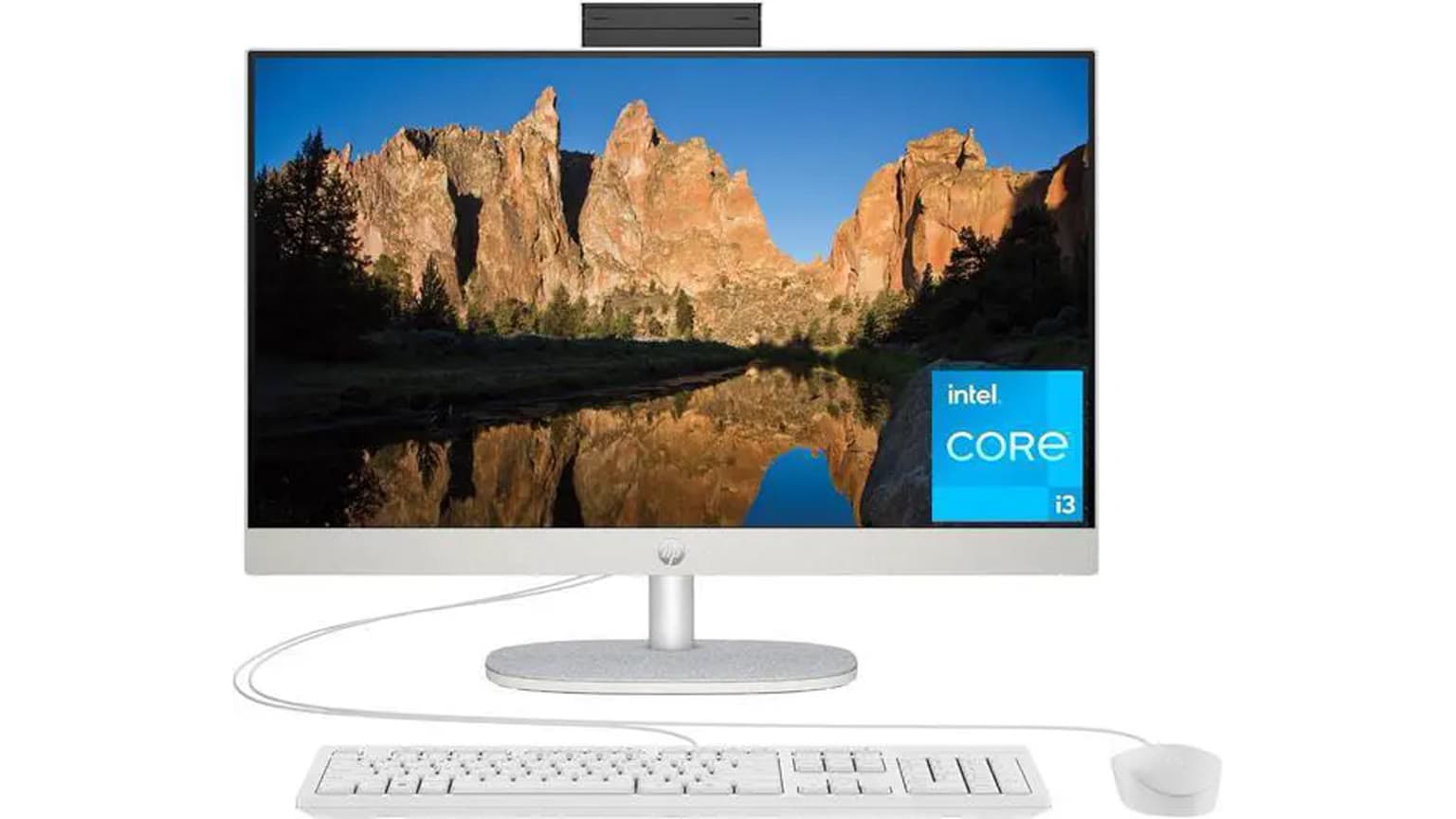
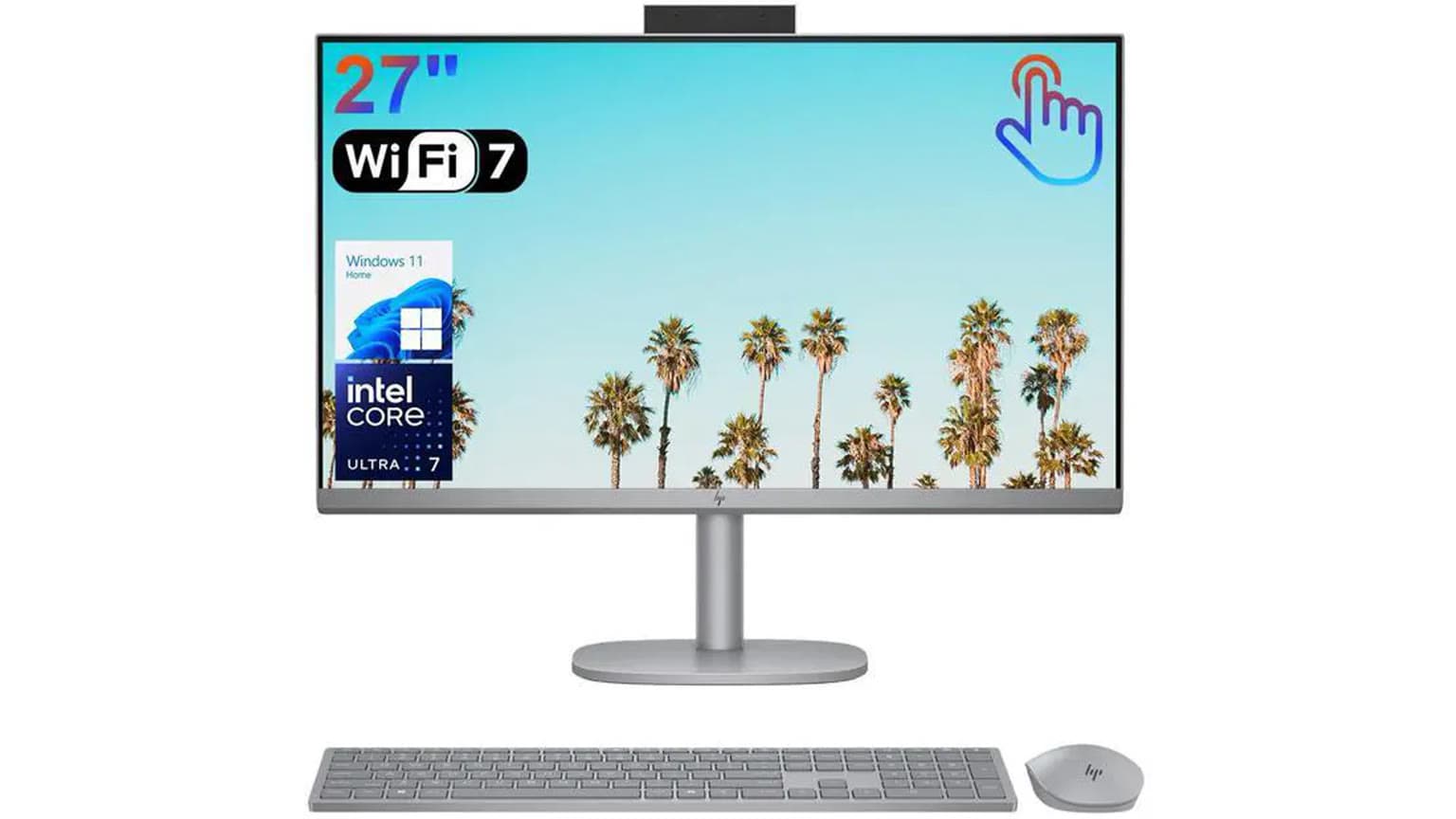
The HP 27" All-in-One 27-cr1024nh PC is listed on Ogabassey at ₦1,288,100 and marked available through unmanaged catalog stock as of 2026-08-31. It makes the most sense for office, front-desk, school admin, reception and SME desk work where a large clean screen matters more than gaming graphics or heavy creator speed.
The HP 27" All-in-One 27-cr1024nh PC is a practical desktop choice for buyers who want one tidy machine instead of a separate tower, monitor and webcam setup. Its strongest buyer fit is not raw gaming performance. It is a neat 27-inch work station for offices, front desks, small business counters, school admin rooms, consulting desks, POS-adjacent back-office work and home workspaces where cable clutter and desk space matter.
The current Ogabassey catalog configuration combines an Intel Core Ultra 5 125U processor, Intel Integrated Graphics, 8GB RAM, 512GB SSD storage and a 27-inch FHD IPS anti-glare display. That combination is enough for browser-based business tools, Microsoft Office, Google Workspace, accounting dashboards, CRM tabs, video calls, email, printing workflows and light media editing. It is less suitable if your daily work includes 3D rendering, modern AAA gaming, heavy Adobe Premiere timelines, large local databases or GPU-heavy AI tools.
For Nigerian and African buyers, the all-in-one format has a real support advantage: procurement is simpler, there are fewer separate components to match, and a business can standardize desks quickly. The trade-off is that upgrades and repairs are usually more constrained than with a traditional desktop tower. Before payment, ask Ogabassey to confirm the selected unit, accessories, power cable, warranty terms, return window, operating system state and any RAM or SSD upgrade limits.

The main attraction here is the screen-and-processor balance. A 27-inch display gives office users more room for side-by-side documents, browser tabs, spreadsheets and video meetings than a 14-inch or 15.6-inch laptop. The catalog lists the display as 27-inch FHD, 1920×1080, IPS and anti-glare. That is a good productivity size, but it also means pixel density is not as sharp as a 27-inch QHD or 4K monitor. If your staff mostly uses spreadsheets, admin portals and documents, FHD is workable. If the desk is for design proofing, photography, detailed CAD drawings or very small text all day, you may want to compare higher-resolution displays.
The Intel Core Ultra 5 125U is a modern low-power processor family member with Intel’s official specification showing 12 cores, 14 threads and up to 4.30GHz maximum turbo frequency. In buyer terms, this is a sensible office-class chip: efficient enough for an all-in-one chassis, responsive for everyday multitasking, and newer than older Core i3/Core i5 office desktops. It should not be treated like a high-wattage desktop Core i7 or a gaming CPU. The “U” class is tuned for efficiency and compact systems.
Memory is the first decision point. The Ogabassey product data lists 8GB RAM, and the product description says 8GB DDR5-5600 RAM in a 1×8GB configuration with upgradeability noted. For a single reception desk or school admin station, 8GB can work. For a manager or accounts user who keeps many Chrome tabs, Excel sheets, WhatsApp Desktop, Zoom and an accounting app open together, 16GB is the safer working target. Treat the listed upgrade path as something to verify on the exact unit before payment, especially if you want the upgrade done before delivery.
Storage is simpler. The 512GB PCIe NVMe M.2 SSD is a good baseline for Windows, office apps, scanned documents, PDFs and business files. It is not a storage-server replacement. If the PC will hold years of CCTV exports, high-resolution media, design files or shared branch data, plan external backup, network storage or a larger SSD upgrade. The product description marks the SSD as upgradeable, but the live order should still confirm compatible SSD type, service cost and whether upgrade work affects warranty terms.
| Entity | Attribute | Value | Buyer meaning |
|---|---|---|---|
| HP 27" All-in-One 27-cr1024nh PC | Current Ogabassey price | ₦1,288,100 | Publication-time catalog snapshot; check the live product card before checkout. |
| HP 27" All-in-One 27-cr1024nh PC | Availability | InStock, unmanaged catalog stock | Catalog availability is not capped by a visible stock count; confirm live fulfillment before payment. |
| HP 27" All-in-One 27-cr1024nh PC | Condition | New | Ask for box, accessories, warranty and return confirmation. |
| HP 27" All-in-One 27-cr1024nh PC | Category | Desktops | Compare inside Ogabassey Desktops if you want other office desk systems. |
| HP 27" All-in-One 27-cr1024nh PC | Display | 27" FHD (1920×1080) IPS anti-glare | Large and practical for office work, but not as sharp as QHD or 4K at this size. |
| HP 27" All-in-One 27-cr1024nh PC | Processor | Intel Core Ultra 5 125U, up to 4.30GHz | Good for modern productivity; not a high-power gaming or workstation CPU. |
| HP 27" All-in-One 27-cr1024nh PC | Graphics | Intel Integrated Graphics | Fine for display output, video playback and light creative tasks; weak fit for serious gaming. |
| HP 27" All-in-One 27-cr1024nh PC | RAM | 8GB | Acceptable entry point; 16GB is preferable for heavier multitasking. |
| HP 27" All-in-One 27-cr1024nh PC | Storage | 512GB SSD | Good everyday capacity; plan backup or upgrade for media-heavy offices. |
| HP 27" All-in-One 27-cr1024nh PC | Operating system | FreeDOS shown in catalog description | Confirm whether Windows is installed, licensed or separately quoted. |
| HP 27" All-in-One 27-cr1024nh PC | Camera OIS | No | OIS is not relevant to normal desktop webcam use, but do not buy this for camera stabilization. |
| HP 27" All-in-One 27-cr1024nh PC | Warranty/trust checks | Not fully listed in product snapshot | Confirm warranty route, delivery inspection and upgrade impact before paying. |
Ports need careful wording because the Ogabassey product snapshot does not list every connector for this exact SKU. HP’s official support page for the wider 27-cr and 24-cr all-in-one family lists a back I/O set that can include HDMI output, RJ-45 Ethernet, headphone/microphone combo, USB-C, USB-A 3.2 and USB-A 2.0 ports, with HP also warning that configurations vary by model. That means the sensible buying move is to ask Ogabassey for a rear-port photo or final spec confirmation before deploying this PC to a desk that needs wired printers, barcode scanners, LAN, external monitors or USB security keys.
For front-desk and office deployment, Ethernet matters more than many buyers expect. Wi-Fi can be fine at home, but Nigerian offices often deal with router distance, generator/inverter transitions, congested 2.4GHz bands and shared access points. If this unit has RJ-45 Ethernet on the exact configuration, it is useful for stable POS-adjacent work, cloud accounting, printing and CRM access. If your desk must support multiple USB peripherals, also confirm how many ports remain free after keyboard, mouse, printer, scanner and backup drive connections.
The display is the other practical check. A 27-inch anti-glare IPS panel is a good size for shared viewing across a counter or for a staff member who works with documents all day. Anti-glare is useful under office lighting. The limitation is that 1920×1080 spread across 27 inches can look less crisp if the user sits very close. For general admin, this is fine. For fine text, design review or long reading sessions, compare against a sharper external-monitor setup or a premium laptop plus monitor.
The biggest trade-off is the all-in-one design itself. A tower desktop gives you easier component swaps, more room for dedicated graphics, more storage bays and often cheaper long-term repair paths. An all-in-one gives you a cleaner desk, one matched display, fewer visible cables and a more polished customer-facing setup. For an office reception desk, school front office or clinic counter, the cleaner form can be worth it. For a technician, editor, gamer or engineering user, a tower or performance laptop may age better.
The second trade-off is RAM. The listed 8GB RAM should be treated as the minimum acceptable office configuration in 2026, not a generous one. If the buyer is comparing the HP 27-cr1024nh against a laptop around the same money, the laptop may offer portability while this HP offers a bigger integrated screen. If the machine will never leave the desk, the all-in-one format is easier for staff. If the user travels, attends classes, visits clients or works during power outages away from a desk, browse Ogabassey Laptops instead.
The third trade-off is graphics. Intel Integrated Graphics is fine for everyday display work, streaming, presentations and light editing. It is not the right answer for buyers who searched for gaming performance or who want to switch from integrated graphics to a dedicated GPU as their main laptop display. This HP configuration does not list a dedicated NVIDIA or AMD GPU. If gaming is part of the purchase brief, compare dedicated-GPU options in Gaming Laptops rather than forcing this all-in-one into a workload it was not built to handle.

If you are buying for a fixed office desk, the closest alternative is another 27-inch all-in-one with more RAM, a touchscreen, Windows preinstalled or clearer warranty bundle. Ogabassey has already published a useful nearby comparison, Dell 27 All-in-One 16GB vs 32GB, which is relevant because it frames the same question many office buyers face: should the budget go into screen size, memory, warranty comfort or a stronger configuration?
If you are buying for one person who moves between home, office and meetings, a laptop plus an external monitor may be better. A laptop gives battery backup during power interruptions and portability across locations. The all-in-one gives a better permanent desk experience and usually feels simpler for shared staff use. If you are comparing against HP business laptops, Ogabassey’s HP EliteBook 840 G11 Core Ultra work guide is useful because it shows the opposite approach: a business laptop where mobility, battery and ports drive the decision.
MacBooks are a different comparison. They can be excellent for battery life, build quality and creative apps, but they do not solve the same front-desk all-in-one problem unless you add an external monitor, keyboard, mouse, hub and desk power setup. For buyers asking whether a MacBook is worth it in Nigeria, the answer depends on software fit, warranty route, repair expectations and whether the user needs macOS. For a shared admin desk, this HP all-in-one is simpler. For a mobile creative or executive user, compare Ogabassey Macbooks separately.
Buy the HP 27" All-in-One 27-cr1024nh PC if your priority is a clean 27-inch office desk, modern everyday performance, SSD storage and a straightforward SME or front-desk deployment. The ₦1,288,100 catalog price makes the most sense when the buyer values the integrated display and neat setup, not when the buyer needs gaming graphics, portability or workstation upgrades.
The most important pre-checks are RAM, operating system and ports. Confirm whether the unit ships with FreeDOS only or includes a licensed Windows installation, confirm whether RAM can be upgraded before delivery, and confirm the exact rear I/O on the selected model. Also confirm warranty handling in Nigeria, delivery inspection, included keyboard/mouse/power accessories and whether any upgrade affects warranty cover. With those checks cleared, this is a sensible catalog-verified HP desktop option for productivity-focused buyers.
Yes, it is a good fit for office productivity, front-desk work, school admin, reception and SME desk use. The 27-inch FHD IPS anti-glare screen, Core Ultra 5 125U processor, 8GB RAM and 512GB SSD suit everyday business apps. Upgrade RAM if the user keeps many browser tabs and spreadsheets open.
No dedicated GPU is listed in the Ogabassey product snapshot. The configuration uses Intel Integrated Graphics, which is fine for office display work, video playback and light editing, but it is not the right choice for serious gaming, 3D work or GPU-heavy creative tasks.
Choose this all-in-one for a fixed desk where screen size, neat setup and shared office use matter. Choose a laptop if the user needs portability, battery backup away from the desk, client visits, school movement or work across multiple locations.
Confirm the live price, availability, selected variant, Windows or FreeDOS status, included accessories, warranty route, return terms, delivery inspection, port layout and RAM or SSD upgrade limits. The body price is a publication-time catalog snapshot, not a permanent offer.
Catalog-linked prices update automatically. Historical and other quoted prices remain as written. Open the product page to confirm the current price, selected variant and availability before buying.